

In this article, I will examine some of the Best Expense Management Tools for Scaling Remote Corporate Teams and how they can optimize financial operations. With solutions to outfit a business with the ability to manage employee spending,
Track expenses, set budgetary caps, automate approvals, and improve the finance interaction and visibility, there are tools that can help. We delve into the domain’s leading expense management tools to equip remote teams to better determine their best solutions.
Key Points & Best Expense Management Tools for Scaling Remote Corporate Teams
| Expense Management Tool | Explanation |
|---|---|
| Ramp | Automates spending, approvals, cards, receipts, and reporting for growing teams. |
| Brex | Provides global cards, budgets, controls, and expense tracking for startups. |
| Airwallex | Simplifies international spending with multi-currency cards, accounts, and expense controls. |
| SAP Concur | Connects travel, expenses, invoices, compliance, and enterprise financial systems seamlessly. |
| Expensify | Captures receipts quickly, automates reports, reimbursements, and expense approvals. |
| Navan | Combines corporate travel, expenses, booking, policies, and real-time spending. |
| Zoho Expense | Offers affordable expense tracking, receipt scanning, approvals, and multi-currency support. |
| BILL Spend & Expense | Provides smart cards, budgets, transaction alerts, and automated expense categorization. |
| Rippling Spend | Connects employee lifecycle data with cards, expenses, policies, and payroll. |
| Payhawk | Centralizes cards, expenses, budgets, approvals, and multi-entity financial management. |
10 Best Expense Management Tools for Scaling Remote Corporate Teams
1. Ramp
Ramp offers a solution that automates and simplifies company spending. Ramp combines multipurpose corporate cards, automated expense tracking and reporting, expense approvals, budgeting, and receipt management.
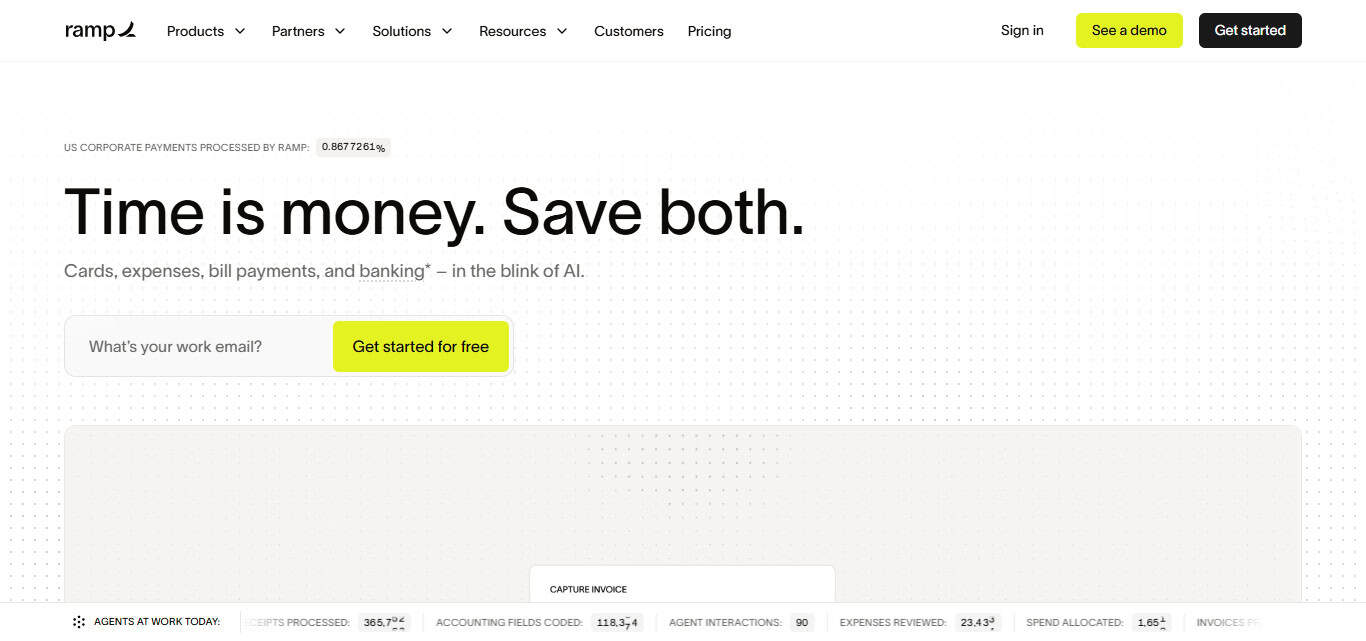
Ramp also offers finance teams a way to manage remote corporate teams without as much granular oversight by providing visibility into employee purchases via automated controls.
Ramp provides a solution for larger companies by simplifying cross-country financial management through corporate card spending automation, especially as a company grows and its spend increases.
Ramp Features
- Corporate Cards: Gives companies the ability to provide their employees with corporate cards to facilitate business purchases, while also providing the company with controls and oversight for spending.
- Expense Tracking: Helps the finance team track company purchases.
- Receipt Capture: Employees can take photos of receipts and submit them for expense reimbursement, eliminating manual input of data.
- Spending Controls: Companies can set spending budgets, spending limits and controls, and approval requirements to facilitate policy compliance and spending oversight.
- Financial Reporting: Centralized reporting of employee spending offers financial reporting and insight into company spending.
| Pros | Cons |
|---|---|
| Strong spending controls | May be better suited to growing businesses |
| Automated expense processes | Some advanced features may require higher plans |
| Good financial visibility | Setup may require initial configuration |
| Useful corporate card features | Can be more than needed for very small teams |
| Reduces manual finance work | Users may need time to learn the platform |
2. Brex
Brex offers corporate cards and expense management tailored to the modern, distributed business. Budgets, rules, and spending limits can be developed, managed, and controlled by a company’s finance team for expenses incurred by employees of the business.
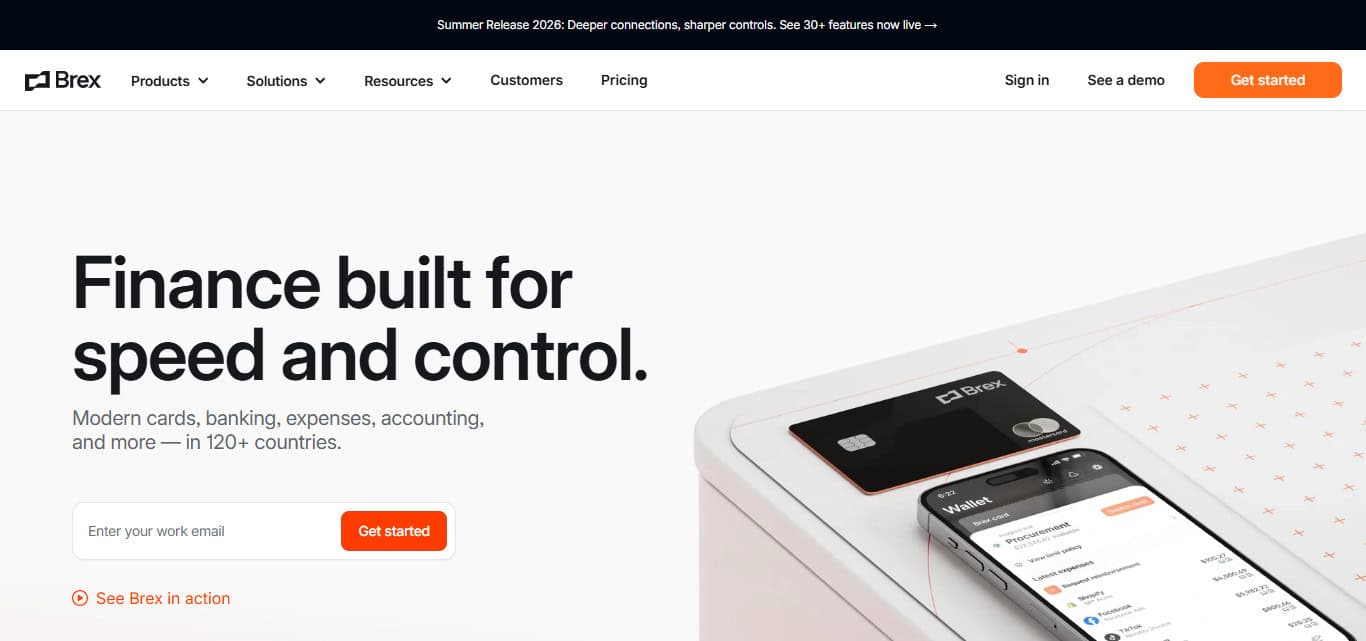
Businesses with employees who purchase software, equipment, travel, and other necessary business items and services will benefit from Brex’s spend management and automation.
Brex’s cards combined with expense management and reporting integrations help reduce the manual work and maintain compliance with spending controls across various departments and locations as companies continue to grow.
Brex Features
- Corporate Cards: Brex issues corporate cards to employees for travel, software, purchase, and maintaining spending for the company.
- Budget Management: Companies can define budget constraints for employees, teams, departments, and projects.
- Spending Controls: Companies can set controls on purchasing limits and approval requirements to avoid unapproved spending.
- Reporting & Visibility: Reporting and spending visibility for finance teams.
| Pros | Cons |
|---|---|
| Flexible corporate spending controls | May not fit every small business |
| Strong budget management | Eligibility requirements may apply |
| Good employee spending visibility | Advanced capabilities can be complex |
| Useful for distributed teams | Pricing can vary by business needs |
| Supports multiple business expenses | Requires proper policy configuration |
3. Airwallex
Airwallex works well for companies with workforces spread across numerous states and currencies. Its financial system permits business payments across borders, business accounts, corporate cards and expenditure management.
Remote workers may utilize the multi-currency spending tools to carry out expenditures without using, to a large degree, the traditional banking system. Finance units may achieve more visibility of international employee spending and implement the necessary controls.
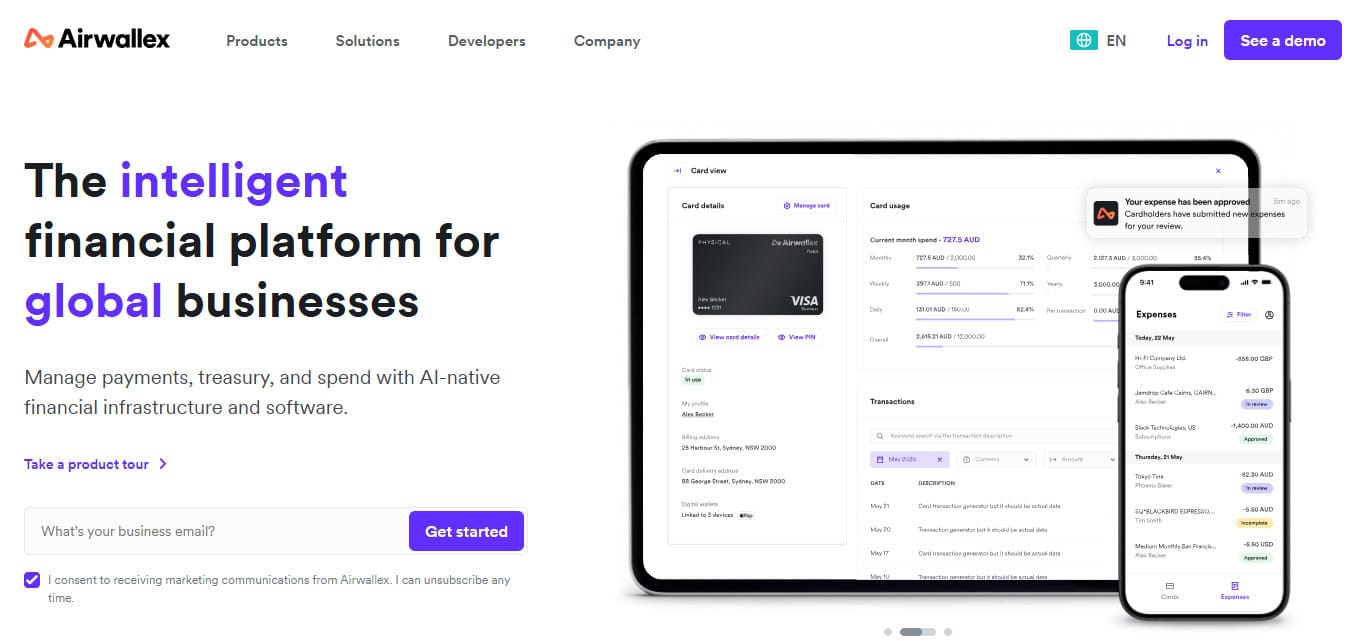
Airwallex works best for companies which have a worldwide workforce, pay international suppliers and/or have traveling employees. Airwallex’s financial system simplifies cross border spending for businesses which are growing.
Airwallex Features
- Multi-Currency Spending: Used for business spending across different currencies for international teams.
- International Payments: Used to facilitate payment transactions to suppliers and employees of the business.
- Business Accounts — Business banking services designed to help multinational corporations manage their operations across borders.
- Corporate Cards — Issued to employees for covering business expenses under the company’s control and oversight.
- Global Expense Management — Built to assist finance teams with international employee expense management and control over international expenses.
| Pros | Cons |
|---|---|
| Strong international capabilities | Primarily valuable for globally active businesses |
| Multi-currency support | Can have a broader feature set than needed |
| Useful cross-border payments | Initial setup may take time |
| Supports global employee spending | Some features vary by location |
| Combines several financial services | Requires understanding of international workflows |
4. SAP Concur
For companies which need an all-in-one solution for travel and expenditure management, SAP Concur serves the purpose. It brings together employee travel and spend, travel bookings, vendor invoice management, and reporting.
For large, remote corporations, Concur can bring standardization to the management of expenses across business units, organization units, and employee groups. Finance units can establish policies and approval workflows, while employees can submit their expenses digitally.
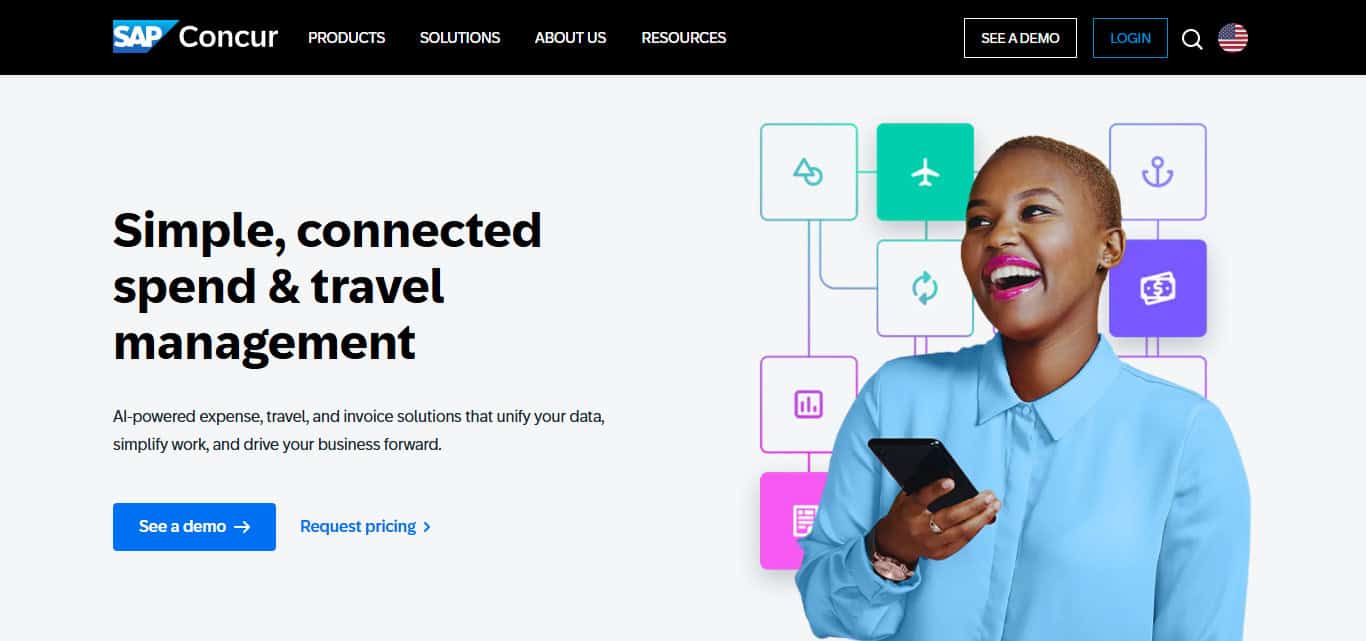
It serves the needs of large corporations with complicated structures and financial systems. Management may use consolidated expense data to make an informed decision on spending, while at the same time ensuring compliance.
SAP Concur Features
- Travel Management — Travel booking, management and expense control systems for employees and managers.
- Expense Management — An expense management system for capturing employee expenses and processing them by the finance team.
- Invoice Management — A system to manage business invoices and associate them with processing activities.
- Approval Workflows — Workflow automated approval systems for expenses, invoices and travel related expenses.
- Compliance & Reporting — Standardized financial data and reports for spending compliance, audits and financial analysis.
| Pros | Cons |
|---|---|
| Comprehensive expense management | Can be complex to implement |
| Strong travel management capabilities | Better suited to larger organizations |
| Extensive reporting features | Employee training may be required |
| Supports compliance workflows | Configuration can be time-consuming |
| Integrates with enterprise processes | May be excessive for smaller teams |
5. Expensify
Expensify streamlines the processes surrounding the submission of employee expenses and the associated reimbursements. Employees can take a photo of receipts instead of keeping physical copies which third-parties can then digitize for later submission and management of approvals and reimbursements.
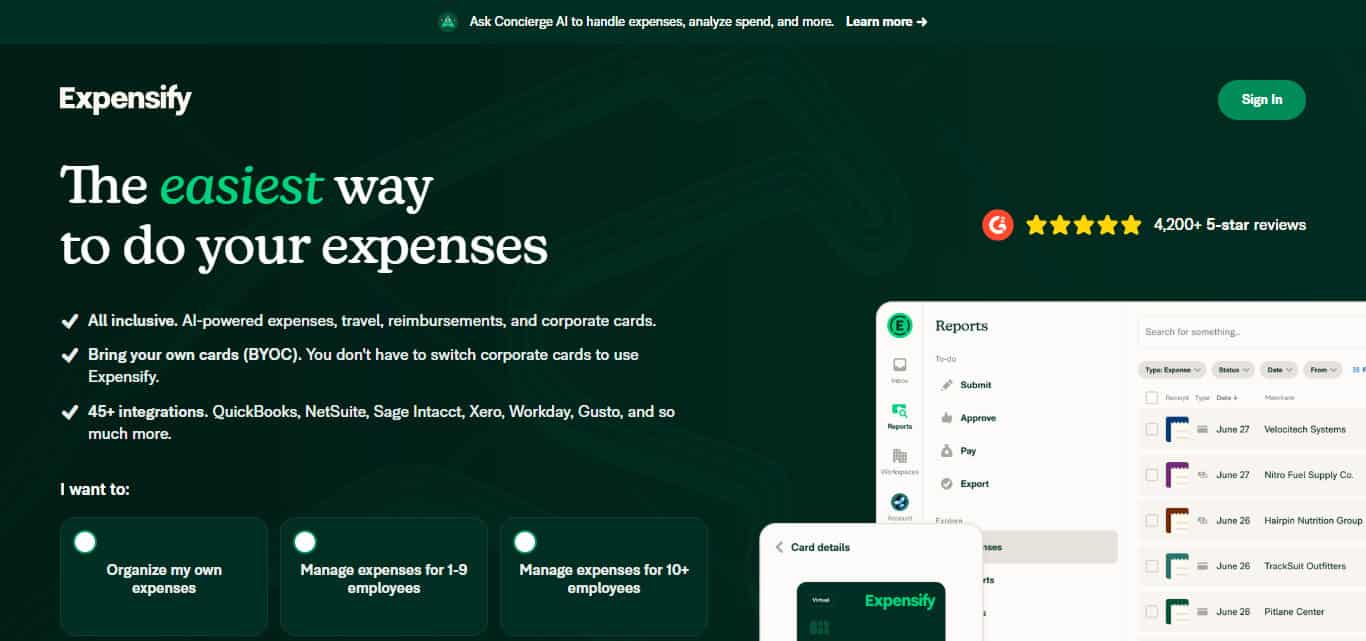
This functionality allows Expensify to cater to remote teams as employees will not need to be close to a central location to purchase supplies and receive reimbursement for business-related travel.
Finance employees will not have to manage data entry and employees will submit expenses through a simplified interface. Ultimately, organizations will experience a significant decrease in the time and complexity of managing employee expenses.
Expensify Features
- Receipt Capture — Employees can digitize receipts for business expenses.
- Expense Reporting — Online system to produce expense reports replacing manual or printed reporting.
- Reimbursement Management — A system to manage employee business expense reimbursements.
- Approval Workflows — Finance employees and managers can approve expense requests online.
- Automated Expense Processing — System to eliminate manual data entry for processing employee expenses.
| Pros | Cons |
|---|---|
| Simple receipt capture | May offer fewer enterprise controls |
| Easy expense reporting | Advanced requirements may need additional configuration |
| Streamlines reimbursements | Not primarily focused on corporate travel |
| Reduces manual data entry | Feature requirements can vary by plan |
| Convenient for remote employees | Larger organizations may need more comprehensive systems |
6. Navan
Navan is designed for organizations that rely on significant corporate travel. With Navan, employees can book their travel and related spending, and corporations have visibility into their corporate travel spending. Travel policies can be set and organized in a single central location.
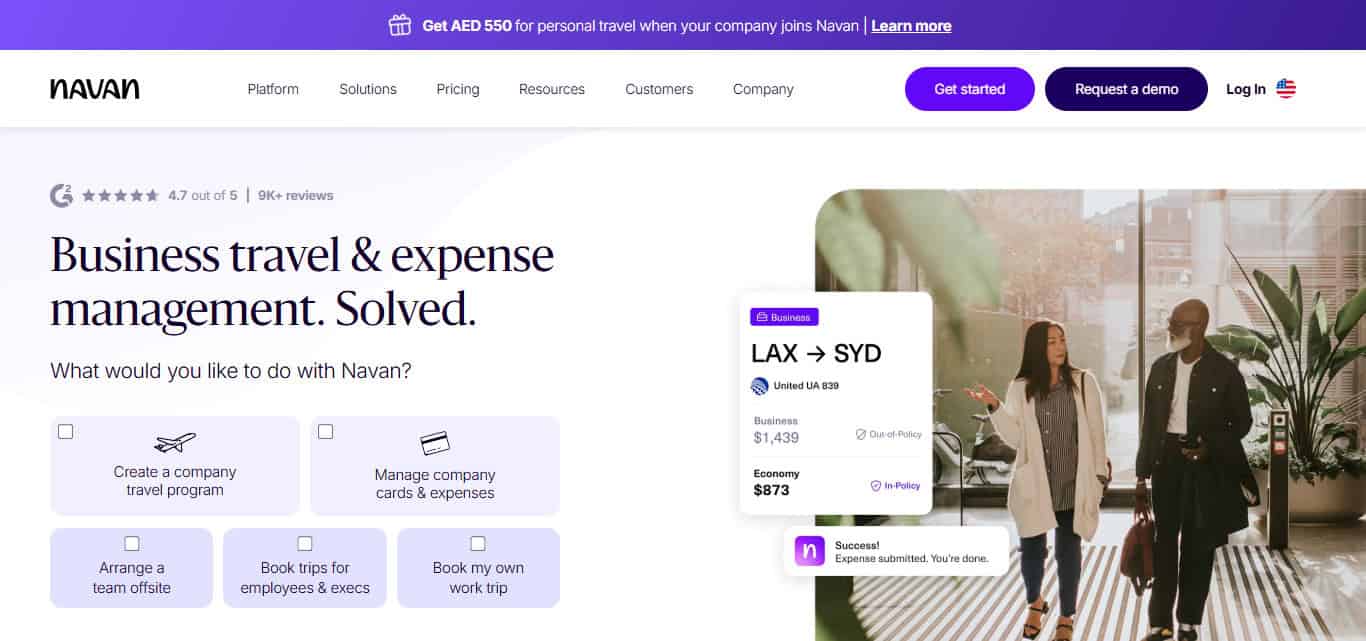
Navan makes the finance administration of events such as client travel, team-related travel, and travel associated with meetings and international travel easier for remote corporate teams.
Navan’s integration of travel booking and corporate travel spend management can reduce redundant travel expense management processes and provide finance teams with visibility into corporate travel spending.
Navan Features
- Corporate Travel Management — Employees can use the system to book and manage business travel.
- Expense Management – Manages employee spending on business travel and travel and expense administration.
- Travel Policies – Facilitates the formation of policies and frameworks to guide employee business travel and the associated spending.
- Centralized Spending Visibility – Offers finance teams a unified view of travel spending and employee expenses.
- Integrated Travel & Expenses – Integrating travel booking and expense management will simplify financial administration and mitigate the burden of fragmented workflows.
| Pros | Cons |
|---|---|
| Combines travel and expenses | Most valuable for companies with travel needs |
| Centralized travel management | May be more than needed for non-travel teams |
| Useful spending visibility | Implementation may require configuration |
| Supports corporate travel policies | Employees may need onboarding |
| Reduces fragmented travel workflows | Suitability depends on company travel volume |
7. Zoho Expense
Zoho Expense is applicable to businesses looking for order and structure with their financial administration. Zoho Expense helps employees digitize the process of receipt capture and submission of expense reports and requests for approvals.
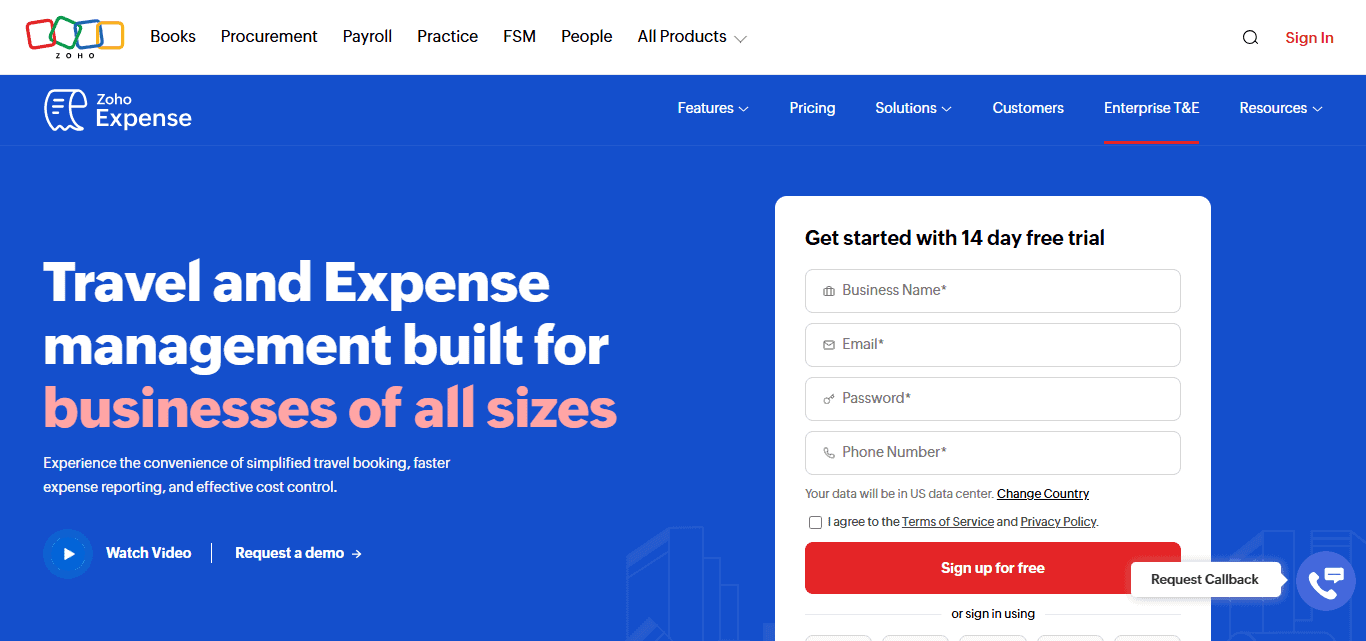
Zoho Expense also offers features like management of expenses in foreign and multiple currencies. Remote teams will appreciate the increased convenience of managing and reviewing employee expenses. Zoho Expense may also attract businesses already employing several Zoho applications.
Since Zoho applications cover other aspects of accounting, customer management, productivity and other business operations, Zoho Expense may also be an attractive application for businesses.
Zoho Expense Features
- Receipt Management – Enables users to snap and store digital receipts for expense documentation.
- Expense Reports – Employees can submit expense reports for review via the application.
- Multi-Currency Support – Enables the management of expenses in multiple currencies.
- Approval Workflows – Enables the design of processes and workflows for reviewing and approving employee expenses.
- Zoho Integration – Can be integrated with other Zoho applications and be used to create a more integrated business management system.
| Pros | Cons |
|---|---|
| User-friendly expense reporting | Some advanced features may require higher plans |
| Multi-currency support | Best value may come within the Zoho ecosystem |
| Digital receipt management | Integration setup may take time |
| Structured approval workflows | Larger enterprises may need more specialized functionality |
| Works well with other Zoho products | Users outside the Zoho ecosystem may need additional integrations |
8. BILL Spend & Expense
BILL Spend & Expense is an application that helps businesses manage employee spending via corporate spending limits, budgets, and expense tracking and controls spending. Corporate financial departments enforce budgets through control of company spending limits and tracking of spending via approved business corporate methods.
Automated transaction categorization helps reduce the burden of expense recording and control and helps finance departments keep business records.
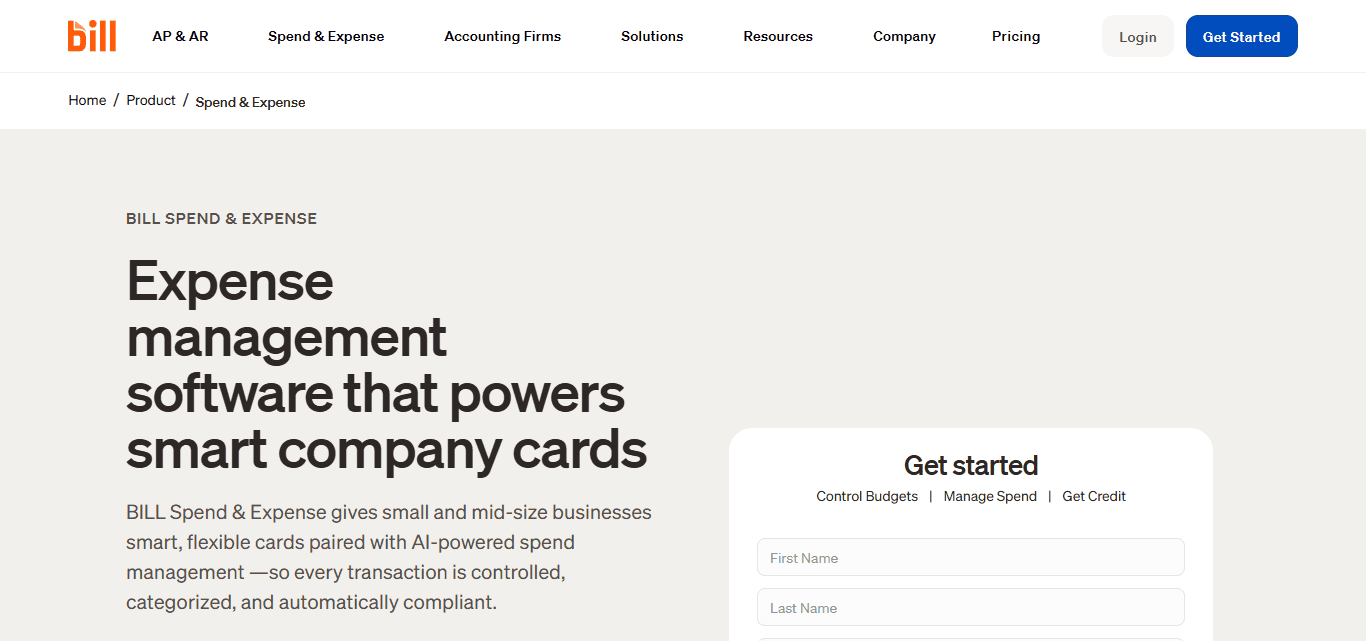
Centralized control over corporate spending helps remote teams keep control of spending, no matter where employees may be, and whether they work in different corporate units, divisions, etc.
BILL Spend & Expense helps organizations standardize and improve financial process consistency and spending controls as business and employee spending increases.
BILL Spend & Expense Features
- Corporate Cards – Company spending is facilitated through company provided business cards.
- Budget Management – Control and manage budgets for employee and team spending and business activities.
- Expense Tracking – Provides visibility into organizational spending.
- Spending Controls – Define and impose spending rules and controls to prevent unapproved company spending.
- Automated Categorization – Financial records are easier to manage given that transactions are automatically classified.
| Pros | Cons |
|---|---|
| Strong spending controls | May require configuration for complex organizations |
| Corporate card management | Feature availability can depend on the plan |
| Automated transaction categorization | May be more functionality than small teams need |
| Centralized budget visibility | Employees may require onboarding |
| Helps reduce manual expense work | Integration requirements should be evaluated |
9. Rippling Spend
Rippling puts corporate spending under one roof with employee management and financial admin. Rippling Spend enables businesses to manage employee cards, track spent amounts, control company spending policies, and build related employee card spending workflows.
Remote businesses can find a lot of use cases for Rippling Spend because company admins can control employee access and company spending permissions within an employee management system.
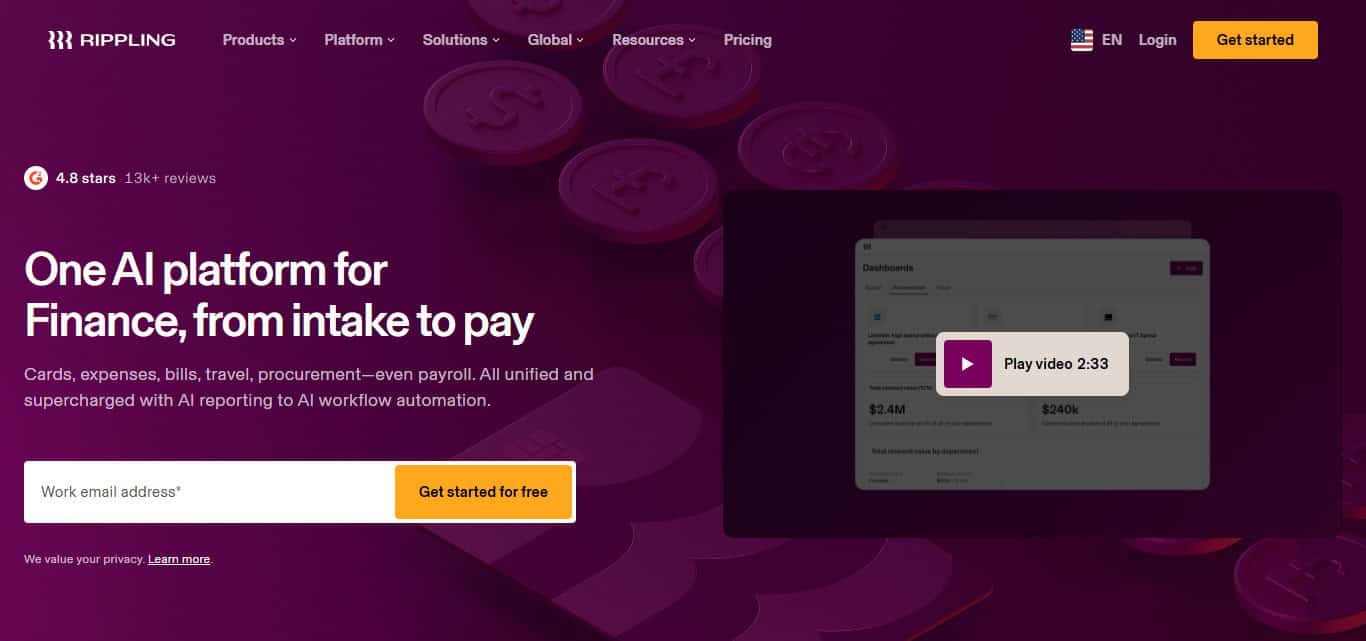
It also helps coordinate HR and finance processes and simplifies controls as companies continue to grow. A single-system control centered around finance simplifies the company administrator’s burden associated with distributed employee management.
Rippling Spend Features
- Employee Corporate Cards – Issuing employee corporate cards as part of your workforce management system.
- Expense Management – Employees can submit and manage business expenses digitally.
- Spending Policies – Companies can develop policies on employee spending.
- Employee-Based Controls – Spending access and permissions can be connected to employee roles and workforce data.
- HR & Finance Integration – Spending administration is integrated with HR systems to help remote companies centralize HR and finance activities.
| Pros | Cons |
|---|---|
| Connects spending with employee management | Best suited to businesses using Rippling |
| Employee-based spending controls | Broader platform setup may take time |
| Useful for distributed workforces | Can be more comprehensive than necessary |
| Helps automate employee-related workflows | Some capabilities may depend on selected services |
| Combines HR and spending administration | Requires coordination between HR and finance teams |
10. Payhawk
Payhawk has tools designed for finance departments within a single system for corporate spending control and employee spending budgets, approvals, and expenses. Payhawk provides visibility to employee spending and tools for employees to make their spending requests.
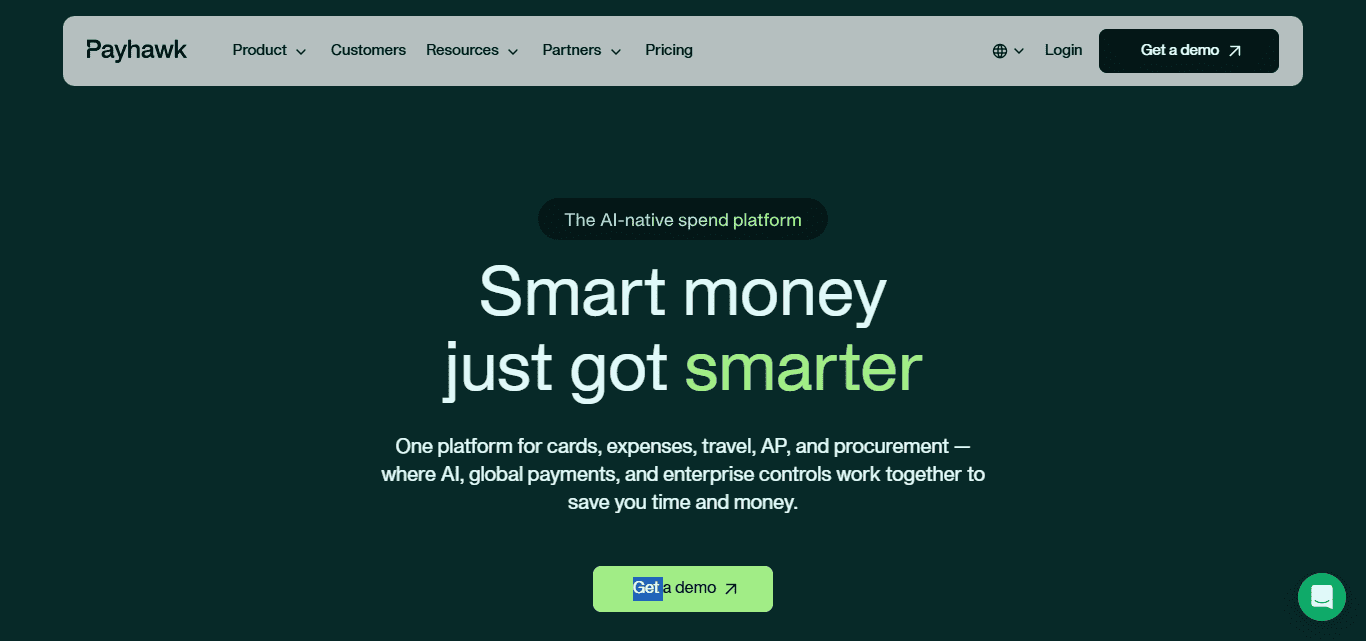
Payhawk has a lot of use cases for companies with geographically dispersed departments, entities, or even countries. For remote work companies, building a centralized workflow for spending approvals makes it possible to have consistent company spending policies
No matter where employees are located. Payhawk consolidates spending control and expense management for companies with employees working in different locations.
Payhawk Features
- Corporate Cards – Issuance of business spend management cards to employees. Finance teams gain control of company spend.
- Expense Management – Expense management and submission occurs through digital automation.
- Budget Controls – Limiting spend budgets for teams, departments, and individual employees is supported.
- Approval Workflows – Purchases and expense requests can be routed for approval through configured workflows.
- Multi-Entity & Global Management – Manages spending across departments, entities, and geographies.
| Pros | Cons |
|---|---|
| Centralized expense management | May require implementation planning |
| Strong budget controls | Advanced features can require configuration |
| Supports multi-entity organizations | Could be excessive for very small businesses |
| Useful corporate card functionality | Employees may need training |
| Good visibility across business spending | Suitability depends on organizational complexity |
Conclusion
In Conclusion The right expense management tool will allow remote corporate teams to manage spending and reporting expenses easier, and improve financial visibility. There are many tools on the market, such as Ramp, Brex, Airwallex, SAP Concur, Expensify, and more, with varying features and solutions for growing businesses.
Assessing the level of automation, controls on spending, reporting, integration, and scalability will help determine the tool that will best support financial management and the remote team’s sustained growth.
FAQ
What are expense management tools?
Expense management tools help businesses track, control, approve, and report employee and company expenses digitally.
Why do remote teams need expense management tools?
They provide centralized visibility and control over employee spending, even when employees work from different locations.
Which expense management tool is best for remote teams?
The best option depends on company size, budget, international operations, integrations, and required spending controls.
Can these tools manage international expenses?
Yes. Platforms such as Airwallex and Zoho Expense offer features that can support multi-currency and international expense management.