
This is what ima cover in this article: AI Tools That Make Data Analysis Easy For Non-Technical Teams They use automation, visual dashboards and natural language insights to simplify complicated data tasks.
This allows teams to analyze trends, generate reports, and make better decisions rapidly without writing any code at all.
AI-enabled technologies are changing the game by how businesses are processing data in an efficient, accurate manner with minimum effort.
Key Points & AI Tools That Make Data Analysis Easy For Non-Technical Teams
Microsoft Power BI simplifies dashboards with drag-and-drop visuals, enabling non-technical users to analyze data quickly.
Tableau offers intuitive visualization tools that transform datasets into interactive charts without coding knowledge required.
Google Looker Studio connects data sources and creates shareable reports easily for collaborative team insights.
Microsoft Excel uses AI features like Ideas to automatically analyze trends and suggest meaningful insights.
ChatGPT helps interpret datasets, generate summaries, and explain patterns in plain language for non-technical users.
Zoho Analytics provides BI tools, allowing users to create dashboards and reports with minimal effort.
IBM Watson Analytics uses AI to discover patterns, predict outcomes, and present insights through visualizations.
Qlik Sense enables data exploration, helping users uncover hidden relationships and insights without technical expertise.
Airtable combines spreadsheets databases, letting teams organize, filter, and visualize data using simple, user-friendly interfaces.
Datawrapper helps create charts maps allowing non-technical users to publish data stories without design skills.
10 AI Tools That Make Data Analysis Easy For Non-Technical Teams
1. Microsoft Power BI
Microsoft Power BI Microsoft Power BI is one of the most popular and simple data visualization tools. The platform allows users to reticulate numerous data sources, cleanse and transform real-time data, build dashboards by drag-and-drop features.
With native AI capabilities, trends are automatically detected, insights generated and visualisations suggested – Which greatly reduces the amount of manual work involved.
To facilitate collaboration, users can share reports between teams without worrying about security issues.
As it windows interface looks similar to other Microsoft tools so the coding knowledge is not mandatory, Employees can learn within a few days.
This feature makes Power BI an excellent solution for organizations looking to implement data-driven decision-making.
| Feature | Explanation |
|---|---|
| Data Integration | Connects multiple data sources like Excel, databases, and cloud services easily. |
| Drag-and-Drop Dashboard | Users create interactive dashboards without coding using simple visual tools. |
| AI Insights | Built-in AI detects trends and suggests meaningful data visualizations automatically. |
| Secure Sharing | Enables safe report sharing and collaboration across teams in real time. |
2. Tableau
Tableau is popularly known for transforming the complex data into a simple visual business story. You can create charts, graphs, and dashboards in it without writing a code which non-technical users find very interesting because of its user-friendly interface.

Its drag-and-drop style helps users to easily explore datasets and find patterns. Some of the AI-driven features in Tableau, such as “Explain Data,” describe to users why trends occur.
It additionally gives help for stay viacom databases, allowing actual-time statistics connectivity. Dashboards are shared online so that teams can build on one another and remain collaborative as everyone has access to the data.
The visual-first methodology puts the power of informed decision -making in business hands without requiring detailed technical skills.
| Feature | Explanation |
|---|---|
| Visual Analytics | Converts complex datasets into easy-to-understand charts and visual stories. |
| Drag-and-Drop Interface | Allows quick chart and dashboard creation without technical skills required. |
| Explain Data AI | Provides automated insights explaining why trends and patterns occur. |
| Real-Time Data | Connects live data sources to ensure updated and accurate analytics. |
3. Google Looker Studio
The free, easy-to-use and reporting tool which creates interactive dashboards for non-technical members in the teams is…→ Google Looker Studio.
There is deep integration with Google services like Sheets, Analytics, and BigQuery which allows users to get data effortlessly.

Customizable templates and drag-and-drop design allows users to create pro reports in minutes. Teams can collaborate in real-time and share their insights.
Looker Studio can also allow to embed the reports in your website or presentations. It is a cloud based data visualisation solution
Which stands out for its simplicity making it perfect for companies looking for fast and collaborative solutions.
| Feature | Explanation |
|---|---|
| Google Integration | Connects seamlessly with Google Sheets, Analytics, and BigQuery services. |
| Custom Templates | Offers ready-to-use templates for fast and professional report creation. |
| Real-Time Collaboration | Teams can edit and share dashboards simultaneously with live updates. |
| Easy Embedding | Reports can be embedded into websites and presentations effortlessly. |
4. Microsoft Excel uses
Data Analysis and VisualizationMicrosoft Excel is one of the most popular tools used for analyzing data, especially among non-technical users.
Recent versions of Excel have introduced a host of new AI-powered features (like “Analyze Data”), which automatically detects trends, patterns and insights in tables created within the spreadsheet. It has a pretty straightforward data visualization

Where Users can build charts, pivot tables, dashboards without much effort. The well known spreadsheet format allows novices to effectively organize and manipulate data Excel allows for automation using formulas and templates — both help avoid repetive work.
Excel is a solid and approachable solution for daily data analysis needs, with ongoing improvements and integrations with other Microsoft products.
| Feature | Explanation |
|---|---|
| Analyze Data Tool | AI feature automatically finds patterns, trends, and useful insights quickly. |
| Pivot Tables | Helps summarize and organize large datasets into meaningful reports easily. |
| Chart Creation | Allows users to build graphs and dashboards with simple steps. |
| Automation | Uses formulas and templates to reduce repetitive manual work significantly. |
5. ChatGPT
The natural language interaction of data analysis is made the easier way by ChatGPT. Let non-technical team members upload datasets or speak to their data, and ChatGPT can summarize, find insights, and suggest visuals.
It makes data easier to comprehend by explaining difficult patterns in plain English. It has a conversational workflow where users can ask follow-up questions to refine an analysis.

It also helps in data cleansing, formula creation, report writing. Anyone with a ChatGPT account will be able to access it, making it an ideal team-agnostic assistant for those who are interested in analyzing data but do not have a technical or coding background.
| Feature | Explanation |
|---|---|
| Natural Language Queries | Users analyze data by asking questions in simple conversational language. |
| Data Summarization | Generates clear summaries and insights from complex datasets quickly. |
| Pattern Explanation | Explains trends and relationships in easy-to-understand terms for users. |
| Workflow Assistance | Helps with data cleaning, formulas, and report writing tasks. |
6. Zoho Analytics
Zoho Analytics is an easy to use self service BI tool for non-technical teams. Users can use the simple drag-and-drop interface to import data from different sources, and create dashboards.
Zia, a built-in AI assistant that can answer questions, generate reports, and deliver insights instantly.
Even for collaboration, Zoho Analytics makes it easy to collaborate and share dashboards between teams to work together in real time.

The automation features minimize repetitive tasks, and the customizable templates help in creating reports faster. It strikes a good balance between simplicity and bullet-proof analytics functionality.
| Feature | Explanation |
|---|---|
| Drag-and-Drop Builder | Enables easy dashboard and report creation without coding knowledge. |
| AI Assistant Zia | Provides instant insights, answers queries, and suggests visualizations. |
| Data Import | Supports multiple data sources for flexible and efficient analysis. |
| Collaboration Tools | Allows teams to share reports and work together in real time. |
7. IBM Watson Analytics uses
Given its advanced AI, IBM Watson Analytics simplifies the analytical process for even non-technical individuals.
Yasson Automatically identifies patterns, trends and correlations present in the datasets and presents it through intuitive visualization.
The platform generates insights in real-time as users ask questions in natural language. Smart predictive analytics tools to forecast outcomes for more intelligent decision-making.

This intelligent assistant guides users to explore their data, removing the requirements on manual analysis making it easier for novice users.
Powered with an immensely strong AI, it helps organizations make the most out of this goldmine of data by providing accurate intuition and does not require much technical know-how to use.
| Feature | Explanation |
|---|---|
| Automated Insights | Detects patterns, trends, and correlations within datasets automatically. |
| Natural Language Query | Users ask questions and receive insights without technical expertise. |
| Predictive Analytics | Forecasts future outcomes using advanced AI models. |
| Guided Exploration | Simplifies data discovery with step-by-step analysis assistance. |
8. Qlik Sense
Qlik Sense takes an intuitive self-service approach to analytics that is perfect for your non-technical teams.
The associative data model lets users explore relationships in data freely, revealing insights that otherwise may have been hidden.
Dashboards can be created within minutes via a drag-and-drop interface and the inbuilt A.I will recommend visualizations and key patterns.
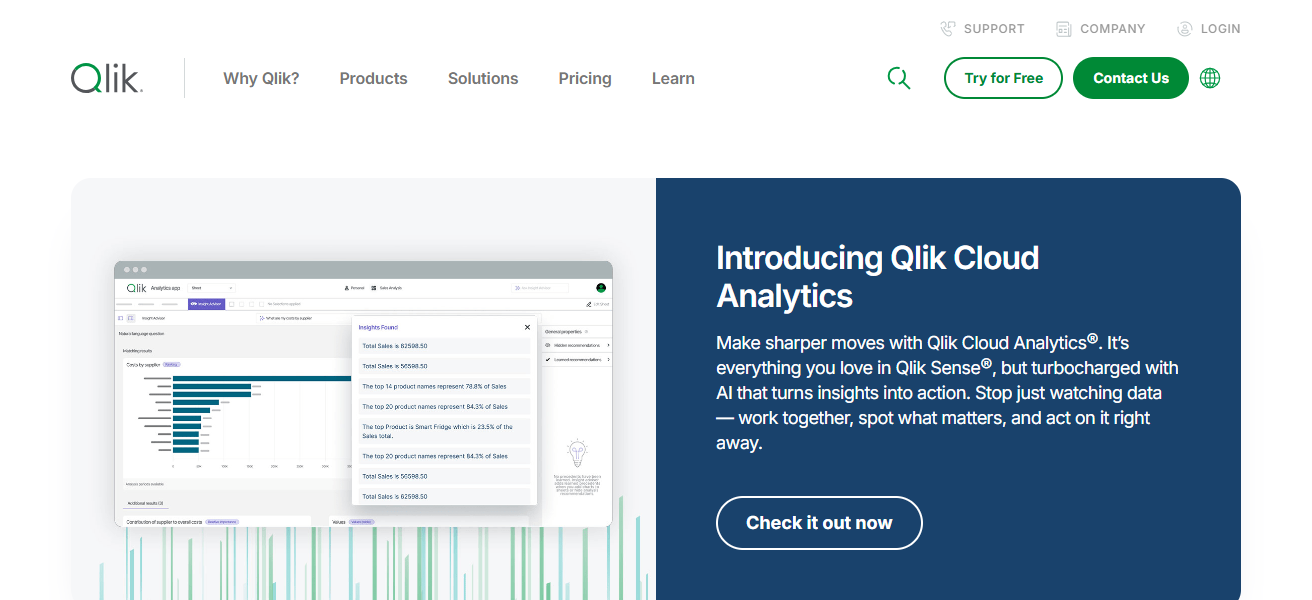
Naturally you can ask questions in a natural way allowing users to receive immediate answers from Qlik Sense.
It provides strong data integration capabilities and real-time updates for accurate analysis. Designang dba-based ang alengeSmart’s designRounded mentryirectUsers can use this us.
| Feature | Explanation |
|---|---|
| Associative Model | Helps uncover hidden relationships between different data points easily. |
| Interactive Dashboards | Users create dynamic dashboards with drag-and-drop functionality. |
| AI Suggestions | Recommends charts and highlights key trends automatically. |
| Real-Time Updates | Ensures accurate analysis with continuously updated data connections. |
9. Airtable
Airtable is the tool that brings the spreadsheet ease of use sprinkled with database power, making it easy for non-technical users manage data.
It empowers teams to manage, filter, and visualize the data based on customized views such as grids, calendars, or kanban boards.

User-friendly — products that work require little to no coding knowledge, and automation features bring together several workflows.
Users can work together in real time, and easily attach documents for reference as well. It is highly adaptable for a range of use cases from project management to tracking data, so teams can manage data in an efficient manner without the complexity.
| Feature | Explanation |
|---|---|
| Flexible Database | Combines spreadsheet simplicity with powerful database capabilities. |
| Custom Views | Offers grid, calendar, and kanban views for better data visualization. |
| Workflow Automation | Automates repetitive tasks to improve team productivity. |
| Team Collaboration | Enables real-time sharing, editing, and file attachments easily. |
10. Datawrapper
Datawrapper is an easy to use tool for designing charts, graphs and maps without the need of any design or technical skills.
You can drag and drop data for nontechnical users to do fast, professional quality visualizations!
There are customized templates within the platform and visuals remain responsive. What: Datawrapper is a popular tool for journalists and businesses to tell stories using data.
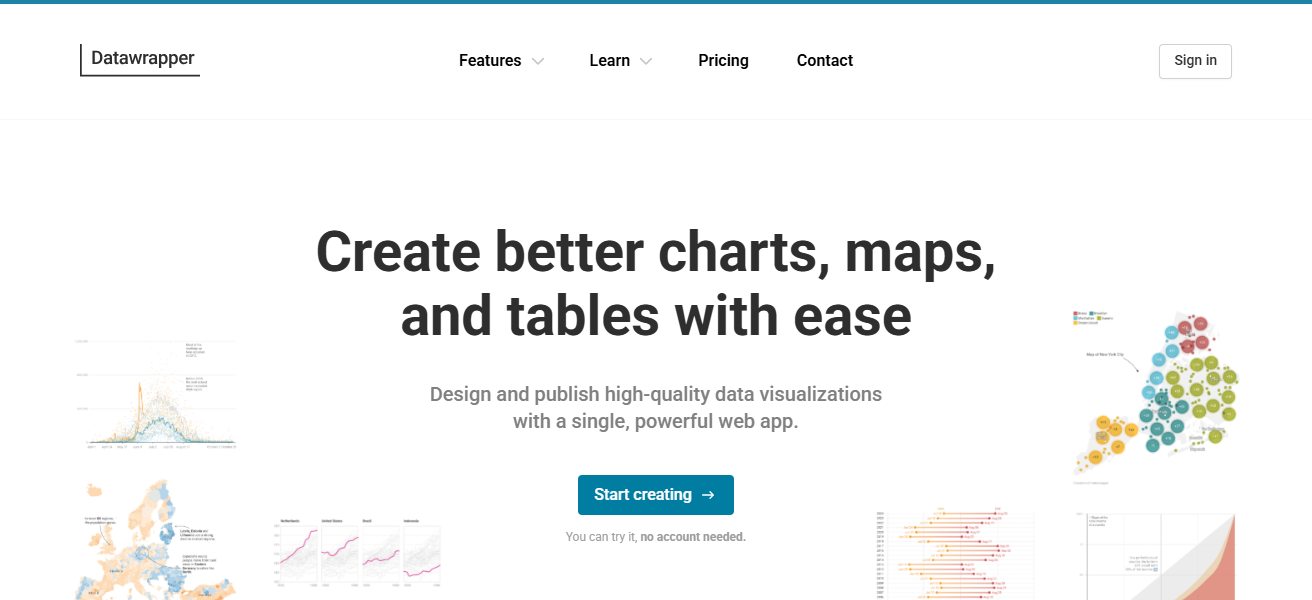
Also, It facilitates embedding in websites and reports. With its emphasis on simplicity and clarity, is one of the go-to programs for teams looking to convey insights through appealing visualizations.
| Feature | Explanation |
|---|---|
| Easy Chart Creation | Quickly builds charts, graphs, and maps without design skills. |
| Responsive Design | Ensures visualizations look great on all devices and screen sizes. |
| Custom Styling | Allows users to customize visuals for branding and clarity. |
| Embed Options | Enables easy integration of visuals into websites and reports. |
How We Choose AI Tools That Make Data Analysis Easy for Non-Technical Teams
AI capabilities – Must be able to provide automated insights, detect trends and as well should recommend smart ways of approaching a issue.
Integration capabilities – Integrates well with basic data sources like CRMs, spreadsheets, and cloud applications.
Quality of Visualization – It should provide transparent chart reports, dashboard and charts for easy clarity.
Collaborative – Should allow teams to share, edit and access reports in real time.
Scalability – Able to scale data needs without complexity or sacrificing performance.
Cost–Effective – Value fu pricing for small and medium teams.
Conlusion
ConclusionAI Tools Are Changing The Face Of Data Analysis By Enabling Non Technical Teams To Work With Data These tools take the coding legwork out of AI with intuitive interfaces, automation and smart insights.
They empower companies to free up time, enhance precision and accelerate decision making. These types of tools will prove critical as AI continues to mature, if every organization is to achieve data-driven growth prudently.
FAQ
What are AI data analysis tools?
They are software that use artificial intelligence to simplify data analysis without coding knowledge.
Who can use these tools?
Non-technical users like marketers, managers, and small business teams can easily use them.
Do I need coding skills to use AI tools?
No, most tools offer drag-and-drop interfaces and natural language queries.
How do AI tools help in data analysis?
They automate data cleaning, detect trends, and generate insights quickly.