
This article analyzes the top AI Search Companies that are revolutionizing how people search for information on the Internet.
Leveraging sophisticated AI technology, these companies offer innovate search solutions that are quicker, more intelligent, and precise when compared with classic search engines.
Here, you will find the prominent attributes, benefits, and pricing options for each, as well as a guide to help you select the most appropriate AI search solution.
What Are AI Search Companies?
AI search companies offer enterprise search solutions based on intelligent and conversational search technology that replaces traditional web links with direct, conversational answers to user input via AI.
A combination of natural language processing, machine learning, and large language models allows platforms to summarize information, construct answers to complex queries, generate text, and assist users with research and information gathering.
Many AI search companies also support real-time web search, citation of sources, customized recommendations, and productivity tools. Information retrieval is dramatically streamlined compared to traditional search engines.
How We Selected the Best AI Search Companies
- Search Accuracy and Relevance: Companies that provide accurate and relevant search results that can be relied upon regardless of the query were evaluated.
- AI Capabilities and Natural Language Understanding: Natural conversational queries and comprehension of AI-driven search technology were assessed.
- Real-Time Web Search Support: Companies that provide accurate, real-time results based on information continually updated from the web were favored.
- Source Citations and Transparency: Companies that cited credible sources to increase the verifiability of the information provided were considered.
- Privacy and Security: Comprehensive assessments of data protection and browsing security and privacy practices were conducted.
- Ease of Use and User Experience: Companies that designed intuitive search tools with consistently clear layouts that maximize the speed of searches and ease the navigation were selected.
- Integration with Productivity Tools: Companies that integrated productivity tools and workplace applications design and coding frameworks were assessed.
- Pricing and Free Plans: Assessment of costs to subscribe, the features available for free, and the overall value and affordability for various users were compared.
- Developer Features and APIs: Comprehensive assessments of the APIs offered, the ease of integrations, and the quality of technical documentation and AI features for developers were conducted.
- Overall Innovation and Performance: Companies were ranked based on the innovation of their technologies, the quality of their responses, the speed and reliability of their services, and a commitment to enhance their offerings.
Key Points & Best AI Search Companies
| AI Search Company | Explanation |
|---|---|
| OpenAI | Delivers conversational AI search with accurate answers, research assistance, and productivity enhancements daily. |
| Combines advanced AI models with comprehensive indexing for fast, reliable search experiences worldwide. | |
| Perplexity AI | Provides cited, conversational answers using real-time web information for efficient knowledge discovery everywhere. |
| Microsoft Bing | Integrates AI-powered Copilot for intelligent search, summaries, and interactive question-answering across web. |
| You.com | Offers customizable AI search with productivity apps, privacy controls, and personalized search experiences. |
| Brave Search | Delivers privacy-focused AI search without tracking users while providing independent search results consistently. |
| Phind | Specializes in developer-focused AI search, generating coding solutions and technical explanations efficiently daily. |
| Andi Search | Presents conversational, ad-free AI search with summarized results and intuitive user-friendly interactions throughout. |
| Komo AI | Focuses on AI-powered exploration, delivering quick insights, recommendations, and topic-based search experiences effectively. |
| Exa AI | Enables semantic AI search for developers, retrieving relevant web data through advanced APIs. |
10 Best AI Search Companies
1. OpenAI
The incorporation of sophisticated language models with elements of conversation has allowed OpenAI to revolutionize the AI-driven search paradigm. AI has the capacity to perform numerous functions, all of which have been incorporated into the OpenAI platform.
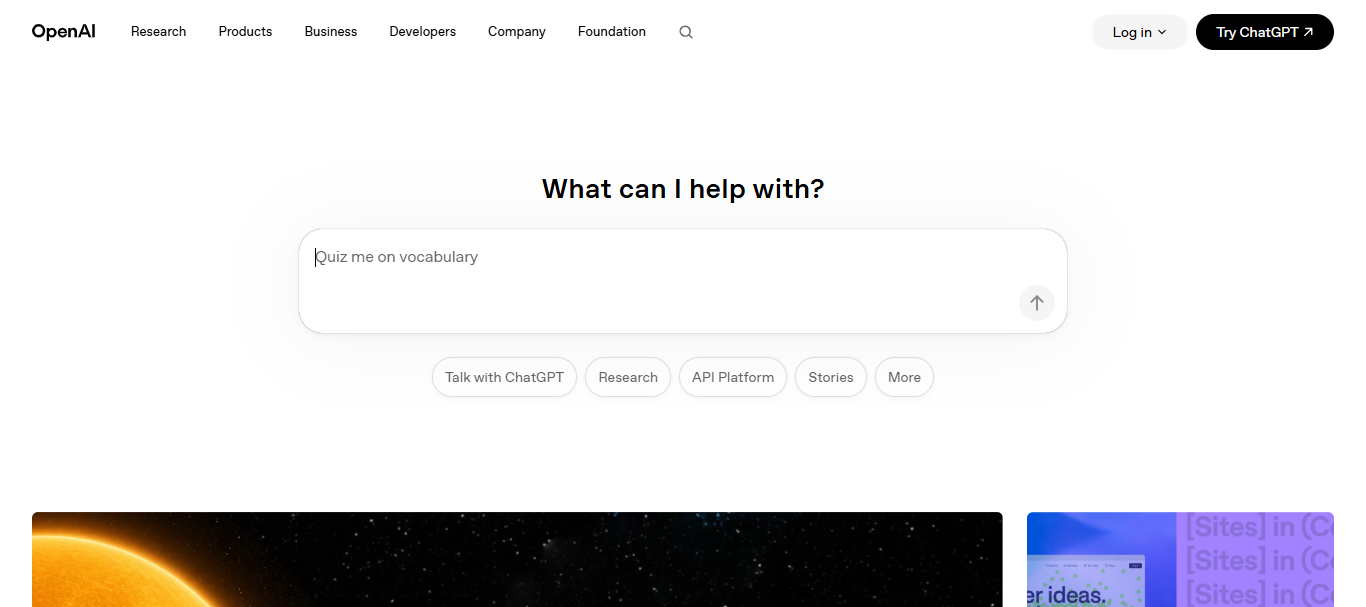
With OpenAI, one is able to provide elaborated answers, displays coherent summaries, transcripts, and emulates command prompts and coding, technical/expert research and studies. The AI understands context, which is why users are able to ask relevant follow-up questions and provide feedback in an unrestrictive manner.
OpenAI has become a rapidly growing and adopted tool among businesses, students, marketers, and developers, because of the AI’s capacity to cover all the requested functions with remarkable accuracy. Enhancement of features like reasoning, multimodal understanding, and response generation with web search have placed OpenAI as a leader in the AI driven search segment.
OpenAI – Key Features
- Natural Interaction: Uses conversational search to provide context based answers.
- Fast Generation: Produces content, summaries, and even creative text on-demand.
- Coding Help: Writes code with comments, explanations, and debugs.
- Integrated AI: Processes text, images, and documents on one platform.
| Pros | Cons |
|---|---|
| Delivers conversational, context-aware answers quickly. | Premium features require a paid subscription. |
| Excellent for research, writing, and coding assistance. | AI responses occasionally require fact verification. |
| Supports follow-up questions naturally. | Limited real-time web access in some modes. |
| Strong multimodal capabilities for text and images. | May not replace specialized search engines entirely. |
2. Google
Google’s continual innovation within its search engine has placed it at the forefront of AI driven searches. Current technology of AI models can be successfully merged with decades of search indexing, to result in sophisticated searches that understand context, requests posed in natural language, and are able to answer complex queries.

Google has perfected the integration of artificial intelligence in its search engine by intelligent ranking, AI contextual recommendations, and summarizing queries to find useful information. Google caters to all type of searches, be it images, videos, shopping, or local searches
With the constant improvement of its algorithms in order to reduce junk content and provide trustworthy, accurate information. This has made Google the default search engine of billions of users for inquiries in business, education, research, entertainment, healthcare, and technology.
Google – Key Features
- AI Summaries: Automatically generates AI responses to many search requests.
- Fast Searches: Effectively scans billions of webpages.
- All Media Search: Searches images, videos, products, maps, and local areas.
- AI Understanding: Improves search relevance by understanding user intent.
| Pros | Cons |
|---|---|
| Massive search index with reliable coverage. | AI summaries can reduce website traffic. |
| Excellent local, shopping, and multimedia search. | Privacy concerns remain for some users. |
| Fast search results with AI enhancements. | Search results sometimes include advertisements prominently. |
| Frequently updated algorithms improve accuracy. | AI-generated answers may occasionally oversimplify topics. |
3. Perplexity AI
Perplexity AI is reshaping the industry as a rapidly growing search engine. Their specialty is offering conversational style responses coupled with citations. Instead of the search engine simply listing links, Perplexity summarizes data from a multitude of sources and suggests the option to continue the conversation.

It updates its data in real-time, making it an impressive tool for an array of professions and occupations from research to news and from the workplace to the classroom.
The citation system provides users with a way to check facts, drastically improving the search engine’s credibility. Due to the clean UI and fast computing, Perplexity continues to be an attractive tool for users across the globe.
Perplexity AI – Key Features
- Citations: Uses sources for more transparency and credibility.
- Latest Information: Uses real-time data from the web.
- Follow-Up Searching: Answers continued questions without a new search.
- Research Ready: Great option for academic, business, and professional research.
| Pros | Cons |
|---|---|
| Provides source citations with responses. | Advanced features require Pro subscription. |
| Excellent for research and fact-checking. | Occasionally depends on external source quality. |
| Real-time web information improves freshness. | Less suitable for entertainment-focused searches. |
| Simple, clean conversational interface. | Limited customization compared to larger platforms. |
4. Microsoft Bing
Microsoft Bing is a popularly used search engine that utilizes a multi-functional AI powered Copilot. It answers questions in a conversational format and its features assist the user in summarizing, writing, coding, planning, and even shopping.
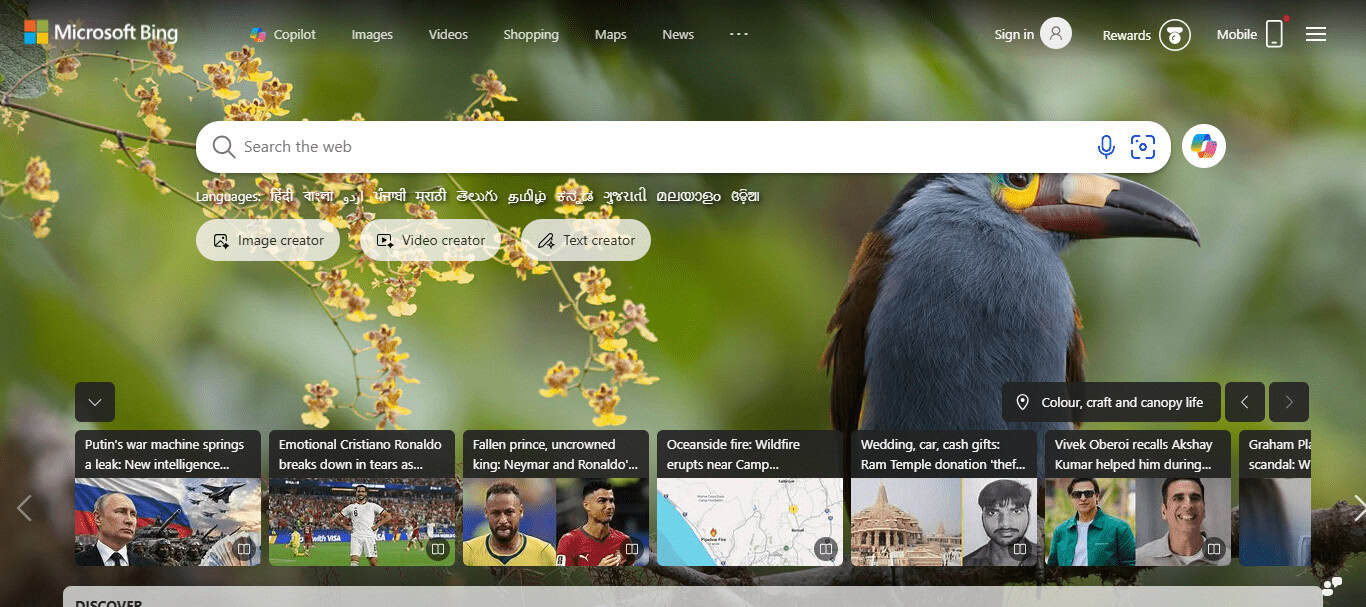
AI powered Bing uses a sophisticated understanding of language to remember the context of the conversation. Instead of a static list, it provides a wide variety of responses to the user’s queries. Microsoft products and services are designed to stretch productivity.
Bing is growing rapidly as a favorite tool for both business and personal use because of improvements in AI and a competitive edge in security.
Microsoft Bing – Key Features
- AI Partner: Offers conversational and traditional search aids.
- Fast Writing: Aids in writing emails, blogs, and documents.
- Image Search: Offers recognition and AI-image generation.
- Windows & AI: Native use of Windows and Microsoft 365.
| Pros | Cons |
|---|---|
| Integrated AI Copilot boosts productivity. | AI features vary by region and account. |
| Strong integration with Microsoft ecosystem. | Search popularity remains behind Google. |
| Supports writing, coding, and planning tasks. | Some responses still require manual verification. |
| Excellent image generation capabilities. | User interface may feel feature-heavy. |
5. You.com
You.com personalizes AI search through just the right measure of user preferences and an emphasis on productivity and privacy. Most search engines are set up for the very opposite of what You.com offers.
You are able to customize your search results, use AI to complete tasks, generate media, code, and even summarize and analyze text and documents, all while making use of several AI systems at once.
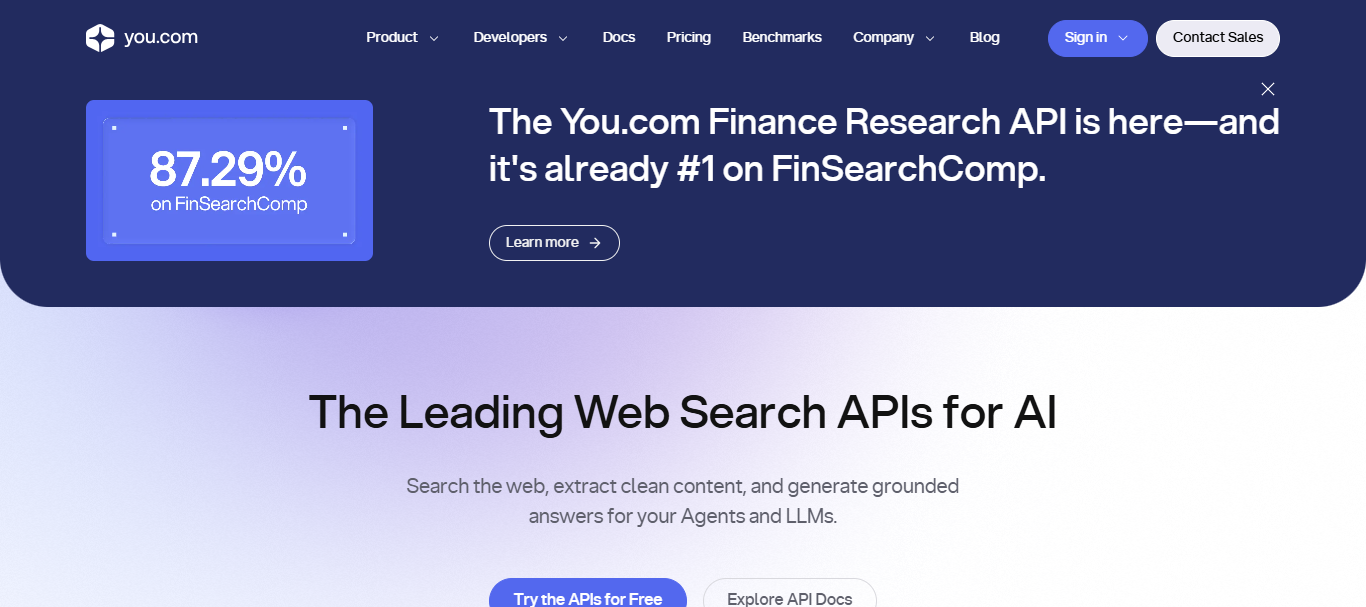
You.com bolsters privacy protection and tracking is kept to the absolute minimum so users gain control over their information.
Developers, students, and other working professionals value the flexible search-workspace productivity integration You.com offers. Constant updates to their features are helping You.com get a hold on the search engine market.
You.com – Key Features
- Personal Search: Customizes search results based on user preferences.
- Many AIs: Access to a number of top-tier AI assistants.
- Privacy Preserving: Less tracking and more respect for user information.
- Search Tools: Combines search, writing, coding, and document analysis.
| Pros | Cons |
|---|---|
| Highly customizable search experience. | Smaller search ecosystem than competitors. |
| Supports multiple AI models. | Some advanced tools require subscription. |
| Strong privacy-focused features. | Search coverage can occasionally be limited. |
| Combines productivity tools with search. | Less brand recognition globally. |
6. Brave Search
Catering to the need of users unwilling to sacrifice their personal data, Brave Search employs AI, offers independent search services, and focuses on privacy while avoiding most, if not all, large search engine dependency.
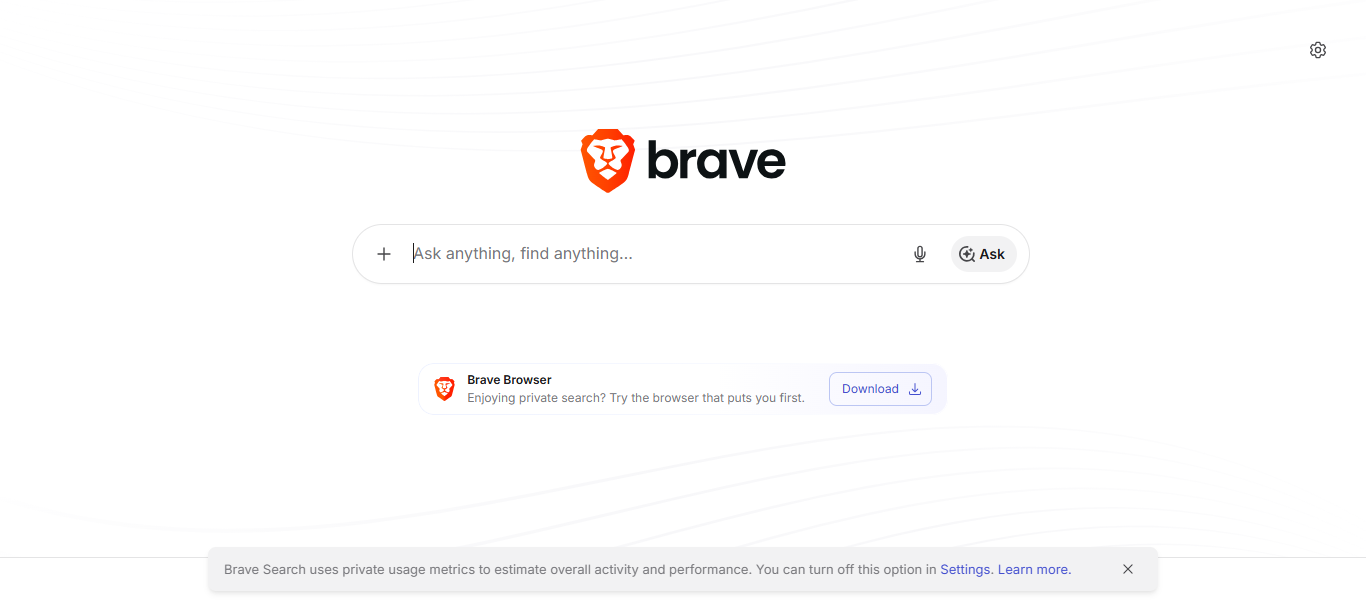
Users get the ease of anonymous searching, the benefits of no tracking, and no personalized advertising profiles. AI-summaries are a great feature for quick answers with the preserve of user privacy. Brave Search is an excellent option for individuals wanting to respect their privacy, journalists, and researchers.
Brave Search – Key Features
- Privacy Protection: Searches without tracking personal browsing activities
- Independent Index: Maintains an independent search database
- AI Summaries: Provides an answer within the search result
- Ad-Light Experience: Eliminates unnecessary ads
| Pros | Cons |
|---|---|
| Strong privacy without user tracking. | Smaller search index than Google. |
| Independent search infrastructure. | AI answers may lack depth sometimes. |
| Minimal advertisements improve experience. | Local search results vary by region. |
| Anonymous searching protects personal data. | Fewer integrated productivity features.1 |
7. Phind
Phind is an AI search tool designed with the developer, engineer, and tech professionals in mind. Its conversational AI offers detailed programming explanations and debugging help. It creates and modifies code, suggests APIs and provides advice on software development.
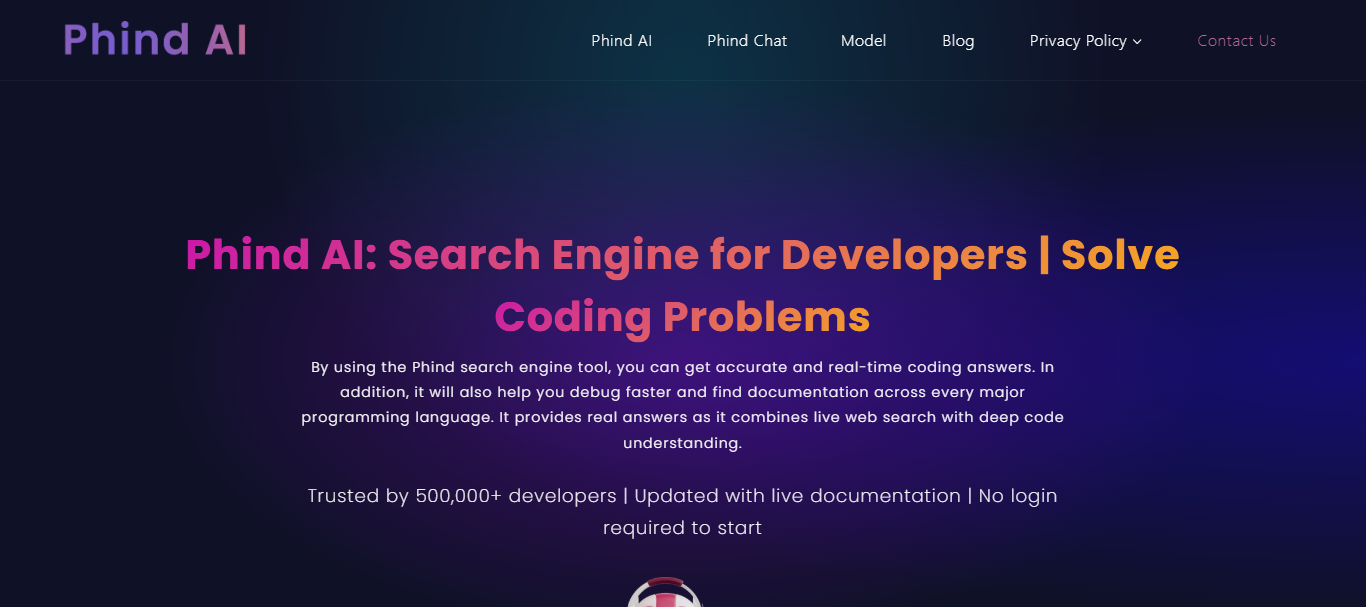
Instead of using many different sites, Phind provides developers with concise and helpful answers with the backing of referenced technical sources. Phind recognizes the numerous programming languages, as well as their respective code libraries and development workflows.
This understanding allows problems to be solved quickly and Phind is always improving its AI. This adds to the productivity of software teams while reducing the time spent on research. Phind is one of the best AI (and coding) search tools, thanks to its developer-centered approach.
Phind – Key Features
- Developer Search: Tailored search engine focused on programmers and software engineers
- Code Generation: Writes optimized code in different programming languages
- Debugging Support: Provides clarity on coding issues and solutions
- Technical Research: Quickly searches programming documentation and APIs
| Pros | Cons |
|---|---|
| Excellent for programming questions. | Primarily designed for developers. |
| Generates detailed coding explanations. | Limited usefulness for general searches. |
| Supports debugging and technical learning. | Premium capabilities require paid access. |
| Saves developers valuable research time. | Non-technical users may find limited value. |
8. Andi Search
Andi has completely redesigned what an online search looks like. Instead of the traditional list of blue links, answers are presented in summary form, with a direct answer to the user’s queries, all through an intuitive conversational interface.
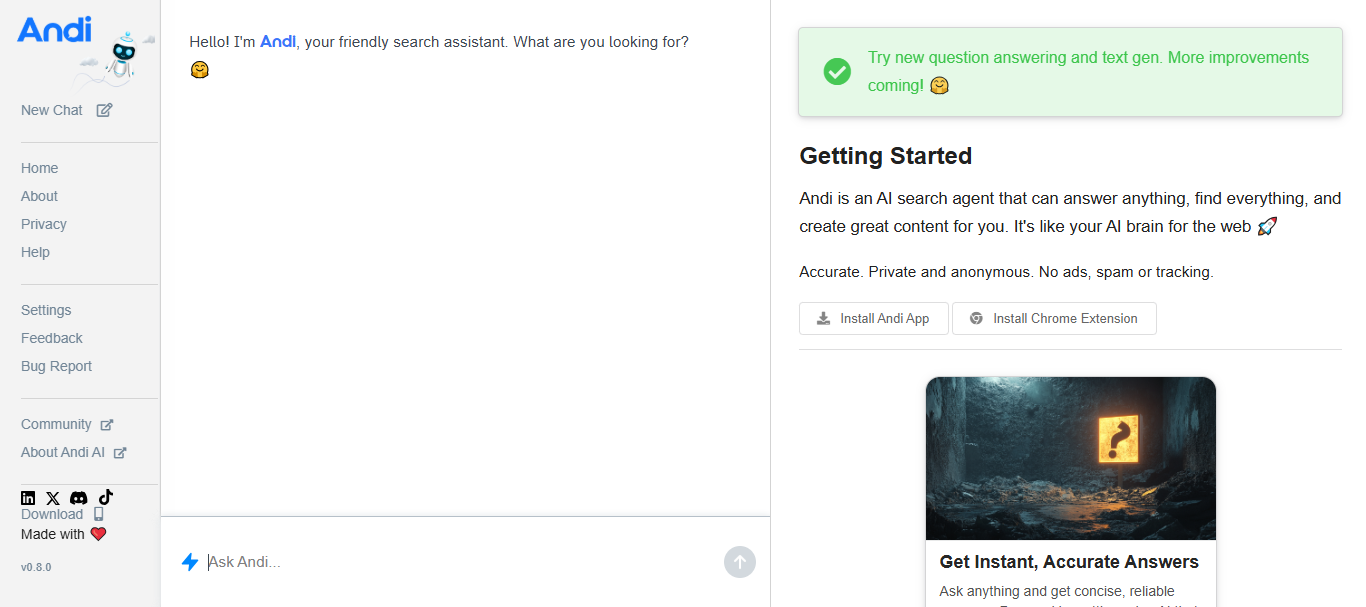
It has eliminated the clutter of ads, allowing the user to skip straight to an answer and even contribute to their understanding of a complex topic. The AI uses natural conversation to identify the information needed and present it in a concise and comprehensible manner.
Many users, especially students and researchers, have greatly enjoyed the numerous benefits to its clear and easy-to-use interface. Andi is actively diverting search engines away from a traditional model by adopting artificial intelligence to enhance conversational search methods while rapidly discovering knowledge.
Andi Search – Key Features
- Conversational Search: AI responses in place of links
- Clean Interface: A simple search experience with no distractions
- Quick Summaries: Simplifies complex explanations
- Natural Interaction: Follow-up questions are supported
| Pros | Cons |
|---|---|
| Clean conversational search interface. | Smaller user community than competitors. |
| Ad-light browsing experience. | Limited enterprise-level integrations. |
| Easy-to-read summarized responses. | Search index is less comprehensive. |
| Beginner-friendly design. | Fewer advanced AI productivity features. |
9. Komo AI
AI-assisted exploration is the main focus of Komo AI. The company aims to assist users in the discovery of ideas, suggested offerings, new trends, and even valuable resources online, via a conversational search.
Instead of bombarding users with tons of links, Komo AI summarizes those links and provides easily digestible insights for users. Komo AI is also great for activities such as brainstorming, research, shopping, and travel.
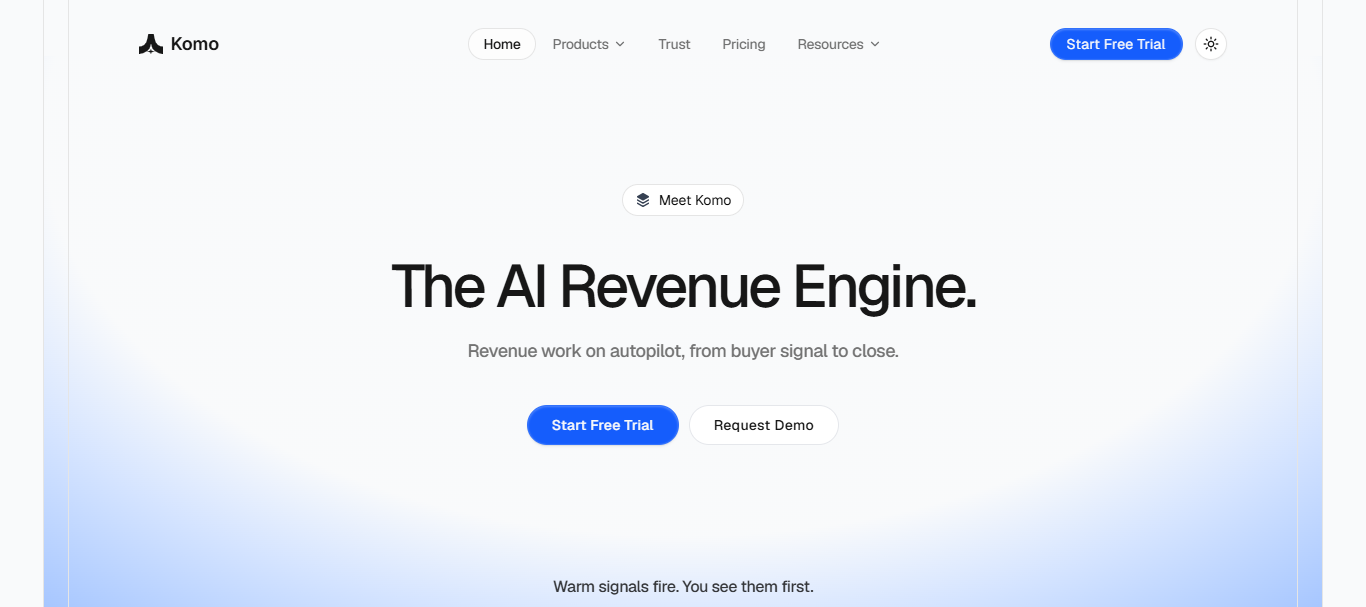
Its interactive nature is great for the discovery of new education resources alike. The personalization offered by AI ensures relevance, and helps combat unnecessary overload of information. Komo AI’s search is a modern take on intelligent search, and is a great tool for those who want to make more informed decisions in a timelier manner on a variety of topics.
Komo AI – Key Features
- Idea Discovery: Helps search and explore topics and ideas
- Personalized Recommendations: Offers relevant content based on user intent
- Research Assistance: Eases gathering information on any topic
- Interactive Search: Promotes a dialogue based search instead of a keyword search
| Pros | Cons |
|---|---|
| Great for idea exploration. | Still expanding platform capabilities. |
| Personalized AI recommendations. | Smaller ecosystem than leading competitors. |
| Helpful for brainstorming and discovery. | Limited advanced developer features. |
| Modern conversational search experience. | Enterprise adoption remains relatively limited. |
10. Exa AI
Exa created a semantic AI search that is ideal for developers, researchers, and the rest of the employees at a startup or enterprise. Exa is an example of a company that uses a meaning over fixation on keyword methodology.

Exa also offers robust APIs to help users create their own AI agents and research or retrieval based applications and tools that use their search technology.
Exas use of search semantics helps their users achieve high levels of accuracy when retrieving information that is complex or previously thought to be too difficult to find.
Exa AI – Key Features
- Semantic Search: Searches based on the meaning of the query, not keywords
- Developer APIs: Offers integrations for building applications
- Accurate Retrieval: Returns relevant information from the web
- Enterprise Ready: Supports research and business workflows and AI agents
| Pros | Cons |
|---|---|
| Powerful semantic search technology. | Primarily targets developers and businesses. |
| Excellent APIs for AI applications. | Requires technical knowledge for implementation. |
| High-quality data retrieval capabilities. | Not designed for everyday casual searches. |
| Ideal for enterprise AI projects. | Advanced usage may involve additional costs. |
Why People Trust AI Search Companies
- Time Efficiency: People save time searching because AI discovers the answer quickly after analyzing the best information.
- Response Quality: AI provides the best quality responses because the advanced models have the ability to answer questions in a clear, contextual, and correct manner.
- Cited References: Quality search engines assist the user in verifying the information and allow the user to perform the verification because they cite the references.
- Research Efficiency: AI helps users perform research better the whole day by providing a summary of the information on a complicated subject, the information is organized for easy consumption.
- Improvements & Updates: Changes in the models and updates yield better results and enhance other functionalities and the overall experience for the users.
How To Choose The Best AI Search Company
- Understand Your Primary Use Case: Determine the basis of your selection: Research, coding, writing, education, or business productivity.
- Assess Search Precision: Determine whether the product offers answers that are relevant, correct, and context-sensitive.
- Investigate Privacy: Determine the company’s approach to privacy and data collection before you are comfortable searching for or storing sensitive data.
- Compare Available AI: Research the ability of the systems you are comparing to offer live search, citations, be multimodal, and offer conversational follow-up.
- Assess Costing & Value: Research the available free plans and consider the paid features and subscription fees and if they meet your needs.
- Validate Available Integrations: Review the available integrations for the productivity systems you use, your browser, APIs, and third-party systems.
- Prioritize User Experience: Favor a system with the best intuitive interface and fastest system for the most seamless navigation for your daily use.
Conclsuion
In conclusion, the leading AI search companies are revolutionizing online perceptions and interactions with information. These companies use advanced AI technology to provide assistive computer coding, answer questions in real-time, and help you search online while protecting your privacy.
By looking at the features and costs of the companies, and adequately assessing the accuracy of the searches and level of privacy provided, you can choose the company that meets your expectations and use its services to vastly enhance your productivity, education, and search experiences throughout the day.
FAQ
What is an AI search company?
An AI search company uses artificial intelligence to deliver conversational, accurate, and context-aware search results.
Which AI search company is the best?
OpenAI, Google, Perplexity AI, and Microsoft Bing are among the top AI search companies.
Are AI search engines free to use?
Most offer free plans with optional premium subscriptions for advanced AI features.
Can AI search replace traditional search engines?
AI search enhances traditional search but still complements conventional web search for many tasks.