In this article, I will review apps that help you manage tasks, organize your calendar, and become more efficient. It is helpful to choose the right tool to increase your productivity.
These apps assist with task management, notes, collaboration on projects, and even optimizing your time. With the right app, you will be able to focus more and work in a more streamlined way.
Key Points & Best Apps for Productivity
| App | Key Point |
|---|---|
| Saner.AI | ADHD-friendly notes and task management |
| Reclaim.ai | Smart calendar automation and time blocking |
| Manus.im | Autonomous AI agent for workflows |
| OneSec | Breaks distraction cycles with mindful pauses |
| Wispr Flow | Voice dictation for faster input |
| Napkin.ai | Visual idea mapping and creativity boost |
| Superhuman | Lightning-fast email management |
| Jamie | Bot-free meeting summaries |
| Trello | Kanban boards for team collaboration |
| Evernote | Robust note-taking and document storage |
10 Best Apps For Productivity
1. Saner.AI
Saner.AI uses productivity tools to help users optimize their workflow automation and examine tasks. It prioritizes automation and efficiency through actionable recommendations.
Users have the ability to centralize their calendars, emails, and other revitalized project management tools to monitor their dashboards.
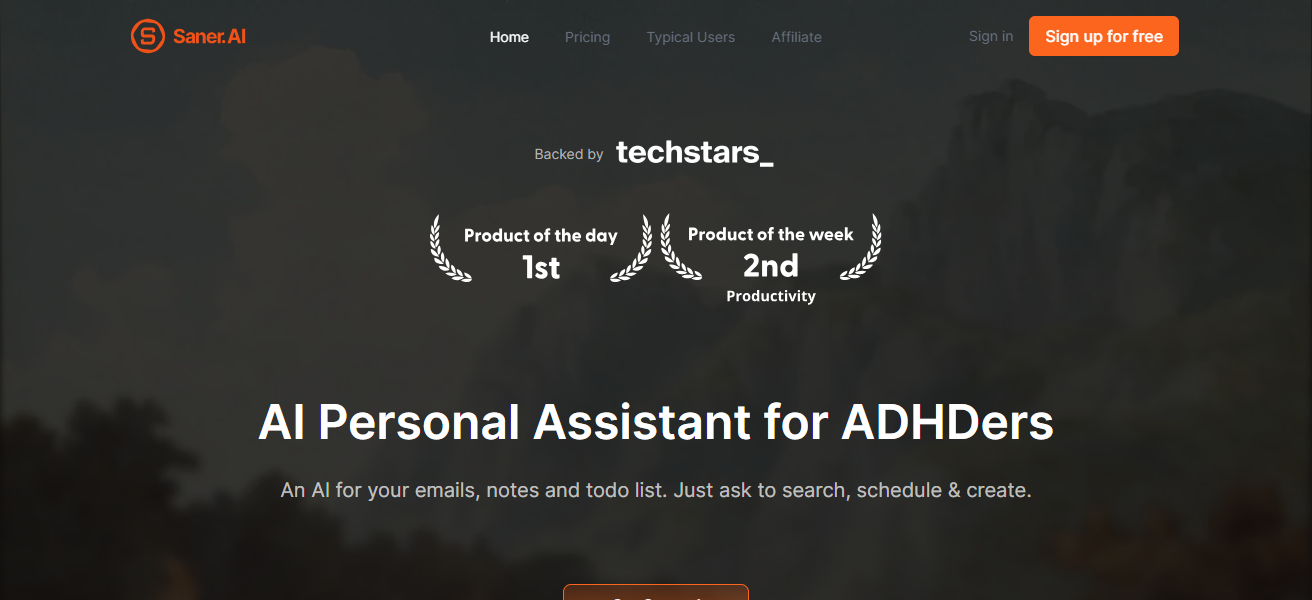
Users also report less decision fatigue, improved focus, and less repetitive tasks due to the automation of recommendations.
Smart reminders, task prioritization, and data based workflow revitalization are features that enhance productivity and structure work for faster completion. All of these tools and recommendations make Saner.AI the perfect choice for professionals.
| Pros | Cons |
|---|---|
| AI-powered task prioritization saves time and reduces decision fatigue. | Can be overwhelming for beginners due to multiple features. |
| Integrates with email, calendars, and project management tools. | Some advanced features may require a premium subscription. |
| Provides actionable insights and workflow optimization suggestions. | Limited offline functionality. |
| Helps minimize repetitive tasks and boosts efficiency. | May not be suitable for very small teams or individuals. |
2. Reclaim.ai
Working on Reclaim.ai is smart calendar assistant which organizes your calendar to boost your productivity.
After syncing with your Google Calendar, it analyzes your meetings, tasks, and personal priorities to schedule focus work blocks.
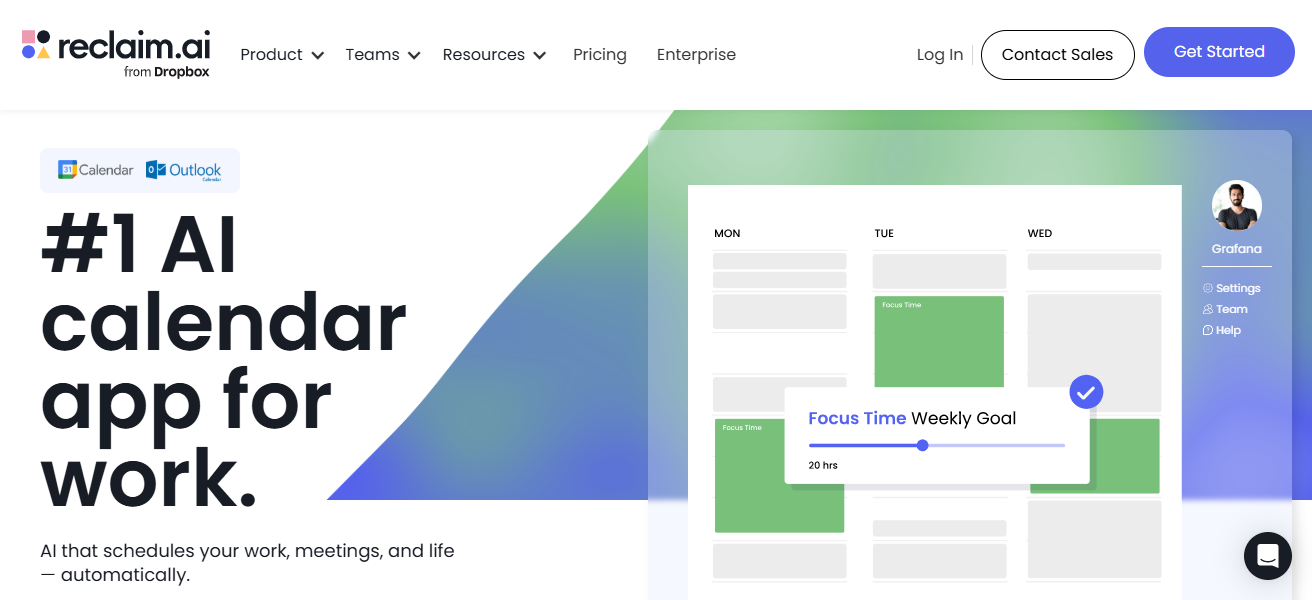
You can set goals and track habits, and optimize your personal and professional commitments. Its AI feature is adept at rescheduling which ensures that no tasks are over looked and the to do list is optimized daily.
Reclaim.ai is tailored for busy people or teams who want to minimize calendar overlaps, automate task planning, and maintain a healthy productivity level with a work-life balance.
| Pros | Cons |
|---|---|
| Automatically schedules tasks and meetings to optimize time. | Limited to Google Calendar integration. |
| Helps balance personal and professional priorities effectively. | AI scheduling suggestions may not always match user preferences. |
| Tracks goals and habits to improve consistency. | Can feel restrictive if manual schedule control is preferred. |
| Reduces scheduling conflicts for teams and individuals. | Some users may find premium features expensive. |
3. Manus.im
Manus.im built an unique note-taking and collaboration tool, which streamlines your day as a professional. It enables teams to document ideas, organize their thoughts, and think collaboratively.
Powerd by AI, Manus.im helps draft text, summarize long-winded content, and point out important details. Users can create project progress trackers, interlink notes, and sync with tools like Google Workspace and Slack.
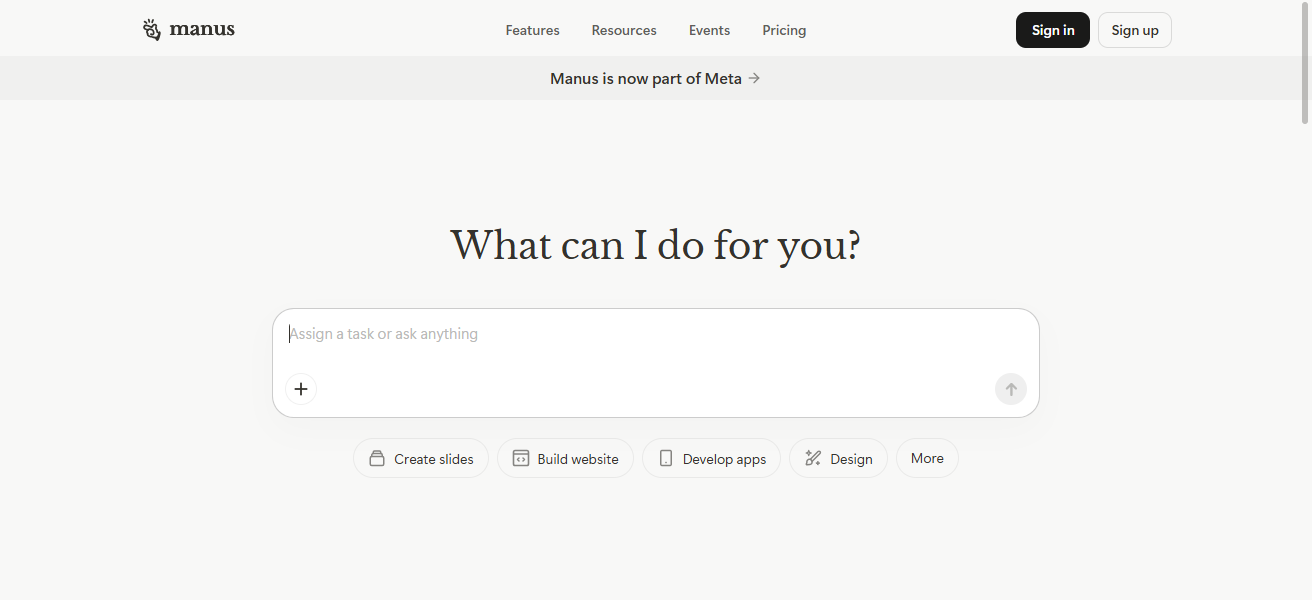
Manus.im helps combat information overload by providing users with an organized and structured knowledge system.
Manus.im is designed for knowledge workers, researchers, teams and entities that want to enhance communication, collaboration and productivity.
| Pros | Cons |
|---|---|
| AI-assisted summarization and content drafting save time. | Interface can be complex for new users. |
| Supports real-time collaboration with teams. | Limited integrations compared to larger productivity suites. |
| Organizes knowledge and reduces information overload. | Advanced AI features may require subscription. |
| Helps track project progress and link notes efficiently. | Mobile app functionality is limited. |
4. OneSec
OneSec is designed as a micro-productivity app, aimed to help users be productive, one second at a time. It helps users break their tasks into one minute activities, helping them stay focused and tackle procrastination.
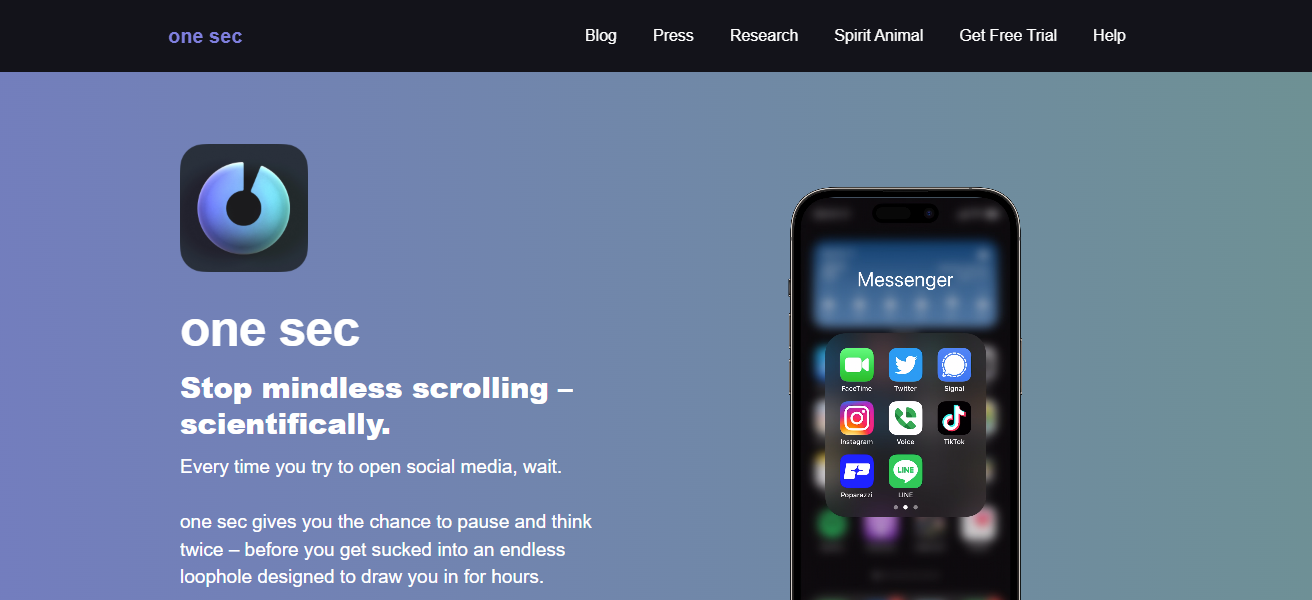
The app breaks tasks down into smaller actionable items and tracks progress to help reduce the feeling of overwhelm. Quick actionable tasks build momentum and help create a productive and accomplished feeling throughout the day.
The app is simple and easy to use and is designed with a minimal aesthetic. It helps students and professionals turn time into productivity and helps them maintain a streamlined workflow.
| Pros | Cons |
|---|---|
| Encourages productivity in one-minute bursts, reducing procrastination. | Best suited for small tasks; not ideal for long projects. |
| Minimalist and intuitive interface. | Limited advanced project management features. |
| Builds momentum and daily accomplishment. | May require discipline to maintain consistent usage. |
| Simple reminders and task tracking improve focus. | No collaboration features for teams. |
5. Wispr Flow
Wispr Flow combines task management, automation, and focus tracking to boost user productivity. It’s AI helps users downgrade work, avoid distractions, and eliminate unnecessarily repetitive work.
Wispr Flow uses visual dashboards for project management and integrates with Trello, Slack, and Google apps. The app includes focus timers, time tracking analytics, and goal tracking.
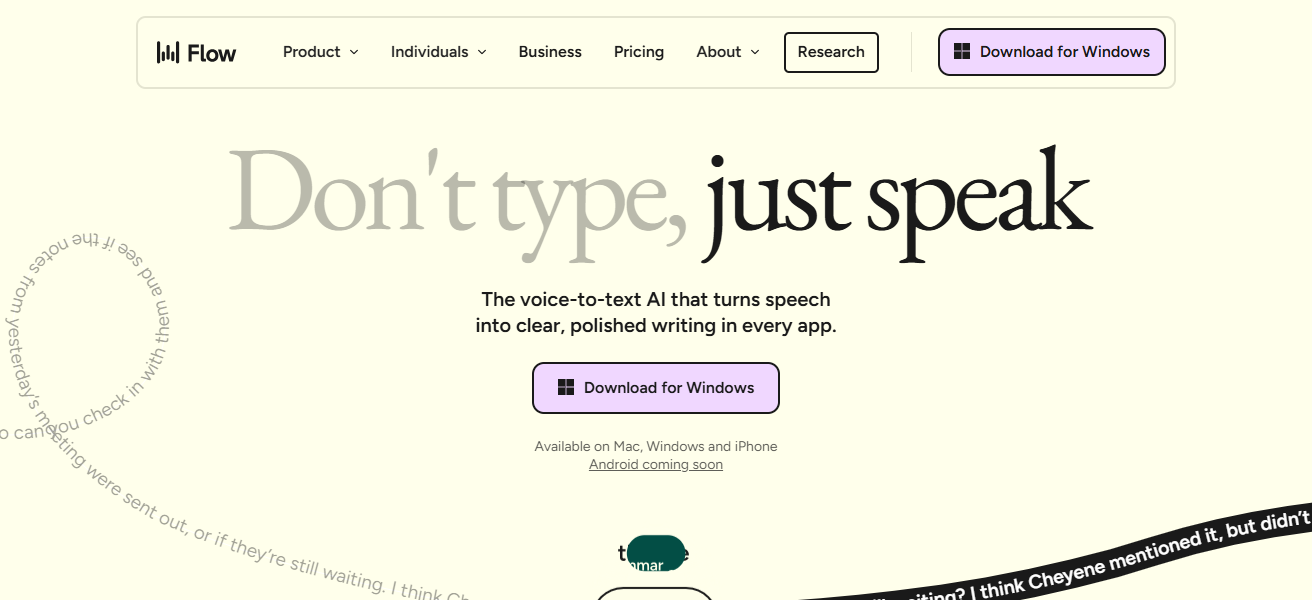
Wispr Flow is optimized for users seeking automation, accountability, and efficiency. Wispr Flow fosters mastery over work while alleviating stress.
| Pros | Cons |
|---|---|
| Combines task management, focus tracking, and automation. | Can be overwhelming with too many features. |
| Integrates with Trello, Slack, and Google Workspace. | Some AI suggestions may not always be accurate. |
| Visual dashboards make project tracking easier. | Learning curve for beginners. |
| Helps reduce distractions and maximize output. | Premium subscription needed for full features. |
6. Napkin.ai
Napkin.ai provides artificial intelligence powered summarization assistant. Users can create summaries, organize information, and analyze data with the help of Napkin.ai’s summarization and analysis tools.
Professionals, students, and researchers can use Napkin.ai to help with information gathering and help pinpoint information from articles, reports, or PDFs.
Users can highlight, summarize, and create notes using the systems tools. These notes can be used for future reference.
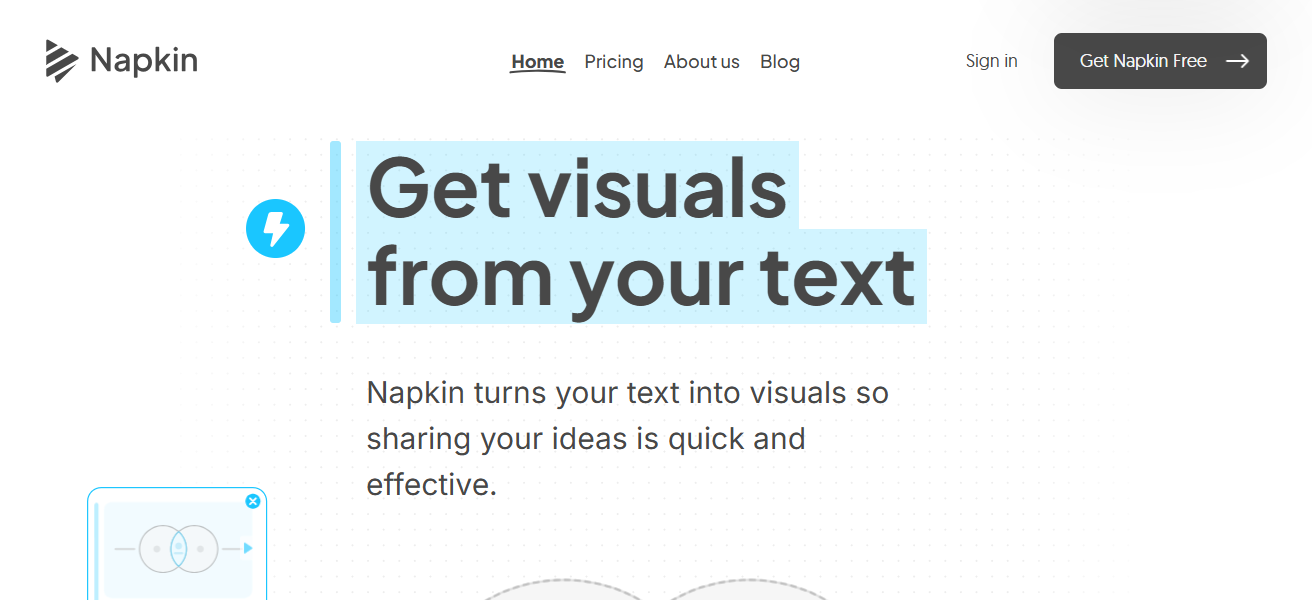
Teams can share information with colloboration tools. Napkin.ai increases productivity by eliminating tedious and time consuming research.
Users can be more efficient by being able to focus on important decision making rather than data processing. Napkin.ai streamlines knowledge management.
| Pros | Cons |
|---|---|
| AI summarizes documents and highlights key points. | Limited free usage; full access requires payment. |
| Organizes research efficiently for professionals and students. | Can depend heavily on AI accuracy. |
| Supports collaboration and sharing of insights. | May not replace in-depth manual research. |
| Saves significant time in analyzing large volumes of information. | Interface may feel basic compared to full research tools. |
7. Superhuman
Superhuman is a paid email service that is created for fast and efficient email management. Clients are offered features like smart sorting, reminders to follow up, tracking the status of emails, and employing keyboard shortcuts to fill up and reduce the clutter in inboxes.
The app is centered on assisting users in managing emails in a highly organized manner, while it helps in increasing speed.
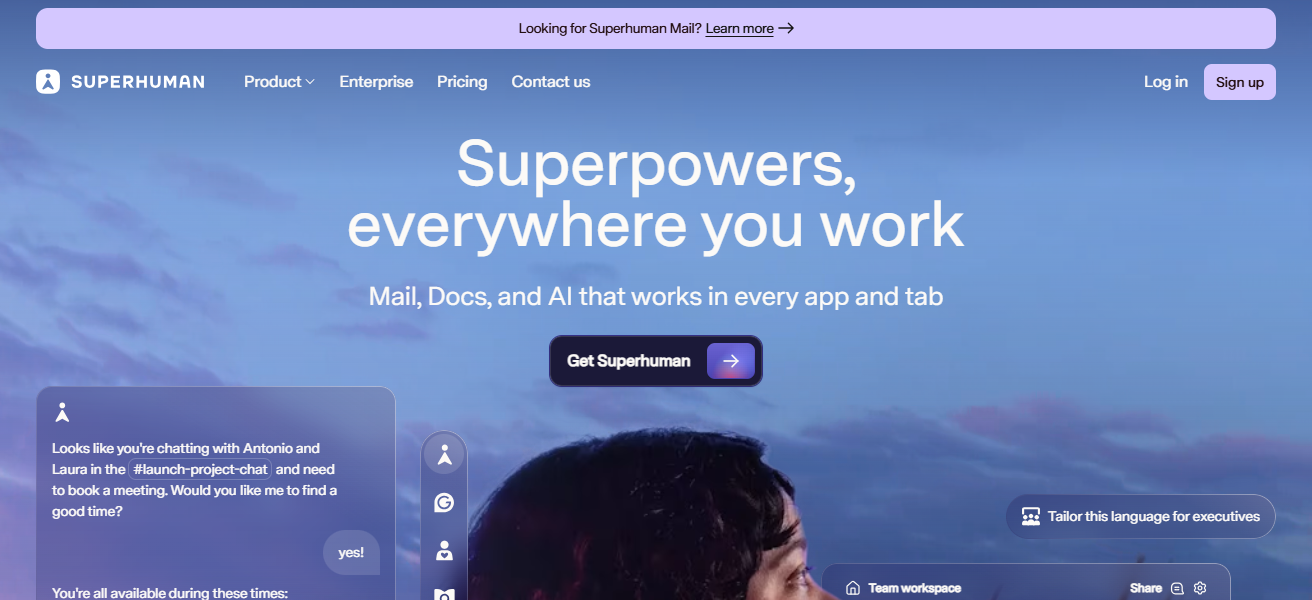
The customer’s focus is on productivity. Features like snoozing, scheduled sending, and insights help streamline a user’s workflow.
Superhuman is tailored for busy professionals, entrepreneurs, and executives to regain lost email control, reduce time spent, and enhance communication across various workspace more effectively.
| Pros | Cons |
|---|---|
| Speeds up email processing with keyboard shortcuts and AI tools. | Expensive subscription for individuals. |
| Smart sorting, follow-ups, and read tracking enhance workflow. | Limited to email management; not a full productivity suite. |
| Clean interface reduces distractions. | Learning curve for users new to advanced email features. |
| Scheduled sending and snoozing improve efficiency. | Only supports specific email providers. |
8. Jamie
Jamie is a personal AI assistant designed to help users streamline tasks, manage schedules, and improve productivity.
It offers seamless integration with calendars, to-do lists, and communication apps to give real-time reminders, prioritize tasks, and provide actionable insights.
Over time, Jamie improves to understand a user’s habits and suggests the best routines to keep them focused on their most important activities. Its conversational AI design helps with great ease to manage and automate tasks.
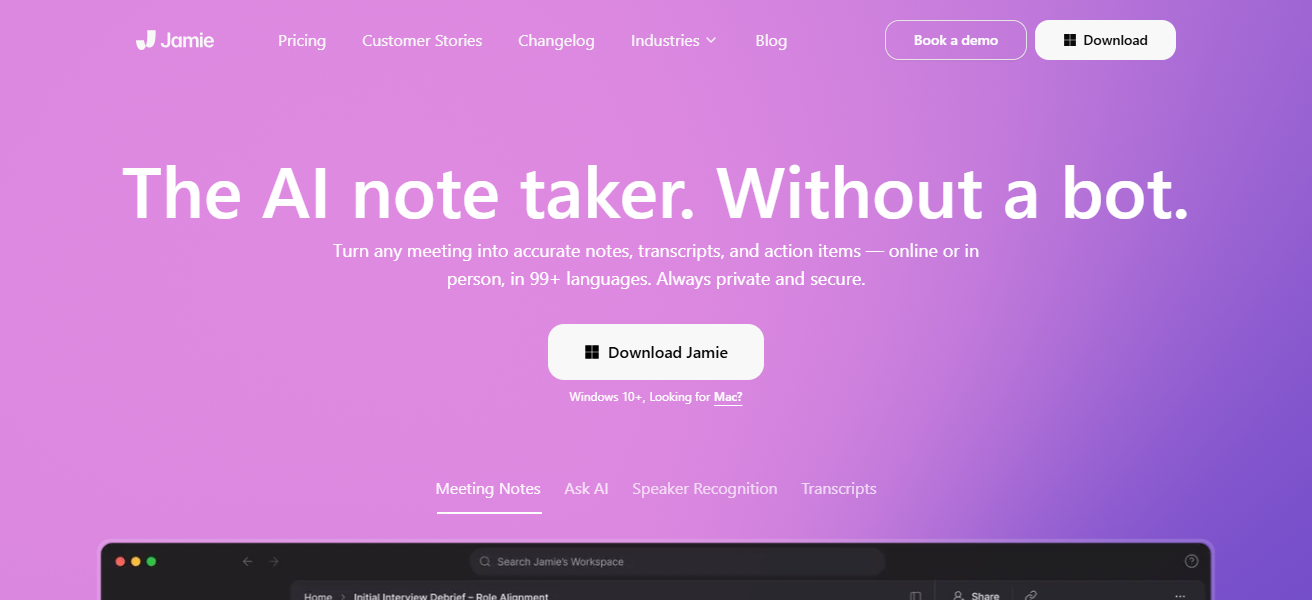
It is designed to help professionals and individuals by creating time, relieving them of tedious activities, and lessening the cognitive burden.
This is especially useful for people who are managing several projects, and individuals who want to enhance their productivity with the help of intelligent, AI-driven solutions.
| Pros | Cons |
|---|---|
| AI assistant automates task management and scheduling. | Relies on AI accuracy for recommendations. |
| Provides real-time reminders and actionable insights. | Premium features may require subscription. |
| Learns habits to suggest optimal routines. | May not integrate with all tools or platforms. |
| Helps reduce mental load and improve focus. | Some users may prefer manual control over AI suggestions. |
9. Trello
Trello is a highly effective way to manage your projects visually. You can organize your tasks with boards, lists, and cards.
You can see what projects are in progress, and manage what tasks are complete. With there integrations with applications like Slack, Google Drive, and Jira managing your work collaboratively is easy.
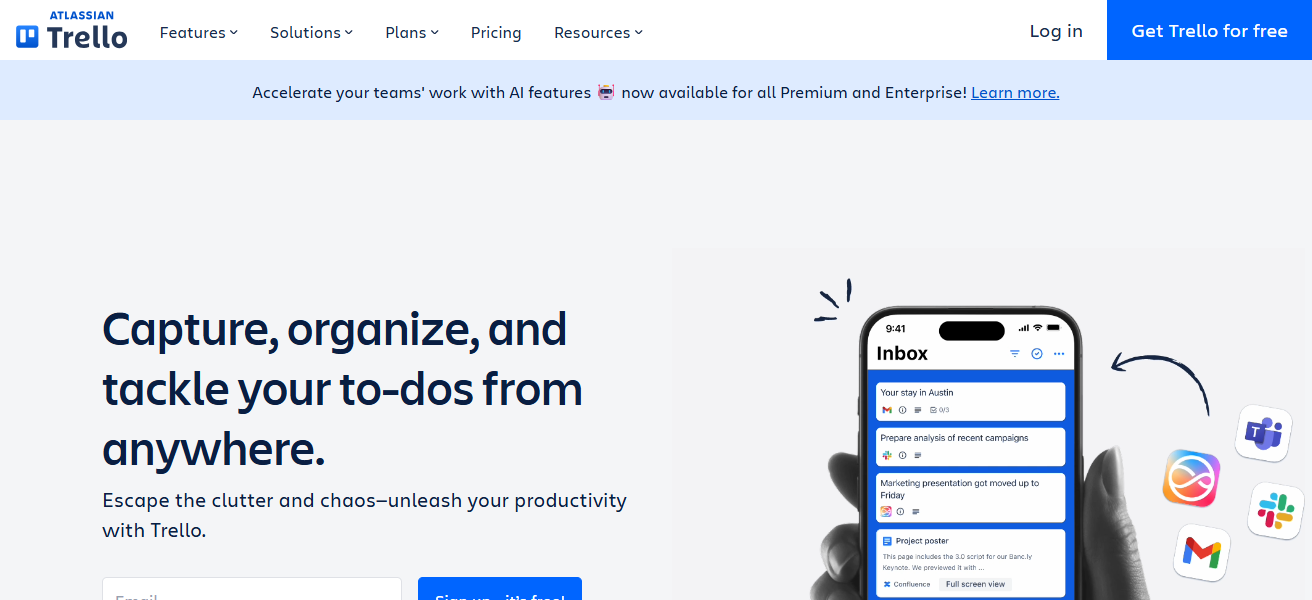
You can customize your work boards, and manage tasks with their drag and drop user interface. There automation features, like Butler, automate tedious tasks, and help reinforce a productive work environment.
Overall Trello can help any project manager, team employee, easily manage their work visually with a system that is simple and effective.
| Pros | Cons |
|---|---|
| Visual boards make project tracking easy. | Can be too simple for complex project management. |
| Drag-and-drop interface is intuitive and customizable. | Heavy boards may slow down performance. |
| Integrates with Slack, Google Drive, Jira, and more. | Limited offline functionality. |
| Automation (Butler) reduces repetitive tasks. | Large teams may need premium plan for advanced features. |
10. Evernote
Evernote is one of many note-taking apps designed for professional and personal productivity. Users can save notes, to-do lists, web clippings, and idea captures all in one place.
Users can easily decentralized and organize notes using tags and the AI system search. Users can even collaborate on notebooks, and notes.
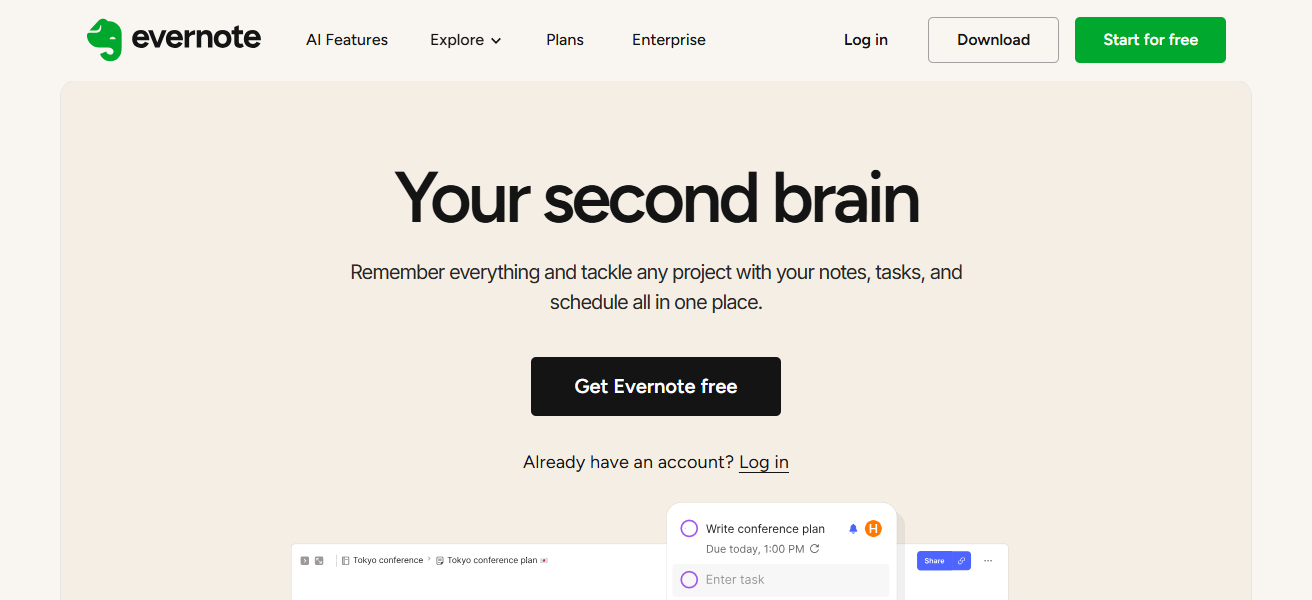
Integration with other note-taking tools and media-imbeding notes can be helpful for productivity streamlining.
Evernote is great for centralizing information and for knowledge-based outlining research. Evernote is great for simplifying and structuring information for easy access.
| Pros | Cons |
|---|---|
| Centralizes notes, tasks, and web clippings efficiently. | Free plan has limited storage and features. |
| AI search, tagging, and organization improve retrieval. | Can feel cluttered with too many notebooks. |
| Supports multimedia notes and collaboration. | Some integrations are only available in premium plans. |
| Helps streamline research and knowledge management. | Learning curve for advanced features. |
How To Choose Best Apps For Productivity
Identify your primary goals – Identify if tasks, notes, email, or research productivity is your focus.
Look for AI features – Apps with smart automation, prioritization, and time saving suggestions are better.
Think about the integrations – App should integrate with your email, calendar, or project management.
User Experience (ease of use) – User-friendly apps are better than complicated or more confusing apps.
Support for Collaboration – If tasks require teamwork, look for sharing and real-time update apps.
Flexibility – Choose apps that permit you to configure barriers, dashboards, and notifications.
Device Compatibility – The best apps work on mobile, desktop, and cloud for all-round access.
Check for Offline Capabilities – Ensure you can view or check tasks and notes without the internet.
Value for Money – Free and premium features should be weighed to get benefits worth to be paid for.
Check User reviews and support – For long-term use, assessing reliability, updates, and customer support is important.
Conclsuion
To sum up, selecting the right best apps for productivity can change the way you handle your tasks, organize your time and keep your focus.
The best apps for productivity like, Saner.AI and Jamie use AI, while apps such as Trello and Evernote help with project management.
These assist in the improvement of work flow, reduction of and with stress, and productivity. The right apps help you with working smart, managing your time and project.
FAQ
Trello and Wispr Flow are ideal for organizing tasks, tracking progress, and team collaboration.
Superhuman is perfect for fast, AI-assisted email management and prioritizing important messages.
Manus.im, Evernote, and Napkin.ai help capture notes, summarize information, and store research.
Yes, AI features in apps like Saner.AI, Jamie, and Reclaim.ai automate tasks and optimize schedules.