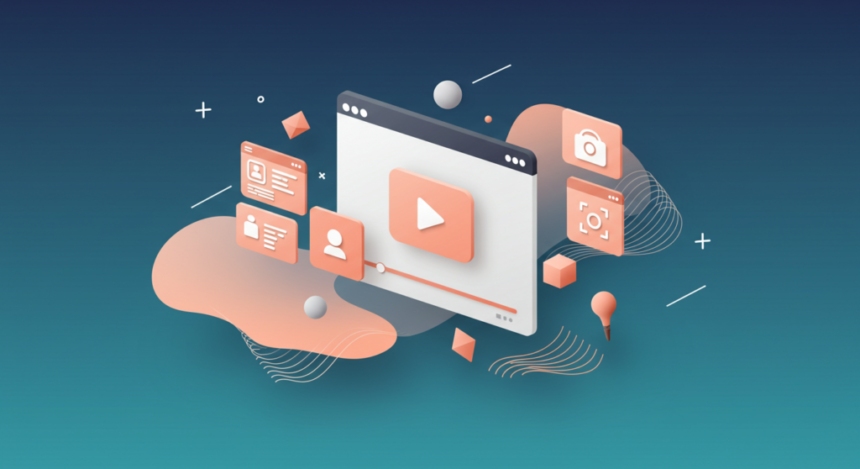
In this article, I would discuss the apps that help users from all skill levels create videos from good to great video editing apps. The right app will depend on your editing skills, editing needs, and compatibility with your devices.
The tools span from highly sophisticated industry-grade software to simple mobile apps and will enable you to customize your videos to be captivating and edited to a polished finish.
Key Points & Best Apps For Video Editing
| App | Key Point |
|---|---|
| Adobe Premiere Pro | Industry standard with AI-powered timeline and 10K resolution support |
| Final Cut Pro | Optimized for macOS with advanced magnetic timeline |
| DaVinci Resolve | Professional color grading and free robust version |
| Filmora | Beginner-friendly with drag-and-drop editing |
| CapCut | Popular for social media with AI auto-cut tools |
| InShot | Mobile-focused with quick trim and music sync |
| Apple Clips | Simple iOS editor with fun effects and stickers |
| Kinemaster | Layer-based editing with mobile professional features |
| GoPro Quik | Automatic highlight reels for action footage |
| Riverside | AI-powered video editor for podcasts and remote recording |
10 Best Apps For Video Editing
1. Adobe Premiere Pro
Adobe Premiere Pro is one of the most powerful and widely used professional video editing apps in the world. It has many advanced tools that let you do detailed editing on audio, visuals, and even mix the two.
It supports almost every video format, and works with all other Adobe apps, such as After Effects, and Photoshop.
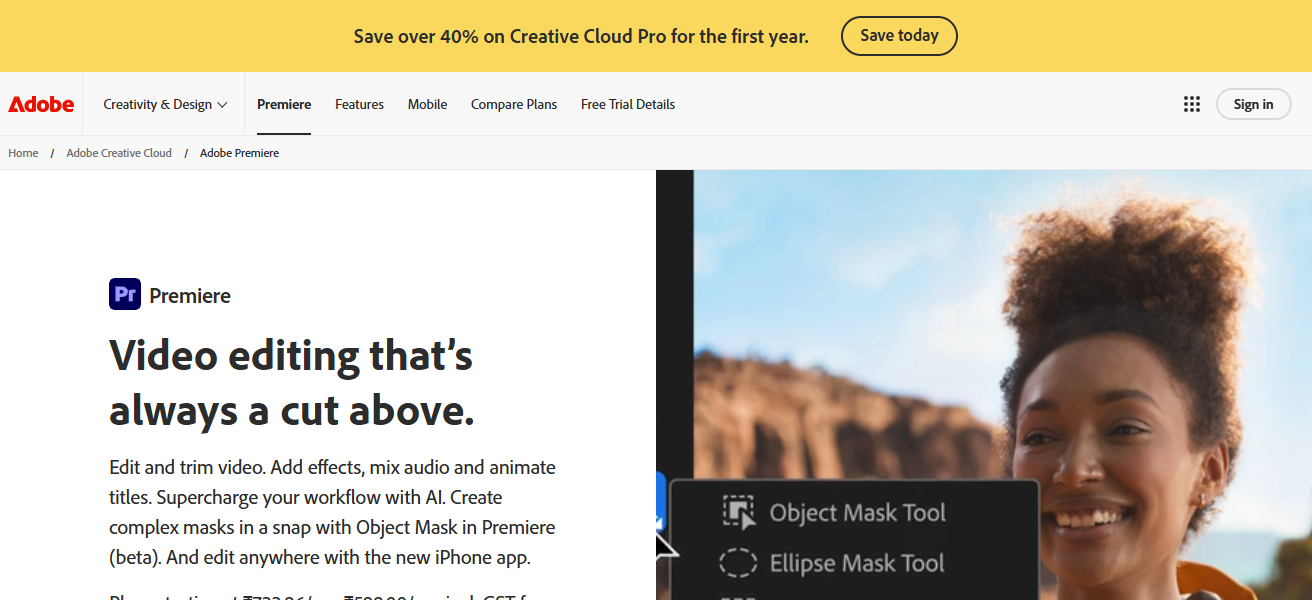
Premiere Pro is perfect for YouTubers, filmmakers, and other content creators that need high precision on almost every single element in their project.
Though it has a steep learning curve for first users and requires a subscription, its advanced features that keep Premiere at the top of the industry stabilize its high rating for video editing tools.
Adobe Premiere Pro – Key Highlights
- Premiere Pro is the editing app of choice for video professionals.
- Edit and arrange video clips using almost limitless tracks.
- Excellent tools for audio mixing and color grading.
- Integrates directly with After Effects and Photoshop.
- All video formats and codecs can be worked with.
- Great for YouTube, video editing, and other professional jobs.
- Frequent upgrades with the collaborative cloud-based software.
- Upgrading features require a paid subscription.
| Pros | Cons |
|---|---|
| Industry-standard professional video editor | Requires a monthly subscription |
| Supports almost all video formats | Steep learning curve for beginners |
| Advanced color grading and audio tools | Can be resource-heavy on low-end systems |
| Seamless integration with Adobe ecosystem | Not beginner-friendly |
| Regular updates and cloud features | Subscription cost adds up over time |
2. Final Cut Pro
Final Cut Pro is Apple’s video editing program designed only for macOS. Final Cut Pro has a reputation for being exceptionally quick and for being able to edit 4K and 8K video.
Final Cut Pro is very fast at high resolution video editing and is very popular among YouTubers and Apple editors.
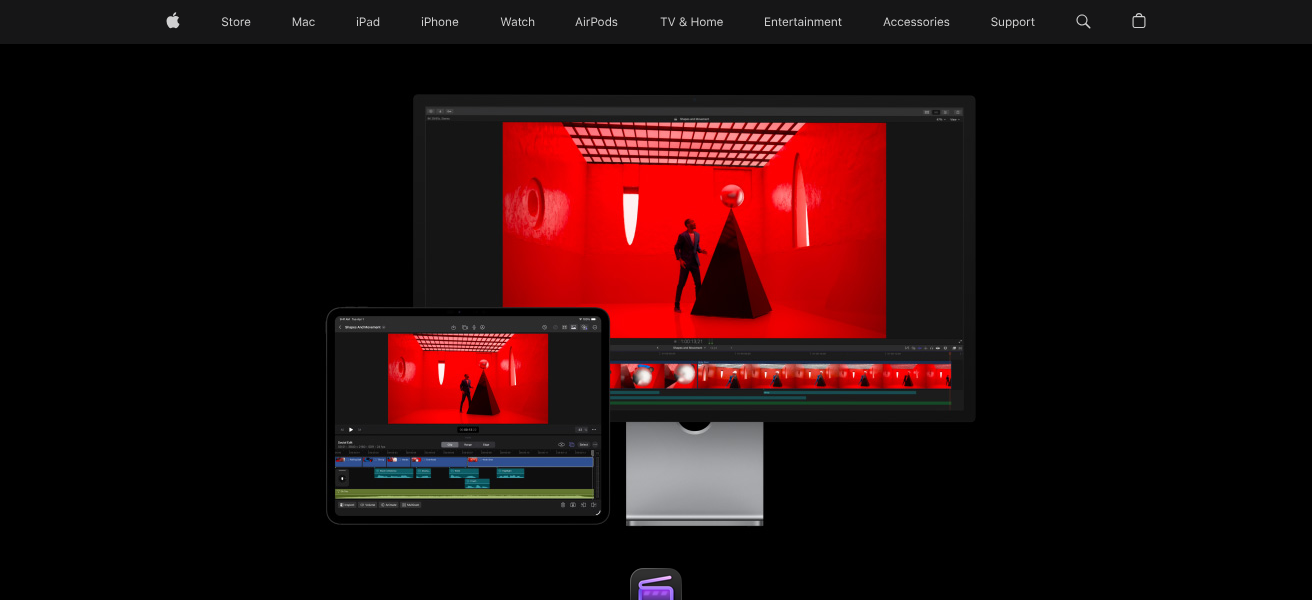
Final Cut Pro is especially popular because editing and color grading and audio editing and motion graphics editing is offered for a one time purchase.
Final Cut Pro is very stable and optimized to run on apple products which makes it a good program to use for editing. Final Cut Pro is one of the best alternatives to Adobe Premiere Pro.
Final Cut Pro – Key Highlights
- Advanced video editing software made for macOS.
- Optimized for Apple hardware, especially the newer generations.
- Easy and quick editing with the floating, magnetic timeline.
- Multi resolution editing with 4K/6K/8K.
- Advanced editing motion graphics and color tools.
- No subscription needed, just a one-time, full software purchase.
- Popular with professional editors, especially YouTube editors.
| Pros | Cons |
|---|---|
| Extremely fast performance on macOS | Available only for Apple users |
| One-time purchase, no subscription | High upfront cost |
| Optimized for Apple Silicon | Limited collaboration features |
| Magnetic timeline improves workflow | Smaller plugin ecosystem than Adobe |
| Excellent for 4K and 8K editing | Not suitable for Windows users |
3. DaVinci Resolve
DaVinci Resolve is one of the most powerful applications. It is best known for the professional color grading it does. It combines video editing, color correction, visual effects, and customization of audio in one platform.
It includes motion graphics as well. Most applications like this one charge a monthly fee, however, DaVinci Resolve has a free version that is powerful enough for professional use.
DaVinci Resolve is one of the most used applications in the film and TV industry because of the high quality and precision of the service.
Even though it is true that the service is complicated in the beginning for new users most of the industry users enjoy the flexibility and performance that is provided.
DaVinci Resolve – Key Highlights
- Unrivaled for the length and quality of color correction and grading.
- Great software for everything, including color, audio, editing, and VFX.
- No cost for the basic features of the software.
- Excellent for the high-quality output for TV legal.
- Consumer level with the advanced motion graphics add-on, Fusion.
- Fairlight is the audio editing software.
- Beginners face significant challenges
| Pros | Cons |
|---|---|
| Industry-leading color grading tools | Complex interface for beginners |
| Powerful free version available | Requires a powerful system |
| All-in-one editing, VFX, and audio | Learning curve is steep |
| Used in film and TV production | Some features locked behind paid version |
| High-quality cinematic output | Interface can feel overwhelming |
4. Filmora
Filmora is a great option for beginner and intermediate video editors. The editing interface is straightforward and uses a drag and drop system.
Video editors can utilize a ton of effects, transitions, and animations and choose any song from their library of royalty-free music.
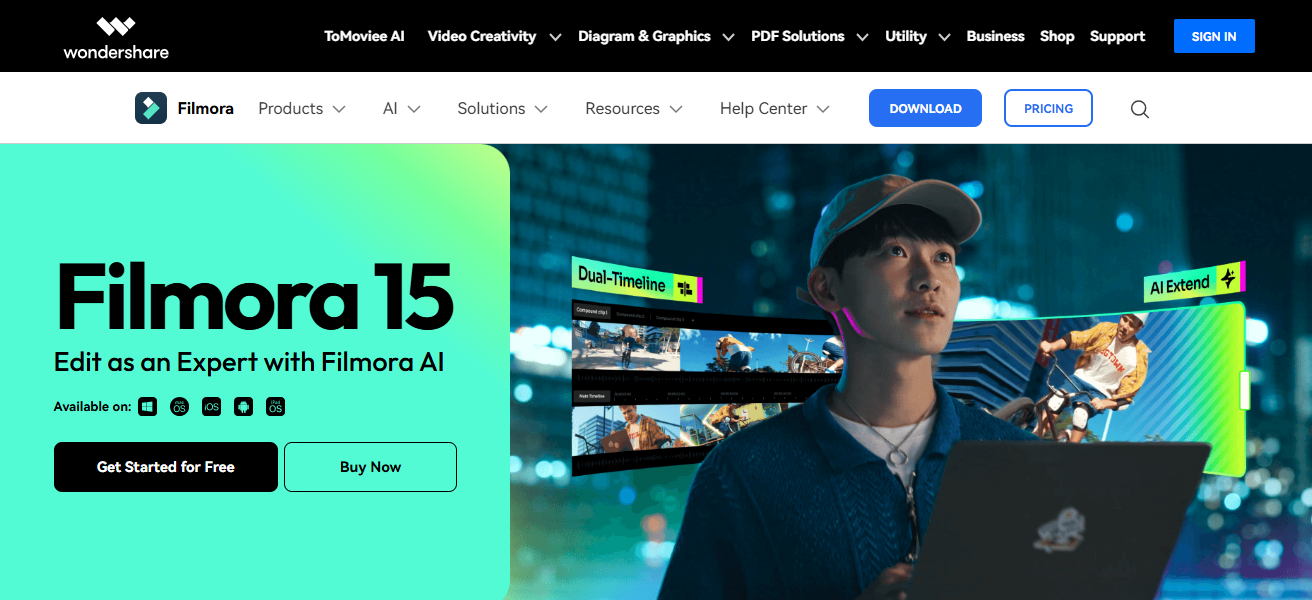
This makes video editing a ton quicker. Professional looking video editing is available for Youtube video editors and social media marketers.
Even though Filmora’s Video editing software may be simple and lack some advanced options other editing software offers, it’s still a highly favored choice.
Filmora – Key Highlights
- Large collection of animations, effects, and transitions
- Easy to use, including drag-and-drop controls
- Built in sound effects and music that is royalty-free
- Works well with social media and youtube video editing
- Users can edit quickly with little technical expertise
- Runs on Mac and Windows
- Comparatively cheap for video editing to professional versions
- Few features for advanced users
| Pros | Cons |
|---|---|
| Beginner-friendly interface | Limited advanced professional tools |
| Drag-and-drop editing | Not ideal for complex projects |
| Large library of effects and transitions | Watermark in free version |
| Affordable pricing options | Less control for professional editors |
| Great for YouTube and social media | Not industry-standard software |
5. CapCut
CapCut is free, powerful, and easy to use, making video editing fast and fun with features like transitions, captions, and effects.
CapCut is very popular with short-form video creators for TikTok, Instagram Reels, and YouTube Shorts. Offers ready-made templates, AI tools, and other features to assist editing.
CapCut is beginner friendly, yet provides features like keyframes and speed control for advanced editors. The app runs seamlessly on desktops and mobile devices.
Being free and highly accessible, CapCut is a great choice for social media creators to make high-quality videos.
CapCut – Key Highlights
- Strong video editing features for free
- Especially useful for editing TikTok/Reels/ Shorts
- Effects and captions done with AI
- Rapid editing with premade templates
- Controls for speed and keyframes
- Available on mobile and desktop
- Simple for beginners
- Great for short content editing
| Pros | Cons |
|---|---|
| Free to use with powerful features | Limited for long-form professional editing |
| Excellent for short-form content | Internet needed for some features |
| AI tools and auto captions | Less manual control than pro editors |
| Works on mobile and desktop | Not ideal for feature films |
| Beginner-friendly interface | Branding influence from social platforms |
6. InShot
InShot is a mobile video editing application used for editing videos for social media. InShot allows users to edit videos and add songs for social media. InShot is perfect for beginners and allows users to edit videos directly on the users smartphone.
InShot is perfect for users who want to edit vidoes on their smartphone and want a easy editing application.
InShot does not have bad professional editing features and offers users a variety of tools to choose from. InShot has in app purchases and users can use the application for free and use basic editing.
InShot – Key Highlights
- Video editing app that is very basic
- Great for making social media content quickly and efficiently
- Easy to do tasks like cropping, resizing, and trimming
- Has music and sticker features, and filters
- Other features that are optimized for different platforms
- Simple interface that is easy to use
- Quick edits can be done on a smartphone
- Offers upgrades from the free version
| Pros | Cons |
|---|---|
| Simple and easy to use | Limited advanced editing features |
| Perfect for mobile editing | Not suitable for professional projects |
| Social media–optimized aspect ratios | Watermark in free version |
| Smooth performance on smartphones | No multi-track timeline |
| Great for quick edits | Mobile-only limitations |
7. Apple Clips
Apple Clips is a great app for social media content and video editing. It is simple and designed for casual users. You can edit and record short videos on your iPad and iPhone.
The app’s app feature is Live Titles. It creates animated captions based on voice recognition. You can also use stickers, filters, music, and emojis to enhance your videos.
It is true that the app doesn’t have the most advanced editing features, but it is great for casual videos and content. It has great iOS integration which means it is great for Apple users and people who want to use fast editing.
Apple Clips – Key Highlights
- Video editing app for iOS that is free
- Mainly designed for casual, and fast videos
- Automatically generated voice captions for live titles
- Emojis, stickers, and other fun filters
- Simple editing and recording on iPhone/iPad
- No complicated editing features
- Great for social media posts and stories
- Perfect for Apple ecosystem
| Pros | Cons |
|---|---|
| Free and easy to use | Very limited editing tools |
| Live Titles auto-caption feature | Not suitable for long videos |
| Fun filters and stickers | No advanced timeline editing |
| Ideal for quick social videos | iOS only |
| Seamless Apple integration | Not for professional creators |
8. Kinemaster
KineMaster is a powerful mobile video editing app with multi-layer editing, blending modes, chroma key, and detailed frame-by-frame control. Mobile creators and YouTubers needing professional editing on their phones utilize KineMaster.
KineMaster has high-res exports and a large asset store with music, effects, and transitions. The free version has a watermark, but the premium version unlocks powerful editing features.
KineMaster’s advanced features and mobile use make it a top choice for creators editing videos anywhere.
KineMaster – Key Highlights
- Sophisticated editing app for mobile videos
- Editing for multiple layers of audio and video
- Blending options and chroma key
- Precise control frame by frame
- High-res video export
- Music and effects in the asset store
- Watermark on the free version
- Widely used by mobile YouTubers
| Pros | Cons |
|---|---|
| Advanced features for mobile editing | Watermark in free version |
| Multi-layer video and audio support | Subscription required for full access |
| Chroma key and blending modes | Can be heavy on older devices |
| High-resolution export | Interface may feel crowded |
| Popular among mobile YouTubers | Not ideal for desktop workflows |
9. GoPro Quik
GoPro Quik is an automated video editing application for GoPro users and regular video users. The app uses AI to analyze and edit videos with audio, transitions, and effects.
Quik is great for travel videos, action packed videos, and highlights. Quik is great for users who want an edited video with little to no effort.
While other professional editors have more customization than Quik, the app is still speedy, smart, and a good choice for new users and editors.
GoPro Quik – Key Highlights
- Automatic video editing using AI
- Action and GoPro footage oriented
- Music and transitions highlight video edits
- Edits video with minimal hands-on effort
- Adventure and travel video editing
- Simple and quick to use
- Customization options are not many
- Desktop and mobile friendly
| Pros | Cons |
|---|---|
| AI-powered automatic editing | Limited customization options |
| Extremely fast video creation | Not suitable for manual editing |
| Ideal for action and travel videos | Basic editing controls |
| Beginner-friendly | Best results with GoPro footage |
| Polished output with minimal effort | Not for professional editors |
10. Riverside
Riverside is an innovative platform for audio and video recording targeted towards podcasters, interviewers, and content creators. The platform even allows recording with bad internet links.
Users are able to record audio and video at the highest quality locally. There are also built-in editing options, social media clip generators, and automatic transcription for even more functionality.
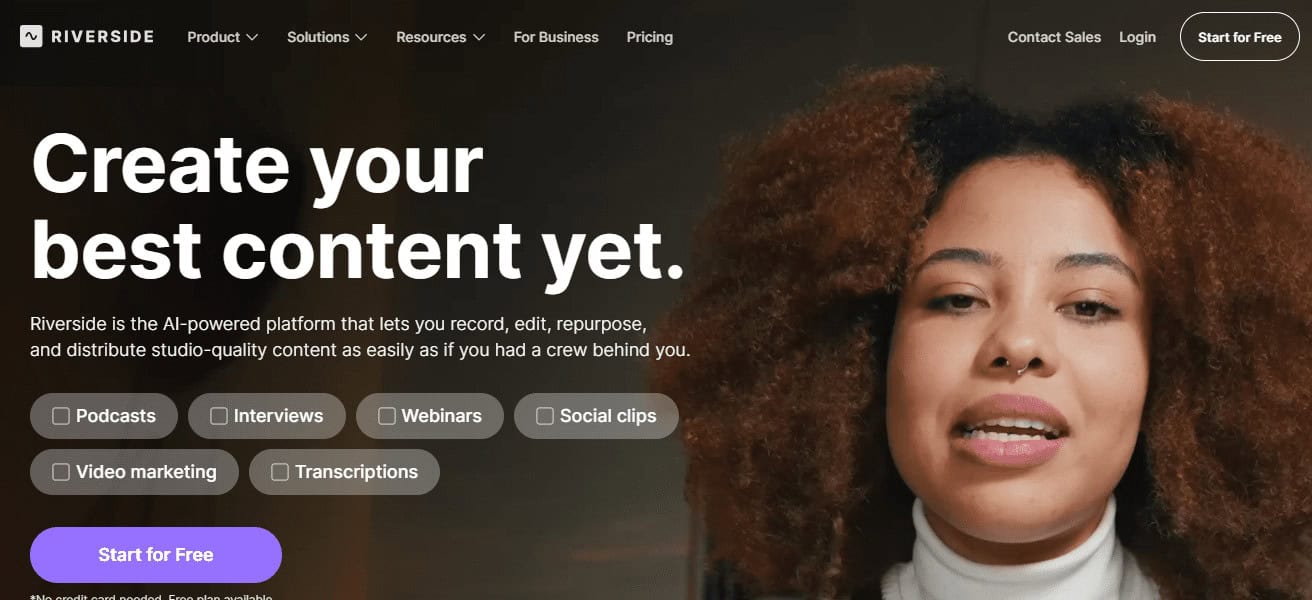
The platform is extremely useful for remote professional content production and interviews. It keeps recording a high quality, and work collaboration options are amazing
Which enables great workflow. It is not a traditional video editor, but is one of the best options for creators that focus on podcasts, webinars, and online shows.
Riverside – Key Highlights
- Great video and audio recording service
- Better quality as it records locally
- Perfect for remote interviews and podcasts
- Editing and clip creation options
- Automatic captions and transcriptions
- Internet connection does not impact quality
- Podcasts, webinars, and shows
| Pros | Cons |
|---|---|
| High-quality local audio and video recording | Not a full video editing software |
| Excellent for podcasts and interviews | Limited creative editing tools |
| Works well with poor internet | Focused mainly on recording |
| Automatic transcription feature | Not ideal for cinematic videos |
| Easy remote collaboration | Less control over visual effects |
How To Choose Best Apps for Video Editing
- Establish editing skill level to ensure app doesn’t have overwhelming features or major restrictions.
- Look for app support for your device’s OS and ability and for a better performance.
- Identify your video features for supported formats, resolutions, and export quality to app needs.
- Make sure app has basic features like slice, transition, effect, and audio editing functions.
- Look for advanced features like color adjust, keyframing, and multi-layer timelines for greater control.
- Determine editing program for positive experience streamline learning for editing features and quick workflow.
- Identify line between paid and free, remove watermarks, and keep features and upgrade costs.
- Ensure fitting social media ratio and check for direct exports to app’s built in social sharing.
- Look for good consistent performance, speed to optimize for high res video performance.
- User feedback can give insight here to guide you for long lasting usability, updates, and reliability.
Conclsuion
In conclusion The best apps for video editing will depend on your device, content goals, and your level of skill. Starting with professional tools like Adobe Premiere Pro and DaVinci Resolve, and moving on to beginner-friendly apps such as CapCut and InShot
There are different features to every option. Picking the best app to match your needs will increase your video quality, your workflow, and the success of your overall content creation.
FAQ
What are the best apps for video editing?
Popular options include Premiere Pro, Final Cut Pro, DaVinci Resolve, CapCut, and Filmora.
Which video editing app is best for beginners?
Filmora, CapCut, InShot, and Apple Clips are beginner-friendly and easy to use.
Which app is best for professional video editing?
Adobe Premiere Pro and DaVinci Resolve are best for professional-level video editing.
Is there a free video editing app?
Yes, CapCut and DaVinci Resolve offer powerful free versions.
Which app is best for mobile video editing?
CapCut, InShot, and KineMaster are excellent for mobile video editing.