This article will cover the Best CRM Software for Growing Businesses. Picking the most appropriate CRM for your needs is extremely important for managing leads, automating tasks and keeping customers satisifed as your business grows.
- Key Points & Best CRM Software for Growing Businesses
- 10 Best CRM Software for Growing Businesses
- 1. HubSpot CRM
- 2. Salesforce
- 3. Zoho CRM
- 4. Freshsales
- 5. Pipedrive
- 6. Insightly
- 7. Keap (Infusionsoft)
- 8. Microsoft Dynamics 365
- 9. Monday Sales CRM
- 10. Nutshell
- How To Choose Best CRM Software for Growing Businesses
- Cocnlsuion
- FAQ
I will look at the best available services and tools, and explore their ranking features, advantages, disadvantages and why they are best suited for teams that are increasing in size in order to maximize efficiency and sales.
Key Points & Best CRM Software for Growing Businesses
| CRM Software | Key Point |
|---|---|
| HubSpot CRM | Free plan with strong marketing automation |
| Salesforce | Highly customizable with advanced integrations |
| Zoho CRM | Affordable pricing and AI-powered insights |
| Freshsales | Built-in telephony and intuitive pipeline management |
| Pipedrive | Sales-focused with easy visual pipelines |
| Insightly | Strong project management features |
| Keap (Infusionsoft) | Excellent for small businesses with automation |
| Microsoft Dynamics 365 | Enterprise-grade CRM with deep Microsoft ecosystem integration |
| Monday Sales CRM | Highly customizable workflows and team collaboration |
| Nutshell | User-friendly with strong reporting tools |
10 Best CRM Software for Growing Businesses
1. HubSpot CRM
HubSpot CRM is extremely popular with small and growing company due to their completely free software offer and friendly overall business model. Contact record management, sales pipelines, and activity management can all be completed within the dedicated CRM system
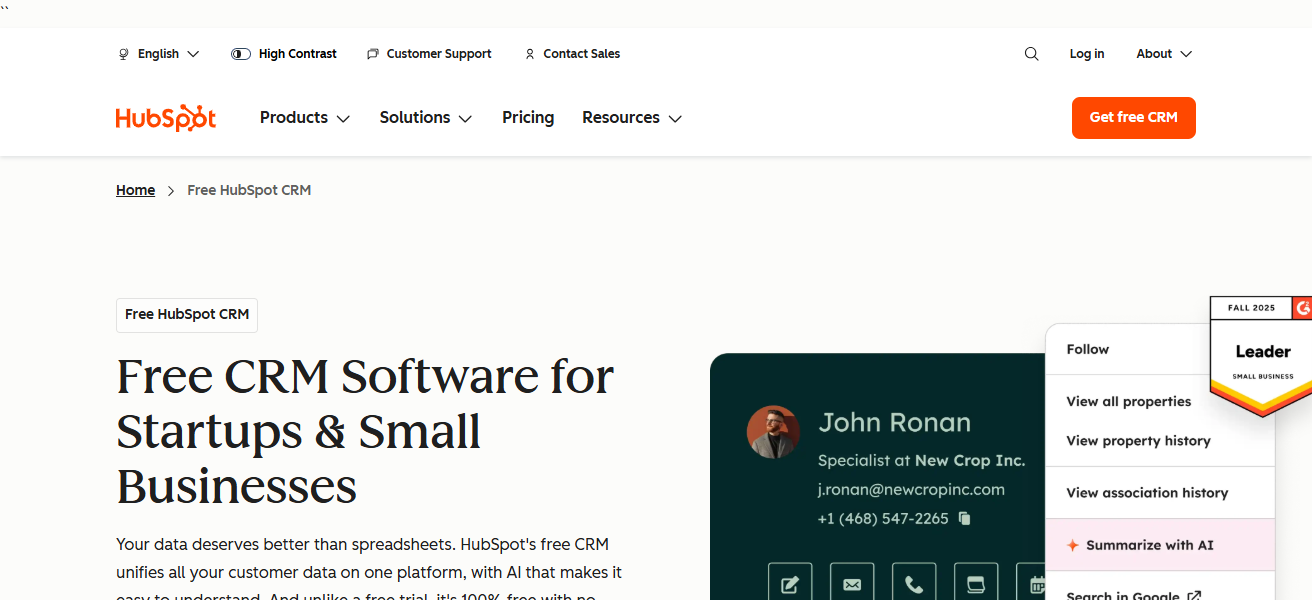
While also using services from the sister company marketing, service, and CMS hubs. Overall use of the CRM is simple and teams can be trained on the fly using the customizable dashboards.
The software also features deal tracking, follow up automation, task automation, manual reporting and a sales activity tracker to name a few. Customer relationship management on the software is extremely adaptive to your business.
Features HubSpot CRM
Contact & Pipeline Management: Helps entities organize their contacts, deals with companies, and displays this in a simple but easy to view dashboard to help teams track their engagement and sales progress.
Free Core Tools: Provides a wide range of sales, marketing, and service tools for free, geared toward start-up companies.
Automation & Workflows: Provides a way where follow up, task assignment, and nurturing are done without a person saving them time and helping to reduce manual work.
Integrated Analytics & Reporting: Provides dashboards with a view of sales data, deals, and team productivity.
| Pros | Cons |
|---|---|
| Free tier with robust core CRM features. | Advanced features can become expensive. |
| Easy to use with minimal training needed. | Some automation limits on lower plans. |
| Excellent integration across marketing/sales/service hubs. | Reporting can be basic without upgrades. |
| Scales well with business growth. | Email and workflow limits on free plan. |
| Strong ecosystem and marketplace. | Customization can be less flexible vs. enterprise CRMs. |
2. Salesforce
One of the many CRM solutions out in the system is Salesforce, which is the most widely used CRM in the industry due to all the customizations and specializations Salesforce can accommodate to suit its clients in all the growing stages of the business.
Salesforce even covers all sales automation service cloud service, marketing automation, app building, analytics and of course the service cloud.
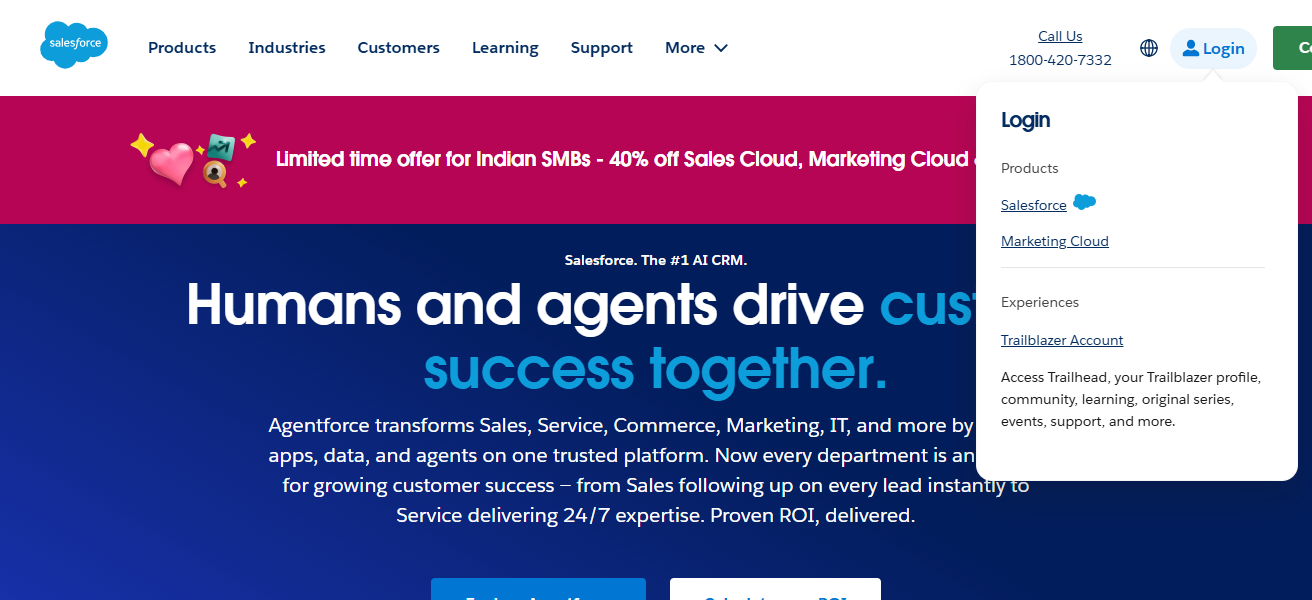
Continuing with the integrations, Salesforce is also able to integrate with multiple third party tools to accommodate their clients wishes and demands.
Salesforce is the most complex of all integrations but also the most worth it for the large sums of money being paid for their solutions.
Features Salesforce
Customizable Sales Cloud: Can be adjusted to fit a user’s specific workflows/ business process for any industry.
AppExchange Marketplace: Provides thousands of third party integrations for finance, marketing, support, etc.
AI Powered Insights (Einstein): Offers predictive insights, lead scoring, and recommendations to help improve conversion.
Multi Cloud Capabilities: Provides sales, service, marketing, commerce, and analytic in a single enterprise ecosystem.
| Pros | Cons |
|---|---|
| Highly customizable to any business process. | Steep learning curve. |
| Scalable from small teams to global enterprises. | Higher cost for full feature use. |
| Huge app ecosystem and integrations. | Setup and implementation can be complex. |
| Advanced analytics and AI features. | Requires dedicated admin to manage effectively. |
| Strong automation and workflow capabilities. | Overwhelming for very small businesses. |
3. Zoho CRM
Businesses that require effective automation and multichannel engagement while growing will find that Zoho CRM is a useful and budget-friendly option.
A sales pipeline can be customized along with sales prediction, and AI analytics, and there are tools that cater to email, social and chat.
In addition to these, Zoho CRM has Analytics, and can even manage documents, along with marketing automation, Emails, and Communication, and can also integrate with other Zoho products.
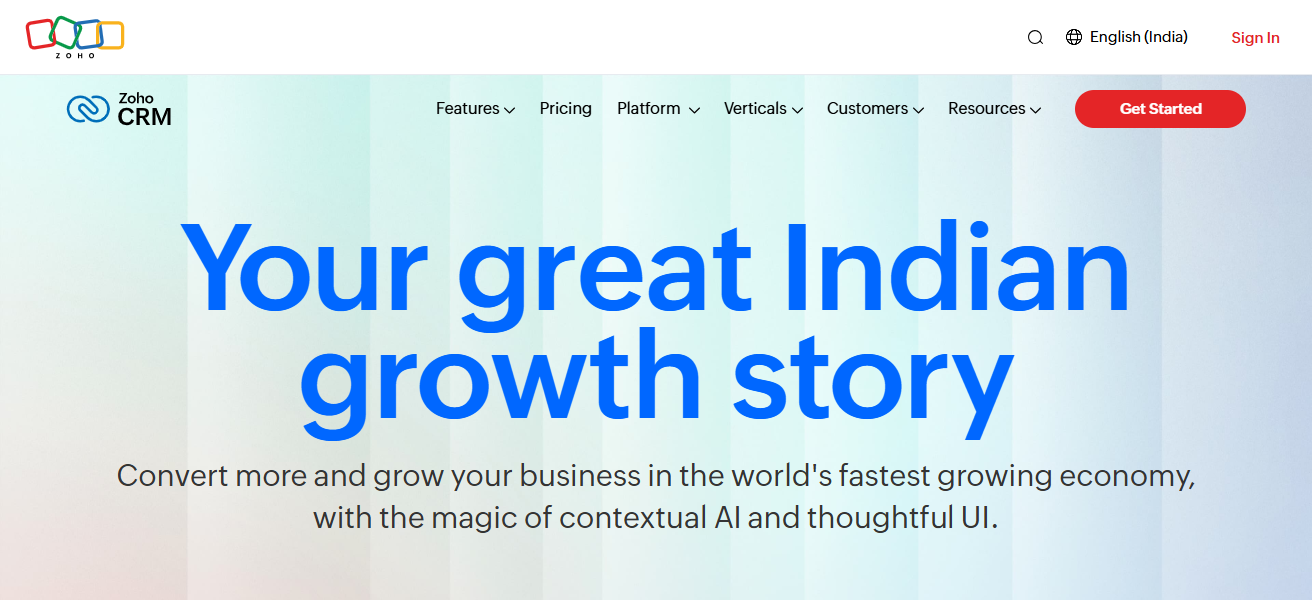
The mobile app provides leads, and deals management while away from the office. It is a CRM that provides significant adaptability and supportive functionality, and is affordable.
All of these characterized make it suitable for providing a work CRM to businesses that will have nosebleed CRM operational costs.
Features Zoho CRM
Multichannel Engagement: Users can manage their emails, social media, live chats, and phone interactions on a single platform.
AI Assistant (Zia) – Performs forecasting, identifies anomalies, and provides sales improvement recommendations.
Custom Modules & Fields – Enables companies to configure the CRM to their specific operational workflows and data requirements.
| Pros | Cons |
|---|---|
| Affordable pricing with rich feature set. | Can be overwhelming due to many features. |
| Multichannel communication (email, phone, chat). | Customer support quality varies by plan. |
| AI insights and sales forecasting. | Some integrations need manual configuration. |
| Extensive customizations and modules. | UI feels less modern than competitors. |
| Strong mobile app support. | Reporting can be limited on lower tiers. |
4. Freshsales
Freshsales (by Freshworks) is an intuitive CRM designed to improve customer engagement and accelerate sales cycles.
With AI driven lead scoring, customizable pipelines, and integrations to automate repetitive tasks, sales teams can engage high value work.
With its built in features like phone, email and activity timelines, all communication is consolidated.
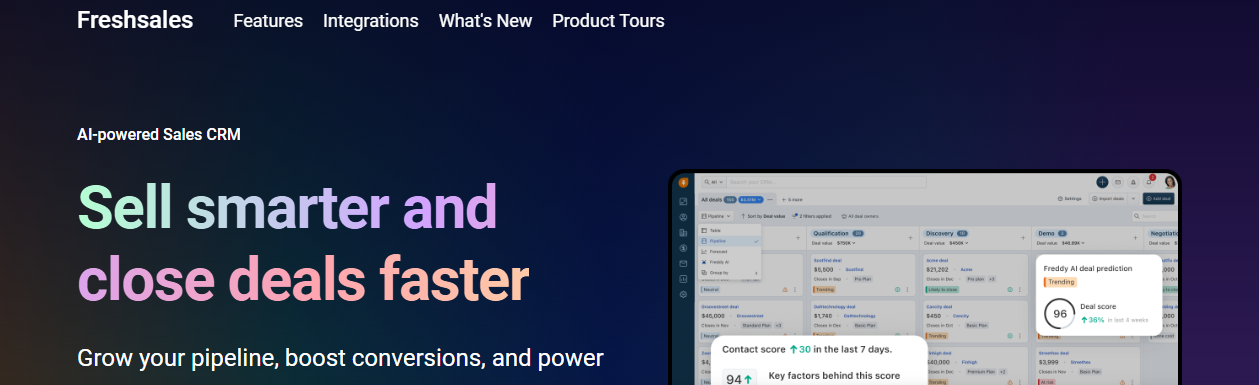
Freshsales also includes performance and growth trend forecasting through reporting, and teams can track this easily.
With streamlined plan options for growing companies, onboarding is simple and user design is made to support ease of use.
For increased sales visibility, integrated communication and efficient management of pipeline, Freshsales is a productive and balanced answer to all your CRM needs.
Features Freshsales
AI Lead Scoring – This feature scores leads automatically based on their engagement using AI, to assist sales teams in prioritizing follow-up activities.
Built-in Phone and Email – This feature allows sales teams to make calls and send emails to buyers using the CRM, and it also helps to keep the records of calls made and emails sent using templates.
Sales Sequences and Automation – This feature enables the auto-execution of routine activities such as follow-up activities and assignments to team members based on defined rules.
Visual Sales Pipeline – This feature allows sales teams to easily change the stage of a deal in the pipeline, and keep track of its status using a drag-and-drop interface.
| Pros | Cons |
|---|---|
| Easy to adopt and user‑friendly. | Limited advanced features on lower plans. |
| Built‑in phone and email engagement. | Smaller integration ecosystem than Salesforce. |
| AI lead scoring and automation. | Reporting features not as deep as enterprise CRMs. |
| Clear sales pipeline visualization. | Enterprise needs may require add‑ons. |
| Mobile app supports on‑the‑go sales. | Learning curve for custom automations. |
5. Pipedrive
Pipedrive has a business model that focuses on growing such businesses through visual sales pipelines.
With Pipedrive, businesses can manage their deals with the simple drag-and-drop interface with sales reps to easily update progress, prioritize tasks, and keep track of performance.
Pipedrive has customizable stages, automated workflows, and made sales with reminders that cut down on manual administrative work.
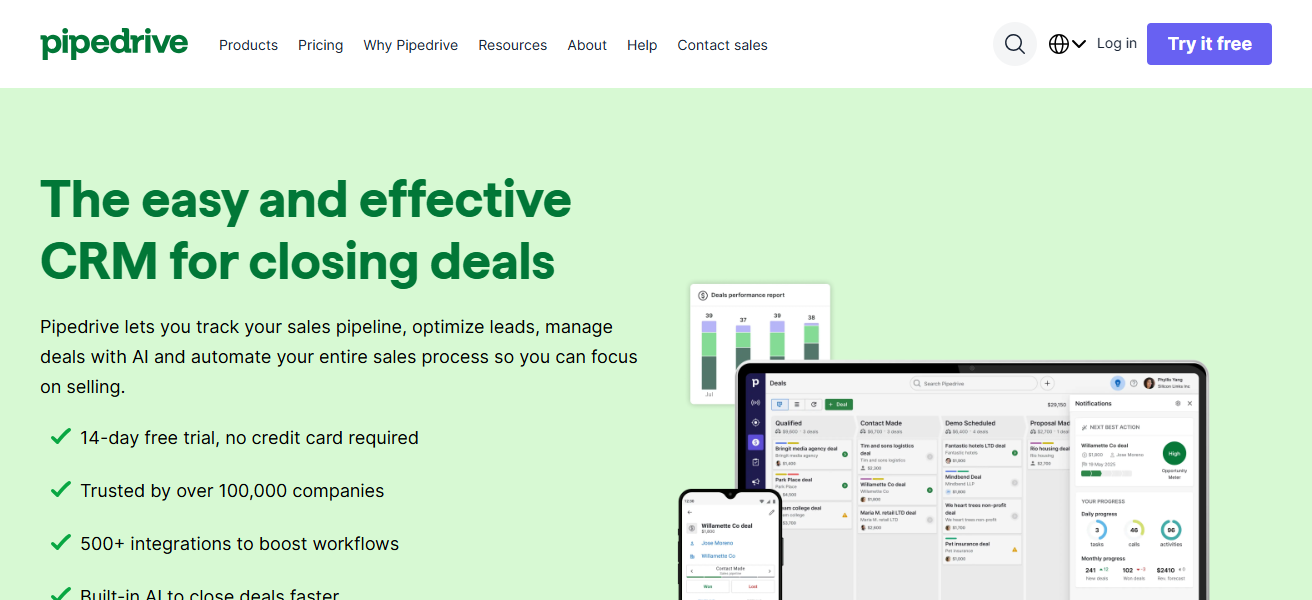
Pipedrive seamlessly collaborates with many email, marketing, and other third-party software to create a connected ecosystem.
Pipedrive identifies bottlenecks with its distinct reporting and forecasting functions that help teams improve and optimize performance. With a focus on visibility, Pipedrive is an easy choice for small and mid sales teams.
Features Pipedrive
Visual Deal Pipeline – This feature allows sales teams to view the current status of deals in a simple drag-and-drop pipeline.
Activity Reminders and Scheduling – This feature helps teams manage their tasks, meetings, and calls efficiently.
Custom Deal Stages – This feature allows sales teams to customize and establish sales stages that their sales processes genuinely reflect for improved transparency.
Third-party Integrations – This feature allows sales teams to centralize their activities by integrating with several tools such as email, marketing, reporting, and support.
| Pros | Cons |
|---|---|
| Simple and intuitive visual pipeline. | Less robust for complex sales processes. |
| Easy setup and minimal training needed. | Limited built‑in marketing tools. |
| Strong activity reminders and follow‑ups. | Advanced reporting behind higher tiers. |
| Affordable for small teams. | Not ideal for large enterprise requirements. |
| Integrates well with many tools. | Some automations need paid add‑ons. |
6. Insightly
Insightly offers a unique blend of customer relationship management, workflow automation, and project management, providing a tailored solution for SMBs.
The solution’s project management capabilities, automation features, and ability to track customer interactions convert potential sales into customer success.
Insightful handles repetitive tasks, so your team spends less time updating records and more time focused on selling. Users receive a sales pipeline, project status, and backlog metrics to help track performance and sales metrics.
Insightly’s dashboard and reporting features help SMBs track critical project and sales metrics. Insightly’s ability to combine and streamline sales and operational tasks allows for more frictionless movement from project initiation to completion.
Features Insightly
CRM + Project Management – Incorporates sales analytic features along with delivery tools to carry out further management of sold projects.
Workflow Automation – Automation of task creation, lead routing, and emails to work more efficiently.
Relationship Mapping – Provides deeper contextual visualizations of connections among contacts, organizations, and deals.
Custom Dashboards & Reports – Customers have the option to create customized performance dashboards to track and report on sales as well as project metrics.
| Pros | Cons |
|---|---|
| Combines CRM with project management. | Higher plans needed for full project tools. |
| Good automation and workflow triggers. | User interface can feel cluttered. |
| Strong contact and opportunity tracking. | Less intuitive for non‑technical users. |
| Integrates with email and productivity apps. | Reporting tools are basic versus enterprise CRMs. |
| Helps sales‑to‑delivery alignment. | Customization can be limited vs. Salesforce. |
7. Keap (Infusionsoft)
Keap (previously Infusionsoft) is focused on melding CRM and high level marketing and sales automation to help small businesses. If a small business is looking to scale their marketing efforts and grow, Keap is a solid choice.
Keap offers a solid contact management system with lead scoring, email marketing, automated follow-up sequences to convert manual tasks into automated workflows, and lead nurturing.
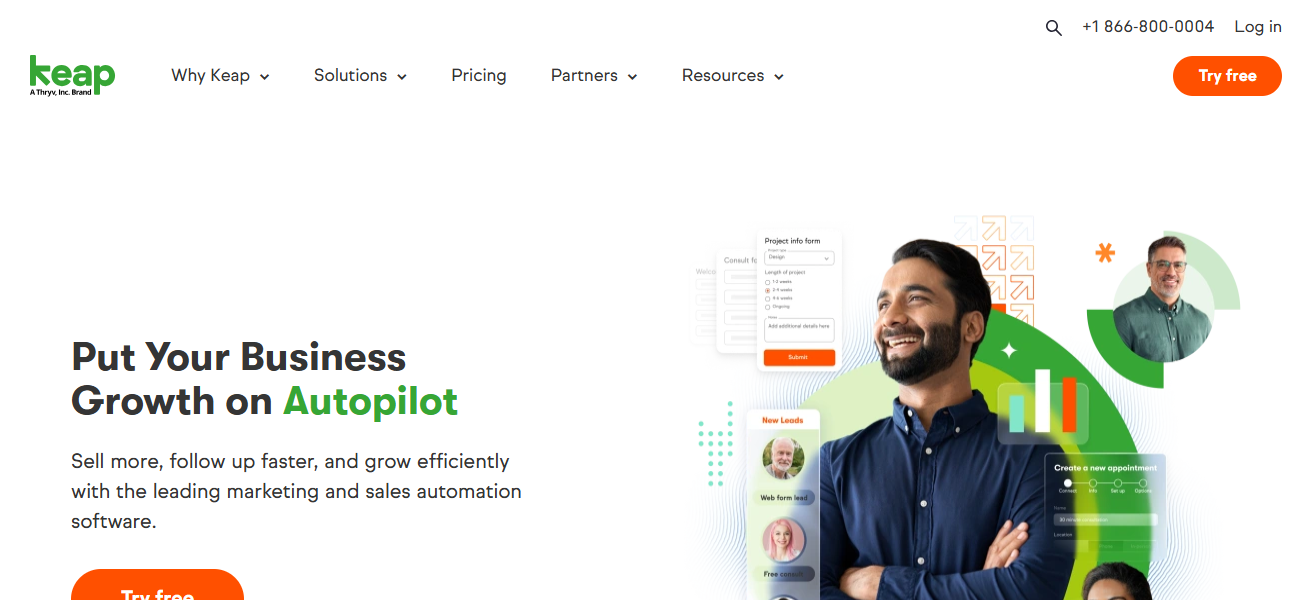
The business is ecommerce with payment management, allowing transaction and customer relationship management in one place.
Teams have the solid analytics and reporting capabilities to assess campaign and sales pipeline performance.
Keap has a very strong focus on automation and customer lifecycle, making the app a solid choice for businesses in search of automation to scale.
Features Keap (Infusionsoft) RM
Automated Marketing Sequences – Tailored email and SMS sequences to nurture leads automatically.
Ecommerce and Payment Functionality – Provides seamless payment collection, invoice management, and revenue tracking within the CRM.
Lead Scoring & Tagging – Assist in communication on behavioral and engagement activity within the contact organizations.
Appointment Scheduling – Integrated tools for booking meetings to avoid third-party applications
| Pros | Cons |
|---|---|
| Excellent automation for marketing & follow‑ups. | Can be pricey for small budgets. |
| Built‑in ecommerce and payment features. | Steeper learning curve on automation builder. |
| Ideal for lifecycle nurturing. | Fewer native enterprise integrations. |
| Reduces manual communication work. | Setup often needs planning/strategy. |
| Segmented campaigns for personalized outreach. | Reporting not as advanced as top CRMs. |
8. Microsoft Dynamics 365
Microsoft Dynamics 365 CRM provides an enterprise-grade CRM-ERP integrated solution for comprehensive enterprise resource planning.
This product can give scaling businesses the best solution to coordinate and manage sales, service, marketing, and operations all from one platform.
Microsoft Outlook, Teams, and Azure integration offers seamless cross-department collaboration.
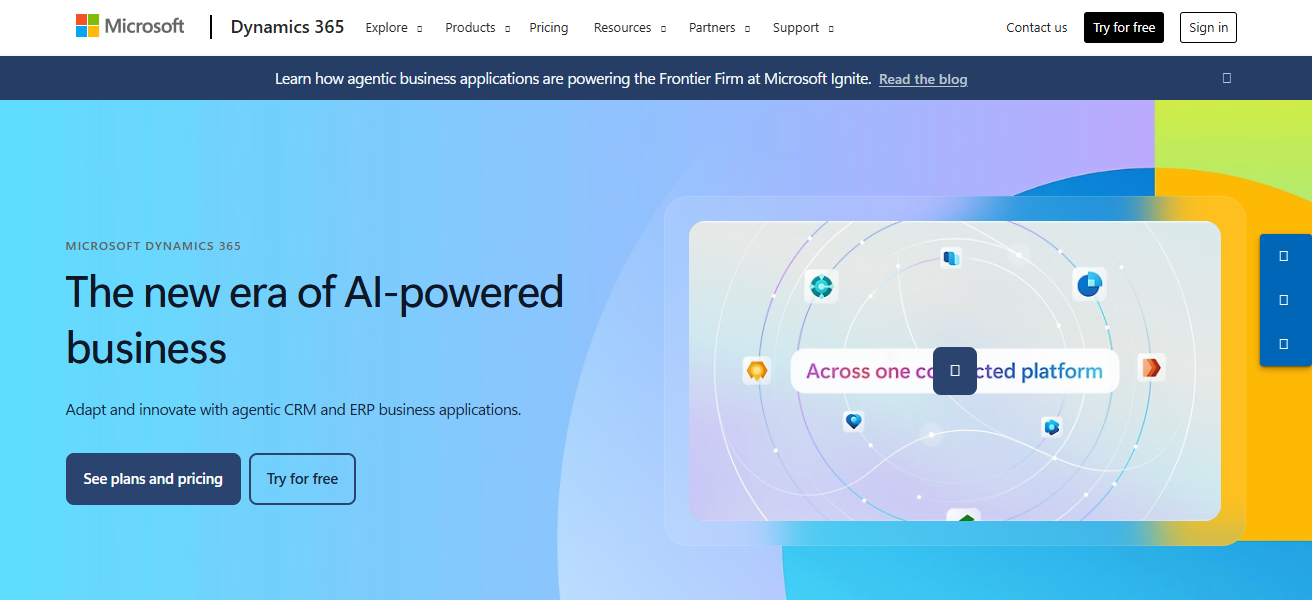
With advanced analytics and AI, businesses can predict demand, optimize customer interactions, and personalize engagements.
Companies can initially acquire the required modules and, as they expand, acquire additional modules for growing flexibility and functionality. For deeply integrated eco-system, enterprise 365 to offers flexible and comprehensive enterprise.
Features Microsoft Dynamics 365
Unified Business Platform – Merged ERP and CRM for sales, service, operations, and finance management.
AI & Predictive Analytics – Improvement of customer engagement and forecasting through data insights.
Deep Microsoft Integration – Excellent user experience within Outlook, Teams, Excel, and Azure.
Industry-Specific Solutions – Provides specific modules for verticals such as retail, finance, and healthcare.
| Pros | Cons |
|---|---|
| Deep integration with Microsoft ecosystem. | Complex and expensive setup. |
| Covers CRM + ERP in unified platform. | Requires trained admins for customization. |
| Advanced analytics and AI insights. | Costly for full functionality. |
| Scales well to large enterprises. | Overkill for small teams. |
| Strong security and compliance features. | Long deployment times possible. |
9. Monday Sales CRM
Monday.com Sales CRM features sales automation and CRM system functionality with customizable sales pipelines.
Contact and task automation is available in a user-friendly interface. Workspaces are customizable in a visually collaborative space.
Seamless integration and coordination are available with operation and delivery tasks and project boards in Monday.com.
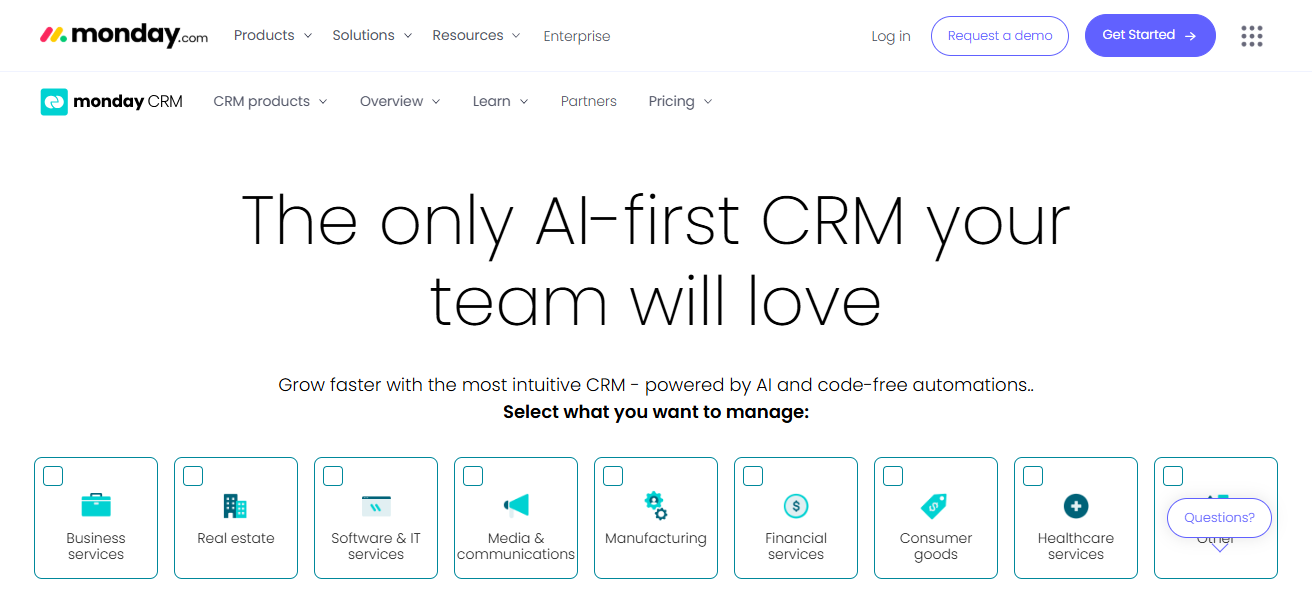
Automation helps with the reduction of repetitive tasks. Cop идарциа and management systems are available through the dashboards and analytics. The interface is not technical; all team members can use the drag and drop functionality.
Monday Sales CRM is a flexible modern sales automation and CRM system for visual business and growing companies.
Features Monday Sales CRM
Build Your Own Visual Sales FlowBoard – Enable teams to create their own sales flows using visual boards and columns.
Fewer Manual Work Tasks & More Automation – Less manual tasks with automated notifications to users, tasks creation, and status changes.
Engagement Across Teams – Combines sales and marketing with projects in a single workspace.
Reporting Dashboards – Displays sales KPIs and trends in sales dashboards in various visual formats.
| Pros | Cons |
|---|---|
| Highly visual and customizable workflows. | Some core CRM features require setup. |
| Integrates seamlessly with Monday.com apps. | Pricing can grow with apps added. |
| Easy drag‑and‑drop interface. | Less specialized CRM reporting. |
| Flexible for cross‑team work. | Not as deep in sales‑specific functions without add‑ons. |
| Quick setup for small teams. | Automation limits on basic tiers. |
10. Nutshell
Nutshell CRM focuses on small and growing teams with limited complexities and powerful sales tools. It features lead and contact management, customizable pipelines, automated workflows, and data analytics that assist in efficient deal closures by teams.
More sales teams visibility and results with integrated email and custom reporting. Nutshell’s ease of use makes it easy for teams without IT, and with strong and affordable pricing, they offer all the essential features in a CRM to help you grow without being too complex.
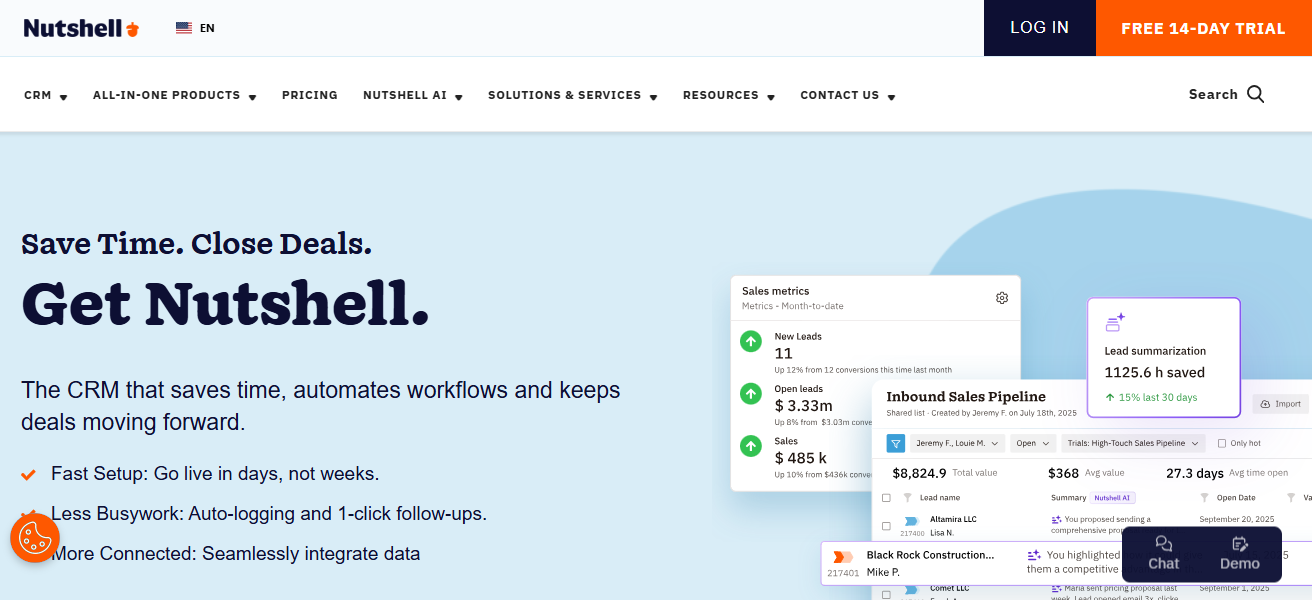
These tools combined with a user-friendly interface and automation make insights stronger. This is why businesses choose Nutshell, because of the balance.
Features Nutshell
Manage Lead & Contact Info – Combines contact information, communication history and lead status all in one place.
Manage Sales Pipelines & Revenue Forecasting – Displays sales by deal stage, includes forecasting features that help estimate future revenues.
Template Emailing & Inbox Integrations – Teams can gain access to uniformity and consistency via email templates, inbox integrations, and unified email system.
Insights & Reporting – Provides users with reporting tools that allows them to track conversion rates and assess team performance.
| Pros | Cons |
|---|---|
| Simple, clean interface. | Not as feature‑rich as enterprise CRMs. |
| Fast setup and easy adoption. | Reporting and analytics can be basic. |
| Good lead and pipeline tracking. | Smaller integration marketplace. |
| Affordable for small to mid businesses. | Lacks advanced automation tools. |
| Solid customer support and onboarding. | Less suitable for complex enterprise workflows. |
How To Choose Best CRM Software for Growing Businesses
Business Needs Alignment. Ensure that the CRM aligns with your team size, sales processes, and growth aspirations.
User Friendliness. With interfaces that are easy to use, training can be reduced and the CRM can be adopted quicker.
Scalability. Make sure the CRM is capable of growing and evolving with your business and can add different users, features, and integrations.
Efficiency And Automation. Make sure you can automate the repetitive tasks of follow-ups, reporting, and lead scoring.
Integration. Ensure that the CRM can easily integrate with the email marketing, finance systems, and other tools.
Customization. Fields, workflows, and pipelines should be able to be tailored to align with your business processes.
Strong Analytics And Reporting. There should be dashboards that can help you and your team to keep track of the KPIs, forecasting sales, and reporting on the sales KPIs.
Value For Money. Make sure you look at the pricing and then calculate the efficiency gains you make to evaluate the pricing.
Cocnlsuion
In conclusion Selecting appropriate CRM for growing businesses to optimize sales, automate processes and foster customer relationships is very important.
HubSpot, Salesforce, Zoho and Pipedrive are examples of providers of varying functionalities of different sized teams and requirements.
Considering factors such as user-friendliness, growth potential, compatibility with other programs, and cost, firms can choose the most appropriate CRM for maximizing efficiency, increasing sales, and sustaining growth.
FAQ
CRMs streamline sales, automate tasks, and centralize customer data, helping small and mid-sized companies scale efficiently and maintain consistent customer communication.
Key features include contact and lead management, sales pipeline visualization, workflow automation, reporting/analytics, email integration, and scalability to support business growth.
Yes, free CRMs like HubSpot provide core functionalities for startups. However, advanced features and automation may require paid plans as your business grows.
Pipedrive, Freshsales, and Nutshell are ideal for small teams due to their simplicity, easy setup, and visual pipeline management.
Salesforce and Microsoft Dynamics 365 offer advanced customization, multi-cloud solutions, and analytics suitable for large organizations with complex workflows.