
This article will review top Digital Trust Management tools for Enterprises. As more businesses move online, the need for identity, access, and compliance management becomes more important.
- Key Points & Best Enterprise Tools for Digital Trust Management
- 10 Best Enterprise Tools for Digital Trust Management
- 1. Okta
- 2. Ping Identity
- 3. IBM Security Verify
- 4. Microsoft Entra ID (Azure AD)
- 5. SailPoint
- 6. CyberArk
- 7. ForgeRock
- 8. OneLogin
- 9. Oracle Identity Management
- 10. Auth0
- How To Choose Best Enterprise Tools For Digital Trust Management
- Conclusion
- FAQ
The right tools can help safeguard sensitive information, simplify authentication, and streamline governance policies. In this article, we review leading enterprise tools that improve security and build trust in the digital world.
Key Points & Best Enterprise Tools for Digital Trust Management
| Tool | Key Point |
|---|---|
| Okta | Comprehensive identity and access management with adaptive multi-factor authentication |
| Ping Identity | Advanced single sign-on and intelligent identity federation across hybrid environments |
| IBM Security Verify | AI-driven identity governance with risk-based authentication and compliance support |
| Microsoft Entra ID (Azure AD) | Seamless integration with Microsoft ecosystem and strong conditional access policies |
| SailPoint | Lifecycle identity governance ensuring least-privilege access and regulatory compliance |
| CyberArk | Privileged access management with strong vaulting and session monitoring |
| ForgeRock | Scalable identity platform supporting IoT, workforce, and customer identity |
| OneLogin | Cloud-native IAM with unified directory and adaptive authentication |
| Oracle Identity Management | Enterprise-grade governance with strong provisioning and compliance features |
| Auth0 | Developer-friendly identity solution with customizable authentication flows |
10 Best Enterprise Tools for Digital Trust Management
1. Okta
Okta is an Identity and Access Management (IAM) solution focusing on user authentication and user authorization.
Companies can handle employee and customer identities with single sign on (SSO), employee/customer identity, and lifecycle management.
Okta integrates with thousands of apps and manages cloud services and environments. Okta’s adaptive secures systems to counter and enforce access based on risk for security policy. Okta supports zero trust, scalability and integration and is valued for these within IAM services.
Okta – Features
- Single Sign-On (SSO), Seamless access with one set of credentials for thousands of apps. This facilitates access with thousands of applications, enhancing efficiency by increasing productivity and reducing password stress.
- Multi-Factor Authentication (MFA) provides contextual MFA, confirming the user based on the device, location, and behavioral patterns and thus preventing unauthorized access.
- Lifecycle Management automates the processes of provisioning and de-provisioning users for employees, partners, and customers. Access control is performed in a timely manner and this is ensured by providing access.
- Analytics and Reporting is a mechanism that thoroughly records user activity, suspicious logins, and access patterns to fortify the company’s security and to aid in compliance audits.
| Pros | Cons |
|---|---|
| Highly scalable and cloud-native IAM solution suitable for enterprises of all sizes. | Premium pricing can be expensive for smaller organizations. |
| Supports Single Sign-On (SSO), Multi-Factor Authentication (MFA), and lifecycle management. | Complex configurations may require technical expertise. |
| Integrates with thousands of cloud applications, enabling centralized identity management. | Limited customization for highly specific authentication workflows. |
| Strong support for zero-trust security frameworks and adaptive authentication policies. | On-premises integration can be less seamless compared to cloud-native apps. |
| Provides detailed analytics, reporting, and security monitoring. | Occasional performance issues during peak loads reported in large deployments. |
2. Ping Identity
Ping Identity is an employee partner and customer access Identity and access management (IAM) solution. It offers single sign-on (SSO) and multi-factor authentication (MFA) across hybrid IT environments.
Users can set up adaptive authentication using context, device, and risk. Smart AI-driven threat access management maintains user experience.
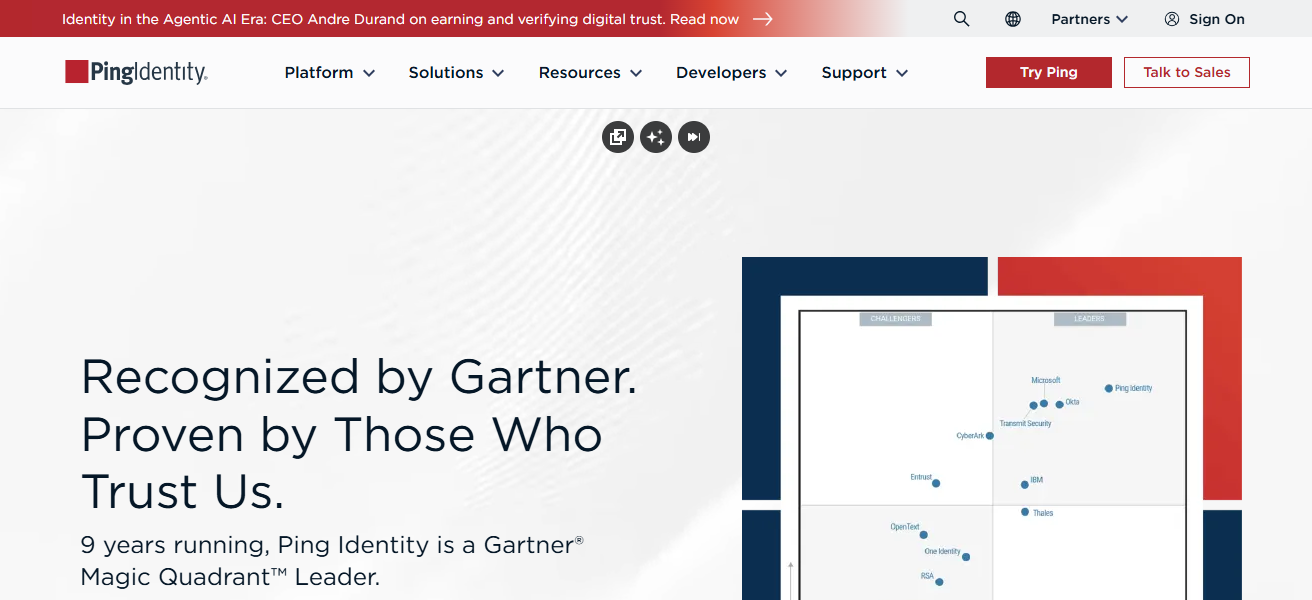
The platform is capable of supporting cloud, on-prem, and mobile apps making it fit for enterprises with complex ecosystems. Ping is known for its api security, compliance, integration, and digital trust across enterprises.
Ping Identity – Features
- Identity Federation allows secure authentication across domains for on-prem and cloud apps.
- Adaptive Authentication: In an attempt to secure both user and client, adaptive authorization uses artificial intelligence and risk analysis to modify authentication requirements accordingly.
- API Protection. Modern apps require OAuth, OpenID Connect, and granular access control, the trifecta of modern policies, to secure APIs.
- SSO & MFA. Centralized authentication and multifactor for employees, partners, and customers.
| Pros | Cons |
|---|---|
| Offers adaptive authentication with AI-driven risk analysis. | Setup and implementation can be complex for hybrid environments. |
| Supports SSO, MFA, and identity federation across cloud and on-premises systems. | Licensing can be costly for smaller organizations. |
| Strong API security and developer support for integration with enterprise apps. | Advanced features may require additional modules or add-ons. |
| Scalable for large enterprise ecosystems, including mobile and IoT devices. | User interface can be less intuitive compared to competitors. |
| Helps enforce compliance and regulatory policies effectively. | Limited out-of-the-box reporting without customization. |
3. IBM Security Verify
IBM Security Verify is an Identity Access Management solution and digital trust management tool that protects enterprise identities.
It includes single sign-on (SSO), multi-factor authentication (MFA), risk-based access, and identity governance.
IBM Security Verify uses AI to recognize unusual patterns and possible security risks, thus improving risk management.
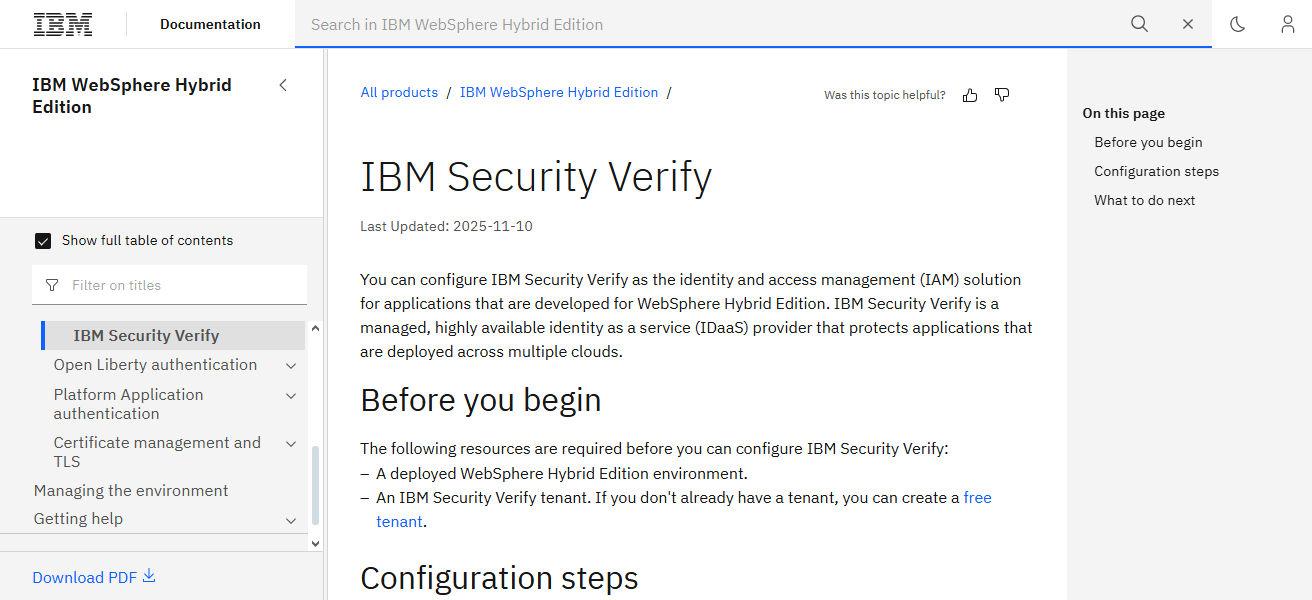
This solution works with both cloud and on-premises applications, offering a consistent identity layer across diverse IT environments.
Its identity governance features address compliance with major regulations, including the GDPR and HIPAA. IBM Security Verify is ideal for companies needing enterprise-grade scalability,
Comprehensive access control, and high-level monitoring that applies zero-trust defense strategies to every digital interaction.
IBM Security Verify – Features
- Risk-Based Access employs AI-based analytics to capture anomalies and apply adaptive access control policies.
- Identity Governance: Automated access policy compliance, role-based access, and policy enforcement within a given framework.
- Single Sign-On (SSO) & MFA: Strong authentication is applied while access is simplified throughout cloud and on-prem applications.
- Compliance & Reporting: Detailed auditing and monitoring tools assist with compliance with GDPR, HIPAA, and other regulations.
| Pros | Cons |
|---|---|
| Comprehensive IAM and digital trust platform with identity governance. | User interface can feel complex for beginners. |
| Leverages AI to detect anomalous behavior and enforce risk-based policies. | Pricing structure may be high for mid-sized enterprises. |
| Supports SSO, MFA, and hybrid cloud integration. | Customization for niche business needs may require professional services. |
| Ensures compliance with GDPR, HIPAA, and other regulations. | Initial deployment and training can take time. |
| Enterprise-grade scalability with detailed monitoring and reporting tools. | Some integrations may require additional configuration effort. |
4. Microsoft Entra ID (Azure AD)
Microsoft Entra ID (previously Azure Active Directory) is a cloud-based IAM solution that provides access management for employees, business partners, and customers.
SSO (Single sign-on) and SSO, multi-factor authentication (MFA), and identity protection policies can be implemented.
Microsoft 365, Azure, and thousands of other third-party apps can integrate with Entra ID’s centralized identity management capabilities.
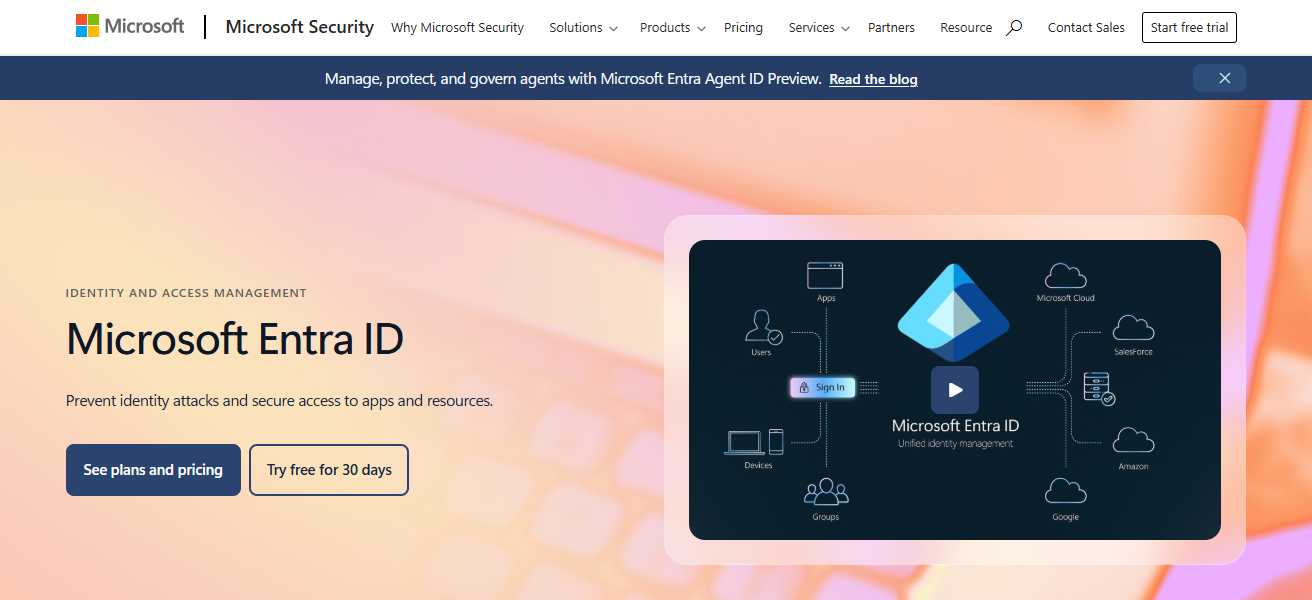
Entra ID’s access management engine provides intelligent access management with adaptive authentication and context-based decision systems to restrictions to improve user experience.
Reporting and audit logs support compliance, and the solution is easily deployed in hybrid computing environments.
Custom enterprise environments benefit from added cost-saving scalable attributes, and the ecosystem positioned Entra ID as a foundational solution for trust.
Microsoft Entra ID (Azure AD) – Features
- Conditional Access Policies: A level of access control can be changed based on risk, device, and location.
- SSO & MFA: Unified authentication is provided for Microsoft 365, Azure services, and other 3rd party applications.
- Hybrid Identity Management: Cloud and on-prem solutions are integrated seamlessly
- Identity Protection: AI and automated remediation act on and mitigate negative consequences of certain actions.
| Pros | Cons |
|---|---|
| Deep integration with Microsoft 365, Azure, and thousands of third-party apps. | Complex pricing tiers for advanced security and governance features. |
| Supports SSO, MFA, conditional access, and hybrid identity management. | Advanced features like risk-based authentication require premium plans. |
| Cloud-based and highly scalable for enterprises of all sizes. | Learning curve for non-Microsoft ecosystems. |
| Provides detailed reporting, audit logs, and compliance support. | Limited support for certain legacy on-premises applications. |
| Supports zero-trust architecture and contextual security policies. | Can require specialized administration knowledge for complex setups. |
5. SailPoint
SailPoint is an identity governance platform that enterprises use to manage user access, provisioning, and compliance across complex ecosystems ensuring every individual has access to the appropriate resources at the appropriate time.
Identity lifecycle management, automated policy enforcement, access requests, and role-based access control are all services offered by SailPoint.
Anomalous access pattern detection and misuse of privileges are features powered by its AI-driven insights.
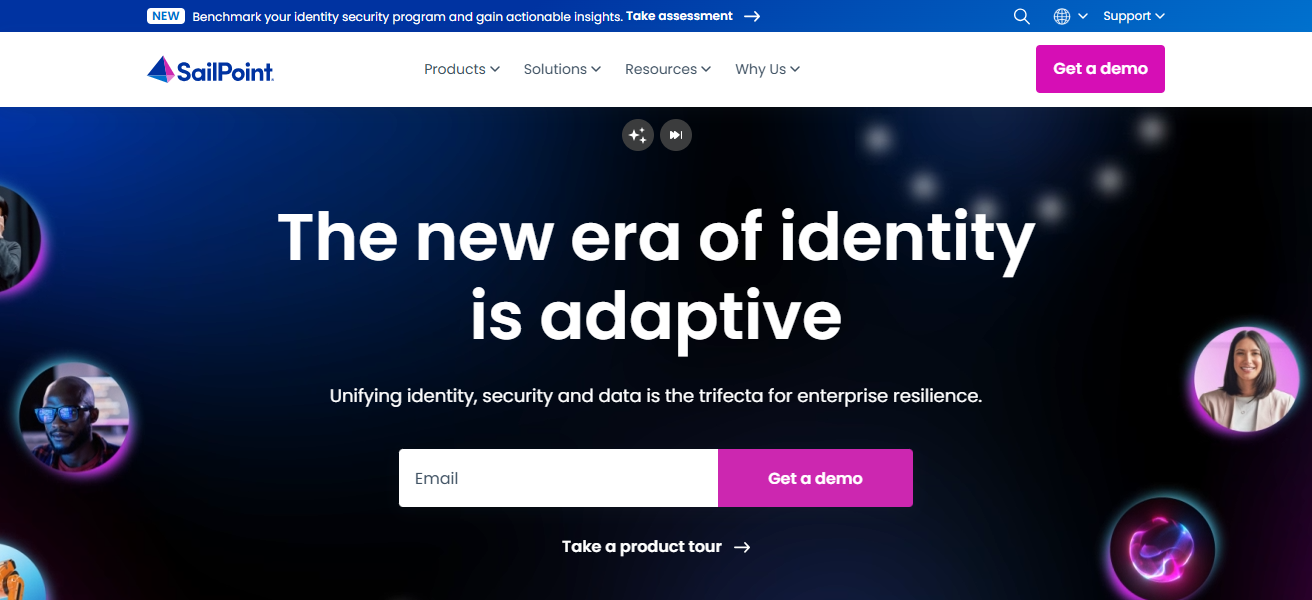
The platform is cloud, on-premise, and hybrid IT environment compatible, making it suitable for heavily regulated industries.
SailPoint assists enterprises in managing insider threat risks, regulatory compliance, and operational identity management, all while providing a secure digital environment.
SailPoint – Features
- Identity Lifecycle Management: Offboarding, onboarding, and access modification automation of all of these functions across applications.
- Access Request Workflows: Organizes approval workflows for access requests for resources.
- AI-Driven Insights: Detection of undesirable access behavior and potential misuse of access privileges.
- Compliance & Governance: Regarded for access policy enforcement, governance, and audit compliance for certified, regulated industries.
| Pros | Cons |
|---|---|
| Focused on identity governance, access management, and compliance. | Implementation can be complex in large enterprises. |
| Provides automated policy enforcement and identity lifecycle management. | User interface may be less intuitive than competitors. |
| AI-driven insights to detect anomalous access patterns. | Higher cost for smaller organizations with simpler needs. |
| Supports cloud, on-premises, and hybrid IT environments. | Integration with some legacy systems can be challenging. |
| Streamlines compliance reporting and risk reduction. | Advanced reporting customization may require technical expertise. |
6. CyberArk
CyberArk focuses on Privileged Access Management (PAM) and aids large enterprises in protecting their high-risk accounts, credentials, and secrets.
It defends high-risk accounts and critical systems, including cloud infrastructures, against external and internal threats.
CyberArk provides solutions, including automated password rotation, threat analytics, and session monitoring.
CyberArk integrates with identity management systems to apply the principle of least privilege company-wide.
It also provides support for hybrid systems, cloud workloads, and DevOps pipelines, protecting access while streamlining workflows.
Clients trust CyberArk to defend against breaches and maintain digital trust, achieving high compliance with auditing and regulatory frameworks.
CyberArk – Features
- Privileged Access Management (PAM): Protection of high-risk accounts and sensitive the accounts.
- Credential Vaulting & Rotation: Secrets are securely stored and rotated while eliminating an attack surface.
- Session Monitoring: Keeps an eye on important sessions as they’re happening, ensuring there’s no abuse or breaches.
- Integration with IAM Platforms: Applies least privilege access across system (enterprise, hybrid, cloud workloads).
| Pros | Cons |
|---|---|
| Specializes in privileged access management (PAM), securing high-risk accounts. | Premium pricing; may not suit smaller organizations. |
| Protects against insider threats and external attacks. | Can be complex to implement and maintain. |
| Credential vaulting, session monitoring, and automated password rotation. | Initial deployment may require professional services. |
| Supports hybrid cloud and DevOps environments. | Limited identity governance features outside PAM scope. |
| Robust auditing and compliance tools. | Learning curve for administrators new to PAM solutions. |
7. ForgeRock
ForgeRock is an identity and access management platform designed for secure digital interactions.
The platform provides customers, employees, and IoT devices identity unification with features like single sign-on (SSO), identity lifecycle management, and adaptive authentication.
Customers can deploy ForgeRock in the cloud or on-premise and use APIs for integrations in more sophisticated enterprise environments.

The platform uses artificial intelligence to monitor and mitigate risks, anomalous behaviors, and to apply access controls based on the context.
ForgeRock helps companies meet GDPR and other privacy and compliance regulations, driving enterprise customers to appreciate the platform’s robust developer tools
Flexibility, and scalability to create identity solutions across multiple digital channels and custom platforms.
ForgeRock – Features
- Unified Identity Management: Handles identities of employees, customers, and IoT devices all on one platform.
- Adaptive Authentication: Context and risk based changes to authentication.
- APIs for Integration: Eases the integration of apps and services within complicated enterprise ecosystems.
- Privacy & Compliance: Facilitates secure data practices according to laws and regulations like GDPR, HIPAA, etc.
| Pros | Cons |
|---|---|
| Comprehensive IAM for employees, customers, and IoT devices. | Complex deployment for organizations without dedicated IT teams. |
| Supports SSO, adaptive authentication, and identity lifecycle management. | Licensing and subscription costs can be high. |
| APIs enable seamless integration into enterprise ecosystems. | Advanced analytics and AI features may require additional modules. |
| Emphasizes privacy and regulatory compliance (GDPR, etc.). | Customization may require developer resources. |
| Flexible deployment: cloud, on-premises, or hybrid. | Some users report steep learning curve for advanced configurations. |
8. OneLogin
OneLogin is an identity and access management solution on the cloud. It is user friendly and helps manages access in a secure way.
It helps with single sign on, multi factor authentication, automated user provisioning, and adaptive authentication.
It also helps with identity management and integrates with thousands of cloud applications and on premise systems.
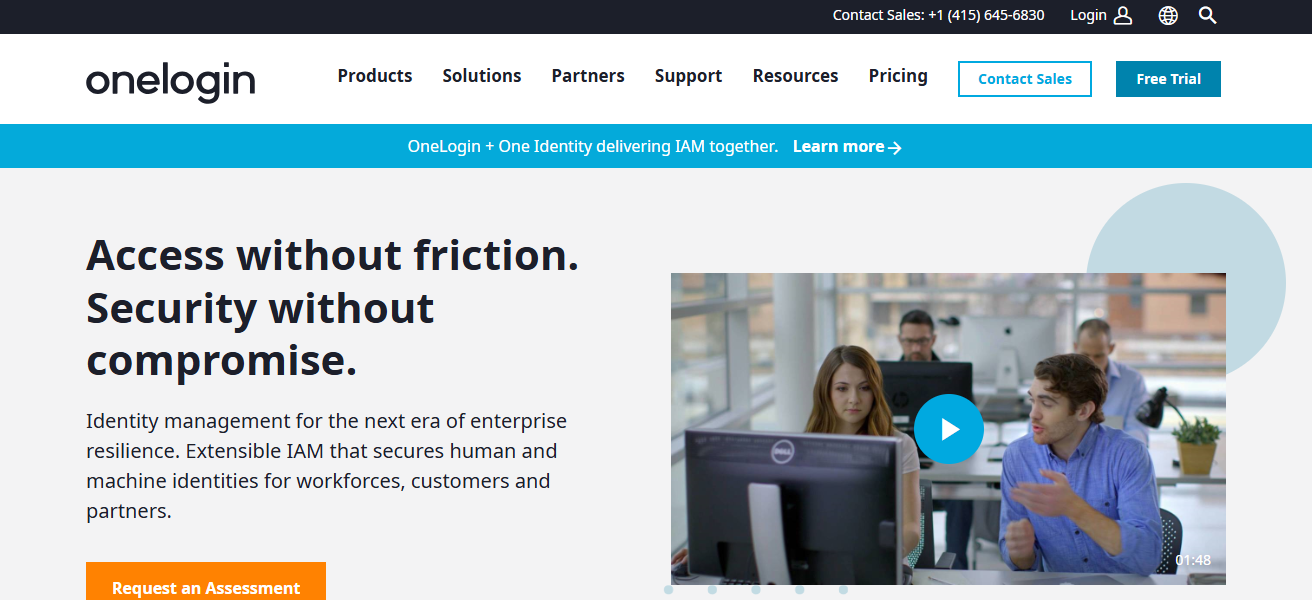
It consolidates identity with a unified directory, and the real time security analytics help illustrate and detect any unauthorized access and policy violations.
With low-code customization, users can set up access policies and make compliance reporting more efficient.
Overall, it is appreciated and scalable to large mid sized enterprise customers to help them with their digital trust needs.
OneLogin – Features
- Cloud-Based SSO & MFA: Delivers unified authentication for thousands of apps.
- Adaptive Authentication: Offers access control based on context and risk.
- Unified Directory: Merges identity information from various sources for effective administration.
- Low-Code Customization: Empowers administrators to adjust policies, automate workflows, and set up reporting at a low coding requirement.
| Pros | Cons |
|---|---|
| Cloud-based IAM with SSO, MFA, and adaptive authentication. | Limited offline/on-premises capabilities. |
| Low-code customization and context-aware access policies. | Reporting features may be basic compared to enterprise competitors. |
| Integrates with thousands of cloud and on-premises apps. | Advanced features may require premium subscriptions. |
| Unified directory for centralized identity management. | Occasional performance issues in large-scale deployments. |
| User-friendly interface and easy deployment. | Hybrid environment integrations may need additional setup. |
9. Oracle Identity Management
Oracle Identity Management (OIM) offers Identity and Access Management (IAM) services tailored for enterprises seeking to protect user access and manage identity governance.
Identity lifecycle management, single sign-on (SSO), multi-factor authentication (MFA), and role based access control services are included.
On-premises, cloud, and hybrid environments are supported, and centralized management and policy enforcement are provided.
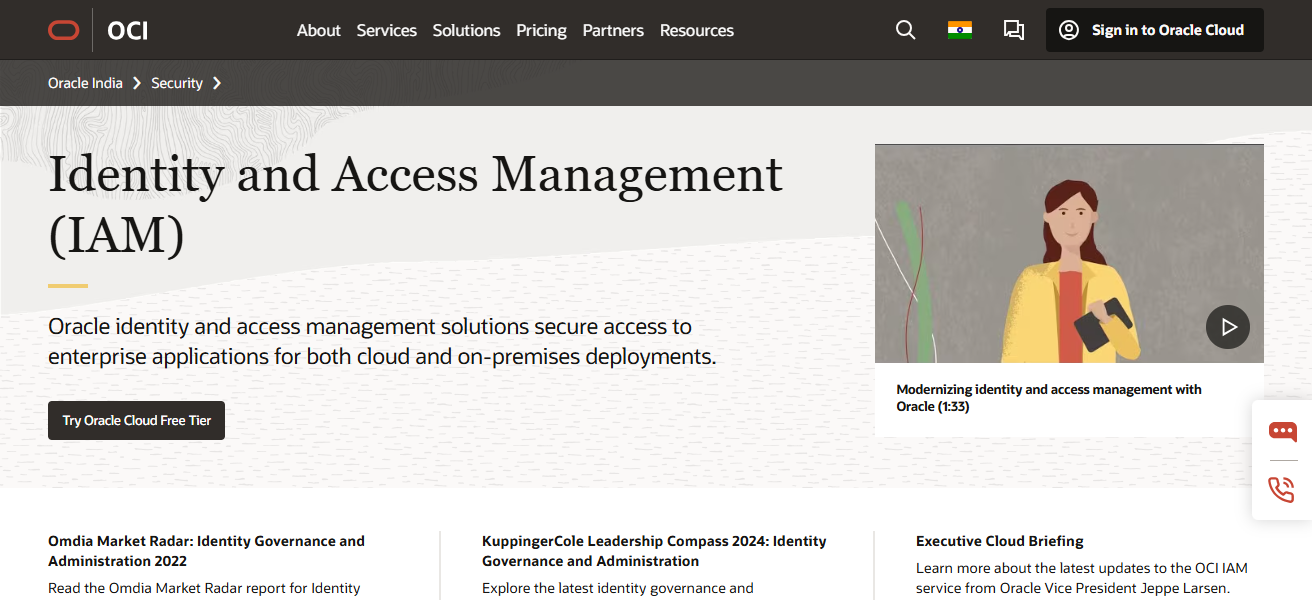
Access governance, policy automation, and compliance reporting are also included. Automative authentication and contextual access are supported.
OIM is trusted by enterprises to mitigate insider threats, manage complex org a hierarchies, and maintain regulatory compliance.
Oracle Identity Management – Features
- Identity Lifecycle Management: Automates the processes of provisioning, de-provisioning, and assigning roles.
- SSO & MFA: Guarantees safe authentication in cloud, on-prem, and hybrid environments.
- Access Governance & Compliance: Offers policy enforcement, auditing, and certification for compliance and regulatory support.
| Pros | Cons |
|---|---|
| Enterprise-grade IAM with identity lifecycle management and governance. | Can be expensive and complex to deploy. |
| Supports SSO, MFA, role-based access, and adaptive authentication. | User interface may not be as intuitive as newer cloud-native platforms. |
| Centralized administration across cloud, on-premises, and hybrid environments. | Integration with non-Oracle apps can require additional effort. |
| Ensures compliance and regulatory reporting. | Advanced features may require professional consulting. |
| Reduces insider threats and strengthens digital trust. | Deployment and training times can be significant. |
10. Auth0
Auth0 specializes in secure authentication and authorization as an identity provider platform. It offers passwordless login, social login, and integrates multi-factor authentication (MFA) and single sign-on (SSO).
Auth0 has customizable APIs, rules, and hooks for businesses to configure authentication in different ways. Auth0 secures mobile, web, and IoT apps and includes compliance monitoring and detailed logging.
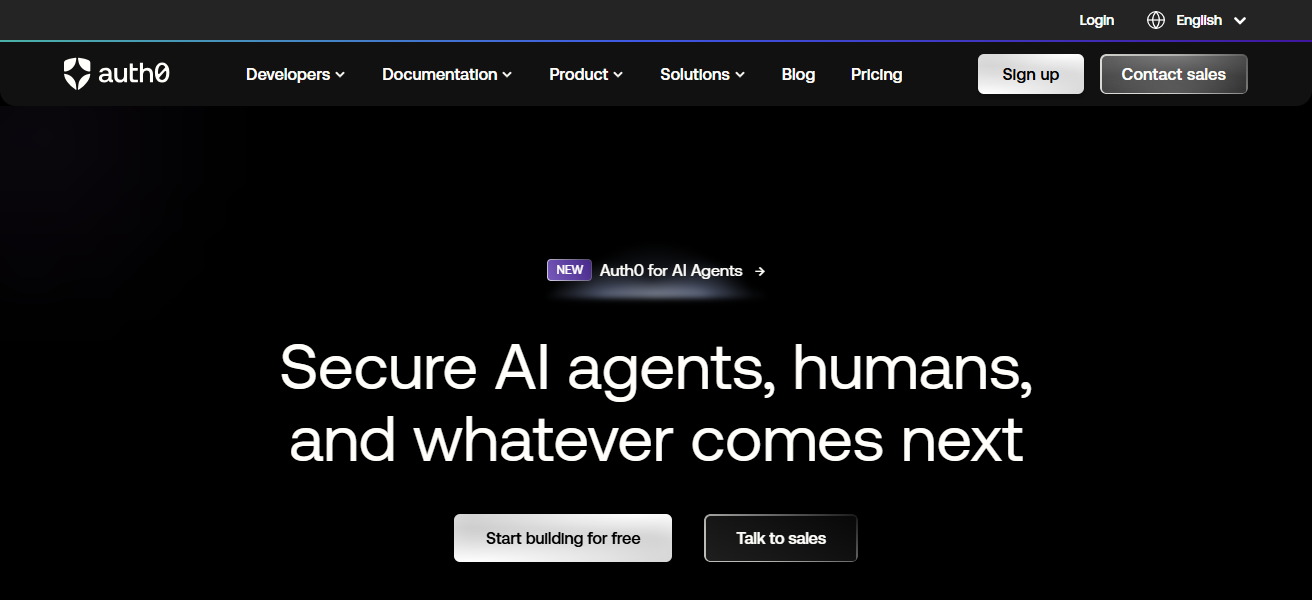
With Auth0, identity management becomes quick and easy for developers, avoiding complex infrastructure.
Clients appreciate Auth0 for integration, flexibility, and streamlining digital trust, all while creating seamless experiences and high-authentication security.
Auth0 – Features
- Flexible Authentication Options: Supports SSO, MFA, passwordless, and social logins.
- Custom Rules & Hooks: Developer-defined customizations for specific authentication flows via their integration APIs.
- Rapid Deployment: Seamless integration on web, mobile, and IoT devices and applications with minimal infrastructure requirements.
- Logging & Compliance: Audit, monitoring, and compliance reporting on access and authentication activities.
| Pros | Cons |
|---|---|
| Developer-friendly IAM platform for applications of all types. | Advanced customization can require programming knowledge. |
| Supports SSO, MFA, passwordless login, and social login integration. | Can be costly at enterprise scale. |
| Extensible with APIs, rules, and hooks for custom authentication flows. | Limited on-premises deployment support. |
| Rapid deployment and ease of integration into apps. | Some enterprises may need additional governance features. |
| Detailed logging and monitoring for compliance. | Reliance on cloud may not suit highly regulated on-premises environments. |
How To Choose Best Enterprise Tools For Digital Trust Management
- Assess Security Needs: Buy IAM tools after assessing critical assets and compliance and analysing possible risks.
- Scalability: Assess if the tools support increasing number of users, applications and flexible architecture.
- Integration Capabilities: Assess the support for cloud and on-premises applications, APIs and third party systems.
- User Experience: UI should allow easy and seamless access for employees without security burnout.
- Regulatory Compliance: Ensure the tool is compliant with GDPR, HIPAA and relevant industry standards.
- Cost and ROI: Assess the operational security and other business advantage against the implementation costs.
- Vendor Support & Reliability: Look for operational support, routine updates and strong reputation in the industry.
- Advanced Features: Search for MFA, SSO, adaptive authentication and others.
- Analytics & Reporting: Ensure sufficient security and regulatory compliance with monitoring and reporting capabilities.
- Flexibility & Customization: Look for tools designed for unique policy, workflow and access requirement of your enterprise.
Conclusion
To finalize, choosing the Optimal Enterprise Tools for Digital Trust Management is crucial for identity protection, access management, and compliance management.
Okta, Ping Identity, and IBM Security Verify offer advanced SSO, MFA, and identity governance. The right tools improve digital trust and security while simplifying enterprise processes.
FAQ
They protect sensitive data, control user access, and prevent security breaches.
Okta, Ping Identity, IBM Security Verify, Microsoft Entra ID, SailPoint, CyberArk, ForgeRock, OneLogin, Oracle Identity Management, and Auth0.
SSO, MFA, adaptive authentication, identity governance, compliance reporting, and API integration.
Cloud tools offer scalability and easier updates, while on-premises provide more control and customization.