This article will cover the best ERP software for midsize businesses and how the right tools can enhance operational efficiencies, tighten financial oversight, and assist in growing the business.
- Key Points & Best ERP Software For Mid-Size Companies
- 10 Best ERP Software For Mid-Size Companies
- 1. SAP Business ByDesign
- 2. Oracle NetSuite
- 3. Microsoft Dynamics 365 Business Central
- 4. Infor CloudSuite Industrial (SyteLine)
- 5. Epicor ERP
- 6. Acumatica
- 7. Sage X3
- 8. IFS Cloud
- 9. Syspro
- 10. MRPeasy
- How We Choose Best ERP Software for Mid-Size Companies
- Conclsuion
- FAQ
Midsize Enterprises need ERP systems that have a mixture of sophisticated and advanced functionality while considering the most economical options, and the ability to scale and configure for optimum usability.
It is apparent that the right ERP allows companies to enhance their operational efficiencies and gain a competitive advantage in their particular market due to the access to up-to-the minute data.
Key Points & Best ERP Software For Mid-Size Companies
| ERP Software | Key Point |
|---|---|
| SAP Business ByDesign | Comprehensive cloud ERP for scaling operations |
| Oracle NetSuite | Strong financial management and global compliance |
| Microsoft Dynamics 365 Business Central | Flexible integration with Microsoft ecosystem |
| Infor CloudSuite Industrial (SyteLine) | Robust manufacturing and supply chain features |
| Epicor ERP | Industry-specific customization for manufacturing and distribution |
| Acumatica | User-friendly interface with strong scalability |
| Sage X3 | Advanced inventory and production management |
| IFS Cloud | Excellent asset management and service capabilities |
| Syspro | Strong ERP for manufacturing SMEs |
| MRPeasy | Affordable ERP with automated production scheduling |
10 Best ERP Software For Mid-Size Companies
1. SAP Business ByDesign
SAP Business ByDesign application for mid-size companies looking for end-to-end business management.
As a fully and cloud-based ERP, ByDesign looks to fully integrate a company’s business processes and sub-processes (Finance, HR, Sales, Procurement, and Supply Chain ) into one unified platform.
It helps companies make informed and faster decisions through real-time analytics, while operational best practices are automated through the application.
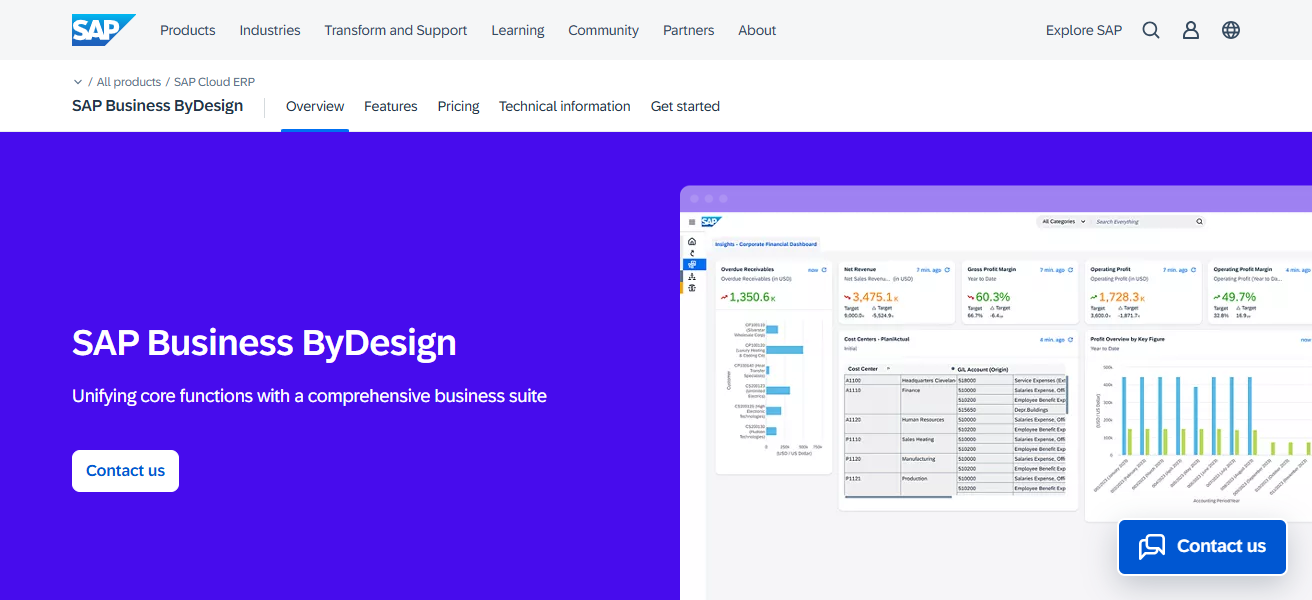
ByDesign helps organizations of all sizes and scales to adjust their predictive analytics reports. ByDesign helps optimize and capture organizational efficiencies through proactive dashboards and applications.
ByDesign aids companies gaining a global business scope, all the while optimizing workflows and cutting global operational costs.
Features SAP Business ByDesign
Integrated Business Suite – An integration of Finance, HR, CRM, Procurement, Supply Chain, and Project Management in a single cloud.
Real-Time Analytics – Dashboards and reports give real-time insights and support decisions faster throughout the business.
Global Compliance & Localization – Supports multi currency, multi entity businesses, and local tax rules of the countries the businesses are expanding to.
Scalable Architecture – Grows with the business and adds users and modules when needed with little disruption
| Pros | Cons |
|---|---|
| Comprehensive cloud ERP with end‑to‑end modules (finance, supply chain, HR, CRM). | Higher cost compared to many mid‑market ERPs, especially for smaller budgets. |
| Strong global support with multi‑currency and multi‑entity handling. | Implementation can be complex and lengthy without expert partners. |
| Real‑time analytics and dashboards for better decision‑making. | Customization can be expensive and time‑intensive. |
| Scalable for growing mid‑sized businesses. | Some users may find UI less intuitive initially. |
2. Oracle NetSuite
Oracle NetSuite is a fully integrated, cloud-based ERP system that is particularly well suited to mid-sized firms seeking adaptable and unified solutions. It provides functionalities related to financial management, CRM, e-commerce, inventory, and supply chain management.
NetSuite’s cloud system provides visibility across business functions, and users can track pivotal indicators and metrics to support data-based decision-making. It is particularly well suited to growing businesses because of its support for multi-currency and multi-subsidiary.
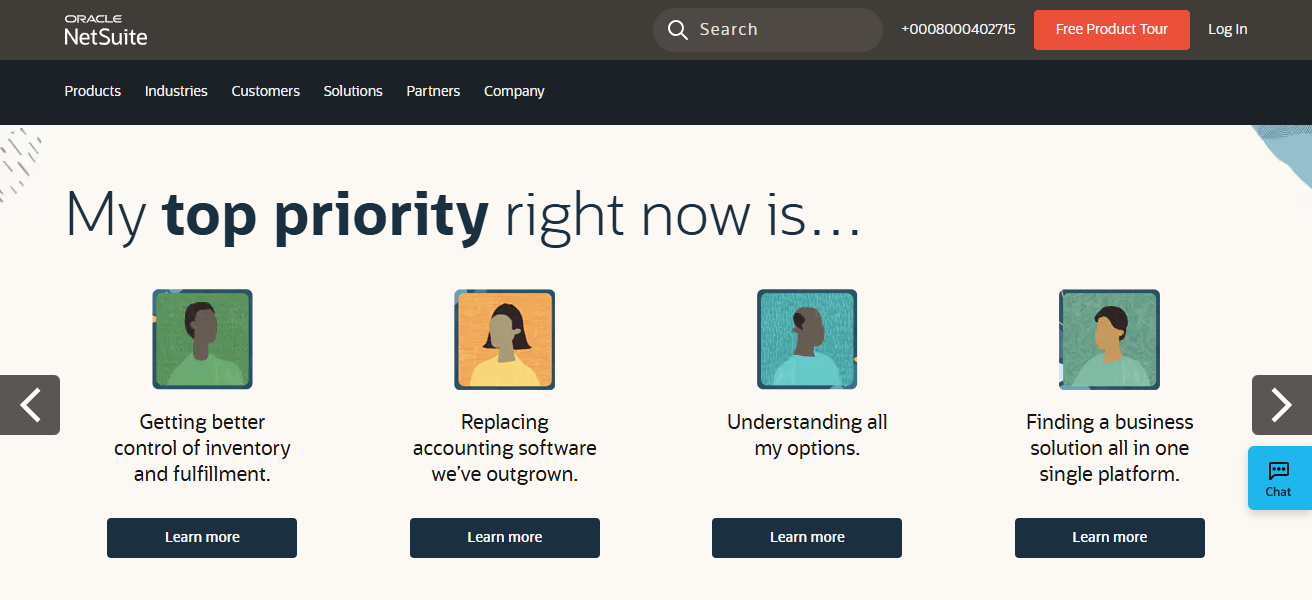
NetSuite streamlines billing automation, reporting, and compliance, which reduces time spent on operational tasks, improves accuracy, and increases overall operational efficiency, allowing mid-sized companies to refine their internal competencies and grow more quickly.
Features Oracle NetSuite
Unified Cloud Platform – ERP, CRM, ecommerce, and PSA are under one system for streamlined operations.
Financial Management – General ledger, accounts payable and receivable, and revenue recognition functionality are very sophisticated.
Real-Time Dashboards – KPI dashboards and reporting are customizable and provide real-time insights into the core business processes.
Order & Inventory Control – Order fulfillment is improved with the automation of order management, stock level control, and supply chain management.
| Pros | Cons |
|---|---|
| True cloud ERP with excellent financials, CRM, and inventory integration. | Licensing and modules can be expensive for some companies. |
| Real‑time visibility into key metrics and dashboards. | Customizations require specialized NetSuite consultants. |
| Easy scaling with growth and multi‑subsidiary support. | Learning curve for non‑technical teams. |
| Strong ecosystem of add‑ons and partners. | Reporting can sometimes need advanced configuration. |
3. Microsoft Dynamics 365 Business Central
Microsoft Dynamics 365 Business Central is an ERP solution designed to help mid-size companies manage finance, sales, service, and operations effectively.
It works well with Microsoft 365 apps such as Excel and Teams, facilitating seamless business productivity and teamwork.
The program offers customizable dashboards, instant analytics, and artificial intelligence to enhance data-driven decisions.
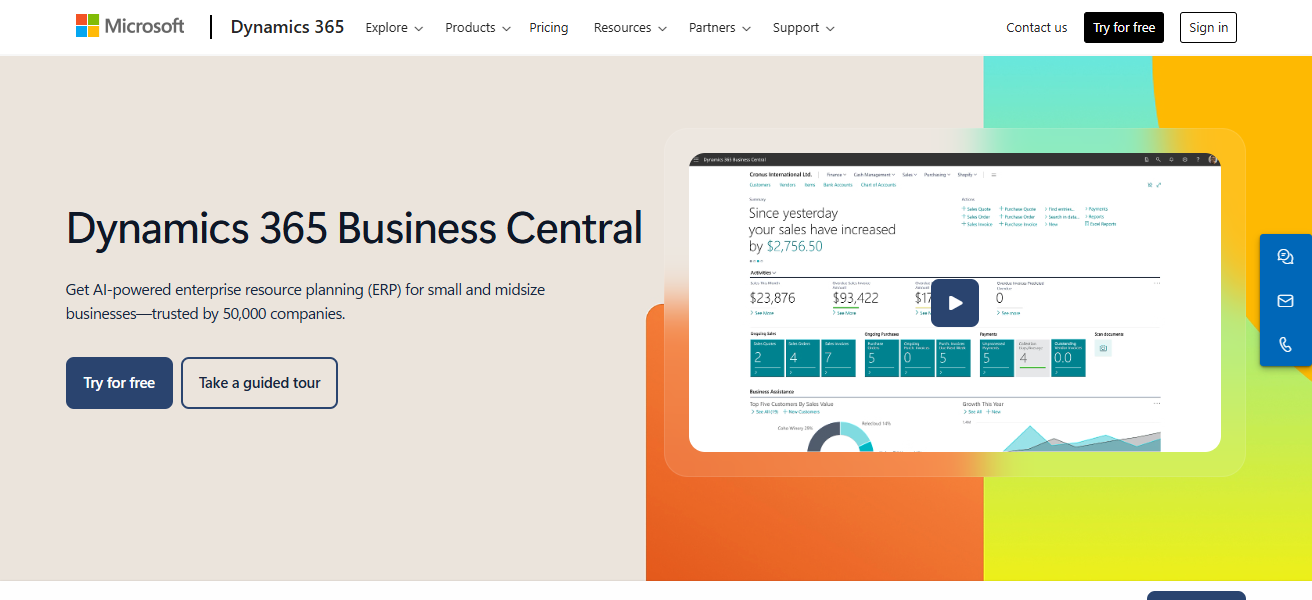
Accessible cloud deployment allows companies to enjoy data security and compliance even from remote locations. Its modular architecture enables companies to put in place only the necessary business features.
Business Central facilitates the simplification of processes, the automation of mundane activities, and the expansion of ERP functionality to support the Business Central Value proposition to organizations.
Features Microsoft Dynamics 365 Business Central
Seamless Microsoft Integration – Microsoft 365 apps like Outlook, Excel, and Teams work in conjunction with and enhance each other.
Customer Relationship Management – Customer service registration and commercial control are done in a streamlined and efficient method.
Project Management – Work breakdown structures are seamlessly captured in the schedule with sophisticated tools.
Resource Management – Human and non-human resources are managed with tools that automate processes and provide real-time visibility.
| Pros | Cons |
|---|---|
| Tight integration with Microsoft 365 tools (Outlook, Excel). | Some advanced features may require third‑party add‑ons. |
| Flexible licensing and modular design. | Performance can lag without optimization on larger datasets. |
| Familiar Microsoft UI reduces training time. | Customizations may require developer expertise. |
| Cloud & hybrid options provide flexibility. | Reporting may be less intuitive for users new to Power BI. |
4. Infor CloudSuite Industrial (SyteLine)
Infor CloudSuite Industrial, previously SyteLine, is a cloud-based ERP system designed specifically for the needs of manufacturing and medium-sized industrial businesses.
The system offers capabilities for production planning, managing inventory, quality regulation, and optimizing the supply chain.
The platform accommodates complicated manufacturing workflows through sophisticated scheduling, resource control, and real-time visibility.
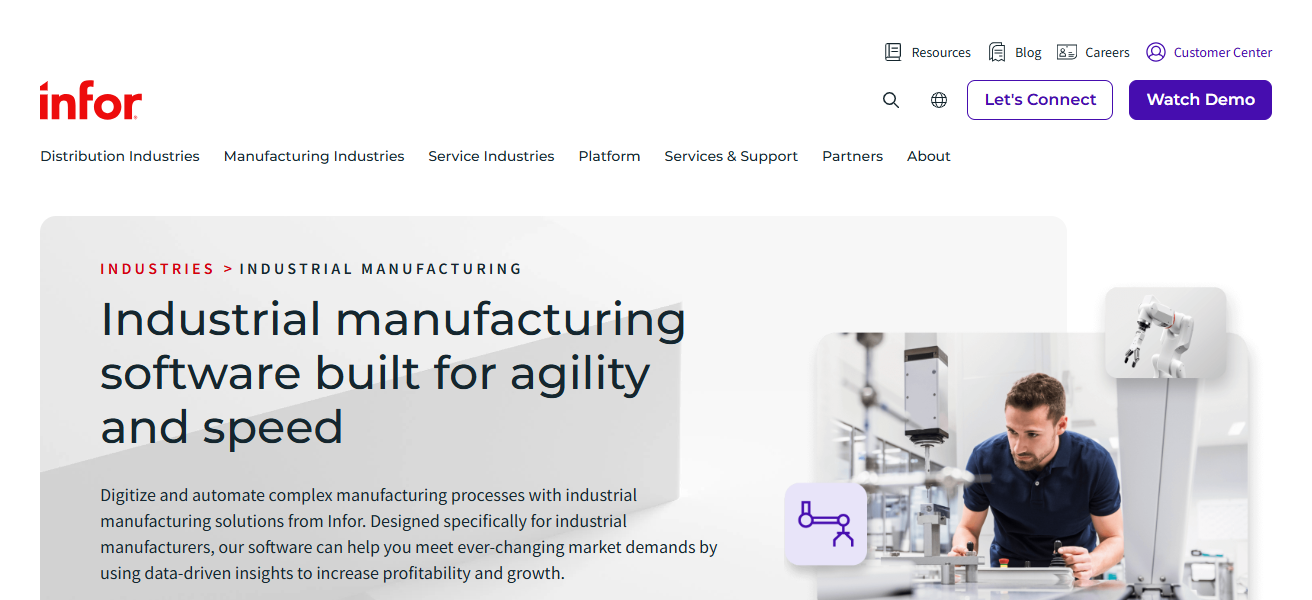
Managers may monitor and evaluate performance through Infor analytic and interface. As a cloud system, Infor provides flexible security and automatic system upgrades.
By uniting the system’s finance, operations, and customer management, CloudSuite Industrial enhances the effectiveness of medium-sized manufacturers, minimizes waste, and offers a valuable position in the global market.
Features Infor CloudSuite Industrial (SyteLine)
Advanced Manufacturing Tools – Comprehensive production planning, scheduling, and shop-floor control for discrete manufacturers.
Inventory Optimization – Automated replenishment planning and real-time visibility into stock levels.
Quality & Compliance Management – Facilitates quality control and regulatory compliance during the manufacturing processes.
Scalable Cloud Architecture – Secure cloud delivery makes it simple to extend capabilities and user access.
| Pros | Cons |
|---|---|
| Strong manufacturing and production planning capabilities. | Implementation and configuration can be complex. |
| Advanced scheduling and resource optimization. | Less suited for non‑manufacturing businesses. |
| Real‑time visibility into operations and shop floor. | Support quality can vary by region/partner. |
| Scalable and modular to fit specific needs. | UI is not as modern compared with some newer ERP offerings. |
5. Epicor ERP
Epicor ERP caters to the operational efficiency needs of mid-sized manufacturers, distributors, and service industry companies and comes with modules for production, supply chain, finance, and HCM (human capital management).
Epicor ERP real-time analytics support managements’ cost reduction and inventory optimization through demand forecasting.
Its flexible architecture provides the ability to cover specific industry needs with personalized solutions. Both cloud and on-premise deployment models facilitate scalability and control.
Given the automated workflow, integrated reporting, and mobile access, Epicor ERP is able to improve productivity and business decisions and is aligned to assist in the operational efficiency integration of workflows with the business goals of the organization.
Features Epicor ERP
End‑to‑End Operational Control – Integrates finance, supply chain, production, inventory, sales and service into a single solution.
Flexible Deployment – Accepts either cloud or on-premise solutions based on the organization’s business preference.
Advanced Scheduling & Planning – Tools available for capacity planning and material requirements planning (MRP).
Mobile Access – Remote team members can access mobile dashboards and workflows.
| Pros | Cons |
|---|---|
| Good fit for manufacturing, distribution, and services. | Requires strong internal change management. |
| Deep operational and supply chain functionality. | Upgrades may be disruptive without planning. |
| Real‑time analytics and dashboards. | Customization can be costly and complex. |
| Flexible deployment (cloud or on‑premise). | Smaller partner ecosystem than some rivals. |
6. Acumatica
Acumatica is a cloud ERP solution focusing on mid-sized companies of every kind. It similarly provides a fully integrated system for companies to use to manage their Finances, CRM, Project Accounting, Distribution, and Manufacturing.
Acumatica’s revenue model is cloud-licensing, facilitating scaling of companies on the system with no infrastructure boundaries.
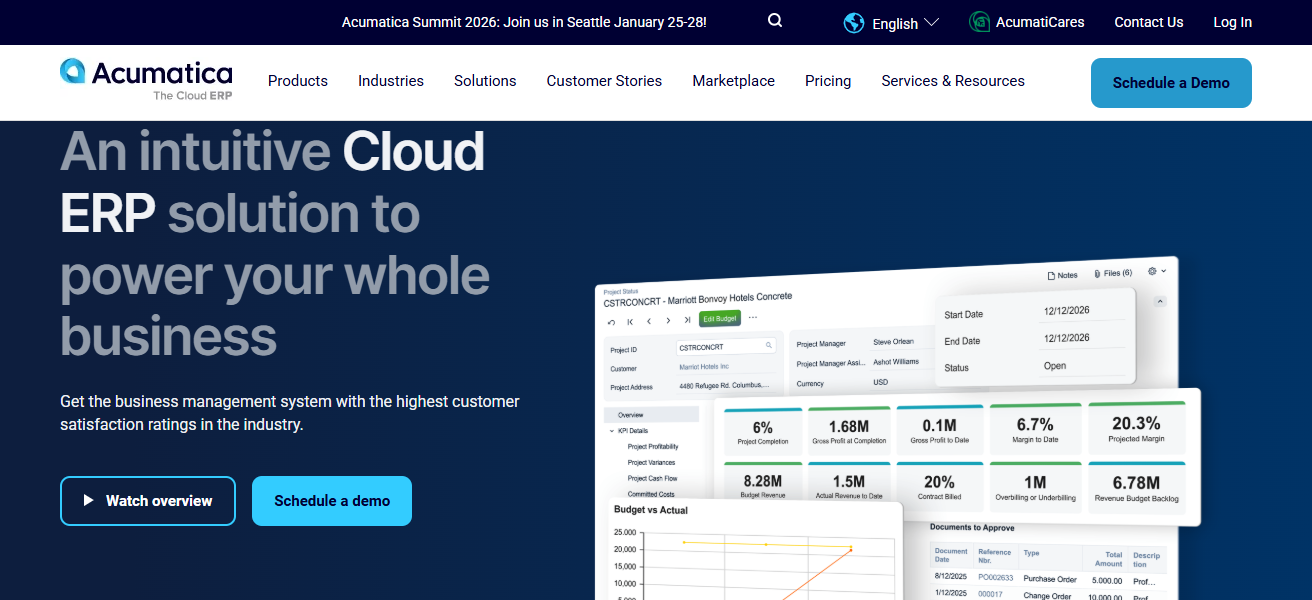
The unique self-service dashboard reporting provides companies with the real-time reporting they need to optimize their processes and make data-driven decisions.
Acumatica is fully mobile, and is focused on process automation to reduce manual work. The retention of manual work and compatibility of company processes is important when structuring a workflows.
Acumatica’s integrated solutions designed for mid-sized companies improve their operational efficiency and allow them to gain an advantage and grow in their markets.
Features Acumatica
Usage‑Based Licensing – Licensing based on resource consumption (not per user) to allow cost control flexibility.
Unified Cloud ERP – A single system for financials, CRM, distribution, and manufacturing core modules.
Real-Time Reporting – Finances and operations dashboard and analytics for performance reporting live.
Custom Workflow Automation – Automated and configurable streamlining processes of workflows
| Pros | Cons |
|---|---|
| Flexible licensing based on usage instead of users. | Less global presence than SAP or Oracle. |
| Cloud‑native with strong mobility. | Some advanced modules may require third‑party tools. |
| Strong usability and modern UI. | Support quality depends on partner network. |
| Real‑time dashboards and automation. | Implementation still requires planning and expertise. |
7. Sage X3
Sage X3 is an ERP package aimed at supporting small to medium enterprises that need more sophisticated financial and operational management functionality.
Sage X3 allows to integrate finance with manufacturing, supply chain, sales, and inventory into one single solution.
Sage X3 is optimal for businesses with global expansion plans, as operational analytics is produced and can address multi-site and multi-currency business activities.
Sage X3 is configurable to support businesses in automating repetitive tasks to achieve better workflow and efficiency in production and distribution and to elevate customer service. Sage X3 is an ERP system designed to support efficiency growth for mid market businesses.
Features Sage X3
Comprehensive Finance Suite – Corporate finance suite of general ledgers, accounts, budgeting, and compliance.
Supply Chain & Inventory – Tools for order management and advanced, inventory, and warehouse operations tracking.
Production Management – Management of manufacturing processes through scheduling and resource planning support.
Global Scalability – Expanding mid-size businesses support for multi-currency, multi-site, and multi-language.
| Pros | Cons |
|---|---|
| Strong for finance, distribution, and manufacturing. | Customization can be technical and time‑consuming. |
| Good multi‑company and multi‑currency support. | Interface is less intuitive than some cloud‑first ERPs. |
| Comprehensive built‑in reporting. | Smaller partner ecosystem in some regions. |
| Scalable for mid‑sized global operations. | Upgrades often require partner involvement. |
8. IFS Cloud
IFS Cloud is a new ERP focused on modern project-based, service and manufacturing companies and joins finance, project, supply chain and asset management into a seamless cloud system.
IFS Cloud delivers real-time reporting, AI insights, and analytics, allowing for better decision-making.
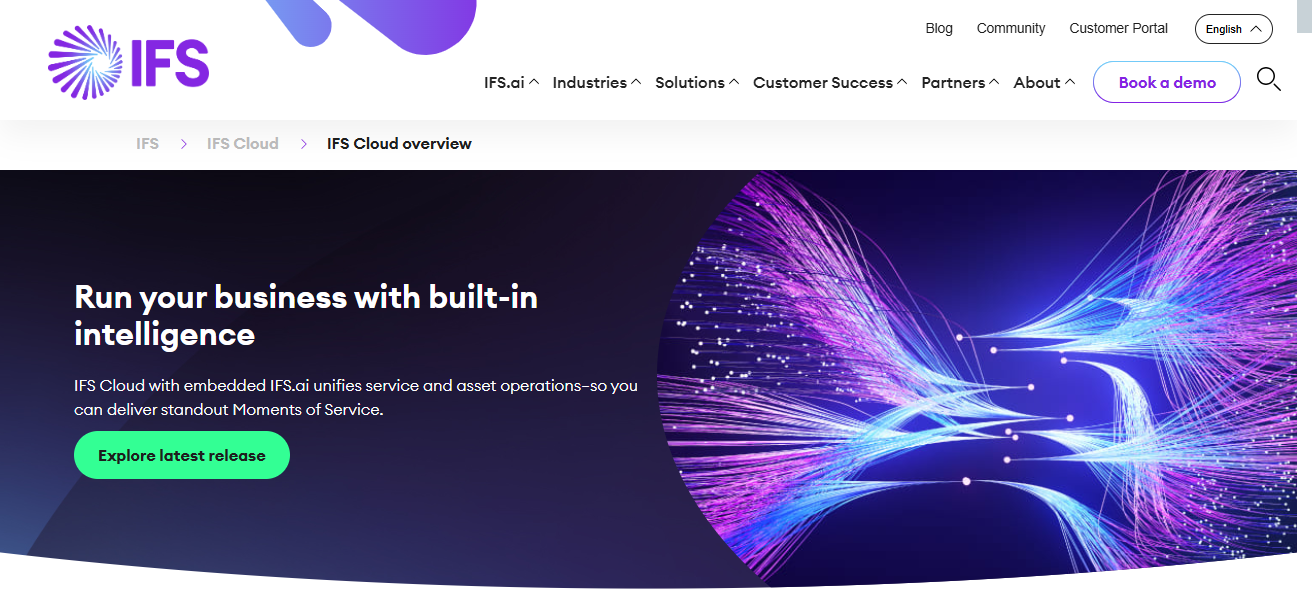
The platform is especially suitable for medium-size companies with specific and complex functional requirements operational process maintenance and service management.
IFS Cloud is designed to provide operational flexibility and to scale with the customer, allowing them to take only the functionalities they need at any point in time, and streamlining for productivity and growth.
Features IFS Cloud
Project & Service Focus – Asset maintenance and field service management tools for projects in substantial.
Unified Cloud Framework – Operational visibility in a single platform combining ERP, EAM, and FSM.
AI & Analytics – Real-time reporting, predictive analytics, and intelligent insights.
Flexible Modular Solutions – Basic modules such as service, finance, manufacturing and more, only needed available.
| Pros | Cons |
|---|---|
| Excellent for project‑based, service, and asset centric businesses. | Licensing and implementation can be expensive. |
| Unified cloud platform with real‑time analytics. | Best features may be overkill for simpler mid‑size needs. |
| Strong tools for maintenance and service management. | Smaller ecosystem than major cloud ERP leaders. |
| Flexible modular architecture. | Requires skilled resources for optimal deployment. |
9. Syspro
Syspro is an enterprise resource planning (ERP) system designed for smaller manufacturing and distribution companies. Syspro has modules for inventory and production, finance and supply chain management.
Syspro specializes in automating processes, reporting in real time, and making decisions based on data.
With its flexible architecture, companies can modify workflows to meet the unique requirements of their industry. Syspro is available in the cloud, on premise, or both.
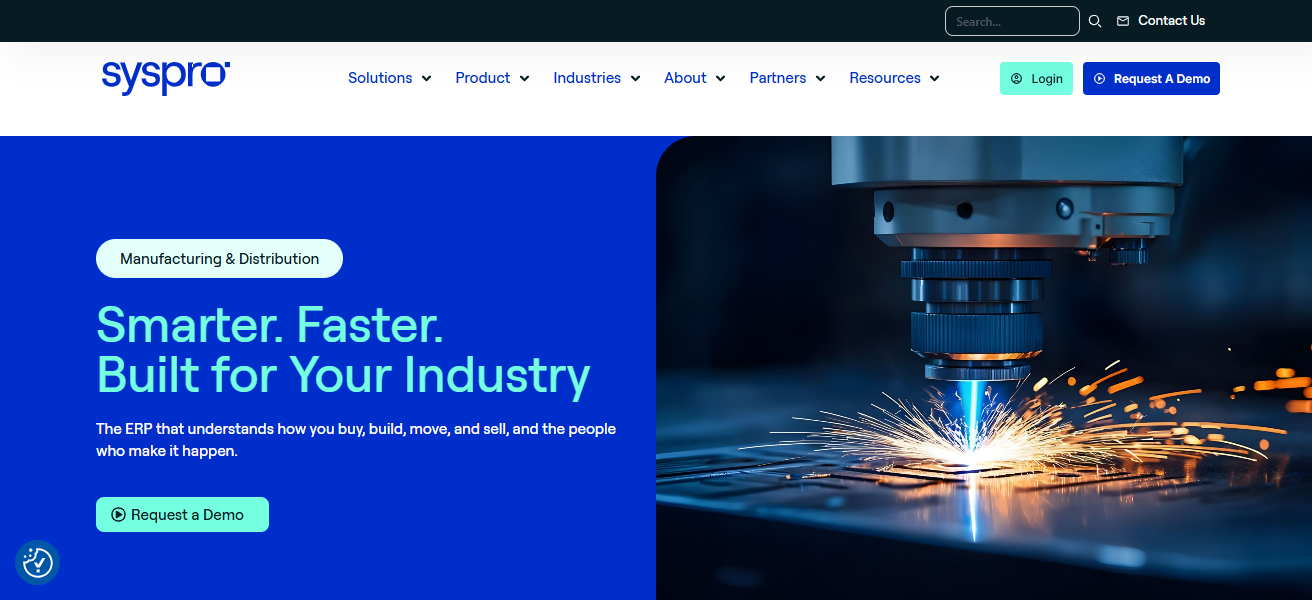
As Syspro automates manual processes, streamlines production, and helps companies manage inventory, it is able to help companies improve efficiency by increasing operational capabilities.
Because Syspro is focused on distribution and manufacturing, it is able to help smaller enterprises increase resource management, productivity, and competitiveness in a fluid economy.
Features Syspro
Manufacturing & Distribution Strength – Specialized functionality in process and discrete manufacturers built for.
Inventory & Warehouse Controls – Management of warehouse processes and real-time stock tracking.
Production Scheduling – Capabilities for planning, tracking, and improving output from production.
Flexible Deployment – Options for cloud, hybrid, or on-premise, depending on customer requirements.
| Pros | Cons |
|---|---|
| Well‑aligned to discrete and process manufacturing. | Limited brand recognition vs bigger ERP suites. |
| Strong inventory & production control. | Some advanced features may need add‑ons. |
| Flexible deployment (cloud/on‑premise). | Reporting customization isn’t intuitive for all users. |
| Good scalability for mid‑market. | UI is less modern than recent cloud ERPs. |
10. MRPeasy
MRPeasy is a user-friendly ERP cloud model system for small to medium-sized manufacturing businesses looking to simplify their business operations.
The platform integrates production planning, inventory control, purchasing, sales, and CRM. The customer-friendly cloud service offers real-time production, cost, and order tracking
from any location, and Rural manufacturing has released MRPeasy for scheduled debugging RMRPeasy is user- to support a growing customer base.

User automation eliminates repetitive tasks, lowers the risk of stockouts, and increases overall supply chain performance. For growing manufacturing companies
MRPeasy streamlines business functions, maximizes resource utilization by helping with planning and prioritization of tasks, improves Operational decision-making, and offers cost effective low support service and operational decision-making.
Features MRPeasy
Simple Production Planning – Master Production Scheduling (MPS), and Material Requirements Planning (MRP).
Inventory & Order Management – Monitors inventory and automates order placement for small manufacturers.
Affordable Cloud ERP – Cloud-based system, easy to implement with low overall costs.
User-Friendly Interface – Great for novice ERP teams, thanks to easy dashboards and low workflow.
| Pros | Cons |
|---|---|
| Very affordable and user‑friendly for small to mid manufacturers. | Not as feature‑rich as full‑scale ERP systems. |
| Cloud‑based with rapid deployment. | Limited finance/general ledger depth vs larger ERPs. |
| Real‑time production & inventory tracking. | Best suited for discrete manufacturers—less for complex operations. |
| Low maintenance and simple UI. | Scalability can be constrained as business becomes larger. |
How We Choose Best ERP Software for Mid-Size Companies
Define Business Needs – Determine which core processes need automation: finance, inventory, manufacturing, CRM, etc.
Scalability & Flexibility – Pick ERP that able to grow together with the company and adapt to a changing environment.
Budget & Total Cost – Look at costs for licensing, implementation, training, and the ongoing costs of maintaining the software.
Industry Fit – Choose ERP that has been customized for your industry (manufacturing, distribution, services).
Ease of Use – Looks modern and is easy to navigate, resulting in a faster training and higher adoption rate.
Integration Capability – Must be able to work with software the company is currently using, such as Microsoft 365, e-commerce platforms, or BI tools.
Deployment Options – Choose between cloud, on-premise, or hybrid depending on the capacity of your IT.
Support & Vendor Reliability – Look at vendor’s reputation in the market, their customer support, and their policies on upgrades.
Conclsuion
To sum up, the best ERP software for mid-size companies is based on a variety of factors like the company’s specific needs, the industry, and goals for growth.
ERP systems improve operation efficiency, offer better visibility on data, and improve the quality of decision-making.
Now mid-size companies can leverage the cloud for digital transformation, and, on top of that, it has the ability to achieve greater operational efficiency and digital transformation while maintaining a competitive edge.
FAQ
To streamline operations, reduce manual work, improve decision-making, and scale efficiently.
Infor CloudSuite Industrial, Epicor ERP, and MRPeasy are ideal due to strong production and inventory management.
SAP Business ByDesign, Oracle NetSuite, and Sage X3 support multi-currency, multi-entity, and global compliance.
Yes, most modern ERPs like Acumatica, SAP ByDesign, and NetSuite are cloud-based, allowing remote access.
Costs vary widely depending on software, users, modules, and deployment, typically ranging from $50,000 to $500,000+ for implementation and licensing.