This article will provide insight into the Best Odoo Alternatives With Better UI that keeps the value UI design and business management functionalities of Odoo Alternatives. Odoo has many business management features, but the complex navigation and lack of automated workflows can be frustrating.
- Key Points & Best Odoo Alternatives with Better UI
- 10 Best Odoo Alternatives With Better UI
- 1. Zoho CRM
- 2. NetSuite
- 3. ERPNext
- 4. Salesforce Sales Cloud
- 5. Holded
- 6. Swell
- 7. SAP Business One
- 8. Microsoft Dynamics 365
- 9. ToolJet
- 10. Freshworks CRM
- How To Choose Best Odoo Alternatives With Better UI
- Conclusion
- FAQ
Alternatives with more intuitive designs, automated workflows, and smarter automation will be more efficient. In this article, we focus on identifying solutions that has seamless operations, better usability, and faster adoption for teams.
Key Points & Best Odoo Alternatives with Better UI
| Platform | Key Point |
|---|---|
| Zoho CRM | Intuitive dashboard with drag‑and‑drop customization |
| NetSuite | Enterprise‑grade UI with real‑time analytics |
| ERPNext | Clean open‑source interface tailored for SMEs |
| Salesforce Sales Cloud | Highly polished UI with advanced CRM workflows |
| Holded | Modern design with easy invoicing and project tracking |
| Swell | Headless commerce platform with sleek storefront UI |
| SAP Business One | Streamlined ERP interface for manufacturing and finance |
| Microsoft Dynamics 365 | Unified UI across ERP, CRM, and productivity apps |
| ToolJet | Low‑code builder with customizable internal tool UI |
| Freshworks CRM | User‑friendly design with AI‑powered insights |
10 Best Odoo Alternatives With Better UI
1. Zoho CRM
Zoho CRM is one of the best alternatives to Odoo mostly because of how visually appealing their user interface is. Odoo can sometimes be confusing to navigate
While Zoho CRM has user friendly organized dashboards which increases utilization from your teams and allows for simplified management of workflows, tracking sales, and customer interactions.
Zoho CRM is streamlined for customization, and has one of the best integrations along with analytics and management of data.
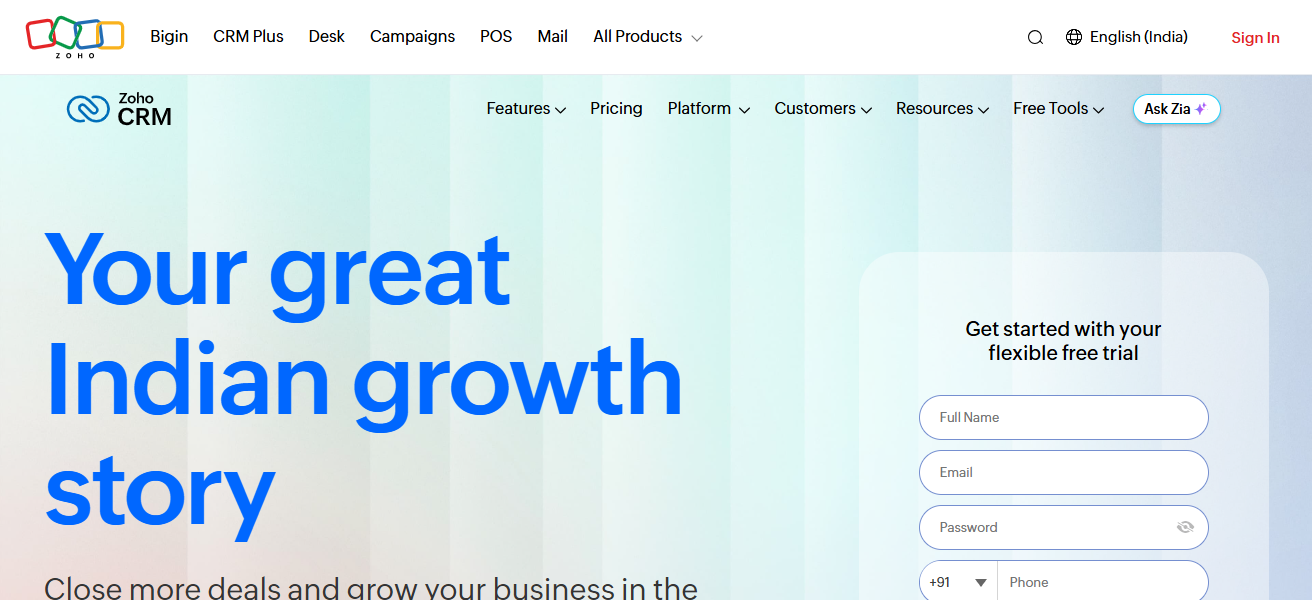
Added to its customer experience optimization, which allows for less training of your teams, Zoho CRM will give your teams quick access to insights.
Coupled with automated reporting and AI sales assistance, Zoho CRM is one of the best alternatives for customer relationship management.
Zoho CRM Features
- Lead and Contact Management: This modules stores all touches with a customers, and helps assign and prioritize customers to ensure money can be earned quicker.
- Workflow Automation: Save time by having automated follow-up emails and task that plug into a workflow.
- AI-Powered Insights: Zoho can guess what trends will be popular in sales and what customers may behave like in the future.
- Integrations: Connect with social, email, and service apps to streamline your business operations.
| Pros | Cons |
|---|---|
| Intuitive and visually appealing UI. | Some advanced features require paid plans. |
| Drag-and-drop customization of workflows. | Limited offline functionality. |
| Seamless integration with third-party apps. | Automation can be complex for beginners. |
| AI-powered sales assistance and analytics. | Email templates and reporting can feel basic. |
| Scalable for small to large businesses. | Some users report occasional slow load times. |
2. NetSuite
NetSuite stands out as a highly rated alternative to Odoo with its simplicity and its clean modern design and user interface which streamlines complex business processes.
Odoo can be dense and overwhelming to new users so the efficiency and modernity of Odoo’s role centered dashboards which allow users to view and act on the data that is most relevant to them.
Odoo offers numerous modules that compliment its numerous roles as a full fledge integrated solution encompassing CRM, ERP, and E-commerce.
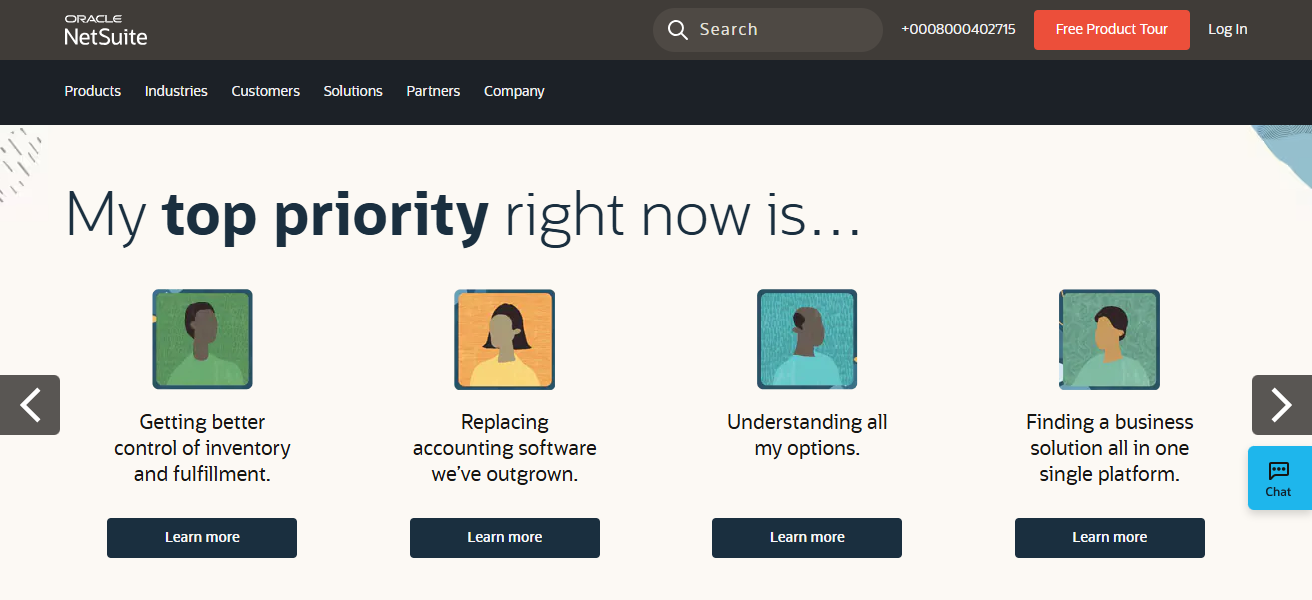
Odoo’s cloud based tech keeps all users harmonized on the most up to date version and improves productivity with the use of mobile devices.
NetSuite’s vision centered on user experience along with its modern and efficient design is why NetSuite is the top option for many growing companies.
NetSuite Features
- Unified ERP and CRM: Accounting, CRM, inventory, and e-commerce are all rolled into one platform.
- Role-Based Dashboard: Each user gets a specific dashboard that has only the pertinent data.
- Cloud-Based Access: Users can get real-time updates and can access the program from any device.
| Pros | Cons |
|---|---|
| Modern, role-based dashboard for easy navigation. | Higher cost, suitable for larger businesses. |
| Unified ERP, CRM, and e-commerce functionality. | Customization can be complex. |
| Real-time analytics and reporting. | Requires training for advanced features. |
| Cloud-based and mobile-accessible. | Implementation can be time-consuming. |
| Strong scalability for growing businesses. | Integration with niche tools may need custom work. |
3. ERPNext
ERPNext provides users with an excellent alternative to Odoo, thanks to its modern and aesthetically pleasing UI which fosters excellent usability for companies, regardless of size.
Where Odoo often seems to overwhelm, ERPNext’s uncluttered design and straightforward UI facilitates easy and rapid access to major business functions, such as CRM, Accounting, Inventory and HR, with just a few clicks.
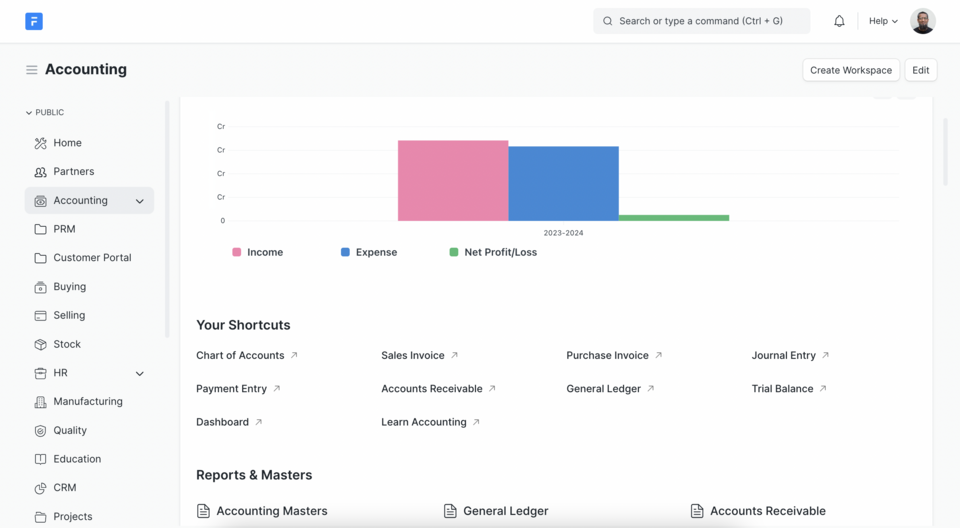
In addition to its modern and uncluttered design, ERPNext is lightweight and provides customizable workflows, as well as up-to-date real-time visuals that make navigation a breeze.
Clarity and efficiency are key design principles for ERPNext that empowers teams to manage business functions and operations seamlessly.
With its excellent combination of uncluttered design, flexibility and emphasis on usability, ERPNext provides a significantly better UI to its users than Odoo.
ERPNext Features
- Open-Source Flexibility: ERP modules that can have virtually any feature like accounting, CRM, HR and inventory.
- User-Friendly Dashboard: Streamlined easy to use interface that neophytes and les savvy users can navigate.
- Custom Workflows: Businesses are able to develop unique red tape around their sales, purchasing, and production.
- Real-Time Reporting: Charts and dashboards that help decision making that can be instantly visible and insightful
| Pros | Cons |
|---|---|
| Clean, modern, and lightweight UI. | Limited third-party integrations compared to Odoo. |
| Easy navigation for non-technical users. | Mobile app functionality can be basic. |
| Customizable workflows and modules. | Smaller community than Odoo for support. |
| Real-time dashboards and analytics. | Some advanced features need manual configuration. |
| Open-source and cost-effective. | Limited built-in AI or automation tools. |
4. Salesforce Sales Cloud
Salesforce Sales Cloud is an amazing alternative to Odoo. It excels in providing a high sophistication user interface for enhanced sales and customer management.
Sales Cloud is not like Odoo, which has complicated menus. Instead, it has a simple and visually structured, personalized dashboard.
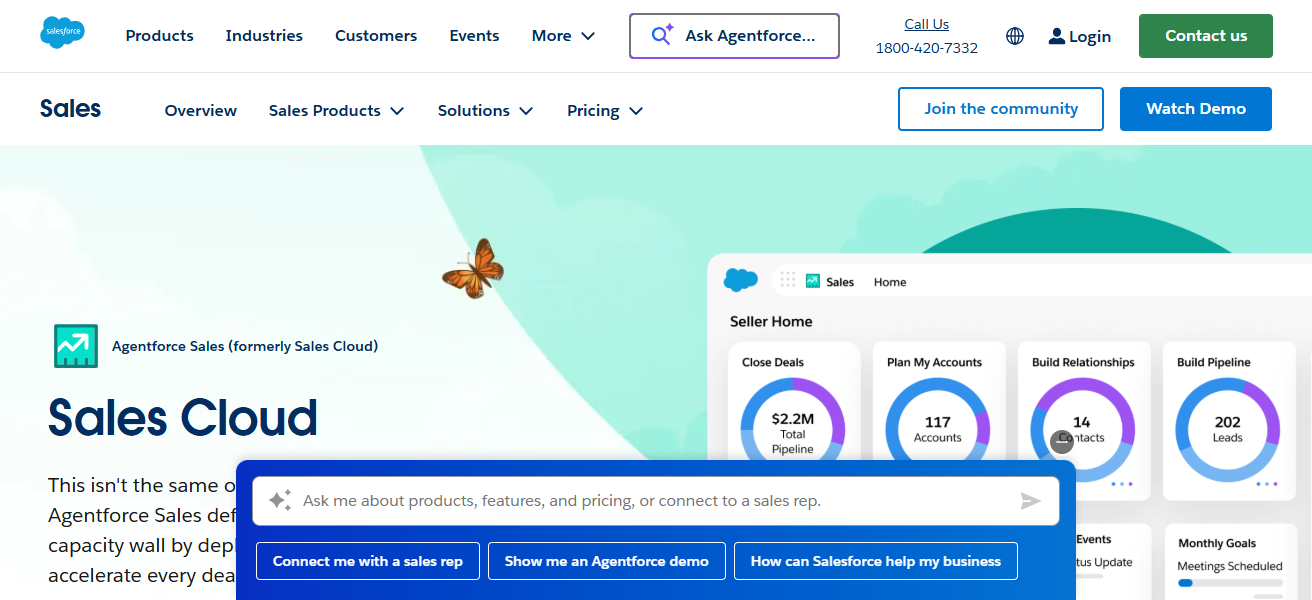
With it, sales teams can easily manage and review leads, opportunities, and performance. Furthermore, its workflow automation (drag-and-drop), its proprietary AI, and integrations with third-party applications, enhance the speed and efficiency in accessing data and making decisions.
Also, it puts high priority in simplicity. This is to ensure that even with little to no technical know how, a user can navigate it with ease.
When taking into account the more than the average customer satisfaction that the user interface brings, coupled with the ample functionality, it becomes quite evident that Salesforce Sales Cloud is vastly more capable than Odoo.
Salesforce Sales Cloud Features
- Lead and Opportunity Management: Increases conversion rates by monitoring each stage of the sales cycle.
- AI-Powered Recommendations: Predicts outcomes and recommends action steps through Einstein AI.
- Customizable Workflows: Automate tasks and approvals using a drag-and-drop feature.
- Robust Analytics: Actionable insights are provided through dashboards and detailed business reports.
| Pros | Cons |
|---|---|
| Sleek, customizable, and intuitive UI. | Expensive for small businesses. |
| AI-powered insights and automation. | Setup can be complex. |
| Drag-and-drop workflow creation. | Requires time to master full functionality. |
| Strong reporting and analytics capabilities. | Heavy reliance on Salesforce ecosystem. |
| Excellent third-party integrations. | Can feel overwhelming for small teams. |
5. Holded
Holded is one of the best alternatives to Odoo. It has a simple design that makes managing your business easier. Odoo is a bit overwhelming for small and medium-sized businesses.
It can be complex and has a huge range of features which can result in people feeling lost and confused. Holded has a beautiful, simple, and clean user interface.
It offers a wide range of features such as accounting, invoicing, CRM, and inventory management, all fully integrated in one place.
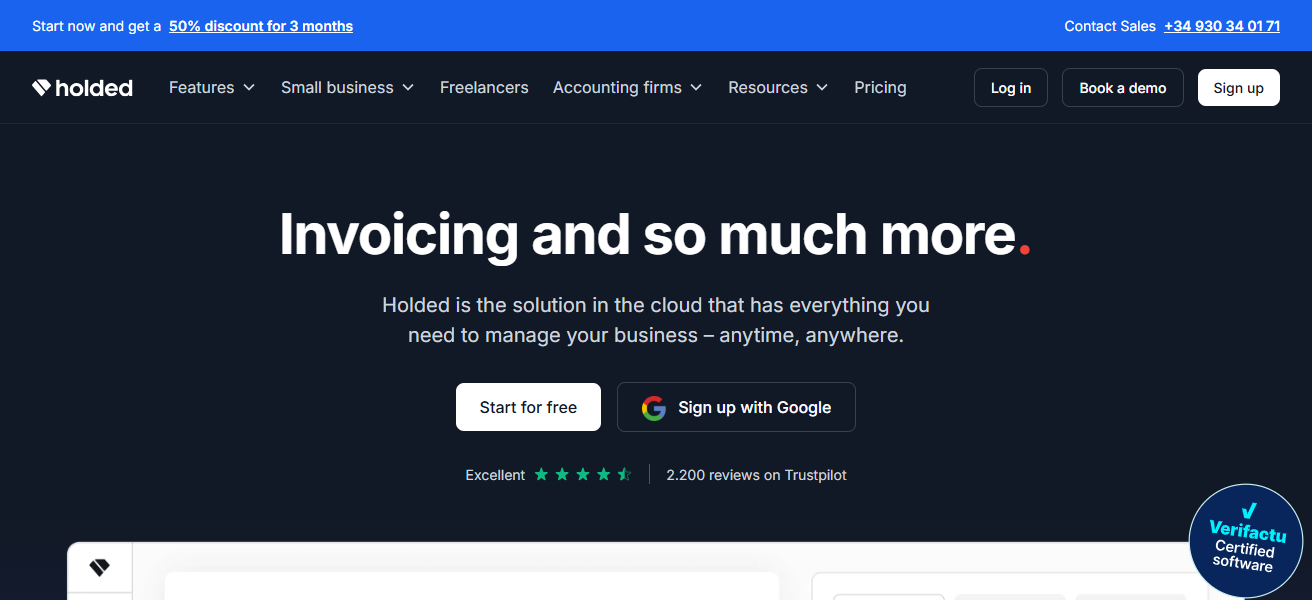
Users can manage all of their business needs in one area and are able to use the interface to drag and drop, which makes the design a lot more modern.
The software offers real time analytics which boosts team productivity and makes their operations more efficient.
The system is simple to use and has built in powerful automization. The experience is all streamlined which makes Holded a superior option compared to Odoo.
Holded Features
- All-in-One Dashboard: Integrates CRM, invoicing, accounting, and inventory management.
- Easy Navigation: User-friendly design enables operational management across teams with low learning barriers.
- Workflow Automation: Assists with automating tasks including reminders, notifications, and billing.
- Customizable Reports: Provides instant reports pertaining to sales, financials, and team performance.
| Pros | Cons |
|---|---|
| Clean and visually appealing dashboard. | Smaller ecosystem compared to Odoo. |
| Combines accounting, CRM, and inventory in one platform. | Some features limited to premium plans. |
| Drag-and-drop functionality for workflows. | Advanced reporting is less robust. |
| Easy for small and medium businesses to adopt. | Limited integrations with niche apps. |
| Quick learning curve for new users. | Mobile app functionality is basic. |
6. Swell
Swell is an alternative to Odoo for businesses prioritizing modern eCommerce and streamlined usability. It provides a more pristine and straightforward interface than Odoo’s ERP system.
Built on an API-first architecture, users can easily and efficiently handle products, orders, and subscriptions. This simplicity is great for teams who appreciate clarity.

Advanced users are not needed to perform complex tasks like subscription billing and multi-channel selling. From a non-technical perspective, users can easily create and manage custom storefronts.
In comparison to Odoo’s packed modules, users enjoy a better UI experience with Swell’s emphasis on flexibility and simplicity.
Swell Features
- E-Commerce Focus: Online sales, product catalogs, and subscriptions management tailored tools.
- API-First Architecture: Seamless integration with custom tools and other applications.
- Intuitive Admin Panel: Manage payments, customers, and orders with easy navigation.
- Flexible Subscription Billing: Recurring payments, trial periods, and custom plans management made easy.
| Pros | Cons |
|---|---|
| Intuitive UI designed for eCommerce and subscriptions. | Mainly focused on online commerce, less ERP functionality. |
| API-first architecture for flexible integrations. | Can be overkill for non-commerce businesses. |
| Easy navigation and streamlined admin interface. | Advanced customization may require developer input. |
| Simplifies complex subscription and billing workflows. | Smaller community than Odoo. |
| Non-technical users can manage operations easily. | Limited offline or desktop options. |
7. SAP Business One
SAP Business One is an alternative to Odoo with a user-friendly, visually structured interface that simplifies intricate processes.
Odoo has hundreds of modules that often confuse users to the extent that they cannot effectively use the software.
Conversely, SAP Business One has role-specific dashboards with the right data for employees. They can build custom reports and dashboards, and the value of integrated CRM, finance, and inventory modules is opaque operations.
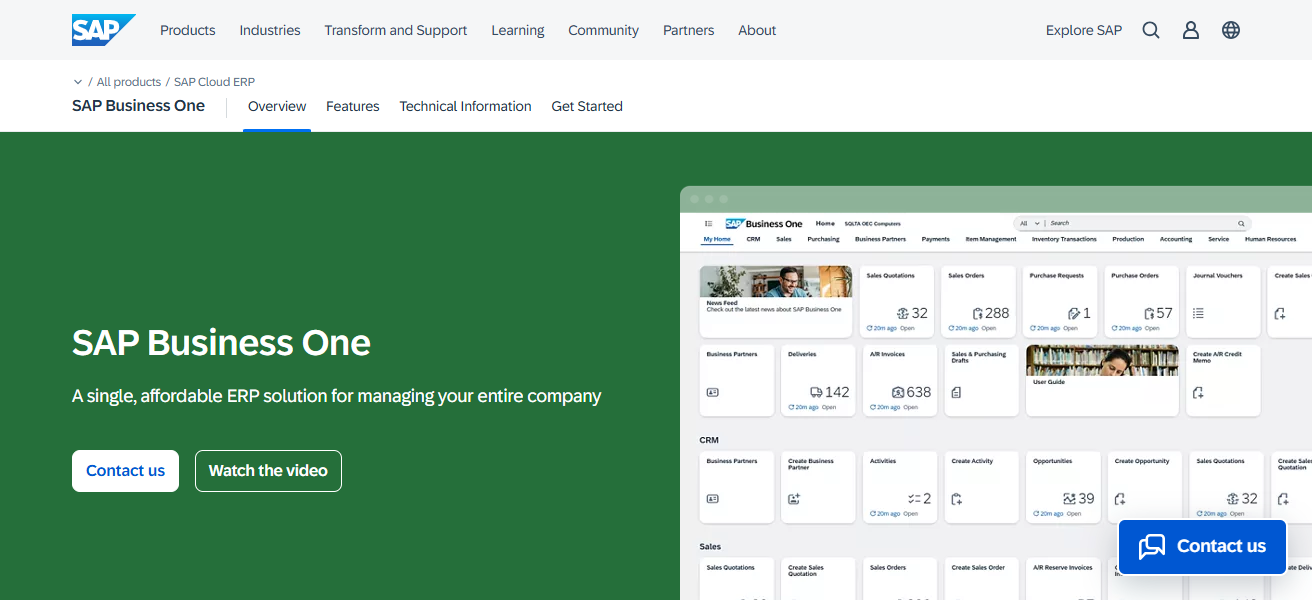
The platform’s focus on design analytics and ease of use empowers better, quicker decisions. By merging elegant UX and powerful ERP, SAP Business One is better than Odoo.
SAP Business One Features
- Integrated ERP Modules: Covers CRM, finance, inventory, and manufacturing modules.
- Real-Time Analytics: Provides actionable insights sales, operations, and finance.
- Customizable Dashboards: Each user has tailored dashboards that highlight the most relevant metrics to their role.
- Scalable Solution: Good for complex operational needs and growing businesses.
| Pros | Cons |
|---|---|
| Role-based and intuitive interface. | High cost, aimed at medium to large enterprises. |
| Integrated CRM, finance, and inventory modules. | Implementation can be lengthy. |
| Real-time analytics and reporting. | Less flexible than open-source alternatives. |
| Streamlines complex business operations. | Limited customization without expert support. |
| Scalable for growing businesses. | Some users find UI less modern than cloud-native platforms. |
8. Microsoft Dynamics 365
Microsoft Dynamics 365 is also one of the best alternatives to Odoo and has a modern interface that is easy to use and helps improve business processes.
Compared to Odoo’s cluttered interface, Dynamics 365 has a clean interface that has CRMs, ERPs, and analytics all in one dashboard and is easy to use from a role-based perspective.
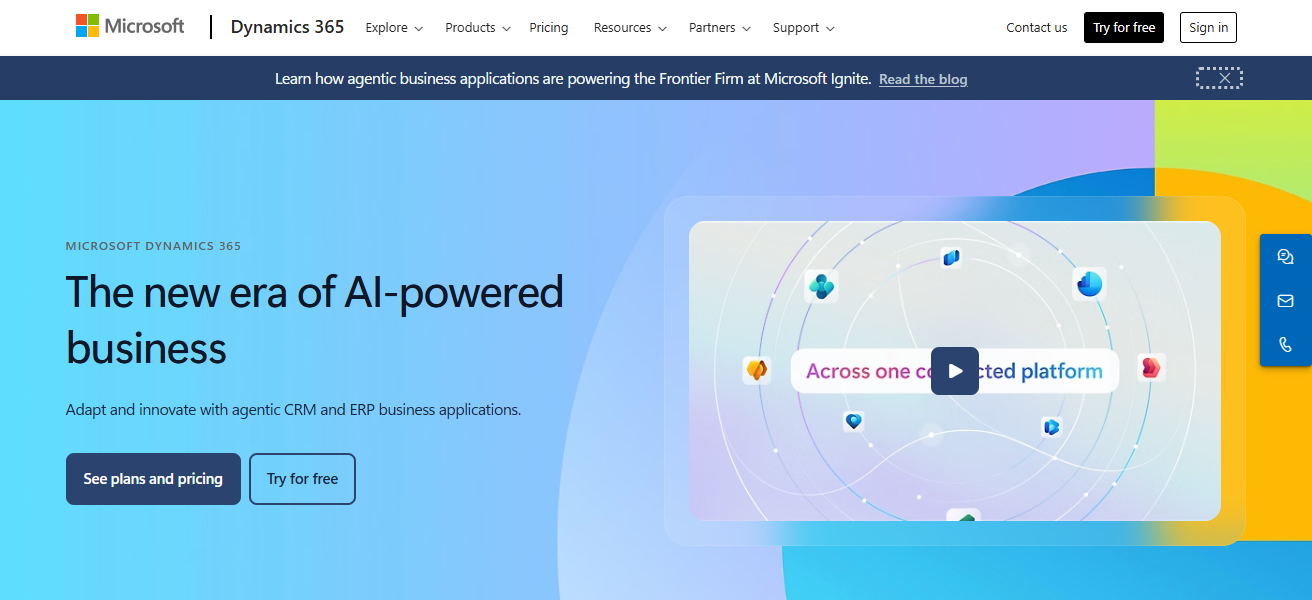
Its integrations with Microsoft 365, AI-driven tools, and customizable workflows help manage data and make decisions.
The platform is designed with user experience in mind, which is why most of the time it requires little to no training to use. The overall user experience, design, and integrations make it better than Odoo.
Microsoft Dynamics 365 Features
- Unified Platform: Integrates CRM, ERP, and AI analytics into one solution.
- Role-Based UI: Custom dashboards by role that highlight pertinent information.
- Seamless Integration: Integrates with Microsoft 365, Teams, and Azure.
- Workflow Automation: Automation for operational, customer service, and sales workflows.
| Pros | Cons |
|---|---|
| Modern, role-based UI with clean dashboards. | Expensive for small businesses. |
| Seamless integration with Microsoft 365 apps. | Learning curve can be steep. |
| AI-driven insights and automation. | Some advanced modules require separate licensing. |
| Customizable workflows and reporting. | Can be overwhelming for smaller teams. |
| Combines ERP and CRM in a single platform. | Mobile interface less intuitive in some areas. |
9. ToolJet
When it comes to competitors to Odoo, ToolJet is one of the best for businesses that want a more simplified, user-friendly interface with robust low-code features.
ToolJet makes building custom internal tools, dashboards, and apps with drag-and-drop features so that you don’t have to worry about overly complicated modules like you do with Odoo.
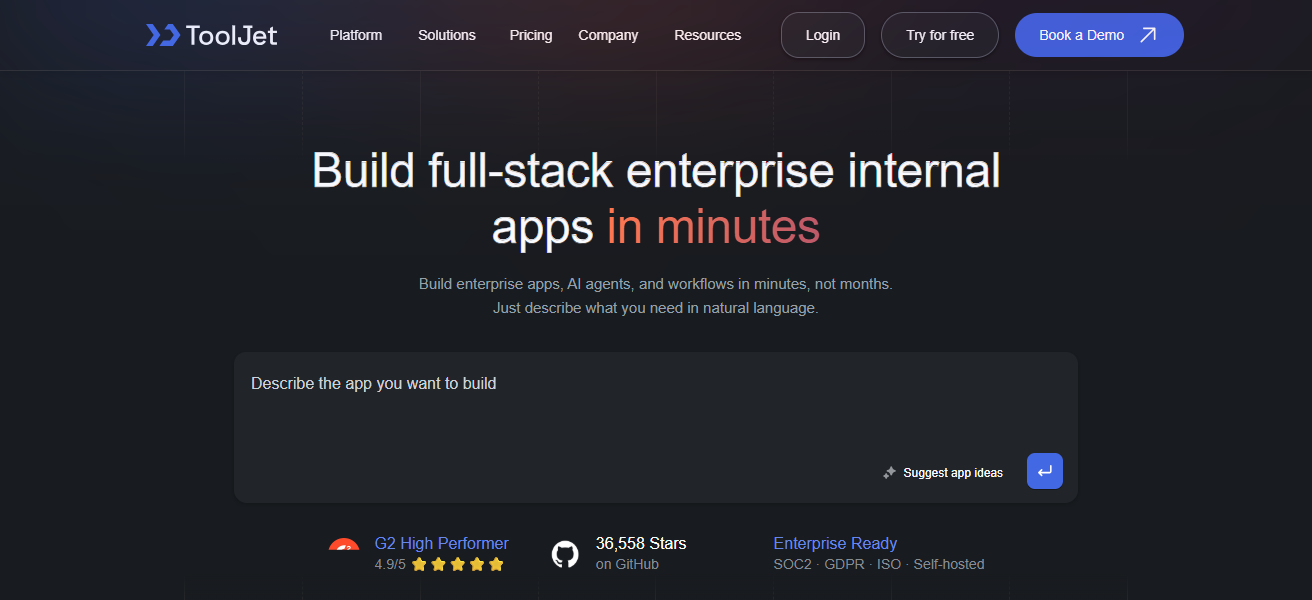
ToolJet’s design makes it so the users aren’t overwhelmed, and that all team members, even non-technical ones, can automate workflows, understand and manipulate data, and manage operations.
The elastic design interface, seamless integrations, and real-time updates makes ToolJet easy to use while being extremely functional. With all of these features, ToolJet is a great, modern alternative to Odoo.
ToolJet Features
- Low-Code Development: Custom internal tools with a drag-and-drop interface.
- Real-Time Updates: Applications instantly reflect real-time data.
- Flexible Integrations: Add database, API, and third-party tool connections.
- User-Friendly Interface: Simple enough for non-tech users to build apps and dashboards.
| Pros | Cons |
|---|---|
| Low-code platform with drag-and-drop UI. | Less comprehensive ERP features than Odoo. |
| Allows creation of custom internal tools quickly. | Best suited for internal apps, not full-scale ERP. |
| Real-time updates and easy integrations. | Requires some technical knowledge for complex apps. |
| Intuitive and user-friendly for non-technical teams. | Smaller ecosystem and support community. |
| Flexible and scalable for growing teams. | Limited built-in analytics compared to full ERP platforms. |
10. Freshworks CRM
Freshworks CRM is a great alternative to Odoo with a more modern and intuitive user interface focused on better user experience. Odoo has a user interface that is complex and cluttered.
In the case of Freshworks CRM, it has a visually organized dashboard where the user is able to keep track of leads, and manage deals and team performance.
In the case of Odoo, Freshworks CRM has AI powered insights, with automated workflows, and business tools integrations which all result in more efficient and faster management.
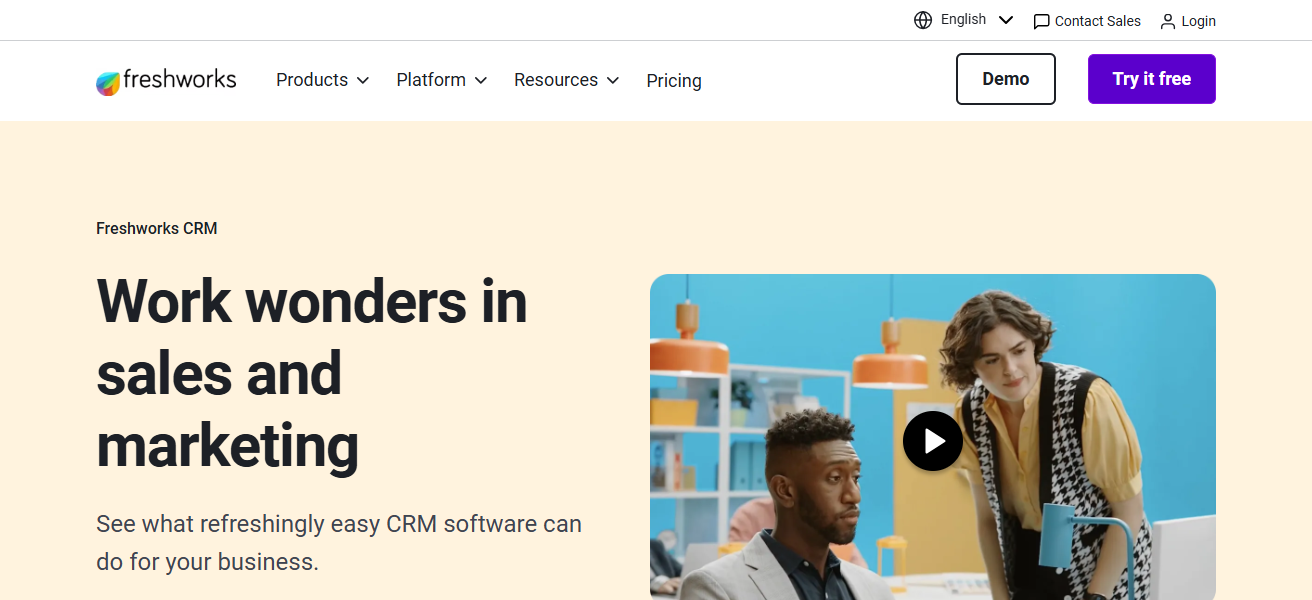
With the user experience of Freshworks CRM built to keep things simple, productivity and management can be enhanced which in turn reduces the learning curve.
The combination of a minimalist and intuitive design along with strong automated features makes Freshworks CRM better than Odoo.
Freshworks CRM Features
- Lead and Deal Tracking: Sales pipelines organization and prioritization of deals at risk.
- AI-Powered Insights: Sales predictions and recommendations from Freddy AI.
- Automated Workflows: Follow-ups, emails, and reminders automatically.
- Unified Dashboard: Contacts, deals, and analytics in one streamlined view.
| Pros | Cons |
|---|---|
| Sleek, modern, and intuitive UI. | Advanced reporting limited in lower-tier plans. |
| AI-powered insights and smart automation. | Some integrations require paid plans. |
| Easy lead and deal management. | Less suitable for complex ERP requirements. |
| Clean dashboard reduces learning curve. | Mobile app can be basic for advanced tasks. |
| Seamless collaboration and workflow automation. | Limited customization compared to open-source alternatives. |
How To Choose Best Odoo Alternatives With Better UI
User Interface. Consider services with simple user interfaces and an organized system for easy usability.
Customization. Assess systems adaptability to workflow configurations and system modules to business objectives.
Integration. Assess systems adaptability to already existing software for uninterrupted business continuity.
Automation. Consider systems with integrated business process automation for time and error reduction.
Scalability. Opt for services where the system is adaptable to overwhelming business needs.
Analytics. Assess instant data visualization and reporting for instant and better business decisions.
Cost. Weigh the system functionalities against subscription or set-up costs.
Support. Assess availability of technical documentation and customer help.
Ease of Adoption. Large systems should require minimal orientation for quick employee assimilation.
Conclusion
To sum up, selecting the most suitable alternatives to Odoo based on user interface entails examining elements such as the size of your business, your workflows, and your budget.
Websites such as Zoho CRM, NetSuite, ERPNext, and Salesforce Sales Cloud provide user-friendly dashboards, automated processes, and real-time feedback.
Usability, personalization, and integration help to boost efficiency, minimize learning curves, and streamline business operations better than Odoo.
FAQ
Zoho CRM, NetSuite, ERPNext, Salesforce Sales Cloud, Holded, Swell, SAP Business One, Microsoft Dynamics 365, ToolJet, and Freshworks CRM.
Odoo can be complex; alternatives offer simpler, more intuitive interfaces.
Zoho CRM, Holded, and Freshworks CRM are ideal for small teams.
NetSuite, SAP Business One, and Microsoft Dynamics 365 suit large organizations.