This article will go over the Best Payroll Software for Remote Teams that helps companies handle paycheck management, taxation, and compliance.
Since remote work is continuously on the rise, having payroll software makes it possible to process payments accurately, assists with employees that work in different states or other countries, and syncs with other HR applications.
Using the right payroll management software makes it possible to save time, minimize mistakes, and make payroll management easier to handle for remote teams.
Key Points & Best Payroll Software For Remote Teams
| Payroll Software | Key Point |
|---|---|
| Deel | Global payroll and compliance for contractors and employees in 150+ countries |
| OnPay | Affordable solution with automation for small businesses and startups |
| ADP Payroll | Enterprise-grade features with scalability and compliance support |
| Paychex | Flexible plans for businesses of all sizes, strong HR integration |
| Gusto | All-in-one HR and payroll with benefits management and easy onboarding |
| BrightPay | User-friendly interface with strong reporting and compliance tools |
| Payroll Mate | Budget-friendly desktop software for small businesses needing simplicity |
| Wave Payroll | Integrated with Wave accounting, ideal for freelancers and small teams |
| Patriot Payroll | Low-cost payroll solution with easy tax filing and direct deposit |
| Rippling | Unified workforce platform combining payroll, HR, and IT management |
10 Best Payroll Software For Remote Teams
1. Deel
Deel is a payroll platform aimed at remote teams and global distributed workforces. Deel is permitees automated compliance by managing tax registrations and agreements, and handles local employment law across 150 countries.
Remote workers and employers can receive payments in different currencies due to conversion integrations.
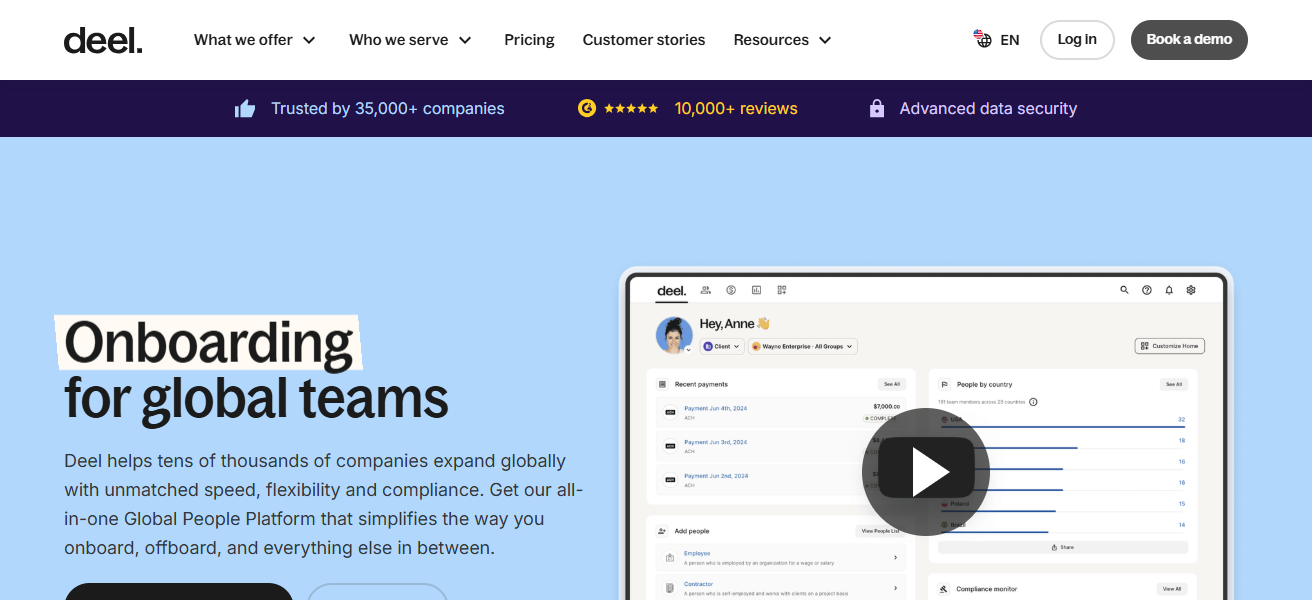
Deel works with different HR and time tracking software to decrease global teams administrative burden.
Deel also provides company stock, benefits, compliance documents, and other features. This platform is designed to ensure remote and cross-border operations are efficient and compliant with the requirements of fast-growing businesses.
Deel Features
Global Payroll & Compliance – Seamlessly manages payroll tax obligations and submissions in over 150 countries keeping distributed teams compliant.
Contractor & Employee Payments – Pays full-time employees and contractors in several different currencies with payment conversion and routing options.
Automated Contracts – Offers international hires legal contracts with region-specific templates.
Benefits & Stock Options – Manages global equity and other benefits from a single platform.
| Pros | Cons |
|---|---|
| Excellent for managing international payroll with local compliance in 150+ countries. | Pricing can be high, especially for smaller teams. |
| Supports contractors and full-time employees with multi-currency payments. | Learning curve due to many advanced global features. |
| Automates contracts, taxes, and compliance across jurisdictions. | Some HR add-ons increase overall cost. |
2. OnPay
OnPay works best for small to mid sized remote teams using an easy to use payroll system. It automates multiple runs, tax filings, and year end forms payroll processing, and includes everything for a single flat fee.
It also works best for remote employees on multi-state payroll. It also syncs with accounting, time tracking, and HR systems to eliminate duplicate data entry.
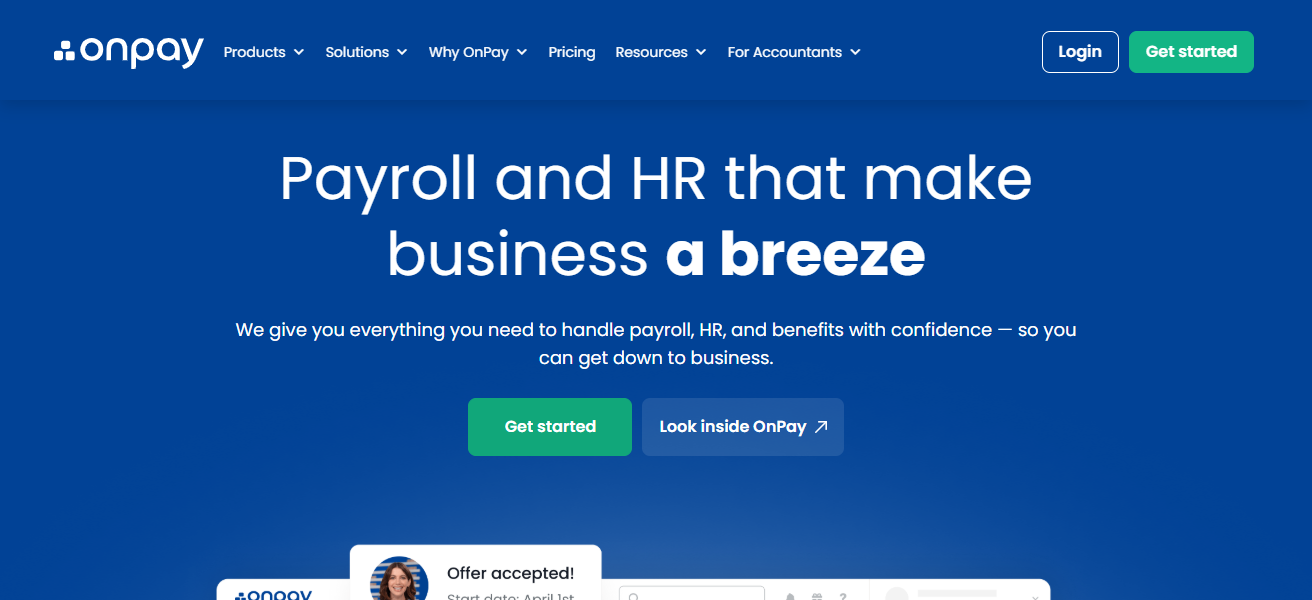
Customer Support is very responsive and onboarding is easy. Remote team managers can confidently manage payroll without expert training. OnPay’s features help teams scale and achieve compliance.
OnPay Features
Unlimited Payroll Runs – Perform payroll runs as many times as desired at no additional charge.
Automatic Tax Filing – Tax calculations as well as state and federal tax filings are fully automated.
Multi-State Support – Effortlessly compensates employees and contractors across various states.
Integration with HR/Time Tools – Links with well-known HR and accounting software and timekeeping systems to lessen manual data entry.
| Pros | Cons |
|---|---|
| Simple, predictable pricing with unlimited payroll runs. | Interface less modern compared to some competitors. |
| Automatic tax filing for federal and state remote employees. | Fewer built-in HR features than larger suites. |
| Supports multi-state payroll seamlessly. | Limited integrations with advanced HR tools. |
3. ADP Payroll
As companies of all sizes are looking for ways to manage the complexities of payroll, ADP Payroll management software is the performs all the necessary tasks to process payroll.
ADP is most useful to companies with remote staff, providing them with automated payroll processing, tax filing for multiple states, and up to date compliance.

If companies need to manage the payroll of remote =global staff or need to manage payroll invitations in different currencies, ADP complies with all payroll management requirements.
Employee payroll management software also offers security, and most definitely scalability, dependability, and professionalism.
ADP Payroll Features
Advanced Compliance & Reporting – Compliance and detailed tax and labor law change reporting on federal and state levels are built in.
Employee Self-Service – Members of the team can access pay stubs, tax documents, and benefits over the internet.
Integrated Time & Attendance – Imports time tracking information directly into payroll calculations.
Scalable Platform – Provides modular additions such as HR, benefits, and recruiting for expanding remote work teams.
| Pros | Cons |
|---|---|
| Highly robust for compliance, reporting, and large remote teams. | Higher cost makes it less ideal for small teams. |
| Advanced features like analytics, time tracking, and benefits. | Setup and onboarding can be complex. |
| Excellent support and scalability. | Many best features locked behind premium plans. |
4. Paychex
Paychex automates payroll processes eliminating much of the manual work associated with payroll management. It also automates tax calculations, withholdings, and filings.
Paychex also allows employees to manage some of their payroll information and documents. Paychex is compliant with both state and federal laws across multiple states.
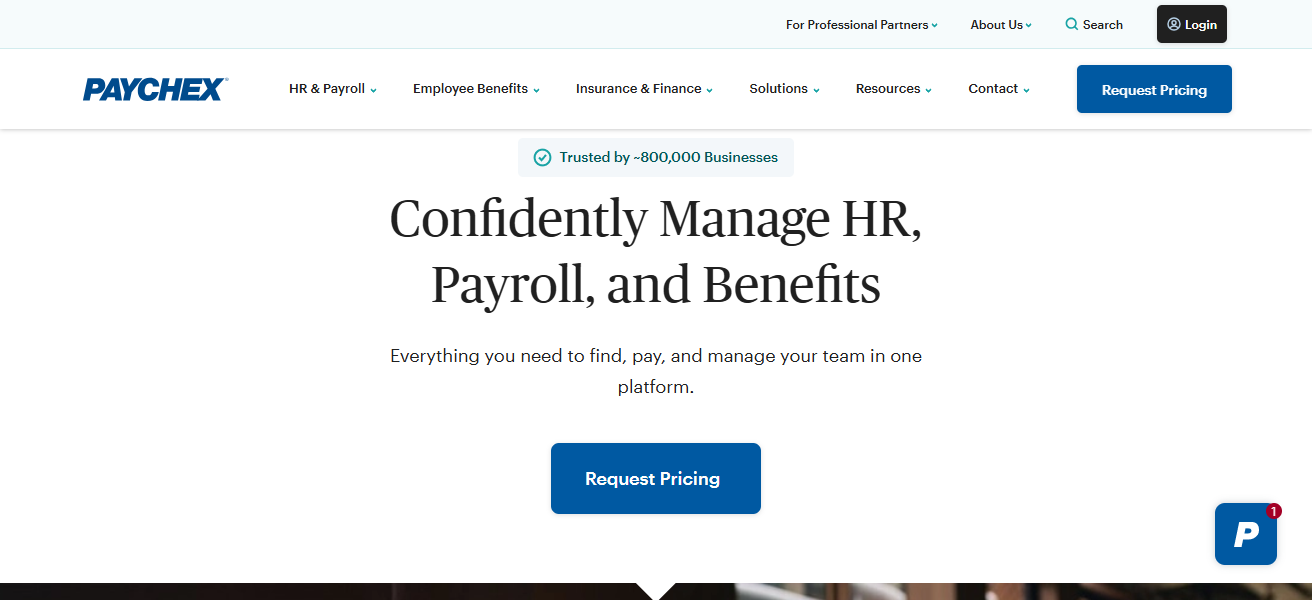
It also has optional HR automation features to assist with onboarding and time tracking. The Paychex services are flexible enough to support companies of all sizes from startups to large enterprises. Paychex also has extensive support to troubleshoot payroll issues.
Paychex – Features
Automated Payroll Processing – Computes the remote worker’s salary, tax, and deductions accurately.
Tax Compliance & Filings – Takes care of federal, state, and local payroll taxes for you.
HR & Benefits Tools – Provides functions for onboarding, benefits administration, and employee handbook.
Time Tracking Integration – Works the timesheets into the payroll runs.
| Pros | Cons |
|---|---|
| Comprehensive payroll + HR tools for remote workforces. | Pricing can add up with extra features. |
| Strong compliance and tax filing automation. | Full feature use often requires higher-tier plans. |
| Good scalability from small to enterprise teams. | Slight learning curve for first-time users. |
5. Gusto
Gusto is easy to use and great for remote teams, letting you automate payroll, tax filings, and updating payroll compliance. Managers can schedule payroll runs or run them on demand.
The system is great for teams with employees and contractors from multiple states, supports benefits admin, and has onboarding tools. Employees can access their pay stubs and tax forms.
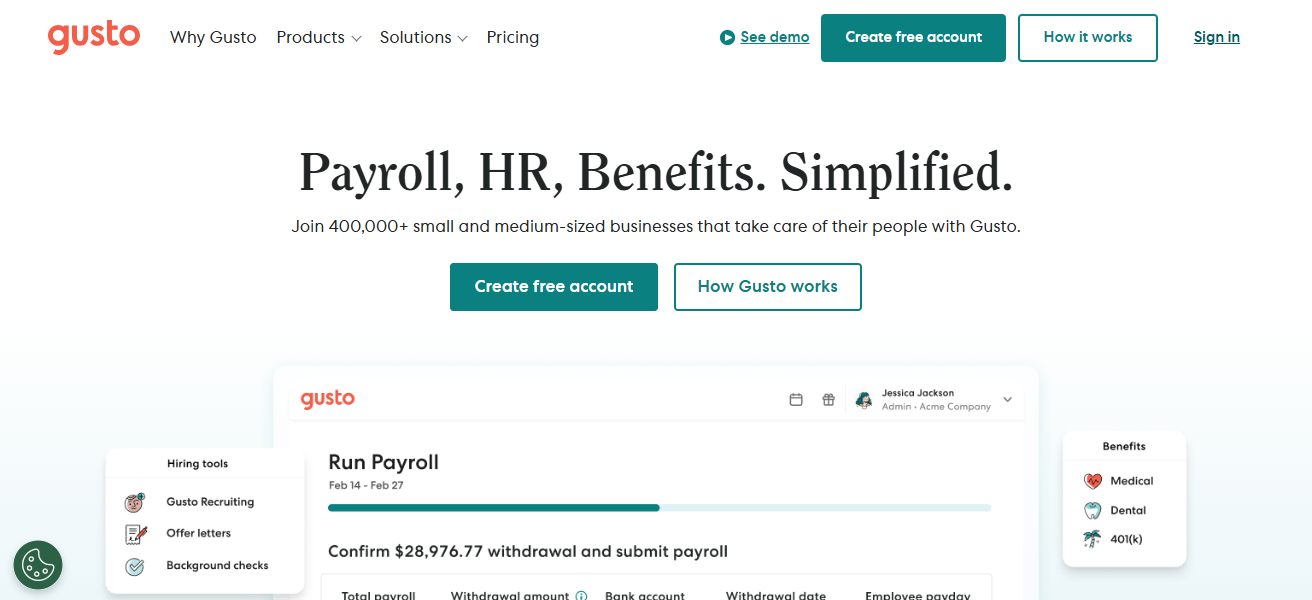
The system also comes with PTO and time tracking tools. Overall, we are very happy with Gusto. It makes compensation management very easy for small and medium remote teams.
Gusto – Features
Easy Payroll Runs – Very straightforward, also, one-click payroll processing for both employees and contractors.
Full Tax Service – All federal, state and, local tax filings, as well as year-end forms, are included.
Benefits & PTO Management – Manages health benefits and 401(k) plans, as well as paid time off.
Employee Self-Service Portal – Remote employees can see pay stubs, tax documents, and personal info over the internet.
| Pros | Cons |
|---|---|
| Intuitive platform with excellent contractor support. | Limited global payroll (primarily U.S. focused). |
| Built-in benefits and onboarding tools. | Extra features add to monthly cost. |
| Automated tax filing and compliance for remote employees. | May be less suitable for large enterprises. |
6. BrightPay
Payroll processing includes seamless usability and elgance, making it one of the most valuable payroll solutions on the market, especially for remote teams.
Brightpay supports UK-based payroll tax calculations, Custom reports and automatic submissions of Real Time Information.
Brightpay managers multiple frequencies of payment and supports employers with multi-regional employees.
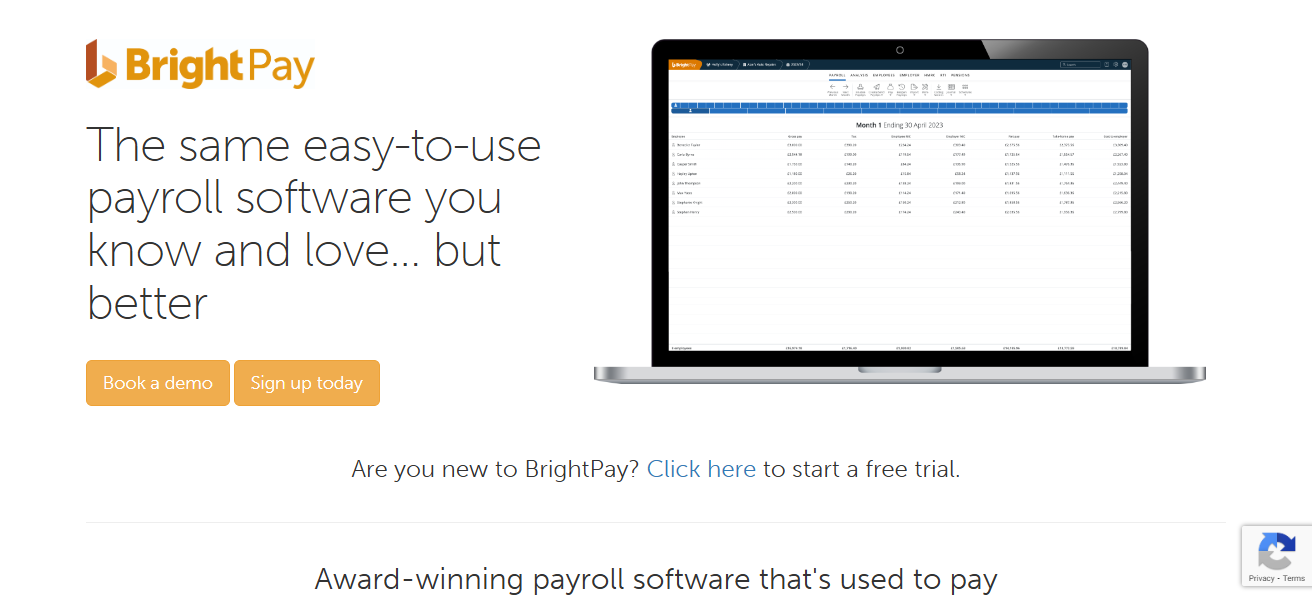
Customizable Cloud Sync allows payroll managers to work remotely, and synchronously with different teams and members, securely at any time.
Brightpay includes no monthly subscription, free updates and most importantly the continuous geographic compliance payroll automation essential for all distributed workforces.
BrightPay – Features
Powerful Payroll Engine – Impressive pay calculations performed on time with RTI (UK) and useful reporting features.
Cloud Sync Option – Allows for flexibility in accessing and cooperating with files saved in the cloud.
Customizable Pay Schedules – Effectively manages weekly, monthly, and irregular schedules.
Unlimited Reporting – Allows users to create personalized reports regarding payroll and tax history, costs, and other variables.
| Pros | Cons |
|---|---|
| Cost-effective with one-time license (no subscription). | Less cloud-native than other platforms. |
| Strong automation for payroll tasks and reporting. | Fewer integrations with HR systems. |
| Good for remote teams that need basic payroll features. | May require manual steps for some workflows. |
7. Payroll Mate
Payroll Mate is a software managed payroll programs especially useful for very small companies for doing payroll remotely.
It does all the basic functions of payroll like computing the pay, performing the taxes, maintaining employee files, etc.
Payroll Mate does the tax filing and reporting and lets companies set pay periods and accruals of as much detail as is needed.
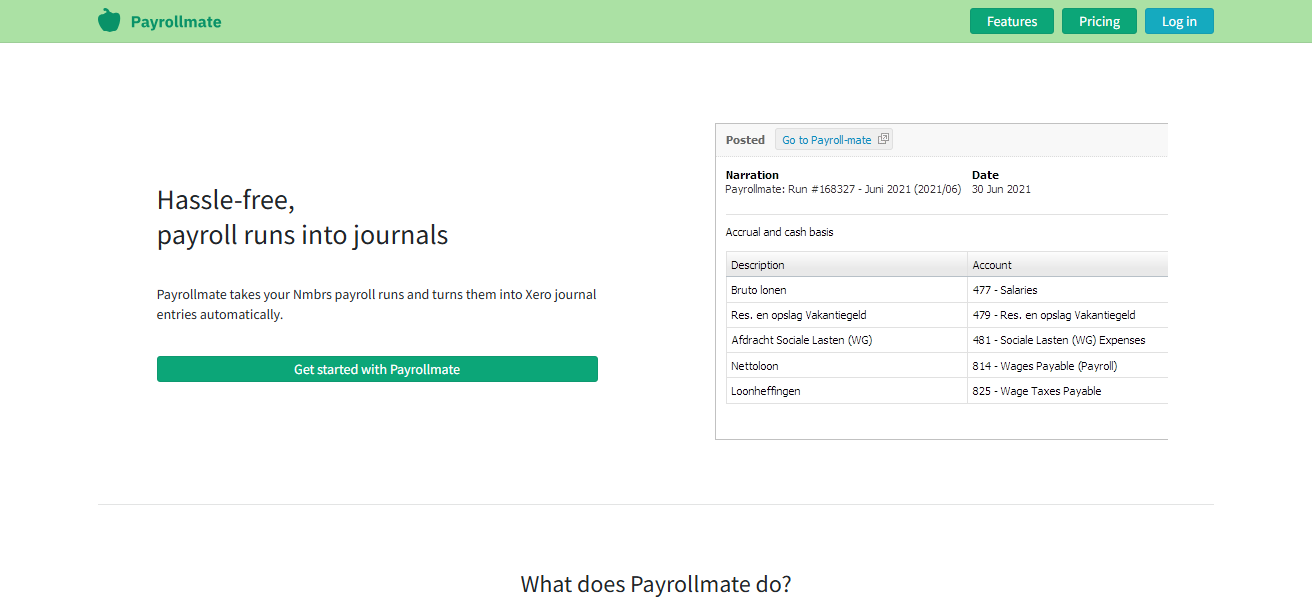
It does not include very hight tech functions of human resources, but is very useful for companies needing simple payrolls.
It allows team leaders to process payrolls at a low cost and helps to save on time needed for the payroll functions especially on a highly repetitive basis.
Payroll Mate – Features
Basic Payroll Processing – Offers fundamental payroll services such as calculating salaries, making deductions, and maintaining employer registers.
Custom Pay Periods – Offers configurable payroll cycles as per the client’s requirements.
Tax Form Generation – Automatically completes and provides all required payroll tax documents required for submission to the federal and state authorities.
Employee Earnings Records – Keeps comprehensive records of wages, deductions, and other relevant history.
| Pros | Cons |
|---|---|
| Very affordable payroll software. | Limited advanced features like benefits or compliance tracking. |
| Simple and straightforward to manage. | Not ideal for larger or scaling remote teams. |
| Good for basic payroll needs. | Lacks integrations with HR/time tracking apps. |
8. Wave Payroll
Wave Payroll is part of the Wave suite and offers easy to use payroll for small business freelancers and remote teams. Employees and contractors can be paid and earnings tracked.
Payroll is automated, as are withholdings, and tax filings, and the app integrates with accounting for overall, financial management. Remote managers can clearly pay and track contractors.
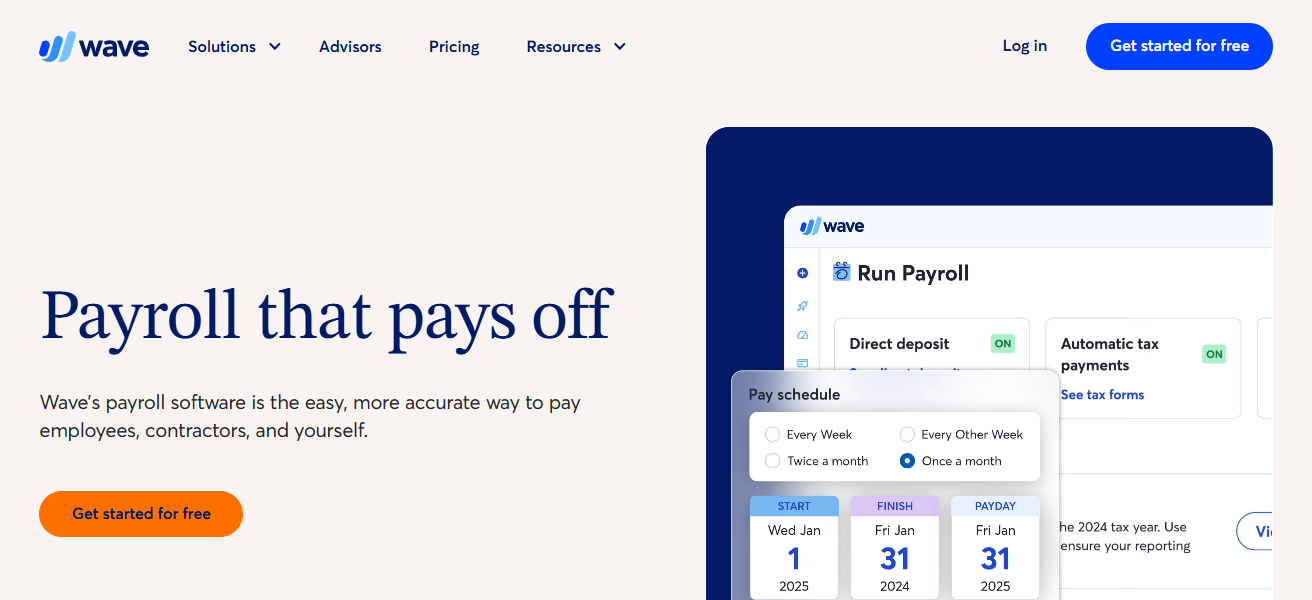
Employees also get automated year-end tax. The app is user friendly. Teams can onboard easily and move to payroll quickly due to Wave’s simple pricing.
It lacks some enterprise functions, but for remote accounting, Wave is a good Payroll option for budget friendly, dispersed teams.
Wave Payroll – Features
Simple Payroll Dashboard – Streamlined design to facilitate payroll execution and salary monitoring.
Automatic Payroll Taxes (Where Available) – Handles tax withholdings and documents as required for the given area; this feature works only in designated regions.
Integration with Wave Accounting – Offers automated payroll services and integrates with other accounting modules to facilitate one stop shop for ledger management.
Employee & Contractor Payments – Pays both employees and contractors, ensuring tax compliance for each classification.
| Pros | Cons |
|---|---|
| Low-cost payroll with basic essentials. | Limited payroll features compared to dedicated platforms. |
| Integrates seamlessly with Wave accounting software. | Not ideal for larger remote teams with complex needs. |
| Easy setup for small businesses and freelancers. | Tax filing limited by region availability. |
9. Patriot Payroll
Patriot Payroll caters to small businesses and remote teams by providing cheap, straightforward payroll software.
Patriot performs account automation, tax withholding, tax filing, and compliance assessments for both state and federal regulations.
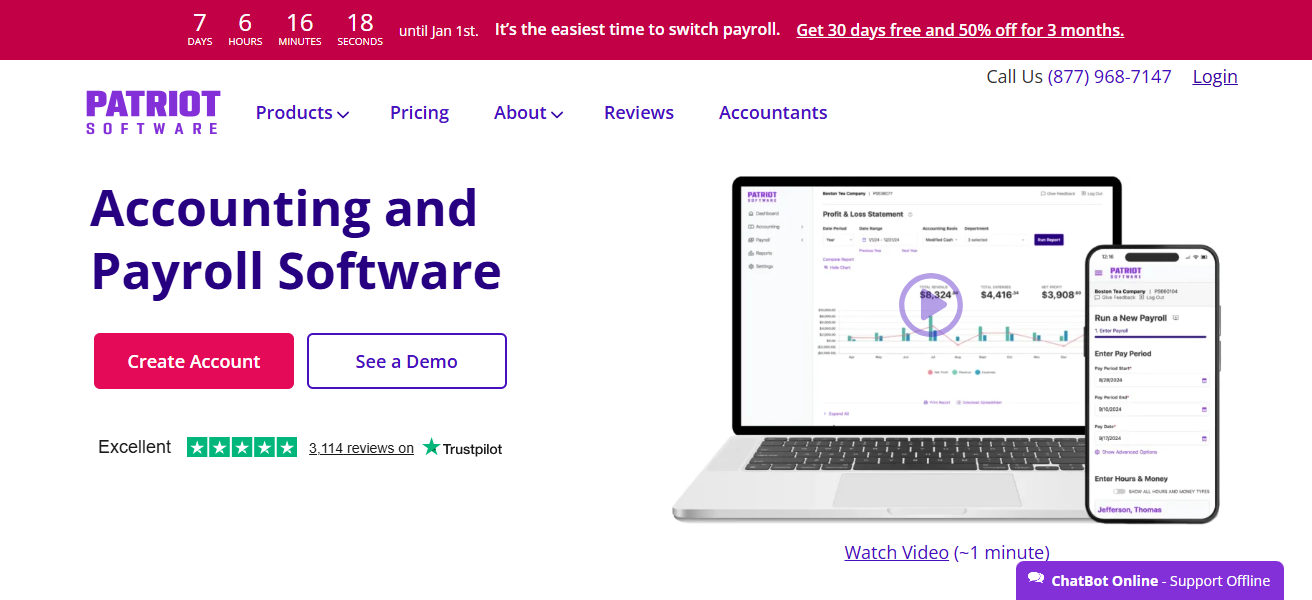
Administrators of remote teams can quickly create employee profiles and easily maintain pay history and payroll runs. Patriot pairs with optional time and attendance modules to enhance accuracy.
With straightforward pricing, and a support team eager to assist, payroll is a reasonable option for teams wanting dependable and no frills payroll service.
Patriot Payroll – Features
Automated Payroll Runs – Provides the ability to run payroll and create checks in a timely and efficient manner.
Tax Calculations & Filings – Handles the calculation of tax and submission of tax returns for federal and state.
Employee Portal – Employees can access pay history and payroll documents through the web.
Time & Attendance Integration (Add-On) – Links with time and attendance software to make payroll easier.
| Pros | Cons |
|---|---|
| Simple, affordable payroll with straightforward pricing. | Fewer automation and advanced tools. |
| Solid for basic remote payroll tasks. | Limited integrations with HR systems. |
| Customer support is helpful and responsive. | Not robust for scaling or enterprise remote teams. |
10. Rippling
Rippling simplifies remote employee management with its all-in-one workforce platform that combines payroll, HR, IT, and employee management.
Fully automated payroll runs with real-time cross-state compliance while Rippling takes care of benefits and onboarding.
Rippling integrates with hundreds of business applications and its centralized dashboard allows payroll data management while provisioned devices and access are controlled.
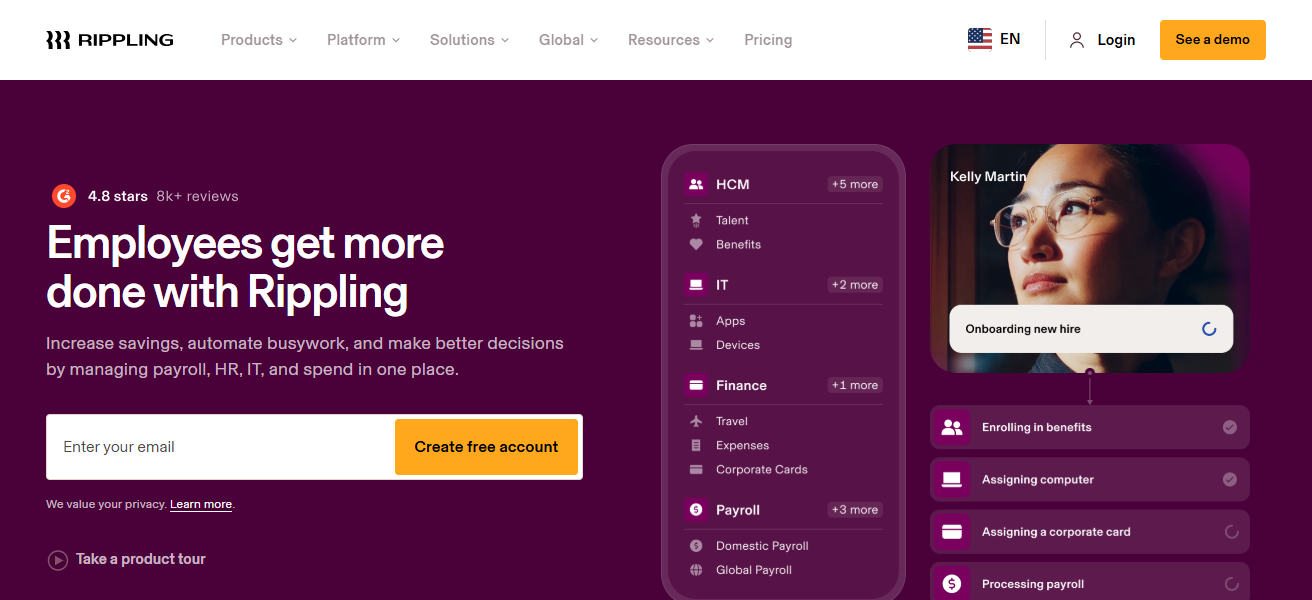
Efficiency is improving for remote teams. Automation rules cut down on manual tasks that create Entry Errors.
Rippling combines IT with HR to offer remote teams strong scalable solutions that are secure, keeping data safe. remote teams secure data.
Rippling – Features
Unified Workforce Platform – Merges payroll with HR, IT, benefits, and tools all in one place.
Global Payroll Support – Remits pay to both employees and contractors globally, maintaining compliance in each country.
Deep Automation & Rules – Define events for self-service HR, payroll, and IT actions to trigger automatically.
Hundreds of Integrations – Has partnerships with all the top tools for time tracking, accounting, work, and beyond.
| Pros | Cons |
|---|---|
| Unified platform with payroll, HR, IT, benefits & app automation. | Can be expensive for teams needing only payroll. |
| Deep automation and app integrations. | Setup can be complex for smaller teams. |
| Excellent for large distributed workforces. | Some features require add-on purchases. |
What Makes The Best Payroll Software For The Remote Employees?
- Global & Multi-State Support – cover payroll for different states/countries with proper tax calculation and compliance.
- Automated Tax Filing – no need to file taxes manually.
- Remote Friendly Features – employee self-service, payments to contractors, multi-currency payments, and accessible through the cloud.
- Ease of Use – Less friction in onboarding, payroll is simple for the distributed teams through intuitive dashboards and streamlined processes.
- Integrations – seamless flow of information with HR, time tracking, accounting and workplace productivity tools.
- Scalability & Support – software that caters for a growing team with responsive customer service.
Cocnlsuion
In conclusion, selecting the Best Payroll Software for Remote Teams facilitates accurate payment disbursement, tax compliance, and management of a remote workforce.
Software solutions, such as Deel, Gusto, ADP, and Rippling, provide highly effective and complete automation for payroll processing.
Picking the most suitable software helps maintain organized and error-free payroll processing for remote teams. More importantly, it helps them concentrate on the tasks that matter most for their business growth.
FAQ
Payroll software for remote teams automates pay runs, tax filings, and compliance for employees working across different states or countries.
Remote teams require tools that handle multi‑state or international taxes, varying pay rules, and compliance across locations.
Yes — most modern payroll tools support contractor payments with correct tax forms and classifications.
Many platforms automatically prepare and file payroll taxes; some offer it as an add‑on.
Global payroll solutions like Deel and Rippling support multi‑currency payments and conversions.