
In this article, I will talk about the Best Serverless Hosting Platforms for Developers in 2026. With serverless hosting you deploy code without the need to manage servers. It scales automatically and you only pay for what you use.
In this article, we will be comparing AWS Lambda, Vercel, Cloudflare Workers, Google Cloud Run, Firebase, Netlify, Azure Functions, Render, Railroad, and DigitalOcean App Platform based on their features, use cases, and pricing.
How We Choose the Best Serverless Hosting for Developers
- Language and framework support: We examine the programming languages, runtimes, and frameworks that are supported by each platform.
- Easy to deploy: We like simple setups, Git integration, CLI tools and fast CI/CD pipelines.
- Scalability: The platform should scale up automatically with traffic and scale down when idle.
Performance and speed: We measure cold start times, latency and global edge or CDN coverage. - Pricing and free tier: We compare pay-as-you-go costs, free plans and bill predictability.
- Developer experience: Good docs, clear dashboards, logs, and monitoring tools are important.
- Ecosystem and integrations: We look at databases, storage, authentication and support for third party services.
- Reliability and security. We want solid uptime, built-in SSL, control of access, and compliance.
- Community and support: A lively community and responsive support help developers to fix issues more quickly.
- Best use case fit: We map each platform to projects such as APIs, frontends, startups and enterprise apps.
Key Points & Best Serverless Hosting Platforms for Developers
| Platform | Explanation (12 Words) | Best For |
|---|---|---|
| AWS Lambda | Runs event-driven code on demand, deeply integrated with the wider AWS ecosystem. | AWS-based apps |
| Vercel | Frontend hosting with edge functions, built-in CI/CD, and excellent Next.js support. | Next.js and React |
| Cloudflare Workers | Executes serverless code across a global edge network for very low latency. | Fast edge APIs |
| Google Cloud Run | Hosts serverless containers with request-based autoscaling and scale-to-zero capability. | APIs and microservices |
| Firebase Hosting & Functions | Google-backed hosting combined with functions, authentication, and real-time database features. | Mobile and web apps |
| Netlify | Offers Git deployments, serverless functions, forms, and a generous free tier. | JAMstack sites |
| Azure Functions | Microsoft’s serverless compute, suited to .NET, enterprise systems, and hybrid workflows. | Enterprise and .NET |
| Render | Simple platform for static sites, web services, and background workers via Git. | Full-stack projects |
| Railway | Simplifies backend provisioning, databases, and serverless-style deployments with minimal setup. | Quick backend deployment |
| DigitalOcean App Platform | Managed PaaS that removes server maintenance for rapid deployment and scaling. | Startups and small teams |
10 Best Serverless Hosting Platforms for Developers
1. AWS Lambda
AWS Lambda is a serverless compute service that runs your code in response to events, without the need to manage servers. It supports Node.js, Python, Java, .NET, Ruby, Go natively, and Rust, PHP and other languages using custom runtimes and container images.
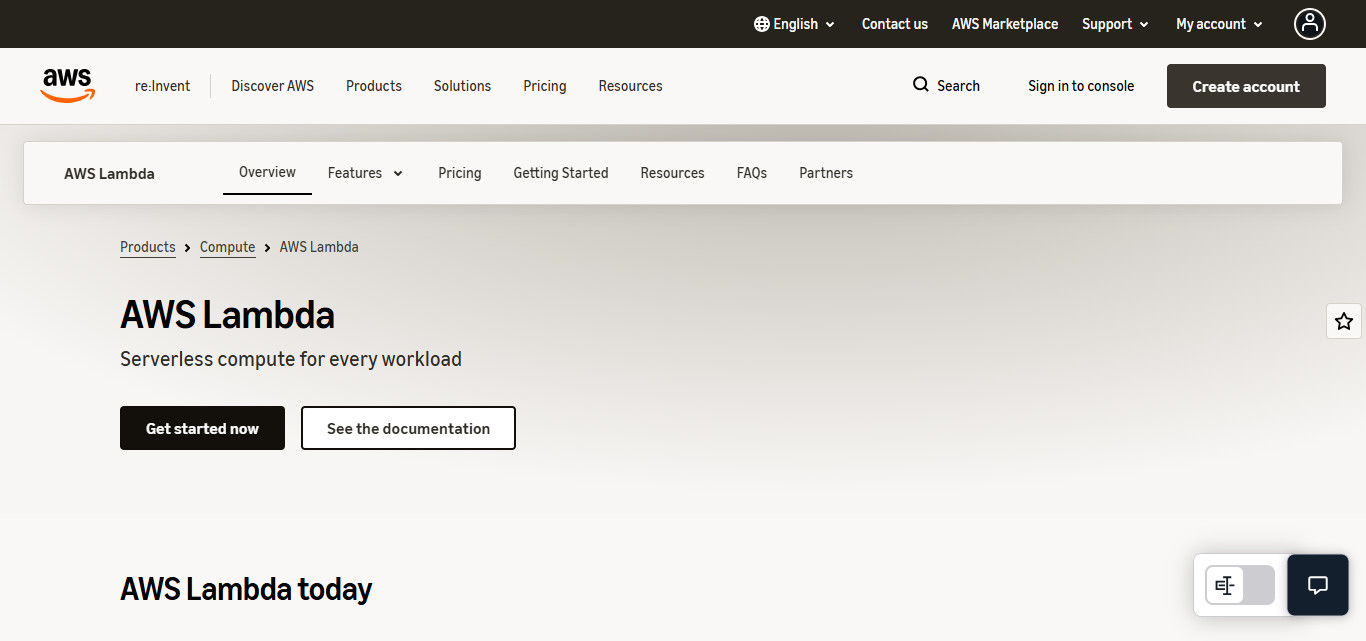
It’s easy to build applications with frameworks such as Serverless Framework, AWS SAM and CDK. You upload a ZIP package or container image via the console, CLI, or CI/CD pipelines, then attach triggers such as API Gateway, S3, or DynamoDB.
Lambda automatically scales from a few requests per day to thousands of concurrent executions, and you only pay for the time your code is running. Performance is good, but cold starts can add latency, which is mitigated by provisioned concurrency and SnapStart.
AWS Lambda Best use case
- Event-driven backends that respond to S3 uploads, DynamoDB changes, or SQS messages
- Created REST and GraphQL APIs using API Gateway
- Automation of scheduled jobs, file conversion and data processing
- Microservices for applications that are already deployed in the AWS ecosystem
AWS Lambda Pricing
| Pricing Point | Details |
|---|---|
| Pricing model | Pay-per-use, based on invocation requests and compute duration in GB-seconds |
| Free tier | 1 million requests and 400,000 GB-seconds every month, with no 12-month expiry |
| Request cost | $0.20 per 1 million requests |
| Duration cost | Depends on allocated memory and architecture; Arm (Graviton) is cheaper than x86 |
| Extra costs | Provisioned Concurrency, storage, API Gateway, and data transfer are billed separately |
2. Vercel
Vercel is a cloud platform for the frontend created by the Next.js team and has serverless and edge functions. It supports JavaScript, TypeScript, Python, Go and Ruby functions and works with frameworks like Next.js, React, Vue, Nuxt, Svelte, Astro and Angular.
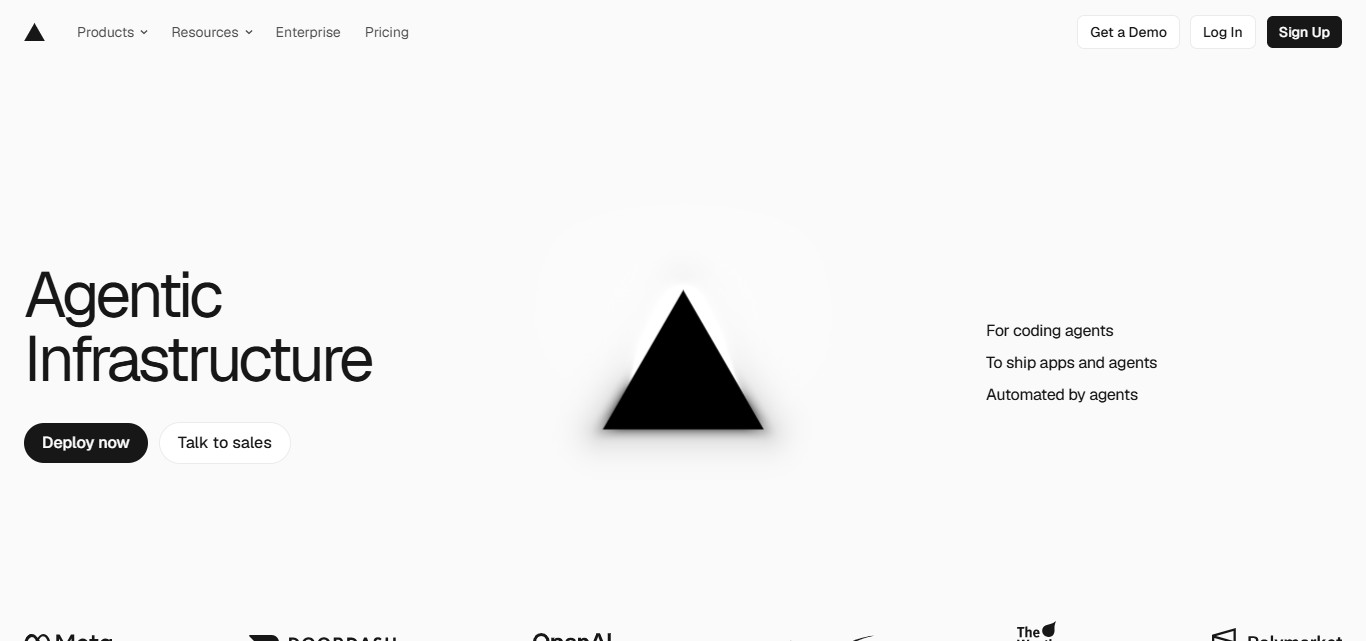
Deployment is very simple, connect a GitHub, GitLab or Bitbucket repo and every push triggers an automatic build, with unique preview URLs for each pull request.
The Vercel CLI also supports manual deployments. Applications are automatically distributed across a global edge network and content is delivered from the user’s closest location. Static and dynamic sites perform great with built-in caching, image optimization and incremental static regeneration.
Vercel Best use case
- React and Next.js applications requiring fast, zero-config deployment
- Marketing sites, e-commerce stores and content-heavy sites
- Teams needing instant preview URLs for each pull request
- AI web apps with streaming responses and edge functions
Vercel Pricing
| Pricing Point | Details |
|---|---|
| Pricing model | Per-seat plans plus usage-based overages |
| Free plan | Hobby plan at $0, intended for personal and non-commercial projects |
| Paid plan | Pro plan at about $20 per user per month, with higher included usage |
| Usage charges | Bandwidth, function execution time, and image optimization are billed beyond included limits |
| Enterprise | Custom pricing with SLAs, advanced security, and dedicated support |
3. Cloudflare Workers
Cloudflare Workers executes serverless code at the edge of Cloudflare’s global network, close to end users. It primarily supports JavaScript and TypeScript, but also Rust, Python and any language that compiles to WebAssembly. It supports deployment of frameworks like Hono, Remix, Next.js, SvelteKit, Astro, etc.
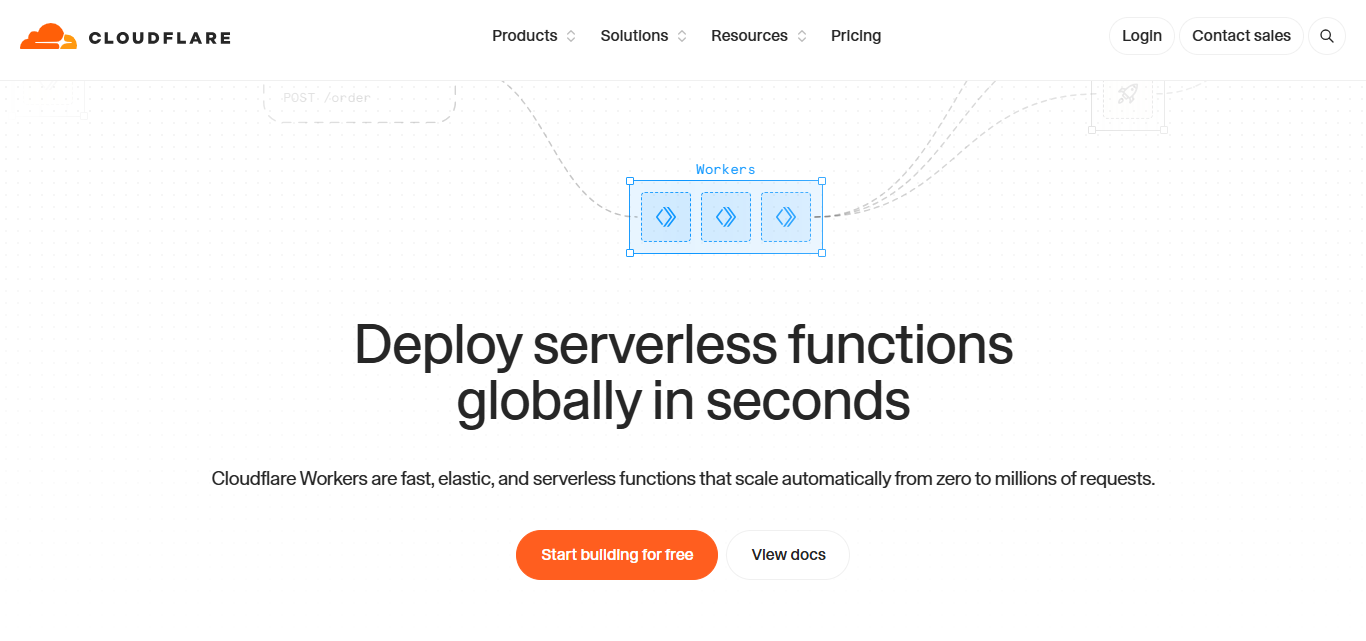
Developers are able to publish code in seconds to be deployed using the Wrangler CLI, the dashboard, or Git integration, with bindings to storage options like KV, R2, D1, and Durable Objects.
Workers automatically scale, through hundreds of data-centers worldwide. And since they are based on lightweight V8 isolates (not containers), cold starts are virtually non-existent – leading to very low latency for APIs, routing and full web applications.
Workers in Cloudflare Best use case
- Low latency APIs that need to respond quickly to users across the globe
- Edge routing, redirects, A/B testing, request or response manipulation
- Rate limiting, authentication at the network edge, and security logic
- Lightweight full-stack apps using KV, R2 and D1 storage
Cloudflare Workers Pricing
| Pricing Point | Details |
|---|---|
| Pricing model | Request and CPU-time based, with no charge for data egress |
| Free plan | About 100,000 requests per day, with limited CPU time per request |
| Paid plan | About $5 per month minimum, including millions of requests and CPU time |
| Overage cost | Roughly $0.30 per additional million requests, plus a small CPU-time fee |
| Add-on storage | KV, R2, D1, and Durable Objects have their own separate pricing |
4. Google Cloud Run
Google Cloud Run is a fully managed platform that executes stateless containers in a serverless manner. It uses containers, so it can support pretty much any language like Python, Node.js, Java, Go, .NET, PHP, Ruby, or any framework like Django, Flask, Spring Boot, Express, Laravel, etc.
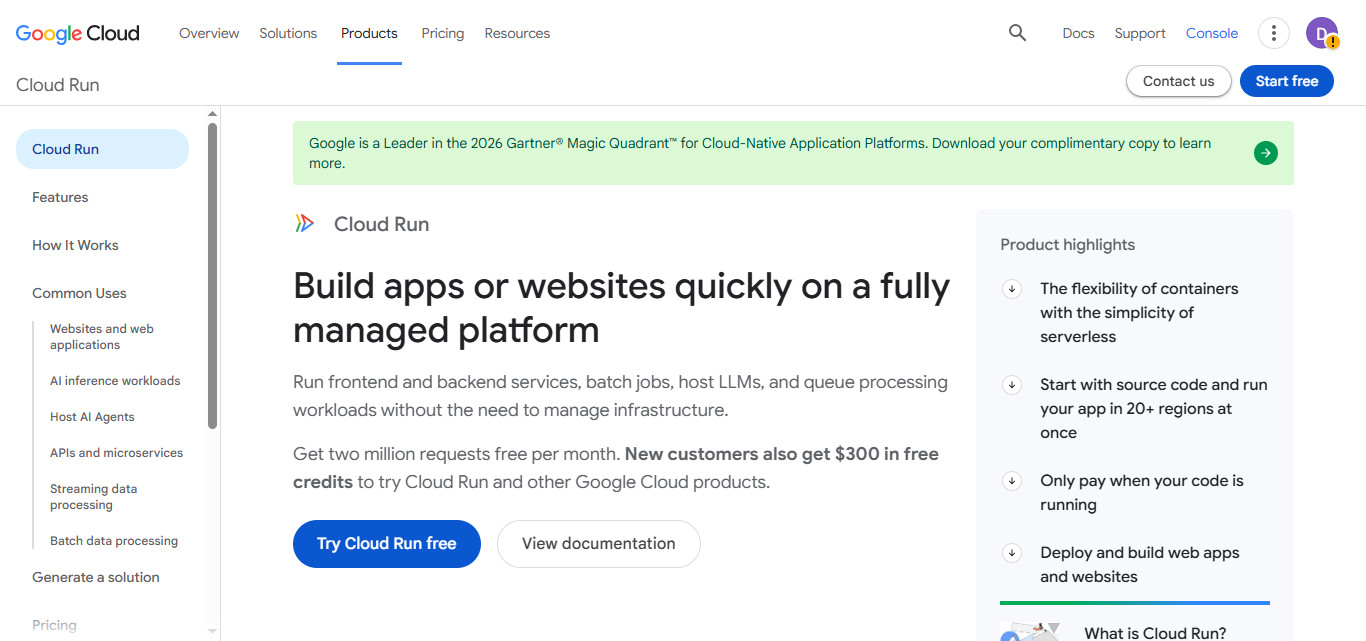
Deploying is easy: bundle your app as a Docker image or deploy from source using buildpacks and then publish using the gcloud CLI, console, or Cloud Build triggers from Git.
Cloud Run autoscales based on incoming requests, from zero when idle to thousands of instances during load. It is consistently performing, supports concurrency per instance and has options such as minimum instances to reduce cold starts.
Google Cloud Run Best use case
- APIs and microservices in any language/framework packaged in containers
- Migrating existing Docker apps to a serverless model
- Traffic spiky workloads that enjoy scale to zero cost savings
- Background jobs, webhooks and batch processing jobs
Google Cloud Run Pricing
| Pricing Point | Details |
|---|---|
| Pricing model | Pay for vCPU, memory, and requests, billed per 100 ms of use |
| Free tier | Monthly free allowance of about 2 million requests plus vCPU and memory seconds |
| Billing modes | Request-based billing (scales to zero) or instance-based billing for always-on services |
| Request cost | Around $0.40 per million requests beyond the free tier |
| Extra costs | Network egress, Cloud Build, Artifact Registry, and minimum instances are charged separately |
5. Firebase Hosting (and Functions)
Firebase Hosting and Functions is Google’s app development platform that combines fast web hosting with serverless backend code. Cloud Functions has support for Node.js (JavaScript and TypeScript) and Python, and Hosting provides static and dynamic content for frameworks like React, Angular, Vue, Flutter Web, and Next.js.
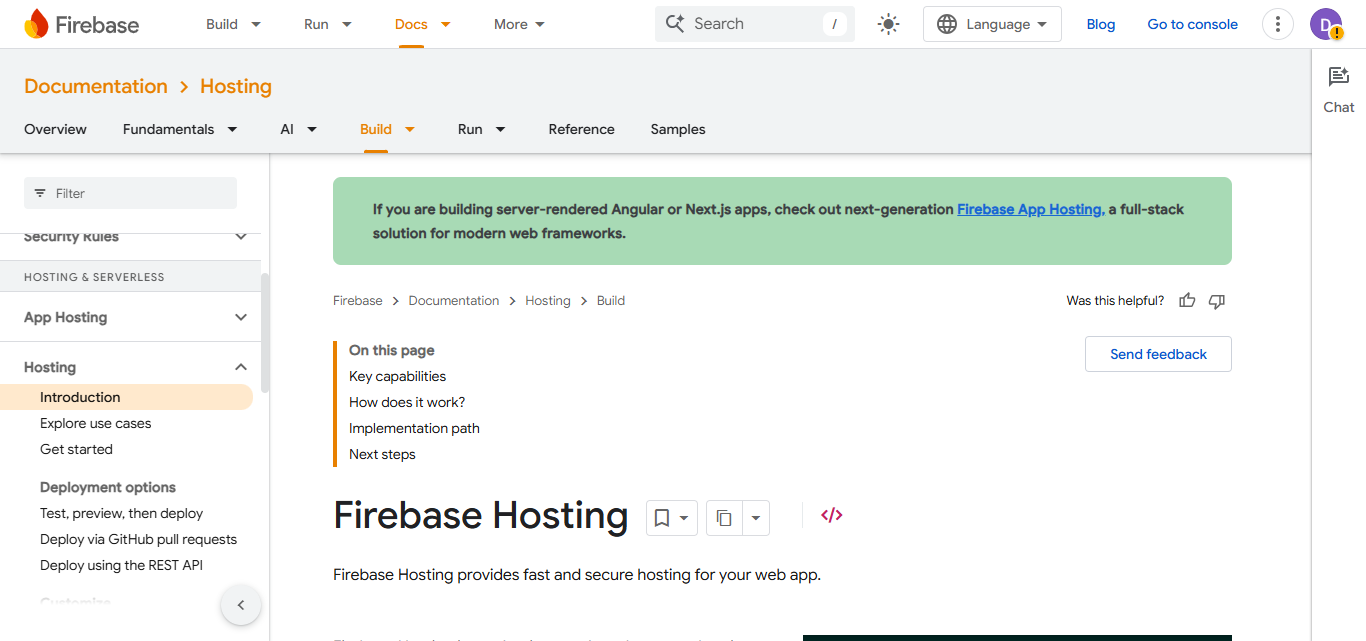
You can deploy with the Firebase CLI with a single command, firebase deploy , to deploy hosting files and functions together, and preview channels help you test before going live. Hosting delivers content via a global CDN with free SSL for fast load times.
Functions scales automatically depending on demand, so it only runs when it’s triggered by an HTTP request, an authentication event or a change in Firestore, making it great for mobile and real-time applications.
Firebase Hosting (and Functions) Best use case
- Real-time applications like chat, live feeds and collaboration tools
- MVPs and prototypes for startups that need to move fast
- Progressive web apps and single page apps with world wide CDN
- Web and mobile apps requiring authentication, integrated Database and Hosting
Firebase Hosting (and Functions) Pricing
| Pricing Point | Details |
|---|---|
| Free plan | Spark plan at $0, with limited hosting storage and daily transfer |
| Paid plan | Blaze pay-as-you-go plan, required to use Cloud Functions |
| Functions cost | Free monthly invocation quota on Blaze, then billed per invocation and compute time |
| Hosting cost | Beyond the free quota, charged per GB of storage and per GB of transfer |
| Other services | Firestore, Authentication, and Storage are billed by usage |
6. Netlify
Netlify is a very popular platform for JAMstack and frontend projects. It provides hosting, serverless functions, forms and identity. The platform supports frameworks such as React, Next.js, Gatsby, Vue, Nuxt, Svelte, Astro and Hugo, and functions can be written in JavaScript, TypeScript and Go.
Deployment is Git based. You connect a repo on GitHub, GitLab or Bitbucket, and each commit triggers an automatic build and deploy. Deploy previews for pull requests are available.
You can also drag and drop folders or use the Netlify CLI. Pages are served through a global CDN, so they load quickly, and features scale automatically with traffic. The generous free tier makes it great for portfolios, blogs and small projects .
Netlify Best use case
- JAMstack sites, portfolios, blogs, documentation websites
- Static sites built with Gatsby, Hugo, Astro or similar generators
- Sites that require built-in forms, identity and simple serverless functions
- Small and side projects that fit in the free tier
Netlify Pricing
| Pricing Point | Details |
|---|---|
| Pricing model | Tiered plans with usage limits, recently moving toward credit-based usage |
| Free plan | Free tier with limited build minutes, bandwidth, and function usage |
| Paid plans | Personal and Pro plans, with Pro at roughly $19 per member per month |
| Overages | Extra bandwidth, build minutes, and function usage cost more beyond plan limits |
| Enterprise | Custom pricing with SSO, SLAs, and advanced support |
7. Azure Functions
Azure Functions is Microsoft’s serverless compute service to run your event-triggered code in the Azure cloud. It supports C#, JavaScript, TypeScript, Python, Java, PowerShell and custom handlers for languages such as Go and Rust, with good support for .NET and ASP.NET Core.
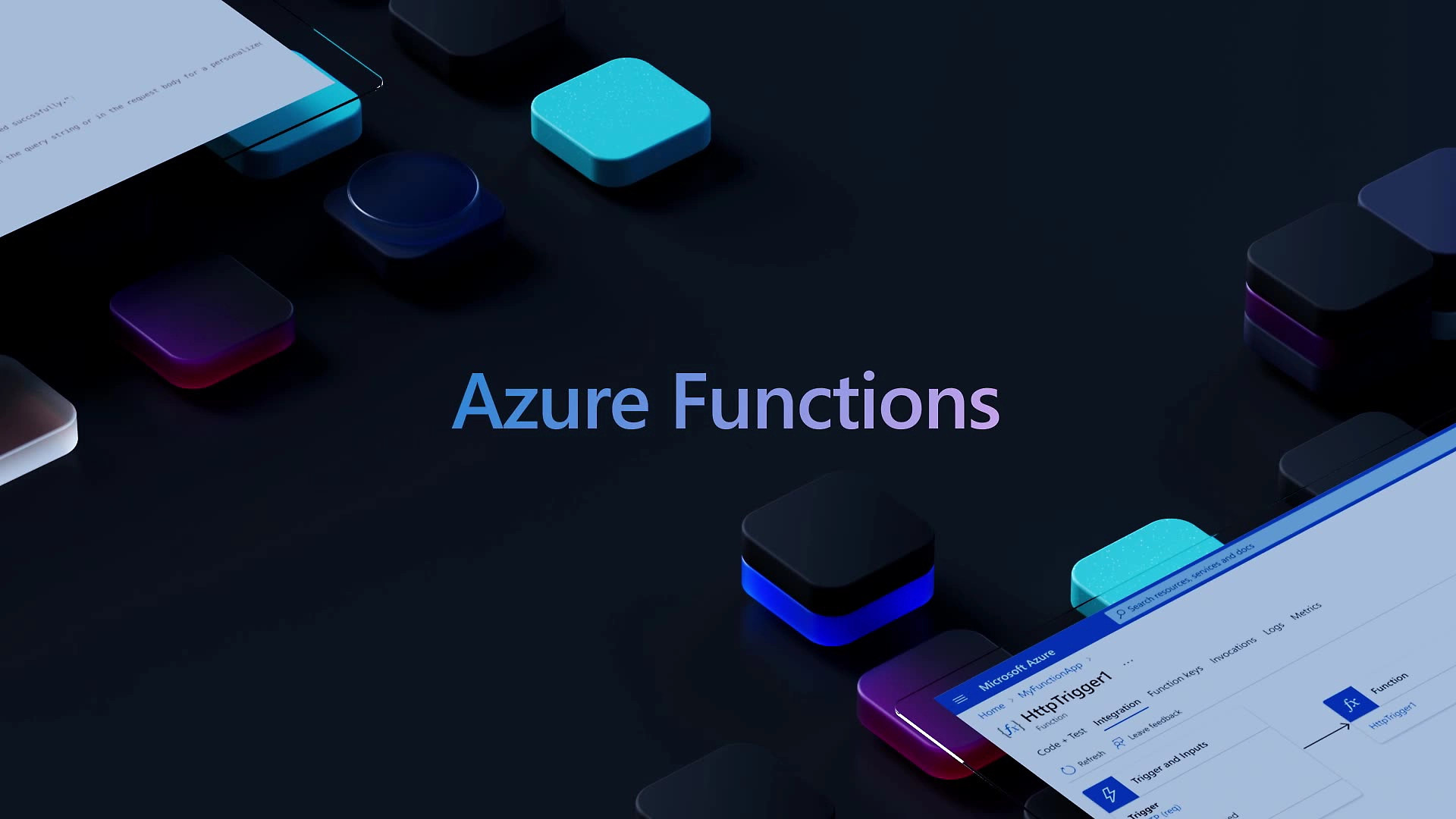
Deployment options include Visual Studio, VS Code, Azure CLI, GitHub Actions, Azure DevOps and container images. Functions can be triggered by events such as HTTP requests, queues, timers, and Blob Storage events.
Consumption and Flex Consumption plans autoscale based on demand, while Premium plans offer pre-warmed instances, virtual network access, and fewer cold starts. This makes Azure Functions a dependable option for enterprise systems and hybrid cloud workflows.
Azure functions Best use case
- Enterprise applications built on .NET and Microsoft technology
- Workflows in hybrid cloud between on-premises systems and Azure
- Integration with Azure Services like Logic Apps, Service Bus, and Blob Storage
- Business systems: timed jobs, queue processing, workflow automation
Azure Functions Pricing
| Pricing Point | Details |
|---|---|
| Pricing model | Consumption, Flex Consumption, Premium, and Dedicated hosting plans |
| Free grant | Monthly free allowance of about 1 million executions and 400,000 GB-seconds |
| Execution cost | Around $0.20 per million executions beyond the free grant |
| Premium plan | Billed per vCPU and memory per hour, with pre-warmed instances and VNet access |
| Extra costs | Storage accounts, Application Insights, and bandwidth are billed separately |
8. Render
Render is a developer friendly cloud platform for hosting static sites, web services, cron jobs, and background workers. It natively supports Node.js, Python, Ruby, Go, Rust and Elixir and any language through Docker, so frameworks such as Express, Django, Flask, Rails, FastAPI and Next.js are all compatible.
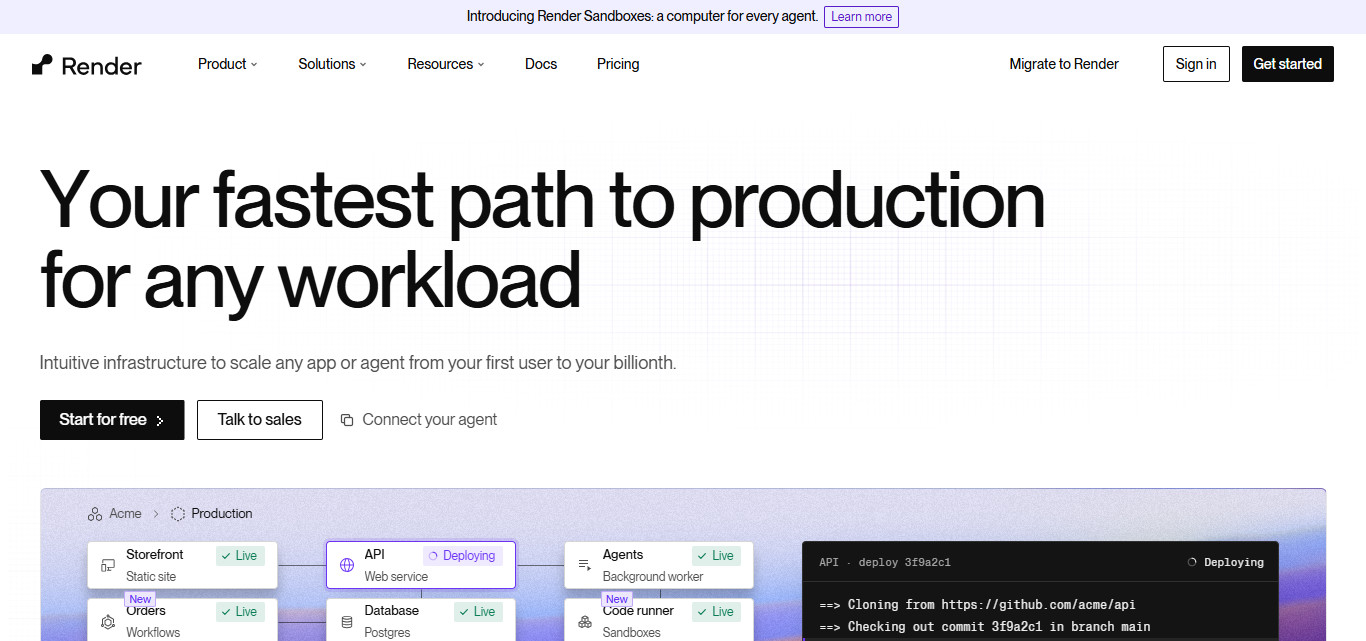
Deploying is simple: connect a GitHub, GitLab, or Bitbucket repository, specify your build and start commands, and Render automatically builds and deploys with every push, complete with free TLS and preview environments.
Services can scale automatically based on CPU or memory, you can get managed PostgreSQL and Redis. Good enough for production apps, but free-tier services can spin down when idle, so the first requests are slower.
Render Best use case
- Full stack web apps with backend, database and frontend
- Cron jobs, scheduled tasks, background workers
- Teams leaving Heroku and looking for a similar simple workflow.
- Production APIs written in Django, Rails, Express or FastAPI
Render Pricing
| Pricing Point | Details |
|---|---|
| Free plan | Free static sites and free web services, which spin down when idle |
| Paid web services | Starting at about $7 per month, with higher tiers for more CPU and RAM |
| Team plans | Workspace plans, with Professional at about $19 per user per month |
| Databases | Managed PostgreSQL and Redis are priced separately by size |
| Bandwidth | Monthly bandwidth is included by plan, with overage fees beyond it |
9. Railway
Railroad is a lean infrastructure platform that makes it easy to deploy backend services, databases and full-stack apps. With Nixpacks and Railpack, it will automatically detect and build your projects. It works with Node.js, Python, Go, Ruby, PHP, Java, Rust, and Docker based apps.
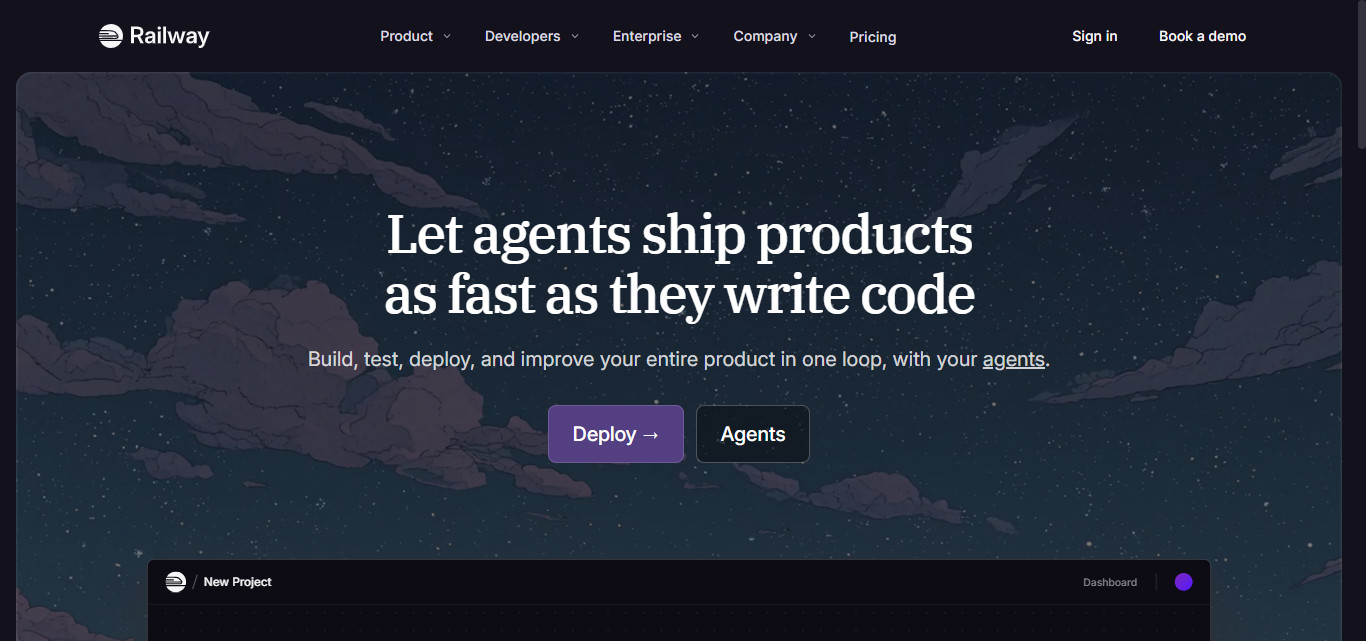
It also works with frameworks like Express, Django, Flask, Rails, Laravel, and Next.js. Deployments are fast, just connect a GitHub repository or use the Railroad CLI and every push will trigger a new build. And one-click templates for PostgreSQL, MySQL, MongoDB, and Redis.
Services are vertically scalable, with configurable resources and horizontal replicas on higher plans. Railway’s usage-based pricing and quick deployments make it a perfect fit for prototypes, startups, and side projects that require minimal configuration.
Railroads Best use case
- Fast prototypes and MVPs that need a backend up and running in minutes
- Side projects and startups want minimum infrastructure configuration
-Applications that need a database such as PostgreSQL, MySQL, MongoDB or Redis - bots, APIs and small services with usage pricing
Railway Pricing
| Pricing Point | Details |
|---|---|
| Pricing model | Usage-based, billed on CPU, memory, storage, and network egress |
| Trial | Free trial with a small one-time credit for new users |
| Hobby plan | About $5 per month, which includes $5 of usage credit |
| Pro plan | About $20 per month, with higher limits and team features |
| Databases | PostgreSQL, MySQL, MongoDB, and Redis run as services billed by resource usage |
10. DigitalOcean App Platform
DigitalOcean App Platform is a managed PaaS that eliminates server maintenance so developers are able to concentrate on code. It can run Node.js, Python, Go, PHP, Ruby, and static sites using buildpacks, and any other language using Dockerfiles or container registries.
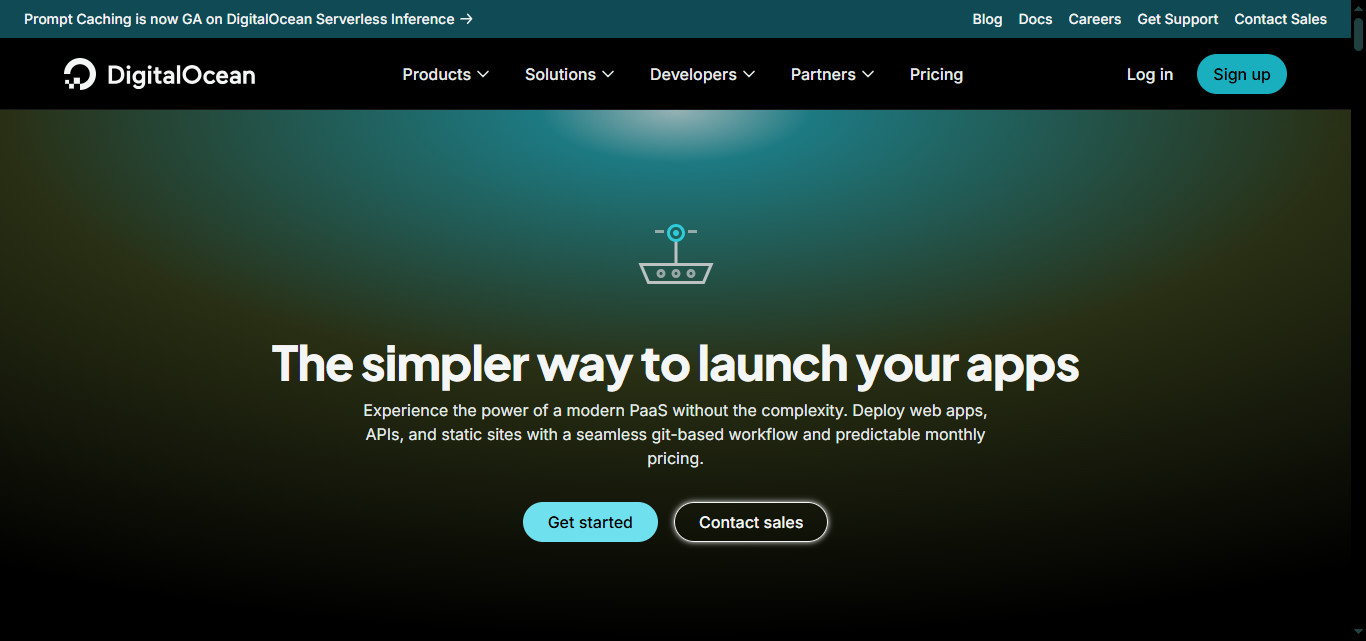
It supports frameworks like Express, Django, Flask, Laravel, Rails, and React. One-click deploys: Connect a GitHub or GitLab repo, select some resources, and the platform will automatically build, deploy and supply HTTPS, redeploying on each push.
You can horizontally scale by adding containers either manually or using autoscaling rules, and you can vertically scale up the size of the containers. Performance is predictable and reliable with a global CDN for static content, so it’s a good fit for startups and small teams.
DigitalOcean Application Platform Best use case
- Startups and small teams that want managed hosting without server management
- Web apps and APIs deployed directly from GitHub or GitLab
- Projects requiring straightforward scaling controls and predictable pricing
- Static sites with backend services and hosted databases
DigitalOcean App Platform Pricing Point
| Pricing Point | Details |
|---|---|
| Free tier | A few static sites are free, with limited bandwidth |
| Shared containers | Entry-level paid containers start at about $5 per month |
| Dedicated containers | Higher fixed monthly prices for more CPU and RAM, plus autoscaling options |
| Bandwidth | Each plan includes some outbound transfer, with overages charged per GB |
| Databases | Managed databases are billed separately, usually from about $15 per month |
Conclusion
Conclusion The Best Serverless Hosting Platforms for Developers depends on your project needs. AWS Lambda and Azure Functions are great for enterprise workloads. Vercel and Netlify are great for frontend apps. Cloudflare Workers are great for edge speed.
Cloud Run handles containers, while Firebase, Render, Railroad, and DigitalOcean make full-stack deployment easy. Compare pricing, scalability and language support. Start with a free tier to test performance.
FAQ
What is serverless hosting?
Providers manage servers, so developers only deploy and run code.
Which serverless platform is best for beginners?
Netlify and Vercel offer easy Git deployments and free plans.
Which platform is best for Next.js apps?
Vercel, created by Next.js makers, offers the smoothest hosting experience.
Which serverless platform has the lowest latency?
Cloudflare Workers runs code at the global edge for speed.