In this article, I will talk about the Best Software for Business Process Orchestration. Document management, AI-based workflow automation, and other such tools help businesses streamline
- Key Points & Best Software For Business Process Orchestration
- 10 Best Software For Business Process Orchestration
- 1. Microsoft Power Automate
- 2. Laserfiche
- 3. Bizagi
- 4. Jotform Workflows
- 5. Appian
- 6. ARIS
- 7. Kissflow
- 8. Moxo
- Moxo Features
- 9. IBM Business Automation Workflow
- 10. Oracle BPM Suite
- How To Choose Best Software For Business Process Orchestration
- Cocnlsuion
- FAQ
Processes, add automation to mundane tasks, and enhance efficiency. So, companies need to choose the right software to reduce errors, increase productivity, and save time.
Key Points & Best Software For Business Process Orchestration
| Software | Key Point |
|---|---|
| Microsoft Power Automate | Best for integrating with existing Microsoft apps |
| Laserfiche | Strong document-driven process automation |
| Bizagi | Highly rated for workflow improvement |
| Jotform Workflows | Ideal for small startups needing simple automation |
| Appian | Enterprise-grade orchestration with AI integration |
| ARIS | Robust tool for large enterprise process modeling |
| Kissflow | User-friendly for non-technical teams |
| Moxo | Client-facing workflow orchestration for efficiency |
| IBM Business Automation Workflow | Combines BPM with case management |
| Oracle BPM Suite | Comprehensive enterprise-grade orchestration platform |
10 Best Software For Business Process Orchestration
1. Microsoft Power Automate
Microsoft Power Automate is an excellent cloud-based solution for automating repetitive tasks and optimizing business processes.
The platform’s primary feature is its unmatched integration with Microsoft 365 productivity apps such as Teams, SharePoint, and Dynamics 365.
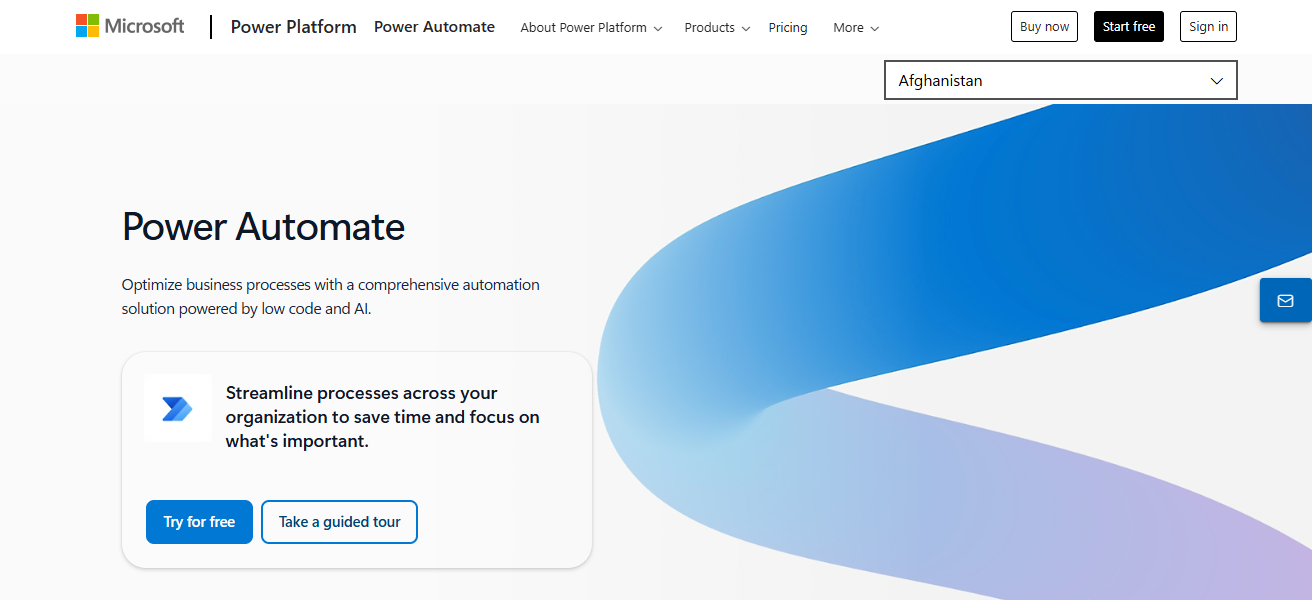
It enables users to transfer data across multiple applications and drive automations using artificial intelligence, robotic process automation (RPA), and real-time analytics.
Additionally, users can create tailored automation workflows with little coding experience. This feature makes Power Automate a helpful tool for optimizing workflows in both small and large businesses.
Microsoft Power Automate Features
- Microsoft ecosystem connectivity: Offers integrations with Microsoft ecosystem products (like Sharepoint and Teams) for unrivaled interoperability.
- AI Enhanced Workflow & RPA: Facilitates the automation of complex (and data) tasks using their AI Builder + RPA.
- Automation for Everyone: Simple enough for any user to flowchart their own automation.
- Dashboard XP: A built-in dashboard for workstreams gives users up to the minute status on performance.
| Pros | Cons |
|---|---|
| Deep integration with Microsoft 365 apps like Teams, SharePoint, and Dynamics 365 | Limited capabilities with non-Microsoft tools without custom connectors |
| Supports AI-driven automation and RPA | Can be complex for users unfamiliar with workflow logic |
| No-code workflow creation suitable for non-technical users | Premium features require higher subscription costs |
| Real-time analytics and monitoring | Performance can be slower with very large-scale workflows |
| Improves operational efficiency and reduces repetitive tasks | Limited advanced process modeling compared to dedicated BPM tools |
2. Laserfiche
Laserfiche stands out in business process orchestration by integrating workflow automation with document management.
Its differentiating factor is the intelligent content repository that organizes, secures, and automotes document lifecycle management.
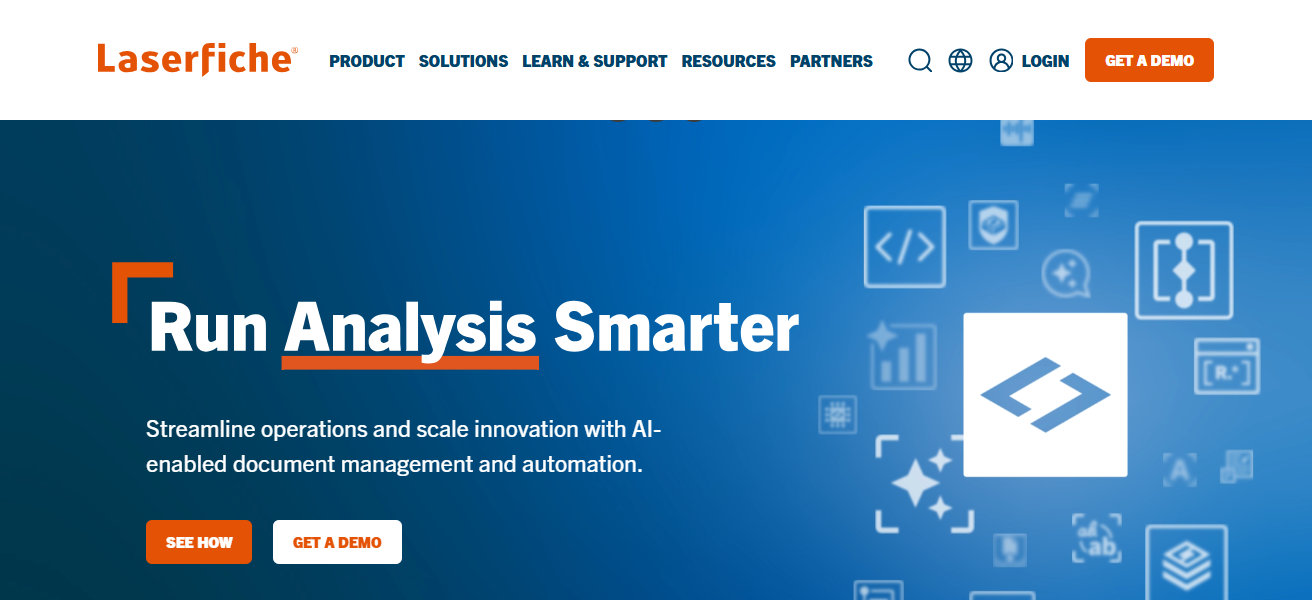
Customizable workflow templates, process automation (RPA), and analytics for process improvement are additional features. The platform manages compliance with regulations and automates approval chains and business tasks.
The platform’s interface is designed for users to enable non-technical users to design sophisticated workflows in various fields such as finance, health, and government.
Laserfiche Features
- Automation for Documents: Document centric orchestration and workflow automation.
- Workflow automation and orchestration: Approval, document lifecycle, and routing automation.
- RPA Support: Bots for task automation across multiple systems.
- Enterprise Security: Governance support for compliance and audits.
| Pros | Cons |
|---|---|
| Combines document management with workflow automation | Focused more on document-centric processes |
| Customizable workflow templates and RPA capabilities | Can have a steep learning curve for complex workflows |
| Ensures regulatory compliance | Integration outside Laserfiche ecosystem may require extra effort |
| Advanced analytics for process optimization | Cost can be high for smaller businesses |
| User-friendly interface for non-technical teams | Limited flexibility for highly dynamic, case-driven processes |
3. Bizagi
Bizagi features an intuitive platform for automating business processes through modeling, executing, and optimizing.
With this simplicity, users are able to design and modify workflows that align with BPMN standards in mere minutes. Using Bizagi’s low-code options, users can build real-time analytics that are deployable in the cloud.
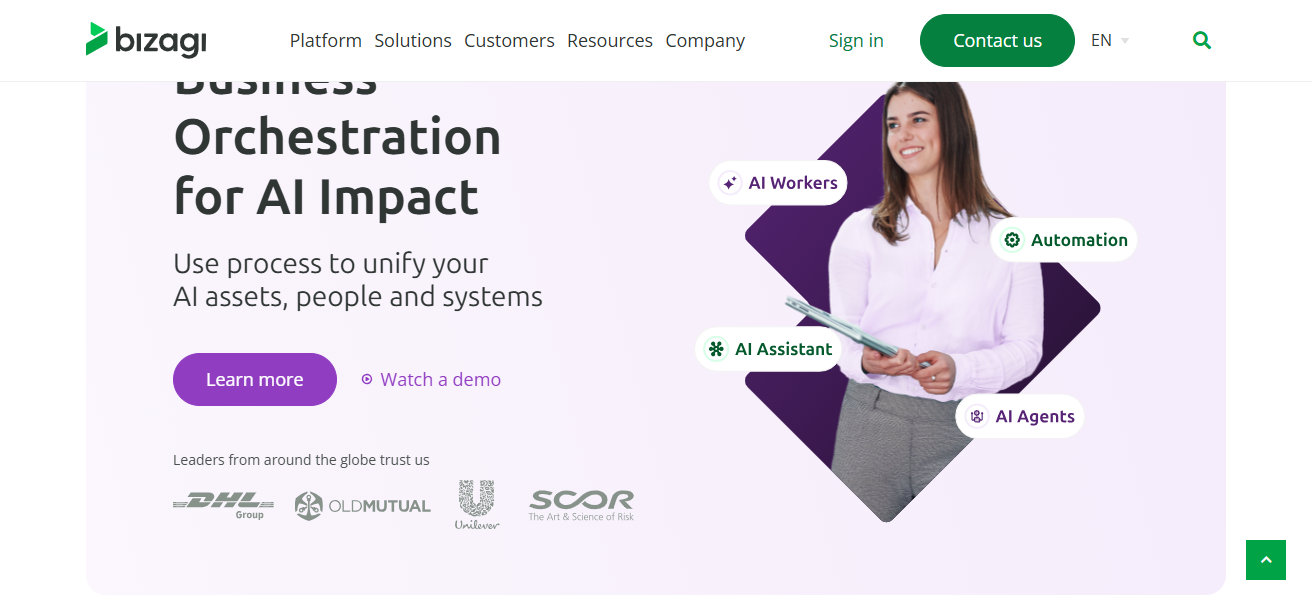
Bizagi’s flexibility allows users to integrate with older applications, third party systems, and databases. Users can improve operational workflows through automation and gain meaningful information for ongoing process enhancements.
Bizagi Features
- BPMN Modeling: Supports all the standards for easily drag and drop model creation.
- Rapid No-Code Workflow Automation: Automation for multiple processes and BoP (Bottom of the Pyramid) code.
- Flexible Deployment: Cloud, on-prem, and hybrid.
- Modern Integrations: Seamless compatibility with legacy software, databases, and third-party products.
| Pros | Cons |
|---|---|
| Intuitive visual BPMN process designer | Cloud deployment costs may be high for large enterprises |
| Low-code development for quick workflow creation | Requires training for complex modeling |
| Supports integration with legacy systems and third-party apps | May need IT support for complex automation |
| Real-time analytics for performance insights | Can feel overwhelming for small businesses |
| Cloud-native deployment option | Advanced features may require premium licenses |
4. Jotform Workflows
Jotform Workflows helps businesses create automated processes including data collection, approvals, and notifications.
The platform’s core strength is the ability to instantly create structured workflows from Jotform form submissions.
Jotform Workflows supports no-code automation including conditional logic, task assignments, and automation at multiple levels.
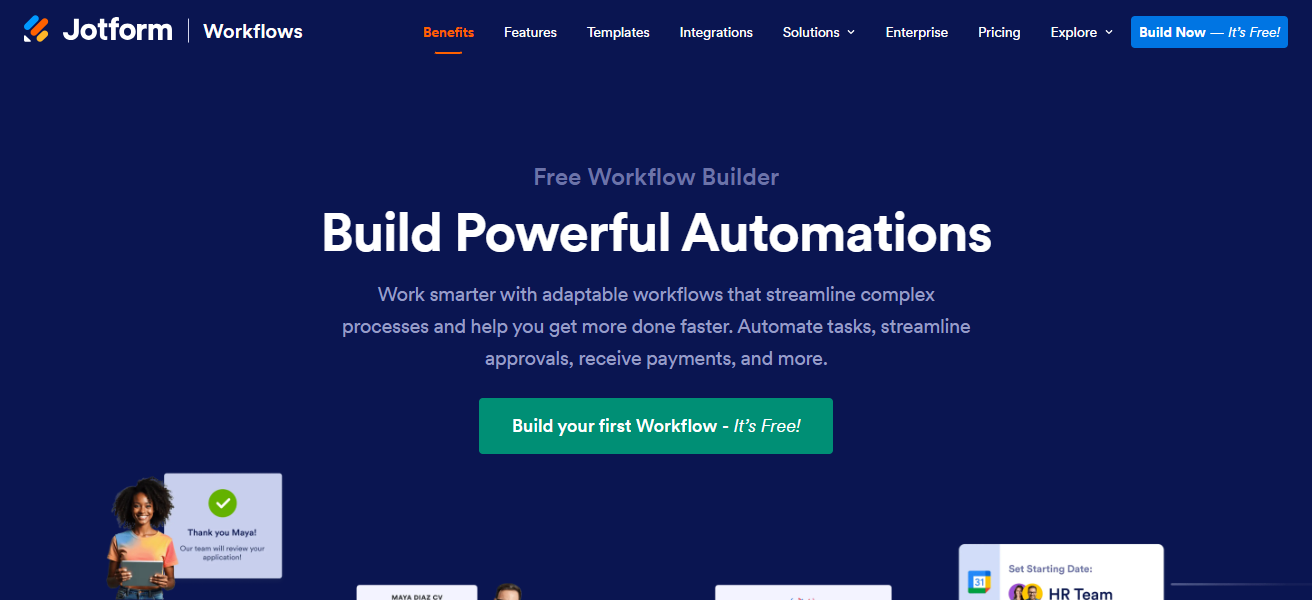
Workflows helps users improve productivity by taking over repetitive tasks and automating internal processes.
The platform is particularly suited to small businesses targeting cost effective workflow automation solutions due to the user friendly design that includes drag and drop functionality and ready to use templates.
Jotform Workflows Features
- Form Workflows: Create processes automatically that are initiated from data captured through the form.
- Conditional logic: Perform actions depending on how a user responds to a form.
- Multi‑step task automation: Automates approvals, notifications, and subsequent tasks.
- Pre‑built templates: Templates that are already created function to quicken the setup and deployment of workflows.
| Pros | Cons |
|---|---|
| Seamless integration with Jotform forms | Limited for highly complex business processes |
| No-code automation for approvals, notifications, and tasks | Smaller ecosystem compared to enterprise BPM tools |
| Multi-step workflow automation | May lack advanced analytics and reporting features |
| Affordable solution for small businesses | Workflow customization is limited by pre-built templates |
| Intuitive drag-and-drop interface | Not ideal for large-scale enterprise process orchestration |
5. Appian
Appian has low-code automation that helps businesses streamline complicated process automation, case management, AI, and RPA.
The visual workflow designer and low-code automation accelerate the application and workflow design processes and increase operational efficiency.
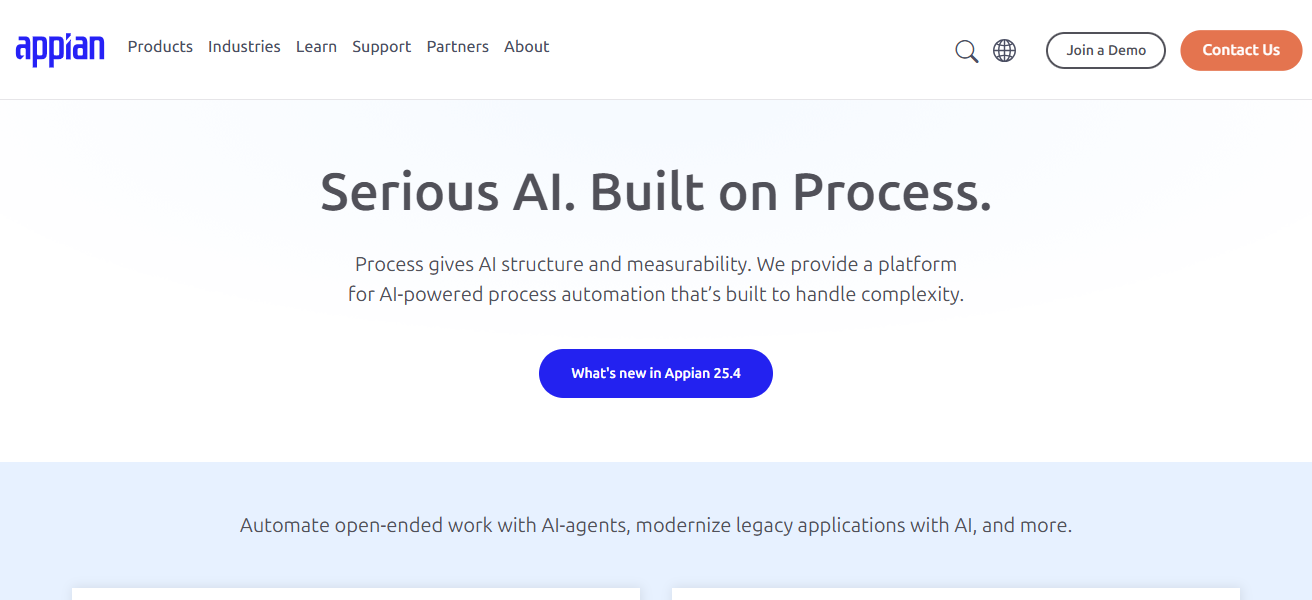
Appian also offers real-time analytics and mobile analytics that support timely decision-making. The platform’s security and scalability helps large businesses digitize processes while being compliant.
Appian Features
- Low‑code platform: Quickly design and develop enterprise applications and workflows requiring little to no coding.
- AI and RPA combined: Intelligent automation and bots for the execution of complex processes.
- Real‑time dashboards: Instant visual snapshots of operational data and workflow metrics.
- Mobile support: Workflows that are fully responsive can be accessed on mobile devices.
| Pros | Cons |
|---|---|
| Low-code platform for fast application and workflow development | Higher cost for enterprise deployments |
| Combines process automation, RPA, and AI | Learning curve for non-technical users |
| Real-time analytics and mobile-ready interfaces | Custom integrations may require advanced skills |
| Enterprise-grade security and scalability | Some features may be underutilized in small businesses |
| Ideal for complex end-to-end process digitization | Platform complexity can be overwhelming initially |
6. ARIS
Software AG’s ARIS is one such business process management solution, covering process modeling, analysis, and optimization.
Differentiating ARIS is its large repository for modeling, simulating, and evaluating processes that uses the BPMN and EPC standards.
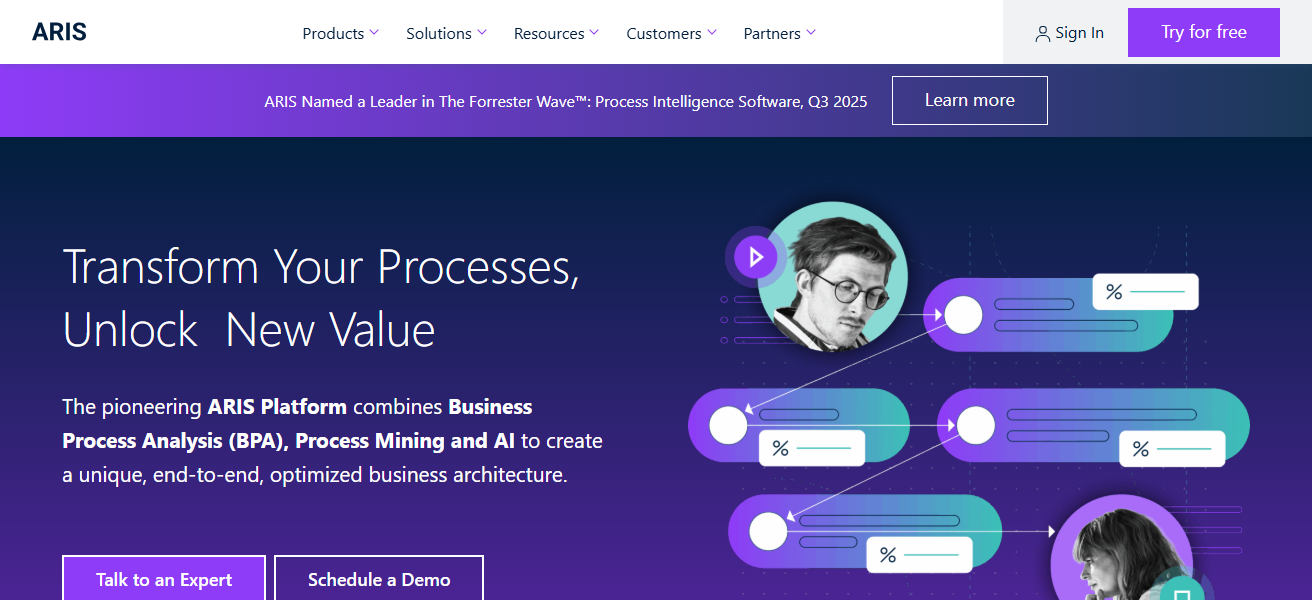
With ARIS, users get process orchestration for inter-departmental processes with insight on efficient and bottlenecked processes. It offers integration with enterprise systems and governance, risk, and compliance tracking.
ARIS helps users align IT and business strategy, enhances process transparency, and promotes ongoing process improvement in sophisticated operational environments.
ARIS Features
- Enterprise process modeling: High-level repository of BPMN/EPC standards and simulations.
- Process analysis tools: Analyze workflows to visualize, benchmark, and optimize.
- Risk & Compliance Tracking: Auditing and compliance governance and oversight controls.
- Cross‑department orchestration: Uniform process standardization across teams and divisions.
| Pros | Cons |
|---|---|
| Strong BPM modeling, simulation, and evaluation tools | Expensive for small and mid-sized businesses |
| Supports BPMN and EPC standards for process orchestration | Requires training to use advanced modeling features |
| Governance, risk, and compliance tracking | Not focused on direct task automation like RPA tools |
| Integrates with enterprise systems | Can be complex to set up initially |
| Enhances process transparency and optimization | Overkill for simple workflows |
7. Kissflow
Kissflow is a user-friendly business process orchestration and automation platform. What sets Kissflow apart is a 100% visual, no-code workflow builder that enables users to create, implement, and manage processes in minutes.
Kissflow provides multi-step approval, task automation, and seamless integration with cloud applications like Google Workspace and Slack. Its analytics offer AI-driven recommendations to improve processes.
Kissflow is built to be flexible and is designed to help businesses of every size. It reduces manual work, boosts collaboration, and speeds up processes with minimal involvement from IT and little effort to train staff.
Kissflow Features
- Visual workflow designer: No-code process orchestration builder.
- Cloud app integrations: Integrates with Google Workspace, Slack, and others.
- Multi‑step approvals: Allows complex approval chains and conditional routing.
- AI‑powered insights: Workflow data analytics to find and recommend areas for improvement.
| Pros | Cons |
|---|---|
| Fully visual, no-code workflow builder | Limited advanced BPMN capabilities |
| Supports multi-step approvals and automation | May lack deep analytics for enterprise-scale workflows |
| Integrates with cloud apps like Google Workspace and Slack | Customizations may require additional technical knowledge |
| AI-driven workflow insights | Less suitable for highly regulated industries |
| Flexible solution for businesses of all sizes | Mobile functionality can be limited in some cases |
8. Moxo
Moxo is a business process orchestration platform focused on clients that integrates workflow automation with collaboration features.
The platform is unique in that it handles omni-channel client journeys, integrating task management, communication, and digital paperwork in a single interface.
Moxo seamlessly integrates real-time status tracking and supports digital signatures and secure file sharing, making it suitable for legal, financial, and consulting services.
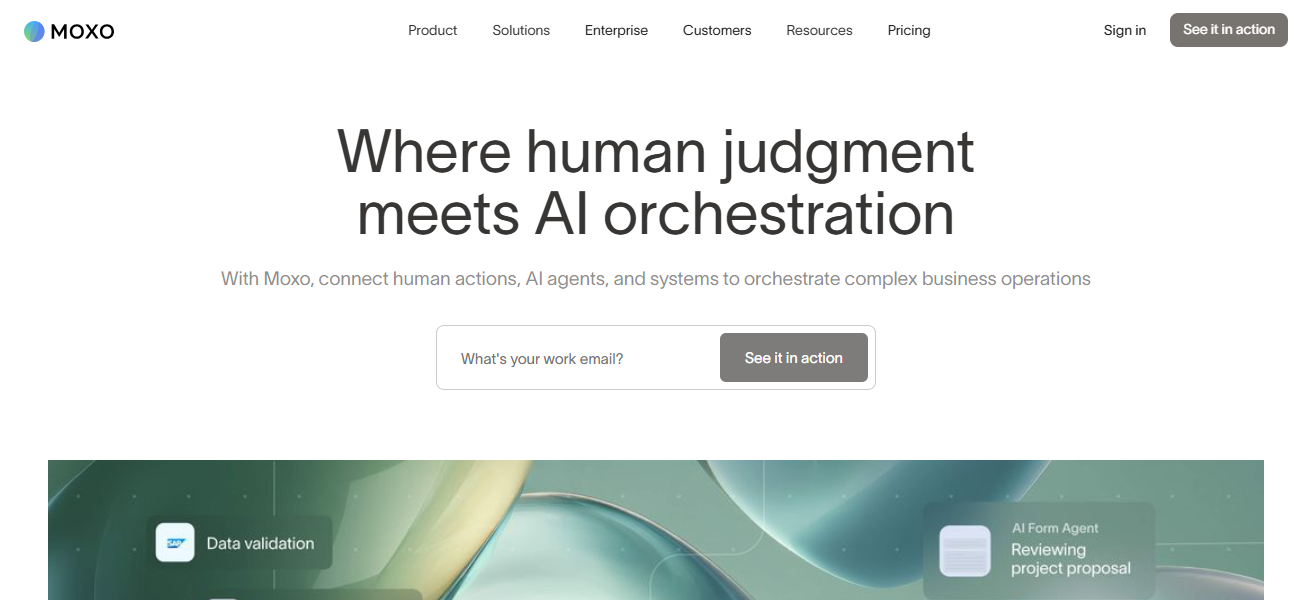
Moxo improves client satisfaction, reduces delays, and enhances operational efficiency by centraling client communication and operational workflows.
Moxo also allows teams to automate repetitive processes and maintain visibility across business workflows.
Moxo Features
- Client journey orchestration: Built for comprehensive workflows and interactions with clients.
- Collaboration hub: A unified interface for task management, communication, and document collaboration.
- Protected file operations: Avoiding signed file transfer operations.
- Client engagement tracking: Tracking and monitoring client engagement at various stages.
| Pros | Cons |
|---|---|
| Focused on client journey and collaboration workflows | Limited for internal process-only automation |
| Combines task management, communication, and digital documentation | May require adoption training for new users |
| Supports secure file sharing and digital signatures | Integration options may be less extensive than enterprise BPM suites |
| Real-time status tracking and visibility | Pricing can be higher for small businesses |
| Enhances client satisfaction and reduces delays | Better suited for client-focused industries rather than general BPM |
9. IBM Business Automation Workflow
IBM Business Automation Workflow (BAW) is designed to manage advanced processes and activities at the enterprise level.
BAW’s distinctive feature is the integration of business process management (BPM) and case management, AI-based decision automation, and robotic process automation (RPA).
With BAW, businesses have the ability to design workflows and executes and optimize them while tracking key performance indicators (KPIs) in real time.
BAW’s seamless integration with IBM Cloud Pak for Automation and other enterprise applications is designed to provide scalability and aid in regulatory compliance.
BAW is optimized for large operations and addresses the need to streamline operational processes, improve overall productivity, and advance digital transformation
IBM Business Automation Workflow Features
- BPM + case management: Merges structured process flows and unstructured case management.
- AI‑driven decisions: Uses embedded AI services to make decisions automatically.
- RPA and orchestration: Uses bots to automate repetitive processes that are high in volume.
- Enterprise scalability: Focused on large and complicated organizational workflows.
| Pros | Cons |
|---|---|
| Combines BPM, case management, RPA, and AI | High cost and resource-intensive for smaller organizations |
| Real-time KPI monitoring and process optimization | Requires skilled IT resources for setup and maintenance |
| Scalable for large-scale enterprise operations | Can be complex for non-technical users |
| Supports digital transformation initiatives | Integration outside IBM ecosystem can be challenging |
| Enterprise-grade security and compliance | May be overkill for simple workflows |
10. Oracle BPM Suite
Oracle BPM Suite is a unique example of a platform with the ability to span the complete lifecycle of the business process at hand, from modeling to the various stages of automation and optimization.
The unique thing about Oracle BPM is the model-execute-monitor-optimize active alliteration. Furthermore, Oracle BPM gives you the ability to optimize business processes as per your changing business needs.
The seamless integration of Oracle BPM with Oracle’s Cloud E-commerce, Database and ERP applications, makes it one of the finest BPM Suites available.
Organizations can fine-tune their business processes to orchestrate complex inter-departmental processes with the help of a business process model and process automation.
With process customization, Oracle BPM can help business enterprise achieve operational excellence and advanced error reduction with enhanced efficiency.
Oracle BPM Suite Features
- Complete BPM lifecycle: Handles modeling, execution, monitoring, and optimization.
- Rules‑based automation: Modify business rules and logic without coding.
- Oracle integration: Strong alignment with Oracle Cloud, ERP, and database services.
- Advanced simulation: Use modeling tools to assess and preview process modifications before implementation.
| Pros | Cons |
|---|---|
| End-to-end BPM lifecycle support | High cost for enterprise licensing |
| Seamless integration with Oracle cloud and ERP systems | Complex for small and medium businesses |
| Rules-driven workflows and advanced analytics | Requires training for complex BPMN modeling |
| Enterprise-grade security and scalability | Not very user-friendly for non-technical teams |
| Scalable deployment and process simulation | Customization can be challenging without IT support |
How To Choose Best Software For Business Process Orchestration
Identify Business Requirements To begin identifying the tasks you wish to automate, think about possible approvals, document routing, and client onboarding. Then, determine if you prefer simple workflows or sophisticated multi-stage processes.
Integration Determine how the tool will integrate with your current systems (such as ERP, CRM, and cloud apps), and choose a system that aligns with your team’s most frequently utilized tools.
User Controller If your technical personnel are few, the system that carries a no-code or low-code interface will be favorable, as will systems that have drag-and-drop designers.
Scalability and Flexibility Select software that will be able to accommodate your business growth. The software should be able to deal with expanding user bases as well as varying levels of complexity within the processes.
Degree of Automation If you want to do fewer tasks manually, you should choose a system that embodies more automation.
Real Time Data Monitoring and Analytics Your tool should have dashboards, reporting, and KPIs in real-time. This helps for easy monitoring of process modalities and the bottlenecks.
Cocnlsuion
To summarize, the right business process orchestration software can revolution how companies streamline workflows, automate task, and boost efficiency.
Depending on the organization’s business needs, Power Automate, Appian, and Oracle BPM Suite can be utilized.
With the right platform, companies can minimize mistakes, and improve productivity, and seamless cross departmental process management.
FAQ
It is a tool that automates, manages, and optimizes business workflows to improve efficiency and reduce manual tasks.
It streamlines operations, minimizes errors, ensures compliance, and boosts overall productivity.
Businesses of all sizes, from small teams to large enterprises, across various industries.
Many, like Power Automate and Kissflow, offer no-code or low-code workflow creation.
Yes, most support integration with ERP, CRM, cloud apps, and legacy systems.