
This article analyzes the Best Software for Enterprise Decision Intelligence, which allows companies to make better and smarter decisions based on data.
- Key Points & Best Software For Enterprise Decision Intelligence
- 10 Best Software For Enterprise Decision Intelligence
- 1. NexStrat.AI
- 2. SAS Decision Intelligence
- 3. Oracle RTD
- 4. Domo
- 5. Tellius
- 6. Decisions
- 7. Cloverpop
- 8. IBM Decision Optimization
- 9. TIBCO Spotfire
- 10. Qlik Sense
- How To Choose Best Software For Enterprise Decision Intelligence
- Cocnsluion
- FAQ
Enterprise decision intelligence is combining artificial intelligence, analytics, and automation to improve the optimization of workflows, projection of outcomes, and operational efficiency.
The right software can assist in better and complex decision-making, improve collaboration among teams, and be beneficial to the organization.
Key Points & Best Software For Enterprise Decision Intelligence
| Software | Key Point |
|---|---|
| NexStrat.AI | Agentic AI for real-time strategic insights |
| SAS Decision Intelligence | Advanced analytics and predictive modeling |
| Oracle RTD | Real-time decision automation |
| Domo | Cloud-native BI with decision workflows |
| Tellius | AI-driven search and guided insights |
| Decisions | Rule-based automation and workflow orchestration |
| Cloverpop | Collaborative decision tracking and transparency |
| IBM Decision Optimization | Optimization engine for complex scenarios |
| TIBCO Spotfire | Visual analytics with embedded AI |
| Qlik Sense | Associative data exploration for decision-making |
10 Best Software For Enterprise Decision Intelligence
1. NexStrat.AI
NexStrat.AI is an advanced platform focusing on enterprise decision intelligence, utilizing AI and predictive analytics to facilitate strategic decisions.
It streamlines automated processing for structured and unstructured data from diverse systems, providing real-time operational insights to executives.
With its scenario planning, risk assessment features, and interactive dashboards, companies can model and evaluate decisions.
With the help of machine learning and human cognition, NexStrat.AI streamlines and optimizes data-driven decisions, providing operational efficiency and strategic growth.
NexStrat.AI Features
- AI‑Powered Predictive Analytics: Assists leaders in forecasting and identifying trends and potential risks by utilizing machine learning to gain greater insight into complex datasets.
- Scenario Simulation: Business strategists can see and evaluate different scenarios and business strategies prior to making a commitment.
- Integrated Data Connectivity: From various internal and external systems, NexStrat.AI retrieves and merges data to facilitate a unified view.
- Executive Dashboards: These dashboards are visually clean and provide high-level insights to aid in strategic planning as well as to monitor performance.
| Pros | Cons |
|---|---|
| Advanced AI & predictive analytics for strategic decisions. | Can be complex to adopt without analytics expertise. |
| Real-time insights and scenario modeling. | May require significant data integration setup. |
| Helps forecast outcomes and mitigate risks. | Potentially higher cost for smaller teams. |
| Intuitive dashboards for executives. | Limited community support versus bigger brands. |
2. SAS Decision Intelligence
SAS Decision Intelligence integrates AI, machine learning, and analytics to provide enterprises with actionable insights.
It helps organizations streamline workflows and develop automated strategic decisions based on both historical data and current data.
With the ability to model, simulate, and optimize, SAS helps businesses reduce risks and predict future business scenarios.
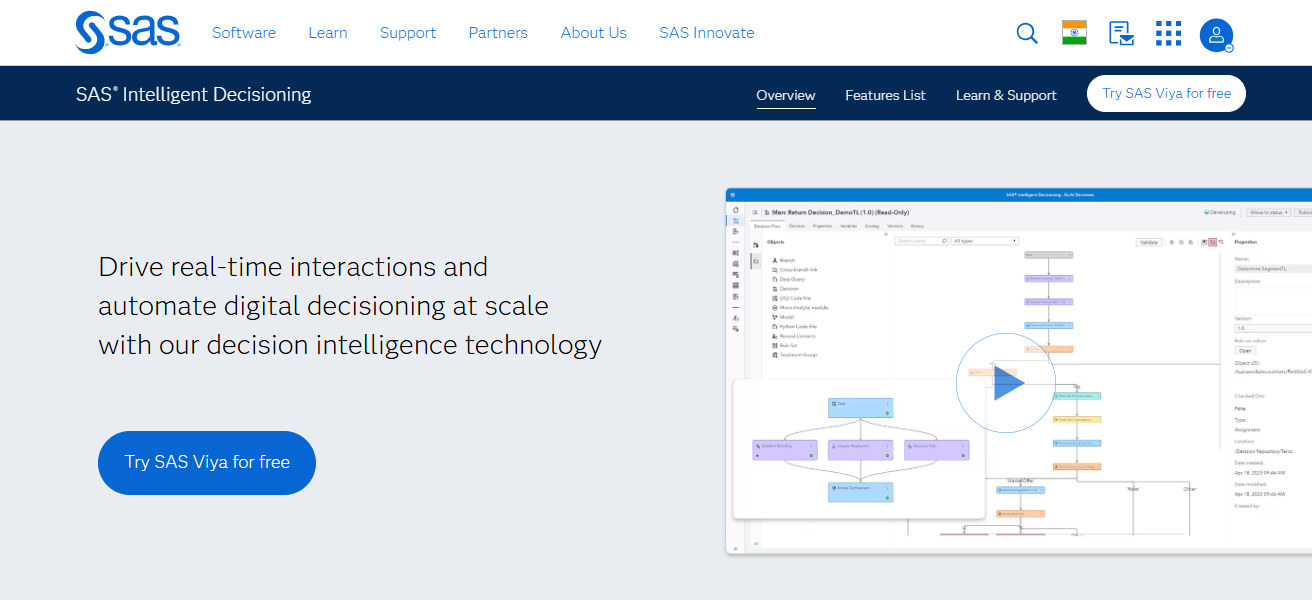
Additionally, SAS emphasizes the explainability of its AI-driven recommendations, helping business leaders comprehend the reasoning behind the decisions.
In finance, healthcare and retail, SAS Decision Intelligence helps facilitate advanced business decision making.
SAS Decision Intelligence Features
- Advanced Analytics Engine: There are three branches of analytics (statistical, predictive, and machine learning) that SAS combines into one to provide intelligent results.
- Automated Decision Flows: Assists in the construction and implementation of decision frameworks that execute automatically in response to data.
- Explainable AI: Users gain trust in the outcome because they understand the reasoning behind the decision.
- Scalable Architecture: An architecture that offers strong performance while managing datasets with a large number of entities across various departments.
| Pros | Cons |
|---|---|
| Strong analytics and AI-driven decision automation. | Steeper learning curve for new users. |
| Explainable AI makes decisions transparent. | Licensing can be expensive. |
| Excellent in regulated industries (finance, healthcare). | Implementation can be resource-heavy. |
| Integrates well with existing SAS tools. | Customization may need expert support. |
3. Oracle RTD
Oracle RTD enables enterprises to gain real-time critical insights from customer interactions, transactions, and behavioral data to make more tailored recommendations and optimize operations.
It employs real-time analytics to personalize recommendations and optimize operations. Oracle RTD provides businesses with the tools to automate decision-making with rule-based systems, machine learning models, and scenario simulation for marketing, risk, and operational workflows.
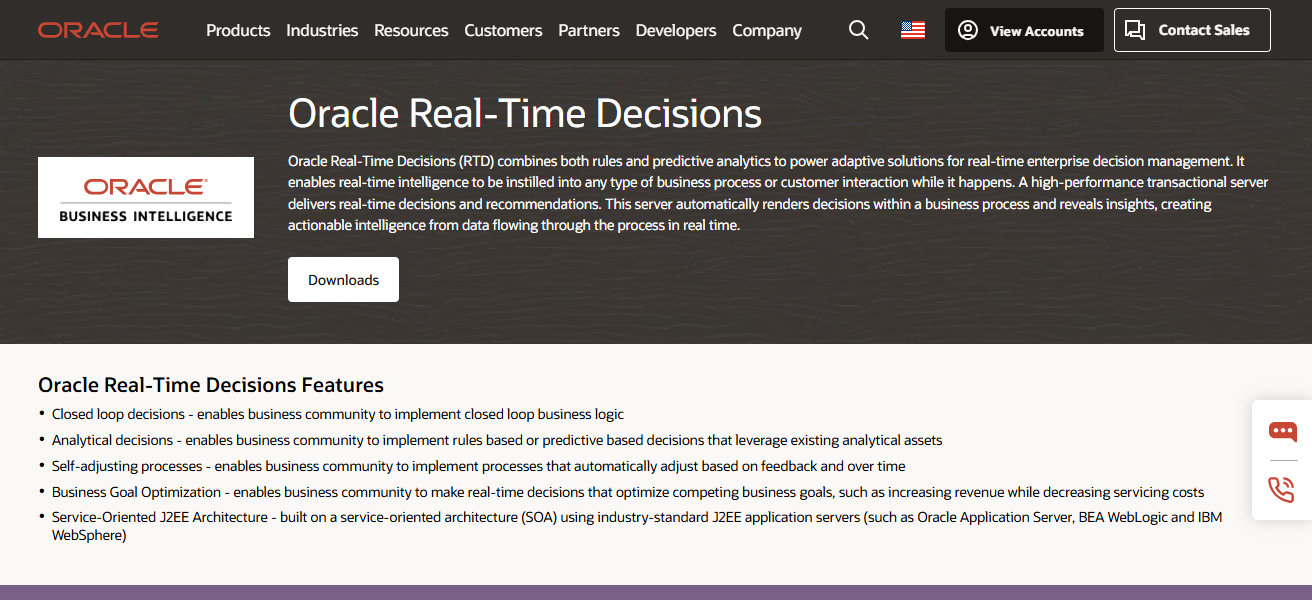
Oracle RTD’s cloud-based systems and enterprise application integrations provide seamless and scalable deployments, making it suitable for businesses that require immediate intelligent insights to boost customer engagement, operational efficiency, and profit.
Oracle RTD (Real‑Time Decisions) Features
- Real‑Time Event Processing: Processes customer interactions and transactional data to facilitate real time decision making.
- Rules & Models Integration: Merges business rules with AI/ML models for flexible decision making.
- Personalization Engine: Adjusts decisions and recommendations to each user or customer segment, ensuring tailored experiences.
- Cloud & On‑Premise Support: Compatible with hybrid IT environments, offering robust enterprise security.
| Pros | Cons |
|---|---|
| Real-time decisioning with high performance. | Best suited for large Oracle ecosystems. |
| Personalized recommendations and automation. | Complexity in setup and configuration. |
| Scales well for enterprise-level operations. | Can be costly for smaller businesses. |
| Strong support for customer interactions. | Requires skilled administrators. |
4. Domo
Domo is a cloud platform for business intelligence and decision intelligence that turns actionable data into insights. It integrates over hundreds of data sources for analytical dashboards and data visualisation to enable decision making.
Domo provides AI and predictive analytics services to assist businesses identify trends, predict results, and optimize processes. Its environment facilitates collaboration for teams to make decision across the organization.
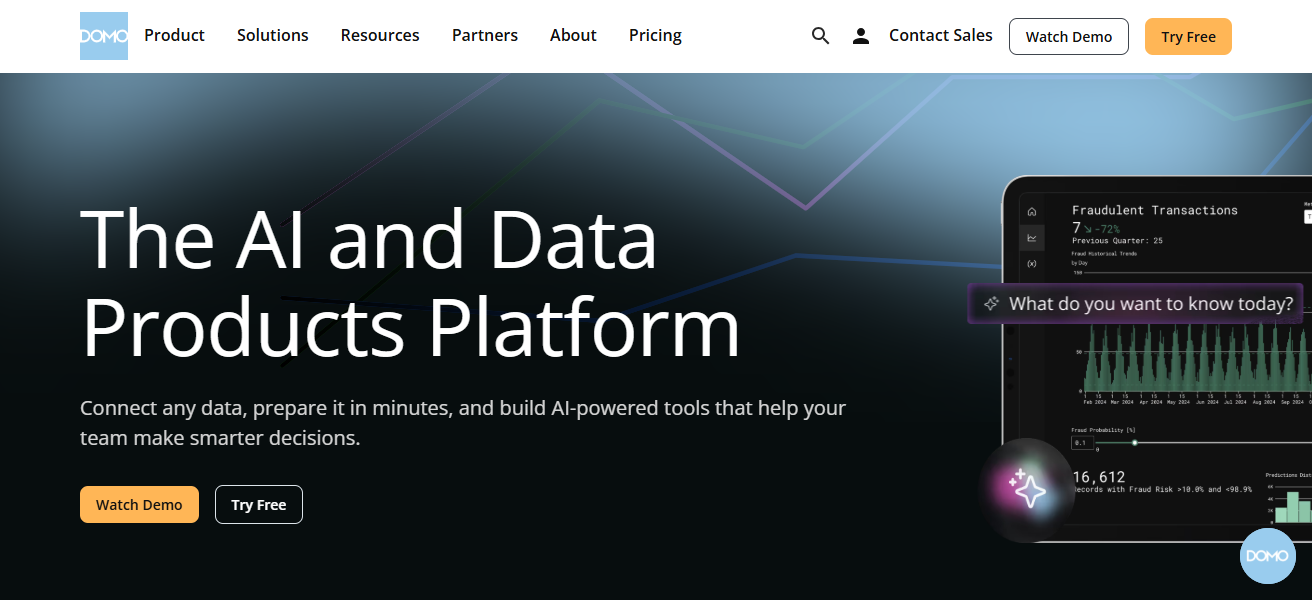
Its interfaces are intuitive, and its architecture is flexible, which improves the ability and transparency of the entire organization to make decision.
Domo Features
- Unified Data Platform: Provides consistent reporting by collecting and centralizing data from hundreds of sources.
- Customizable Dashboards: No-code tools to adjust and view KPIs and trends via drag-and-drop dashboards.
- Collaborative Insights: Provides tools to discuss, annotate, and share insights with other team members.
- Mobile Accessibility: Remote and hybrid work is supported by making decision insights accessible from any device.
| Pros | Cons |
|---|---|
| Integrates with many data sources. | Pricing can escalate with scale. |
| Real-time dashboards and collaboration. | Some advanced analytics need deeper expertise. |
| User-friendly for business users. | Custom data modeling could be limited. |
| Cloud-based, accessible anywhere. | Advanced AI features may lag pure analytics tools. |
5. Tellius
Tellius is a decision intelligence platform that incorporates AI-driven analytics, automated insights, natural language queries, and business users for pattern and insight exploration.
Tellius equips users with the tools to discover actionable strategies without requiring advanced technical knowledge.
Tellius helps organizations streamline machine learning to assist with decision-making, outcomes prediction, and anomaly detection to enhance strategies across marketing, sales, and operations.
Tellius improves the accessibility of intricate analytics to assist enterprises in rapid data analytics and performance enhancement through accessible data evaluation.
Tellius Features
- Search‑Driven Analytics: Provides instant insights without SQL for users to receive answers to questions in plain English.
- Automated Insight Discovery: Detects and highlights trends, anomalies, and correlations without user intervention.
- Machine Learning Recommendations: Proposes actions based on data patterns and predictive scoring.
- Flexible Data Integration: Assures easy data access by connecting with cloud and on-premise systems.
| Pros | Cons |
|---|---|
| Built-in NLP for asking questions in plain language. | May require grooming for complex models. |
| Automated insights and prioritization of decisions. | Smaller ecosystem than large BI brands. |
| AI-driven anomaly detection. | Some deeper analytics need expert tuning. |
| Easy for business users to explore data. | May not scale as well for very big enterprises. |
6. Decisions
Decisions offers a low-code decision intelligence platform that streamlines the automation of business processes and the enhancement of decision-making within an enterprise.
It helps businesses in structuring complicated processes, forecasting potential results, and applying structured or AI-based decisions in a more effective way.
Decisions collaborates with various enterprise applications, including customer CRM, enterprise resource planning ERP systems, and databases, enabling data-centric workflows.

Its drag-and-drop interface promotes the construction of automated workflows, minimizing the reliance on the IT department.
With the integration of workflow automation and predictive analytics, Decisions enhances operational efficiency, minimizes mistakes, and allows businesses to make decisions more quickly and intelligently on a larger scale.
Decisions Features
- Low‑Code Workflow Builder: Empowers even non-developers to visually create automated decision workflows.
- Process Orchestration: Manages complex sets of decision-making processes across systems.
- Rule & AI Integration: Fuses business rules with predictive models and other frameworks for smarter actions.
- Connector Library: Pre-built connectors that streamline CRM/ERP and other business apps integrations.
| Pros | Cons |
|---|---|
| Low‑code workflow automation. | Requires governance to avoid process sprawl. |
| Models rule‑based and AI decisions. | Less analytics depth than specialized BI tools. |
| Integrates widely with enterprise systems. | UI can feel dated for modern users. |
| Reduces dependency on IT for workflows. | Complex automations can still need developers. |
7. Cloverpop
Cloverpop is an enterprise collaborative decision-making platform. It tracks decisions made by teams for accountability and transparency.
Using past decision data and performance metrics, Cloverpop assists companies in pattern recognition, improving decision-making, and mitigating bias.
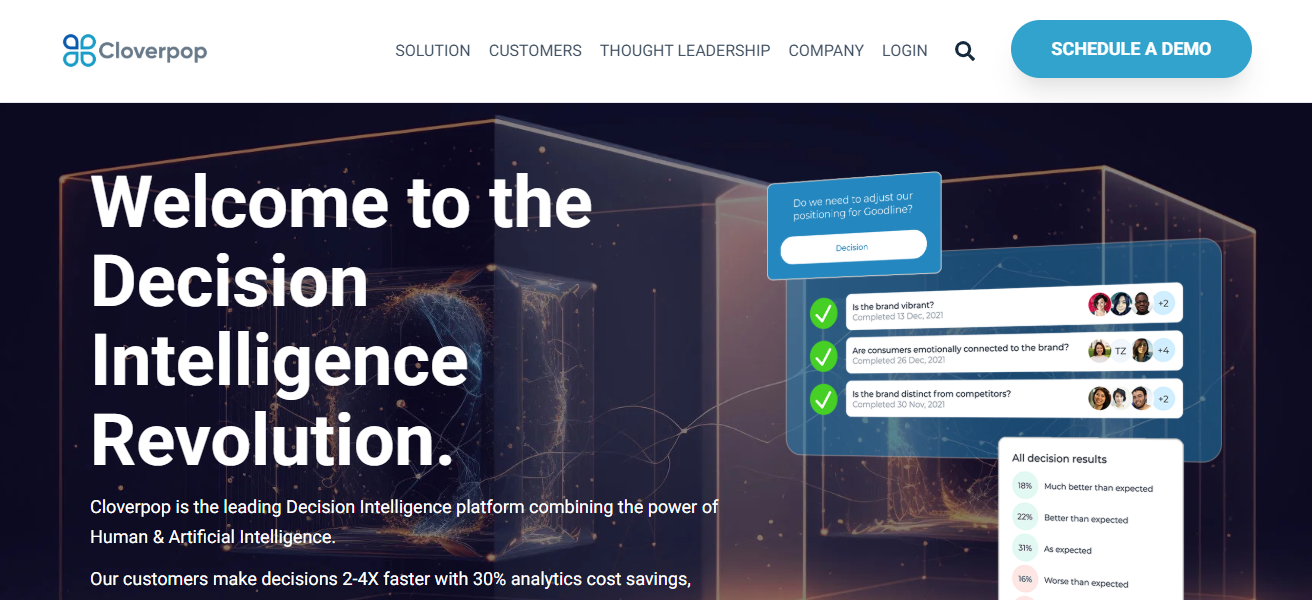
The user interface is mobile-friendly and integrates with enterprise systems for instant collaboration and approvals.
The focus on analytic decision tracking allows companies to learn from previous outcomes, enhance project governance, and contain decisions to data across multiple projects and strategic initiatives.
Cloverpop Features
- Decision Tracking & History: Keeps notes on previous decisions to provide context that improves future decisions.
- Collaboration Tools: Team members can talk and reach decisions from the same location.
- Performance Analytics: Uses data trends to analyze which decisions produced the best outcomes.
- Bias Reduction Support: Offers assistance in recognizing and lessening the impact of human bias in the organization’s decisions.
| Pros | Cons |
|---|---|
| Focus on collaborative decision tracking. | Limited predictive analytics strength. |
| Transparency and governance of decisions. | Best for decision process, not deep data science. |
| Captures decision context & rationale. | Analytics depth depends on integrations. |
| Encourages organizational learning from past decisions. | Smaller feature set than full BI platforms. |
8. IBM Decision Optimization
IBM Decision Optimization helps businesses structure their complicated, data-driven decisions using sophisticated mathematical models, artificial intelligence, and optimization.
It guides businesses in resource allocation, cost reduction, and outcome maximization in logistics, manufacturing, and supply chain.
Smarter Operational Decision Making combines predictive analytics and operational data for recommendations and actionable scenario planning.
Its comprehensive APIs enable easy integration with other enterprise systems. It helps managers optimize complex problems, which boosts operational efficiency, profit outcomes, and strategic profit.
IBM Decision Optimization Features
- Optimization Algorithms: Mathematically resolves complicated problems in resource allotment and scheduling.
- Scenario Comparison: Users can evaluate different options and select the best one to implement.
- Integration with IBM Analytics: Optimization is augmented through predictive and AI analytics.
- APIs for Enterprise Systems: Seamless integration into larger enterprise applications, including supply chain and financial systems.
| Pros | Cons |
|---|---|
| Powerful optimization & mathematical modeling. | Requires analytics/operations research expertise. |
| Good for resource & scheduling challenges. | Setup time can be long. |
| Integrates AI with operational data insights. | Cost and licensing complexity. |
| Solves complex enterprise optimization problems. | Not ideal for simple BI reporting. |
9. TIBCO Spotfire
TIBCO Spotfire integrates Artificial Intelligence and analytics tools with data visualization for immediate data driven decision making. It helps businesses analyze and understand expansive datasets and make trends based decisions.
Spotfire’s automated insights and interactive dashboards help teams track process outcomes and adjust processes for operational efficiency.
Its comprehensive integrations with various data sources along with AI driven suggestions helps businesses analyze data and streamline decision making.
Spotfire’s analytics capabilities empower both technical and non-technical users across the organization.
TIBCO Spotfire Features
- Interactive Visual Analytics: Users can interact with large data sets in a constructive and exploratory way through powerful visualizations.
- Real‑Time Data Streams: As fresh data is incorporated, dashboards refresh, and users can respond more quickly.
- Predictive Analytics Tools: Prepares forecasts and risk assessments with integrated analytics and AI models.
- Smart Data Wrangling: Data preparation tools are user friendly and facilitate the fast cleaning and merging of datasets.
| Pros | Cons |
|---|---|
| Strong visual analytics & interactive dashboards. | Some advanced analytics need specialists. |
| Real-time data monitoring & insights. | Licensing can be expensive at enterprise scale. |
| Predictive analytics with modeling. | Initial setup requires technical skills. |
| Intelligent recommendations and AI features. | UI has learning curve for new users. |
10. Qlik Sense
Transforming data into insights involves analytics and decision intelligence. Qlik Sense offers self-service insights paired with AI recommendations, associative data modeling, and visual analytics to surface insights, analyze relationships, and track changes.
Qlik Sense enables decision-making in real-time using its integration capabilities with enterprise systems and cloud data. The collaborative functionality of Qlik Sense improves team alignment by providing transparency to insight sharing.
Predictive and actionable insights allow Qlik customers to optimize performance, lower risk, and improve the speed and quality of business decisions.
Qlik Sense Features
- Associative Data Engine: Without predetermined pathways, it uncovers obscured connections through data.
- AI-Assisted Insights: Offers intelligent recommendations and contextual insights to facilitate navigation.
- Self-Service Analytics: Allows business users to create reports independently from IT.
- Interactive Decision Dashboards: Enables teams to track and make quick decisions with real-time dashboards
| Pros | Cons |
|---|---|
| Associative engine reveals hidden data relationships. | Pricing can become high at scale. |
| AI-assisted insights & smart visualizations. | Complex data models need expert design. |
| Self-service analytics for business users. | Larger deployments need governance. |
| Real-time decision support dashboards. | Integration can require developer support. |
How To Choose Best Software For Enterprise Decision Intelligence
Define Business Goals – Understand what you need: predictive analytics, automation of workflows, collaboration, or real-time decision support.
Data Integration Capability – Look for software that integrates smoothly with your existing software: ERP, CRM, databases, and cloud services.
Scalability and Performance – Determine if the software is capable of processing the volume of data your organization has and if it can accommodate your future growth.
AI and Analytics Features – Assess if the software contains predictive modeling, optimization, scenario simulation analytics, and AI-assistant insights.
User-friendly – Assess dashboards, visualization tools, and how simple it is for non-technical users.
Collaboration and governance – Look for features that support tracking decisions, approvals, and minimizing the impact of a decision-making bias.
Cost and Licensing – Consider the price, the cost of implementation, and the ROI for the size of your organization.
Vendor Support and Community – Look for the availability of customer support, training, and the community of the software.
Cocnsluion
In conclusion, Selecting the appropriate software for Enterprise Decision Intelligence enables organizations to make quicker, more intelligent, and data-based decisions.
These platforms, utilizing AI, analytics, and automation, refine workflows, minimize risks, and enhance inter-team collaboration.
Choosing the most appropriate solution tailored to your requirements, business growth, and integration options guarantees improved operational efficiency, strategic progression, and a distinct competitive advantage.
FAQ
It’s a platform that uses AI, analytics, and automation to help businesses make data-driven decisions.
Large enterprises, managers, and teams that handle complex workflows and strategic decisions.
By providing predictive insights, scenario simulations, and real-time analytics.
Some tools fit smaller teams, but most are optimized for mid-to-large enterprises.
Yes, leading platforms connect with ERP, CRM, databases, and cloud services.