LightBurn stands out as an outstanding Best Software For Laser Engraving option due to its user-friendly interface and robust features, supporting various laser engraving machines making it suitable for various applications. LightBurn’s intuitive design enables both novice and seasoned users alike to effortlessly craft intricate designs. LightBurn provides precise control of laser parameters such as power, speed and focal length for accurate and consistent results.
LightBurn supports multiple file formats for seamless integration with popular design programs like Adobe Illustrator and CorelDRAW, and features camera alignment functionality that assists with precise positioning of designs on workpieces. Overall, LightBurn stands out as an exceptional laser engraving software solution, meeting both hobbyists and professionals’ demands with functionality and user friendliness in equal measure.
Here is List Of Best Software For Laser Engraving
1 LaserGRBL
2 Inkscape
3 Adobe Illustrator
4 SolveSpace
5 LaserWeb4
6 Coreldraw
7 LightBurn
8 Draft Sight
9 SolidWorks
10 TurboCAD Designer
10 Best Software For Laser Engraving In 2024
1. LaserGRBL
LaserGRBL is widely recognized as a top-tier software solution for laser engraving, celebrated for its simplicity, versatility, and open-source nature. Catering to a diverse range of laser engraving machines, LaserGRBL stands out for its user-friendly interface, making it accessible for both beginners and experienced users. The software supports popular file formats like DXF and BMP, providing seamless compatibility with various design programs.
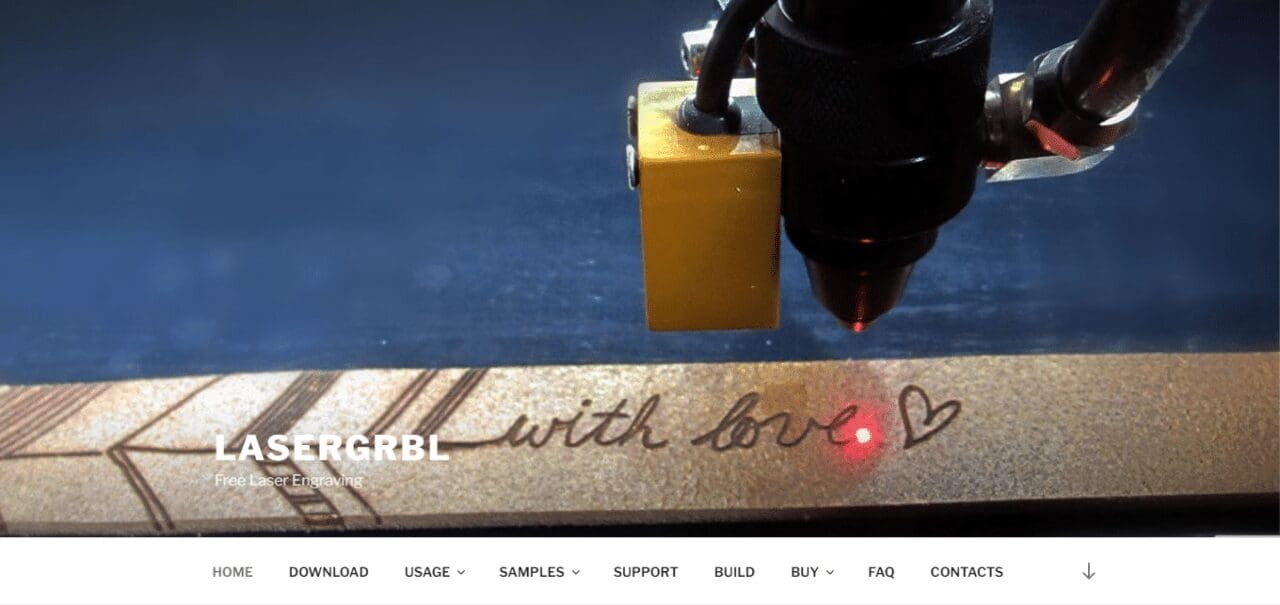
LaserGRBL’s real-time positioning and preview features enhance precision and accuracy, allowing users to visualize their designs before engraving. Moreover, its dynamic power and speed control ensure optimal results on different materials. With continuous updates and an active community, LaserGRBL remains a go-to choice for those seeking a powerful and adaptable software solution for laser engraving projects.
2. Inkscape (Best Software For Laser Engraving)
Inkscape emerges as a compelling choice for laser engraving enthusiasts and professionals seeking a versatile vector graphics editor. Known for its open-source nature and extensive features, Inkscape provides a powerful platform for creating intricate designs that seamlessly translate into laser-engraved masterpieces.
The software’s compatibility with various file formats, including SVG, DXF, and AI, makes it seamlessly integrate with laser engraving machines. Inkscape’s robust drawing tools, bezier curves, and node editing capabilities empower users to craft detailed and precise designs.
With a user-friendly interface and a dedicated community, Inkscape offers a cost-effective solution for those looking to create stunning laser-engraved projects without compromising on design flexibility and control. Whether tackling intricate artworks or functional designs, Inkscape stands out as an excellent software choice for laser engraving endeavors.
3. Adobe Illustrator
Adobe Illustrator stands as an industry-standard software for laser engraving, renowned for its unparalleled design capabilities and professional-grade features. As a vector graphics editor, Illustrator provides a robust platform for creating intricate and high-resolution designs that translate seamlessly into laser-engraved outputs.
Its comprehensive toolset, including precise drawing tools, advanced path editing, and versatile typography options, empowers users to craft detailed and visually stunning designs. Illustrator’s compatibility with various file formats, such as AI, SVG, and DXF, makes it an ideal choice for integration with laser engraving machines.
The software’s ability to handle complex and layered designs ensures that users can achieve exceptional results on a wide range of materials. With a user-friendly interface and continuous updates, Adobe Illustrator remains a go-to choice for professionals and enthusiasts alike, seeking top-notch precision and creative freedom in their laser engraving projects.
4. SolveSpace (Top Software For Laser Engraving)
SolveSpace is a noteworthy software solution for laser engraving, offering a unique blend of 3D modeling and parametric design capabilities. This open-source software provides a versatile platform for users looking to create intricate and precise designs for laser engraving projects. SolveSpace’s parametric modeling allows for easy adjustment of design parameters, ensuring flexibility and accuracy in the creation process. The software supports various file formats, including DXF and SVG, facilitating seamless integration with laser engraving machines.
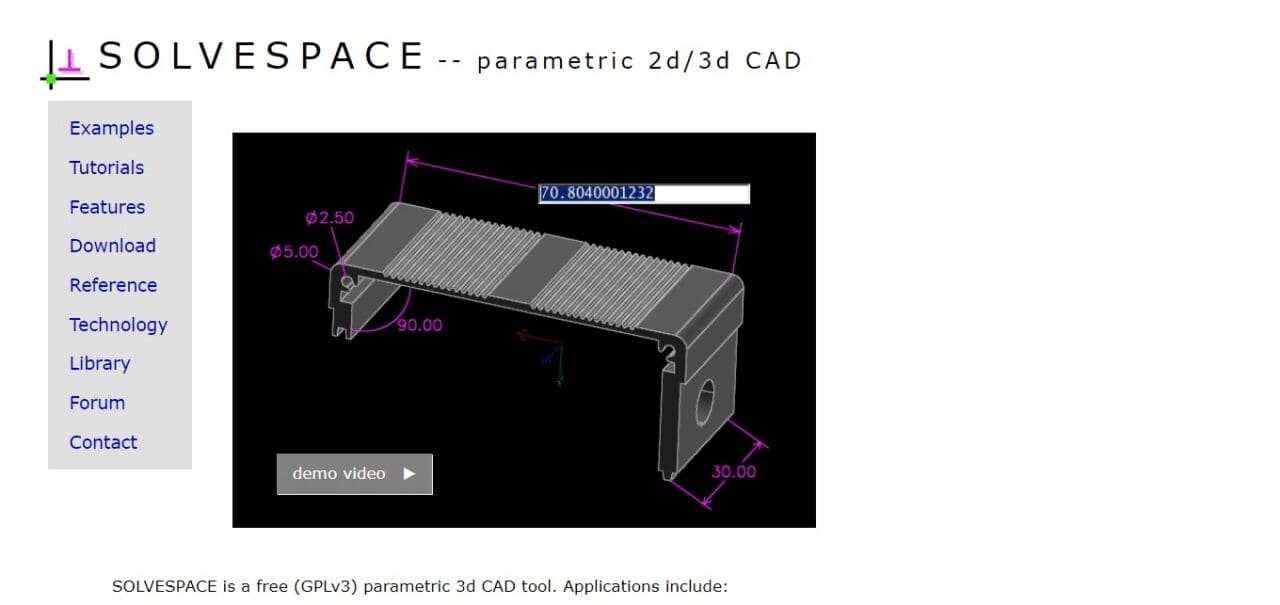
With its intuitive interface and emphasis on parametric design, SolveSpace appeals to both beginners and experienced users. The software’s ability to handle 3D modeling adds an extra dimension to laser engraving projects, enabling users to create complex and detailed designs. Overall, SolveSpace stands out as a compelling option for those seeking a powerful, open-source tool with a focus on parametric design for laser engraving applications.
5. LaserWeb4
LaserWeb4 is a robust and feature-rich software solution that excels in the realm of laser engraving. This open-source platform is designed specifically for controlling laser cutters and engravers, offering an extensive set of features for users seeking precision and customization. LaserWeb4 supports a wide range of laser engraving machines and is compatible with various file formats, including SVG and DXF.
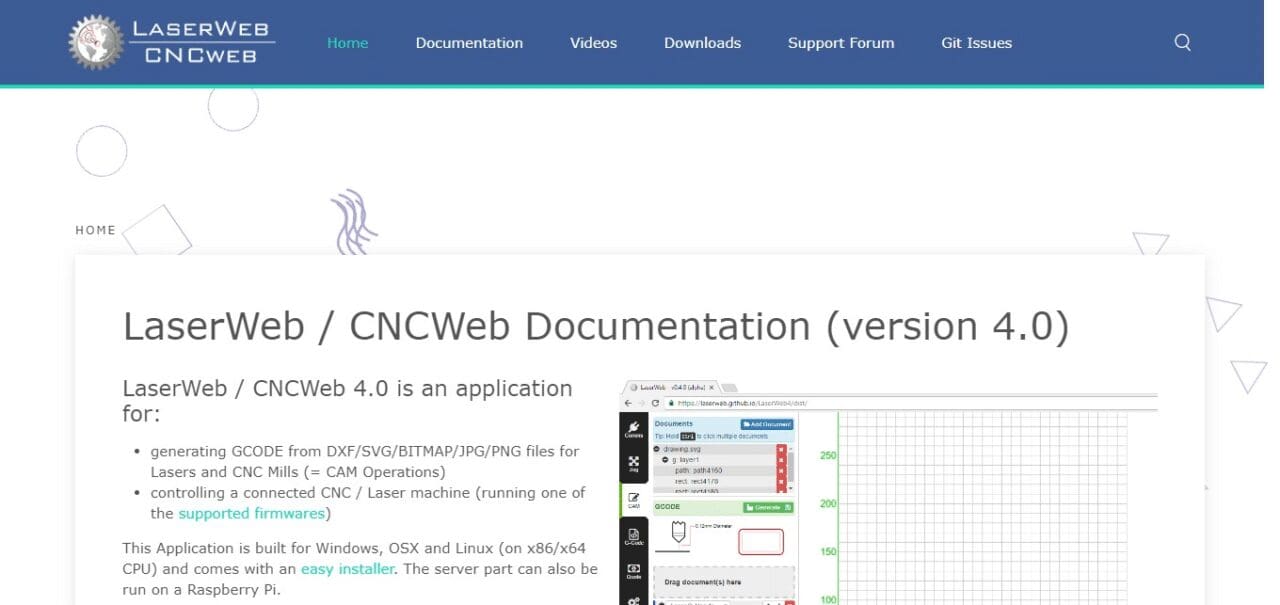
Its user-friendly interface provides intuitive control over laser parameters such as power, speed, and resolution, allowing for fine-tuned adjustments to achieve optimal results on different materials.
LaserWeb4 also stands out for its advanced features like camera alignment, enabling precise positioning of designs on workpieces. With ongoing community support and regular updates, LaserWeb4 remains a compelling choice for those who value flexibility, control, and a powerful set of tools in their laser engraving endeavors.
6. Coreldraw (Best Software For Laser Engraving)
CorelDRAW stands as a stalwart in the world of graphic design and emerges as an excellent software choice for laser engraving projects. Renowned for its comprehensive set of vector illustration and design tools, CorelDRAW provides a versatile platform for creating intricate and precise designs that seamlessly translate into laser-engraved outputs.
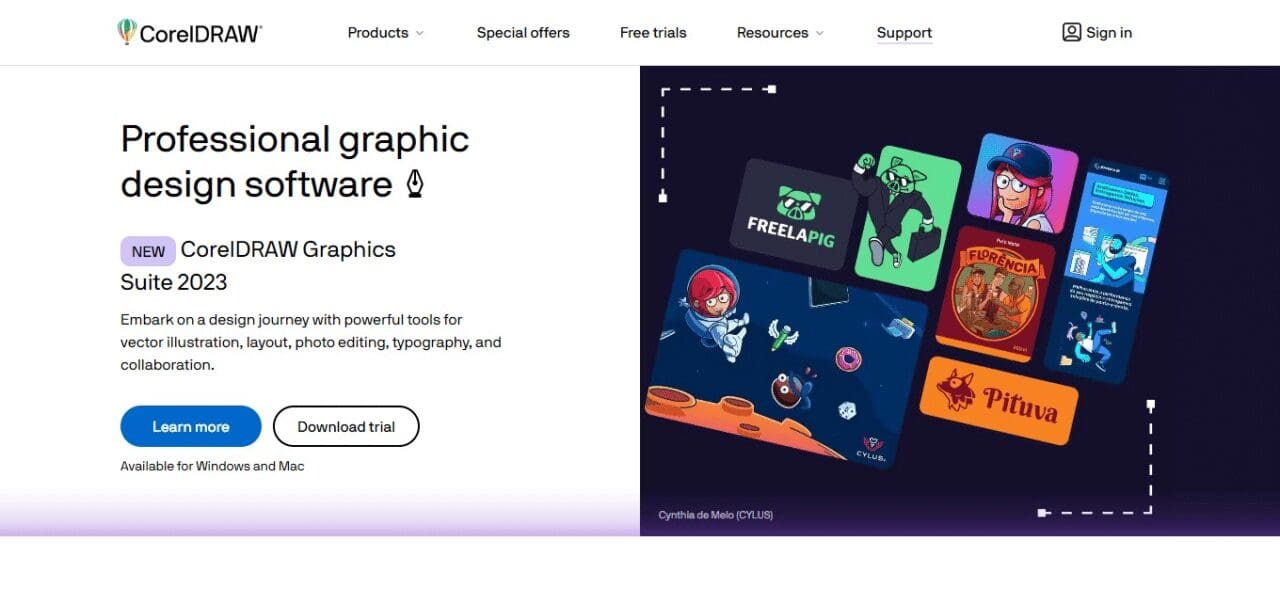
Its intuitive interface and powerful features, such as bezier curves, advanced typography options, and dynamic object control, empower users to craft detailed and visually appealing designs with ease.
CorelDRAW’s compatibility with various file formats, including AI, SVG, and DXF, ensures smooth integration with laser engraving machines. Whether creating elaborate artworks or functional designs, CorelDRAW’s combination of creative flexibility and technical precision makes it a preferred software for professionals and enthusiasts alike engaged in laser engraving endeavors.
7. LightBurn
LightBurn stands out as a premier software solution for laser engraving, offering a powerful and user-friendly platform that caters to both beginners and seasoned professionals. Renowned for its intuitive interface and robust feature set, LightBurn supports an extensive range of laser engraving machines, ensuring versatility across different applications. The software provides precise control over laser parameters, including power, speed, and focal length, allowing users to achieve accurate and consistent results on various materials.
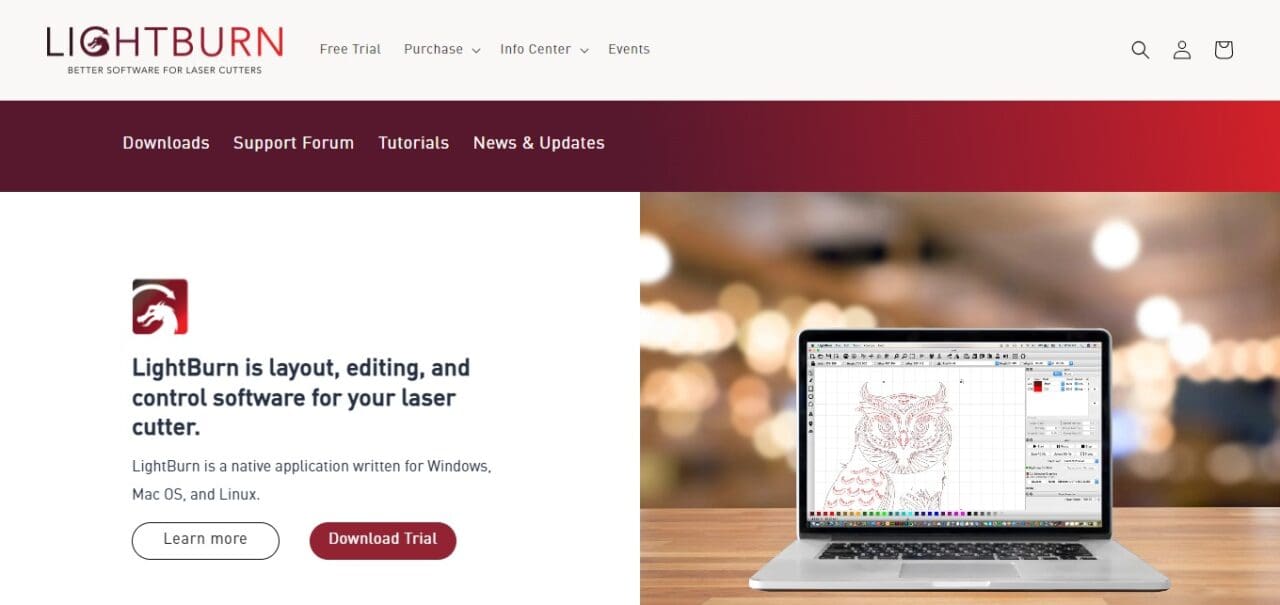
LightBurn’s compatibility with popular design programs like Adobe Illustrator and CorelDRAW enhances its accessibility, enabling seamless integration into existing workflows. Noteworthy features such as camera alignment contribute to the software’s reputation for facilitating precise positioning of designs on workpieces. With a commitment to ongoing updates and a supportive user community, LightBurn remains a top choice for those seeking a comprehensive and reliable software solution for laser engraving projects.
8. Draft Sight (Top Software For Laser Engraving)
DraftSight, a powerful 2D drafting and 3D design software, proves to be a valuable tool for laser engraving applications. Known for its robust feature set and user-friendly interface, DraftSight facilitates the creation of detailed and accurate designs that seamlessly translate into laser-engraved outputs. The software supports various file formats, including DXF and DWG, ensuring compatibility with laser engraving machines.
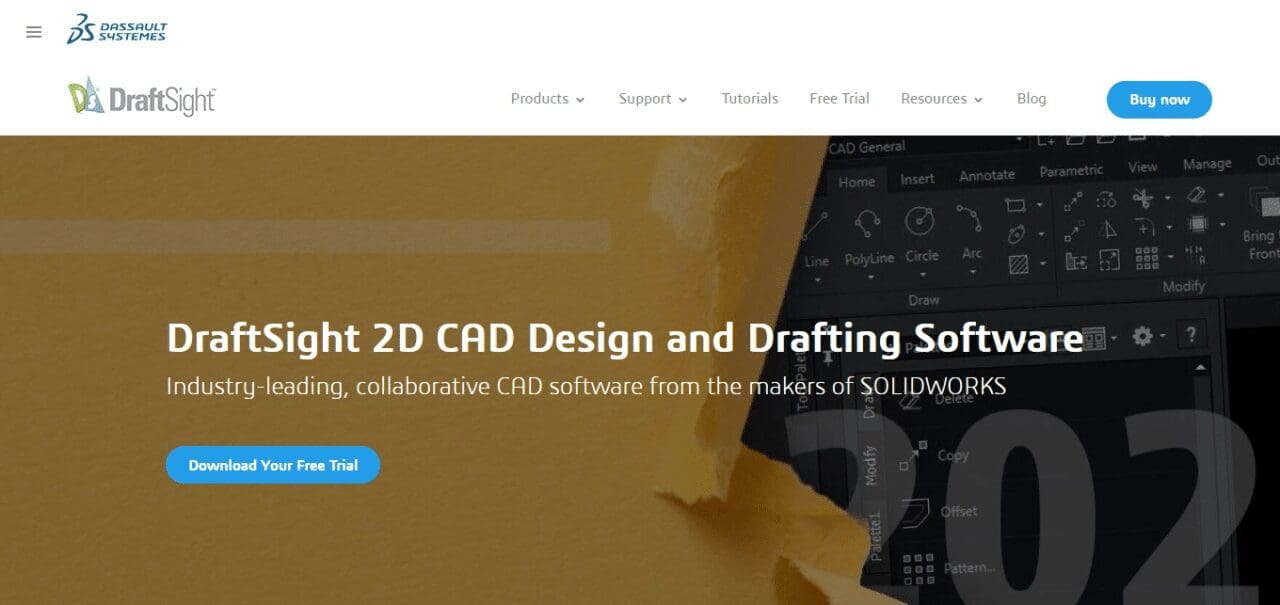
DraftSight’s precision drawing tools and efficient editing capabilities empower users to craft intricate designs with ease. Whether working on logos, intricate patterns, or technical drawings, DraftSight provides a versatile platform for users of all skill levels. With its affordability and commitment to continuous improvement, DraftSight stands as an attractive choice for those seeking a capable software solution for laser engraving that blends functionality with accessibility.
9. SolidWorks
While SolidWorks is primarily recognized for its prowess in 3D modeling and engineering design, it can also be a valuable asset in the context of laser engraving. Leveraging its advanced 3D design capabilities, SolidWorks allows users to create intricate and detailed models that can be translated into laser-engraved designs with precision. The software’s parametric modeling features enable users to make real-time adjustments, ensuring flexibility in the design process.
SolidWorks supports various file formats, including DXF, facilitating seamless integration with laser engraving machines. Its robust tools for creating complex shapes, assemblies, and patterns make it suitable for users aiming to achieve intricate and visually compelling results in their laser engraving projects.
While SolidWorks may be more advanced than some other software options, its versatility and powerful design tools make it a compelling choice for professionals looking to push the boundaries of creativity in laser engraving.
10. TurboCAD Designer (Top Software For Laser Engraving)
TurboCAD Designer emerges as a noteworthy software solution for laser engraving, offering a comprehensive set of tools for 2D drafting and 3D design. Known for its affordability and user-friendly interface, TurboCAD Designer provides a versatile platform suitable for both beginners and experienced users engaged in laser engraving projects. The software supports various file formats, including DWG and DXF, ensuring seamless compatibility with laser engraving machines.
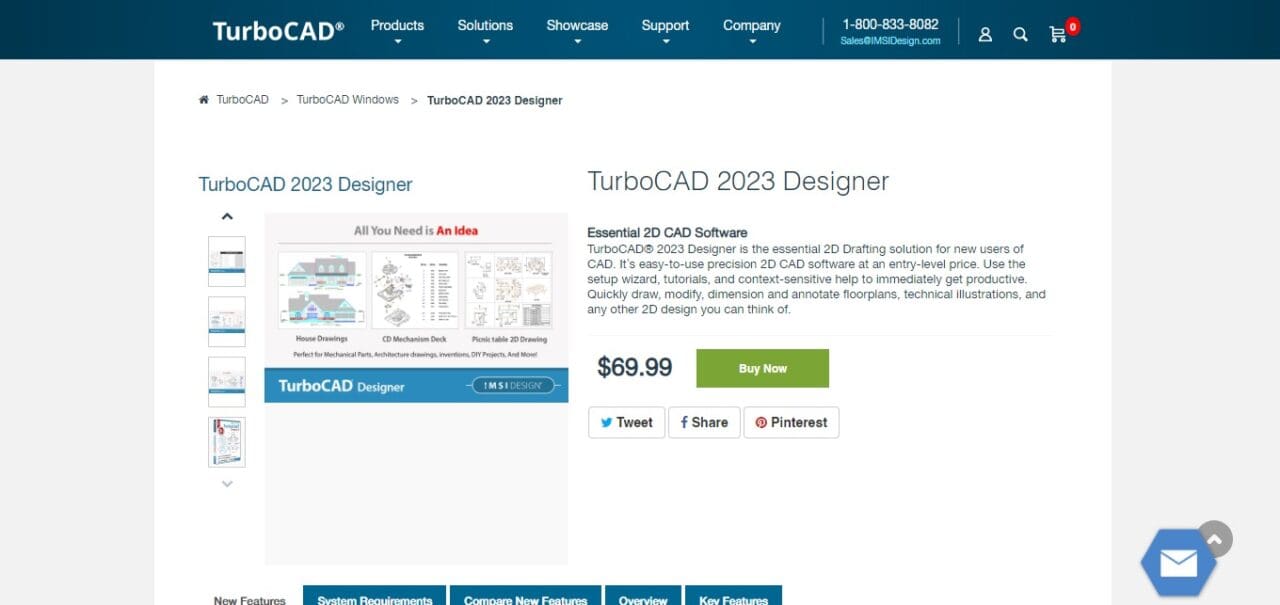
TurboCAD Designer’s precision drawing tools, geometric constraints, and parametric features empower users to create detailed and accurate designs for engraving on a variety of materials. Its 3D modeling capabilities add an extra dimension to designs, making it a valuable asset for those seeking to enhance the visual impact of their laser-engraved creations. With a commitment to accessibility and continuous improvement, TurboCAD Designer stands out as an accessible and feature-rich option for laser engraving enthusiasts.
How Does Laser Engraving Software Work?
Laser engraving software is a critical component in the process of translating digital designs into physical engravings using laser machines. Here is a simplified overview of how laser engraving software works:
Design Creation: The process begins with creating a digital design using graphic design software. Commonly used design programs include Adobe Illustrator, CorelDRAW, Inkscape, or dedicated software like LightBurn or LaserWeb.
File Format: The design is typically saved in a vector format, such as SVG (Scalable Vector Graphics), DXF (Drawing Exchange Format), or AI (Adobe Illustrator), depending on the software and the laser engraving machine’s compatibility.
Importing into Laser Engraving Software: The digital design is imported into the specific laser engraving software that controls the laser machine. Different laser engraving machines may have their proprietary software or be compatible with various third-party programs.
Setting Parameters: The laser engraving software allows the user to configure various parameters, such as laser power, speed, resolution, and depth. These settings determine how the laser will interact with the material during the engraving process.
Preview and Simulation: Many laser engraving software tools provide a preview or simulation feature. This allows users to visualize how the engraving will appear on the material before the actual process begins.
Material Calibration: Laser engraving software often includes features for calibrating the machine to the specific material being used. This ensures optimal results by adjusting settings based on the material’s characteristics.
Sending Commands to the Laser Machine: Once the user is satisfied with the settings and preview, the laser engraving software sends commands to the laser machine. These commands guide the laser beam’s movement and intensity based on the design, resulting in the desired engraving on the chosen material.
Engraving Process: The laser machine follows the path specified by the software, directing the laser beam to engrave the design onto the material. The laser beam removes or alters the material’s surface, creating the desired pattern or text.
Completion and Quality Check: Once the engraving process is complete, the user can inspect the final result. The quality of the engraving depends on factors such as the chosen settings, material properties, and the precision of the laser machine.
In essence, laser engraving software acts as a bridge between digital design and physical engraving, allowing users to control and customize the laser machine’s operation for a wide range of applications, from artistic designs to industrial markings.
How To Choose Laser Engraving Design Software?
Choosing the right laser engraving design software is crucial for achieving precise and satisfactory results in your engraving projects. Here are key considerations to guide you in selecting the most suitable software:
Compatibility with Laser Engraving Machine
Ensure that the software is compatible with your specific laser engraving machine. Some machines come with proprietary software, while others are compatible with various third-party programs. Check the manufacturer’s recommendations and specifications.
Ease of Use
Opt for software that has a user-friendly interface, especially if you are a beginner. Look for intuitive controls, straightforward menus, and a well-designed workspace that makes it easy to create and modify designs.
Design Capabilities
Consider the design features offered by the software. Look for tools that match your project requirements. Advanced drawing and editing tools, as well as support for vector graphics, can be essential for creating intricate and detailed designs.
File Format Compatibility
Ensure that the software supports common vector file formats like SVG, DXF, and AI. Compatibility with popular graphic design software (e.g., Adobe Illustrator, CorelDRAW) is also beneficial for seamless integration into your design workflow.
Parametric Design and Customization
If you need to make precise adjustments to your designs, choose software that supports parametric design. This feature allows you to modify design parameters in real-time, offering flexibility and control over your engraving projects.
Material Compatibility and Calibration
Check whether the software provides features for material calibration. This is important for adjusting laser settings based on the specific characteristics of different materials, ensuring optimal engraving results.
Preview and Simulation
Look for software that offers a preview or simulation feature. This allows you to visualize how your design will appear on the material before starting the engraving process, helping you make any necessary adjustments.
Community and Support
Consider the availability of a user community and customer support. Active user communities can provide valuable insights, tips, and troubleshooting assistance. Ensure that the software has adequate documentation and responsive support channels.
Cost and Licensing
Evaluate the cost of the software and its licensing model. Some software options offer free or open-source versions, while others may require a one-time purchase or a subscription. Consider your budget and choose a solution that aligns with your financial preferences.
Updates and Development
Choose software that receives regular updates and improvements. This ensures that you have access to the latest features, bug fixes, and compatibility enhancements.
By carefully considering these factors, you can select laser engraving design software that aligns with your skill level, project requirements, and the specific capabilities of your laser engraving machine.
Best Software For Laser Engraving Conclusion
Conclusion Ultimately, selecting the most suitable software for laser engraving depends upon personal preferences, project requirements and your laser engraving machine’s specific capabilities. LightBurn stands out as a top-tier solution, boasting an optimal combination of user-friendly design, compatibility with various laser engraving machines, and robust features for precise control.
Continuous updates and an active community contribute to its reputation as a dependable, versatile solution. Inkscape stands out with its open source nature, vector graphics capabilities and compatibility with popular file formats, making it an appealing option for those seeking an accessible yet powerful design tool.
Adobe Illustrator remains an industry-standard choice, popular among professionals due to its advanced design features and seamless integration into laser engraving workflows. However, the ideal software depends on your personal design preferences, skill levels and project requirements – Adobe Illustrator remains an outstanding option here.
Best Software For Laser Engraving FAQ
What is the best software for laser engraving?
The best software for laser engraving depends on your specific needs and preferences. LightBurn, Inkscape, Adobe Illustrator, and other options each have their strengths, ranging from user-friendliness to advanced design capabilities.
Is there free software available for laser engraving?
Yes, there are free options such as Inkscape and LaserGRBL that offer robust features for laser engraving. These can be suitable for hobbyists or those on a budget.
Can I use Adobe Illustrator for laser engraving?
Yes, Adobe Illustrator is a widely used software for laser engraving due to its advanced design features and compatibility with various file formats. Many professionals prefer it for its versatility.
Which software is most beginner-friendly for laser engraving?
LightBurn is often considered beginner-friendly due to its intuitive interface and ease of use. It caters to both novices and experienced users, making it a popular choice.
What file formats are commonly used in laser engraving software?
Common file formats include SVG (Scalable Vector Graphics), DXF (Drawing Exchange Format), AI (Adobe Illustrator), and other vector-based formats. Compatibility with these formats is crucial for seamless integration with laser engraving machines.
Does the choice of software depend on the type of laser engraving machine?
Yes, compatibility with your specific laser engraving machine is crucial. Some machines come with proprietary software, while others are compatible with various third-party programs. Always check the manufacturer’s recommendations.