In this article, I will cover the Best Spend Management Software. These tools make expense tracking faster. Users can control their spending, manage budgets, and also see how their company is impacted financially.
Strong features of these tools are expense automation, approval workflows, and reporting, as well as tools for managing corporate cards and procurement. Selecting the best spend management software can assist companies with cost savings and closing the gap for better decision making.
Key Points & Best Spend Management Software
| Spend Management Software | Explanation |
|---|---|
| SAP Concur | Automates expense tracking, approvals, reporting, and corporate spending control efficiently. |
| Coupa | Provides comprehensive spend visibility, procurement management, and supplier collaboration solutions. |
| Workday Spend Management | Streamlines purchasing, expense management, and financial operations through integrated tools. |
| Airbase | Simplifies accounts payable, expense tracking, approvals, and corporate card management. |
| Brex Empower | Offers smart corporate cards, spending controls, and automated financial workflows. |
| Ramp | Delivers expense automation, budgeting tools, and real-time spending insights. |
| Zoho Expense | Manages receipts, reimbursements, travel expenses, and policy compliance easily. |
| Expensify | Automates receipt scanning, expense reports, and reimbursement processes quickly. |
| Divvy | Combines budgeting, corporate cards, and expense tracking in one platform. |
| Medius | Enhances invoice processing, spend analysis, and supplier payment management. |
10 Best Spend Management Software
1. SAP Concur
SAP Concur ranks as one of the top contenders in the Best Spend Management Software options. This software automates the management of employee and client business-related expenses and travel and invoices, and generates reports.
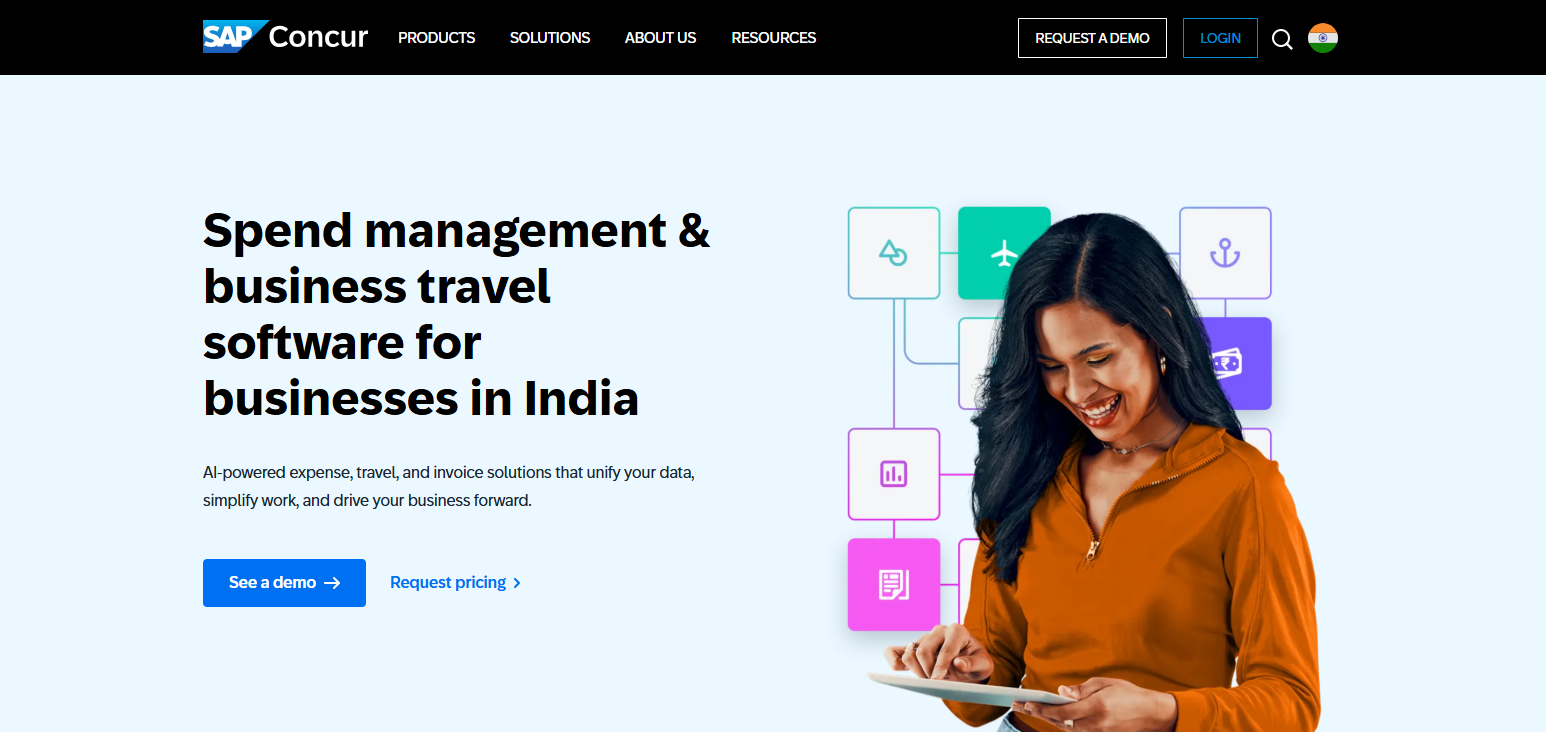
Admins can use Concur to manage employee spending and improve the approval workflow using centralized control. Concur minimizes the administrative burden of processing reimbursement requests by capturing receipts and managing the reimbursement request process
As well as providing visibility of corporate spending. Concur also analyzes spending, providing enterprises with data to improve their financial decisions and manage their costs.
Features of SAP Concur
- Expense Automation: Expense management, receipt tracking, reimbursements, and approval workflows are automated.
- Travel Management: Employee business travel is managed in relation to business travel bookings, policies, and travel expense management.
- Invoice Processing: Automated match and pay features for invoice management are provided.
- Real-Time Reporting: Financial reports and spending analysis support enhanced decision-making.
- Policy Compliance: Compliance with spending policies is supported, while overspending is reduced.
| Pros | Cons |
|---|---|
| Automates expense tracking and reduces manual reporting efforts. | Implementation can be complex for smaller organizations. |
| Provides advanced travel and expense management capabilities. | Higher pricing compared to basic expense tools. |
| Offers real-time spending insights and financial reports. | Requires employee training for complete adoption. |
| Improves compliance through customizable company policies. | User interface may feel complicated for beginners. |
| Integrates with major ERP and accounting systems. | Some advanced features require additional configuration. |
2. Coupa
Coupa ranks as one of the Best Spend Management Software and offers complete visibility of spending, as well as automated procurement, supplier management, and financial control. Coupa is a holistic spend management tool and helps organizations effectively manage spending and purchasing, and optimize supplier relationships.
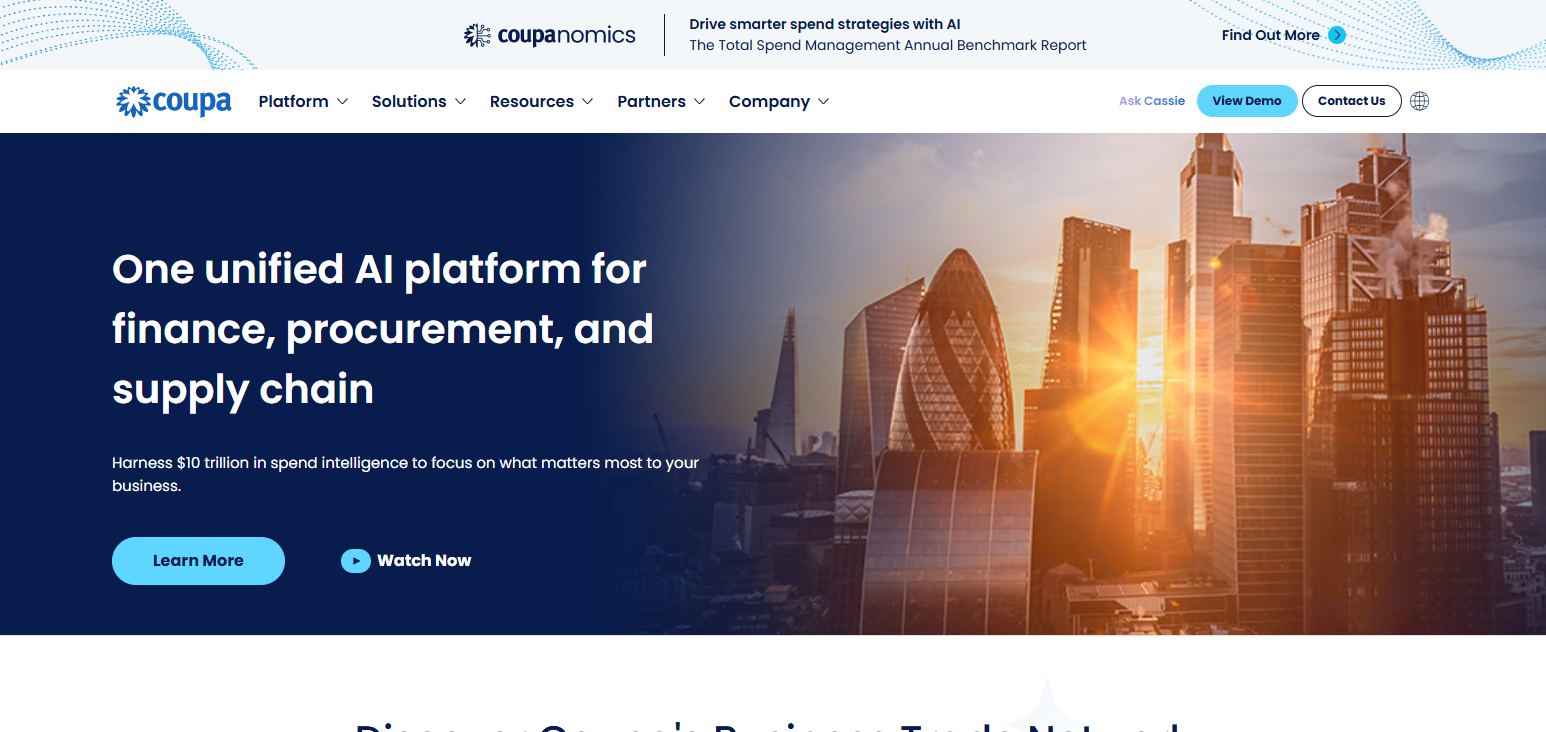
Coupa offers tools for analytics to help organizations manage spending, procurement, and improve compliance and control spending and budget. Coupa is a cloud-based solution to manage procurement, invoices, and payments.
Features of Coupa
- Spend Visibility: Understand the patterns and activities of all company spending.
- Procurement Automation: Simplifies purchasing from sourcing all the way through payment.
- Supplier Management: Manage supplier collaboration, performance, and relationships.
- Budget Control: Unnecessary spending is avoided, and budgets are managed.
- Advanced Analytics: Savings and optimization opportunities are identified through analytics.
| Pros | Cons |
|---|---|
| Provides complete visibility into organizational spending. | Can be expensive for small businesses. |
| Offers powerful procurement and supplier management features. | Setup process may require technical assistance. |
| Helps identify cost-saving opportunities through analytics. | Learning curve is higher for new users. |
| Supports automation across purchasing and payment processes. | Customization options may increase implementation time. |
| Improves compliance with advanced approval workflows. | Requires proper integration with existing systems. |
3. Workday Spend Management
Workday Spend Management is one of the best spend management software and offers solutions for managing purchasing, spending, and business suppliers and financial operations. Workday integrates spending with the financial management systems of a business.
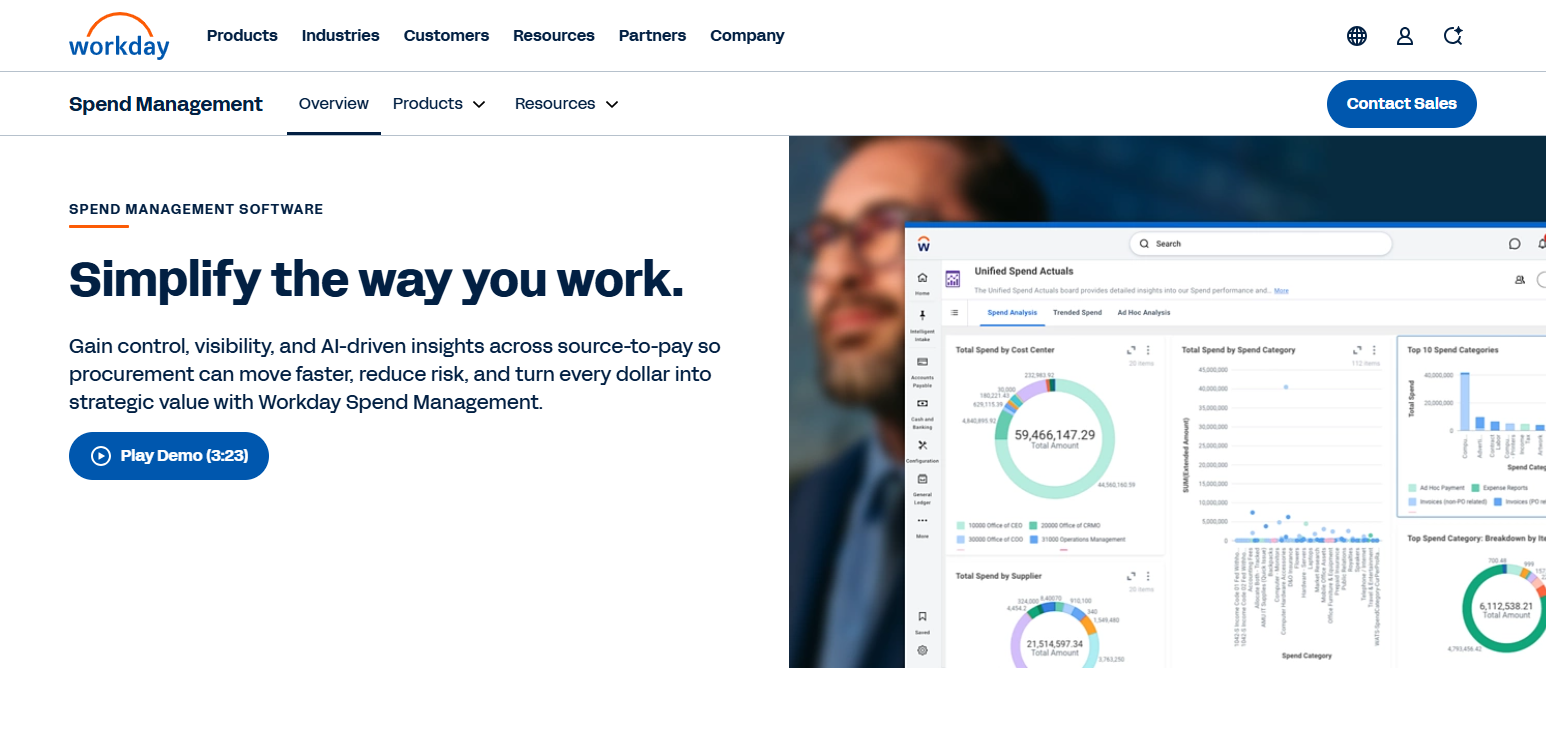
Workday Spend Management offers visibility and control for spending. Workday simplifies the approval process for spending and automates the reporting of expenses, and helps organizations manage budgets and reduce spending.
Features of Workday Spend Management
- Unified Financial Management: All aspects of spend and procurement financials are managed in one system.
- Expense Reporting: Expense reports and the approval and reimbursement processes are automated.
- Supplier Management: Manage supplier and procurement relationships easily.
- Workflow Automation: Approval workflows are automated for better spend management.
- Budget Monitoring: Spend management and budget tracking are done in real-time.
| Pros | Cons |
|---|---|
| Integrates smoothly with Workday financial systems. | Best suited for medium and large enterprises. |
| Provides strong expense and procurement management tools. | Initial setup can be time-consuming. |
| Offers real-time financial visibility and reporting. | Requires training for advanced features. |
| Improves workflow automation and approval processes. | Higher costs compared with standalone solutions. |
| Supports better budget planning and compliance. | Limited flexibility outside Workday ecosystem. |
4. Airbase
Airbase is a robust solution in the Best Spend Management Software with features for payable automation, corporate cards, expense automation, and workflow approvals. Airbase supports spend control by offering employees spend visibility with the option of setting customizable spend limits.

The consolidation of Airbase’s numerous financial modules enables the automation of many tasks and ultimately optimizes several financial operations. Organizations are empowered with the control and visibility of their spend through the management of reimbursements, invoices, and payments.
Features of Airbase
- Accounts Payable Automation: AP automation for invoices, approvals, and payments is provided.
- Corporate Card Management: Corporate cards with custom spending limits are controlled through smart cards.
- Expense Tracking: Employee expenses are tracked; transactions are tracked in real time.
- Approval Workflows: Purchase approval processes are automated, and review processes are simplified.
- Financial Visibility: Centralized financial insights into company spending are provided.
| Pros | Cons |
|---|---|
| Combines accounts payable, cards, and expenses in one platform. | May not fit very large enterprise requirements. |
| Provides strong spending control features. | Pricing details are less transparent. |
| Automates invoice approval and payment workflows. | Advanced features may require configuration. |
| Offers real-time transaction monitoring. | Limited international capabilities compared with global tools. |
| Reduces manual finance team workload. | Some users report a learning curve. |
5. Brex Empower
Brex Empower has been evaluated and included in the Best Spend Management Software for providing intel ligent corporate cards, automated expense management, and adaptive spend controls.
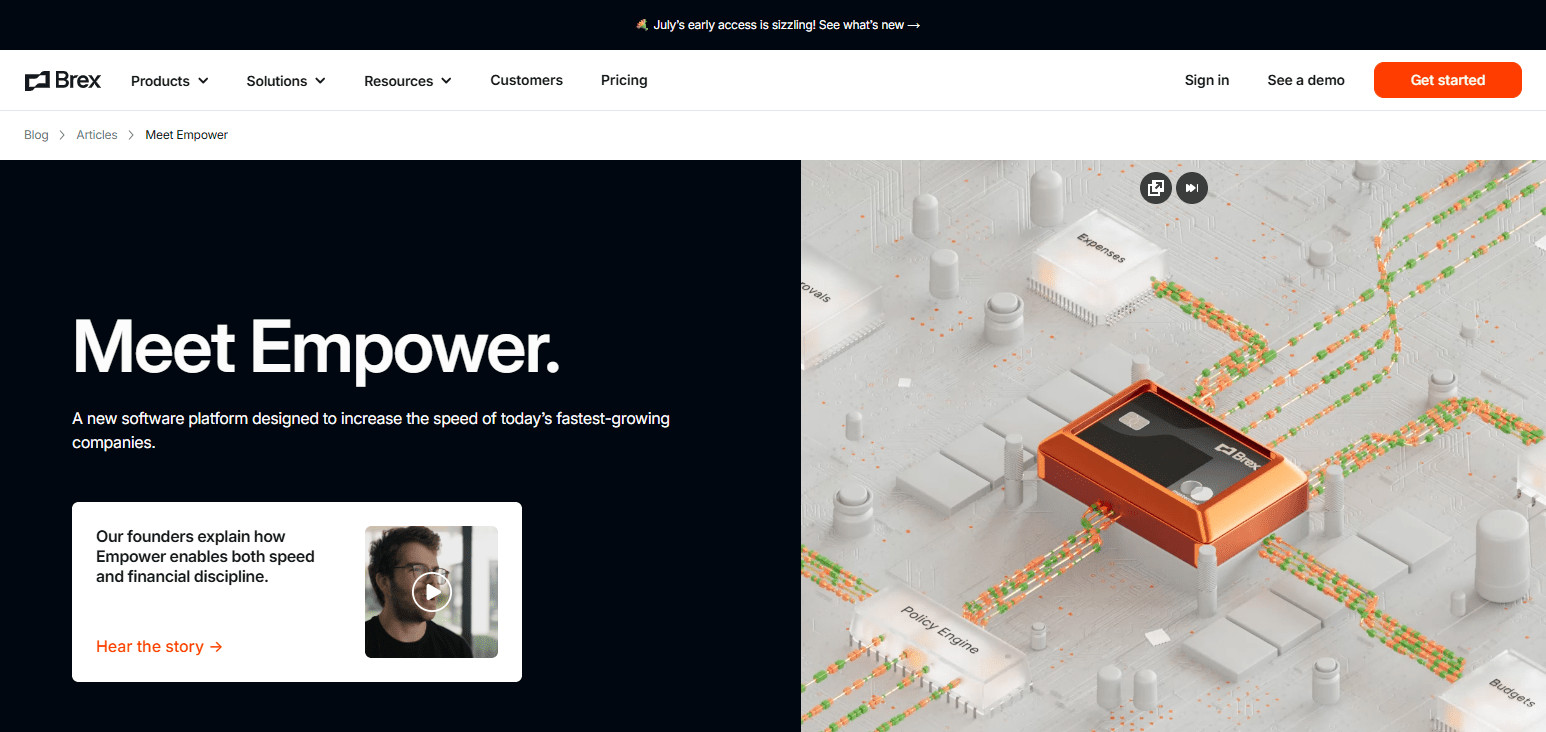
Brex Empower enables organizations to define custom spending thresholds and limits and even control their employees’ expenses in real time. Financial compliance is no longer a burden for Brex Empower’s automated workflows and functions. Enhanced budget and planning controls are achieved through the insightful analyses rendered by Brex Empower’s reporting.
Features of Brex Empower
- Smart Corporate Cards: Cards with advanced features to help manage smarter spending.
- Expense Automation: Automates the tasks of reporting expenses, collecting receipts, and processing reimbursements.
- Spending Controls: Companies can set their own spending limits and approval controls.
- Financial Reporting: Offers company financial reports that assist with budgeting and analysis.
- Workflow Management: Finance ops are greatly improved by automation.
| Pros | Cons |
|---|---|
| Provides smart corporate cards with flexible controls. | Availability may vary by country. |
| Offers automated expense management features. | Mainly focused on business card users. |
| Helps monitor employee spending in real time. | May not suit companies needing complex procurement. |
| Provides detailed financial insights and reporting. | Requires approval workflows setup initially. |
| Improves budgeting and financial planning. | Some advanced features depend on subscription plans. |
6. Ramp
Ramp has made a significant mark in the Best Spend Management Software with its offering of automated expenses, integrated budgeting, corporate cards, and immediate visibility of financials. Ramp controls spend through the analysis of spend with process approvals and automated controls.

Ramp is a significant aid for corporate finance in the management of employee expenses, the control of spend, and the automation of accounting tasks. Ramp refines financial operations via its integrated view of spend and transactional activity.
Features of Ramp
- Expense Management: Automates the tracking, reporting, and reimbursement of expenses.
- Budgeting Tools: Effective tools for creating and monitoring company budgets.
- Corporate Cards: Cards with sophisticated controls for monitoring employee spending in real time.
- Savings Insights: Analysis of company spending to identify savings opportunities.
- Accounting Integration: Simplifies financial operations by integration with accounting software.
| Pros | Cons |
|---|---|
| Provides powerful expense automation and savings insights. | Limited availability outside certain regions. |
| Offers easy-to-use corporate card management. | May not support highly complex procurement needs. |
| Provides real-time spending analytics. | Requires integration setup with accounting software. |
| Helps reduce unnecessary business expenses. | Advanced reporting features may need higher plans. |
| Simplifies approval and reimbursement workflows. | Not ideal for very small teams with basic needs. |
7. Zoho Expense
Compared to competitors in the Best Spend Management Software category, Zoho Expense strikes a good balance for businesses managing receipts, reimbursements, travel, and compliance policy. Expense reporting is made easy with automation for receipt scans, approvals, and employee reimbursements.

Zoho Expense connects to accounting software for better financial data and less manual data entry. Small and medium businesses will find easy, affordable, and convenient benefits from the expense management software.
Features of Zoho Expense
- Receipt Scanning: digitizes the capture and organization of other receipts.
- Travel Expense Management: Makes business travel and the mapping of expenses easier.
- Approval Automation: Makes the review and approval of expenses easier.
- Accounting Integration: Connects to financial systems to provide accurate reports.
- Policy Compliance: Ensures expenses adhere to the company spending policy.
| Pros | Cons |
|---|---|
| Affordable solution for small and medium businesses. | Advanced enterprise features are limited. |
| Provides easy receipt scanning and expense tracking. | Interface may require customization for some users. |
| Integrates with Zoho and third-party accounting tools. | Reporting capabilities are less advanced than enterprise tools. |
| Offers simple approval workflows. | Limited procurement management features. |
| Supports multi-currency expense management. | Large organizations may need more scalable solutions. |
8. Expensify
In the receipt scanning, expense reporting, and reimbursement automation segment of the Best Spend Management Software, Expensify is an especially common choice among the population of employees requesting reimbursement and finance professionals approving expense reports.
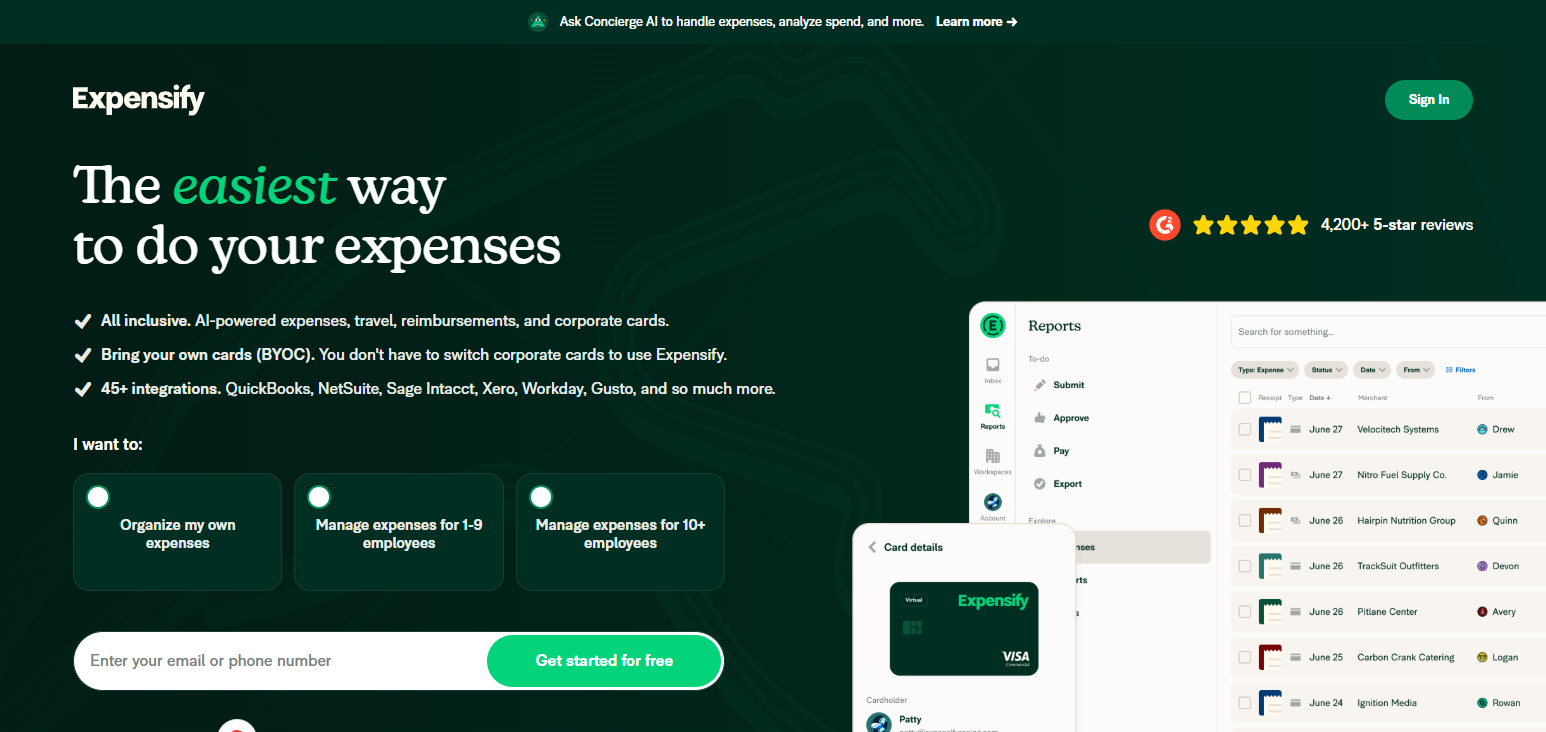
The automation of paperwork and expense tracking is the primary purpose of Expensify and much of the technology that it has incorporated. Control over spending has become easier for users, and time is saved with the elimination of tedious administrative tasks.
Features of Expensify
- Receipt Management: Smart technology to capture and manage receipts.
- Expense Reporting: Expense reports are generated with superb detail and a high level of accuracy.
- Reimbursement Automation: Streamlines the reimbursement of employees and other business functions.
- Transaction Tracking: Business expense and spending activity are monitored.
- Accounting Integration: Connects to the most widely used accounting software to provide expense data.
| Pros | Cons |
|---|---|
| Automates receipt scanning and expense reporting. | Limited procurement and supplier management features. |
| Provides quick reimbursement processing. | Advanced features may require premium plans. |
| Easy setup and user-friendly interface. | Reporting options are less detailed for enterprises. |
| Reduces paperwork through automation. | Customer support experiences may vary. |
| Integrates with popular accounting platforms. | Not designed for complex spending management needs. |
9. Divvy
Divvy integrates budgeting, corporate cards, and expense tracking in one system and is considered one of the effective solutions among the Best Spend Management Software listings. Businesses are empowered to set their own transaction limit, oversee spending, and improve budget control.
Finance teams are empowered to make better spending decisions with the visibility Divvy provides into company expenses. Automated reporting and control help organizations overspending and sustain financial control.
Features of Divvy
- Budget Management: Build and manage departmental budgets.
- Corporate Cards: Corporate cards with spending limits are issued to employees.
- Live Updates: Tracks transactions and costs as they happen.
- Reporting Costs: Reports on spending with added description and insights.
- Expenditure Control: Applies policies to reduce overspending.
| Pros | Cons |
|---|---|
| Combines budgeting and corporate card management. | Mostly focused on card-based spending. |
| Provides real-time expense tracking. | Limited global payment support. |
| Helps prevent overspending through controls. | May lack advanced procurement features. |
| Offers automated budget reporting tools. | Requires employee training for effective usage. |
| Improves financial visibility across departments. | Not ideal for large multinational enterprises. |
10. Medius
Medius deserves an honorable mention for the Best Spend Management Software. Medius has an edge with its automation of invoices, the analysis of spend, and management of supplier payments.
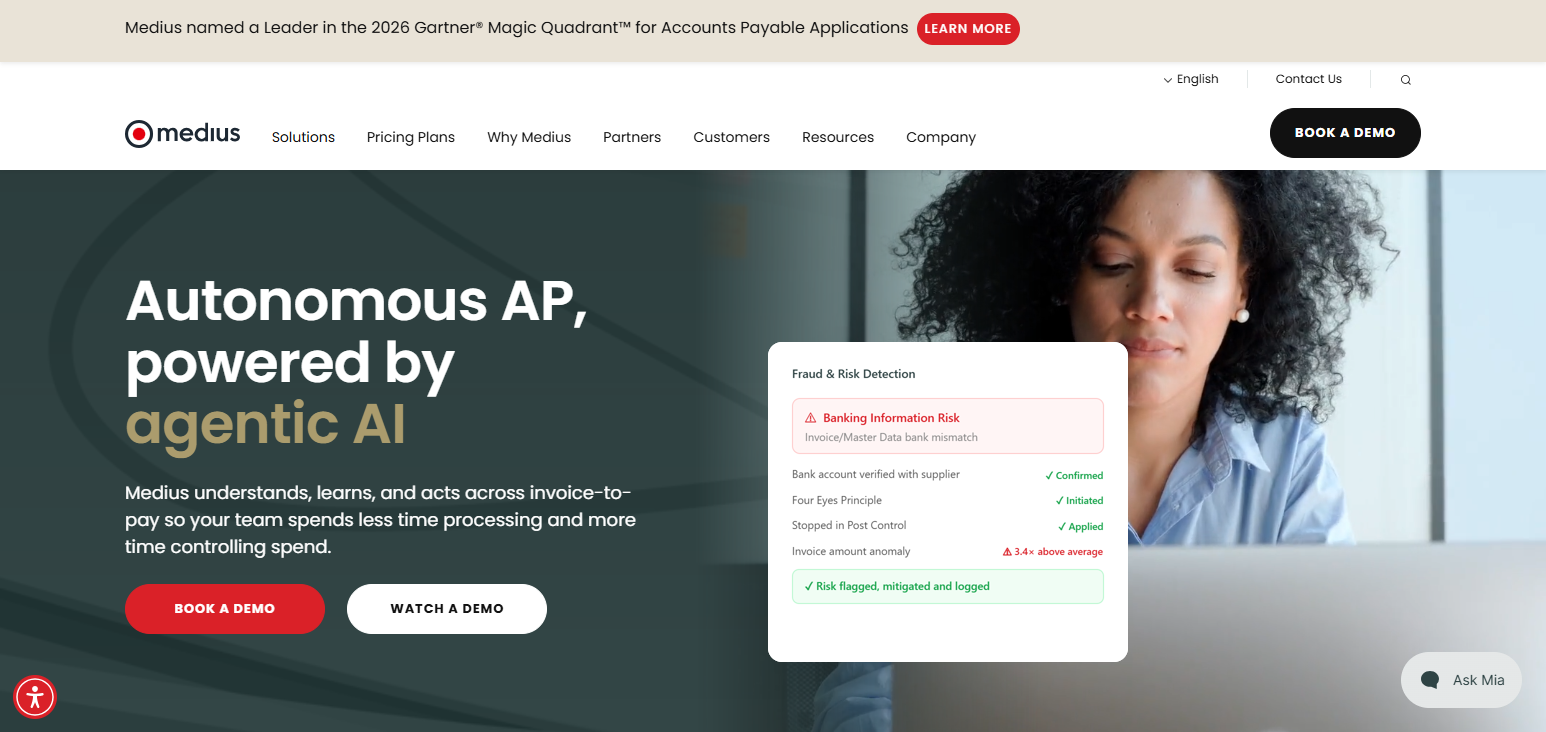
Its functionality for accounts payable improves ease and visibility of spending. Medius’s platform automates the approval of invoices and decreases errors while encouraging collaboration with suppliers. Businesses using Medius can spend more effectively and work with more efficient and effective systems governing spend and payments.
Features of Medius
- Automated Invoicing: Captures, approves, and pays invoices automatically.
- Analysis of Spending: Provides analytics and opportunities related to spending.
- Management of Suppliers: Upgrades supplier engagement and payment.
- Payables Automation: Lowers the volume of manual invoicing done.
- Regulatory Compliance: Offers assurance of financial correctness and compliance.
| Pros | Cons |
|---|---|
| Automates invoice processing and accounts payable tasks. | More focused on invoice management than expenses. |
| Improves supplier payment efficiency. | Implementation may require professional support. |
| Provides strong spend analysis capabilities. | Pricing can be high for smaller companies. |
| Reduces invoice errors through automation. | User interface may need improvement. |
| Enhances compliance and financial control. | Requires integration with existing ERP systems. |
Conclsuion
In conclusion, the most effective Spend Management Software enables companies to streamline the management of their employee expense reporting, ultimately allowing for the enhancement of budget controls and the increase of financial insight.
Spend Management Software such as SAP Concur, Coupa, Ramp, and Zoho Expense feature many functions that help manage spend, improve the approval workflow, and cut costs.
If companies choose the right Spend Management Software, they will enjoy increased efficiency and compliance, as well as improved financial decisions.
FAQ
Why should businesses use Spend Management Software?
Businesses use Spend Management Software to reduce costs, improve spending visibility, automate expense processes, and maintain better financial control.
What are the key features of the Best Spend Management Software?
The best platforms offer expense tracking, invoice automation, corporate card management, budget control, reporting, procurement tools, and approval workflows.
Which is the Best Spend Management Software for enterprises?
SAP Concur, Coupa, and Workday Spend Management are popular enterprise solutions due to their advanced automation, reporting, and integration capabilities.
Can Spend Management Software reduce business expenses?
Yes, Spend Management Software helps identify unnecessary spending, prevent policy violations, and find cost-saving opportunities through analytics.