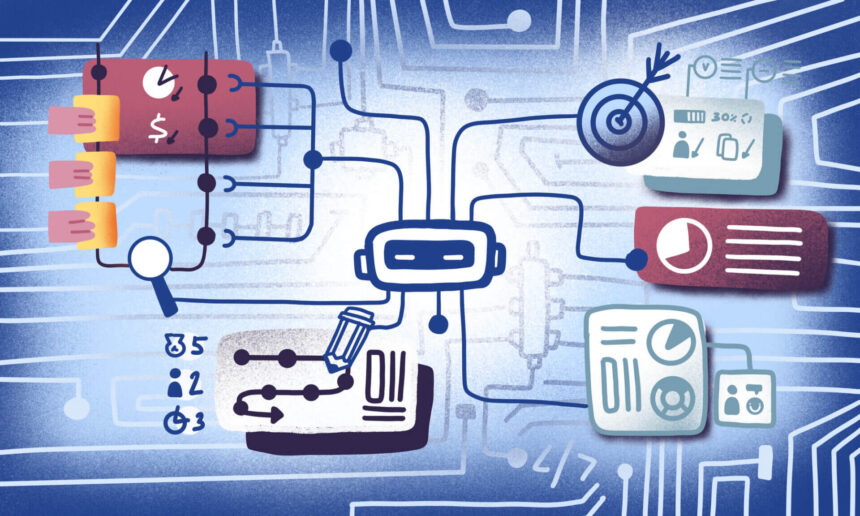
In this article, I will talk about top workflow management platforms that assist teams in organizing tasks, process automation, and increasing productivity.
These platforms improve collaboration, visibility and execution of work for businesses of all sizes. The right workflow management tool will simplify operations, lessen manual work, and improve project delivery.
Key Poinst & Best Workflow Management Platforms
| Platform | Key Point |
|---|---|
| ClickUp | Flexible views and automation for teams of all sizes |
| Monday.com | Highly visual dashboards with strong collaboration features |
| Asana | Task and project tracking with timeline and workload management |
| Wrike | Enterprise-grade workflow customization with advanced reporting |
| Smartsheet | Spreadsheet-style interface with automation and integrations |
| Trello | Kanban board simplicity ideal for small teams and projects |
| Airtable | Database-driven workflows with flexible templates |
| Notion | All-in-one workspace combining docs, tasks, and databases |
| Hive | AI-powered productivity with project and communication tools |
| Stacksync | Automation-focused workflows with deep integrations |
10 Best Workflow Management Platforms
1. ClickUp
ClickUp provides a wide range of functionalities as a work management software. It integrates tasks, docs, goals, chats, time tracking, automations, and dashboards. Workspaces can be created in a unified manner.
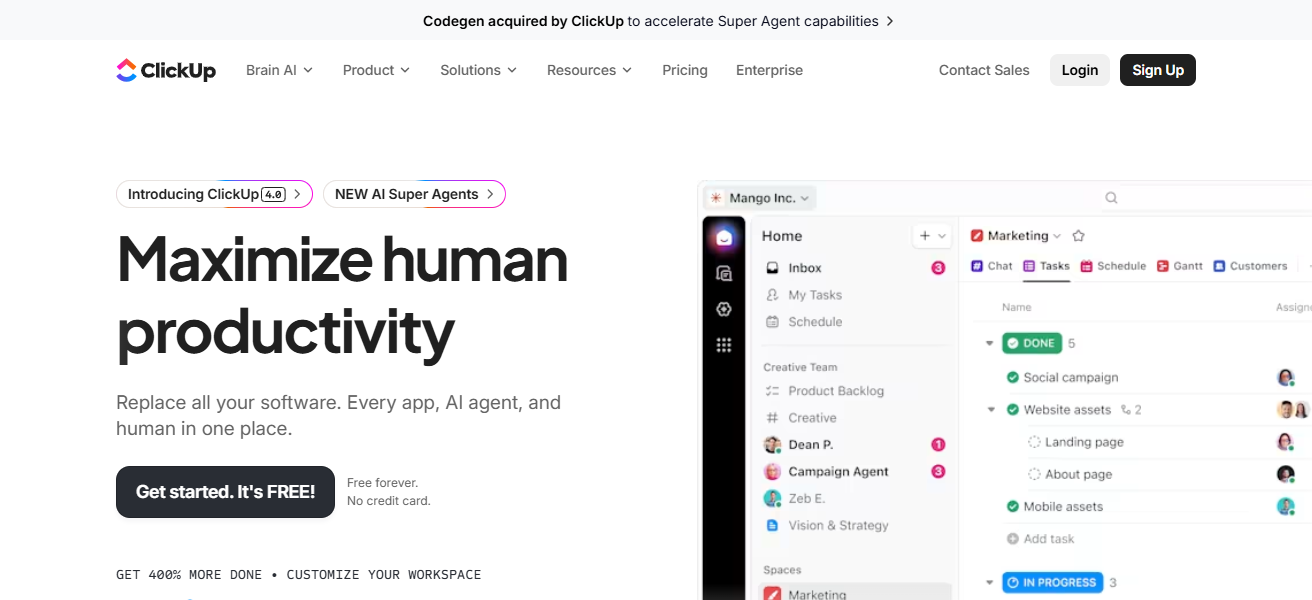
The Free Forever plan allows unlimited users and tasks, and the paid plans include advanced reporting, additional automation, and custom fields.
Teams can utilize several views such as List, Board, Gantt, and Calendar, and integrate with Slack, Google Workspace, Teams, and others. Their flexibility enhances startups and enterprise-level businesses.
ClickUp Features
- All-in-One Work OS: Merges tasks with docs, goals, chats, time tracking and dashboards all in one place.
- Calendars, Gantt, Board and List Views: Flexible planning in different views including List, Board (Kanban), Gantt, Calendar, and Table.
- WorkAutomation: Pre-installed workflow automations to remove unnecessary manual steps.
- Custom Fields & Templates: Adapt tasks and processes to the specific demands of the team.
| Pros | Cons |
|---|---|
| All-in-one platform with tasks, docs, goals, time tracking, automation, and dashboards. | Can feel overwhelming due to depth of features. |
| Multiple views (List, Board, Gantt, Calendar) for versatile workflows. | Occasional performance lag with large workspaces. |
| Strong free plan with unlimited users & tasks. | Steeper learning curve for beginners. |
2. Monday.com
Monday.com provides visual workflows across a range of operating systems. The platform includes a multitude of color-coded systems from Kanban to timelines and even features automation and third-party integrations.

The pricing plans for monday.com range from free to enterprise plans with features scaling with price– from basic task boards to advanced analytics and SLA guarantees.
Monday.com is used globally across the sales, HR, and project management functions of organizations because of the platform’s ease of use and variety of templates.
Monday.com Features
- Work OS in Moonsight: Enhanced Work OS features with visual boards, color coded status breakdown and drag and drop work cards.
- Custom Workflows: Chained automations and rules-based workflows.
- Rich Integrations: Slack, Teams, Zoom, Drive and more.
- Prebuilt Templates: Boards ready for marketing, sales, HR, dev, and support.
| Pros | Cons |
|---|---|
| Highly visual and customizable work OS with colorful boards. | Pricing escalates as team size/features increase. |
| Rich template library for varied workflows. | Advanced automations require higher plans. |
| Integrates well with many external tools. | Some users find interface busy at first. |
3. Asana
Asana is one of the best tools for automating workflow and tracking strategic goals. It provides multiple views (List, Kanban, Timeline, Calendar) and helps users align daily tasks with goals by automating repetitive activities.
With over 270 integrations, including Slack, Teams, and Drive, Asana can be used for cross-team collaborations.
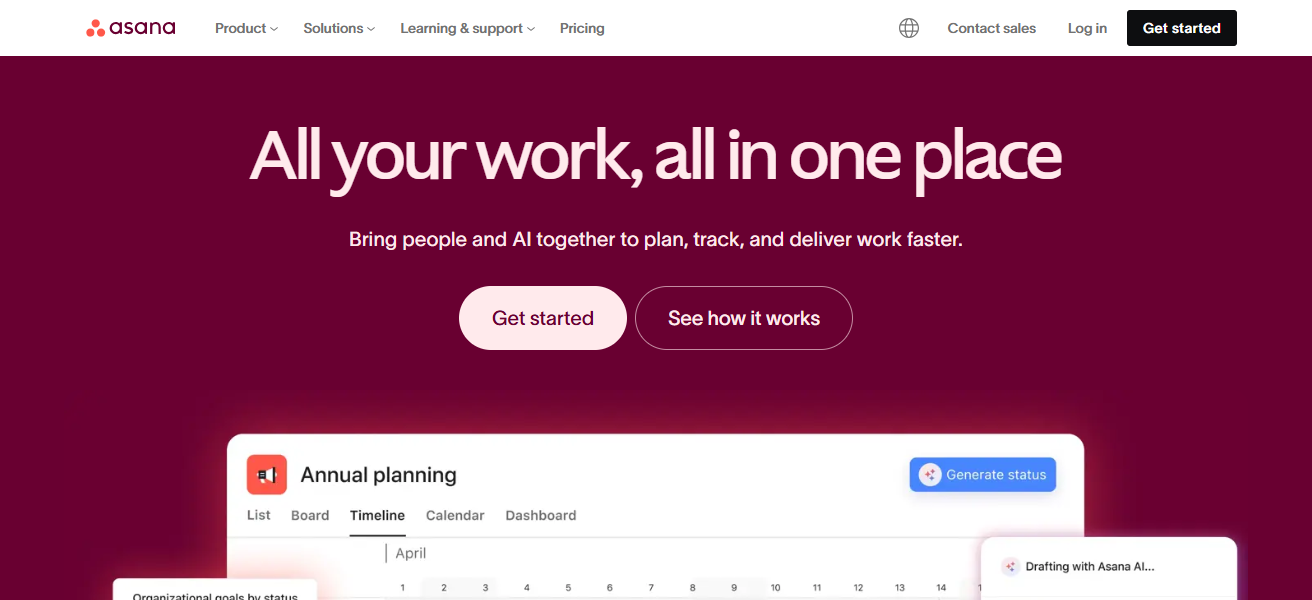
It is also one of the highest-rated tools on G2 and Capterra, and offers pricing tiers (from Free to Enterprise) that makes it accessible for teams focused on clarity, planning, and reporting.
Asana Features
- Task & Project Planning: Assign tasks, subtasks, define milestones, create timelines and dependencies.
- Views Options: Choose a view: List, Board, Timeline (Gantt), Calendar.
- Workload & Goals: See team capacity and tasks to key goals.
- Document Process Automation: Set rules for recurring work and approval automations.
| Pros | Cons |
|---|---|
| Excellent task planning with automation and dependencies. | Harder to manage complex workflows without training. |
| Clear reporting and workload management tools. | Custom field limits in lower pricing tiers. |
| Integrates with 200+ apps (Slack, Teams, Drive). | Can feel rigid for loosely structured projects. |
4. Wrike
Wrike is a top-level workflow and project management system designed specifically for complicated environments involving multiple projects. It features scalable folder trees, advanced reporting, and detailed reporting, as well as project automation from request briefs.
It also offers unique services like Wrike Proof for asset markup and approval, and Work Intelligence, which identifies and flags tasks that are at risk.
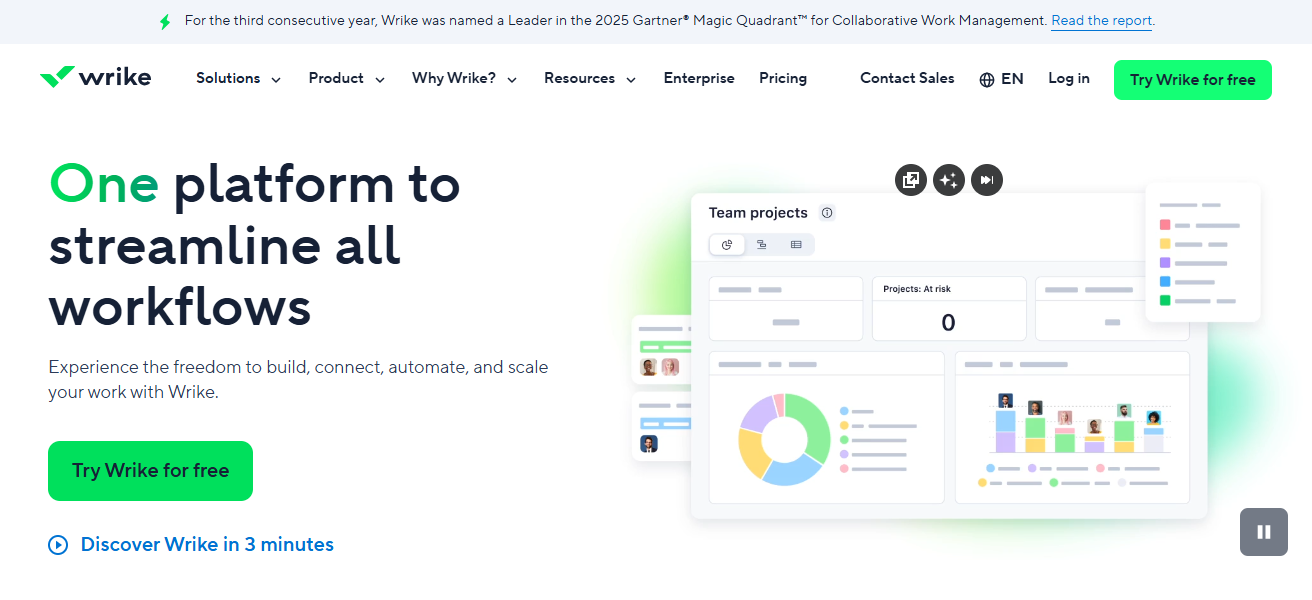
Security features, such as SOC 2-Type II compliance, along with comprehensive dashboard functionality, make Wrike a top choice for large organizations that require detailed tracking, budgeting, and resources planning.
Wrike Features
- Command and Control Structure: Folders, projects and templates, and portfolios.
- Proofing & Reviews: In-app markups with associated markup and approval workflows (Wrike Proof).
- Reporting & Dashboards: Customized reporting with real-time analytics.
| Pros | Cons |
|---|---|
| Enterprise-level features and advanced reporting. | Steeper learning curve for new users. |
| Custom request forms and Wrike Proof for approvals. | UI feels dated compared with newer tools. |
| Strong security/compliance options. | Setup time can be lengthy for teams. |
5. Smartsheet
Smartsheet is your go-to for spreadsheet-integrated project management and workflow automation.
With Smartsheet automation and portfolio management, users can delegate and manage tasks through spreadsheets and manipulate data in any of Smartheet’s grid, calendar, Gantt, and card views.
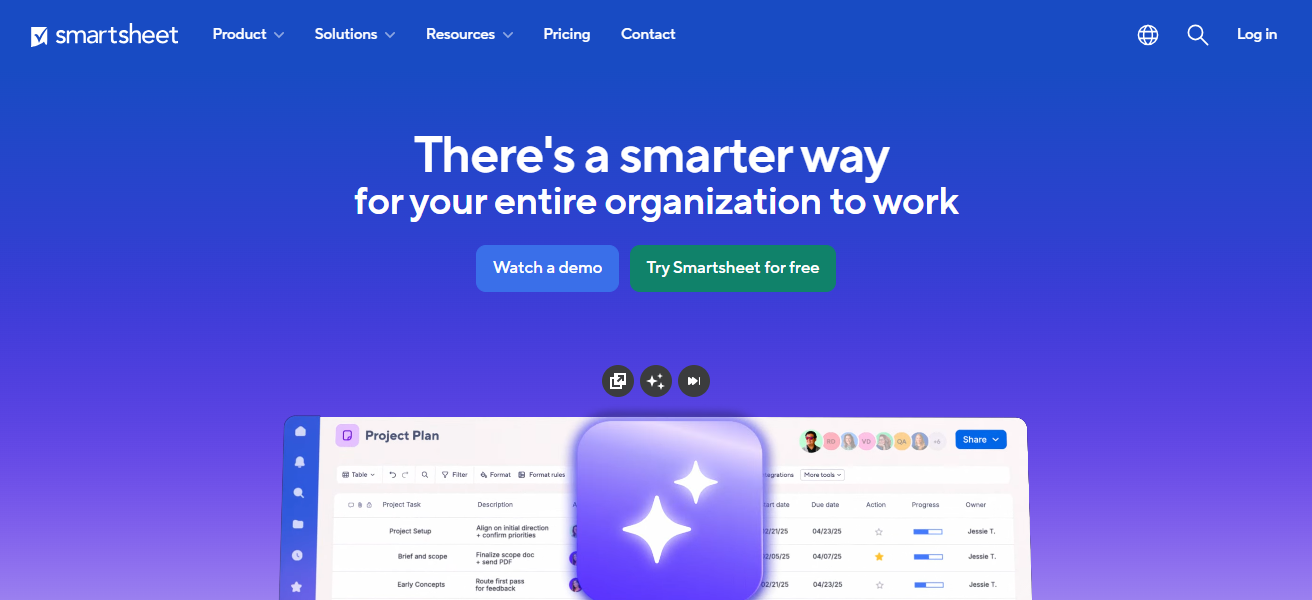
Smartsheet budget and operations reporting is simplified with the “Sights” dashboard, which syncs the key performance indicators of multiple teams.
Organizations with data-centered workflows and a need for automation often choose Smartsheet due to its strong automation and user-friendly features for Excel users.
Smartsheet Features
- Spreadsheet-Style Interface: A more feature-rich smartsheet grid view.
- Automated Actions: Workflows with conditional triggers, reminders, and alerts.
- Dashboards (“Sights”): paneling for visualized KPIs and project updates.
- Resource Management: Monitor and manage allocation.
| Pros | Cons |
|---|---|
| Spreadsheet-style platform with powerful automation. | Less intuitive if you dislike spreadsheet layouts. |
| Strong dashboards (“Sights”) for visibility. | Requires training for advanced features. |
| Great for data-centric, enterprise workflows. | Not as visually engaging as Kanban boards. |
6. Trello
Trello is one of the several available kanban tools on the market that utilize boards, lists, and cards to assist in the workflow process.
The uncluttered drag-and-drop user interface is highly valued by users who appreciate streamlined design, especially by small teams and individuals who prefer to think visually.
Users can create task cards and assign closure dates, color-coded labels, checklist items, and attachments.

The design also allows users to connect other popular enterprise software, like Google Drive and Slack. Users also can utilize the basic version of Trello’s software at no cost.
Although some other enterprise level tools offer more configurability, Trello’s simplisitic design makes onboarding new team members quick and easy.
Trello Features
- Kanban Boards: Boards with cards and lists for a straightforward task flow.
- Drag-and-Drop UI: Movement of tasks across stages is seamless.
- Power-Ups: Calendar, automation, reporting, and integrations can be added on.
- Checklist & Labels: Visual categorization and task breakdown.
| Pros | Cons |
|---|---|
| Simple, drag-and-drop Kanban task management. | Limited native advanced features. |
| Easy to use / quick onboarding. | Reliant on Power-Ups for complex workflows. |
| Free plan strong for individuals/small teams. | Not ideal for detailed reporting. |
7. Airtable
Leveraging the relational database model and spreadsheet framework, Airtable helps teams customize applications without the need for coding.
Users can create links between tables, automate their workflows, and design interface dashboards to track virtually anything, from content calendars to inventory systems.

Airtable enhances its data visualization through multiple dashboards, including grid, calendar, gallery, and Kanban, and a custom dashboard creation tool, the Interface Designer.
While Airtable tends to be pricier than basic tools, and can take time for teams to learn, it’s flexibility and depth of data capture make it perfect for custom workflows that require structure.
Airtable Features
- Database + Spreadsheet Hybrid: Tables that interact and link like a database.
- Multiple Views: Grid, Calendar, Gallery, and Kanban for varied visual representation.
- Interface Designer: Build your own custom dashboards and apps.
- Automations & Scripts: Built-in triggers and workflows that require no coding.
| Pros | Cons |
|---|---|
| Flexible database-style system with grid, calendar & Kanban views. | Pricing rises with automation and record limits. |
| Interface Designer for custom dashboards. | Learning curve for relational database concepts. |
| Good for complex data-centric workflows. | Not as task-focused as traditional PM tools. |
8. Notion
Notion integrates documents, wikis, and basic task management features into a single flexible all-in-one workspace.
Pages, databases, Kanban boards, and calendar views are used by customers to create tailored workflows that are optimal for managing knowledge, tracking simple projects, and managing OKRs.
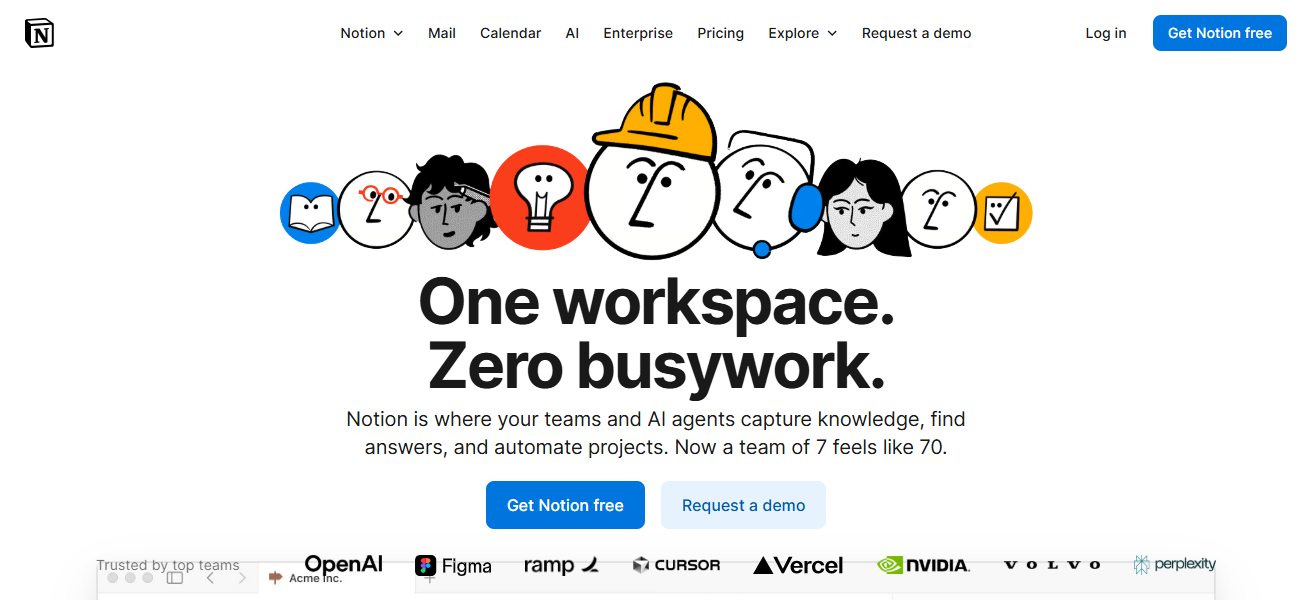
Teams can streamline the centralization of their documentation, SOPs, and tasks using Notion’s linked databases and drag-and-drop editor.
Notion’s versatility is great for teams that rely heavily on documentation and need to track workflows, even though it lacks advanced features that are part of dedicated PM tools for complicated automation.
Notion Features
- All-in-One Workspace: A singular location for notes, documents, tasks, knowledge base, and databases.
- Linked Databases: Create interconnected trackers across databases and pages.
- Templates Library: Pre-built systems for documentation, wikis, journaling, and project management.
| Pros | Cons |
|---|---|
| All-in-one workspace: docs, tasks, wiki, notes. | Limited native automations. |
| Highly customizable with databases & pages. | Not built for heavy task/project tracking. |
| Great for documentation + lightweight workflows. | Reporting tools are basic. |
9. Hive
Hive is a seamless project management and workflow tool with task tracking, proofing & approvals, goals, time tracking, and forms, all in one workspace.
It has flexible views (Kanban, Gantt, Calendar, List) and built-in collaboration (chat, file sharing). Hive integrates with automation and AI to help users manage seamless workflows.
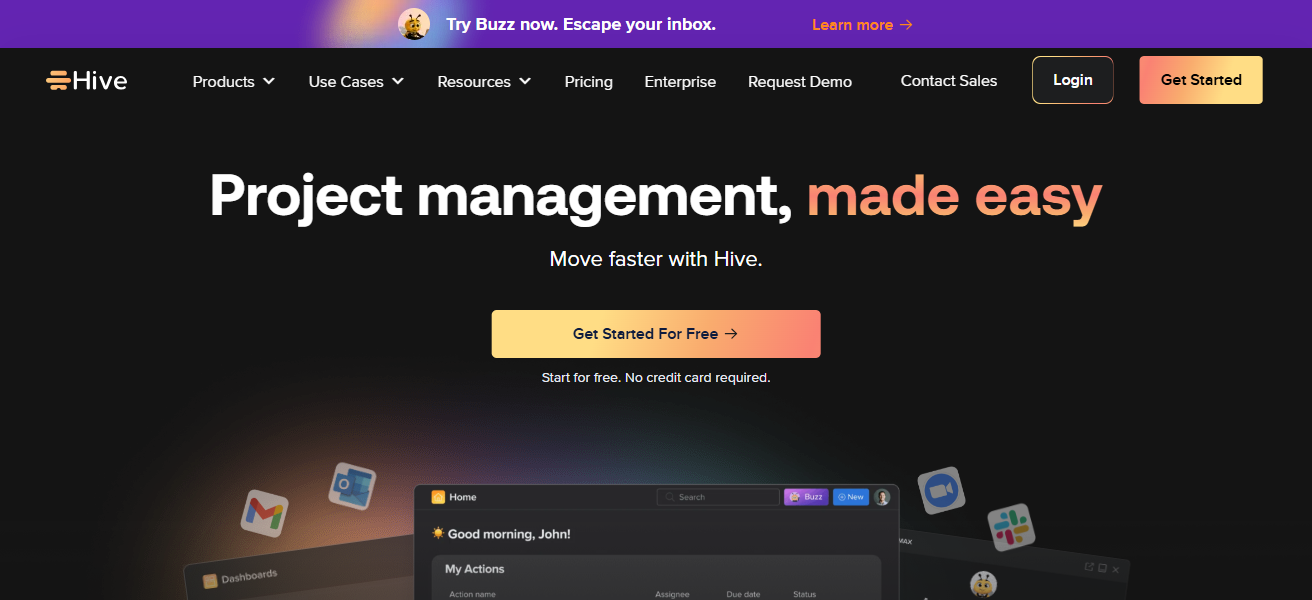
Buzz, Hive’s AI, helps plan and create tasks. Hive helps teams of all sizes improve and consolidate workflows and communication into one hub.
Hive Features
- All-in-One Collaboration Platform: Tasks, chat, proofing, and time tracking in a single application.
- Multiple View Options: Kanban, Gantt, Calendar, and Table.
- Built-in Workflows: Automations and AI task assistance.
- Proofing & Feedback: Annotate and receive structured approvals on files.
| Pros | Cons |
|---|---|
| Unified tasks, time tracking, chat, and proofing. | Smaller integration ecosystem. |
| Built-in automation and AI assistance. | UI may feel cluttered to some users. |
| Multiple views (Kanban, Gantt, Calendar). | Less market adoption than top competitors. |
10. Stacksync
Stacksync specializes in automation and real-time, bi-directional data synchronization with CRMs (Salesforce, HubSpot), ERPs (NetSuite), and enterprise databases.
While most tools are focused on specific tasks, Stacksync keeps systems in seamless real-time sync without the need for custom APIs or coding.
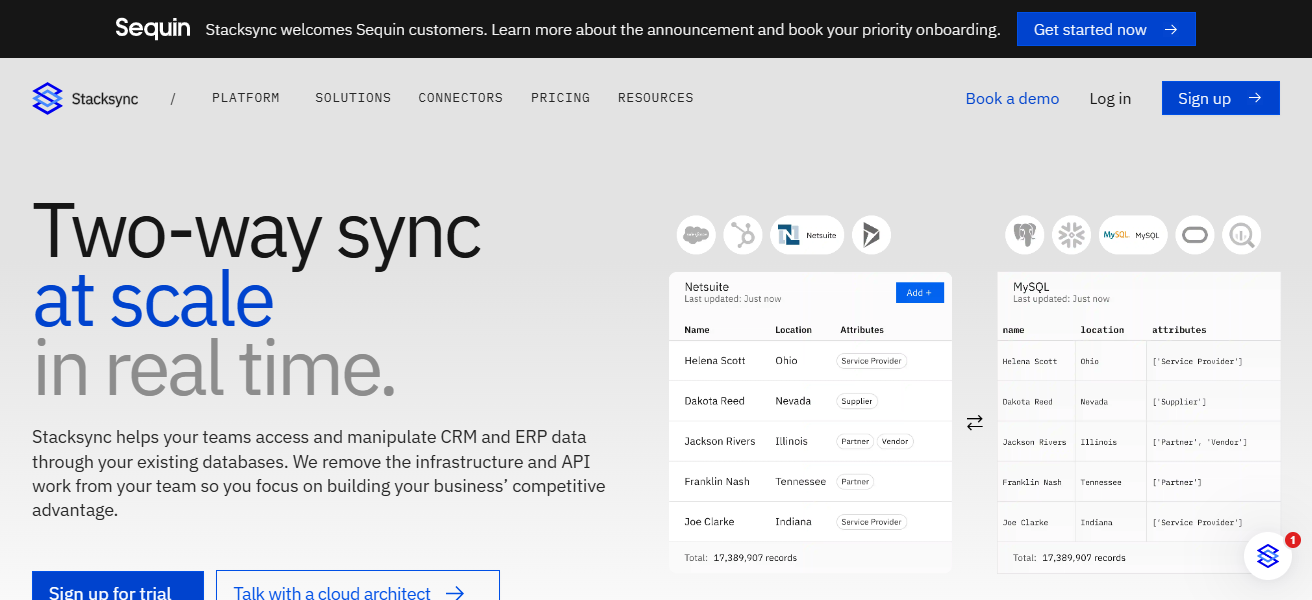
With Stacksync’s no-code interface, both business and engineering teams are empowered to automate processes and triggers across multiple systems
Reduce the integration burden, and preserve a single source of truth. As a result, Stacksync is unparalleled for large-scale automation of data-driven workflows.
Stacksync Features
- Synchronize at the Speed of Business: Instantly updates the CRM, ERP, databases, and other relevant systems.
- No-Code Automations: Build triggers and syncs in a drag-and-drop style
- Workflows Across Multiple Systems: Manage processes across various systems without the need for APIs.
- Enterprise Integration Focus: Managed and centralized data flows for business systems.
| Pros | Cons |
|---|---|
| Real-time data synchronization between systems (CRM/ERP). | Not a traditional task/project management tool. |
| Automates cross-system workflows without code. | Best suited for technical/integration teams. |
| Reduces need for custom APIs. | Limited task management features. |
How We Choose Best Workflow Management Platforms
- Simple Interface – Software must provide real straightforward navigation, simple onboarding, and present minimal development time for teams of any size.
- Key Workflow Features – Task management, automation, scheduling, and the ability to see multiple views (Kanban, List, Gantt)
- Adaptability and Flexibility – Ability to adjust workflows, fields, dashboards, and templates to meet the requirements of various businesses.
- Robotic Process Automation – Support for automation that eliminates manual activities and boosts efficiency.
- System Integrations – System works seamlessly with Slack, Google Workspace, any CRM, and cloud storage applications.
- Business Growth – Appropriate for small groups and, at the same time, very effective for big businesses and corporations.
- Price and Value – Affordable prices with clear plans and high value to the available features.
Conclusion
To conclude, effective workflow management platforms assist teams in optimizing processes, enhancing collaboration, and increasing efficiency.
The best platforms assist in the management of work across all industries with task assignment, automation of processes, and integration of other tools.
Platforms should be chosen based on team size, the complexity of the workflow, and the business objectives, in order to guarantee improved operational efficiency and project success.
FAQ
What is a workflow management platform?
A tool that helps teams organize, automate, and track work from start to finish.
Why do businesses need workflow management platforms?
To improve efficiency, reduce manual tasks, and enhance team collaboration.
Which features are most important?
Task tracking, automation, multiple views (Kanban, Gantt), integrations, and reporting.
Are these platforms suitable for small teams?
Yes — many offer free or affordable plans ideal for small teams and startups.
Can workflow tools integrate with other apps?
Most integrate with email, calendars, CRM, file storage, and communication tools.