In this article, I will talk about Best Zoho Automation Alternatives that help businesses optimize their workflows, integrate different applications, and automate their tasks more effectively, and more efficiently.
Even though Zoho includes decent automation features, some users want to find alternatives that offer them better flexibility, more complicated integrations, automation features with more advantageous pricing, or automation features with more enterprise-level scalability.
Finding the right alternative to Zoho automation can enhance productivity and operational efficiency across a myriad of business activities.
Key Ponts & Best Zoho Automation Alternatives
| Alternative | Key Point |
|---|---|
| Zapier | Industry leader with thousands of app integrations |
| Make (formerly Integromat) | Highly flexible workflows with visual editor |
| Microsoft Power Automate | Deep integration with Microsoft ecosystem |
| Tray.io | Enterprise-grade automation with advanced scalability |
| Workato | AI-driven intelligent automation and connectivity |
| Pabbly Connect | Affordable pricing with unlimited workflows |
| Automate.io | Simple setup and scalable automation for SMBs |
| n8n | Open-source workflow automation with self-hosting option |
| Parabola | Visual automation tailored for non-coders |
| Celigo | Robust enterprise integration platform |
10 Best Zoho Automation Alternatives
1. Zapier
Zapier is a top alternative to Zoho, which has a focus on simplicity, flexibility, and connectivity. While Zoho focuses on its internal ecosystem, Zapier integrates with thousands of apps to support businesses with varied tech stacks.
With Zapier’s no-code automation builder, users can deploy sophisticated automation in mere minutes, with no prior technical knowledge.
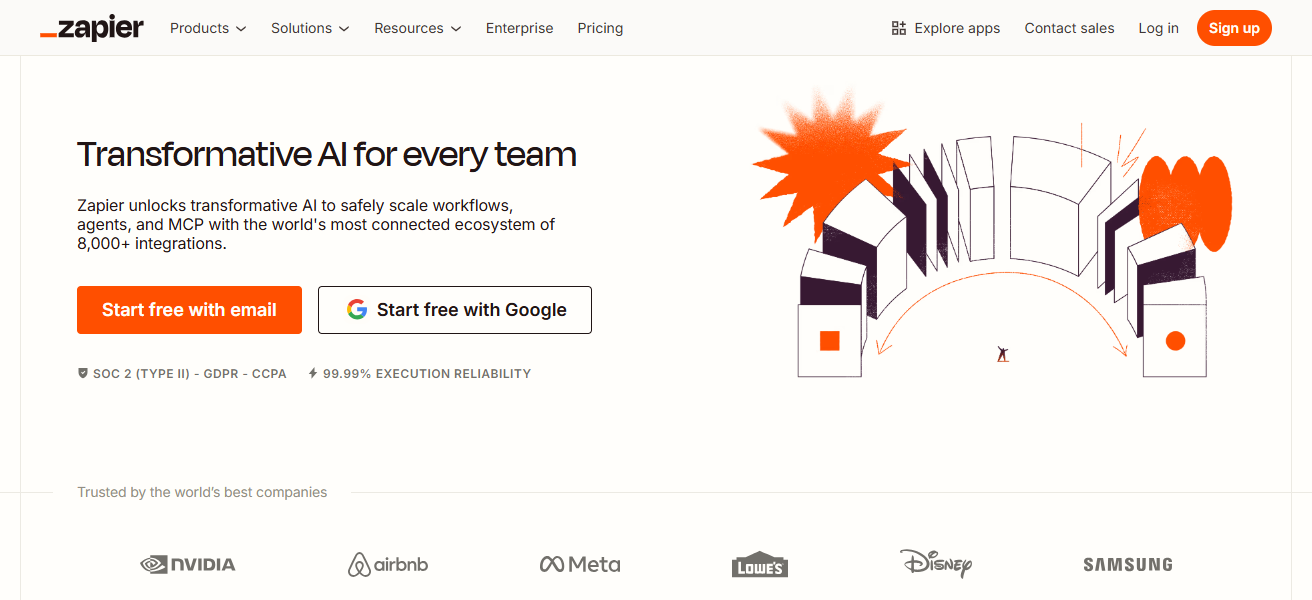
Zapier’s reliable workflows, real-time triggers, and advanced multi-step automation ensures they have the tools to scale as the business grows.
For cross-platform automation with a short time to value, Zapier delivers a much better experience than Zoho.
Zapier Features
- Wide App Ecosystem: Integrates thousands of apps across various categories like CRM, email, and productivity.
- No-Code Automation: Create workflows (Zaps) using drag-and-drop steps without any technical knowledge.
- Multi-Step Workflows: Combine various actions and conditions within a single automation.
- Reliable Trigger System: Activates actions based on triggers such as form submissions, emails, or new records.
| Pros | Cons |
|---|---|
| Connects with thousands of apps easily. | Can become expensive with higher task usage. |
| Simple, beginner-friendly interface. | Fewer advanced data transformation features. |
| Fast setup for basic workflows. | Less suited for complex enterprise automations. |
| Reliable triggers and actions. | Limited control over detailed logic. |
2. Make (formerly Integromat)
Make (which used to be known as Integromat) is one of the best alternatives to Zoho automation due to its visual and powerful workflow designers that do more than the most basic of triggers and actions.
Users can use the sui generis drag and drop features to design complex logical (and other) workflows to include loops and other conditional steps.
The absence of code makes it simple (and even advanced) automations. Make integrates with nearly any application and even allows the user to transform data during steps.
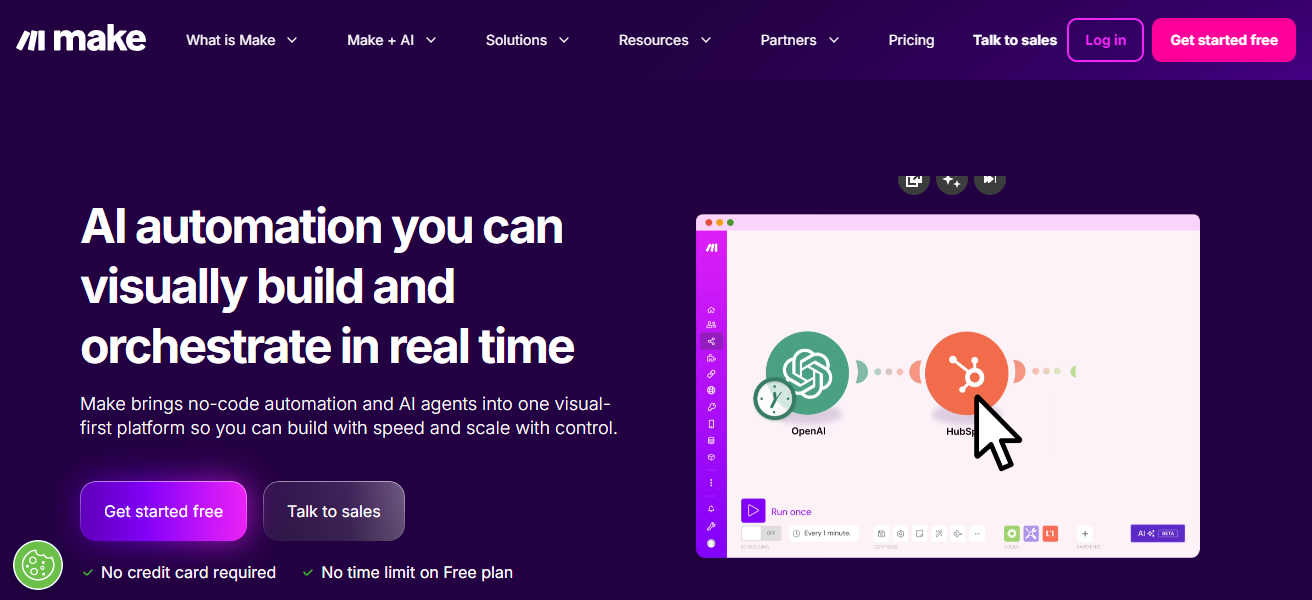
Make provides a user the the ability to finely adjust and control their workflows. Make has solid transparency and data flow traceability which helps with errors.
Make is more adaptable than Zoho and is best for teams that relish deeply custom built automations and complex workflows.
Make (formerly Integromat) Features
- Visual Workflow Builder: Easy drag-and-drop interface with a well-defined data flow.
- Advanced Logic Control: Incorporates loops, filters, routes, and sophisticated branching.
- Data Transformation Tools: Easily modify and map data on any step.
- Real-Time Monitoring: Review workflows to identify and fix any errors.
| Pros | Cons |
|---|---|
| Highly visual workflow builder. | Can be overwhelming for beginners. |
| Handles complex logic and branching. | Steeper learning curve. |
| Strong data transformation tools. | Some integrations require technical setup. |
| Good for advanced, customizable automations. | Less intuitive than simpler tools. |
3. Microsoft Power Automate
Microsoft Power Automate is a leading alternative to Zoho automation for automating workflows and making use of the Microsoft suite.
Among the Microsoft solutions (Office 365, Azure, Teams, Dynamics) the most notable is Automate due to its ability to simplify the most complicated processes across any cloud-based and on-premises system, using artificial intelligence and robot processing automation (RPA).
It is also able to offer large organizations the governance and compliance Power Automate ensures organizations of any size proven to be a better choice than Zoho for teams needing Microsoft automation and enterprise capabilities.
Microsoft Power Automate Features
- Deep Microsoft Integration: Interoperates with Office 365, Teams, Azure, and Dynamics without complications.
- Robotic Process Automation (RPA): Automate actions on desktop applications, in addition to cloud apps.
- AI Builder Features: Integrate AI functionalities such as form processing, prediction, and text extraction.
- Enterprise Governance: Automation policies for compliance, secure automation, and role-based access.
| Pros | Cons |
|---|---|
| Deep integration with Microsoft ecosystem. | Best value mainly within Microsoft users. |
| Supports RPA and AI flows. | Interface can be complex. |
| Enterprise-ready governance and compliance. | Requires MS accounts and licensing. |
| Powerful automation across cloud and on-prem systems. | Not ideal for small businesses alone. |
4. Tray.io
Tray.io is an excellent alternative to Zoho automation because it provides greater flexibility and scalability, as well as enterprise-grade automation and integration.
Because it is designed and structured around an API, teams can create tailored, sophisticated workflows that link almost any cloud application or internal system, giving businesses complete managerial control over data and logic.
Although the visual workflow builder enables complex automations to be built without extensive coding, the platform still provides developers with the depth required for sophisticated automation.
Tray.io’s ability to reliably and efficiently address sophisticated business processes and large-scale, complex data sets is unparalleled.
For businesses that require sophisticated, modular automation that is adaptable to their changing business needs, Tray.io is more flexible and provides a greater range of integration than Zoho automation.
Tray.io Features
- API-First Approach: Full access to the APIs so you can create your own integration logic.
- Scalable Workflows: Enterprise-grade and high-volume data workflows.
- Custom Connector Creation: If third-party connectors are not available, you can create your connectors.
- Detailed Error Handling: For increased reliability, workflows are monitored and logged.
| Pros | Cons |
|---|---|
| Enterprise-grade scalability. | Premium pricing for advanced features. |
| Highly customizable API-first platform. | Requires more technical knowledge. |
| Handles large data volumes well. | Setup complexity for beginners. |
| Strong for complex business processes. | Not as simple as entry-level tools. |
5. Workato
Workato uniquely integrates automation with enterprise grade integration and AI powered workflow intelligence. Automated workflows are simplified and expansion becomes seamless.
Smart recipes adjust to business logic in order to skip the need for IT to synchronize data in real time across systems.
With workato, both technical and non-technical employees are able to ise the low-code platform to create advanced automations over cloud applications, databases, and legacy systems.
Workato stands out in the field because of the intelligent automation governance and recommendation to enhance workflow efficiency.
Workato is powerful, adaptive, intelligent automation and is a more advanced alternative to Zoho for automation.
Workato Features
- Intelligent Automation Recipes: Automation templates with prebuilt structures and dynamic logic.
- Cross-System Sync: Data and events synchronization across cloud, on-premise, and legacy systems.
- Conditional Logic & Branching: Workflows with multiple directions.
- Governance and Compliance Tools: Designed for secure enterprise use cases.
| Pros | Cons |
|---|---|
| AI-powered automation recommendations. | More expensive overall. |
| Intelligent and adaptive workflow logic. | Can be overkill for basic automations. |
| Supports complex, multi-system processes. | Requires some learning time. |
| Strong governance and enterprise support. | Less beginner-friendly interface. |
6. Pabbly Connect
Pabbly Connect is an cost-effective alternative to Zoho automation because it provides an easy to use automation tool, offers unlimited workflows, and tasks for a reasonable price that is appealing to small and growing teams.
Pabbly Connect’s simple UI provides a way for users to app to app tasks automation without the need for any technical assistance.
Pabbly Connect’s unlimited operation is a competitive cost alternative for businesses that have been burdened with the limits that other automation providers have placed on tasks and actions.
Pabbly Connect, like Zoho, provides real time triggers and multi-step workflows for seamless automation.
Pabbly Connect is a great alternative to Zoho since it is easy to use, provides great automation, and offers more limits at a lower cost.
Pabbly Connect Features
- Unlimited Workflow Usage: No task limits across plans.
- Simple Trigger-Action Setup: An interface designed for rapid automations.
- Multi-Step Automation: Sequential automation steps for chaining multiple apps.
- Event-Based Triggers: Workflows that commenced on new entries, updates, and other actions.
| Pros | Cons |
|---|---|
| Transparent, low-cost pricing. | Smaller app integration count. |
| Unlimited workflows and tasks. | Fewer advanced features compared to enterprise tools. |
| Simple, straightforward UI. | Less robust data transformation tools. |
| Good budget automation choice. | Not ideal for highly complex automations. |
7. Automate.io
Automate.io stands out as a Zoho automation alternative because it is as simple as it is powerful cross-app connectivity. This means automation is within reach for businesses of all sizes.
A clean, user-friendly interface helps teams build a wide variety of multi-step workflows with zero coding, all while saving valuable time on tedious tasks.
A user-friendly design helps support automation of smart workflows, even when incorporating complex logic: conditional paths, custom logic branching, and data formatting.
For teams needing more sophisticated automation that doesn’t come with complex enterprise features, Automate.io is the clear alternative to Zoho.
Automate.io Features
- User-Friendly Interface: Simple interface designed for all users.
- Multi-App Automations: Workflows that integrate many apps.
- Conditional Logic Support: Automation steps with basic if/else statements.
- Scheduled & Triggered Flows: Real-time triggers and timer-based automation.
| Pros | Cons |
|---|---|
| Easy to use, clean interface. | Limited advanced logic compared to others. |
| Great for small-to-mid teams. | Fewer integrations than some competitors. |
| Supports multi-step workflows. | Not built for high-volume enterprise use. |
| Quick setup for common apps. | Lacks deep customization layers. |
8. n8n
n8n is an excellent alternative to Zoho Automation for customers prioritizing open-source platforms that allow them to truly own their automation control, logic, and data without the risks of vendor lock-in.
Particularly appealing for developers and teams with specific requirements, n8n’s workflow builder allows for highly granular custom automation.
n8n differentiates itself from other automation platforms that provide functionality only with their higher cost pricing tiers.
n8n encourages users to self-host their automations, and scale their workflows as needed for enhanced privacy and cost efficiencies. n8n’s best feature is extensibility.
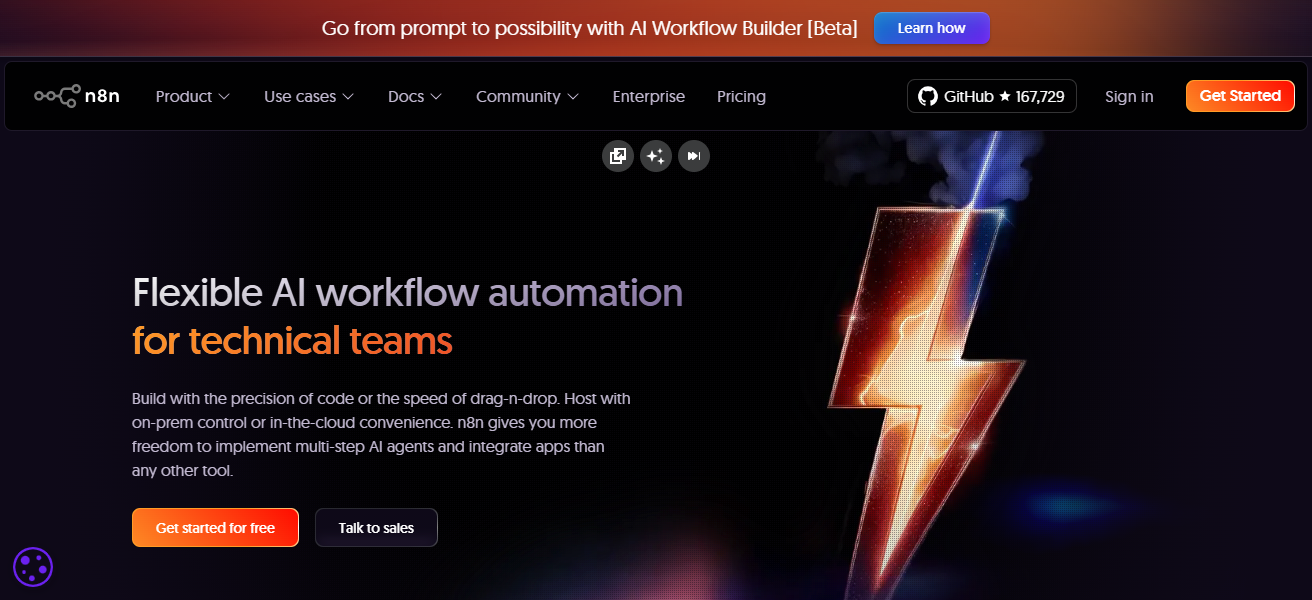
Users can design their own custom workflows, and create integrations to meet their unique requirements.
n8n is the superior choice for businesses where control, transparency, and flexibility are priorities, especially when looking for alternatives to Zoho.
n8n Features
- Open-Source Architecture: For privacy and control, you can self-host.
- Highly Customizable Nodes: Workflows that can be easily modified and extended.
- No Usage Caps: The ability to fully customize your strategy without limitations.
- Developer-Friendly: Simple to add your own integrations and custom scripts.
| Pros | Cons |
|---|---|
| Open-source with full control. | Self-hosting requires tech skills. |
| Very flexible and extensible. | Not beginner-oriented out of the box. |
| No vendor lock-in or strict usage limits. | UI less polished for non-technical users. |
| Custom integrations possible. | Fewer prebuilt connectors. |
9. Parabola
Parabola is one of the best alternatives to Zoho automation because of its innovative environment for powerful data processing and automation of workflows.
Users can go to their drag and drop feature to remove code and still be able to make their own data transformations and movement workflows.
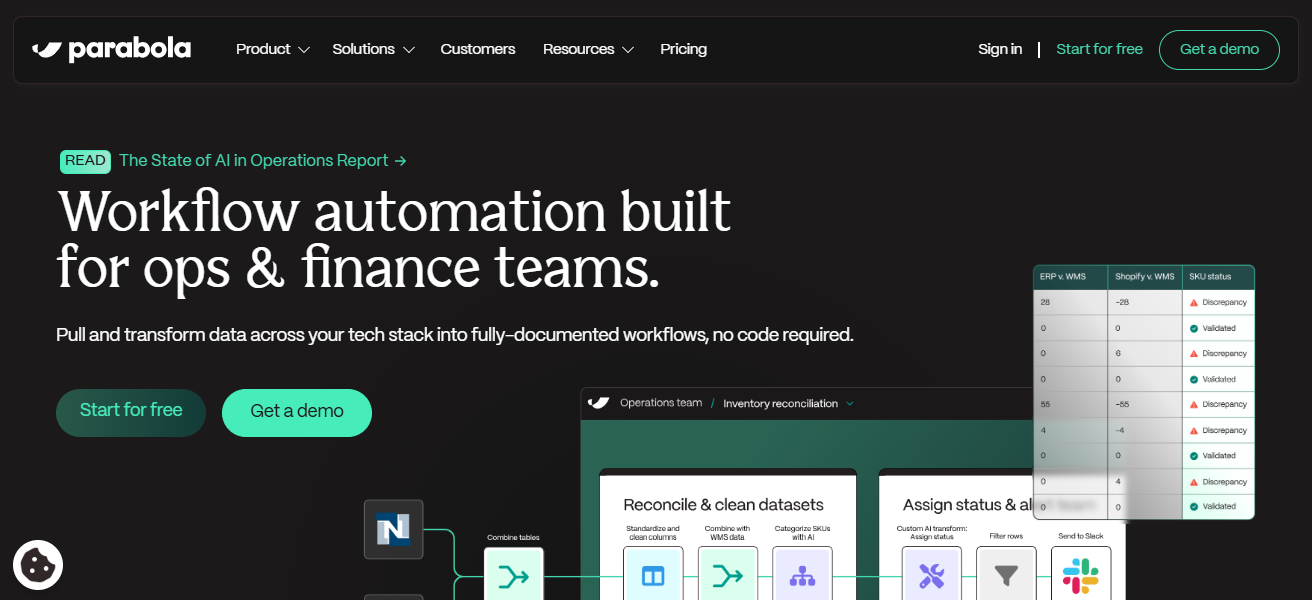
It is easy to work with large datasets, and transfers between apps. Parabola’s unique data approach lets teams automate complex ETL-style and analytic flows that other automation tools can’t.
Parabola can automate loops, filters, and aggregations and simplify complex logic within workflows. For businesses that need data-related app automation, Parabola is better than Zoho’s standard automation.
Parabola Features
- Data-Centric Workflows: Specializes in process workflows for manipulating data.
- Visual Drag-and-Drop Canvas: Create automations in a ETL format visually.
- Looping and Aggregation: Execute batch processing and summarizing data.
- Connect Multiple Data Sources: Integrate spreadsheets, APIs, and databases.
| Pros | Cons |
|---|---|
| Excellent data processing focus. | Not ideal for simple task automation. |
| Visual data transformation workflows. | Requires understanding of data logic. |
| Great for ETL-style jobs. | Limited app integration outside data tasks. |
| Handles loops, filters, and aggregations well. | More niche focus than general automation. |
10. Celigo
Celigo is an excellent alternative to Zoho automation because it focuses on enterprise-grade integrations and scalable workflow automation for complex business ecosystems. Celigo’s Intelligent Integration Platform (IIP) is designed for growing companies.
It connects cloud applications, on-premises systems, and custom solutions with advanced error handling and monitoring. Unlike other automation companies, Celigo focuses on custom integration templates.
This approach minimizes setup time and maximizes configuration. Celigo handles high-volume data flows and advanced logic to streamline business processes across multiple departments. This is more effective than Zoho automation at scale.
Celigo Features
- Enterprise Integration Platform: Designed for more complicated integrations involving multiple data sources.
- Prebuilt Integration Templates: Rapid configuration of standard business processes.
- Centralized Monitoring: Integrated dashboards for monitoring the status and errors of your workflows.
- Bi-Directional Sync: Sync data in both directions between your primary systems.
| Pros | Cons |
|---|---|
| Strong enterprise integration capabilities. | Premium platform priced accordingly. |
| Prebuilt integration templates. | Implementation may need expert help. |
| Built for large data flows and complex systems. | Not best for simple everyday tasks. |
| Good monitoring and error handling. | More technical setup than basic tools. |
How To Choose Best Zoho Automation Alternatives
Integration Needs: Select a tool that integrates with the apps your business relies on.
Ease of Use: Choose platforms that are easy to use when staff support is minimal.
Workflow Complexity: Choose systems that support your automation goals, and complex or simple logic.
Scalability: Ensure the system can expand to meet your needs, with no features or tasks limitations.
Pricing Structure: Unrestricted automation results in having to pay more, so analyze cost vs. usage.
Data Control: If complete control, privacy, and access to workflows are needed, consider self-hosted, or open-source.
Enterprise Features: Organizational scale operations require security, compliance, and governance, so keep those in mind.
Support & Resources: Look for documentation so support can respond to and fix problems more quickly.
Performance & Reliability: Stability, reliability, and accurate triggering in real time are all vital.
Customization: Check if the system’s logic and connectors can be adjusted to business specifications.
Cocnsluion
In cocnsluion Choosing the Best Zoho Automation Alternatives depends on your business goals, budget, and automation complexity.
Tools like Zapier, Make, Workato, and n8n offer flexibility, scalability, and stronger integrations beyond Zoho’s ecosystem.
By selecting the right alternative, businesses can streamline workflows, improve efficiency, and achieve smarter automation tailored to their unique operational needs.
FAQ
They are tools that automate workflows and integrate apps outside the Zoho ecosystem.
For better integrations, advanced logic, pricing flexibility, or enterprise features.
Zapier and Pabbly Connect are beginner-friendly with simple setup.
Make, Workato, and Tray.io handle advanced logic and large workflows.