In this upcoming article, I would like to talk about what I think is the best alternative to Zoho Creator for businesses and teams that want robust, no-code app builders.
When it comes to app builders, there is no shortage of options. However, balancing the ability of the app builder in regards to ease of use, customization, automation, and scalability is no simple task, I will focus on the top alternatives that allow for app building without writing any code.
Key Points & Best Zoho Creator Alternatives
| Alternative | Key Point |
|---|---|
| Clappia | No-code mobile app builder with drag-and-drop simplicity for workflows |
| NocoDB | Open-source Airtable alternative that turns databases into smart spreadsheets |
| Airtable | Flexible database + spreadsheet hybrid widely used for project and team management |
| Baserow | Self-hosted no-code platform offering full data ownership and scalability |
| ToolJet | Open-source low-code builder for internal tools with strong integrations |
| Retool | Developer-focused platform for building dashboards and admin panels quickly |
| AppSheet | Google-backed no-code tool for mobile-first business apps |
| Bubble | Visual web app builder enabling complex workflows without coding |
| Knack | Database-driven app builder for CRMs, portals, and custom workflows |
| Quickbase | Enterprise-grade low-code platform with strong automation and compliance features |
10 Best Zoho Creator Alternatives
1. Clappia
One of the most versatile alternatives to Zoho Creator, Clappia, helps customers create personalized business applications without needing computer code.
The drag-and-drop feature is user-friendly, and the mobile design interface is cutting-edge, allowing teams to design, launch, and administer applications on mobile devices.
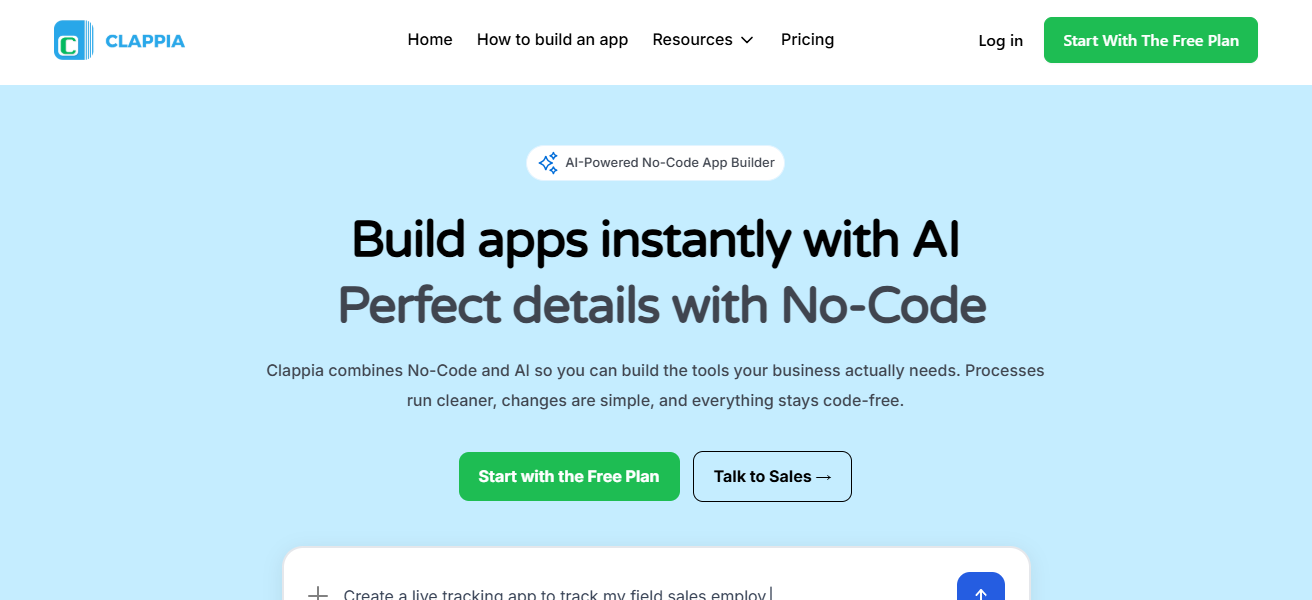
Clappia, unlike Zoho Creator, has integrated and streamlined automation, reporting, and the collection of app data, resulting in faster and more improved business functions.
The business environment’s speed and simplicity make it the optimized platform to focus on real-world tasks while developing applications without code.
Clappia Features
- No Code App Builder: Create custom business apps using the drag-and-drop builder without any knowledge of programming.
- Mobile First Design: Your apps are easily accessible on mobile devices; they are designed with mobile optimization.
- Prebuilt Templates: The prebuilt templates for sales, HR, inventory, and approvals are designed to help with faster instillation.
- Workflow Automation: Automate uncomplicated multi-step processes of your business without any code or the need for a developer.
| Pros | Cons |
|---|---|
| No-code platform, ideal for non-technical users | Limited advanced customization compared to full coding platforms |
| Mobile-first design, apps work smoothly on smartphones | Fewer third-party integrations than some competitors |
| Fast app deployment with prebuilt templates | UI can feel basic for highly complex apps |
| Workflow automation built-in for business processes | Reporting features are less advanced for large datasets |
2. NocoDB
NocoDB is a remarkable alternative to Zoho Creator because it turns any SQL database into a smart no-code platform. It can also convert ordinary databases into collaborative, spreadsheet-style interfaces.
This makes it easy to visualize and manage data. NocoDB also provides complete open-source flexibility compared to Zoho Creator.
Businesses can customize workflows and processes, automate steps, and integrate a wide range of tools without limitations.
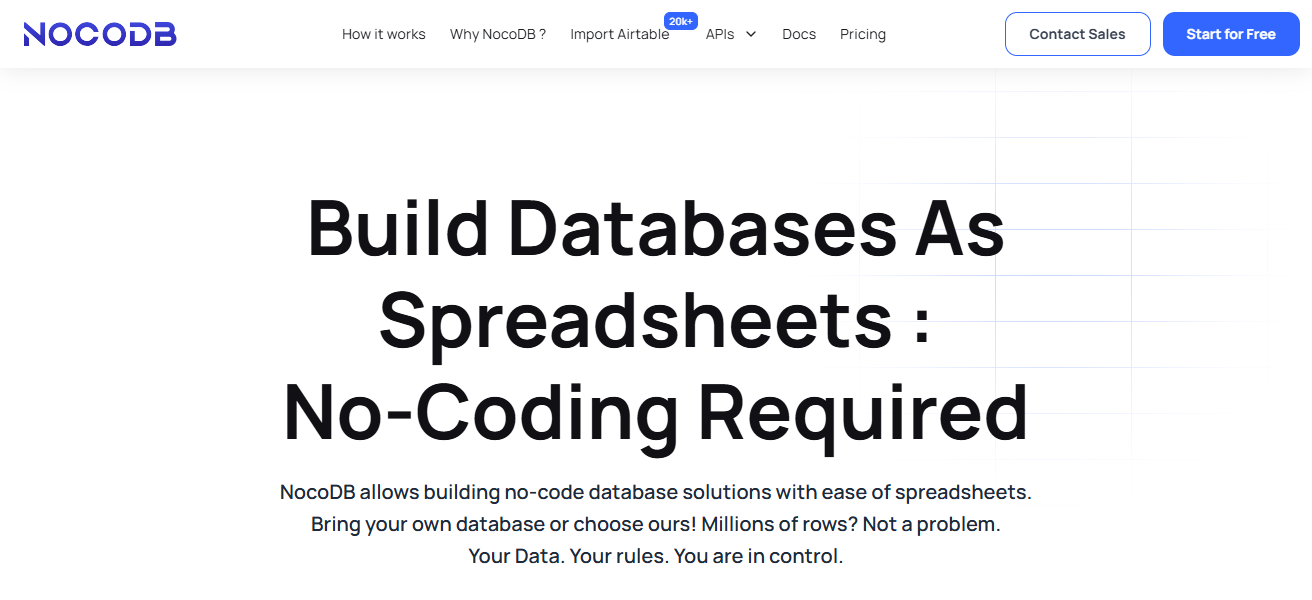
NocoDB is a great choice for teams wanting no-code solutions, powerful databases, collaborative features, and scalability to build their own apps in a flexible and efficient way.
NocoDB Features
- Database as Spreadsheet: Allows you to transform SQL databases to behave like a spreadsheet.
- Open Source Flexibility: Completely open source platform, together with the option to self-host and/or modify it.
- Multi Database Support: Integrates effortlessly with MySQL, PostgreSQL, SQL Server, and others.
- Collaboration Tools: Shared data workflows with team editing, views, filters, and permissions.
| Pros | Cons |
|---|---|
| Turns SQL databases into no-code, spreadsheet-like apps | Limited prebuilt templates for instant app creation |
| Fully open-source and flexible | Learning curve for non-technical users with complex databases |
| Integrates with multiple databases and APIs | UI is functional but less visually appealing |
| Allows team collaboration and workflow automation | Community support smaller than commercial alternatives |
3. Airtable
Airtable is among the best Zoho Creator alternatives. The platform is a flexible database that integrates the ease of spreadsheets and the power of no-code solutions.
Airtable’s distinct edge is its powerful, visual, and customizable interface that is particularly great for collaboration. Teams can easily track and manage projects, automate workflows, and manage their data.
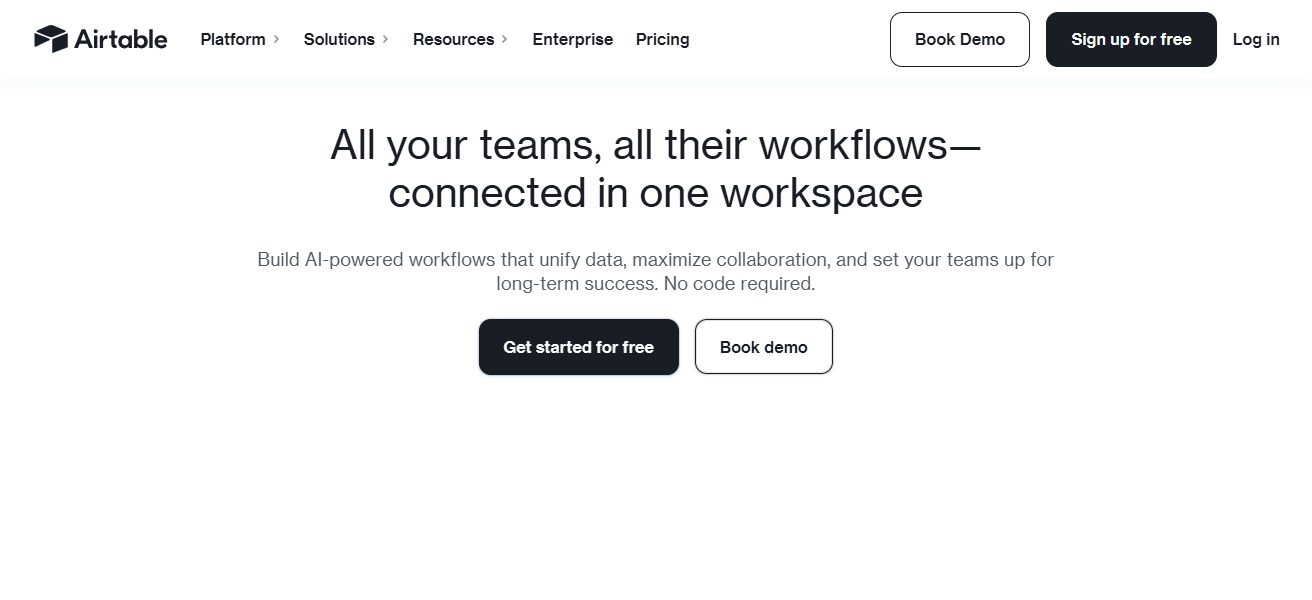
Unlike Zoho Creator, Airtable simplifies complex processes and provides real-time updates and cross-app integrations. The combination of these features makes Airtable a great fit for businesses of any size.
Airtable Features
- Spreadsheet + Database: Fuses together the common spreadsheet layout and the advantageous features of a relational database.
- Custom Views: Offers a variety of views such as grid, calendar, gallery and kanban so you can customize based on the requirements of the project.
- Automations: Task Automation: The system has built-in actions and triggers to automate tiresome tasks.
- Integration Ecosystem: Provides connection with multiple applications like Slack, Google Workspace, etc.
| Pros | Cons |
|---|---|
| Combines spreadsheet simplicity with database power | Free tier has limits on records and attachments |
| Highly visual interface with customizable views | Complex automations can be challenging to set up |
| Real-time collaboration and integrations with apps | Advanced features may require paid plan |
| Easy workflow automation for teams | Less suitable for heavy enterprise-scale operations |
4. Baserow
Baserow is the best alternative for Zoho Creator, being the only fully open-source, no-code platform that allows you to effortlessly create and manage your own databases.
Its key differentiator is that you are able to fully manage your own data which can be stored on the cloud or on your own servers.
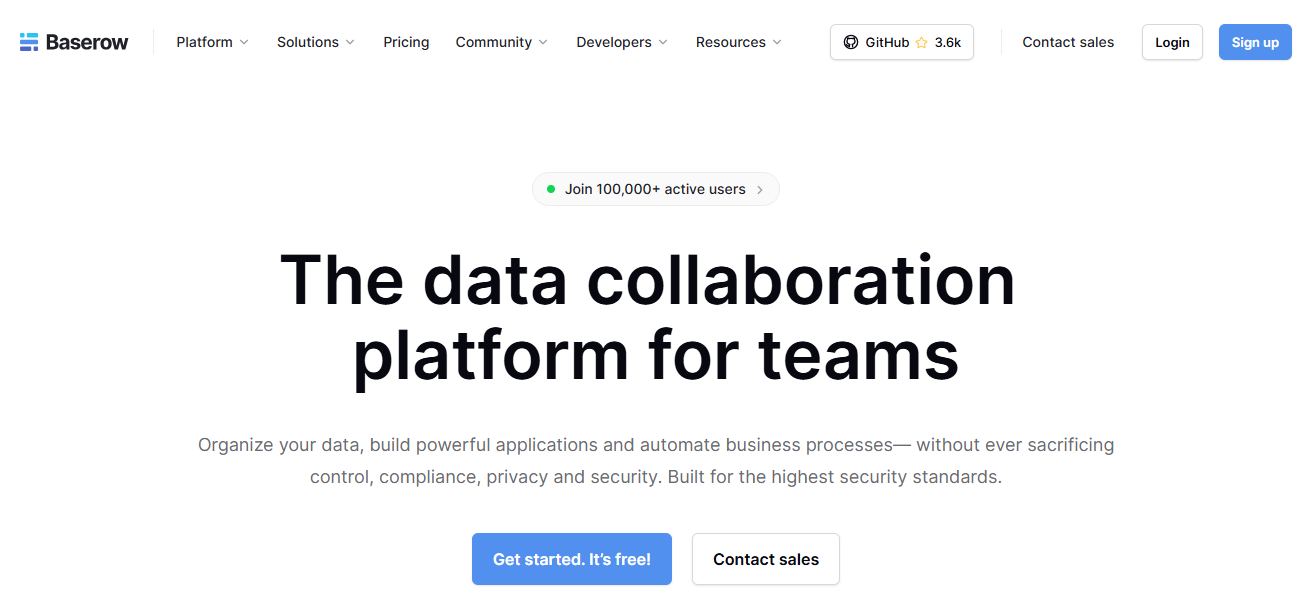
This level of privacy and flexibility of data is something that Zoho Creator cannot offer. Baserow’s user-friendly layout makes it easy for teams to collaborate and build sophisticated apps without having to code.
The combination of being open-source, flexible, secure, and easy to use makes Baserow a modern business’s favorite.
Baserow Features
- Open Source Platform: Use full data control either with self-hosting or the cloud option.
- Simple Data Modeling: Make tables and connections without having to be techinical.
- Team Collaboration: Share views, assign roles, and control access.
- Custom Workflows: Automate businesses processes and create workflows.
| Pros | Cons |
|---|---|
| Fully open-source, can self-host for complete control | Fewer ready-made templates than commercial tools |
| No-code platform for database apps | Limited advanced workflow automation features |
| Collaborative with team permissions and sharing | Mobile app support is minimal |
| Customizable workflows and data structures | Smaller ecosystem and integrations compared to competitors |
5. ToolJet
ToolJet is an impressive alternative to Zoho Creator with the ability to help users develop bespoke web applications in no time and with zero code.
ToolJet’s ability to integrate with various data sources and APIs for live data updates and process automation distinguishes it from Zoho Creator and other competitors.
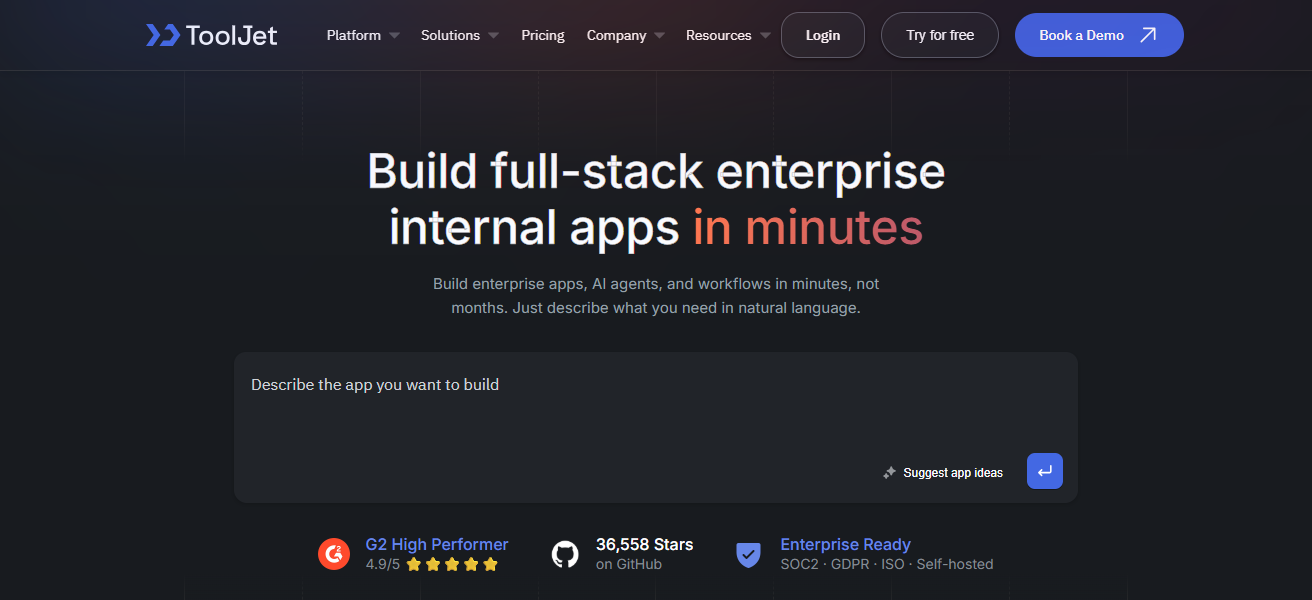
With a user-friendly drag-and-drop design and an array of responsive app templates and widgets, ToolJet gives teams the ability to build fully operational enterprise applications.
The combination of rapid development, automation, and seamless integration will provide customers with an ideal no-code solution.
ToolJet Features
- Visual App Builder: Quickly develop internal web apps using drag and drop components.
- Data Source Integration: Unify the connection between APIs, databases, and services in one application.
- Widgets: Use ready-made buttons, tables, charts, and forms without code.
- Team Collaboration: Version control and workspaces for collaboration in app development.
| Pros | Cons |
|---|---|
| Drag-and-drop interface for building web apps | UI is less polished than some premium platforms |
| Supports multiple data sources and API integrations | Limited offline support |
| Fast prototyping for internal tools | Some advanced features require coding knowledge |
| Collaboration features for team projects | Community smaller than larger no-code platforms |
6. Retool
Retool is one of the best alternatives to Zoho Creator, enabling users to create sophisticated internal tools fast, with minimal coding.
It is one of the few tools that lets you connect to any database or API, and build custom applications with a drag-and-drop interface.
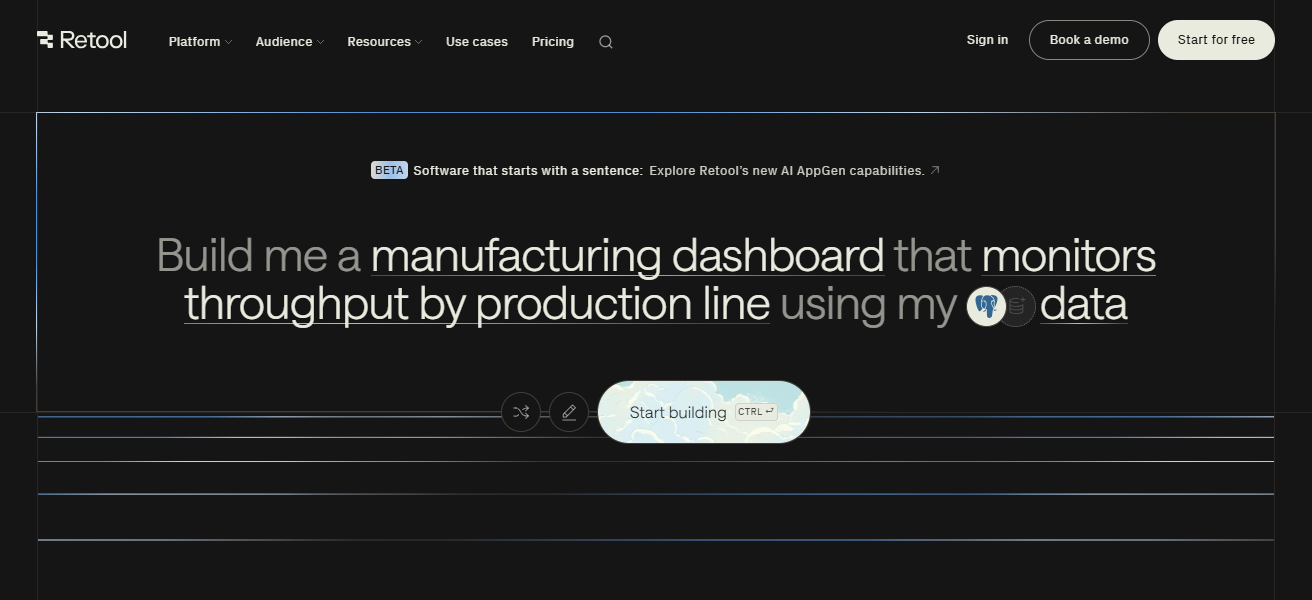
Retool is, arguably, a better option than Zoho Creator because it places more emphasis on supporting more sophisticated internal processes/workflows. This gives users the capability to automate processes, data and workflow management, and more.
Retool’s functionality, coupled with the speed of configuration and a high degree of customizablity, allows it to integrate seamlessly with any external service, making it best suited for organizations that require complex and scalable custom internal tools.
Retool Features
- Internal Tool Focus: Ideal for internal workflows, admin panels, and dashboards.
- Connect Anything: Easily integrate any database or API.
- Real Time Data: Show and interact with live data in your applications.
| Pros | Cons |
|---|---|
| Powerful for internal, data-driven applications | Steeper learning curve for non-technical users |
| Connects easily to any database or API | Less suitable for external-facing apps |
| Drag-and-drop interface for fast app building | Pricing can be high for larger teams |
| Flexible workflow automation and custom logic | Limited prebuilt templates for quick-start projects |
7. AppSheet
A top alternative to Zoho Creator is AppSheet. It allows users to build mobile and web applications from spreadsheets and other cloud data without any programming.
It stands out from other competitors by automatically converting structured data into apps, making it quick and easy to build apps.
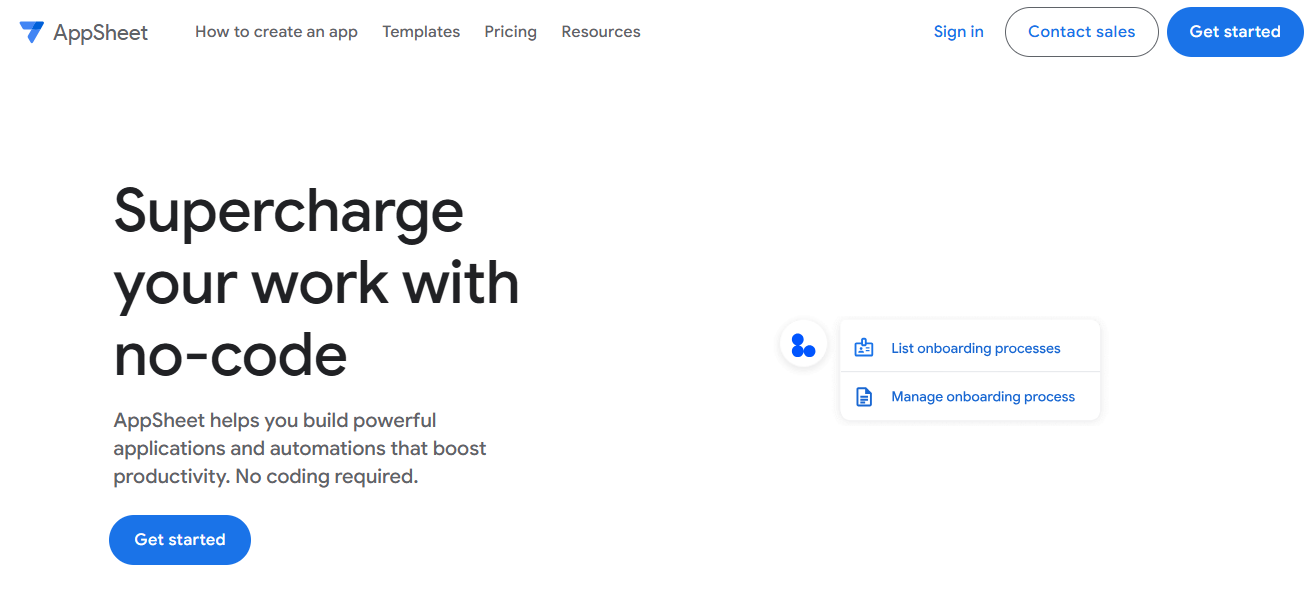
While Zoho Creator is more focused on low-code app development, AppSheet focuses on data-driven apps and offers AI capabilities, automation, offline access, and app workflows.
This makes AppSheet a great choice for companies that want to improve their operational efficiency by quickly providing their employees with custom apps.
AppSheet Features
- Spreadsheet-Driven Apps: Make apps from your Google sheets or cloud data.
- Smart Automation: Automate tasks and schedule notifications without code.
- Offline Support: Work without connectivity. Data syncs afterwards.
- Mobile & Web: Your apps will instantly be available across devices.
| Pros | Cons |
|---|---|
| Converts spreadsheets and cloud data into apps automatically | Design flexibility is limited compared to visual builders |
| No-code platform with workflow automation | Offline capabilities require configuration |
| Mobile-friendly apps with AI features | Advanced app logic can be complex to implement |
| Fast deployment for business processes | Limited integrations with non-Google services in some cases |
8. Bubble
Bubble stands as one of the best alternatives to Zoho Creator because it allows users to create fully functional web apps without coding.
Their strongest point is total design freedom, which empowers creators to build fully customized apps that are interactive and responsive.
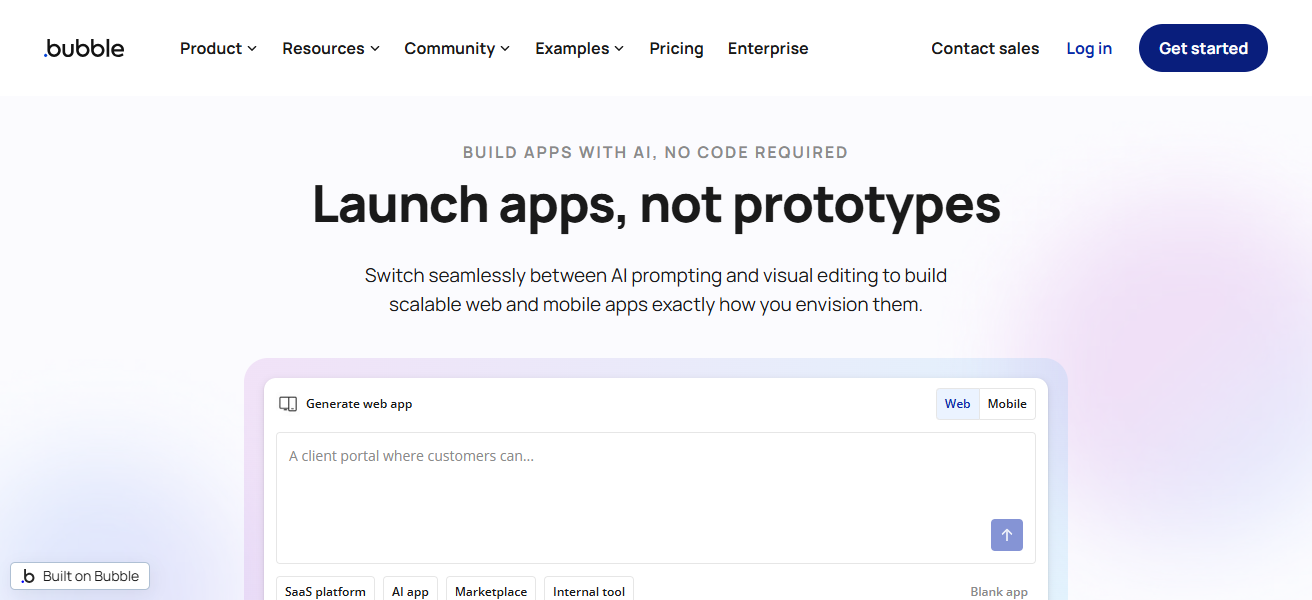
Unlike Zoho Creator, Bubble integrates front-end design, database management, and workflow automation allowing a team to efficiently launch sophisticated applications.
The combination of flexibility, high scalability, and visual development makes Bubble an ideal candidate for startups and businesses.
Bubble Features
- Full App Builder: Make web apps with full designs for the front end and interactive features.
- Database & Logic: Automation and a database is included.
- Custom UI Control: Build every visual component freely.
- Responsive Design: Apps automatically adjust to screen size.
| Pros | Cons |
|---|---|
| Full visual control over web app design | Can be overwhelming for beginners |
| No-code platform for interactive and responsive apps | Learning curve for complex workflows and database logic |
| Combines frontend, backend, and workflow automation | Performance can slow for very large apps |
| Highly customizable, ideal for startups | Paid plans required for production-level scaling |
9. Knack
Knack is an easy to use alternative to Zoho Creator which allows you to build custom online databases and applications without coding.
Knack’s strength is transforming difficult data into simple understandable applications. Knack allows you to build searchable, filterable, and interactive interfaces.
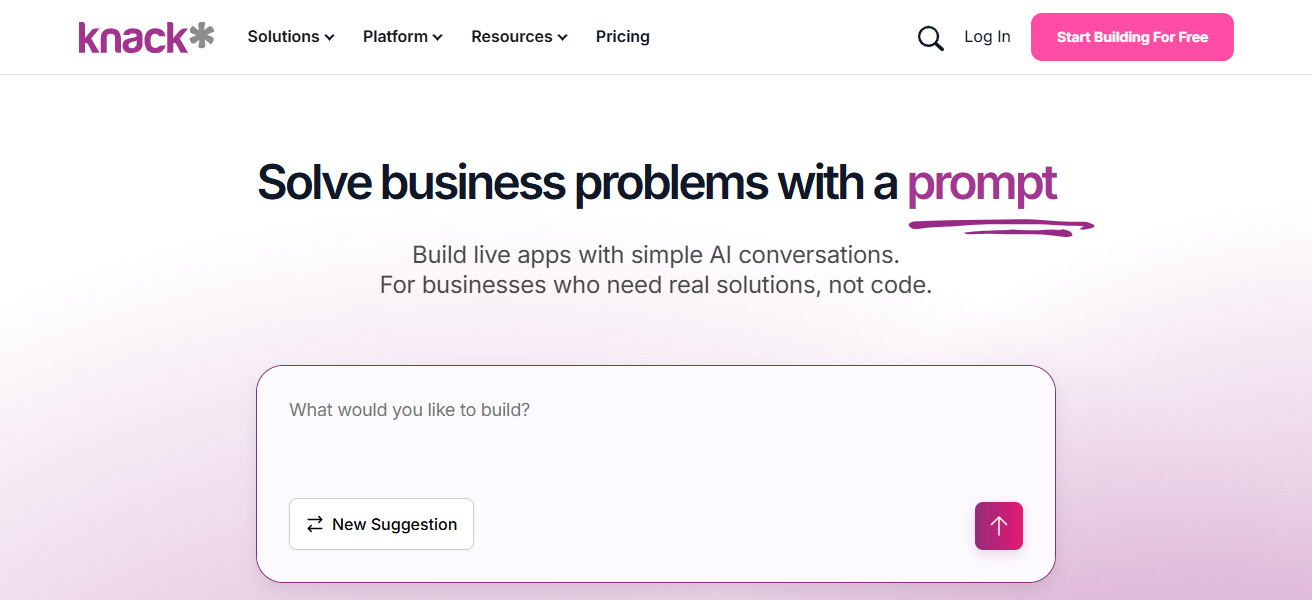
Unlike Zoho Creator, Knack is focused on data accessibility. With Knack, you can empower your team with automation, role-based access, and without friction integrations.
From data management to custom user experience, Knack is an ideal tool to organize and use your data as you need.
Knack Features
- Data‑Centric Apps: Transform intricate data into interactive web applications that can be searched.
- Role-Based Access: Position-Based Access: Set permissions on what users can view and execute in the app.
- Workflow Automations: Automations that trigger actions based on specific conditions and events.
- User Dashboards: Create dashboards for user access.
| Pros | Cons |
|---|---|
| Turns complex data into user-friendly web apps | Limited mobile-first design compared to other tools |
| No-code platform with role-based access | Fewer advanced visual customization options |
| Powerful workflow automation and search features | Integrations require extra setup |
| Easy for teams to collaborate and manage data | Scaling very large apps can be expensive |
10. Quickbase
Quickbase is one of the finest alternatives to Zoho Creator. Like Zoho Creator, Quickbase enables businesses to build applications in a coding-free manner.
Its distinct feature is the enterprise focus, which combines solid workflow automation, real-time reporting, and integration with automation.
Unlike Zoho Creator, Quickbase highlights scalability and security and is thus suited for intricate and extensive operations. The intuitive platform enhances operational workflows, boosts inter-team collaboration and decision-making.
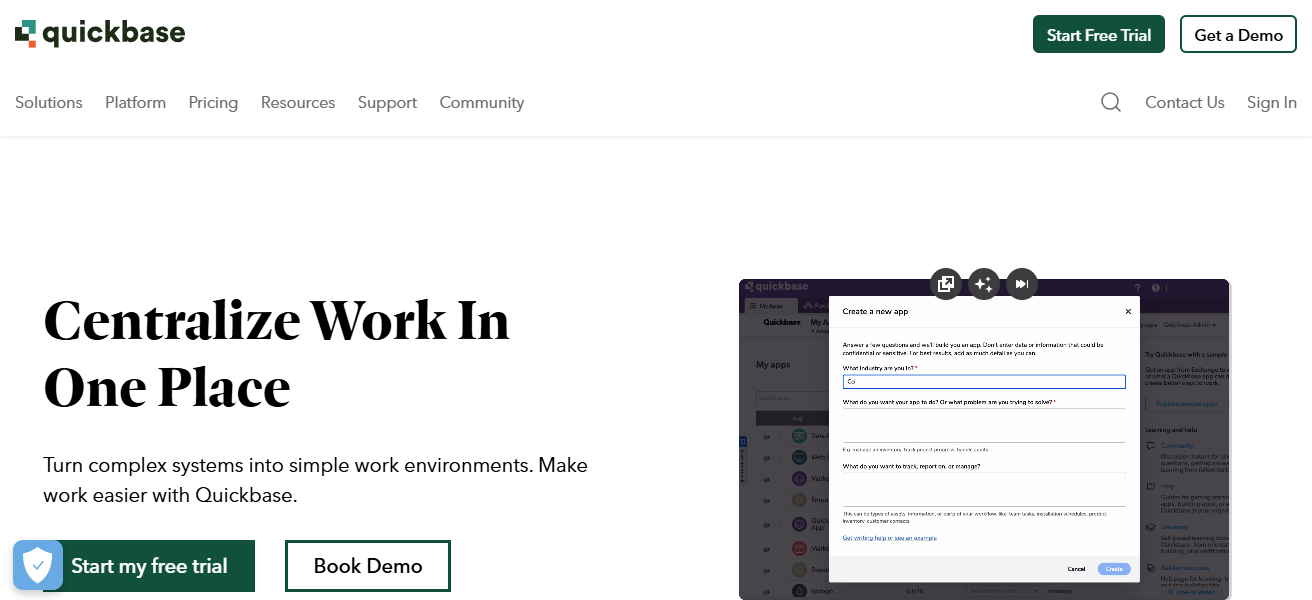
The drag-and-drop interface is a valuable feature and coupled with robust data management features, enables teams to optimize their functions.
For organizations looking to utilize a dependable no-code solution, Quickbase is an excellent option.
Quickbase Features
- Enterprise‑Grade Platform: Meant for big organizations that have complex process requirements.
- Robust Automation: Effectively automate the approval process, notifications, and data flows.
- Scalable Architecture: Growing data and workflows can be maintained without performance degradation.
- Secure Integrations: Weak security and governance of enterprise systems can be tightly integrated.
| Pros | Cons |
|---|---|
| Enterprise-focused, scalable no-code platform | Can be expensive for small businesses |
| Strong workflow automation and real-time reporting | Slightly steeper learning curve for beginners |
| Seamless integrations with enterprise systems | UI can feel less modern than competitors |
| Highly secure and ideal for large-scale operations | Limited creative design freedom for apps |
How To Choose Best Zoho Creator Alternatives
- Ease of Use. Look for easy drag-and-drop to simplify app building.
- Customization. Ensure the tool flexibly designs to your business needs.
- Integrations. Make sure you have access to databases, APIs, and third-party apps.
- Scalability. Ensure the platform can grow and expand with your user base and data.
- Mobile Support. Ensure the applications run on all devices for access anytime.
- Automation. Look for systems with built in workflow automation to save more.
- Pricing. Make sure to compare other providers to find the right balance.
- Security. Ensure you have all the right protective measures in place on your data.
- Community & Support. Look for a responsive staff and help site to assist in your needs.
Conclusion
To sum up, selecting the best Zoho Creator alternative hinges on your company’s requirement, be it the simplicity, personalization, or automation of workflows.
Clappia, Airtable, Bubble, and AppSheet are no-code alternatives that empower your business with simple app building, increased collaboration, and greater productivity.
With the right alternative, your teams can create and edit sophisticated enterprise mobile applications without any programming knowledge.
FAQ
A platform that allows building apps without coding, similar to Zoho Creator.
For better pricing, ease of use, customization, or mobile-friendly app development.
Depends on your needs; popular options include Clappia, Airtable, Bubble, and AppSheet.
Yes, all top alternatives allow app creation without coding skills.