In this article, I outline the Best Zoho Projects Alternatives for Agencies focused on collaboration, customization, and scalability.
These platforms allow agencies to adapt to client demands and business needs, streamline operations, improve visibility, and manage the on-time delivery of projects.
Key Points & Best Zoho Projects Alternatives for Agencies
| Tool | Key Point |
|---|---|
| Wrike | Best for workflow automation |
| Nifty | Best for project automation |
| Teamwork.com | Best for client work management |
| ProofHub | Best for centralized project control |
| Jira | Best for Agile software development |
| Ravetree | Best for flexible project methodologies |
| Evernote Teams | Best for team note management |
| Notion | Best for integrated workspace |
| monday.com | Best for visual project tracking |
| Asana | Best for task and team collaboration |
10 Best Zoho Projects Alternatives for Agencies
1. Wrike
Wrike is one of the best alternatives to Zoho Projects for agencies because of its unique combination of powerful project management and flexible workflow customization.
Most tools don’t let teams build agency-specific processes from creative briefs to client approvals on one platform.
Wrike helps with this. It has visual dashboards and Gantt charts, making deadline and resource load management intuitive.
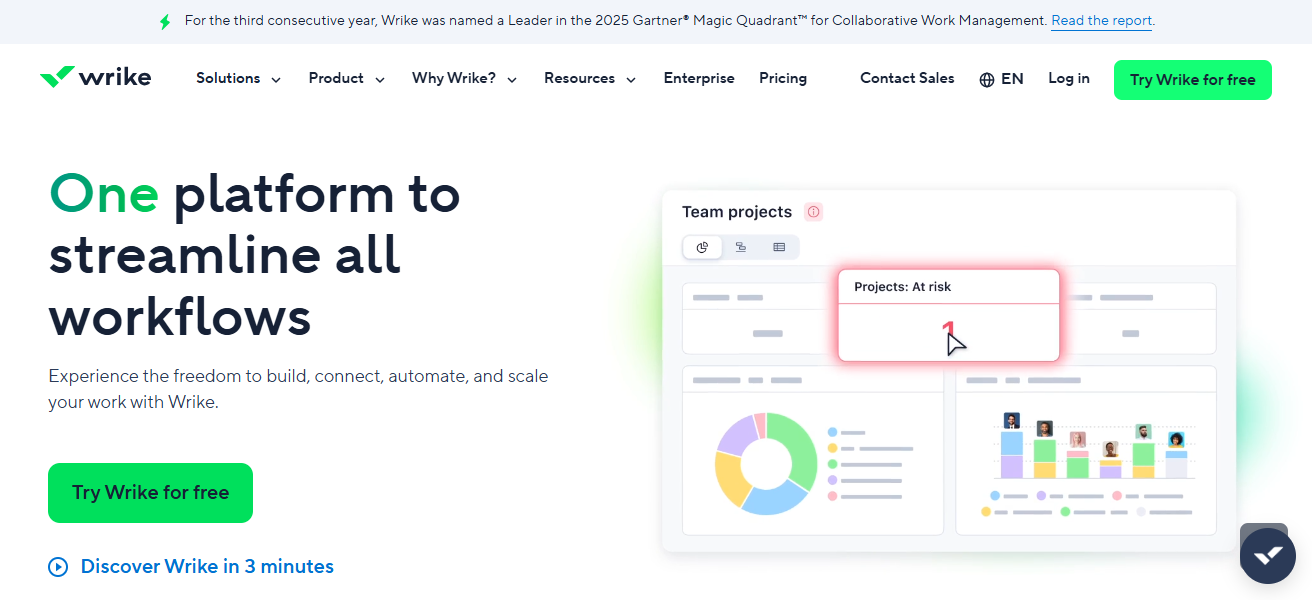
Its real-time collaboration features minimize the use of emails. Advanced reporting, a seamless structure, and integration with Adobe Creative Cloud and Slack are additional benefits for agencies.
The combination of collaboration, visibility, and flexibility makes Wrike one of the best tools for engaging agencies.
Wrike Features
- Custom Workflows – Workflows can be customized for each team and each client, so they are flexible to be in center with the agency’s processes
- Advanced Reporting – Reporting tools are flexible so you can track deadlines, productivity and progress on particular tasks
- Interactive Dashboards – Visual data dashboards help provide insight into the status of projects in real time
- Collaborative Tools – Comments, proofing, and file sharing facilitate communication that is directly related to a piece of work
| Pros | Cons |
|---|---|
| Highly customizable workflows for agency-specific processes | Can feel complex for small teams |
| Strong resource and workload management | Premium features are costly |
| Advanced reporting and dashboards | Learning curve for new users |
| Scales well for growing agencies | Interface may feel overwhelming |
2. Nifty
Nifty is one of the best alternatives to Zoho Projects, particularly for agencies, as it simplifies complex workflows while still retaining powerful features.
Agencies particularly benefit from Nifty’s unique all-in-one workspace, which integrates project planning with task tracking, milestone tracking, and team communication into one solution, eliminating the need to switch between tools.
Further, Nifty’s goal-driven model, where every task is linked to a milestone or client deliverable, provides clarity and accountability for the team.
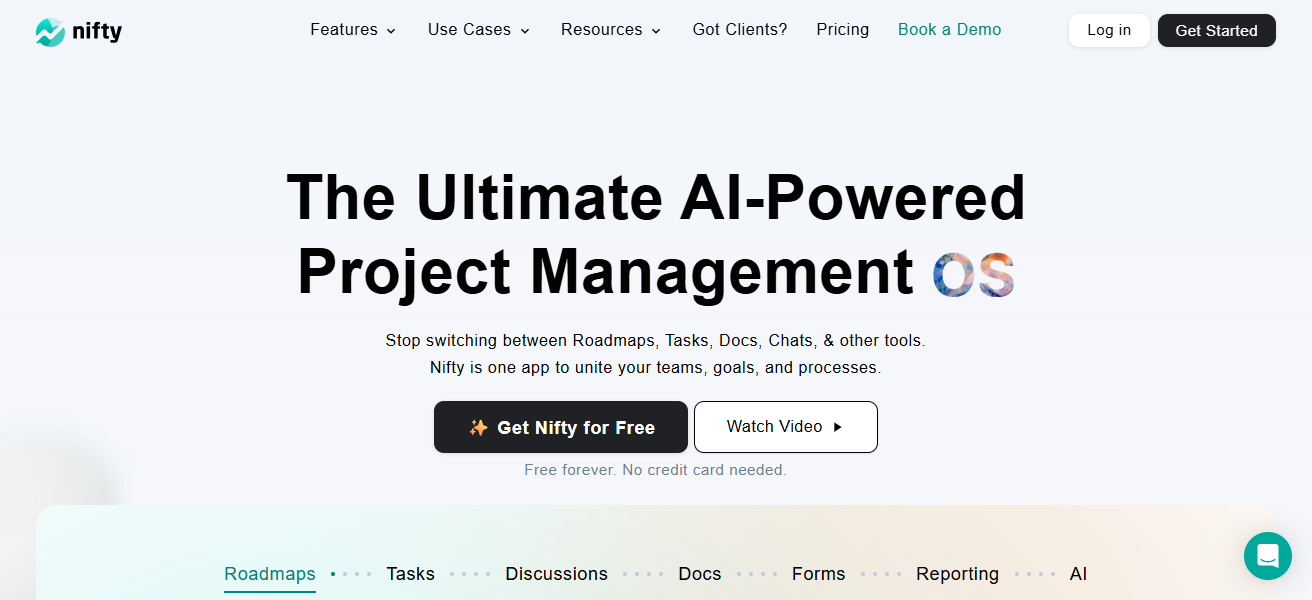
Nifty is, therefore, built to keep client deliverables and team alignment a top priority through built-in time tracking, automated progress updates, and customizable views that adjust to a variety of working styles.
Overall, Nifty strikes a great balance of simplicity and strategic insight, making it ideal for agencies focused on client deliverables to streamline their projects.
Nifty Features
- Unified Workspace – Communication, files, tasks, and timelines are all consolidated into one tool
- Goal-Focused Workflows – Tasks can be tied together to help the team work toward a main agency goal
- Time Tracking – Teams can track their time, including what is billable and how much time has been logged
- Automated Progress Updates – Projects are automatically updated in status based on what tasks are completed
| Pros | Cons |
|---|---|
| All-in-one workspace for projects and communication | Limited advanced automation |
| Goal and milestone-driven project structure | Fewer third-party integrations |
| Easy to use and quick to adopt | Reporting is basic for large agencies |
| Built-in time tracking | Not ideal for very complex projects |
3. Teamwork.com
Compared to most other Zoho Projects alternatives, Teamwork is a better fit for agencies since it has been designed specifically for client work and profitability.
Teamwork’s main differentiation is effective client billing and reporting tools alongside advanced task, workload management, and time/resource management for budget delivery.
Teamwork has an easy to use interface, customizable task views, and built-in communication features to keep everyone aligned.
Teamwork also has performance monitoring dashboards. Teamwork also has client collaboration and project visibility features to help agencies build trust while efficiently managing complex projects.
Teamwork.com Features
- Client-Centric Tools – Time-tracking and billing can be done on client work and projects which is great for invoicing
- Workload Management – Balance workloads and prevent burnout by visualizing team capacity
- Task Dependencies – Real project needs can be met by creating specific sequences of tasks
- Client Collaboration – Easily gain customer collaboration by sharing status updates and feedback on projects—
| Pros | Cons |
|---|---|
| Designed specifically for client-focused work | Interface feels dated to some users |
| Strong time tracking and billing tools | Setup can be time-consuming |
| Excellent task and workload management | Advanced features require higher plans |
| Client collaboration features | Limited customization compared to others |
4. ProofHub
The best alternative to Zoho Projects for agencies is ProofHub, as it integrates project management with collaboration and central decision-making tools.
Rest all competitors require switching between tools for managing tasks, discussions, files, and approvals.
This means disruption-free agency workflows and minimization of context-switching, which is highly valuable.
ProofHub comes equipped with custom workflows, pens timelines, and seamless communication, all of which help agencies organize better.
ProofHub’s simplicity means all of this does not come at the cost of advanced functionality; every team member is able to use it.
ProofHub is all-inclusive, which is a key factor in why agencies can improve project management and ultimately the quality and timeliness of their deliverables.
ProofHub Features
- Centralized Collaboration: Tasks, discussions, files, and approvals are all integrated.
- Custom Workflows: Allows customization of task stages for various teams and workflows.
- Announcements & Notes: Without additional tools, you can share updates and inform all users.
- Simple User Interface: Minimal training is required, making onboarding easy for teams.
| Pros | Cons |
|---|---|
| Centralized collaboration and approvals | Limited third-party integrations |
| Flat pricing suitable for agencies | Fewer advanced analytics |
| Easy-to-use interface | Automation options are basic |
| Reduces need for multiple tools | Not ideal for agile-heavy teams |
5. Jira
Jira offers customizable project boards, issue tracking, and sprint planning, making it one of the best Zoho Projects alternatives for Agile agencies and teams.
It is also one of the best alternatives to Zoho Projects as it offers a great variety of automation points, which help teams anticipate delivery issues and improve processes through detailed reports.
The integrations and scalability of Jira help agencies manage a variety of complex workflows to accommodate varying clients’ needs.
The ability to break complex tasks into simpler ones, alongside the visibility to maintain focus, makes Jira one of the best Zoho Projects alternatives.
Jira Features
- Agile Support: Contains features for agile workflows, including Scrum and Kanban, and custom board options.
- Issue Tracking: Bugs and work items can be tracked with specified statuses and fields.
- Powerful Automations: Automations for actions and notifications can be created based on rules.
- Reporting & Metrics: Metrics including velocity, burndown, and sprints can be reviewed comprehensively.
| Pros | Cons |
|---|---|
| Excellent for agile and complex workflows | Steep learning curve |
| Highly customizable boards and rules | Not beginner-friendly |
| Powerful reporting and tracking | Can feel too technical for creatives |
| Scales well for large teams | Requires configuration effort |
6. Ravetree
Ravetree provides a seamless alternative to Zoho Projects for managing agency operations. By consolidating different systems into one platform for project management, resource management, time management, client billing, and communication, operational friction is reduced.
Ravetree’s financial and client management features help agencies track project budgets, billable hours, and invoices alongside tasks and milestones.
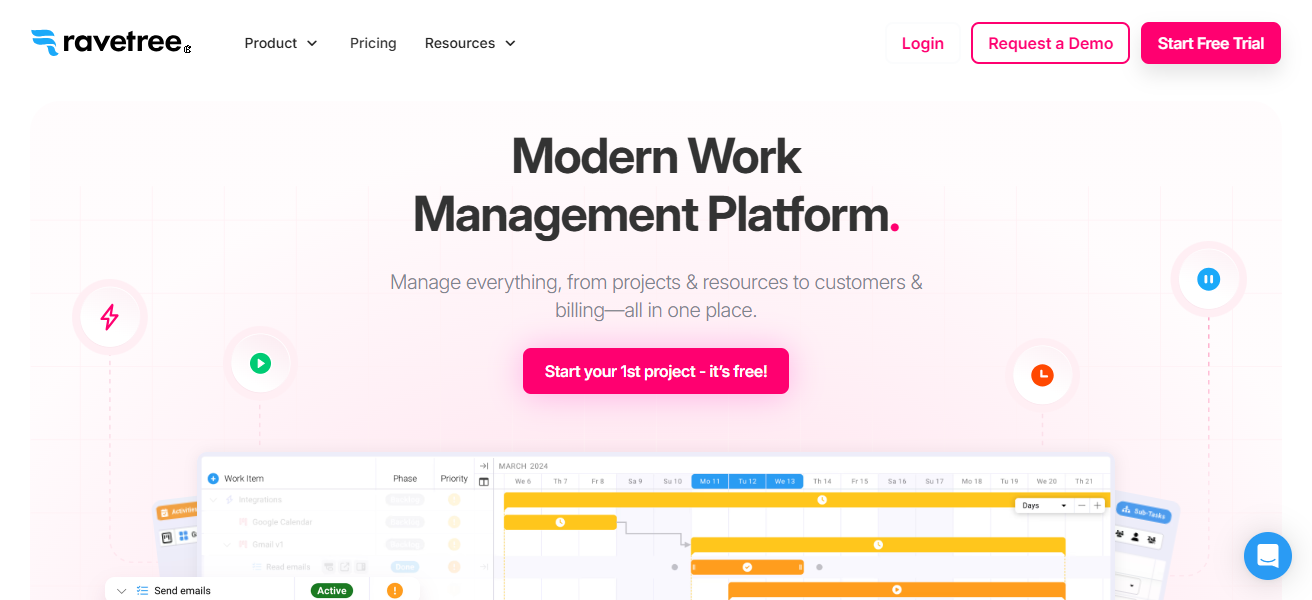
Ravetree’s customizable workflows, client portals, and visibility into team capacity and project performance help agencies stay organized and transparent, and without having to utilize multiple systems, it is perfect for client-centric work environments.
Ravetree Features
- All-In-One Platform: Project management, budgeting, time tracking, and billing are all integrated.
- Client Portals: Clients can securely view project statuses, give approvals, and access deliverables.
- Resource Planning: Tools for load-balancing visually help in the efficient assignment of work across teams.
- Financial Insights: The costs and profitability of projects can be tracked in real time.
| Pros | Cons |
|---|---|
| Built-in budgeting, billing, and invoicing | Higher cost for small agencies |
| Combines project and client management | Interface can feel dense |
| Strong resource and capacity planning | Limited flexibility in some views |
| Client portals included | Setup requires initial training |
7. Evernote Teams
For agencies, Evernote Teams serves as an alternative to Zoho Projects as it consolidates team knowledge, task lists, and reminders in an easily searchable hub, streamlining access and actionability for project information.
Its most notable feature is Spaces, which enables agencies to organize project document, notes, meeting summaries, and ideas within a shared workspace.
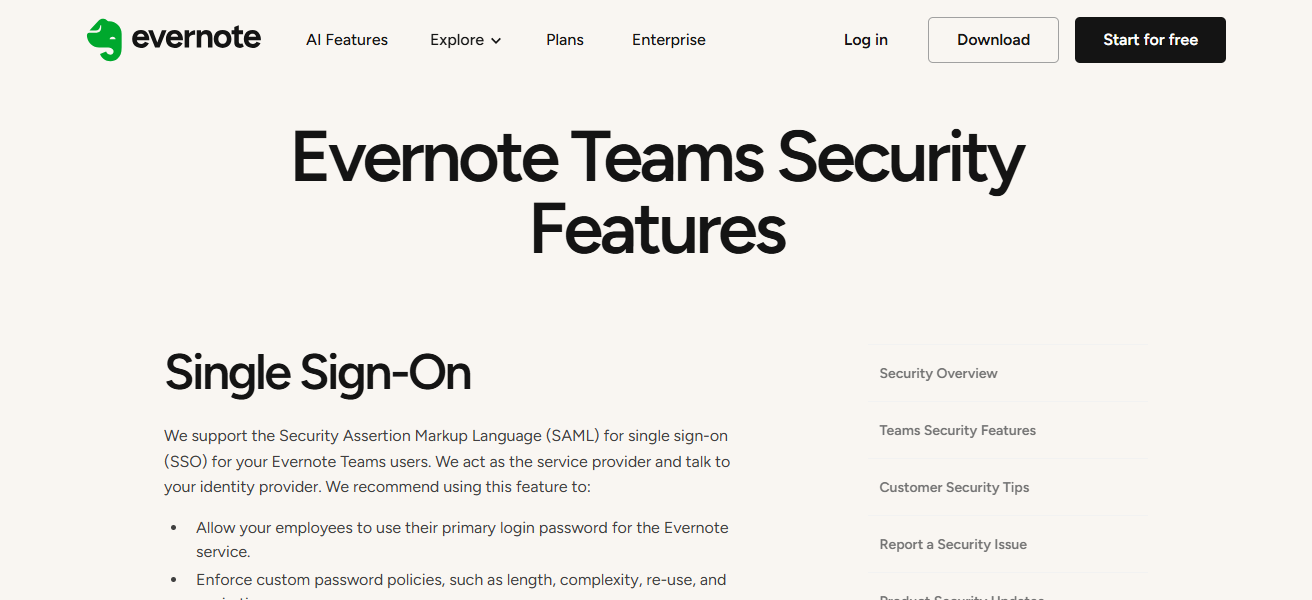
This structure keeps everyone aligned on goals and updates without the need for constant meetings or emails.
With Evernote’s collaborative editing, reminders, and task assignments, teams can seamlessly shift from brainstorming to execution and ensure a smooth information flow to clients.
Evernote Teams Features
- Knowledge Hub: Your notes, summaries from meetings, and reference materials can be stored in one central location.
- Organized Workspaces: Related materials are grouped in “Spaces” so teams can quickly access everything.
- Powerful Search: Search notes, tags, attachments, and your information can be instantly located.
- Collaborative Comments & Editing: Team members edit and collaborate in real time on shared notes and comment together.
| Pros | Cons |
|---|---|
| Centralized knowledge and documentation | Limited true project management features |
| Powerful search and organization | Not ideal for task-heavy projects |
| Great for brainstorming and planning | Weak timeline and dependency tracking |
| Easy team collaboration on content | Requires pairing with other tools |
8. Notion
Notion stands out above other alternatives for Zoho Projects for Agencies because of Organizing knowledge and managing projects in Notion’s flexible system helps Agencies customize workspaces. Notion’s real power is in its building blocks (pages, databases, boards, and documents).
Teams can customize their workspaces however they want without being confined to a strict template.
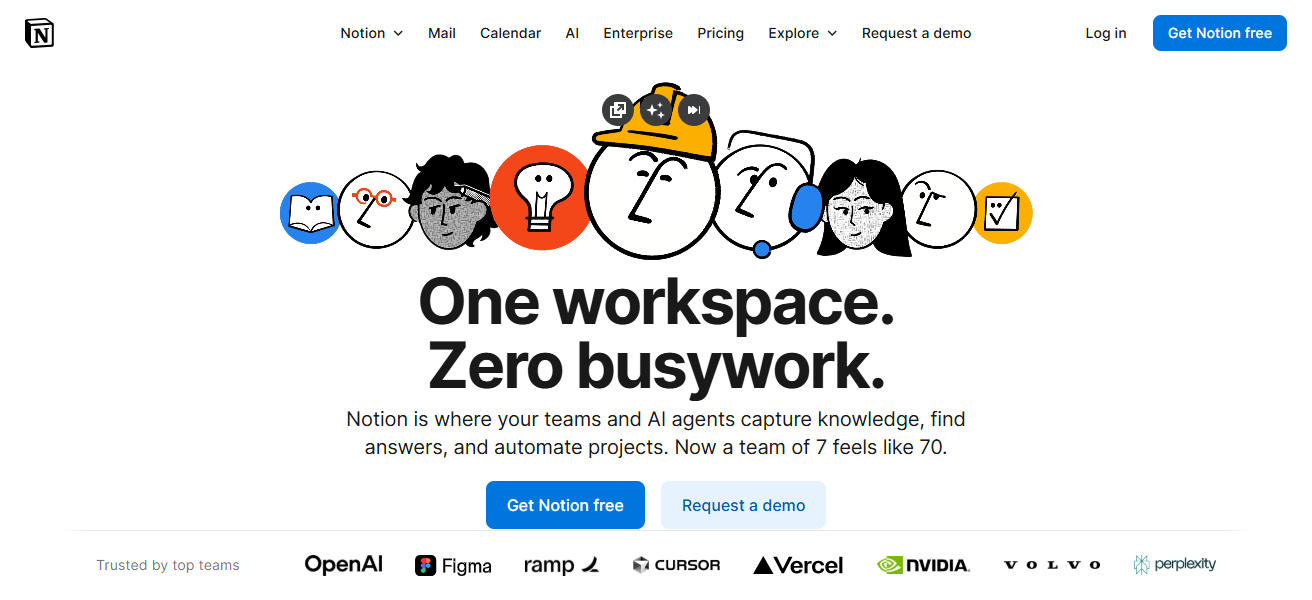
Agencies can interlink client briefs, project task briefs, content calendars, and strategy documents in a single system, which helps keep all information organized and easily editable.
Notion’s real-time collaboration, shared workspaces, and integrated other tools pull everything together to create a seamless flow. The combination of an Agency’s internal processes with Notion’s creative power is perfect.
Notion Features
- Modular & Flexible Paged: Flexibly construct pages with custom combinations of databases, calendars, and documents.
- Relational Databases: Integrate and relate databases across pages for enhanced visibility of assorted data (tasks, clients, assets).
- Unified Documentation & Projects: Merge strategic documentation and tactical execution into one.
- Collaboration in Real-Time: Teams make simultaneous edits to documents, and add comments, and inline mentions.
| Pros | Cons |
|---|---|
| Extremely flexible and customizable | Requires manual setup |
| Combines docs, tasks, and databases | No native time tracking |
| Ideal for creative and content teams | Can become messy without structure |
| Strong collaboration features | Limited advanced automation |
9. Monday.com
Monday.com is among the top alternatives to Zoho Projects for agencies due to its impressive visual flexibility and workflow automation that adapts to diverse team requirements.
Its automation, customizable dashboards and boards, as well as the ability to integrate communications and assets streamline processes and limit redundancy.
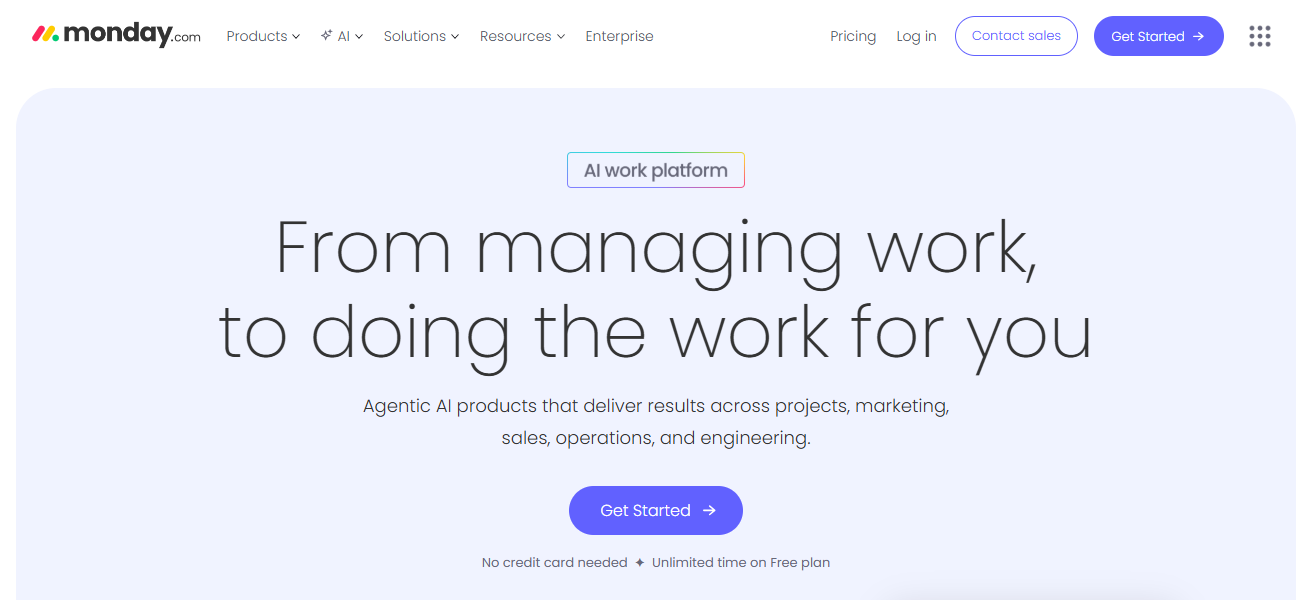
Agenceis are able to design how they plan, track, and deliver work using timelines, Kanban, calendars, and other views.
Monday.com provides agencies with the necessary organization and responsiveness by offering clear visibility into team workloads, deadlines, and deliverables. These features real-time clarity, making the tool great for fast-paced, client-driven projects.
Monday.com Features
- Boards Customizable: Different layouts for boards (Kanban, timelines, calendars) and customizable templates to suit varying agency requirements.
- Work Automation: Built-in automation such as task allocation and alerts.
- Team Workload Visualization: Adjust workload to see visually assigned functions to different teammates.
- App Integrations: Use tools like Slack, email, and calendars to unify communication.
| Pros | Cons |
|---|---|
| Highly visual and customizable boards | Costs increase with team size |
| Strong automation capabilities | Can feel overwhelming at first |
| Excellent workload visibility | Reporting depth varies by plan |
| Adapts to many agency workflows | Requires setup to avoid clutter |
10. Asana
Asana is a great alternative to Zoho Projects, especially for agencies, because it offers clarity, structure, and ease of use all together in a single project management tool.
Its distinct advantage is in goal-orientated work and visual task structure, which enables teams to simplify intricate client tasks into distinct actionable steps with deadlines, dependencies, and priorities.
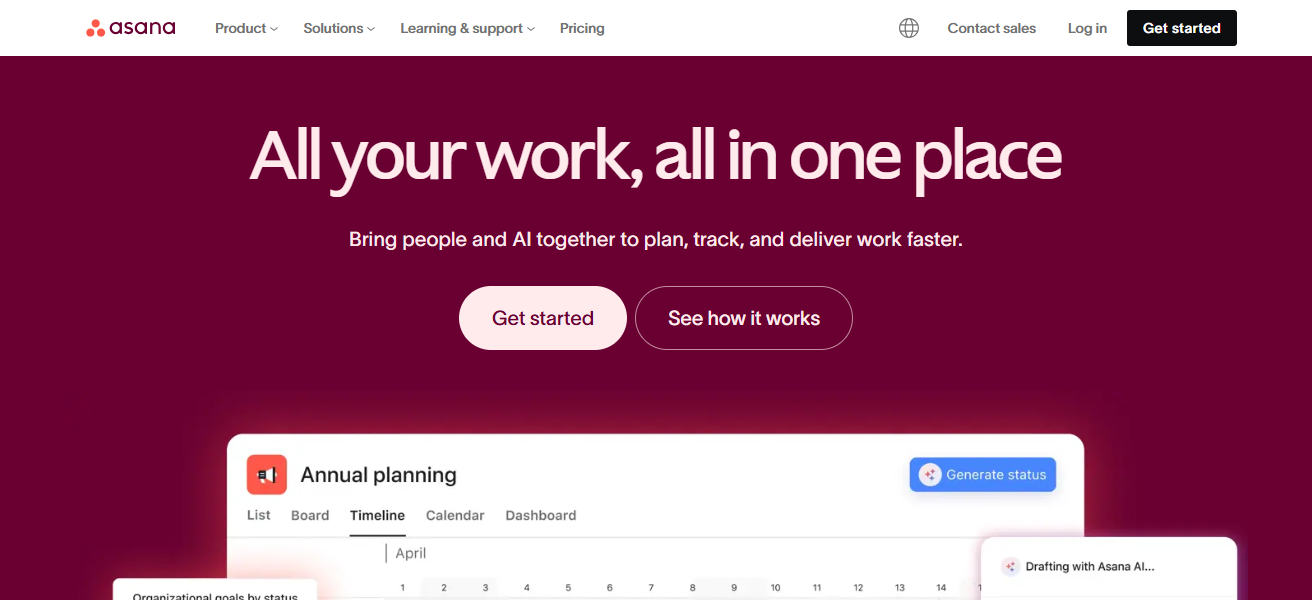
Agencies enjoy task collaboration overlays like Timeline, Boards, and Lists which also promote different work styles.
With communication seamlessly integrated to tasks, agencies can deliver on time with automated reminders, and for fast-moving projects, with progress tracking to bolster alignment across teams and clients.
Asana Features
- Task Structuring: Divide projects into specific tasks and subtasks, with priorities and due dates.
- View Customization: Team members can adjust to their preferred view, be it list, board, or timeline.
- Purpose Linking: Connect tasks to broader objectives to ensure teams understand the reason behind their work.
- Collaborative Capabilities: Comments and mentions are contextual, and attachments keep content together.
| Pros | Cons |
|---|---|
| Clean, intuitive task management | Limited native time tracking |
| Goal-oriented project structure | Advanced features are paid |
| Multiple views for different workflows | Not ideal for budgeting needs |
| Easy collaboration and adoption | Less flexible than fully custom tools |
How To Choose Best Zoho Projects Alternatives For Agencies
Identify your agency’s primary requirements. Designate the most important functions that would best support your workflows.
Assess the interface so that adoption occurs without time-consuming training or extensive configuration.
Explore integrated communication features such as commenting and file sharing/approvals to streamline centralized team communication.
Evaluate flexibility of agency processes for adjusting workflows, fields, and task views.
Assess the variations offered in task management interfaces such as lists, boards, timelines, and calendars.
Evaluate the time keeping and invoicing features to coincide with tracking billable time.
Examine efficiency of the system in minimizing repetitive tasks in order to improve team productivity.
Evaluate extensiveness of the integrations with communication apps and storage tools.
Assess the projected usage growth of the system most likely to include new users, projects, and clients.
Evaluate the system’s ability to measure success, project status, and results for the clients.
Conclusion
In summary, the right alternatives to Zoho Projects for agencies can greatly enhance both productivity for teams and delivery for clients.
Wrike, Nifty, Asana, and Monday.com provide improved collaboration, customizable processes, and more real-time tracking.
By choosing the best-suited platform for your agency’s own workflows, which can simplfiy client communications and adapt for growth, agencies can enhance operational efficiency and get more work done.
FAQ
They are project management tools that help agencies manage tasks, teams, and clients effectively.
Alternatives offer better flexibility, customization, automation, and client-focused features for agency workflows.
Collaboration, task tracking, time management, reporting, and workflow customization are most important.
Yes, they support client approvals, project collaboration, and creative workflow management.