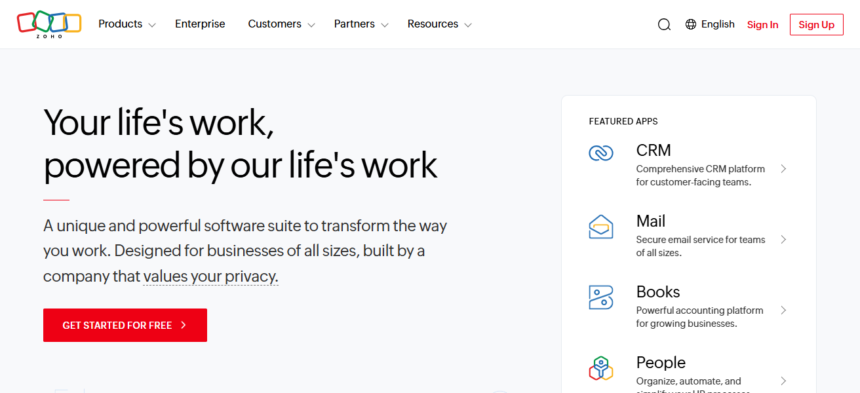
In this article, I will help teams find the right project management solution by outlining the Best Alternatives to Zoho Projects.
From advanced automation, improved collaboration, to flexible workflows, there are a number of tools that can effectively replace Zoho Projects. I will review tools for various team sizes, industries, and projects to make your selection easier.
Key Points & Best Zoho Projects Alternatives
| Tool | Key Points |
|---|---|
| ClickUp | All-in-one project management, highly customizable, supports tasks, docs, goals, time tracking. |
| Wrike | Enterprise-focused, strong collaboration and reporting, Gantt charts, workload management. |
| Teamwork.com | Task, project, and client management, time tracking, invoicing, ideal for agencies. |
| monday Work Management | Visual project tracking, highly customizable workflows, automation, integrations with many apps. |
| Asana | User-friendly, task & project management, timeline & boards, good for cross-team collaboration. |
| ProofHub | Centralized workspace for tasks, discussions, proofing, and time tracking, simple interface. |
| Jira | Agile software development focus, advanced issue tracking, sprints, Kanban & Scrum support. |
| Nifty | Combines tasks, milestones, docs, and chat, simple interface, suited for remote teams. |
| Notion | Flexible all-in-one workspace, notes, databases, project tracking, highly customizable. |
| Ravetree | Project, resource, and client management, built for creative and professional services teams. |
10 Best Zoho Projects Alternatives
1. ClickUp
ClickUp offers great features for project management which makes it a great alternative for Zoho Projects. ClickUp is customizable, and offers docs, tasks, goals, and time tracking all in one platform. Most project management apps are very rigid, but ClickUp is different.
They allow teams to design their own custom workflows, and automate the completion of repetitive tasks. They also offer a Gantt, Kanban, and Calendar view to visualize progress.
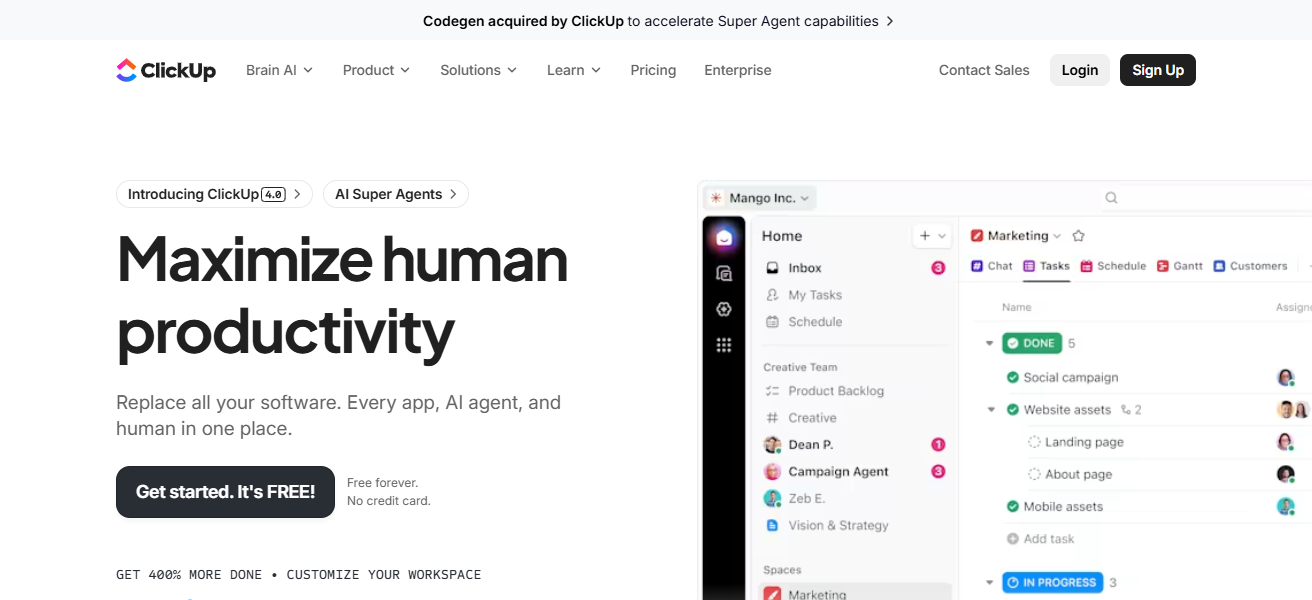
ClickUps all one solution eliminates the need for multiple other apps, and their communication features like comments, mentions, and shared doc keep teams in sync. ClickUp’s project management versatility makes it great for businesses of all sizes.
ClickUp Features
- All-In-One Workspace: Everything you need in one place, from tasks and docs to goals, chats, and time tracking.
- Customizable Workspace: List, Kanban, Calendar, Gantt, and Timeline views for tracking your projects.
- Templates & Automation: Set up your projects faster with pre-built templates and automate tedious tasks.
- Real-Time Collaboration: Stay aligned with your team in comments and shared docs.
| Pros | Cons |
|---|---|
| All-in-one platform combining tasks, docs, goals, and time tracking | Can feel overwhelming due to feature overload |
| Highly customizable workflows | Learning curve for new users |
| Multiple views (Gantt, Kanban, Calendar, List) | Mobile app occasionally lags |
| Automation reduces repetitive work | Some advanced features require higher pricing plans |
| Scalable for teams of all sizes | Notifications can be excessive if not managed |
2. Wrike
Wrike combines advanced collaboration and reporting tools with a potent project management solution, putting it among the top alternatives to Zoho Projects.
Its unique ability to provide real-time insights into assignments, schedules, and team workloads is excellent for large teams and complex projects.
Wrike improves efficiency and streamlines processes with customizable dashboards, automated workflows, and robust Gantt chart tools.
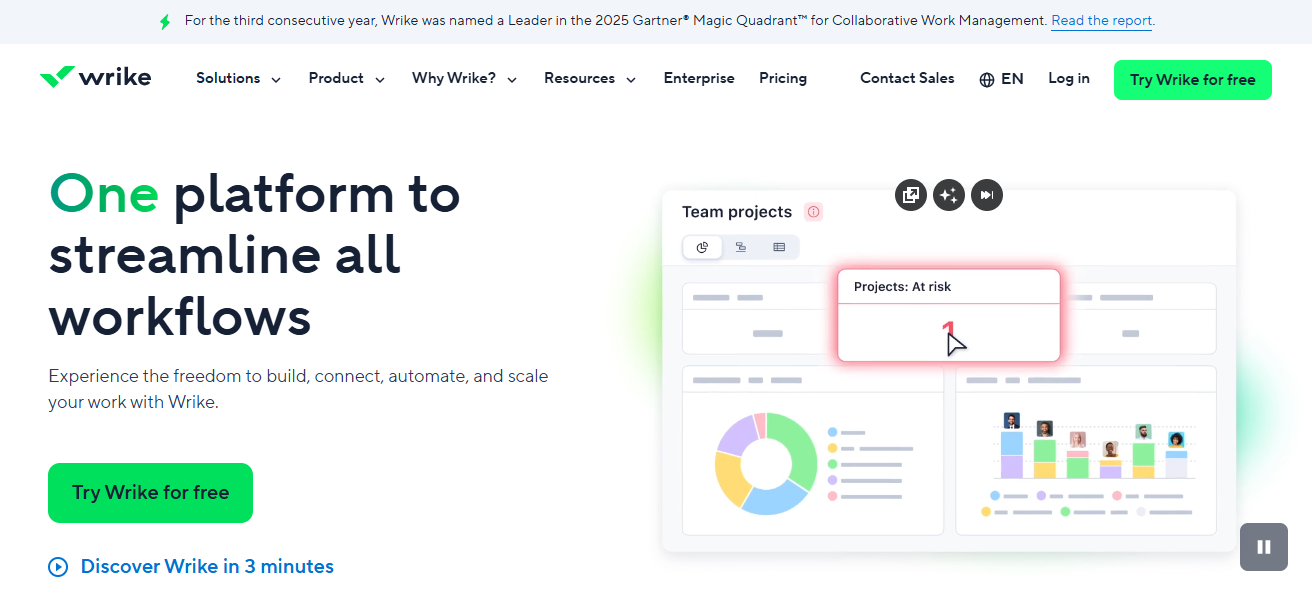
Its top-tier security, enterprise-grade features, and integration capabilities allow businesses to merge multiple applications effortlessly.
The combination of control, transparency, and scalability makes Wrike a viable candidate for professional project management.
Wrike Features
- Project Planning & Tracking: Gantt charts, workload management, and task dependencies for your complex projects.
- Custom Workflows: Dashboards and workflows can be tailored to your team.
- Collaboration Features: Discussions, approvals, and real-time document editing.
- Reporting & Analytics: Insights into resource management and performance tracking.
| Pros | Cons |
|---|---|
| Strong project tracking with Gantt charts and dashboards | Interface can feel complex for beginners |
| Real-time collaboration and reporting | Limited offline capabilities |
| Customizable workflows and dashboards | Can be expensive for small teams |
| Enterprise-grade security and integrations | Some users report slow performance on large projects |
| Task dependencies and workload management | Mobile app features are limited compared to web version |
3. Teamwork.com
With a focus on simplification of project, client, and team management, Teamwork.com stands out as an alternative to Zoho Projects.
Teamwork.com integrates task management with client services billing, invoicing, and time-tracking, which is especially beneficial to service-based businesses and agencies.
Additionally, it features custom workflows, milestone tracking, andcollaboration tools to keep teams aligned.
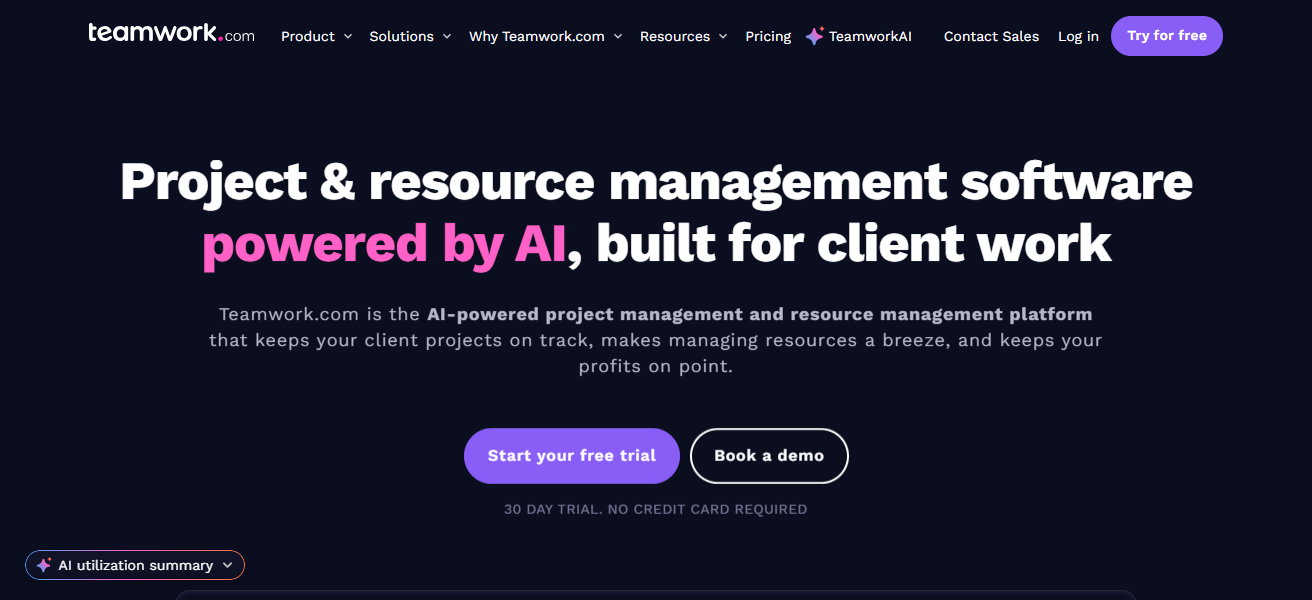
By consolidating client communication, project updates, and financial tracking, it reduces complexity, saves time, and increases delivery efficiency, solidifying its reputation as a premier project management tool.
Teamwork.com Features
- Task & Project Management: Make tasks for your projects with subtasks, milestones, and deadlines.
- Client-Focused Features: Time tracking, billing, and invoicing for service-based teams.
- Collaboration Features: Threaded comments, file sharing, and team chat.
- Workflow Customization: Project templates and flexible task statuses.
| Pros | Cons |
|---|---|
| Combines project, client, and task management | Interface may feel dated to some users |
| Time tracking and invoicing built-in | Advanced reporting can be tricky to set up |
| Customizable workflows and milestones | Steeper learning curve for beginners |
| Collaboration tools like comments and file sharing | Mobile app lacks full functionality |
| Ideal for agencies and service-based businesses | Limited free plan features |
4. Monday Work Management
Due to its unique flexibility, visual clarity, and automation, Monday Work Management is a primary competitor to Zoho Projects.
What sets it apart is how boards, timelines, and dashboards are customizable, enabling teams to take charge on how they manage tasks, projects, and workflows.
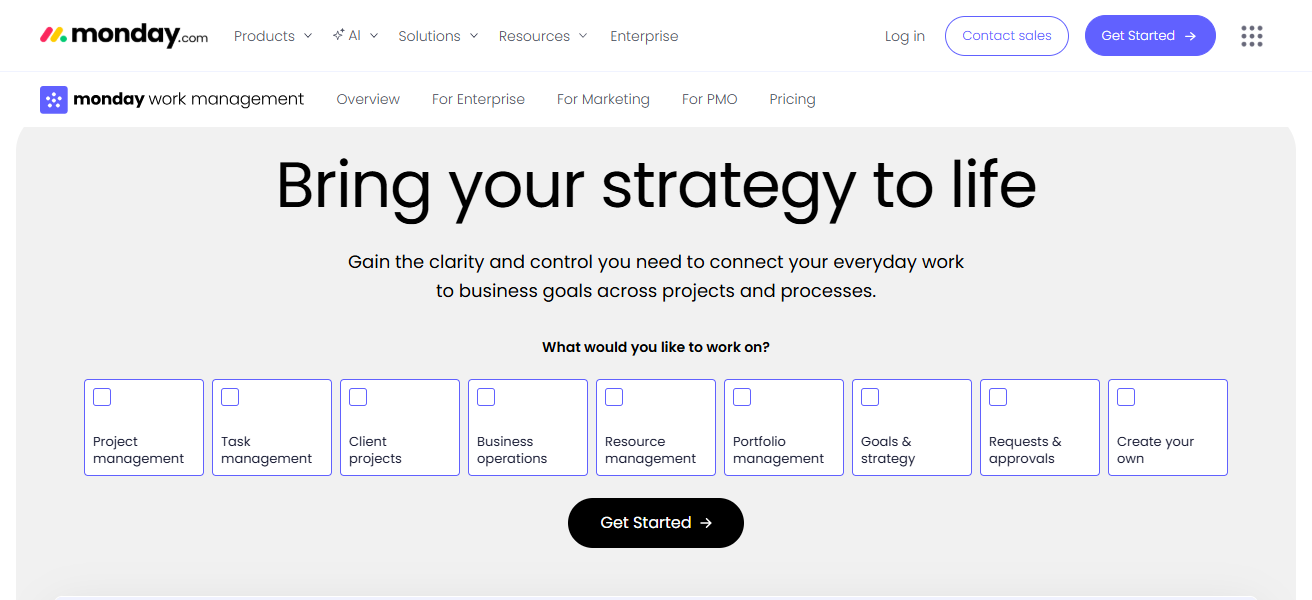
Fully equipped with automation, seamless integrations, and collaboration tools, it reduces manual tasks and keeps teams aligned for optimal real-time collaboration.
The unique visual approach and adaptability to various business sizes allows Monday.com to help teams control processes and optimize project controls.
Monday Work Management Features
- Visual Project Tracking: Timelines, dashboards, and boards for customizable project tracking.
- Workflow Automation: Saves time by automating notifications and repetitive processes.
- Multiple Views: Manage your tasks with the Kanban, Gantt, Calendar, and Table views.
- Integrations: Works with apps such as Slack, Google Workspace, and Teams.
| Pros | Cons |
|---|---|
| Highly visual with customizable boards and dashboards | Can be expensive for full-feature plans |
| Flexible workflows and automation | Advanced features may be confusing initially |
| Multiple views: Kanban, Gantt, Calendar | Reporting tools are less advanced than competitors |
| Seamless integration with other tools | Notifications can be overwhelming |
| Suitable for teams of all sizes | Some templates require manual customization |
5. Asana
Asana being a top alternative to Zoho Projects, it is known for simplifying task and project management while keeping teams organized. It has a user interface that is easy to use, integrating lists, boards, timelines, and calendars.
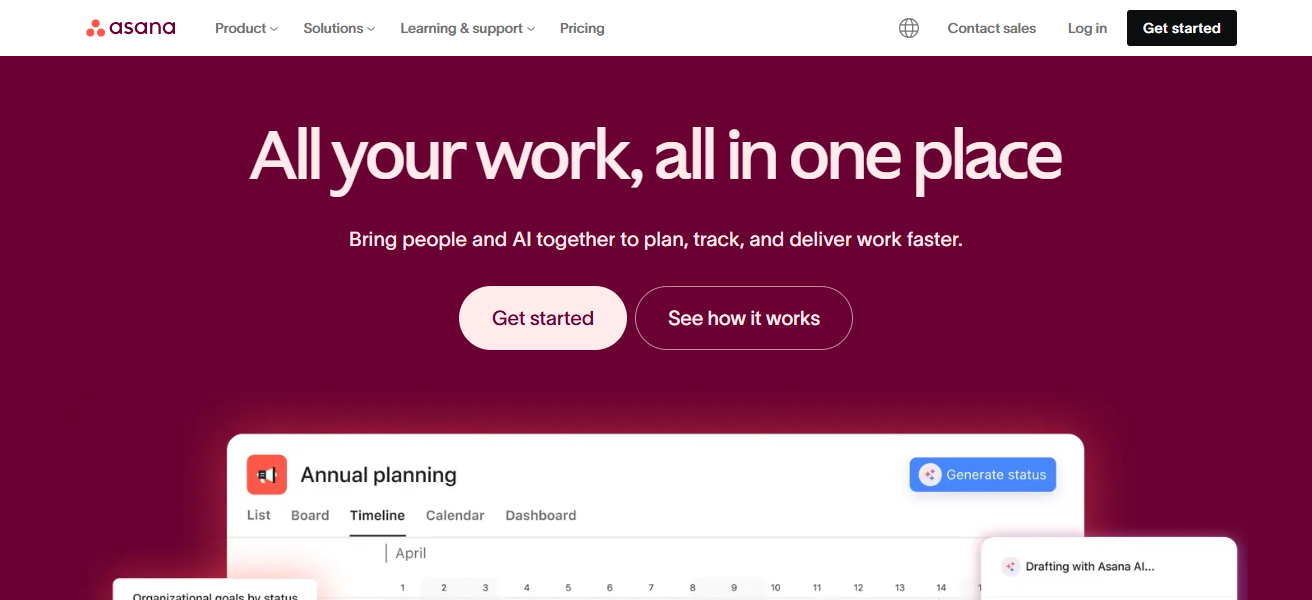
This feature enables teams to see their work how they want to. Asana is known for its sophisticated automation, and real-time collaboration.
Asana provides project visibility to help teams meet deadlines. It is a top project management tool partly due to its flexibility, use for teams and large companies, and simple design.
Asana Features
- Task Management: Manage and track tasks and their deadlines across different projects.
- Multiple Views: Lists, Boards, Timelines, and Calendar views for tracking your project visually.
- Workflow Automation: Automate tasks and reminders for approvals and other processes.
- Collaboration & Communication: All project-related discussions, comments and files are in one place.
| Pros | Cons |
|---|---|
| Intuitive interface with lists, boards, and timelines | Limited advanced reporting in basic plans |
| Strong task tracking and collaboration | Automation available only in premium plans |
| Good for cross-team project management | Can become cluttered for very large projects |
| Integrates with many apps | Offline functionality is limited |
| Scalable from small teams to enterprises | Some users find dependency tracking cumbersome |
6. ProofHub
ProofHub is excellent as an alternative to Zoho Projects because of its unique ability to blend simple ease of use with powerful project management capabilities all on one integrated platform.
Its strength and primary point of differentiation is the ability to centralize tasks and discussions with time tracking and proofing.
Because of this, project teams do not need to switch between different apps and proofing tools. The reporting and workflow customization are also unique to ProofHub.
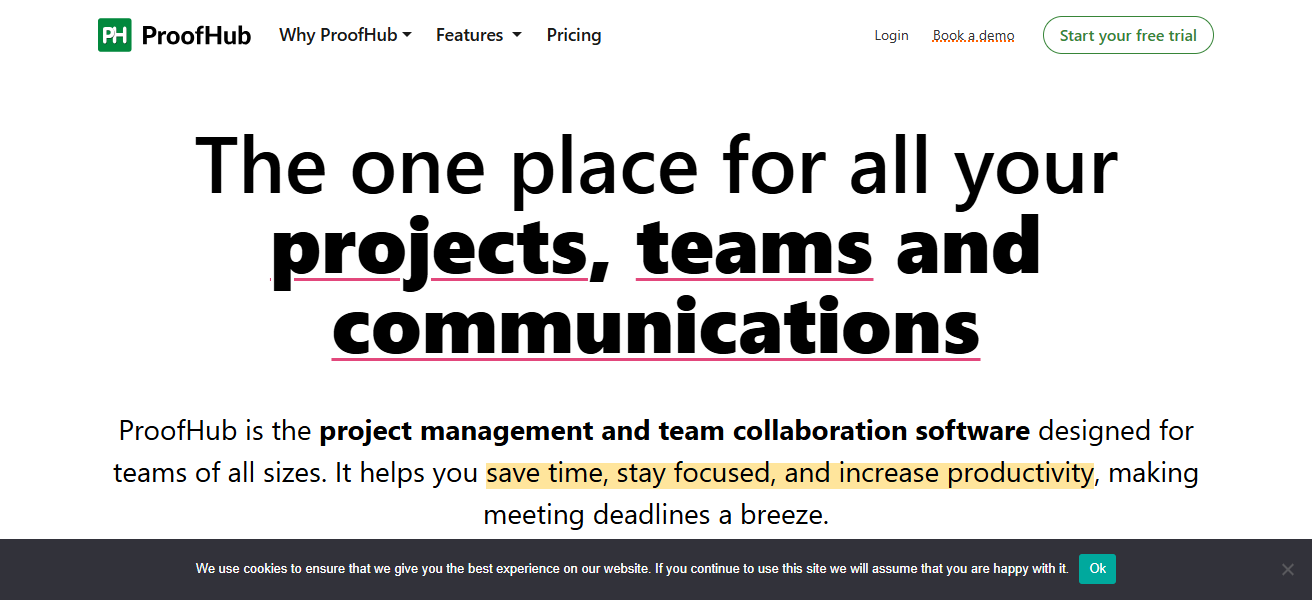
The all-in-one project management and collaboration tools in ProofHub simplifies the project management process
While enhancing and retaining transparency and control, making it an ideal solution for teams looking for a unique blend of sophistication and simplicity in project management.
ProofHub Features
- Task & Project Management: Create and prioritize tasks, assign milestones, and track steps.
- Collaboration Features: Seamless teamwork with centralized discussions, chat, and proofing.
- Time Tracking: Generate billing reports by tracking the time spent on each task.
- Custom Workflows: Create Kanban boards and other custom workflows to suit your team processes.
| Pros | Cons |
|---|---|
| All-in-one workspace for tasks, discussions, proofing, and time tracking | Limited third-party integrations |
| Simple, easy-to-use interface | Reporting tools are basic compared to competitors |
| Centralized project communication | Gantt and Kanban views are less flexible |
| Custom workflows and roles | Mobile app is not as robust as web version |
| Affordable pricing for small and medium teams | Lacks advanced automation features |
7. Jira
For software development and agile teams, Jira is one of the leading alternatives to Zoho Projects. Its advanced project and issue tracking capabilities are second to none. Jira covers not only Scrum and Kanban, but also allows teams to customize their workflows.
Jira is able to guide teams in sprint planning, progress tracking, and backlog management. Transparency and accountability are strengthened in these areas.
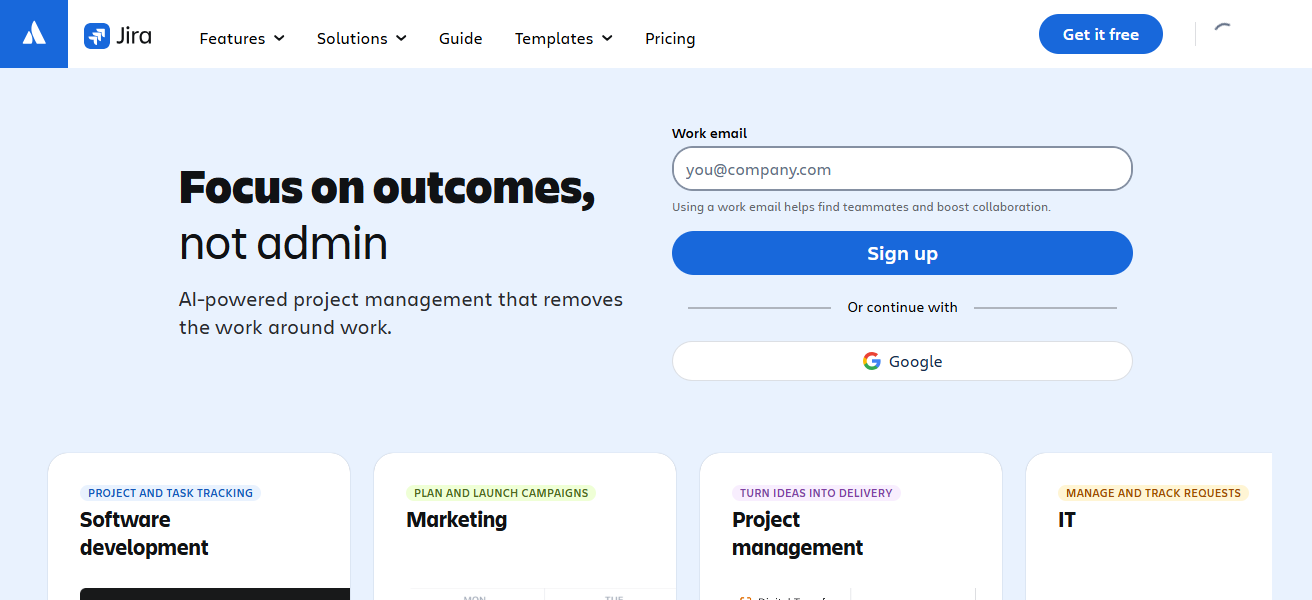
Jira’s extensive integration plans, reporting tools, and automation capabilities leave less room for manual labor and more room for project planning.
For teams focusing on development, product management, or anything with a technical aspect, Jira is one of the best options available.
Jira Features
- Agile Project Management: For development teams, supports Scrum, Kanban, and other custom workflows.
- Issue & Bug Tracking: Full history tracking of priorities and tasks, including issues and bugs.
- Automation & Integrations: Integrate developer tools such as GitHub and automate repetitive tasks.
- Reporting & Analytics: For sprint planning, track velocity, burndown, and other agile reports.
| Pros | Cons |
|---|---|
| Advanced issue and project tracking for agile teams | Steep learning curve for non-technical users |
| Supports Scrum, Kanban, and custom workflows | Can feel overly complex for small teams |
| Extensive integration ecosystem | Reporting dashboards can be complicated |
| Automation reduces manual work | User interface is less intuitive |
| Highly scalable for large organizations | Pricing grows quickly with more users |
8. Nifty
Incorporating project management, collaboration, and goal tracking, Nifty is one of the best alternatives to Zoho Projects.
ZOho Projects, with its ability to (while reducing tool sprawl) integrate tasks, milestones, documentation, and team chat (all) in one workspace.
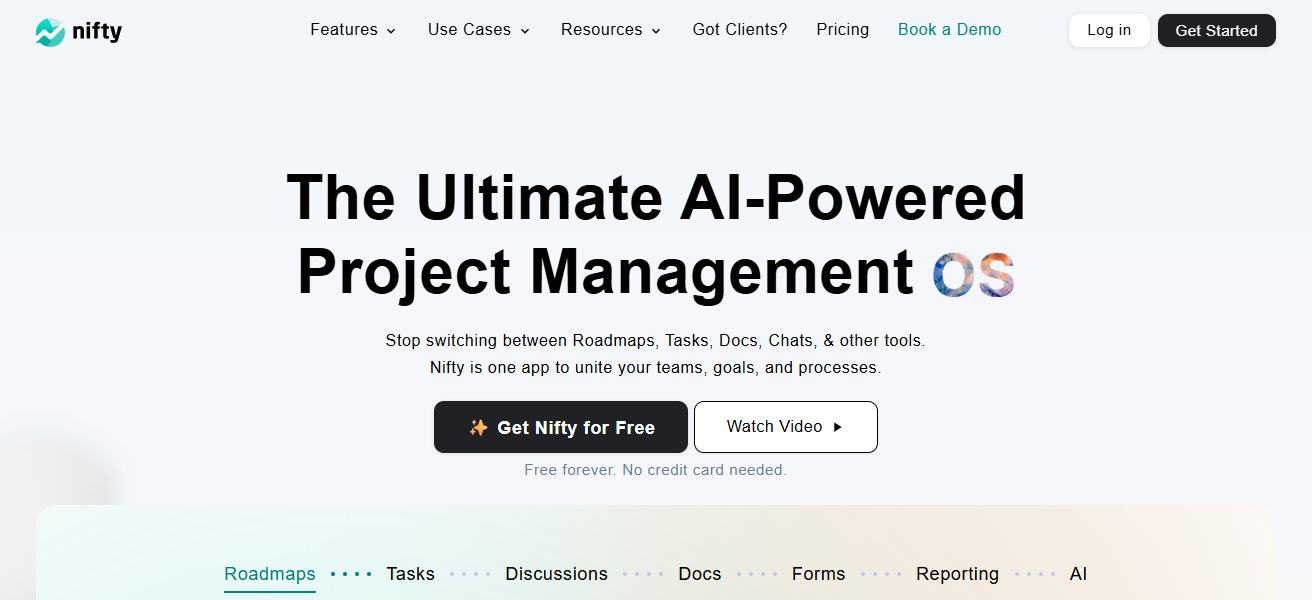
Providing teams with timeline views and intuitive interfaces, teams can easily project plan and track progress. Teams are further aligned with automated updates and notifications.
Designed with remote and hybrid teams in mind, Nifty is perfect for businesses looking for a flexible all-in-one solution to boost collaboration and productivity.
Nifty Features
- Milestone Management: Keep tabs on projects and manage milestones.
- Collaborative Integration: Merge team interactions, file sharing, and updates within a single platform.
- Calendar and Timeline Management: Efficiently manage deadlines and project timelines.
- Goal Tracking: Track tasks/projects alongside objectives.
| Pros | Cons |
|---|---|
| Combines tasks, milestones, docs, and team chat | Limited third-party integrations compared to competitors |
| Simple interface, easy onboarding | Reporting tools are basic |
| Timeline views and automated notifications | Smaller user community for support |
| Ideal for remote and hybrid teams | Mobile app has fewer features than desktop |
| Keeps all project info in one place | Some advanced features are only in paid plans |
9. Notion
Notion is a great alternative to Zoho Projects because it is highly flexible and allows for deep customization. It can be used as an integrated workspace.
Teams can build, modify, and organize their own databases, task boards, notes, and project management trackers. It keeps documentation, collaboration, and project management in one tool, allowing teams to streamline their workflow.
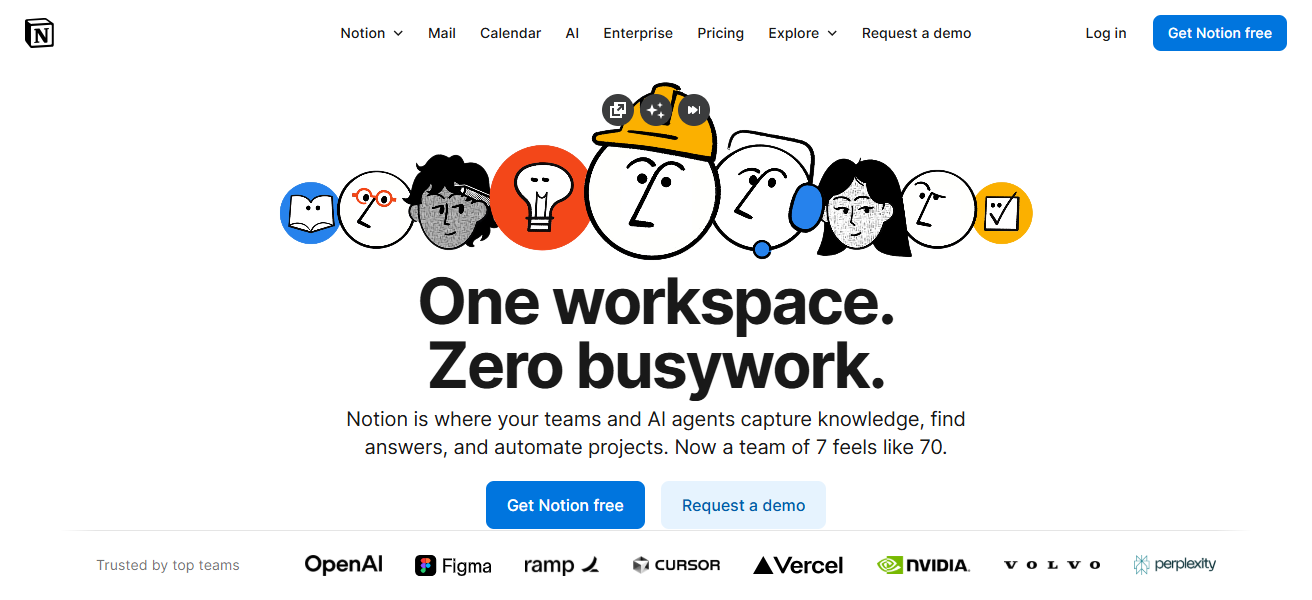
The drag-and-drop interface and collaborative tools help teams organize in exactly the way that suits them. These features make Notion a great choice for businesses that want to centralize work and knowledge and want to do so in an adaptable, efficient way.
Notion Features
- Workspace Integration: Track projects, tasks, notes, and wikis all in one.
- Custom Pages and Templates: Construct team-tailored project trackers, dashboards, and workflows.
- Collaboration Ability: team real-time edits, comments, and mentions.
- Versatile Database Views: Organize knowledge/projects in lists, calendars, boards, and tables.
| Pros | Cons |
|---|---|
| Extremely flexible for creating custom workflows | Steep learning curve for new users |
| Combines notes, databases, and project management | Limited built-in task automation |
| Highly customizable dashboards and templates | Offline mode is limited |
| Real-time collaboration and sharing | Performance can slow with large databases |
| Can replace multiple tools in one platform | Lacks native Gantt chart functionality (requires templates) |
10. Ravetree
Ravetree can be regarded as one of the best alternatives to Zoho Projects because of its integrated project, resource, and client management capabilities.
Ravetree provides comprehensive visibility into project timelines, team workloads, and budget, which is ideal for the creative and professional services sectors.
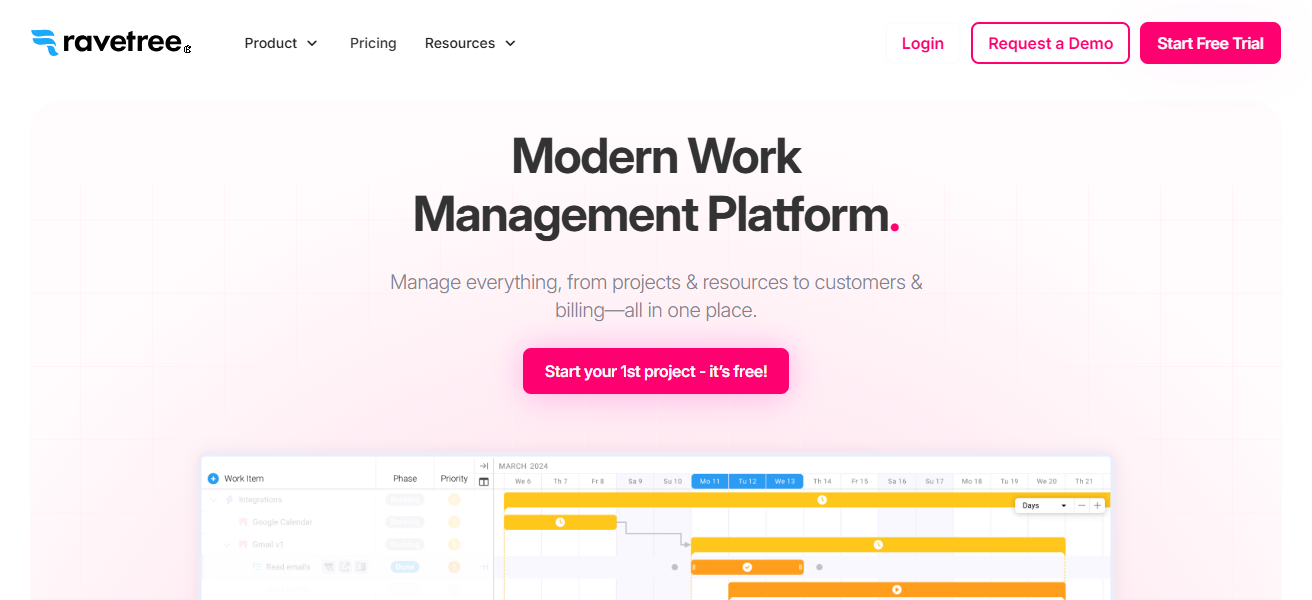
Communication, documents, and tasks are consolidated, and invoicing and expense tracking are included. Managers can use the reporting features and dashboards to assist in decision making and streamlining the use of available resources.
For clarity, efficiency, and collaboration, Ravetree provides integrated project management, making it the best alternative to Zoho Projects.
Ravetree Features
- Resource and Project Management: On one platform, manage budgets, timelines, and tasks.
- Financial and Client Tracking: Seamlessly track expenses, invoices, and client projects.
- Collaboration Tools: Team messaging, notes, and file sharing.
- Dashboards and Reporting: Analytics on project milestones, resources, and financials.
| Pros | Cons |
|---|---|
| Combines project, resource, and client management | Interface may feel complex for small teams |
| Tracks timelines, budgets, and workloads | Limited integrations with third-party apps |
| Centralizes communication, tasks, and documents | Smaller user community for troubleshooting |
| Strong reporting and dashboards | Advanced financial features require training |
| Ideal for creative and professional services teams | Mobile app features are limited |
How To Choose Best Zoho Projects Alternatives
- Assess Team Needs: Identify your teams’ workflows and collaboration in your reporting tool selection.
- Evaluate Features: Assess all features that help your projects run efficiently like automations and integrations.
- Consider Scalability: Assess if the tool can keep pace or outgrow the tool’s functionality.
- User-Friendliness: Assess the simplicity of the tool and the learning curve.
- Budget-Friendly: Assess the tools that help you align with your available budget.
- Integration Capability: Assess if the tool can integrate with your toolset like Slack or Google Workspace.
- Reporting & Analytics: Assess the tools that help you monitor progress and budget.
- Collaboration Tools: Assess tools that allow teams to update in real time.
- Customization Options: Assess tools that allow you to configure your own workflows and views.
- Support & Community: Check if the tool has established support and an active community.
Conclusion
To sum up, the Best Zoho Projects Alternatives cater to varying team requirements, be it for small startups or big companies.
Solutions such as ClickUp, Wrike, Asana, and Jira help in flexibility, collaboration, as well as robust project management.
Picking the right alternative will boost productivity, simplify team management, improve project tracking, and streamline processes.
FAQ
ClickUp, Wrike, Asana, monday Work Management, Teamwork.com, Jira, Notion, Nifty, ProofHub, and Ravetree.
Nifty, ProofHub, and Notion are ideal for small or growing teams.
Jira is designed for agile development with Scrum and Kanban support.
Yes, ClickUp, Teamwork.com, ProofHub, and Ravetree include built-in time tracking.