By using this site, you agree to the Privacy Policy and Terms of Use.
Accept
CoinworldstoryCoinworldstoryCoinworldstory
  • HOME
  • CRYPTO
    • AI
    • BOTS
    • ICO
    • AIRDROP
      • Featured Airdrops
    • Price Prediction
    • EXCHANGE
      • Best Centralized Exchange List 2025
      • Best Decentralized Exchange List 2025
    • ALTCOIN
    • Alt Coin Signal
    • Crypto Analysis
    • Bitcoin Loan
    • Bitcoin Mining
    • WALLETPRO
  • PR
    PR
    If You Looking For Submit Cryptocurrency Press Releases Than Coinworldstory Is Best Choice For Crypto Press Release Submission
    Show More
    Top News
    Talisman Brings More Users and Liquidity to Polkadot with Cross-Chain Swaps
    Talisman Brings More Users and Liquidity to Polkadot with Cross-Chain Swaps
    5 months ago
    Join SIX MINING, you will become a millionaire
    Join SIX MINING, you will become a millionaire
    3 months ago
    NR7 Miner: The leading cloud mining platform in 2025
    NR7 Miner: The leading cloud mining platform in 2025 | A high-yield, zero-risk way to quickly increase wealth
    9 months ago
    Latest News
    Mingo Secures Exclusive 54-Country Ticketing Deal on Hedera
    2 days ago
    OpenServ and Neol Advance Enterprise-ready AI Reasoning Under Real-world Constraints
    3 days ago
    Aster “Human vs AI” Live Trading Competition Season 1 Concludes
    4 days ago
    PrimeXBT Expands Crypto Futures with 40 New Crypto Assets
    4 days ago
  • NEWS
    • Mining
    • Altcoins
    • Ban
    • BANKING/FINANCE NEWS
    • Bitcoin
    • Blockchain
    • CRYPTO CRIME
    • Ethereum
    • Exchange News
    • Government News
    NEWSShow More
    10 Best Crypto Presales Accepting USDT | Top Early Opportunities
    10 Best Crypto Presales Accepting USDT | Top Early Opportunities
    4 days ago
    10 Best Crypto Presales Without KYC – Private & Early Access
    10 Best Crypto Presales Without KYC – Private & Early Access
    4 days ago
    10 Best Crypto Presales For Long-Term Holding 2026
    10 Best Crypto Presales For Long-Term Holding 2026
    5 days ago
    10 Best Crypto Presales Under $1 – Top Affordable Tokens 2026
    10 Best Crypto Presales Under $1 – Top Affordable Tokens 2026
    5 days ago
    10 Most Popular Types of Crypto Coins You Should Know In 2025
    10 Most Popular Types of Crypto Coins You Should Know In 2025
    1 month ago
  • MORE
    • Guide
    • Only Best
    • Off Topic
    • Best Affiliate Marketing
    • Best Affiliate Programs
    • BOTS
    • Trusted Currency Exchanger Platform
    • Blockchain Games
    • Metaverse Review : Best Metaverse Program Review
    • Online Survey
    • Payment Platform
  • VPN
  • Contact Us
Reading: How to Add Custom BNB Chain Tokens To Trust Wallet
Share
Notification Show More
Font ResizerAa
CoinworldstoryCoinworldstory
Font ResizerAa
  • ADVERTISEMENT
  • SUBMIT PR
  • CONTACT
  • GUEST POST
  • ABOUT US
  • DMCA
  • SITEMAP
  • DISCLAIMER
  • PRIVACY POLICY
Search
  • HOME
  • CRYPTO
    • AI
    • BOTS
    • ICO
    • AIRDROP
    • Price Prediction
    • EXCHANGE
    • ALTCOIN
    • Alt Coin Signal
    • Crypto Analysis
    • Bitcoin Loan
    • Bitcoin Mining
    • WALLETPRO
  • PR
  • NEWS
    • Mining
    • Altcoins
    • Ban
    • BANKING/FINANCE NEWS
    • Bitcoin
    • Blockchain
    • CRYPTO CRIME
    • Ethereum
    • Exchange News
    • Government News
  • MORE
    • Guide
    • Only Best
    • Off Topic
    • Best Affiliate Marketing
    • Best Affiliate Programs
    • BOTS
    • Trusted Currency Exchanger Platform
    • Blockchain Games
    • Metaverse Review : Best Metaverse Program Review
    • Online Survey
    • Payment Platform
  • VPN
  • Contact Us
Have an existing account? Sign In
Follow US
© 2022 Foxiz News Network. Ruby Design Company. All Rights Reserved.
Home » Blog » How to Add Custom BNB Chain Tokens To Trust Wallet
Guide & Crypto Education

How to Add Custom BNB Chain Tokens To Trust Wallet

Gixona
Last updated: 19/10/2025 5:45 PM
Gixona
3 months ago
Share
Disclosure: We are not a registered broker-dealer or an investment advisor. The services and information we offer are for sophisticated investors, and do not constitute personal investment advice, which of necessity must be tailored to your particular means and needs.!
How to Add Custom BNB Chain Tokens To Trust Wallet
SHARE

In this article, I will explain the process of adding custom BNB Chain tokens to Trust Wallet. Since many tokens are not automatically available in the wallet, it is important to add them manually.

Contents
  • What is a Custom BNB Chain token?
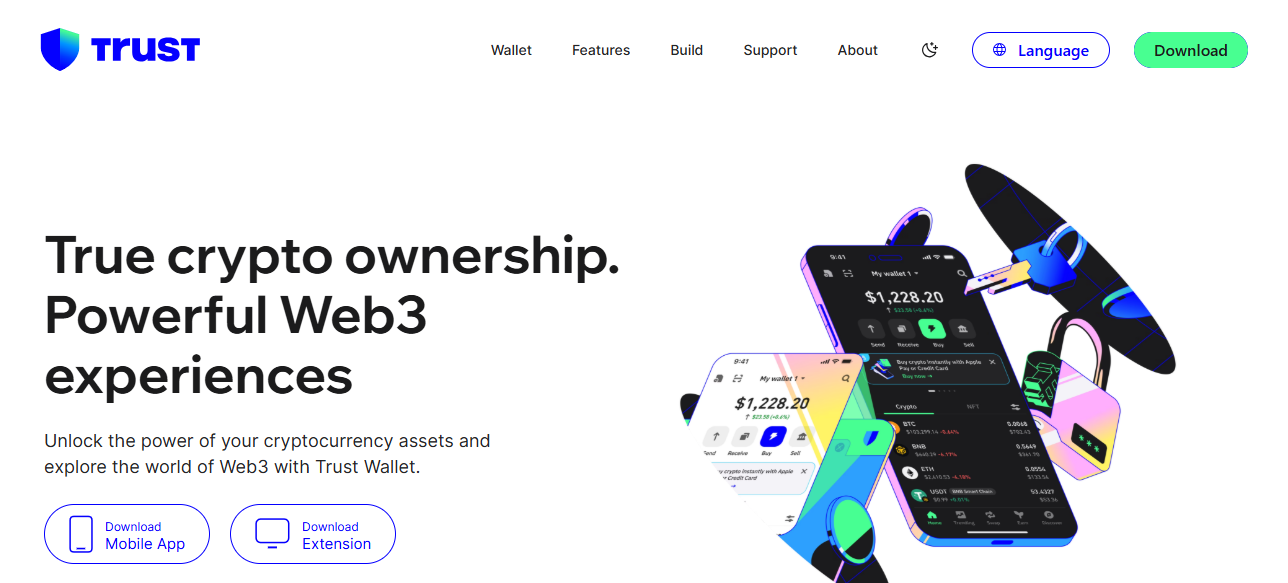
  • How To Add Custom BNB Chain Tokens to Trust Wallet
    • How To Add Custom BNB Chain Tokens to Trust Wallet
    • Open Trust Wallet
    • Go to the Wallet Tab
    • Search for the Token
    • Add Custom Token
    • Enter Token Details
    • Save the Token
    • Verify Your Token
    • Optional: Troubleshoot Issues
  • Avoiding Scams When Adding Tokens
  • Tips and Best Practices
  • Common Issues and Troubleshooting
  • Conclsuion
  • FAQ

I will provide a step-by-step guide on how to find the token details, input them accurately, and confirm that your assets are safely displayed so that you can manage your BNB Chain tokens without any worries.

What is a Custom BNB Chain token?

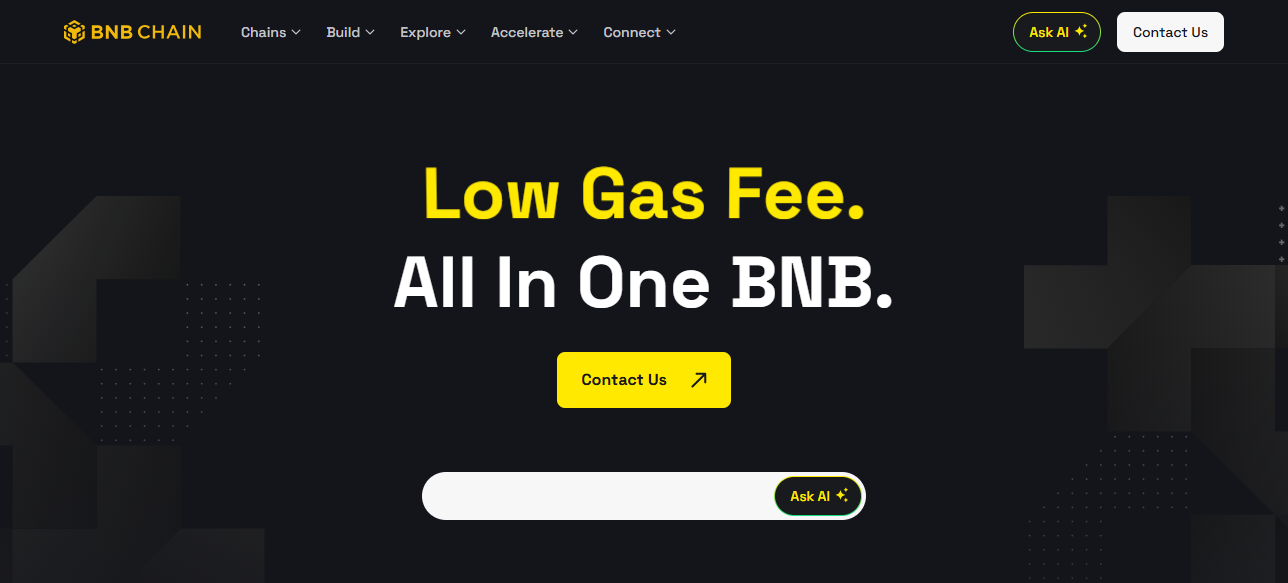
A custom BNB Chain token is a cryptocurrency built on the BNB Smart Chain (BEP-20) that doesn’t get listed on wallets such as Trust Wallet automatically.

These token types are frequently developed by DeFi (decentralized finance) start-ups or smaller community projects.

- Advertisement -

Since these tokens are not preloaded in the wallets, users must add them manually by filling in the token’s contract address, name, symbol, and decimals.
What is a Custom BNB Chain token?

This process ensures that token holders are able to see their balance and have the ability to send and receive the custom token safely.

To avoid scams, rewards, or lost funds, contract addresses and other pertinent details must always be verified and retrieved from reliable vendors.

How To Add Custom BNB Chain Tokens to Trust Wallet

How To Add Custom BNB Chain Tokens to Trust Wallet
How To Add Custom BNB Chain Tokens to Trust Wallet

Open Trust Wallet

  • Open Trust Wallet on your mobile device.
  • Your wallet should be secured with a password or biometrics.

Go to the Wallet Tab

  • Click on the Wallet tab to see your assets in the bottom section of your screen.

Search for the Token

  • Click on the search bar and see if the token is listed in the wallet.
  • If it isn’t listed, you should add it yourself.

Add Custom Token

  • Click the “+” icon or the “Add Custom Token.”
  • The network must be BNB Smart Chain (BEP-20).

Enter Token Details

  • Contract Address: (BscScan, CoinMarketCap, project website) and paste the link with the official contract address.
  • Name: Add the token’s name with the same name you listed.
  • Symbol: Name the token’s sign (ABC for example).
  • Decimals: It is 18 most times, check and confirm from the official source.

Save the Token

  • Tap Done or Save.
  • Your token will now show up in your wallet along with your balance.

Verify Your Token

  • Confirm that the token balance is displayed.
  • If not, recheck the contract address and the network you are using.

Optional: Troubleshoot Issues

  • If the token still does not show up, refresh or restart Trust Wallet.
  • Make sure you are using the right BEP-20 contract address.

Avoiding Scams When Adding Tokens

Validate Addresses: Always verify the token contract addresses on reputable sites like BscScan or Etherscan before adding them to your wallet.

Assess Community Sentiment: Look at Reddit, Telegram, or Discord community discussions. Scam communities tend to be quiet, indicating potential red flags.

- Advertisement -

Identify Scam Clones: Fraudulent token schemes duplicate popular token names. Always verify the contract address and project to avoid fake tokens.

Risk Assess Transactions: Analyze token transaction histories with block explorers. Sudden spikes or concentrated addresses might suggest scams or pump-and-dump schemes.

Unsolicited Tokens: Delete and avoid tokens advertised in emails, texts, or social media. These aggressive approaches are a hallmark of scams.

- Advertisement -

Tips and Best Practices

How To Add Custom BNB Chain Tokens to Trust Wallet

Double-check Contract Addresses: Safeguard yourself from fraudulent tokens by verifying token contract addresses on official pages and sites like BscScan or CoinMarketCap.

Avoid Sending Funds to Unverified Tokens: Tokens that lack verification should never have BNB or other cryptocurrencies sent to them, or else they may be lost permanently.

Regularly Update Trust Wallet: Updates provide you with the most recent features, tokens, security improvements, and better compatibility with BNB Chain assets.

Common Issues and Troubleshooting

Double Checking: Check to see whether all the token’s details (contract address, name, symbol and decimals) are all accounted to prevent balances from going missing.

App Must Be Updated: Trust Wallet makes it easy to forget to update the app. Not having the most updated version will cause tokens not to display properly.

Support: Reach out to Trust Wallet Support in the case of unverified issues.

Conclsuion

In Conclusion, adding custom BNB Chain tokens to Trust Wallet enables secure management and tracking of lesser-known assets.

Always check contract addresses, use reliable sources, and keep your wallet updated to mitigate scam risks.

With these procedures and safety tips, adding, monitoring, and interacting with custom tokens while safeguarding your crypto investments is done with confidence.

FAQ

What is a custom BNB Chain token?

A token on BNB Smart Chain not listed by default in Trust Wallet.

Why add a custom token?

To view and manage tokens not automatically displayed in your wallet.

How do I find the contract address?

Check official project sites, CoinMarketCap, or BscScan.

What details are needed to add it?

Contract address, token name, symbol, decimals, and network (BEP-20).

How do I add it in Trust Wallet?

Go to Wallet → “+” → Add Custom Token → Enter details → Save.
10 Top Platforms to Stake KAS For Maximum Rewards In 2026
10 Best Travel Agency for USA Travel Booking – Top Picks 2026
10 Best Rabby Extension Alternatives for Secure Crypto Wallets
How To Protect Your Money From Currency Fluctuations
How To Build a Global Investment Portfolio With $100
Share This Article
Facebook Email Print
Previous Article 10 Best Copy Trading Platforms In Indonesia for 2025 10 Best Copy Trading Platforms In Indonesia for 2025
Next Article Why Is My Swap Failing? Common Fixes For New Users Why Is My Swap Failing? Common Fixes For New Users
LearnGPT : To Know More About This Crypto Read Our Article
Crypto Coin Review Best Crypto Coin Review In This Page
How to Delete Payee on Barclays App : A Step-by-Step Guide
How To Delete
7 Best Crypto Exchange In Saudi Arabia
Best Centralized Exchange List 2025
7 Best Litecoin Debit Card
7 Best Litecoin Debit Card: Top Litecoin Debit Card
Only Best

Latest Published

How To Legally Reduce Taxes as a Global Freelancer

How To Legally Reduce Taxes as a Global Freelancer

1 month ago
steet

How Multi-Asset Investing Works: Beginner’s Global Guide

1 month ago
10 Most Underrated Global Wealth Hubs Beyond Dubai & Singapore

10 Most Underrated Global Wealth Hubs Beyond Dubai & Singapore

1 month ago
How AI Transforms Global Personal Finance In 2026

How AI Transforms Global Personal Finance In 2026

1 month ago
  • ADVERTISEMENT
  • SUBMIT PR
  • CONTACT
  • GUEST POST
  • ABOUT US
  • DMCA
  • SITEMAP
  • DISCLAIMER
  • PRIVACY POLICY
10 Best Travel Agency for Dubai Tour Booking – Top Picks 2026
Trending
10 Best Investment Opportunities In Emerging Asian Economies
Trending
10 Best Travel Agencies For Canada Visa Services 2026
Trending
CoinworldstoryCoinworldstory
Follow US
© Coinworldstory News Network. Cws Design Company. All Rights Reserved.
  • ADVERTISEMENT
  • SUBMIT PR
  • CONTACT
  • GUEST POST
  • ABOUT US
  • DMCA
  • SITEMAP
  • DISCLAIMER
  • PRIVACY POLICY
coinworldstory logo coinworldstory logo
Welcome Back!

Sign in to your account

Username or Email Address
Password

Lost your password?