This article mentions the Best SaaS Tools for AI Video Generation & Editing that are changing the way videos can be created and edited.
These AI-driven platforms help users create professional, high-quality videos from text, images and different scripts in no time.
You will discover, the best tools to enhance creativity video production with ease and save valuable time for makers.
Key Poinst & Best SaaS Tools for AI Video Generation & Editing
Runway Gen-4 – Creates cinematic AI videos with realistic motion, camera control, and advanced editing features.
Google Veo – Generates high-quality cinematic videos with synchronized audio, strong prompt accuracy, and realistic visuals.
Synthesia – AI avatar-based video tool for training, onboarding, and professional corporate communication videos.
HeyGen – Produces realistic talking avatar videos with multilingual lip-sync and fast customization options.
Pictory – Converts blog posts or scripts into short, engaging social media videos automatically.
Lumen5 – Transforms written content into video using AI-selected visuals, templates, and automated editing workflows.
Descript – AI video editor allowing text-based editing, podcast repurposing, and automatic transcription-based workflow.
CapCut – Free AI-powered editor offering auto captions, templates, effects, and social media optimization tools.
InVideo – Drag-and-drop SaaS video platform generating marketing videos using templates and AI scripting assistance.
Opus Clip – Automatically converts long videos into viral short clips using AI-powered highlight detection.
10 Best SaaS Tools for AI Video Generation & Editing
1. Runway Gen-4
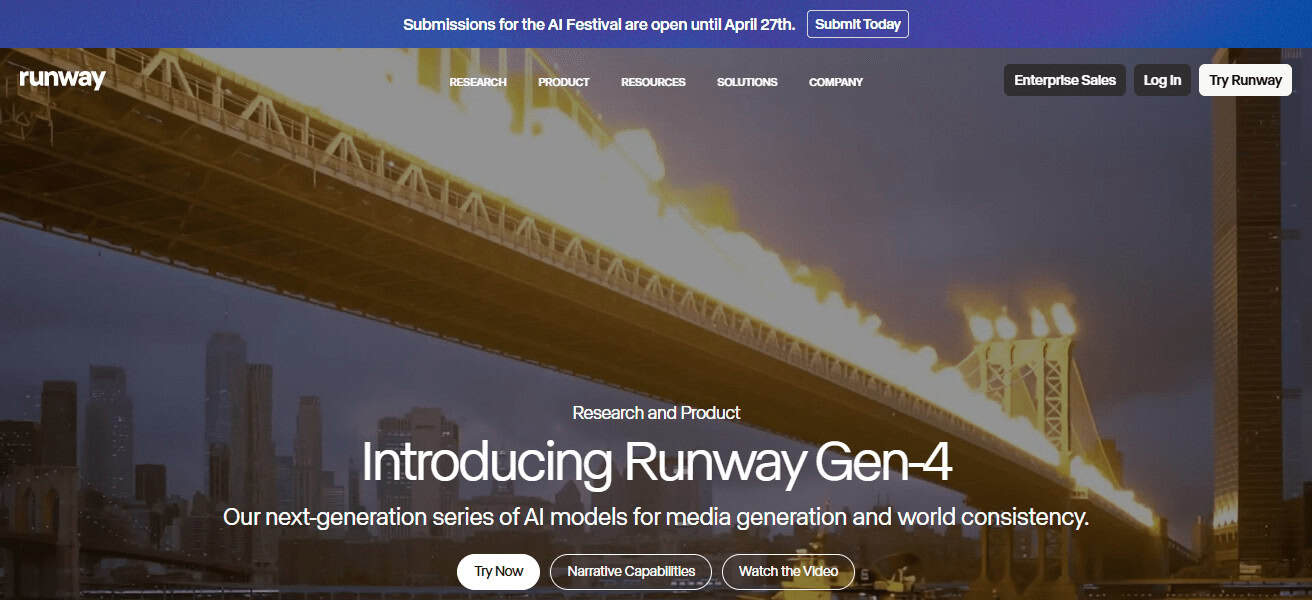
Runway Gen-4 is an AI video generation SaaS tool catering to creators, filmmakers & marketers—amongst the newest cutting-edge tools.
HuggingFace’s Stable Diffusion video plugin allows users to create photorealistic Videos out of text prompts or images with detailed motion, atmosphere and camera direction control.
The platform is known for its cinematic quality outputs and professional-level editing features such as inpainting, motion tracking, and background removal.
It is a highly revolved tool in industries of creativity used for storytelling, ads and visualising concepts.
But Runway adds team-specific cogs and gears with collaborative tools. It is the fastest and most photorealistic choice out there for next generation AI video production workflows.
| Feature | Explanation |
|---|---|
| Text-to-video generation | Creates realistic cinematic videos from simple text prompts quickly. |
| Advanced camera control | Allows control over motion, angles, lighting, and scene composition. |
| AI editing tools | Includes inpainting, background removal, and motion tracking features. |
| Team collaboration | Supports real-time teamwork for professional video production workflows. |
2. Google Veo
Veo is a state-of-the-art AI video generation model by Google that generates high-quality cinematic videos from text prompts. This is photorealism, motion continuity and the uniformity of visual narrative from scene to scene.
This enables Veo to create long-form videos in which environments, physics, and camera motion are represented more realistically making it ideal for filmmakers and content creators.

It even enables synchronized audio generation, further enhancing immersion and production quality.
This means that being backed by Google, it has a state-of-the-art AI research and infrastructure. This places Veo on the map high above many AI video competitors and at scale for professional-
level video production and creative storytelling applications — two areas poised to explode in value as we continue to blend data, emotion, benefits, and experience into our posts.
| Feature | Explanation |
|---|---|
| Cinematic video generation | Produces high-quality realistic videos with strong visual storytelling. |
| Long-form capability | Supports extended videos with consistent scenes and continuity. |
| Physics accuracy | Generates realistic motion and environment interactions in videos. |
| Audio synchronization | Adds AI-generated sound aligned with visuals for immersion. |
3. Synthesia
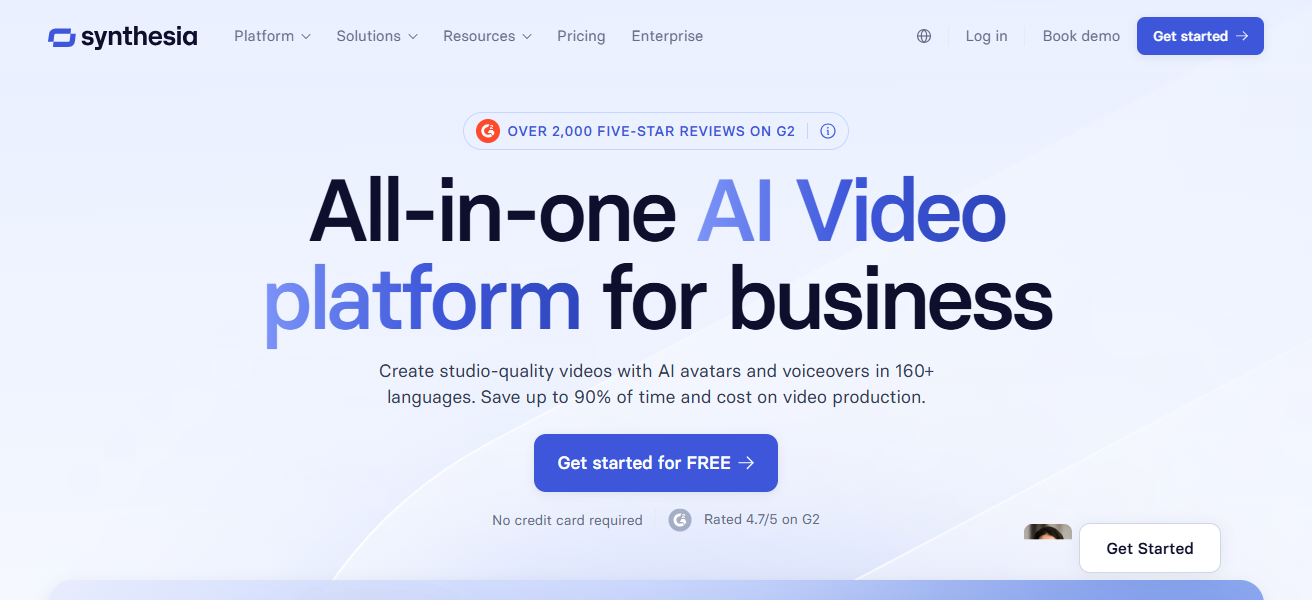
Synthesia is an AI video creation platform that focuses mainly on generating avatar videos for business as well as educational usage.
With Synthesia, users convert scripts into videos with a realistic avatar or AI presenters that talk and even speak in multiple languages.
This is used commonly for corporate training, onboarding, marketing and internal comms. With Synthesia, you can produce without cameras, actors or a studio – and therefore production costs drop considerably.
It provides customizable avatars, voice options, and branding tools for proper company identity. Easy-to-use and scalable, making it perfect for the enterprises that need consistent video content creation at scale with global teams and licenses—across audiences.
| Feature | Explanation |
|---|---|
| AI avatars | Creates realistic virtual presenters from simple scripts. |
| Multi-language support | Generates videos in multiple languages for global audiences. |
| No camera needed | Eliminates need for filming equipment or actors. |
| Corporate use focus | Ideal for training, onboarding, and business communication videos. |
4. HeyGen
HeyGen is an AI video creation SaaS that creates realistic talking avatar videos. Users enter text and it creates a video, that naturally lip syncs and moves the face.
Popularity of this platform for worldwide marketing, sales volumes and education content are supported by multiple languages.
Users are also given the option to create avatars, backgrounds, and tones. HeyGen is used for explainer videos, product demos and personalized messaging at scale.
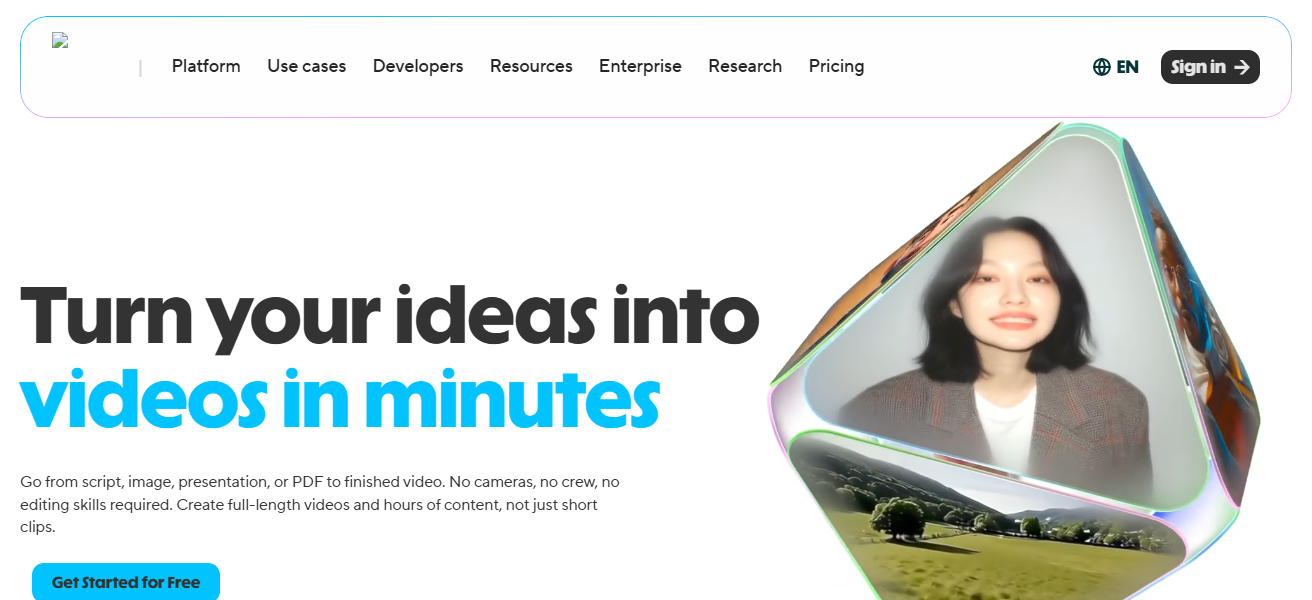
Thanks to its speedy rendering and simple user interface, it has become the software of choice for creators seeking high-quality videos without any knowledge in terms of editing or production costs.
| Feature | Explanation |
|---|---|
| Talking avatars | Generates realistic speaking avatars with lip-sync accuracy. |
| Personalization tools | Allows custom avatars, backgrounds, and voice styles. |
| Multi-language output | Supports global communication with translated video creation. |
| Fast rendering | Produces high-quality videos in minimal processing time. |
5. Pictory
Pictory is an AI video-making platform that converts long-form content like blogs, scripts, or articles into short videos.
It auto-selects appropriate images, video footage, and even captions that fit the content context. I highly recommend it for social media marketing, YouTube shorts, and repurposing content.

Users enter some text and the AI that does everything, editing, trimming and creates scenes. Pictory allows voiceover options and branding capabilities in addition.
It autonomously spares time for marketers and content creators who want to easily scale video production without hand editing at the cost of quality or engaging an audience.
| Feature | Explanation |
|---|---|
| Script to video | Converts articles, blogs, and scripts into videos automatically. |
| Stock media integration | Adds relevant visuals and clips using AI selection. |
| Auto captioning | Generates subtitles for better engagement and accessibility. |
| Social media focus | Optimizes videos for YouTube Shorts and social platforms. |
6. Lumen5
Lumen5 is an AI video maker which lets you turn written content into visually appealing videos. Using artificial intelligence, it analyzes text for content and automatically recommends relevant images, video clips, and layouts.
It is a popular choice among marketers, for social media content, and storytelling. Make customized templates, brand elements, pacing to fit the message easily.
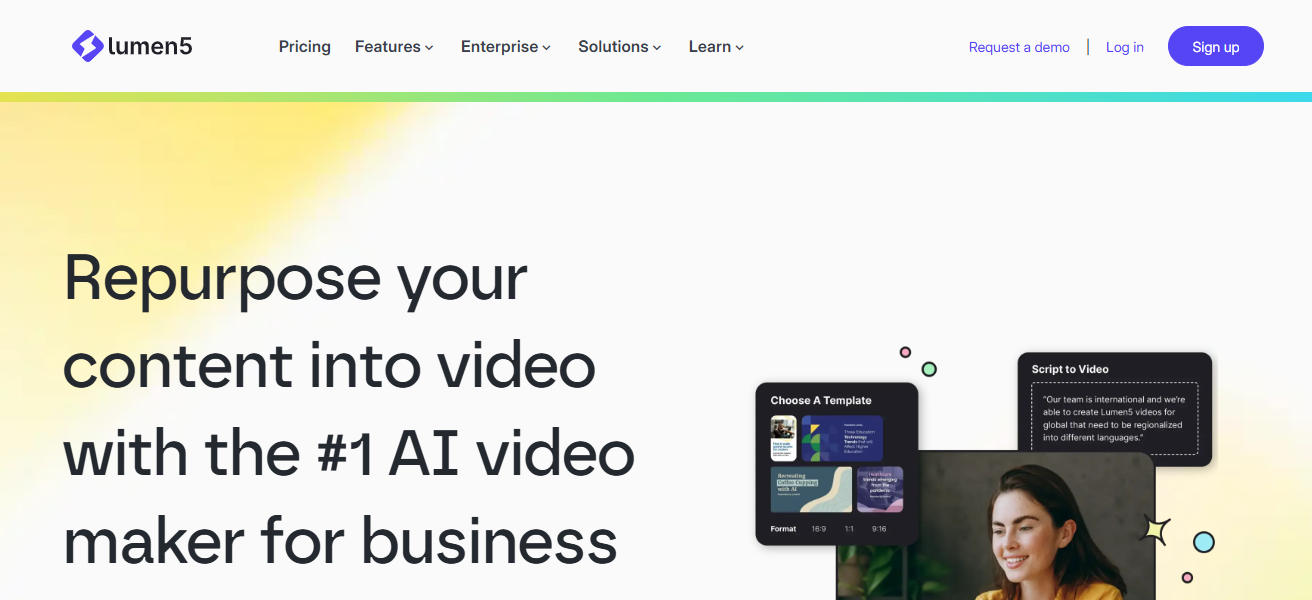
For businesses that care about taking blog posts and creating engaging videos from those blogs, we love Lumen5.
Drag-and-drop easy alongside an abundance of automation features as well as professional-level production capabilities in a scalable way.
| Feature | Explanation |
|---|---|
| Text-to-video AI | Converts written content into engaging video formats easily. |
| Smart media selection | Automatically suggests images and clips based on text context. |
| Template library | Provides customizable layouts for marketing and storytelling. |
| Branding tools | Allows logo, colors, and style customization for businesses. |
7. Descript
Descript is a new-age AI audio and video editing platform that employs a text-based editing system for videos. Editing the transcript means that users can edit videos very quickly!
This is heavily used for Podcasts, youtube videos, & some educational or formal content. The features you will have are automatic transcription, overdubbing voice cloning, screen recording and multi-track editing.

It simplifies cumbersome editing tasks and greatly decreases production time. It allows for collaboration on content projects for teams.
The newest approach to editing alone makes it a fresh and useful tool for creators who prefer textiles over conventional timeline-based video editing software.
| Feature | Explanation |
|---|---|
| Text-based editing | Edit videos by editing the transcript like a document. |
| Automatic transcription | Converts audio into editable text quickly and accurately. |
| Voice cloning | Creates AI overdub voices for corrections or narration. |
| Collaboration tools | Enables teams to edit and review projects together easily. |
8. CapCut
CapCut is a popular short-form video editing SaaS tool based on AI. It provides the capability to auto-caption, eliminate background footage, use templates, add transitions and incorporate AI effects.
CapCut is a popular tool among TikTok and Instagram creators: it is ideal for beginner video editing but has advanced tools available for professionals.

It uses its Ai features to automated music cutting, sync, & improvement of the visuals. It is completely free to use making it accessible for all.
Both mobile and desktop versions of CapCut enable smooth editing between devices. Wondershare has emerged as a brand name for quick, charming and instant viral video production within social media ecosystems.
| Feature | Explanation |
|---|---|
| Auto captions | Generates subtitles automatically for short-form videos. |
| AI effects | Provides filters, transitions, and smart visual enhancements. |
| Background removal | Removes or replaces video backgrounds easily using AI. |
| Cross-platform use | Works on mobile and desktop for flexible editing. |
9. InVideo
InVideo is an AI video creation platform that allows people to create videos like a pro with templates and do some editing using AI.
It is most commonly utilized for marketing videos, advertisement, YouTube videos and business presentations.
It takes scripts or ideas from users and automatically applies them into structured video scenes with visuals, transitions, and voiceover.

There are so many stock footage, music & templates available in InVideo. So, its drag-and-drop editor allows non-technical users to generate polished content.
The platform offers a swift scale in video production to businesses and creators who can use the tool without needing advanced editing skills or software.
| Feature | Explanation |
|---|---|
| Template-based creation | Builds videos using ready-made professional templates. |
| AI script generator | Converts ideas into structured video scripts automatically. |
| Stock media library | Offers large collection of videos, images, and music. |
| Drag-and-drop editor | Simple interface for non-technical users to create videos. |
10. Opus Clip
Opus Clip is an AI powered video repurposing tool that generates short-form, viral-ready clips from long form videos.
Using artificial intelligence, it detects highlights, top moments and hot portions of any podcasts, webinars or interviews.
It then automatically edits the selected sections into captioned optimized short videos as well formatted for TikTok, Shorts and Instagram Reels.
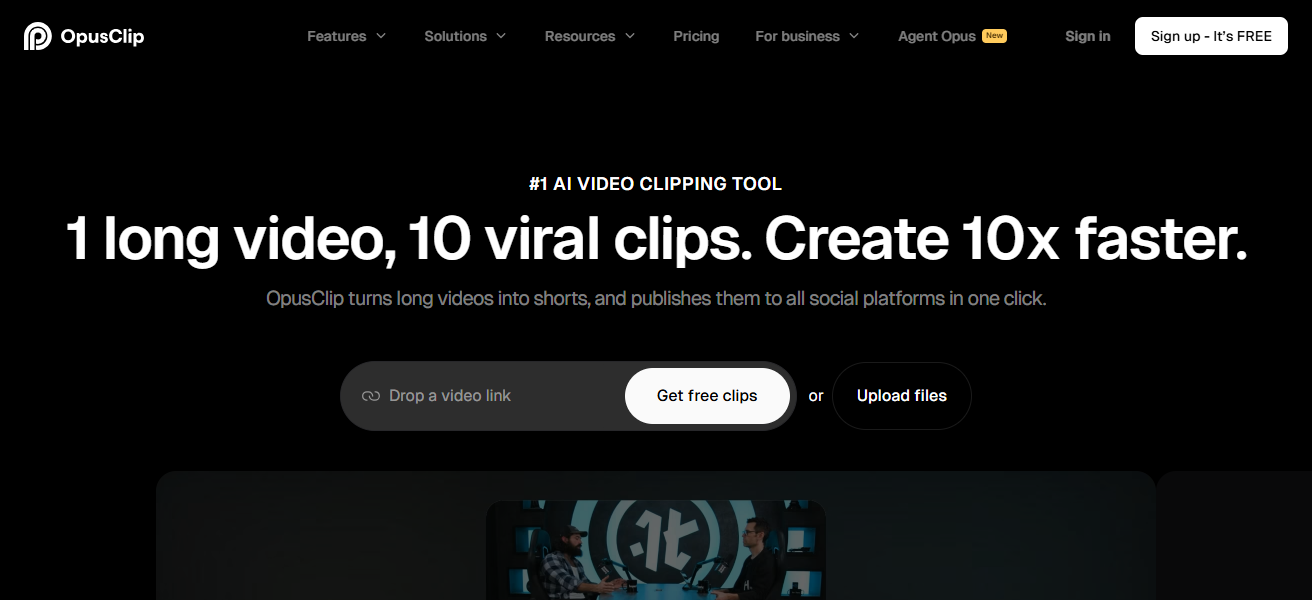
By automating the clipping and editing process, Opus Clip saves content creaters a ton of time. It employs a virality scoring system
Which ranks content for the most engagement helping you prioritise your most impactful content, turning it into an effective asset for audience growth and content distribution strategies.
| Feature | Explanation |
|---|---|
| AI clip detection | Identifies best moments from long videos automatically. |
| Short-form creation | Converts content into TikTok, Reels, and Shorts formats. |
| Auto captions | Adds subtitles for better engagement and reach. |
| Virality scoring | Ranks clips based on potential audience engagement. |
Selection Criteria for best SaaS Tools used to Generate & Edit AI Video
- AI video quality: The realism, accuracy of the motion capturing, and general cinematic output.
- User-friendly – The tools should be beginner friendly with a basic interface and simple workflows.
- Editing features – Powerful AI options such as captions, splitting videos, avatars or automation are important.
- Speed & performance — Productivity is affected by swift processing and smooth rendering.
- Customization – Control over styles, branding, avatars and visuals.
- Support for use cases — Savvy with marketing, education, social media or film.
- Pricing value — Price point is matched well with its features and output quality provided.
- Integrations – Supports integration with other tools, platforms and content workflows.
- Scalability — Able to serve Sole Creators and Teams/Business equally.
- User reviews & reliability — At the end of the day, real-world experiences matter.
Final Thoughts
Through the use of Best SaaS Tools for AI Video Generation & Editing, content creation is rapidly changing by providing more accessible and cost-effective methods of video production.
The below AI platforms are aimed at creating professional-grade videos effortlessly with the help of automation and intelligent editing functionalities.
That includes everything from marketing to education, empowering creators, businesses and professionals who are just getting started with video production in creating engaging media quickly and consistently.
FAQ
What does Pictory do?
Pictory converts blogs, scripts, and articles into short videos automatically using AI-selected visuals and captions.
What is Descript used for?
Descript allows users to edit videos by editing text transcripts, making video and audio editing simple and fast.
What makes CapCut popular?
CapCut is popular for short-form video editing with AI tools like auto captions, effects, and background removal.
What is InVideo used for?
InVideo helps create professional videos using templates, AI scripts, and drag-and-drop editing for marketing and social media.