In this article, we will take a look at what tools are the Best Screen Recorder Alternatives For PC & Mobile in 2026 updates and features.
OBS Studio, ShareX, ScreenRec(Best option), Bandicam, AZ Recorder(Best for Android & iPhone), Camtasia, FlashBack Pro, ScreenPal(Best for Windows)
ApowerREC (Best to capture audio) & QuickTime. From gaming to educational uses, business applications and more, these recorders provide unique capabilities to help everyone find the absolute best recorder for their purposes.
Key Points & Best Screen Recorder Alternatives For PC & Mobile
- OBS Studio – Free, open-source recorder offering high-quality streaming, customizable settings, and advanced scene composition tools.
- ShareX – Lightweight, open-source tool supporting screen capture, recording, editing, and direct sharing with customizable workflows.
- ScreenRec – Simple recorder with instant sharing, private cloud storage, and lightweight performance for quick recordings.
- Bandicam – High-performance recorder ideal for gaming, offering compression, real-time drawing, and high-quality output videos.
- AZ Screen Recorder – Popular Android app with no watermark, offering recording, livestreaming, editing, and screenshot features.
- Camtasia – Premium tool combining screen recording and advanced video editing, ideal for tutorials and professional presentations.
- FlashBack Pro – Powerful recorder with editing suite, no watermarks, and flexible export options for professional-quality videos.
- ScreenPal – User-friendly recorder with editing tools, hosting, and sharing features for educators and content creators.
- ApowerREC – Cross-platform recorder supporting scheduled recordings, annotations, webcam overlay, and multiple export formats for versatility.
- QuickTime Player – Built-in macOS tool allowing simple screen recording, audio capture, and basic playback functionality.
10 Best Screen Recorder Alternatives For PC & Mobile
1. OBS Studio
OBS Studio is the gold standard for free, open-source recording and streaming. Version 32.1.0, released in 2026, featured a rebuilt audio mixer with improved monitoring icons and WebRTC
Simulcast support for dynamic streaming quality across devices: Compatible with Windows, macOS, and Linux so gamers, educators, or professionals can use it.

Now, OBS integrates with popular cloud services so you can export your stream instantly as well as a number of third-party plugins that have been developed
To give it advanced scene transitions, AI-powered noise suppression, and multi-camera support for professional-grade productions.
| Feature | Details |
|---|---|
| Rebuilt Audio Mixer | Version 32.1.0 added enhanced monitoring icons and visibility. |
| WebRTC Simulcast | Adaptive streaming quality across different platforms. |
| Plugin Ecosystem | Expanding with AI-powered noise suppression and advanced transitions. |
| Multi-Camera Support | Professional-grade setups for streamers and educators. |
2. ShareX
ShareX is a Windows-only tool adored for its flexibility and automation. The 2026 update (v19. 0) added AI–powered image analysis with OpenAI and Gemini, so it’s no longer just a recorder—it’s now a productivity powerhouse.
Users can also take screenshots of areas, record GIF files and upload to cloud services immediately.

Adding to this, ShareX gained customizable workflows with optical character recognition text extraction and advanced annotation tools.
As an open-source, ever-evolving solution, the new AI addition also makes it a standby for developers, educators and professionals looking for speedy but intelligent screen-capture options.
| Feature | Details |
|---|---|
| AI Image Analysis | Uses OpenAI and Gemini for intelligent capture insights. |
| GIF Recording | Supports lightweight animated screen captures. |
| OCR Extraction | Converts captured text regions into editable text. |
| Workflow Automation | Customizable tasks for instant uploads and annotations. |
3. ScreenRec
ScreenRec is focused on simplicity and creates an instant share. It also added encrypted cloud storage with unlimited free hosting in 2026, making it a safe option for remote teams.
You can use it to record your screen, webcam, mic and system audio at the same time. The most recent version added transcription based on AI for search-friendly video notes, along with lightweight performance so it won’t slow your PCs.

ScreenRec is cross-platform (Windows, macOS, Linux), and it’s going to be free forever — so end up being points of interest like a brief tutor and business communication or collaborative work among distributed teams.
| Feature | Details |
|---|---|
| Encrypted Cloud Storage | Unlimited free hosting with secure encryption. |
| Instant Share Links | Generates shareable links immediately after recording. |
| AI Transcription | Converts recordings into searchable video notes. |
| Lightweight Performance | Runs smoothly without slowing down PCs. |
4. Bandicam
Lightweight and designed for quality capture, Bandicam remains well ahead in gaming screen recording.
In 2026, they added AI transcription, allowing gameplay recordings to be rendered into searchable text and subtitles. It also got real-time annotation tools and cloud sharing integration for Mac users.
Bandicam comes with advanced hardware acceleration which makes it smoothly record 4K gameplay without any delay, while its compression technology helps reduce file size.
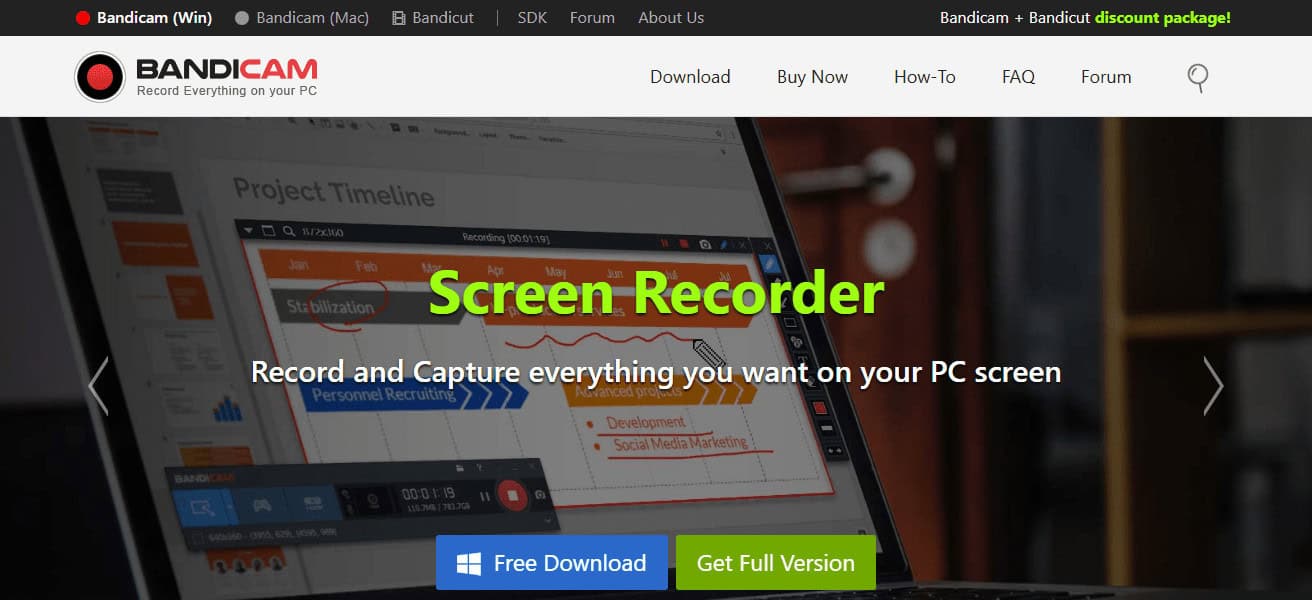
Why is it popular: Bandicam is one of the most commonly used screen recording tools by Youtube and streamers
However it can also be used to record lectures with other advantages like scheduled recording and webcam overlays.
| Feature | Details |
|---|---|
| AI Transcription | Converts gameplay into searchable subtitles. |
| Real-Time Annotation | Draw and highlight during recording sessions. |
| Hardware Acceleration | Smooth 4K capture with minimal lag. |
| Scheduled Recording | Automates recording for games or tutorials. |
5. AZ Recorder
AZ Screen Recorder was recently ranked as one of the most popular Android screen recorders, with over 100M downloads.
Version 6.8.1 was even more stable and added improved internal audio capture for Android 14 devices in early 2026.
It provides free recording without watermarks or time limits, and live streaming to sites like Facebook and YouTube.
AZ also provides video editing, GIFs and screen drawing while recording. Thanks to its lightweight design and simple interface, it is best suited for mobile gamers, app reviewers, and educators who need quick tutorials on mobile.
| Feature | Details |
|---|---|
| Internal Audio Capture | Enhanced support for Android 14 devices. |
| No Watermark | Free recording without branding or limits. |
| Live Streaming | Direct broadcast to Facebook and YouTube. |
| GIF Creation | Converts recordings into lightweight GIFs. |
6. Camtasia
Camtasia, which is now known as Camtasia Editor, is a paid solution for creating professional videos. In 2026, it launched Auto captions, text-based editing powered by Audiate and a Rev Media layout updated.
Camtasia classes PowerPoint integration and drag-and-drop editing, as well as transitions and interactive quizzes. It’s also extensively used in corporate training, e-learning and marketing.
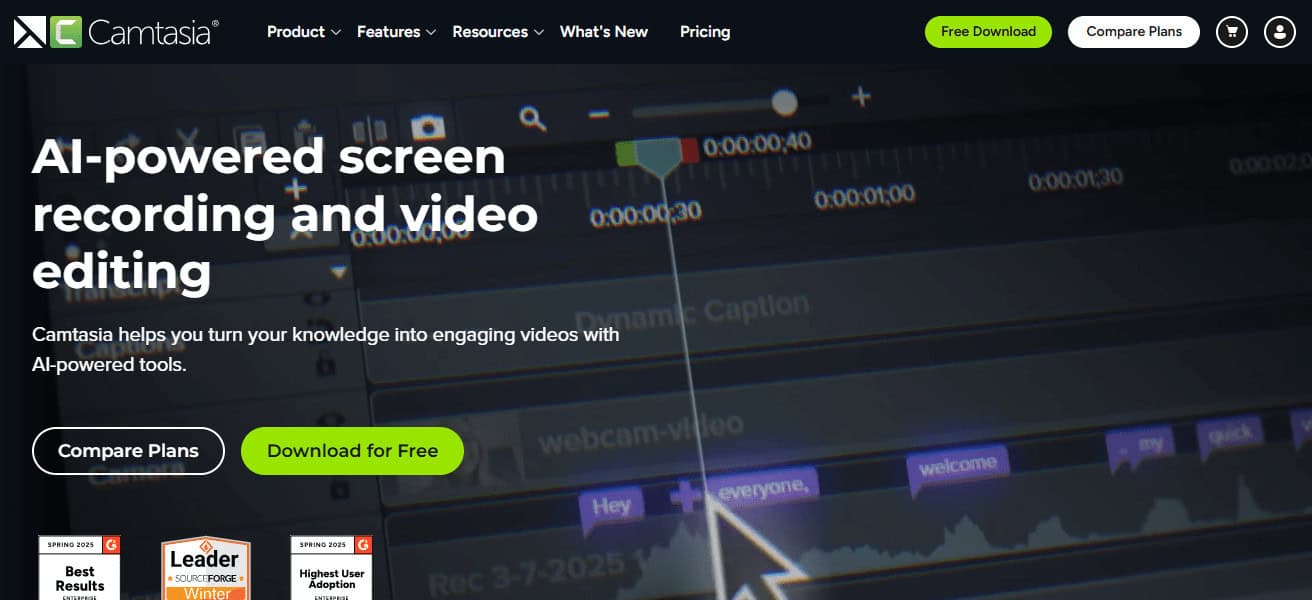
This latest version also included AI-driven audio cleanup and smart templates that allow users to produce faster.
Bit pricey when compared with the free options, but Camtasia’s extensive editing suite makes it the powerhouse of choice for polished professional content.
| Feature | Details |
|---|---|
| Automatic Captions | AI-driven subtitle generation for accessibility. |
| Text-Based Editing | Integrated with Audiate for script-level edits. |
| PowerPoint Integration | Seamless recording and editing of presentations. |
| Smart Templates | AI-assisted layouts for faster video production. |
7. FlashBack Pro
FlashBack Pro is a powerful audio recorder that works on Windows and you also get an advanced editor with it.
In 2026, it also introduced green screen effects, frame-by-frame editing and direct YouTube upload.
During recording, users are able to annotate, zoom, pan and blur sensitive information. Its scheduled(receding) feature is good for webinars and tutorials.
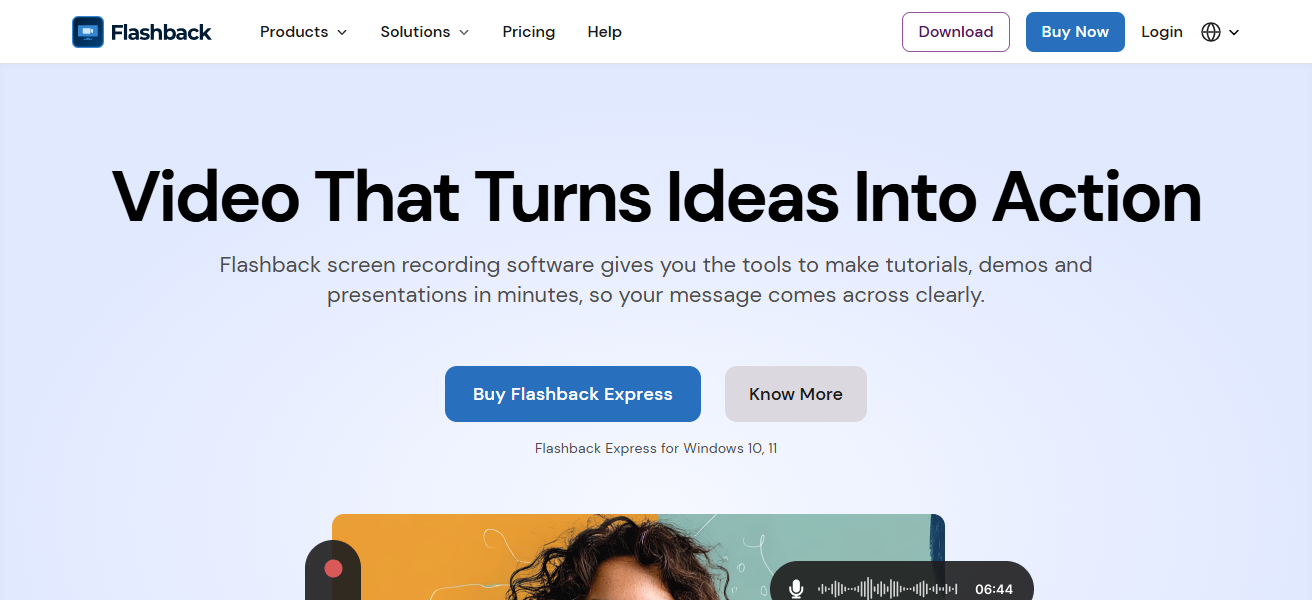
FlashBack Pro also added AI-enhanced noise reduction and smoother transitions. Unlike lightweight tools
It provides a complete editing suite perfect for educators, trainers and professionals requiring polished videos without the financial outlay of high-end software such as Camtasia.
| Feature | Details |
|---|---|
| Green Screen Effects | Adds professional background replacement. |
| Frame-by-Frame Editing | Precise control over video adjustments. |
| Scheduled Recording | Automates webinar and tutorial capture. |
| AI Noise Reduction | Improves audio clarity during recordings. |
8. ScreenPal
ScreenPal (formerly known as Screencast-O-Matic) — Designed for educators and trainers. In 2026, it rolled out a stunning AI text-to-video conversion and AI audio description generation to make creating content even faster and easier.
Budget plans begin at $2.25/month, unlimited hosting and collaboration tools are included. It supports screen, webcam and audio recording, as well as editing tools such as captions, overlays and transitions.
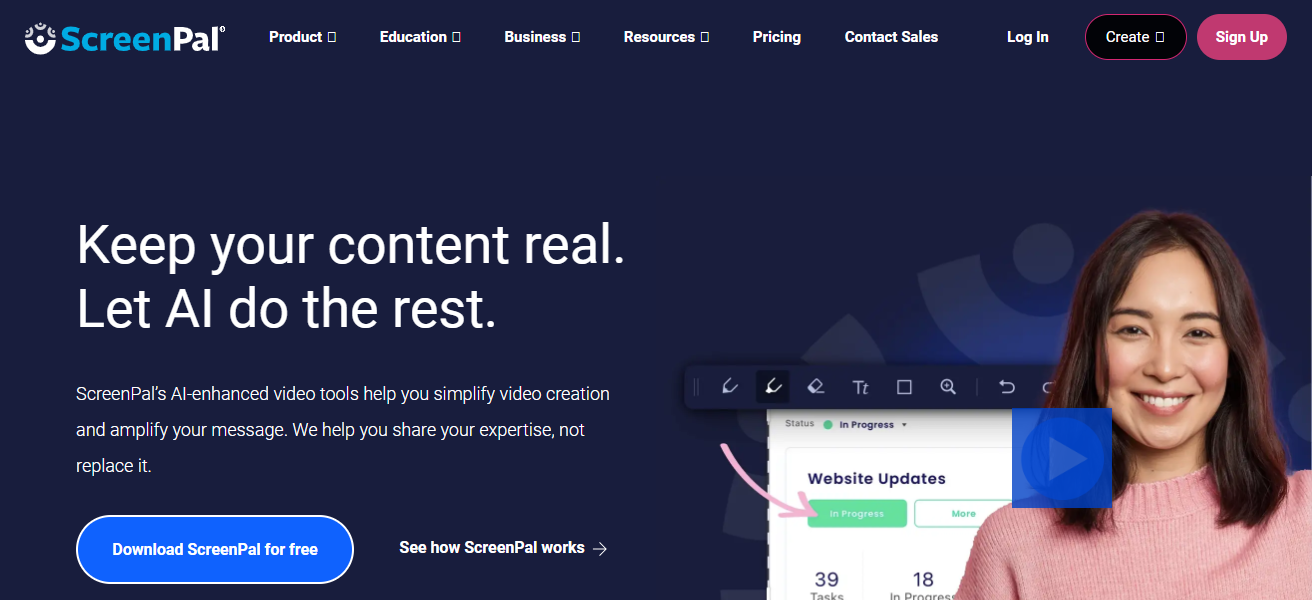
The simplicity and cost of the above makes it perfect for schools, universities, and online trainers. These new AI features put ScreenPal at the forefront of easy-to-use, education-based video creation.
| Feature | Details |
|---|---|
| AI Text-to-Video | Converts scripts into narrated video content. |
| AI Audio Descriptions | Accessibility-focused audio generation. |
| Affordable Plans | Starting at $2.25/month for educators. |
| Unlimited Hosting | Cloud storage for collaboration and sharing. |
9. ApowerREC
ApowerREC is an all-in-one recorder for business and productivity. In 2026, spotlight recording and scheduled tasks were added, along with AI-powered capture enhancements.
It allows instant sharing with cloud integrations such as YouTube, Google Drive, Dropbox and RecCloud It includes annotations, watermarks, and webcam overlays which makes it great for presentation and tutorials.
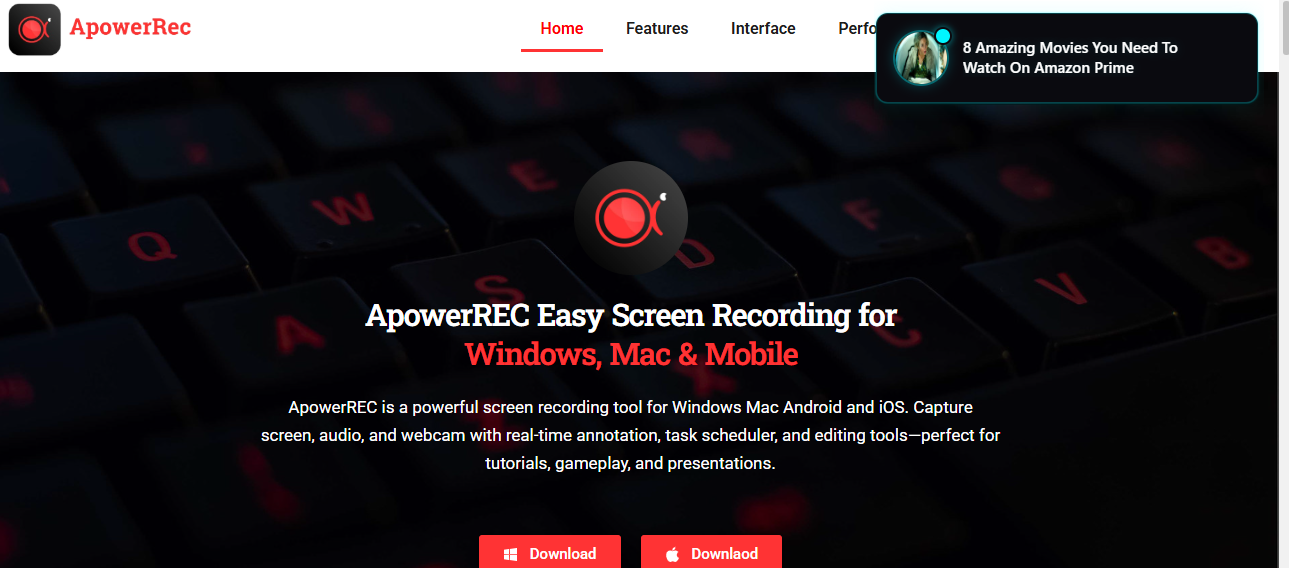
And its cross-platform availability (Windows, macOS, mobile) makes it just about as flexible as can be. The latest incarnation also brought team collaboration tools into the mix
Enabling businesses to manage recordings across a central location. ApowerREC: Best for Professionals Who Want a Polished, Easy-to-Share Output
| Feature | Details |
|---|---|
| Spotlight Recording | Highlights specific areas during capture. |
| Scheduled Tasks | Automates recording sessions for business use. |
| Cloud Integration | Shares directly to YouTube, Drive, Dropbox, RecCloud. |
| Team Collaboration | Centralized management of recordings for organizations. |
10. QuickTime
It grooves into the macOS ecosystem, offering free screen recording and playback. QuickTime has noted some improvements to HEVC encoding, performance on Apple Silicon and basic trimming tools in 2026.
Its editing features are basic, but QuickTime fits naturally into macOS workflows, and it’s an increasingly reliable choice for making quick captures.

It has support for audio recording, video playback and simple exports. QuickTime still represents a solid option for those who want light recording with no-cost simplicity
But not iOS or its fancy-pants attractions — like wonder types. Students, casual users and Mac-centric professionals should feel free to grab it as well.
| Feature | Details |
|---|---|
| HEVC Encoding | Improved compression for high-quality video. |
| Apple Silicon Optimization | Smooth performance on latest Mac hardware. |
| Basic Trimming Tools | Simple editing for quick adjustments. |
| Seamless macOS Integration | Works natively with Mac workflows. |
Conclsuion
Ultimately, the Best Screen Recorder Alternatives for PC & Mobile in 2026 present strong and versatile options to meet every use case from gaming to educational through business usage modals or anything else casual.
If you want high-quality performance, tools like OBS Studio and Bandicam are excellent for video quality, while Camtasia and FlashBack Pro offer advanced editing.
AZ Recorder is for mobile users, and ScreenPal is used by educators. With the versatility, innovation and efficiency that is in high demand for digital workflows of today.
FAQ
Which screen recorder is best for gaming in 2026?
Bandicam and OBS Studio are top choices due to high-quality 4K capture, hardware acceleration, and adaptive streaming features.
What is the best free screen recorder for PC?
OBS Studio and ShareX are completely free, open-source, and packed with advanced features.
Which recorder is ideal for mobile devices?
AZ Screen Recorder is the most popular Android option, offering internal audio recording and live streaming.
Can I edit videos directly after recording?
Yes, Camtasia and FlashBack Pro provide full editing suites with transitions, captions, and effects.