In this article, I am going to talk about the Best Tools for Measuring Forex Spread Variations In Real Time.
Spread fluctuations play an important role in forex trading, especially in periods of high volatility, and having the right tools can help traders gain a substantial competitive advantage by empowering them to make smarter data-driven decisions.
Key Points & Best Tools for Measuring Forex Spread Variations in Real-Time
- Myfxbook provides real-time spread tracking, broker comparisons, analytics dashboards, and community insights for forex traders.
- TradingView offers charts, customizable indicators, spread visualization, alerts, and social trading ideas across markets globally.
- MetaTrader 4/5 platforms enable real-time bid-ask monitoring, expert advisors, indicators, and broker-specific spread analysis tools.
- cTrader delivers transparent pricing, depth-of-market data, execution, and precise spread monitoring with advanced charting features.
- Pepperstone provides tight spreads, real-time pricing feeds, platforms, and reliable infrastructure for accurate spread tracking.
- FXCheck App monitors forex spreads, compares brokers, sends alerts, and helps traders identify cost-efficient opportunities.
- OANDA offers real-time pricing, data, spreads, and APIs for tracking and analyzing forex market conditions.
- Dukascopy Live Forex Chart Widget provides real-time charts, data, and precise spread visualization directly from liquidity providers.
- Forex Spread Calculator App (Sanca) calculates costs, pip values, and helps traders evaluate expenses efficiently.
- Broker Custom Indicators (EAs) allow spread tracking, alerts, and analytics based on broker data feeds.
10 Best Tools for Measuring Forex Spread Variations in Real-Time
1. Myfxbook
Myfxbook’s real-time spread comparison engine is not only the most advanced — it’s sourced directly from over 10,000 live trading accounts as opposed to demo feeds.
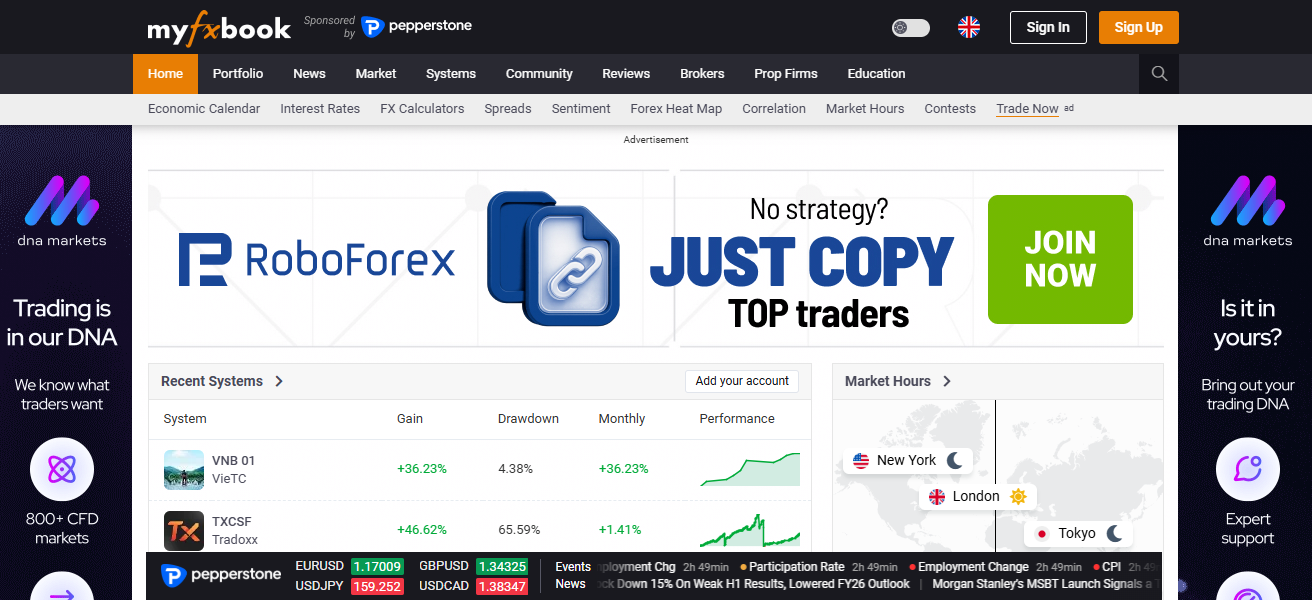
It tracks spreads for 45+ brokers and 50+ currency pairs, showing min, avg., and max values over user-defined length of time. For scalpers, it is particularly useful for analysing spread volatility during sessions and economic events.
In doing so, it offers deeper context around broker performance and execution conditions by visualizing spread fluctuations historically, as well as in real time.
Myfxbook Features
- Real-time spread comparison using live accounts ensures accurate and reliable broker data insights.
- Historical spread tracking helps analyze volatility across different trading sessions and market conditions.
- Multi-broker dashboard allows easy comparison of spreads across various forex brokers globally.
- Custom widgets and analytics tools enhance data visualization and trading decision-making efficiency.
- Community-driven insights provide additional strategies and real user feedback on broker performance.
| Pros | Cons |
|---|---|
| Real-time spread comparison across multiple brokers using live account data | Requires account linking for full functionality |
| Historical spread analytics helps identify volatility patterns | Interface can feel complex for beginners |
| Supports 50+ currency pairs with customizable widgets | Limited direct trading execution features |
| Community insights and strategy sharing improve decision-making | Data depends on connected broker accounts |
| Free tools available with strong analytics features | Some advanced features require deeper understanding |
2. TradingView
TradingView includes real-time forex charts with an integrated data feed from brokers, so traders can observe indirect changes in spreads based on bid-ask price variations.
Its newer features include data aggregation across multiple brokers, customizable indicators and alerts for when volatility spikes affect spreads.

Note that traders with live brokerage accounts can connect them via API to view real spreads instead of averaged values.
Its social trading community also contributes insights on spread behavior at the time of news events, giving traders an indication of when spreads are expected to widen, and elsewhere liquidity is likely to be thinner across global trading sessions.
TradingView Features
- Advanced charting tools allow visualization of price action and indirect spread movements clearly.
- Multi-broker integration enables traders to view different price feeds within a single interface.
- Custom indicators and scripts help monitor spread-related volatility and liquidity conditions.
- Real-time alerts notify users about market changes that may affect spreads significantly.
- Social trading features provide insights from global traders on spread behavior and trends.
| Pros | Cons |
|---|---|
| Advanced charting tools with real-time data visualization | Spread data is indirect via bid-ask difference |
| Multi-broker integration for live trading insights | Requires paid plan for premium features |
| Strong social trading community for insights | Not all brokers provide direct spread feeds |
| Custom indicators and alerts for volatility tracking | Can differ from broker pricing data |
| Cloud-based access across devices | Heavy features may slow low-end systems |
3. MetaTrader 4/5 (MT4/MT5)
MetaTrader 4 and MetaTrader 5, the industry-standard platforms also have built-in features allowing users to monitor spreads in real time, providing bid-ask prices themselves as well as custom spread indicators.
This kind of software is highly beneficial for professional traders who need access to advanced plugins enable tracking the spread changes per tick

Which matters a lot especially during the high activity periods as news releases. Based on this, the platforms support automated trading using Expert Advisors with spreadbased strategies.
This helps traders to avoid entering a trade with high spreads as per the liquidity present in the broker and their market conditions. MT5 also offers depth-of-market data for better visibility into pricing.
MetaTrader 4/5 Features
- Built-in bid-ask price display allows real-time monitoring of forex spreads easily.
- Supports Expert Advisors for automated spread tracking and algorithmic trading strategies.
- Extensive library of custom indicators enhances spread analysis and trading performance.
- Fast execution speeds ensure accurate reflection of live market spread conditions.
- Widely supported platform compatible with most forex brokers globally for accessibility.
| Pros | Cons |
|---|---|
| Industry-standard platform with real-time spread display | Interface feels outdated compared to modern platforms |
| Supports Expert Advisors for automated spread tracking | Spread accuracy depends on broker feed |
| Large library of custom indicators and tools | Limited built-in analytics without plugins |
| Widely supported by brokers globally | MT4 lacks depth-of-market features |
| Fast execution and reliability for traders | Requires manual setup for advanced tracking |
4. cTrader
As you may know the cTrader platform is designed for transparent pricing and direct market access hence accurate record of spread fluctuations in real time can be acquired.
It grants Level II depth-of-market data, enabling traders to view liquidity providers and order book activity influencing spreads.

Updates to the platform include improved execution analytics and full trade statistics that allow users to measure spread costs vs time. It’s intuitive interface and efficient execution speeds make it very appealing to scalpers and high-frequency traders tracking micro spread movements.
cTrader Features
- Level II depth-of-market data provides transparent view of liquidity and spread formation.
- Advanced execution analytics help evaluate spread costs and trading efficiency over time.
- Clean and intuitive interface improves user experience for monitoring real-time spreads.
- Direct market access ensures accurate pricing directly from liquidity providers.
- Fast execution and order management support scalping and high-frequency trading strategies.
| Pros | Cons |
|---|---|
| Transparent pricing with Level II depth-of-market data | Less widely supported than MT4/MT5 |
| Advanced execution analytics for spread tracking | Smaller community and fewer plugins |
| Clean and modern user interface | Learning curve for beginners |
| Ideal for scalpers due to precise spread visibility | Limited broker availability |
| Faster order execution and better order management | Requires compatible brokers |
5. Pepperstone
With its Razor account, Pepperstone offers ultra-tight spreads and pulls pricing liquidity from Tier-1 providers to reflect accurate real-time prices. Its architecture enables low-latency processing, allowing spreads to mirror underlying market conditions with minimal lag.
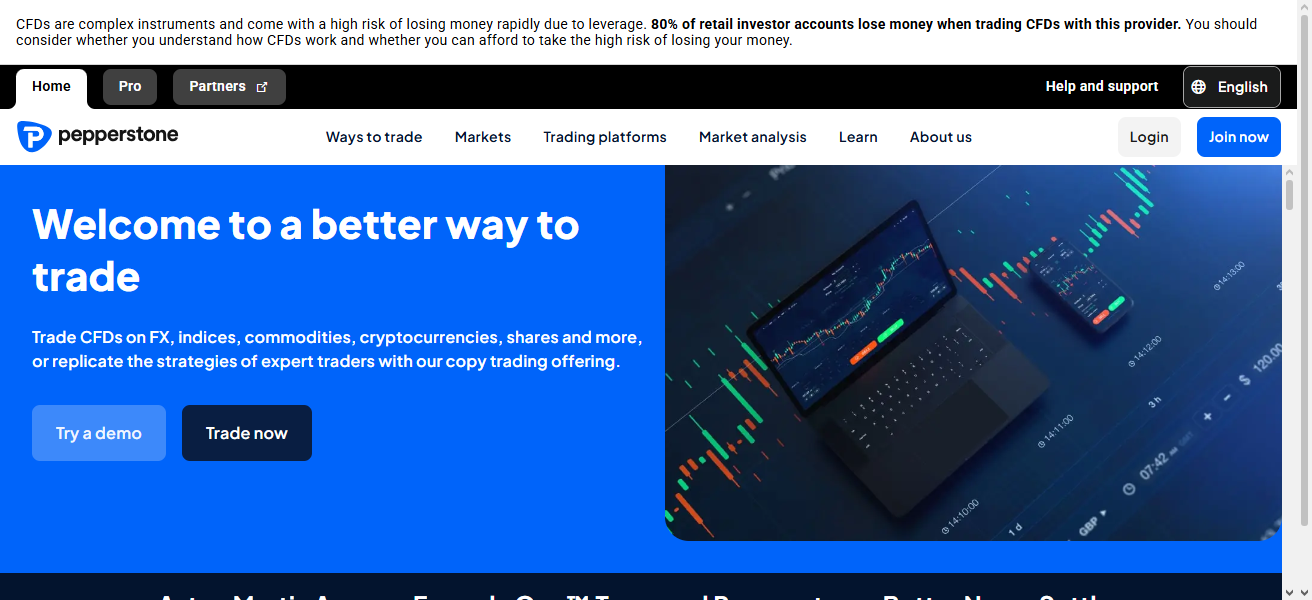
The traders are able to track spread variations across platforms, including MT4, MT5 and cTrader. The broker also has detailed spread stats and averages over time
Which allows traders to compare trading sessions and tweak strategies. Its mission behind its institutional-grade pricing makes it a favorite among one of the pro traders.
Pepperstone Features
- Ultra-tight spreads sourced from top-tier liquidity providers ensure competitive trading costs.
- Low-latency execution infrastructure provides real-time and accurate spread reflection.
- Supports multiple platforms like MT4, MT5, cTrader, and TradingView for flexibility.
- Offers detailed spread statistics for better comparison across trading sessions.
- Ideal for scalpers and algorithmic traders requiring precise spread monitoring tools.
| Pros | Cons |
|---|---|
| Ultra-low spreads sourced from liquidity providers | Not available in some regions (e.g., US) |
| Fast execution speeds with low latency | Spreads can widen during high volatility |
| Supports MT4, MT5, cTrader, and TradingView | Requires understanding of account types |
| Institutional-grade pricing for professionals | Limited proprietary tools compared to competitors |
| Suitable for scalping and algorithmic trading | Commission fees on Razor accounts |
6. FXCheck App
FXCheck App A Comprehensive Spread Monitoring Tool for Forex Traders. Traders are kept in the loop enabling instant alerts when spreads exceed threshold levels to avoid hitting more expensive entries.
New features in the app include a view that compares brokers, historical spread tracking and customizable alerts.

The cutting-edge mobile-first design enables traders to track spread fluctuations anywhere, a feature useful for day and scalper-traders who require frequent changes on market conditions.
FXCheck App Features
- Real-time spread tracking across multiple brokers in a single mobile-friendly interface.
- Instant alerts notify traders when spreads widen beyond predefined thresholds.
- Broker comparison feature helps identify lowest-cost trading options quickly.
- Historical spread data allows analysis of trends and volatility patterns.
- Lightweight design ensures smooth performance and easy usability for traders.
| Pros | Cons |
|---|---|
| Real-time spread monitoring across multiple brokers | Limited advanced charting features |
| Instant alerts for spread widening | Depends on external data sources |
| Mobile-friendly interface for on-the-go tracking | Less popular than major platforms |
| Easy broker comparison dashboards | May lack deep analytics tools |
| Lightweight and user-friendly design | Not ideal for professional traders |
7. OANDA
OANDA, you get fully transparent real-time pricing that is updated constantly based on market liquidity and volatility. With its native platforms and APIs, traders can work with tick-level data to perform accurate spread analysis.

With a variable spread, OANDA’s spreads reflect actual market conditions rather than fixed spreads, which can widen during periods of low liquidity or news.
Also, traders can use typical vs live spreads to get insight on cost differences and entry timing across different trading sessions.
OANDA Features
- Provides real-time variable spreads based on actual market liquidity conditions.
- Access to APIs enables advanced spread tracking and automated data analysis.
- Offers historical pricing data for evaluating spread behavior over time.
- Transparent pricing model improves trust and accuracy in spread monitoring.
- Integrated trading tools allow seamless execution alongside spread analysis.
| Pros | Cons |
|---|---|
| Highly transparent real-time pricing and data | Spreads may be higher than ECN brokers |
| Access to APIs for advanced spread analysis | Limited leverage compared to some brokers |
| Reliable historical and tick-level data | Platform features slightly limited |
| Strong regulatory compliance and trust | Variable spreads during news events |
| Integrated tools for analysis and trading | Not ideal for ultra-low spread scalping |
8. Dukascopy Live Forex Chart Widget
Providing institutional-grade pricing data directly from its ECN network, the live forex chart widget of Dukascopy allows highly accurate real-time spread visualization.

KPIs include tick-by-tick data in ticks, which makes it possible to monitor micro moves of spreads. Widgets provide advanced charting, historical data analysis and website or trading dashboard integration.
It is trusted by traders who require accurate spread checks and market transparency because of its direct link to liquidity providers.
Dukascopy Live Forex Chart Widget Features
- ECN-based pricing ensures highly accurate real-time spread data from liquidity providers.
- Tick-by-tick updates allow precise monitoring of micro spread fluctuations.
- Advanced charting tools enhance visualization of spread and price movements.
- Easily embeddable widget for websites and custom trading dashboards.
- Supports historical data analysis for deeper understanding of spread behavior.
| Pros | Cons |
|---|---|
| Institutional-grade ECN pricing data | Requires integration for full usage |
| Tick-by-tick data for precise spread monitoring | Not beginner-friendly |
| Advanced charting with real-time updates | Limited standalone functionality |
| High accuracy from liquidity providers | Interface may feel technical |
| Suitable for professional traders and developers | Less popular among retail traders |
9. Forex Spread Calculator App (Sanca)
This is based on live spreads and the lot size in forexitori spread calculator app by Sanca, betting spread calculator. It allows traders to quickly see potential profit or loss from fluctuations in spreads before placing trades.
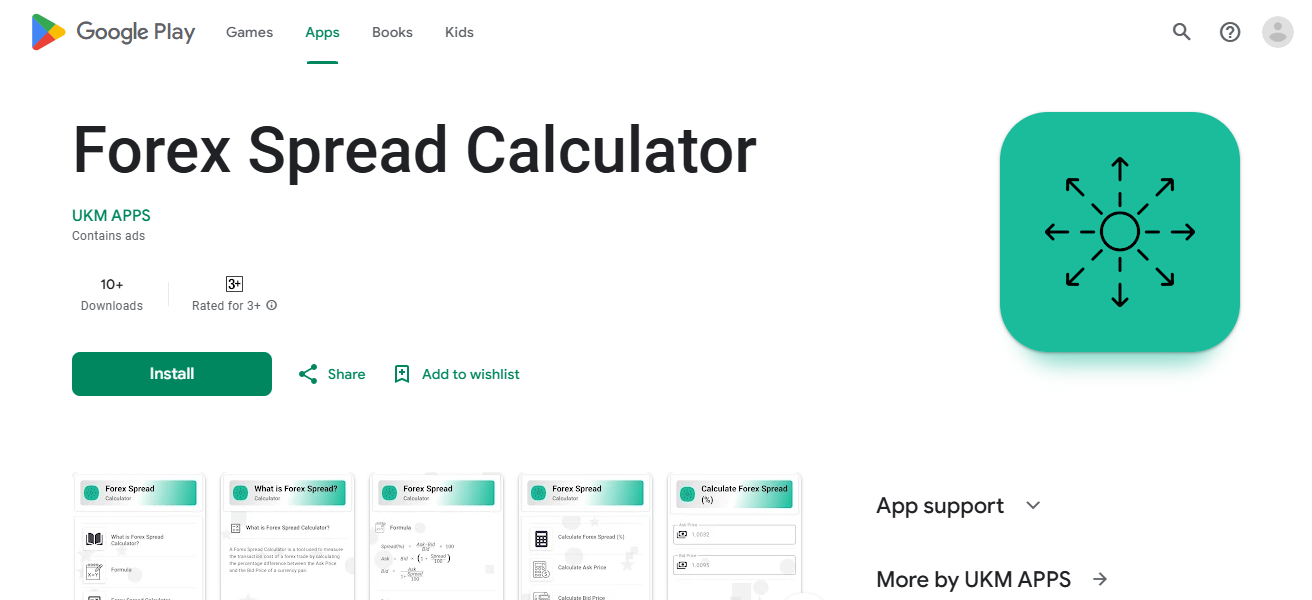
Latest additions to the app comprise real-time data integration, multi-currency convertibility, and user-friendly interfaces for faster calculations.
It fits into the realm of real-time monitoring platforms by translating spread data — that we don’t directly track — into actionable costs for better decision making.
Forex Spread Calculator App (Sanca) Features
- Calculates trading costs based on spread, lot size, and currency pair inputs.
- Supports multiple currency pairs for flexible cost estimation across trades.
- Simple interface makes it easy for beginners to understand spread costs.
- Helps traders evaluate profitability before executing trades in real-time markets.
- Complements live tracking tools by converting spread data into actionable insights.
| Pros | Cons |
|---|---|
| Quickly calculates trading costs from spreads | Not a real-time tracking tool |
| Supports multiple currency pairs and lot sizes | Limited data visualization features |
| Simple and beginner-friendly interface | Depends on manual input or external data |
| Helps evaluate profitability before trades | Lacks integration with trading platforms |
| Useful for cost estimation and planning | No live broker comparison |
10. Broker Custom Indicators (EAs)
One of the best-fit ways to track real-time spread variations are broker custom indicators and Expert Advisors (EAs).
Some of these tools have the ability to show live spreads on charts, set alerts when spreads go above limits, or automate trading decisions based upon conditions of the spread.
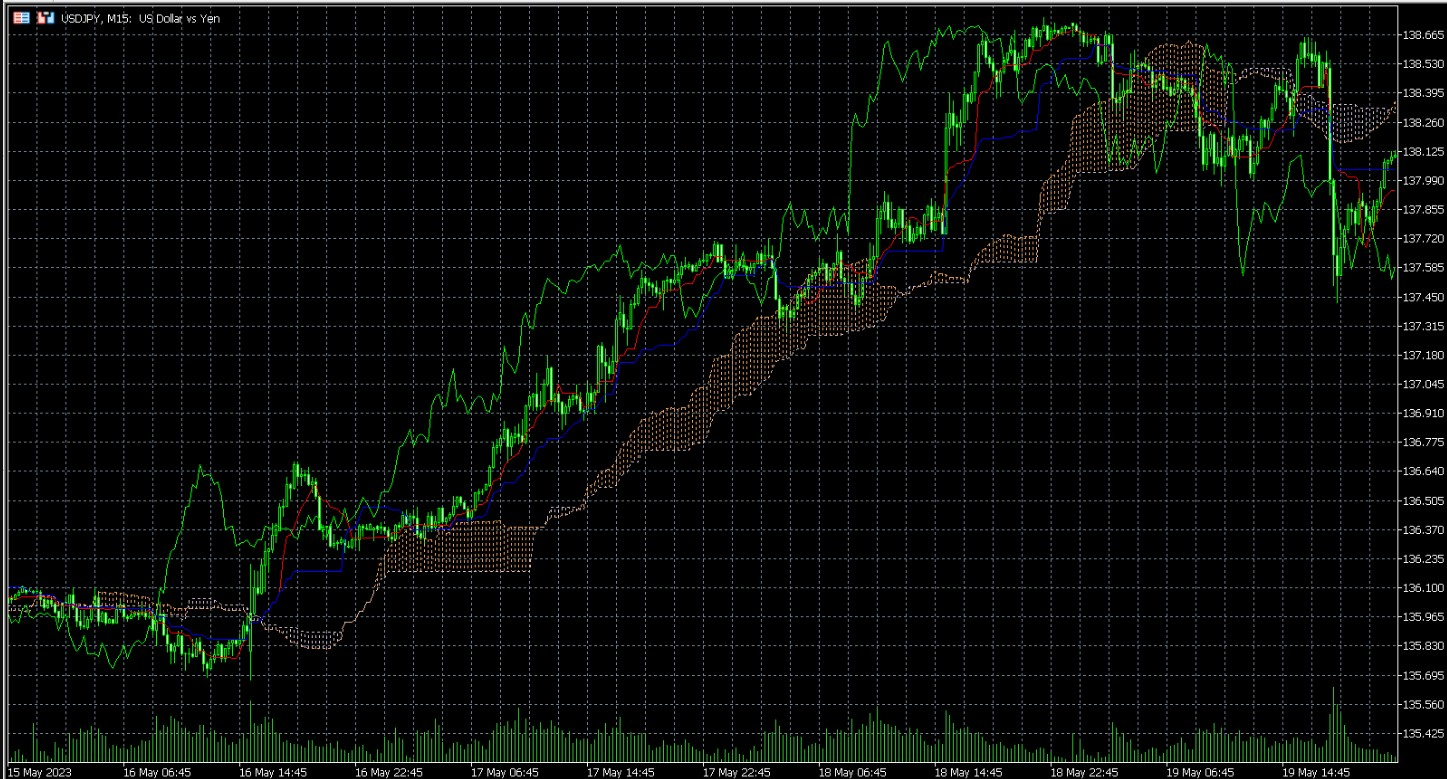
What innovations on the user level, particularly in terms of Advanced EA, do you foresee happening in 2023?
These tools are configurable to different brokers and strategies, making it a must have for professionals who need accurate and automated spread analysis.
Broker Custom Indicators (EAs) Features
- Fully customizable indicators allow personalized real-time spread monitoring strategies.
- Automated alerts trigger when spreads exceed predefined trading thresholds.
- Integration with MT4/MT5 enables seamless use alongside trading platforms.
- Supports algorithmic trading decisions based on spread and market conditions.
- Backtesting capabilities help optimize strategies using historical spread data.
| Pros | Cons |
|---|---|
| Fully customizable spread tracking and alerts | Requires coding or technical knowledge |
| Can automate trading decisions based on spreads | Performance depends on broker data |
| Integrates directly with MT4/MT5 platforms | Risk of poorly coded or unreliable EAs |
| Supports advanced analytics and backtesting | May require VPS for continuous operation |
| Ideal for algorithmic and professional traders | Setup and maintenance can be complex |
Why is Monitoring forex Spreads in real-time Important?
Lowers Transaction Costs: They allow traders to open trades when spreads are tightest, thus increasing general profits.
Enhanced Timing for Entry & Exit: Advanced, real-time data ensures optimal conditions when trades are enacted.
Volatility riskscale: Sozer, Brokers compete on spreads. Whether you are, it helps shareholders in grasping the process by successfully dynamic even a fractional pip with respect to currency pairs can help.
Reduce slippage: Transactions are monitored in real-time, reducing the risk of trade execution at adverse price levels.
Enables Automation of Trading: Algorithms can respond immediately to spread variations for more favorable trade execution.
How We Choose Best Tools for Measuring Forex Spread Variations In Real-Time
Real-Time Data Accuracy Our focus is on solutions that offer accurate, real-time bid-ask spread information from trusted liquidity providers so traders can act based on data immediately. Real-time data is vital, as spreads affect trading costs and profits. (Investing. com)
Speed & Execution Reliability Real-time update – they get compared on the response time of spread change and real market conditions. In fast moving market, executing trades with minimum delay is critical to minimizing slippage and getting the best fills. (Insider Monkey)
Broker Integration & Multi-Source Data Top tools offer multiple broker or ECN feed connectivity so traders can evaluate spreads on various platforms. Because spreads differ across brokers and under market conditions, comparison is vital for cost optimization.
Advanced Analytics & Historical Data
We use tools that allow us to track the historical spread and analytics. This aids traders in knowing the patterns, volatility and spreads behavior during different sessions or news.
Customization & Alerts The best tools will include personalised alerts, dashboards and indicators. Traders can configure thresholds for spread widening triggers instant alerts to avoid entering the market at a high cost.
User Interface & Ease of Use Beginners and professionals alike need a simple, intuitive interface. Tools should display complex spread data in a clear manner that doesn’t overwhelm the user.
Conclsuion
In cocnsluion The best tools for measuring forex spread variations in real-time Conclusion This allows traders to see changes in the spread, select the best trading environment and maximize their profitability.
Choosing the appropriate tool ultimately enables traders to make more intelligent, quicker and better-known decisions in dynamic forex markets.
FAQ
Can I automate spread monitoring?
Automation is possible using Expert Advisors and custom indicators on platforms like MetaTrader 4/5. These tools can trigger alerts or execute trades when spreads reach predefined levels, improving efficiency and removing emotional decision-making from trading.
Are forex spread tools free to use?
Many tools such as MetaTrader 4/5 and TradingView offer free versions with basic features. However, advanced analytics, real-time alerts, and premium indicators may require paid subscriptions or broker account integration for full functionality.
Which tool is best for beginners to track forex spreads?
Beginners often prefer user-friendly platforms like TradingView or FXCheck App because of their simple interfaces, visual charts, and alerts. These tools make it easier to understand spread behavior without requiring advanced technical knowledge or custom indicator setups.
Do these tools help in reducing trading costs?
Yes, by identifying low-spread trading periods and brokers, tools such as Forex Spread Calculator App (Sanca) and broker-specific indicators help traders estimate and minimize costs. This is especially beneficial for high-frequency traders and scalpers who rely on tight spreads for profitability.