
In this article, I will discuss the top methods for managing digital receipts within bank applications to help you optimize expense tracking and reorder your finances.
Today’s bank applications offer in-app capture, receipt cloud syncing, OCR integration, etc.
With these features, paper receipts can be digitized and effortlessly managed reducing clutter and eliminating paperwork.
Key Points & Best Methods For Storing Digital Receipts In Bank Apps List
| Method | Key Points |
|---|---|
| In-App Receipt Capture | Allows users to take photos or upload receipts directly in the bank app. |
| Auto-Sync with Email | Links email accounts to auto-import e-receipts from retailers. |
| OCR Technology Integration | Uses Optical Character Recognition to extract and store receipt details. |
| Categorization by Expense Type | Automatically classifies receipts into categories (e.g., travel, meals). |
| Tagging and Notes Feature | Enables users to add custom tags or notes for easier tracking and search. |
| Cloud Backup & Sync | Ensures receipts are safely stored and accessible across multiple devices. |
| Integration with Accounting Tools | Connects receipts with apps like QuickBooks or Xero for seamless bookkeeping. |
| Search and Filter Options | Powerful filters to find receipts by date, vendor, amount, etc. |
| Secure Storage & Encryption | Bank-grade security protocols protect digital receipt data. |
| Export & Download Options | Users can export receipts as PDFs or spreadsheets for reports or audits. |
10 Best Methods For Storing Digital Receipts In Bank Apps
1.In-App Receipt Capture
In-App Receipt Capture is a highly efficient way of storing digital receipts in banking applications. It enables users to take snapshots or upload receipts immediately after a purchase within the app.
This receipt capture method ensures that receipts are captured instantly and associated with the specific transaction, which enhances accuracy and convenience.

Usability can be enhanced with smart background removal, image improvement features, and real-time data extraction (OCR).
This technique reduces clutter from paperwork, diminishes the chance of receipt misplacement, and improves tracking of expenses. It benefits frequent business travelers who require organized, secure, easily accessible storage for sorted receipts.
| Feature | Description |
|---|---|
| Photo Upload | Capture receipts using phone camera. |
| File Upload | Upload digital receipts from device storage. |
| Auto-Cropping | Automatically trims receipt borders. |
| Real-Time Upload | Instantly links receipts to transactions. |
| OCR Support | Enables text extraction during image capture. |
2.Auto-Sync with Email
Auto-Sync with Email is an advanced feature that automates the collection of digital receipts in banking applications. It allows linking an email account with the application so that e-receipts from merchants and service providers are fetched automatically.
This seeks to eliminate the need for inserting information manually while ensuring all e-receipts are captured. Usually, unfilled templates of common formats in receipts are scanned along with inboxes to fetch relevant documents with a particular receipt.
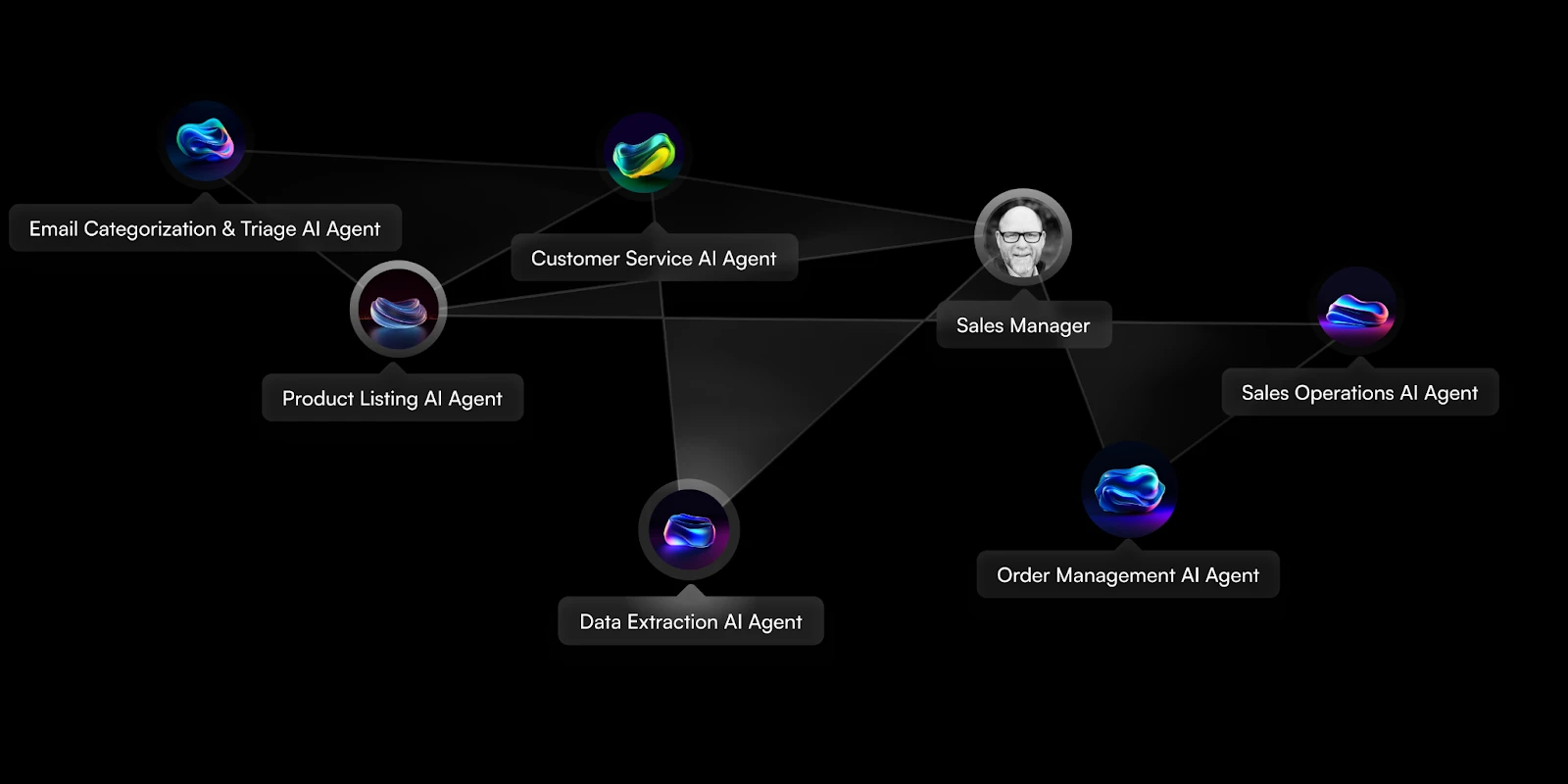
This function is great for people who book tickets online or travel frequently. When used together with search and filter functions, auto-synced receipts can be organized in folders efficiently for easy access.
| Feature | Description |
|---|---|
| Email Account Linking | Connects with Gmail, Outlook, etc. |
| Auto Receipt Detection | Scans inbox for receipt-style emails. |
| Auto-Matching | Matches receipts to bank transactions. |
| Scheduled Sync | Syncs at intervals or real-time. |
| Format Recognition | Detects standard receipt formats (PDF, HTML, plain text). |
3.OCR Technology Integration
Integrating OCR Technologies enables advanced handling of digital receipts in banking applications. With OCR, text is scanned and retrieved from the receipt’s picture, capturing significant information such as merchant name, date, total amount, and even individual items. This process ensures accuracy while eliminating manual entry work.
After processing the information, it can be correlated to a specific transaction making it possible to sort them for better tracking. Automated data processes improve usability by increasing receipts’ keyword-based searching capabilities beyond basic filters.

Besides improving usability by automating data retrieval, OCR also allows instant monitoring and evaluation which is helpful while preparing budgets and taxes. Overall, automation transforms workflows make them intuitive and seamless.
| Feature | Description |
|---|---|
| Text Extraction | Pulls key info like amount, vendor, date. |
| Multi-Language Support | Recognizes receipts in various languages. |
| Image to Data Conversion | Converts images into searchable, editable data. |
| Error Detection | Flags possible data mismatches. |
| Real-Time Processing | Instantly extracts data upon upload. |
4.Categorization by Expense Type
Sorting Expenses By Category is a very useful method for managing digital receipts in bank applications. After uploading or taking a photo of the receipt, the app processes it and sorts it into one of the common categories like travel, dining, grocery, or utilities.
This helps in automated budgeting, monitoring spending patterns, and assists with proper financial planning. Manual editing is also available alongside adding additional subcategories tailored to personal preferences.

Automatic sorting enables easy compilation for reporting purposes whether it\’s for tax filings or business expenses. Such a method reduces clutter while improving organization.
| Feature | Description |
|---|---|
| Auto Categorization | Classifies based on merchant and receipt content. |
| Custom Categories | Users can create personal expense types. |
| Transaction Mapping | Links receipts to categorized bank entries. |
| AI-Powered Learning | Improves accuracy over time. |
| Reporting by Category | Generates category-specific expense reports. |
5.Tagging and Notes Feature
The Tagging and Notes Feature improves the management of digital receipts within banking applications. Users are able to add tags such as “business trip” or “office supplies,” making sorting and retrieval more contextually relevant.
This is tailored for freelancers or small businesses that juggle multiple budgets. Tags also help append metadata to the transaction with notes like project names, client names, or reimbursement details adding considerable information to each entry.

Tagging combined with categorization and OCR greatly enhances receipt organization, driving efficient financial reporting while aiding precision in documenting transactions.
| Feature | Description |
|---|---|
| Custom Tags | Add keywords for better organization. |
| Text Notes | Add additional context to receipts. |
| Multi-Tag Support | Tag receipts with multiple labels. |
| Tag-Based Filtering | Sort and search by tags. |
| Collaboration Notes | Notes visible to shared users in team accounts. |
6.Cloud Backup & Sync
Cloud Backup & Sync is a critical method for keeping digital receipts securely stored in banking applications. Receipt information is automatically uploaded to the cloud which protects it from being lost due to damage, device loss, or uninstallation of the app.
It provides users with access to their receipts on different devices which reflects convenience and cross-platform continuity. Whether from mobile or desktop, all uploads are current because syncing happens in real time.

Cloud storage supports encrypted backup which keeps essential financial data secure, so sensitive information remains protected. Overall, with automatic updates and seamless access, rest assured that all data stored will remain safe and up-to-date.
| Feature | Description |
|---|---|
| Cloud Integration | Sync with Google Drive, iCloud, etc. |
| Auto Backup | Scheduled or real-time cloud backups. |
| Cross-Device Sync | Access receipts from phone, tablet, and PC. |
| Offline Availability | View recent receipts without internet. |
| Encrypted Cloud Storage | Ensures receipt data is safely stored. |
7.Integration with Accounting Tools
Integrating Accounting Software is an incredibly efficient way to manage digital receipts in banking applications for freelancers or business professionals. With the help of QuickBooks, Xero and Freshbooks, bank apps now have the ability to sync receipt data for bookkeeping automatically.
This eliminates manual data-input processes, lowers mistakes and ensures accurately capturing every transaction. Receipts can also be matched with invoices at the expense of being categorized by invoice type before being included in financial reports or tax letters.
Business bookkeeping becomes a hassle free process because expenses are automated and pinpoint accuracy increases while combining systems reduces errors. Another benefit is it enhances transparency during audits.
| Feature | Description |
|---|---|
| QuickBooks/Xero/FreshBooks Sync | Automatic sync of receipt data. |
| API Integration | Seamless connectivity with finance platforms. |
| Auto-Invoice Matching | Links receipts to invoices and expenses. |
| Export to Ledger | Push data directly to accounting ledgers. |
| Real-Time Updates | Instant reflection of receipt changes. |
8.Search and Filter Options
Search and Filter Options are especially useful features for managing receipts in bank applications. Users can easily find particular receipts using filters like date range, merchant name, category, amount, or even custom tags.
More sophisticated searches may leverage OCR keyword extraction for scanned or photographed receipts. This is extremely helpful during tax preparation, report filing, or spending reviews.

Filters improve large data set management by providing structure and access to clarity; thus saving time. Search and filter options expand the usefulness of a system by greatly enriching user experience and productivity through swift access and improved organization.
| Feature | Description |
|---|---|
| Keyword Search | Find receipts using text, merchant, or item names. |
| Date Range Filter | Sort receipts by custom timeframes. |
| Category Filter | Filter by expense categories. |
| Tag Filter | Retrieve receipts by tags. |
| Amount-Based Search | Search by specific or range of amounts. |
9.Secure Storage & Encryption
Secure Storage & Encryption explains how bank applications keep digital receipts safe. All data, such as the images and text obtained through Optical Character Recognition (OCR), is encrypted during transfer and when stored which protects sensitive information from malicious users, breaches, or loss.

Financial info is further protected through multi-factor authentication, secure cloud storage, and by following strict laws like GDPR and PCI-DSS. Strong encryption combined with strict universal access rules guarantee that the financial records kept in the app are organized as well as private for users.
| Feature | Description |
|---|---|
| End-to-End Encryption | Data encrypted during storage and transfer. |
| Multi-Factor Authentication | Extra security for account access. |
| Role-Based Access | Controls who can view and manage receipts. |
| Audit Trails | Tracks access and changes for compliance. |
| Data Compliance | Meets standards like GDPR, PCI-DSS, and SOC 2. |
10.Export & Download Options
The Export & Download Options features help users manage digital receipts saved in bank applications. This method enhances user convenience by exporting receipts in formats like PDF, CSV and Excel, enabling easy sharing or archiving for tax-related activities and financial reports.
Users have the flexibility to choose specific receipts or export entire categories, date spans, or tagged entries. Users can save downloaded files locally or upload them to accounting software, cloud drives, and other platforms.

For personal use as well as business purposes, this solution improves accessibility while providing offline access which simplifies dealing with compliance requirements, audits, and expense management.
| Feature | Description |
|---|---|
| Export Formats | Options include PDF, CSV, and Excel. |
| Selective Export | Choose specific receipts or date ranges. |
| Batch Download | Export multiple receipts at once. |
| Cloud Drive Export | Send to Google Drive, Dropbox, etc. |
| Report Generation | Create downloadable expense summaries. |
Concussion
In conclusion, Storing receipts digitally in bank apps improves financial organization, expense tracking, and data security. With OCR scanning, cloud syncing, categorization, and secure encryption, users fi nancially manage receipts effortlessly.
These digitized systems not only eliminate paper clutter but also enable smarter budgeting, reporting, and effortless financial management for individuals and businesses.
FAQ
Why should I store digital receipts in a bank app?
Storing digital receipts in a bank app helps you track expenses, simplify returns and warranties, organize finances, and prepare for taxes or reimbursements efficiently.
How do in-app receipt capture features work?
They allow you to take a photo or upload a receipt directly in the app, often using OCR to extract key details automatically.
Is syncing receipts from email safe?
Yes, if the app uses secure authorization (like OAuth) and follows data protection standards. Always verify the app’s privacy policy and permissions.