In this blog post, we’ll talk about the Best Note-taking Apps for Students that will boost productivity and learning.
From handwritten notes to voice memos and cloud syncing, these apps work with every study style. Explore powerful features that would help you get smarter and better organized notes ahead of your academics.
Key Points & Best Note-taking Apps For Students
| App Name | Key Features / Highlights |
|---|---|
| Notion | All-in-one workspace for notes, databases, to-do lists, and collaboration. |
| Microsoft OneNote | Freeform note-taking with digital notebooks; integrates with MS Office. |
| Evernote | Powerful search, web clipping, cross-platform sync, and task features. |
| Google Keep | Simple, color-coded notes with voice input and seamless Google integration. |
| GoodNotes (iOS) | Ideal for handwritten notes; supports PDF annotation and Apple Pencil. |
| Obsidian | Markdown-based note-taking with backlinking and graph view for deep work. |
| Simplenote | Lightweight, distraction-free note app with seamless syncing. |
| Zoho Notebook | Visually rich cards for notes, sketches, checklists, and audio notes. |
| Apple Notes | Built-in for iOS/macOS users; supports folders, tags, and media notes. |
| Bear (iOS/Mac) | Elegant markdown note-taking app with tagging and export options. |
10 Best Note-taking Apps For Students
1.Notion
Notion is one of the best apps for students because it’s versatile and has an all-in-one workspace. Students can create notes, to-do lists, calendars, and even databases which help in organizes classes, assignments, and study materials.

Users can work on group projects as well as embed media and make use of templates ensuring an efficient workflow.
Notion supports markdowns, real-time syncing across devices with a clean interface which is distraction free. It is kept as easy or complex as one wishes, making it suitable for high school or college students wanting to stay organized and productive.
| Feature | Description |
|---|---|
| All-in-One Workspace | Combines notes, to-do lists, databases, calendars, and wikis. |
| Rich Content Support | Supports text, images, videos, embeds, and code snippets. |
| Templates | Offers pre-designed templates for class notes, projects, and planners. |
| Collaboration | Real-time collaboration and comments for group work. |
| Cross-Platform Sync | Available on web, desktop, and mobile with cloud sync. |
| Customization | Drag-and-drop interface with full page structure control. |
2.Microsoft OneNote
Microsoft OneNote is among the best applications for note-taking available to students. It simulates a real-life notebook with its advanced digital features.
Users can create multiple notebooks, sections and pages which makes sorting of class materials easy by subject or topic.
Notes can be typed, handwritten, recorded in audio, drawn, or attached as files. Group projects are made simpler with collaboration since OneNote works with Microsoft 365.
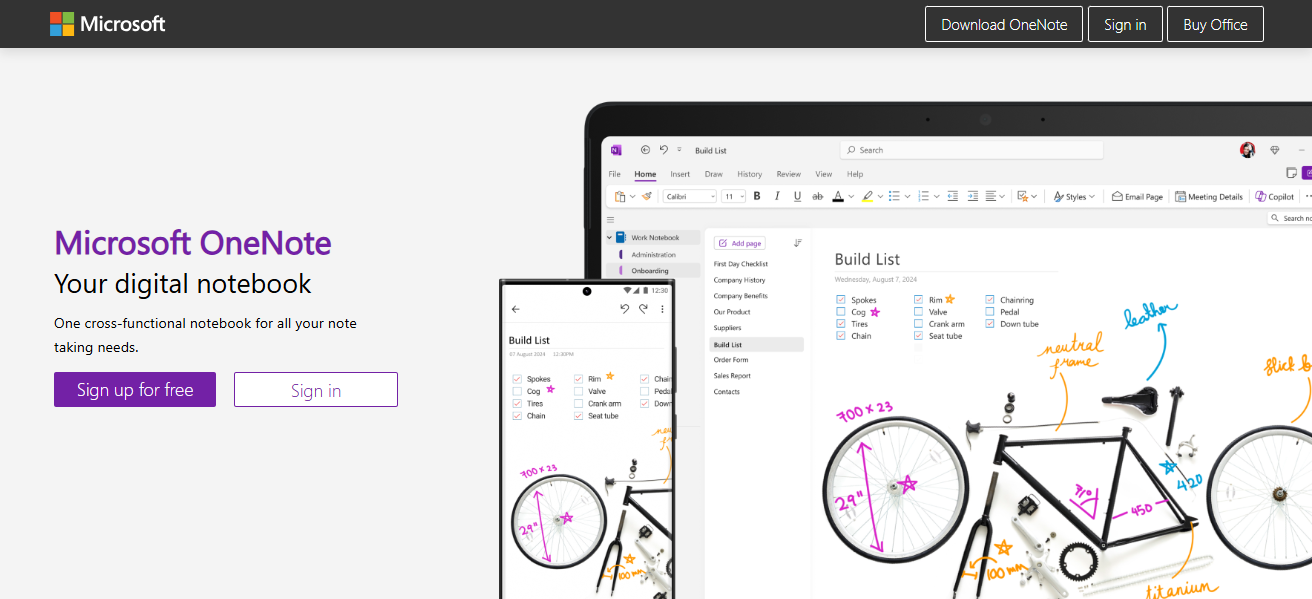
Further advantages are that the app syncs across devices which means it can be accessed at any time or location.
Students seeking to enhance their learning process will find no other tool as rich in features and absolutely free as OneNote.
| Feature | Description |
|---|---|
| Digital Notebook Format | Organize notes into notebooks, sections, and pages. |
| Multimedia Notes | Supports text, handwriting, images, audio, and files. |
| Microsoft 365 Integration | Seamless integration with Word, Excel, and Outlook. |
| Cross-Platform Access | Available on Windows, macOS, iOS, Android, and Web. |
| Real-Time Collaboration | Share notebooks and collaborate with classmates. |
| Powerful Search | Finds keywords in text, handwriting, and images. |
3.Evernote
Evernote is a powerful note-taking app that helps a lot of students keep track of different subjects and assignments.
Its features enable users to create notes with text, images, web clippings, PDFs, and even audio recordings organized into notebooks and tagged accordingly.
Evernote stands out with its advanced search tools which can find any materials within documents or images and clip.
Whether it is via smartphone or computer, Evernote syncs on all devices making studying flexible and convenient.
In addition to class templates and to-do lists, integrated calendars aid in schedule management boosting overall productivity.
| Feature | Description |
|---|---|
| Notebook and Tag Organization | Easily organize notes into notebooks and with tags. |
| Web Clipping | Save articles and web content directly to notes. |
| Multimedia Support | Attach images, PDFs, documents, audio, and more. |
| Task & Reminder Integration | Built-in to-do lists and reminders. |
| Cross-Device Sync | Syncs seamlessly across all platforms. |
| Document Scanning & OCR | Scans documents and recognizes text in images. |
4.Google Keep
Google Keep is a great note-taking app for students who like fast organization. Using Google Keep, users can create color-coded notes, checklists and even leave voice memos to capture in-class lectures and reminders.
Add, label, pin or share notes with classmates to simplify team projects. Google Keep integrates smoothly with other services from Google like docs and calendar which increases productivity even more on every aspect of your daily life.

It will automatically sync on all devices so you can access it at any time. For students looking to take down notes swiftly without getting bogged down by cluttering interfaces, Google Keep stands as one of the best options out there.
| Feature | Description |
|---|---|
| Color-Coded Notes | Visual organization using color backgrounds. |
| Checklists and Reminders | Great for to-do lists and daily tasks. |
| Voice Memos | Record and transcribe audio notes. |
| Google Integration | Syncs with Google Drive, Calendar, and more. |
| Real-Time Sync | Instant updates across all devices. |
| Simple UI | Minimalist, clutter-free interface. |
5.GoodNotes (iOS)
GoodNotes stands out as an exceptional note-taking application for students using iOS devices, particularly for those who enjoy handwriting their notes.
The app mimics the experience of using a physical notebook, supporting Apple Pencil inputs to write, draw, highlight, and annotate PDF files effortlessly.
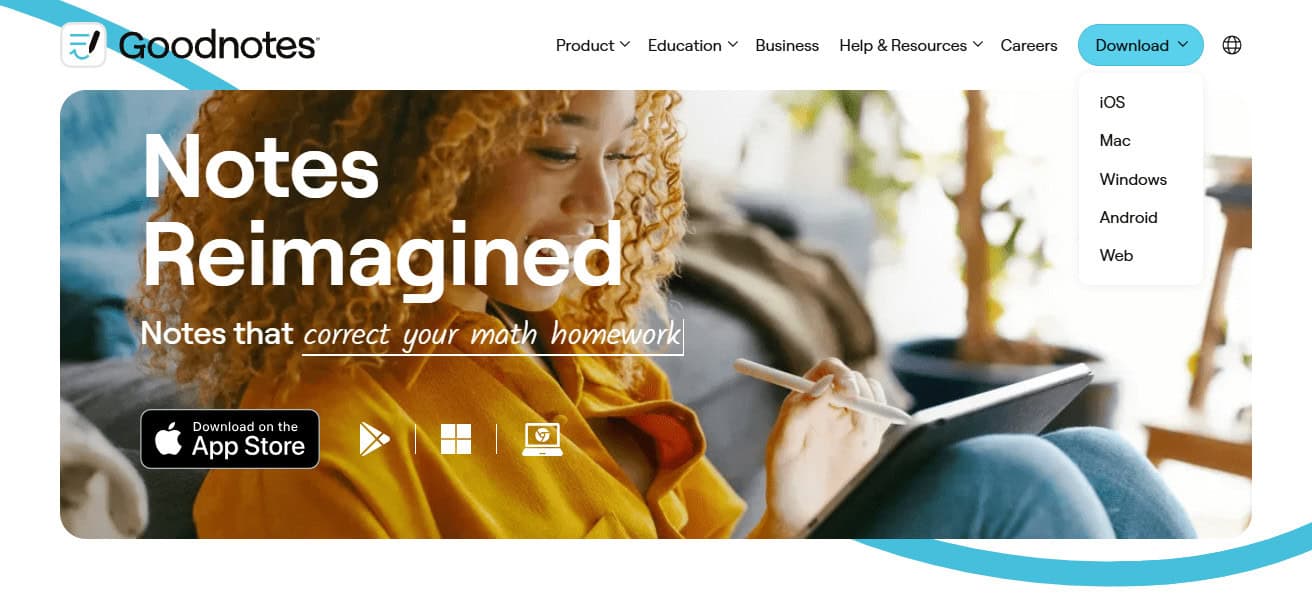
Students can organize their notes into folders and notebooks, utilize planner templates or even graph paper, and search handwritten text due to powerful OCR technology.
GoodNotes is ideal for taking lecture notes, solving math problems, or markup materials. It remains one of the best apps alongside Notability for its smooth interface and speed in digital handwriting.
| Feature | Description |
|---|---|
| Handwriting Support | Optimized for Apple Pencil for smooth digital writing. |
| PDF Annotation | Highlight, underline, and write on PDFs. |
| Custom Templates | Includes lined paper, graph paper, planners, and more. |
| OCR & Search | Recognizes and searches handwritten notes. |
| Organized Folders | Create notebooks and categorize them neatly. |
| iCloud Sync | Access notes across iPhone, iPad, and Mac. |
6.Obsidian
Obsidian might be the best note-taking app for students who need to think deeply and learn in a structured manner. The mark down files are stored locally which means Obsidian users retain total control over their notes.
Its most distinguishing feature is internal linking between notes which permits students to build a “second brain” along a connected knowledge graph. This tool makes it easier to manage research, study topics, and long-term academic projects.

Additionally, Obsidian offers support for plugins, themes as well as other forms of customization that cater to personal workflows. Students who prefer flexible offline access alongside non-linear note organization will find that Obsidian provides an intelligent expandable framework.
| Feature | Description |
|---|---|
| Markdown-Based | Notes are stored locally in markdown format. |
| Bidirectional Linking | Easily link notes to build a connected knowledge graph. |
| Graph View | Visualize relationships between notes. |
| Plugin Support | Extend functionality with custom plugins. |
| Offline Access | Full access and usability without internet. |
| Highly Customizable | Themes, hotkeys, and layouts can be fully adjusted. |
7.Simplenote
For students needing speed and simplicity when taking notes, Simplenote is a great option. It helps with note taking as it provides a streamlined interface, allowing users to divide their notes using tags and the search function.
Users can access their notes on Simplenote via phones, tablets, or computers because it allows real-time syncing across devices.
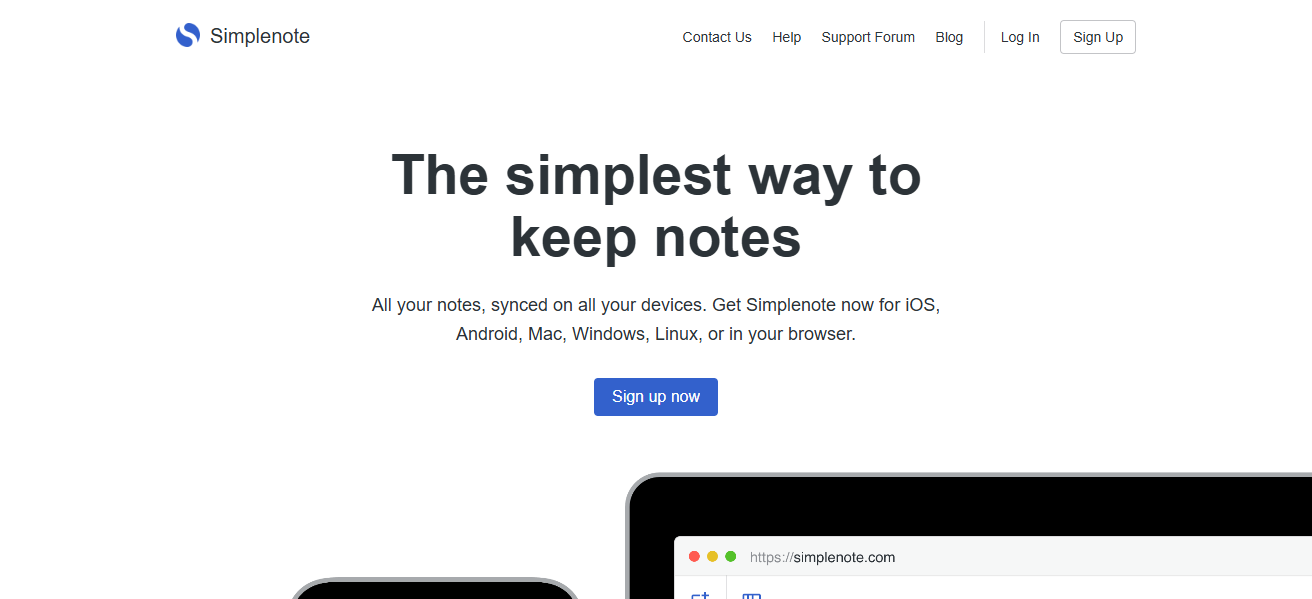
Version history and collaborative editing are also available on Simplenote which aids in group studies or in managing shared tasks.
Students use this program especially for its fast note-taking speeds and raw efficiency because Simplenote is clutter-free, has no ads, and no fees.
| Feature | Description |
|---|---|
| Lightweight Design | Minimalist interface focused on speed and clarity. |
| Tagging System | Organize notes using hashtags. |
| Cross-Platform Sync | Instant sync across Android, iOS, Windows, Linux, and Web. |
| Version History | Revert to earlier versions of notes. |
| Collaborative Notes | Share notes and collaborate in real-time. |
| Completely Free | No cost, no ads, and open source components. |
8.Zoho Notebook
Zoho Notebook has a visually appealing interface and is perfect for student’s note-taking needs. It employs a card-based system that enables users to create notes in the form of text, checklists, audio recordings, sketches, and attachments.
Not only can students customize their notebooks by categorizing them into color-coded groups but they can also enjoy cloud synchronization off multiple devices which grants offline access while maintaining a clean and ad-free environment.
In addition to standard features, students are able to scan documents and PDFs for annotation as well as utilize voice memos to capture notes swiftly. Zoho Notebook enhances a student in their creativeness, showcasing organized workflows tailored through its plethora of features.
| Feature | Description |
|---|---|
| Card-Based Notes | Different cards for text, checklist, audio, photo, and sketches. |
| Custom Notebook Covers | Personalize notebooks with visual themes. |
| PDF and File Attachments | Annotate PDFs and attach files to notes. |
| Sync Across Devices | Cloud sync with offline access. |
| Audio Recording | Capture voice notes on the go. |
| No Ads or Subscriptions | 100% free and visually rich experience. |
9.Apple Notes
Being a note-taking app, Apple Notes is incorporated into Apple’s ecosystem and its devices such as iPhones and iPads.
It’s typed text, checklists, photos, documents, links, videos (rich media), and hand written notes with an apple pencil capture every student’s needs.
Its organizational features like folders and tags help keep notes organized while protecting sensitive content with encryption.

Students are able to collaborate on documents with classmates during real time sessions; in addition to sharing their notes using group chats.
iCloud syncing allows students to access their notes from any device – IPhone, Ipad or Mac. Combining powerful security systems with a sleek interface makes Apple Notes easy to use for students. All these factors contribute towards helping students stay productive while excelling academically.
| Feature | Description |
|---|---|
| Native to Apple Devices | Built-in on iPhone, iPad, and Mac. |
| Handwriting Support | Use Apple Pencil for handwritten notes. |
| Rich Media Notes | Add images, web links, scanned documents, and checklists. |
| Tags and Folders | Organize content efficiently with smart folders. |
| Locked Notes | Password-protect sensitive information. |
| iCloud Sync | Real-time sync across all Apple devices. |
10.Bear (iOS/Mac)
Bear is a note-taking app available on iOS and Mac that has a wonderful aesthetic design which students can find appealing. It uses Markdown which makes formatting documents fast and flexible, allowing for efficient clean structured note taking, writing essays or drafting code.
Bear allows organizing study materials effortlessly with its powerful tagging system enabling the use of nested tags. Enriched texts are cross-referenced with to-do lists and images, helping students build an interlinked base of knowledge.
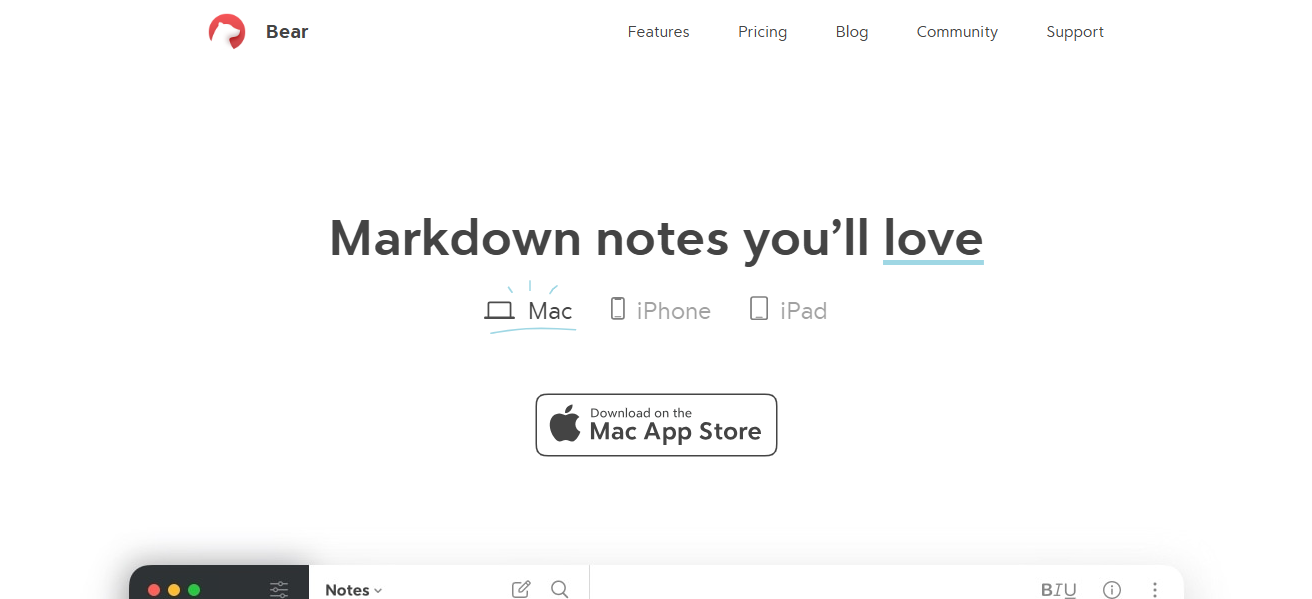
For those preferring minimalism, distraction-free focus writing bears results synced through iCloud making it perfect for students seeking comprehensive yet simple note-taking tools. Advanced exports and themes become available with the Pro version.
| Feature | Description |
|---|---|
| Markdown Support | Write with rich formatting using simple syntax. |
| Nested Tags | Organize notes deeply with tag hierarchies. |
| Cross-Note Linking | Link ideas and related content within notes. |
| Export Options | Export to PDF, DOCX, HTML, JPG, and more. |
| Distraction-Free Writing | Focus mode for a clean writing experience. |
| iCloud Sync | Instant sync across iPhone, iPad, and Mac. |
Conclusion
In Conclusion The most effective note-taking applications for students have flexible options to accommodate different learning preferences. For example, Google Keep and Simplenote offer quick and easy note-taking functionalities, while Notion and OneNote serve as comprehensive, multifunctional hubs.
Regardless of one’s preferred method—handwriting, collaboration, or markdown structural organization—there is an ideal application designed to enhance productivity, perfect studying schedules, and improve overall academic performance.
FAQ
What is the best free note-taking app for students?
Microsoft OneNote, Simplenote, and Google Keep are top free options with cloud sync and essential features for students.
Which note-taking app is best for handwritten notes?
GoodNotes (iOS) and Apple Notes (with Apple Pencil) are excellent for students who prefer handwriting or digital sketching.
Which app is best for organizing large volumes of notes?
Notion and Obsidian offer advanced organization with links, databases, and graph views for managing complex topics.