
In this article, I will examine the best AI Workflow Automation Platforms. AI Workflow Automation Platforms help businesses streamline the usage of worker hours by eliminating the redundancy of repetitive tasks, and optimizing the every day activities that comprise the business.
Better workflows, quicker decisions, and integrations across multiple industries help define the boundaries of the platforms.
Automation tools that require little to no input from the user, as well as complete business solution AI products will be covered as well as the platforms that are positioned as the greatest, their features, their benefits, and their abilities.
Key Points
| AI Workflow Automation Platform | Explanation |
|---|---|
| Zapier | Automates tasks across apps using AI workflows, integrations, and smart triggers. |
| Microsoft Power Automate | Creates intelligent workflows connecting Microsoft services with business applications efficiently. |
| UiPath | Provides AI-powered robotic automation for enterprise processes and repetitive tasks. |
| Make | Builds visual automated workflows with AI integrations and flexible scenarios. |
| Automation Anywhere | Delivers AI-driven robotic process automation for complex business operations globally. |
| Workato | Combines AI automation with enterprise integration and workflow orchestration capabilities. |
| n8n | Offers customizable AI workflows through open-source automation and integrations. |
| Bardeen AI | Automates browser tasks using AI agents, workflows, and productivity tools. |
| Pipedream | Enables developer-focused AI workflows with APIs, scripts, and automation. |
| Tray.ai | Provides AI automation for enterprise workflows, APIs, and data processes. |
1. Zapier
Zapier connects thousands of apps and automates tasks. From an AI perspective, it features AI-driven triggers and actions that optimize workflows across departments. From coding knowledge, Zapier is approachable for all, from start-ups and freelancers to large businesses and enterprises.

Zapier generates text, summaries, and classifications, and even optimizes decisions. Zapier connects with a multitude of apps across different CRMs, e-mail, and project management platforms. Zapier improves teams’ operational efficiency within their tasks.
Zapier Features
- AI-Supported Workflows: Zapier gives suggestions to improve the creation of automated workflows.
- Integrations: Utilize thousands of integrated apps for data.
- Ease of Use: Building workflows is simple, and advanced IT skills are not a requirement.
- AI Content Support: Capable of responding to prompts, providing summaries, and classifying data generated by AI.
- Complex Automation: Customized workflows are possible, including automation with many steps, actions, and conditional elements.
| Pros | Cons |
|---|---|
| Easy no-code interface suitable for beginners and non-technical users. | Advanced automation features can become expensive for growing businesses. |
| Supports thousands of app integrations across different business categories. | Complex workflows may require higher pricing plans. |
| AI features improve workflow creation and task automation. | Limited customization compared with developer-focused platforms. |
| Saves time by automating repetitive manual tasks. | Large workflows can become difficult to manage. |
| Provides ready-made templates for faster automation setup. | Some premium integrations require additional subscriptions. |
2. Microsoft Power Automate
This Microsoft-based product offers automation from Microsoft applications and extensions to third-party apps. Automate handles a lot of the everyday processes for users and manages data, approvals, notifications, and reporting.
The AI component of Power Automate provides users the ability to build smart workflows using plain language and gives suggestions to the users. Power Automate is built into the Microsoft 365, Dynamics 365, Teams, and SharePoint, and Azure services.
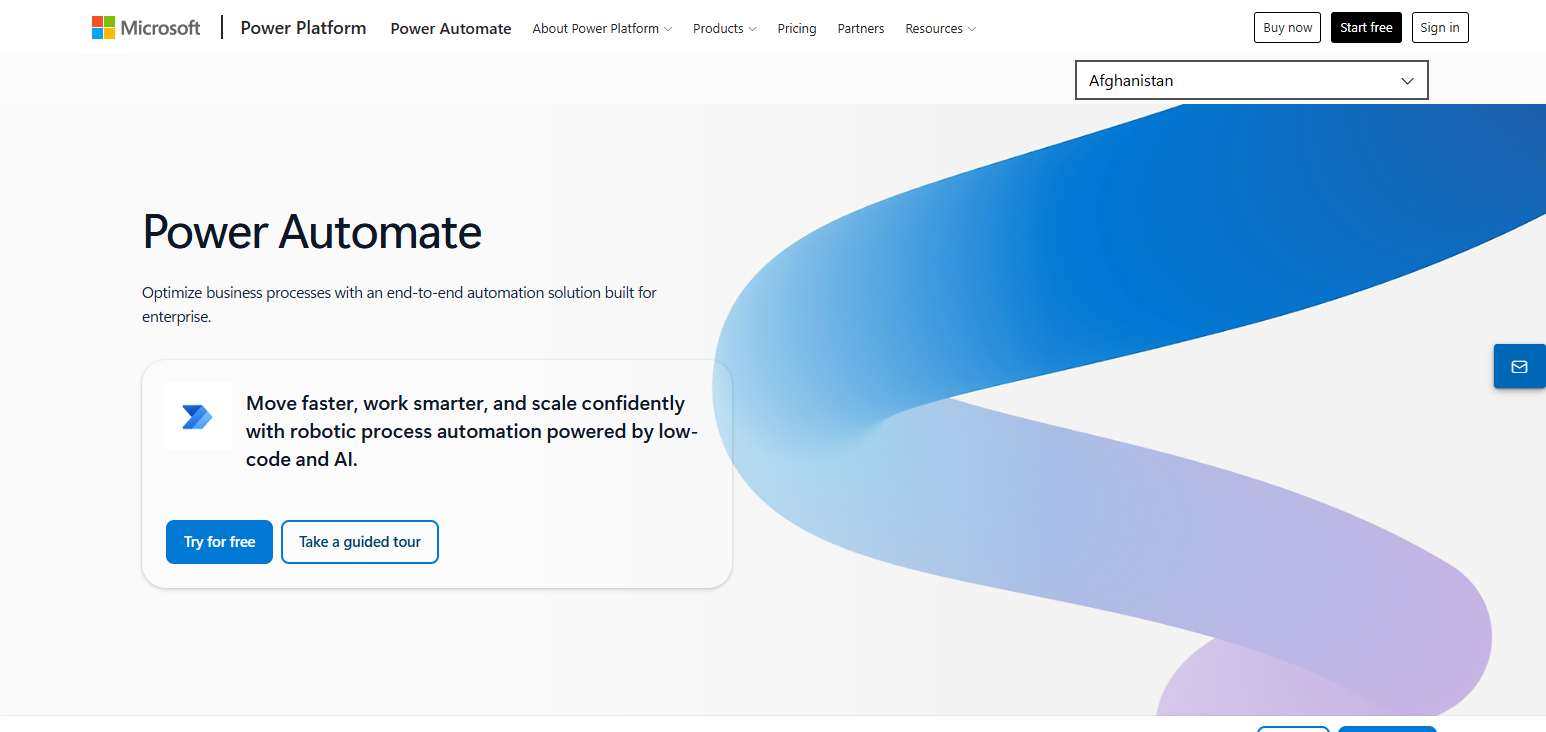
Since Power Automate is a low-code, secure, and scalable environment, it is a popular choice among large enterprises. It provides the ability to automate operations that were previously complex and unwieldy due to a large amount of manual work.
Microsoft Power Automate Features
- Workflow Simplicity: Creating automation can be easily visualized and processed by the business.
- Microsoft Integration: Power Automate integrates with all services and products in Microsoft 365, Teams, Dynamics 365, and Azure.
- AI Builder: Processes business documents and offers predictions for automation using AI.
- Robotic Process Automation: Software bots automate the completion of repetitive business and desktop tasks.
- Automation Security: Advanced automation controls for compliance and security.
| Pros | Cons |
|---|---|
| Strong integration with Microsoft 365 and enterprise applications. | Best experience mainly benefits Microsoft ecosystem users. |
| Provides powerful AI Builder tools for intelligent automation. | Learning curve can be challenging for beginners. |
| Offers advanced security and compliance features. | Complex workflows may require technical expertise. |
| Supports robotic process automation for desktop tasks. | Licensing structure can be difficult to understand. |
| Suitable for large organizations with scalable needs. | Third-party integrations may require additional configuration. |
3. UiPath
UiPath is an automation platform that specializes in RPA and intelligent automation. It is a business automation tool that combines AI, ML, and automation robots for the automation of repetitive business processes.

UiPath provides organizations automation in finance, healthcare, customer service, and HR and operational task automation. UiPath’s AI automation helps document processing, data analysis, and workflow processing decisions, and it does all of that with little assistance from users.
UiPath also has low-code, process mining, and advanced analytics. Because of its strong offerings, large enterprises use it to help boost productivity, and save operational costs, and complex business processes.
UiPath Features
- Robotic Process Automation: Repetitive business processes are automated through the use of AI bots.
- Document Understanding: AI is used to extract and understand the contents of documents.
- Process Mining: Assessing workflows for further automation.
- AI and Business Automation: Decision-making can be automated through business rules and AI.
- Large Business Automation: Addresses the needs of large businesses for secure automation.
| Pros | Cons |
|---|---|
| Powerful AI-driven robotic process automation capabilities. | Higher cost compared with basic automation platforms. |
| Excellent enterprise scalability and security features. | Requires training for advanced automation development. |
| Supports complex business process automation. | Deployment can be time-consuming for large projects. |
| Provides strong analytics and process mining tools. | More suitable for enterprises than small businesses. |
| Automates document processing with AI technology. | Maintenance of complex bots may require technical skills. |
4. Make
Make is a visual automation platform that specializes in AI and lets users create/build/automate processes in an easy way with a drag-and-drop interface. It lets users connect thousands of apps to create customized business automation processes without advanced programming skills.
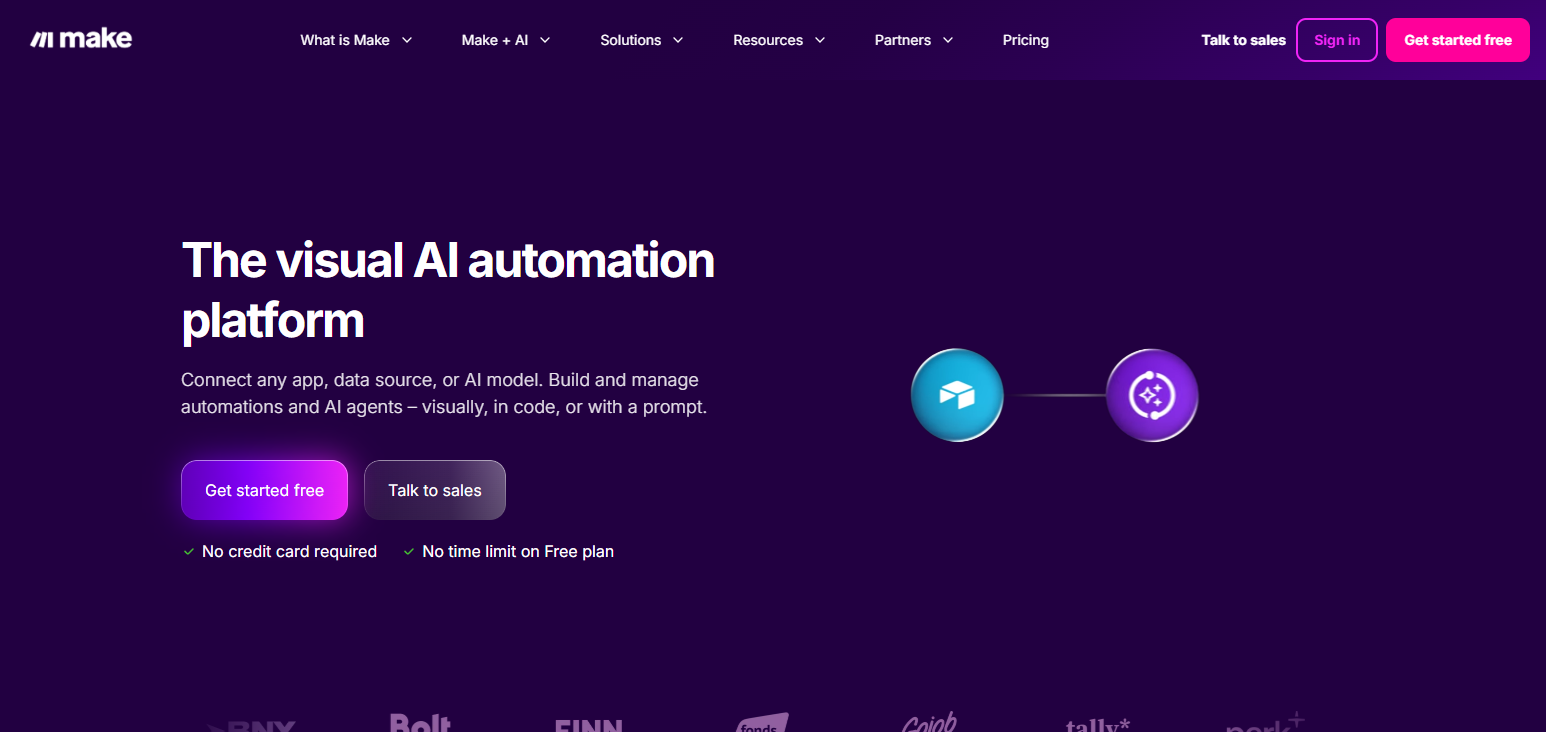
Make also has AI integrations for content generation and data, customer automation, and task automation. It can even be used for automated marketing and sales, reports, and even other business process automation.
Because of its flexible scenario builder, users have great control over automation and workflow logic, a tap over other traditional automation solutions. Because of its cost, flexibility, and customization, Make is the preferred automation platform for many businesses.
Make Features
- Visual Automation Designer: Make provides a drag-and-drop interface to design personalization automation tools and workflows.
- Integrated App Connections: Gives users the ability to interface with thousands of applications, APIs, and business appraisal interfaces.
- AI Automation: Incorporates AI for advanced content, data management, and workflow optimization.
- Dynamic Workflow Logic: Incorporates conditional steps, filters, and advanced sequence automation.
- Instant Data Automation: Offers businesses the ability to automate data and operational process.
| Pros | Cons |
|---|---|
| Visual drag-and-drop workflow builder is easy to use. | Advanced scenarios may require automation experience. |
| Offers flexible workflow customization options. | Large workflows can become difficult to organize. |
| Supports many applications and API connections. | Some premium features require paid plans. |
| Provides affordable automation solutions for businesses. | Customer support options may vary by plan. |
| Good alternative for users needing more control than Zapier. | Beginners may need time to understand workflow logic. |
5. Automation Anywhere
Automation Anywhere provides AI-powered robotic process automation products that assist enterprises in streamlining workflows. By integrating AI agents, machine learning, and automation bots, the Automation Anywhere platform caters to the automation of complicated business processes for different sectors.
Companies can considerably increase productivity, as Automation Anywhere is especially effective in automation of repetitive processes like data entry, document processing, customer support, and compliance-related tasks. Intelligent automation enables companies to analyze data, make decisions, and perform actions in an automated manner.
Automation Anywhere supports and secures a cloud-based environment, making the solution ideal for big companies that want to modernize business processes and achieve a digital transformation using AI automation.
Automation Anywhere Features
- AI Digital Workforce: Automates complex business processes via intelligent bots.
- RPA for Enterprises: Enables automation for finance, healthcare, HR, and customer service operations.
- Automating Documents: AI automation of invoices, forms, and business documents.
- Automation via the Cloud: Flexible and scalable automation via the cloud.
- Automation Analytics: Provides monitoring of automation via dashboards and reporting.
| Pros | Cons |
|---|---|
| Provides enterprise-grade AI automation capabilities. | Pricing can be expensive for small businesses. |
| Automates complex business processes using intelligent bots. | Requires technical knowledge for advanced implementations. |
| Strong security and compliance features for enterprises. | Setup process can be complex. |
| Supports cloud-based automation deployment. | Maintenance of large automation systems needs expertise. |
| Provides analytics for monitoring automation performance. | May be unnecessary for simple workflow requirements. |
6. Workato
Workato merges AI automation with enterprise integration to empower organizations to create sophisticated workflow solutions. It automates interdepartmental process integration through the connection of applications, databases, APIs, and business systems.
Workato’s implementation of AI enhances the building of workflows, data, and the execution of business processes. The platform is used to automate sales, IT, customer service and support, and finance processes and employee workflows.
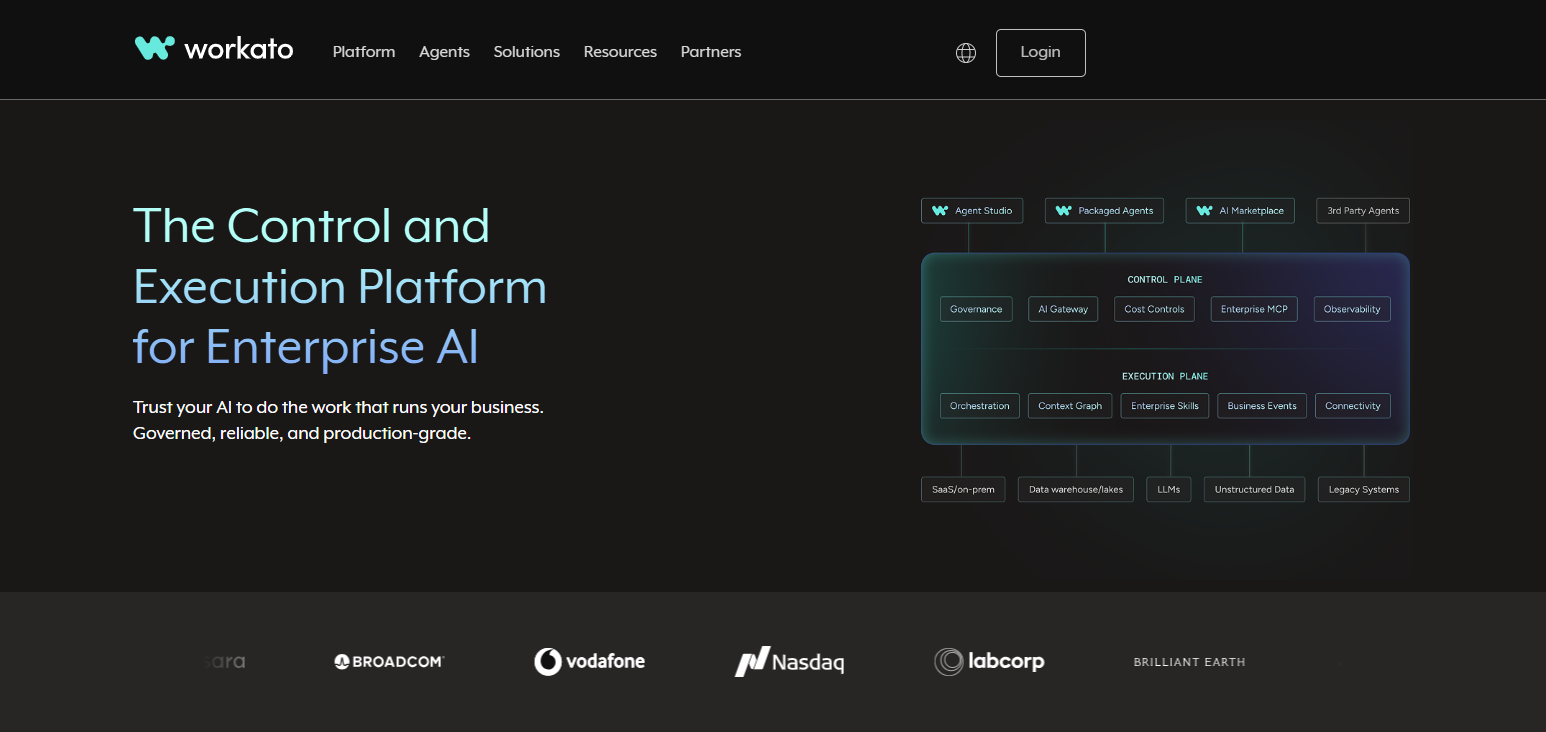
Design and conceptualization of workflows requires high levels of enterprise architecture and design. Workato is an important tool for firms that require sophisticated integrations and intelligent automation across multiple business applications.
Workato Features
- Integration Platform for Enterprises: Integrates applications, databases, APIs, and enterprise systems.
- AI in Workflow Automation: Leverages AI in optimization and process automation.
- Data Synchronization in Real Time: Synchronizes business data across applications.
- Automation Recipes: Recipes designed for quick business automation.
- Security Framework: Enterprise-level automation security, compliance, and controls.
| Pros | Cons |
|---|---|
| Powerful enterprise integration and workflow automation platform. | Premium pricing may not suit small companies. |
| Connects applications, APIs, and databases efficiently. | Requires learning for advanced automation setups. |
| Provides pre-built automation recipes for faster deployment. | Complex integrations may require technical support. |
| Strong security and scalability for enterprises. | Less suitable for simple personal automation tasks. |
| Supports real-time data synchronization across systems. | Customization options can be overwhelming initially. |
7. n8n
n8n’s open source model allows for extensive customization of AI workflows. Consisting of thousands of integrations, n8n supports a wide range of workflows, including those involving APIs, apps, databases, and AI. Unlike most similar platforms, n8n users can host their own workflows.
This feature pairs well with n8n’s extensive support for AI agents and automation and transformation logic.
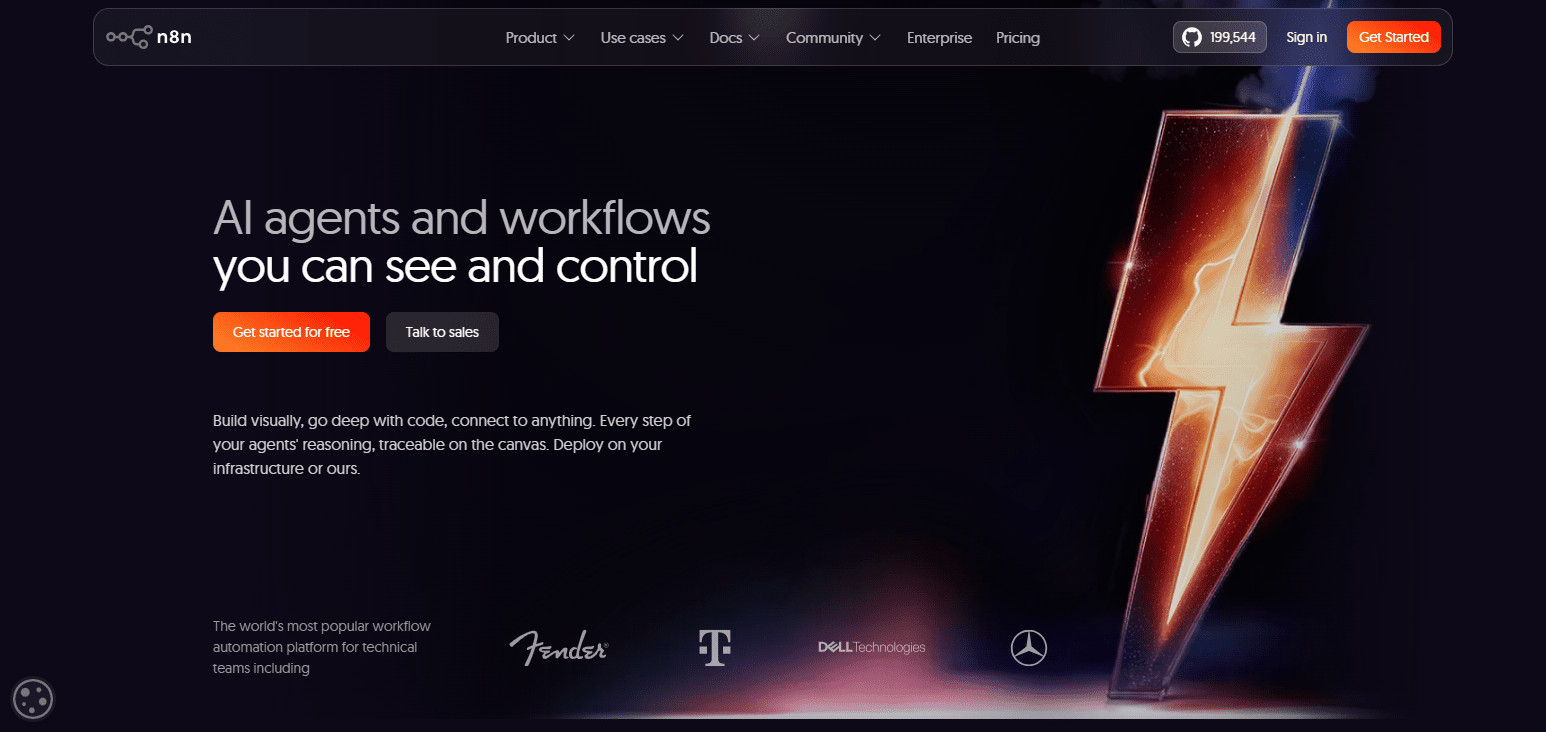
Private, advanced, and complex workflows covering a range of operations, including internal and SaaS operations and AI projects, are built using n8n. This platform is the go to for developers and teams with a technical background looking for flexibility.
n8n Features
- Automation Platform that is Open Source: Users have total control and can customize workflows.
- Self-Hosted: Automation with private installations.
- AI Agents: Automation of AI, agents, and workflow automation.
- Friendly to Developers: Full control of coding via APIs, scripting, and functions.
- Integrates Everywhere: Integrates databases and applications to cloud services and tools for developers.
| Pros | Cons |
|---|---|
| Open-source platform provides high customization flexibility. | Requires technical knowledge for advanced workflows. |
| Supports self-hosting for better data privacy control. | Setup and maintenance require developer skills. |
| Allows powerful API and AI integrations. | Beginners may find the interface challenging. |
| Offers complete control over workflow logic. | Limited enterprise support compared with commercial tools. |
| Cost-effective option for technical teams. | Hosting costs depend on infrastructure requirements. |
8. Bardeen AI
Bardeen AI is a browser automation tool focused on the elimination of repetitive online tasks. Routing various workflows on the web and automation of logic and tasks is easily accomplished through the AI agents embedded into the platform.
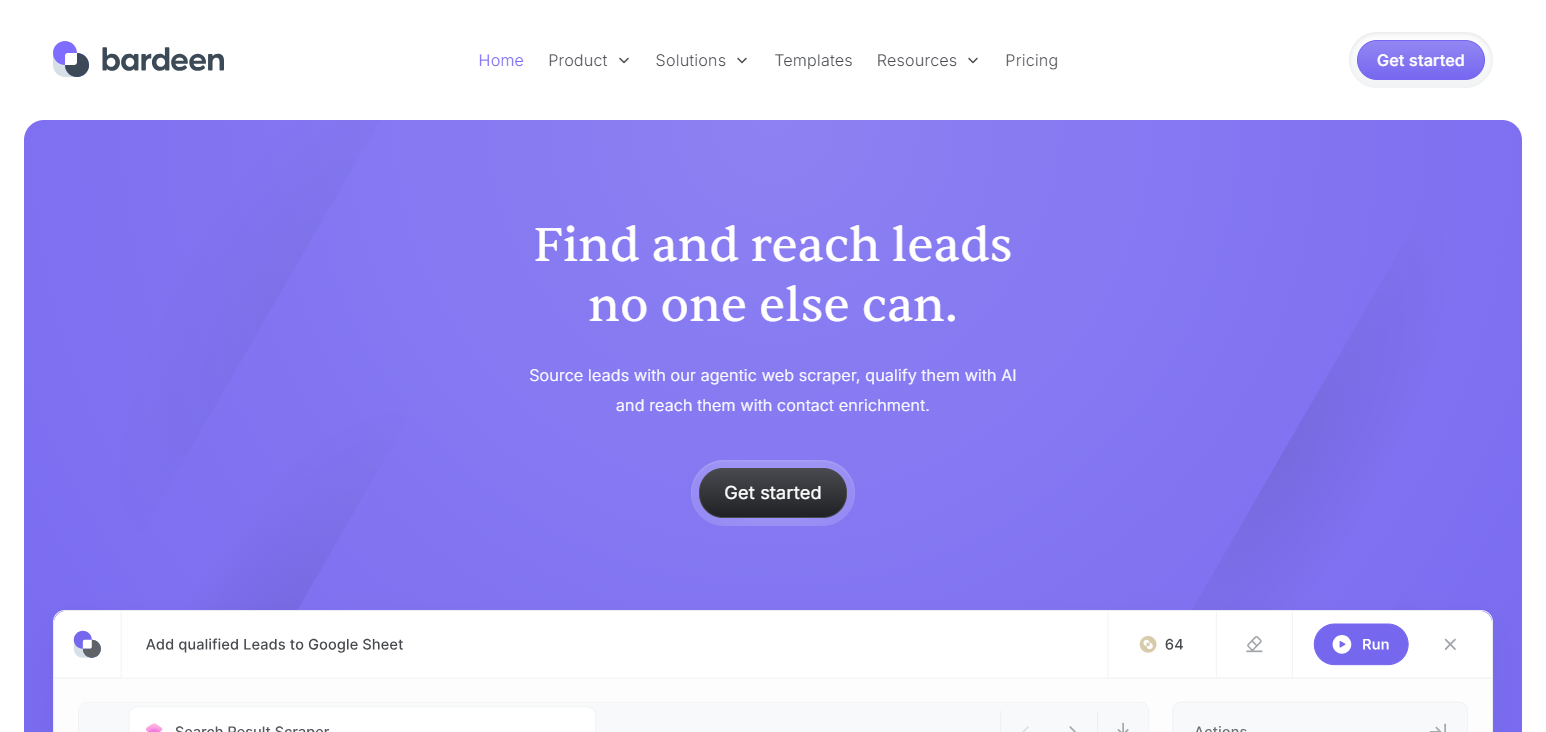
Utilizing Bardeen AI’s automation even helps gather and summarize various types of information. Due to the all encompassing nature of the tool, various professionals and teams covering different disciplines benefit from Bardeen AI (task automation, lead generation, improved productivity, etc.).
Bardeen AI Features
- Browser Automation: Automates tasks that interact with web apps.
- AI Task Agents: AI agents that help with research and tasks involving data and productivity.
- Automated Lead Generation: Automatically collects and organizes customer data for sales teams.
- Web Data Extraction: Makes data extraction from web pages easy and effortless.
- Workflow Templates: Professionally designed templates of automation workflows.
| Pros | Cons |
|---|---|
| Excellent for browser-based task automation. | Limited compared with enterprise automation platforms. |
| Uses AI agents for productivity improvements. | Mainly focused on browser workflows. |
| Helps automate research and lead generation tasks. | Advanced customization options are limited. |
| Easy setup without programming requirements. | May not handle complex enterprise processes. |
| Provides useful workflow templates for professionals. | Performance depends on website compatibility. |
9. Pipedream
Pipedream enables developers to create API-driven workflows and automate tasks and business processes. Pipedream uses a serverless design, so developers do not have to worry about setting up and managing servers.
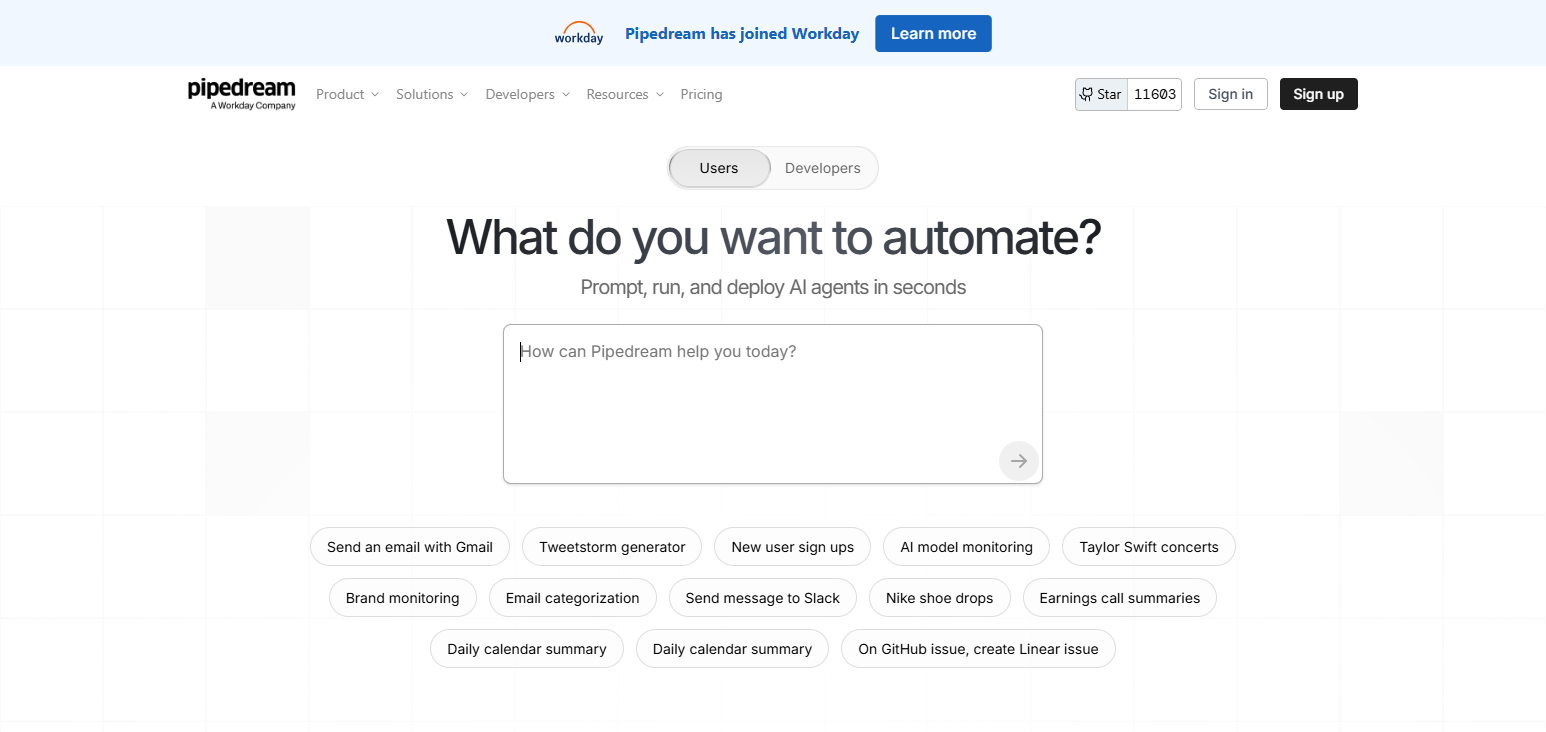
Virtual workflows are built using JavaScript, Python, and a variety of API integrations, which makes Pipedream a flexible and powerful tool for backend automation, processing webhooks, developing AI agents, and integrating applications. Pipedream is designed for a technical audience that has a need for customizable automated workflows.
Pipedream Features
- API Workflow Automation: Workflows can be built by developers using powerful APIs.
- Serverless Workflows: Automation workflows can be built without needing to deal with complex systems.
- Multi-Language Support: JavaScript and Python as well as other coding environments.
- Developer Customization: Complete control via scripts, APIs and integrations offered.
- AI Development Automation: Development of AI agents, automation and intelligent applications.
| Pros | Cons |
|---|---|
| Powerful API-based automation for developers. | Requires programming knowledge to use effectively. |
| Supports multiple programming languages and scripts. | Not ideal for non-technical users. |
| Flexible serverless workflow infrastructure. | Complex workflows require development expertise. |
| Excellent for building AI applications and agents. | Limited visual automation compared with no-code tools. |
| Provides strong customization through APIs. | Debugging advanced workflows can be challenging. |
10. Tray.ai
Tray.ai serves the automation needs of large enterprises by offering solutions that interconnect applications and data systems across a business.
Tray.ai combines AI agents and integration automation with intelligent workflows to help companies design and automate even the most complex business processes. Tray.ai works with AI-driven adaptive business workflows that enhance the quality of business decisions and operational effectiveness.
The design makes large-scale automation for enterprises easy, secure, and flexible. Companies that want to innovate with AI in their business processes at the enterprise automation and integration level will benefit most from using Tray.ai.
Tray.ai Features
- AI Agent Automation: Intelligent workflows via AI agents of business.
- Enterprise Application Integration: Connecting APIs, applications and business data.
- Customer Experience Automation: Automation of customer and service task interactions.
- Adaptive Workflows Automation: Complex and demanding automation for enterprises.
- Data Flow Automation: Automation of data movement, processing, and workflow.
| Pros | Cons |
|---|---|
| Provides advanced AI-powered enterprise automation. | Pricing is generally targeted toward enterprises. |
| Supports complex application and API integrations. | Requires technical knowledge for advanced usage. |
| Helps automate customer experience workflows. | Not suitable for simple personal automation needs. |
| Offers scalable infrastructure for growing organizations. | Initial setup may require professional assistance. |
| Combines AI agents with business process automation. | Smaller businesses may find it expensive. |
Conclsuion
In summary, the Best AI Workflow Automation Platforms enable organizations to boost productivity, eliminate tedium, and streamline digitally. Zapier, Microsoft Power Automate, UiPath, Make, and Workato are examples of platforms with varied AI-powered automation.
The right platform considering integrations, scalability, security, and workflows, assists organizations in reaching goals and impact productivity and agility.
FAQ
Why should businesses use AI Workflow Automation Platforms?
They help reduce manual work, improve productivity, minimize errors, and accelerate decision-making through intelligent automation.
Which is the best AI Workflow Automation Platform?
Zapier, Microsoft Power Automate, UiPath, Workato, and Make are among the top automation platforms.
Are AI Workflow Automation Platforms suitable for small businesses?
Yes, many platforms offer affordable no-code solutions suitable for startups and small businesses.
Do AI Workflow Automation Platforms require coding skills?
Most platforms provide no-code or low-code tools, allowing users to create workflows without programming.