I will talk about the Best Websites to Learn Visual Programming in this post, emphasizing resources that make coding easy, engaging, and enjoyable.
These websites are ideal for beginners, children, and educators who want to create apps, games, and interactive projects quickly and creatively.
They teach programming logic without the need for complicated syntax through drag-and-drop block interfaces.
Key Points & Best Websites To Learn Visual Programming List
| Website | Key Points |
|---|---|
| Scratch (MIT) | Beginner-friendly drag-and-drop coding platform for kids and educators; ideal for learning programming logic visually. |
| Blockly (Google) | Web-based visual programming library; great for embedding block-based coding into custom apps and games. |
| Snap! | Advanced block-based programming environment; supports recursion, higher-order functions, and custom blocks. |
| App Inventor (MIT) | Visual programming for building Android apps; uses a block-based editor for rapid prototyping. |
| Code.org | Offers block-based and text-based courses; popular Hour of Code activities for all ages. |
| Gamefroot | Visual game development platform; lets users create 2D games without code, with education-focused resources. |
| Tynker | Gamified visual programming for kids; teaches coding through puzzles, stories, and game creation. |
| Stencyl | Drag-and-drop game development tool; ideal for building cross-platform games without deep coding knowledge. |
| Thunkable | No-code app development tool for iOS and Android; uses visual logic blocks for app workflows. |
| Microsoft MakeCode | Web-based block and JavaScript editor; supports devices like micro:bit, Arcade, and Minecraft mods. |
10 Best Websites To Learn Visual Programming
1.Scratch (MIT)
One of the most well-known visual programming tools created especially for children, novices, and teachers is Scratch, created by the MIT Media Lab. It teaches programming logic without the need for prior coding knowledge by using vibrant drag-and-drop blocks.
While learning about loops, conditionals, and variables, users can make interactive stories, animations, and games. Students can share and remix projects in Scratch’s extensive online community.
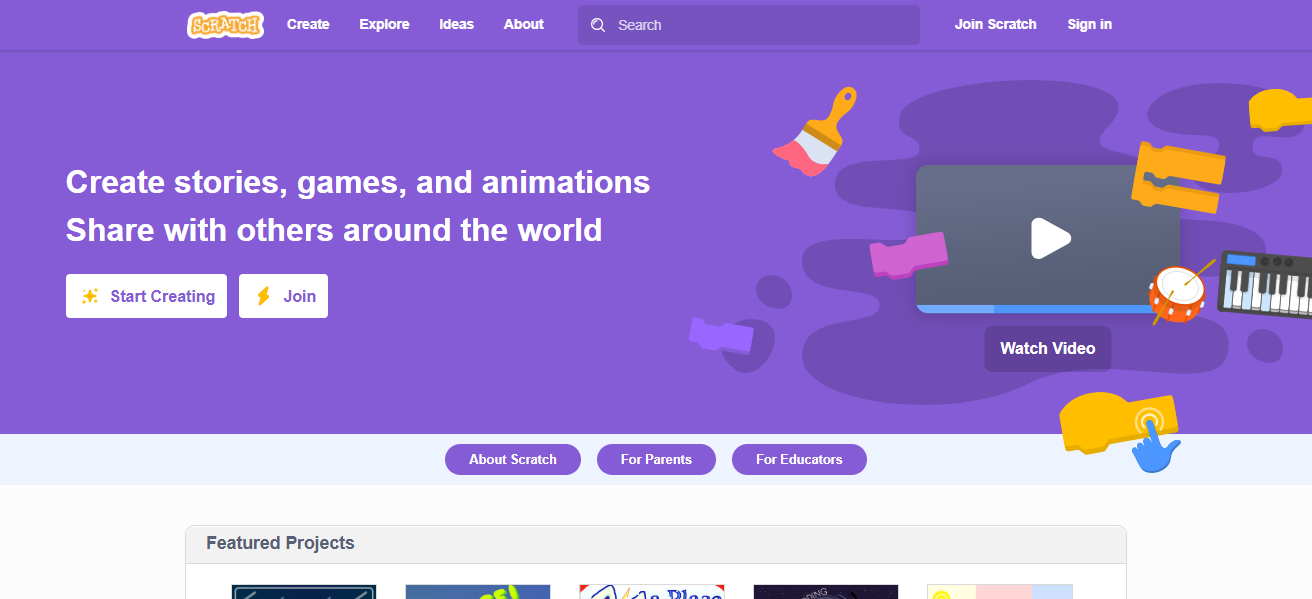
It is ideal for both self-learners and classrooms because it is browser-based, free, and incredibly user-friendly. Scratch offers a gentle introduction to computer science while fostering creativity and problem-solving abilities through the gamification of coding concepts.
| Feature | Description |
|---|---|
| Platform Type | Web-based visual programming environment |
| Target Audience | Kids, beginners, educators |
| Interface | Drag-and-drop colored code blocks |
| Key Learning Concepts | Loops, variables, conditionals, events |
| Project Types | Games, animations, interactive stories |
| Community Support | Large online community with sharing & remixing |
| Cost | Free |
| Device Compatibility | Browser-based; works on most devices |
| Unique Feature | Highly intuitive interface with strong focus on creativity |
2.Blockly (Google)
Google created Blockly, an open-source library that lets programmers make block-based, visual coding environments for mobile and web applications.
Many educational websites use it as a tool to teach coding using drag-and-drop blocks that translate into JavaScript, Python, PHP, Lua, or Dart; it is not a stand-alone learning platform.
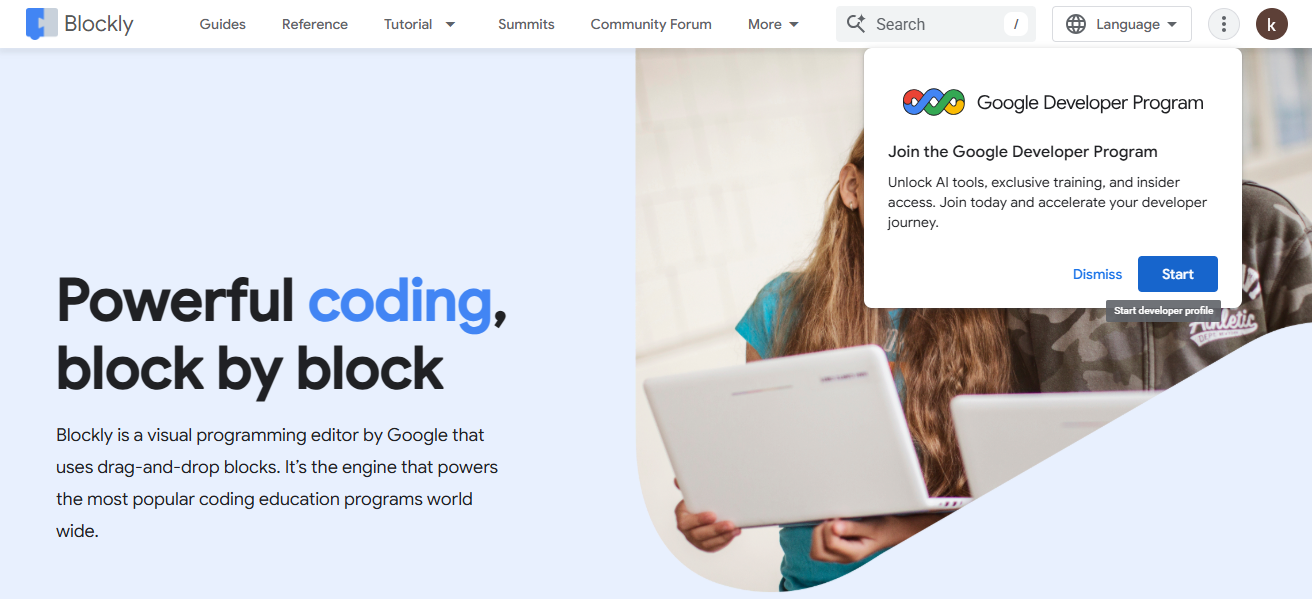
Blockly is perfect for creating personalized coding exercises, interactive guides, or educational games. It functions flawlessly in browsers, supports multilingual interfaces, and is incredibly customizable.
While educators and developers value Blockly’s flexibility in creating customized learning solutions in programming and computational thinking, beginners benefit from its user-friendly interface.
| Feature | Description |
|---|---|
| Platform Type | Open-source visual programming library |
| Target Audience | Beginners, educators, developers |
| Interface | Block-based coding linked to text-based code |
| Key Learning Concepts | Programming logic, syntax understanding |
| Integration | Embeddable in custom apps/websites |
| Programming Output | JavaScript, Python, PHP, Lua, Dart |
| Cost | Free |
| Device Compatibility | Browser-based |
| Unique Feature | Highly customizable for building learning platforms |
3.Snap!
Inspired by Scratch, Snap! is a sophisticated visual programming environment intended for more intricate projects. It was created by UC Berkeley and enables students to investigate complex ideas that are typically only found in traditional programming languages, like recursion, first-class lists, and higher-order functions.
While adding features for more in-depth programming exploration, Snap! keeps the drag-and-drop interface. Because it is free and web-based, students, teachers, and hobbyists everywhere can use it.
For students who have mastered basic block programming and wish to move on to text-based coding while still working in an intuitive, visual environment that encourages innovation and experimentation, Snap! is ideal.
| Feature | Description |
|---|---|
| Platform Type | Advanced block-based programming environment |
| Target Audience | Intermediate to advanced learners |
| Interface | Drag-and-drop blocks similar to Scratch |
| Key Learning Concepts | Recursion, lists, higher-order functions |
| Project Types | Games, animations, simulations |
| Cost | Free |
| Device Compatibility | Browser-based |
| Unique Feature | Supports advanced programming concepts visually |
4.App Inventor (MIT)
A visual programming tool called MIT App Inventor makes it possible to create iOS and Android apps without knowing how to write code. Similar to Scratch, it employs block-based programming, which enables users to drag-and-drop blocks to create logic and visually design app interfaces.
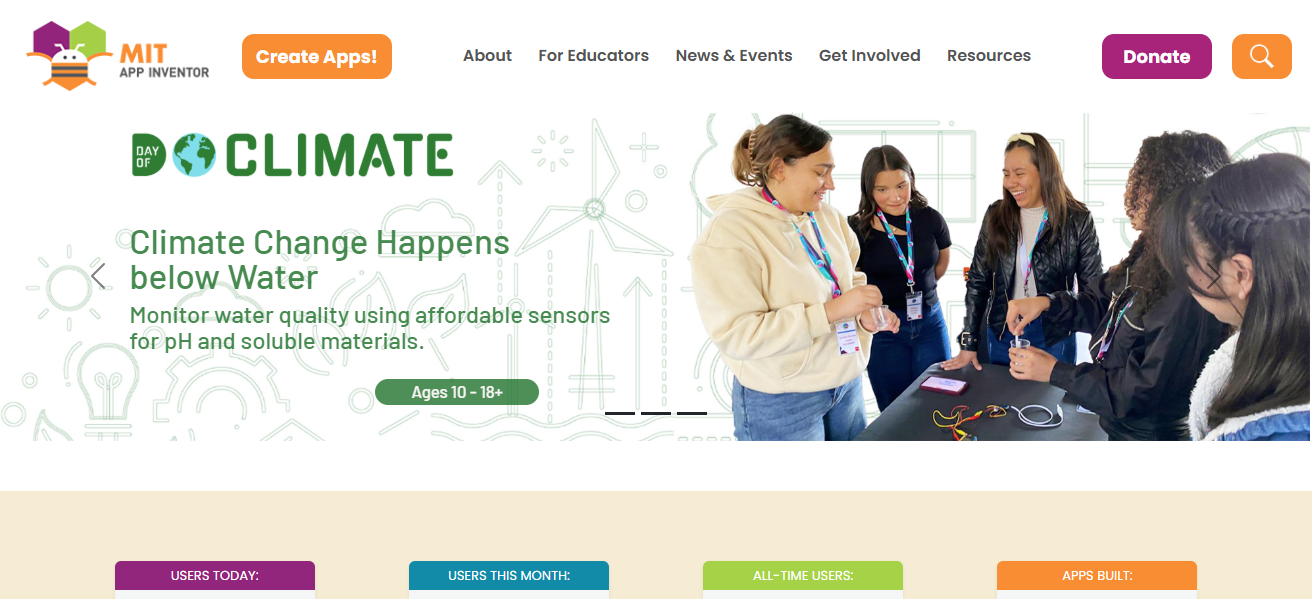
It was first created by Google, is currently maintained by MIT, and is frequently utilized in classrooms. With the help of App Inventor, novices can create useful, practical apps.
Because it avoids the steep learning curve of traditional coding languages, it’s perfect for students, teachers, and hobbyists who want to learn the fundamentals of app development, from UI design to event-driven programming.
| Feature | Description |
|---|---|
| Platform Type | Visual mobile app development tool |
| Target Audience | Students, educators, hobbyists |
| Interface | Block-based logic with visual UI builder |
| Key Learning Concepts | Event-driven programming, UI/UX design |
| Output | Android and iOS apps |
| Cost | Free |
| Device Compatibility | Web-based (with Android/iOS deployment) |
| Unique Feature | Real-world app creation without coding |
5.Code.org
A nonprofit website called Code.org seeks to make computer science education more widely available, particularly for students in grades K–12. It provides a combination of text-based and visual programming lessons, with block-based coding for novices moving into Python or JavaScript.
Through entertaining, interactive games, activities, and tutorials with a theme (Minecraft, Star Wars, Frozen), well-known programs like Hour of Code introduce millions of people to programming.
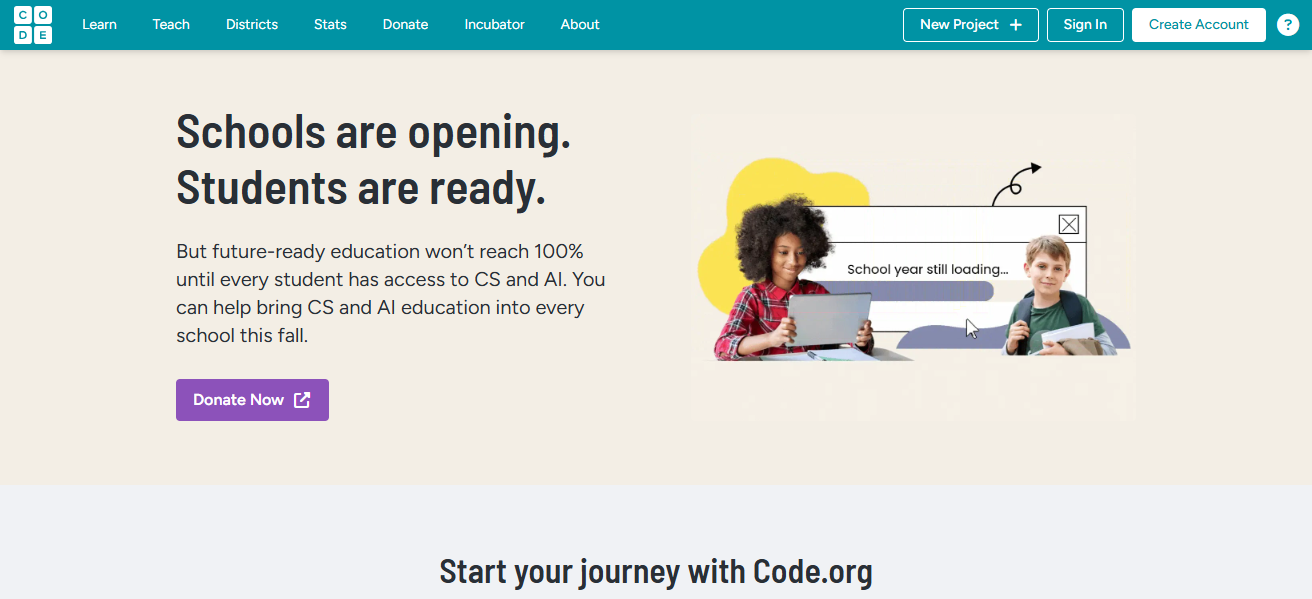
With courses that are mapped to educational standards, the platform is teacher-friendly, well-structured, and free. Many schools around the world use Code.org, which is ideal for anyone wishing to develop their logical thinking and problem-solving abilities in an entertaining, game-like setting.
| Feature | Description |
|---|---|
| Platform Type | Educational coding platform |
| Target Audience | K–12 students, teachers |
| Interface | Block-based and text-based coding |
| Key Learning Concepts | Logic, problem-solving, algorithms |
| Courses Offered | Hour of Code, full-year curricula |
| Cost | Free |
| Device Compatibility | Browser-based |
| Unique Feature | Popular themed lessons (Minecraft, Star Wars) |
6.Gamefroot
With the help of the visual game development platform Gamefroot, anyone without any coding experience can make and publish 2D games. Students can create levels, characters, and interactive elements with drag-and-drop tools and templates.
The platform is a useful tool in classrooms because it also offers instructional materials for teachers. Gamefroot gently introduces programming ideas while promoting storytelling, creativity, and problem-solving.
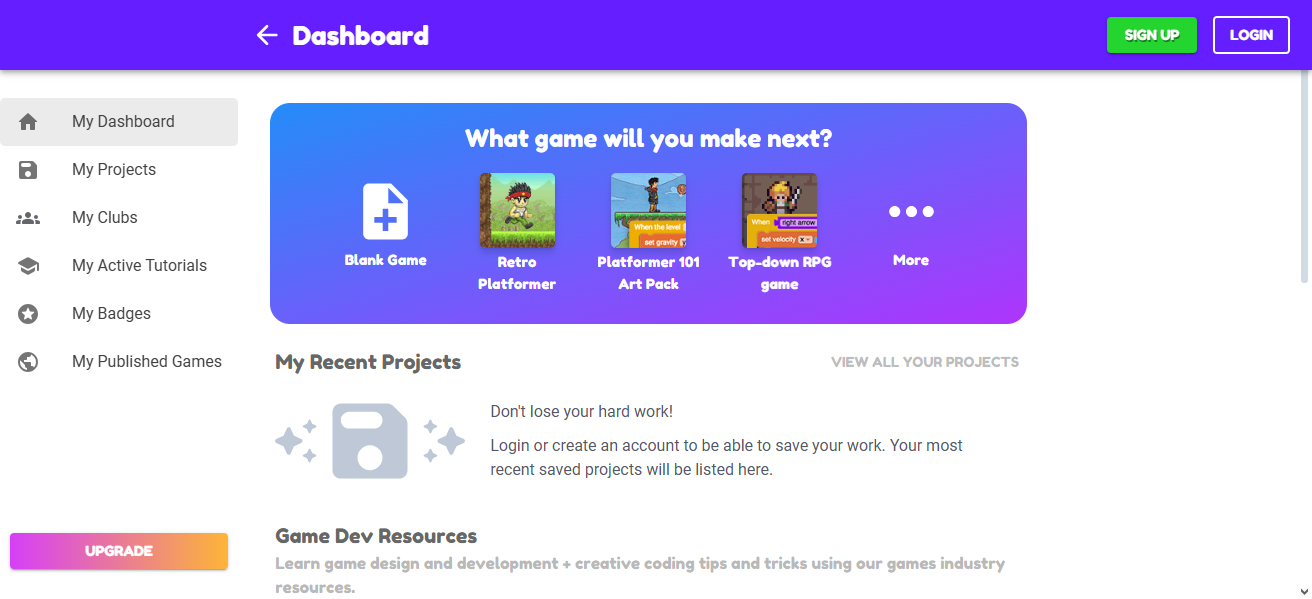
More experienced users can incorporate scripting for more intricate gameplay, and projects can be shared online. For younger students or game design enthusiasts, Gamefroot’s emphasis on games makes learning to code engaging and relatable.
| Feature | Description |
|---|---|
| Platform Type | Visual 2D game development tool |
| Target Audience | Students, hobbyists, educators |
| Interface | Drag-and-drop design and logic |
| Key Learning Concepts | Game design, storytelling, logic |
| Output | Browser-based playable games |
| Cost | Free (with premium options) |
| Device Compatibility | Web-based |
| Unique Feature | Classroom resources for game-based learning |
7.Tynker
Tynker is a kid-friendly gamified coding platform that provides interactive courses in Python, JavaScript, and visual programming. Before moving on to text-based languages, its block-based interface aids novices in understanding coding concepts.
Coding puzzles, narrative-based adventures, game development, and even robotics integration using drones and microcontrollers are all part of Tynker’s curriculum. It provides self-paced online learning for individuals and is extensively utilized in educational institutions.
Tynker’s captivating method encourages creativity, problem-solving, and logical thinking while making coding enjoyable. It facilitates a smooth transition for learners from beginner-friendly blocks to sophisticated programming abilities applicable to real-world projects by supporting gradual skill progression.
| Feature | Description |
|---|---|
| Platform Type | Gamified coding platform |
| Target Audience | Kids, schools |
| Interface | Block-based coding, then Python/JavaScript |
| Key Learning Concepts | Logic, game creation, robotics |
| Courses Offered | Self-paced coding lessons, puzzles |
| Cost | Paid (with free trials) |
| Device Compatibility | Web, mobile apps |
| Unique Feature | Integration with drones, microcontrollers |
8.Stencyl
Users can create 2D games with Stencyl, a visual game creation platform, without knowing any code. The block-based interface of Scratch served as inspiration, and it also enables more experienced users to add custom code for additional functionality.
Desktop, mobile, and web publishing are all supported by Stencyl. In order to teach or make games without the challenging learning curve of conventional game engines, educators, enthusiasts, and independent game developers use it.
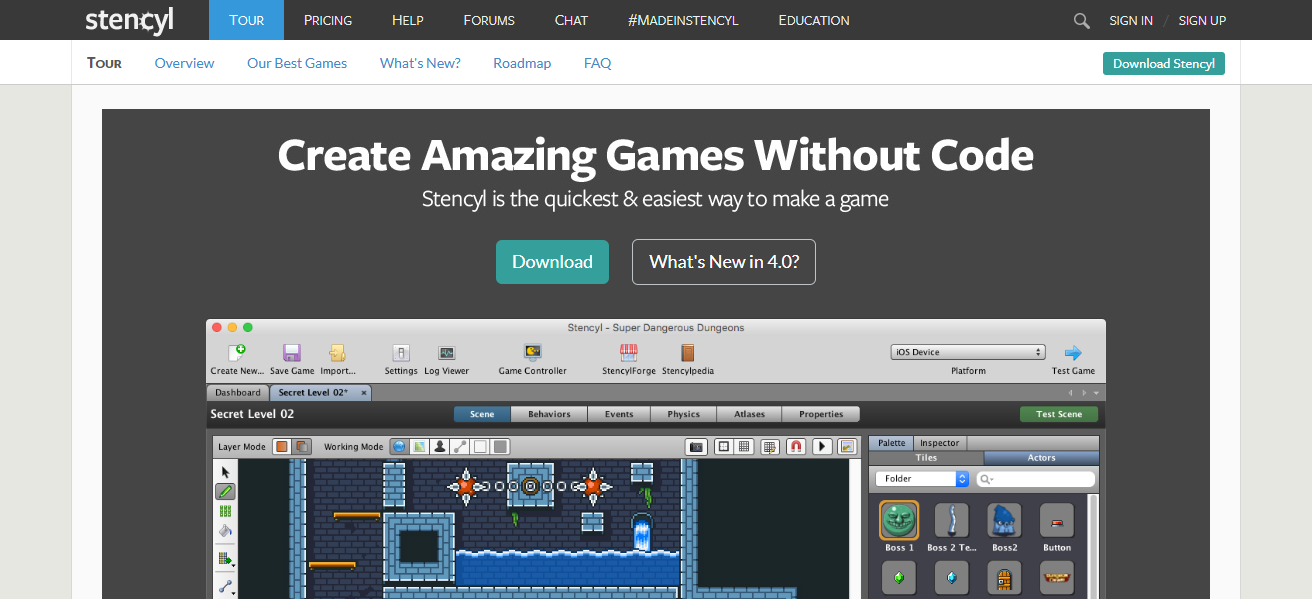
Stencyl’s flexibility enables the creation of professional-quality games, while its drag-and-drop tools make game development accessible to novices. It is a good option for aspiring game developers because of its community, which provides resources, tutorials, and chances for collaboration.
| Feature | Description |
|---|---|
| Platform Type | Visual 2D game development tool |
| Target Audience | Beginners to indie developers |
| Interface | Block-based logic with coding option |
| Key Learning Concepts | Game design, programming logic |
| Output | Games for desktop, mobile, and web |
| Cost | Free (paid publishing options) |
| Device Compatibility | Desktop application |
| Unique Feature | Scratch-inspired logic system for professional games |
9.Thunkable
Thunkable is a visual, drag-and-drop platform that allows users to create mobile apps without knowing any code. Similar to Scratch or App Inventor, users create app screens visually and specify functionality using logic blocks.
Apps can run on both iOS and Android thanks to Thunkable’s cross-platform publishing support. It is perfect for educators, business owners, and hobbyists because it is user-friendly for beginners while still having the power to handle more complicated applications.
Without knowing how to write code, users can integrate databases, APIs, and sophisticated features. For anyone interested in app development without a significant technical learning curve, Thunkable is a useful place to start because of its ease of use and adaptability.
| Feature | Description |
|---|---|
| Platform Type | No-code mobile app builder |
| Target Audience | Beginners, entrepreneurs, educators |
| Interface | Drag-and-drop UI and logic blocks |
| Key Learning Concepts | App workflows, API integration |
| Output | Cross-platform apps (Android & iOS) |
| Cost | Free & paid plans |
| Device Compatibility | Web-based |
| Unique Feature | Publish apps to both iOS and Android easily |
10.Microsoft MakeCode
Microsoft MakeCode is a free browser-based coding tool that supports JavaScript and block-based programming. The micro:bit, Arcade for game development, and Minecraft modding are just a few of the devices and environments it supports.
As they gain confidence, beginners can easily transition from visual blocks to JavaScript. MakeCode is perfect for creative game design, STEM education, and combining coding with hardware projects.
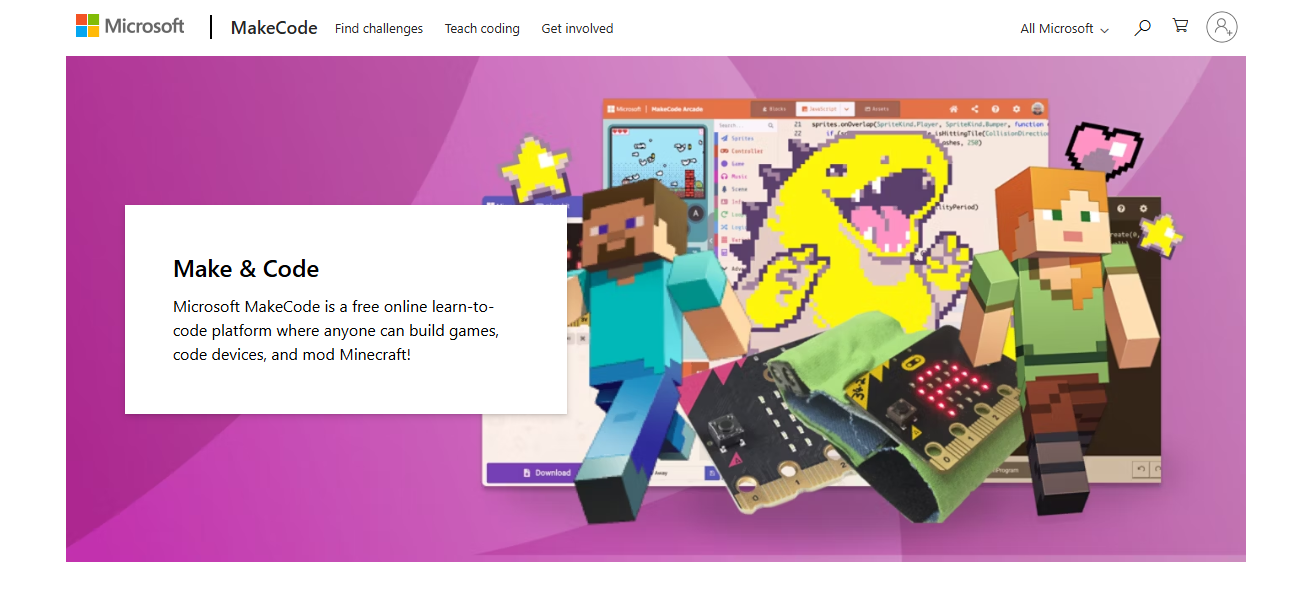
For experiential learning, it is frequently utilized in classrooms and maker spaces. Users can test projects instantly using the platform’s interactive simulator, which makes learning interesting, approachable, and flexible enough to meet a range of educational and recreational needs.
| Feature | Description |
|---|---|
| Platform Type | Visual & JavaScript coding platform |
| Target Audience | Students, hobbyists, STEM educators |
| Interface | Block editor with text switch option |
| Key Learning Concepts | Game design, hardware programming |
| Supported Devices | micro:bit, Arcade, Minecraft |
| Cost | Free |
| Device Compatibility | Browser-based |
| Unique Feature | Instant project simulation in browser |
Conclsuion
In Cocnsluion For students of all ages, visual programming tools like Scratch, Blockly, and App Inventor make coding approachable, entertaining, and creative.
Whether creating interactive stories, games, or apps, these tools foster logical thinking and problem-solving skills without being constrained by complicated syntax.
They are ideal for transitioning from simple building blocks for beginners to more complex programming techniques for practical applications.
FAQ
What is visual programming?
Visual programming lets you create programs by arranging graphical blocks instead of writing code, making learning easier for beginners.
Who can learn visual programming?
Anyone—from kids to adults—can start learning, as no prior coding knowledge is needed.
Which platform is best for kids?
Scratch, Tynker, and Code.org are highly beginner-friendly for children.