By using this site, you agree to the Privacy Policy and Terms of Use.
Accept
CoinworldstoryCoinworldstoryCoinworldstory
  • HOME
  • CRYPTO
    • AI
    • BOTS
    • ICO
    • AIRDROP
      • Featured Airdrops
    • Price Prediction
    • EXCHANGE
      • Best Centralized Exchange List 2026
      • Best Decentralized Exchange List 2025
    • ALTCOIN
    • Alt Coin Signal
    • Crypto Analysis
    • Bitcoin Loan
    • Bitcoin Mining
    • WALLETPRO
  • PR
    PR
    If You Looking For Submit Cryptocurrency Press Releases Than Coinworldstory Is Best Choice For Crypto Press Release Submission
    Show More
    Top News
    Canary Capital Launches Spot XRP ETF (XRPC), Delivering Simplified Access to a Foundational Blockchain Asset
    6 months ago
    Megacampus Summit Dubai 2026: A Global Event Shaping Tomorrow
    Megacampus Summit Dubai 2026: A Global Event Shaping Tomorrow
    5 months ago
    “USS Status” Launch: Crypto Veteran Returns With Satirical Cartoon, Privacy App, and Gasless L2
    4 months ago
    Latest News
    $100/Month in Bitcoin Since 2015 Would Have Turned $13,700 Into $632,000, Coinbird Analysis Shows
    18 hours ago
    Lock.com Enters Early Access With Isolated Signing and Post-Quantum Architecture
    2 days ago
    E-Estate Announces 1 Year Live: Washington DC Summit as Real Estate Tokenization Enters Its Next Phase
    5 days ago
    MapleStory Universe Marks One Year of Live Ops, Surpasses 150M On-chain Transactions, Entering MSU 2.0 Phase
    6 days ago
  • NEWS
    • Mining
    • Altcoins
    • Ban
    • BANKING/FINANCE NEWS
    • Bitcoin
    • Blockchain
    • CRYPTO CRIME
    • Ethereum
    • Exchange News
    • Government News
    NEWSShow More
    10 Hidden Liquidity Features Modern Brokers Secretly Use
    10 Hidden Liquidity Features Modern Brokers Secretly Use
    7 days ago
    10 Apps That Show What You Should Have Done Instead
    10 Apps That Show What You Should Have Done Instead
    2 months ago
    10 Best Crypto Conferences to Attend in 2026
    10 Best Crypto Conferences to Attend in 2026
    2 months ago
    Emerging Markets Favor Stablecoins Over Bitcoin
    Emerging Markets Favor Stablecoins Over Bitcoin
    3 months ago
    10 Solana DEXs With Lowest Slippage for Memecoin Trading
    10 Solana DEXs With Lowest Slippage for Memecoin Trading
    3 months ago
  • MORE
    • Guide
    • Only Best
    • Off Topic
    • Best Affiliate Marketing
    • Best Affiliate Programs
    • BOTS
    • Trusted Currency Exchanger Platform
    • Blockchain Games
    • Metaverse Review : Best Metaverse Program Review
    • Online Survey
    • Payment Platform
  • VPN
  • Contact Us
Reading: How To Use Teams Breakout Rooms: A Step-by-Step Guide
Share
Notification Show More
Font ResizerAa
CoinworldstoryCoinworldstory
Font ResizerAa
  • ADVERTISEMENT
  • SUBMIT PR
  • CONTACT
  • GUEST POST
  • ABOUT US
  • DMCA
  • SITEMAP
  • DISCLAIMER
  • PRIVACY POLICY
Search
  • HOME
  • CRYPTO
    • AI
    • BOTS
    • ICO
    • AIRDROP
    • Price Prediction
    • EXCHANGE
    • ALTCOIN
    • Alt Coin Signal
    • Crypto Analysis
    • Bitcoin Loan
    • Bitcoin Mining
    • WALLETPRO
  • PR
  • NEWS
    • Mining
    • Altcoins
    • Ban
    • BANKING/FINANCE NEWS
    • Bitcoin
    • Blockchain
    • CRYPTO CRIME
    • Ethereum
    • Exchange News
    • Government News
  • MORE
    • Guide
    • Only Best
    • Off Topic
    • Best Affiliate Marketing
    • Best Affiliate Programs
    • BOTS
    • Trusted Currency Exchanger Platform
    • Blockchain Games
    • Metaverse Review : Best Metaverse Program Review
    • Online Survey
    • Payment Platform
  • VPN
  • Contact Us
Have an existing account? Sign In
Follow US
© 2022 Foxiz News Network. Ruby Design Company. All Rights Reserved.
Home » Blog » How To Use Teams Breakout Rooms: A Step-by-Step Guide
Guide & Crypto Education

How To Use Teams Breakout Rooms: A Step-by-Step Guide

Gixona
Last updated: 22/09/2025 4:59 PM
Gixona
10 months ago
Share
Disclosure: We are not a registered broker-dealer or an investment advisor. The services and information we offer are for sophisticated investors, and do not constitute personal investment advice, which of necessity must be tailored to your particular means and needs. !
How To Use Teams Breakout Rooms: A Step-by-Step Guide
SHARE

In this post, I will explain how to leverage Teams Breakout Rooms for meetings, training sessions, and collaboration. Organizers can use Breakout Rooms in Microsoft Teams to separate attendees into smaller groups for concentrated conversations.

Contents
  • What are Breakout Rooms In Teams?
  • How To Use Teams Breakout Rooms
    • Step-by-Step:
  • Joining and Returning from Breakout Rooms
    • Joining a Breakout Room (as a Participant):
    • While in the Breakout Room:
    • Returning to Main Meeting:
  • Tips and Best Practices
    • Use Clear Instructions
    • Choose the Right Assignment Method
    • Set Timer
    • Support and Monitor
  • Conclusion
  • FAQ
    • Can I set up rooms before the meeting?
    • Can I assign people manually?
    • Can breakout rooms be recorded?

This guide will assist you in supervising, assigning, and closing rooms so that you can use your sessions optimally, regardless if you’re conducting a workshop or a classroom session.

What are Breakout Rooms In Teams?

Breakout Rooms in Microsoft Teams serve as mini-meeting spaces within the main meeting, and they help the organizers manage separate discussions for every group separately. They provide participants with features for independent chat, audio, video, as well as screen sharing.

The organizer is the sole person who can manage room creation, participant assignment, and room announcements. These rooms are great for teaching, workshops, and activities which demand group interaction.

- Advertisement -

The organizer has control of bringing all participants back to the main meeting with a single click after the sessions.

How To Use Teams Breakout Rooms

Let’s say you are running a corporate training session for a group of 20 employees who are attending the session on Microsoft Teams. You wish to have them analyze a given case study in smaller groups.
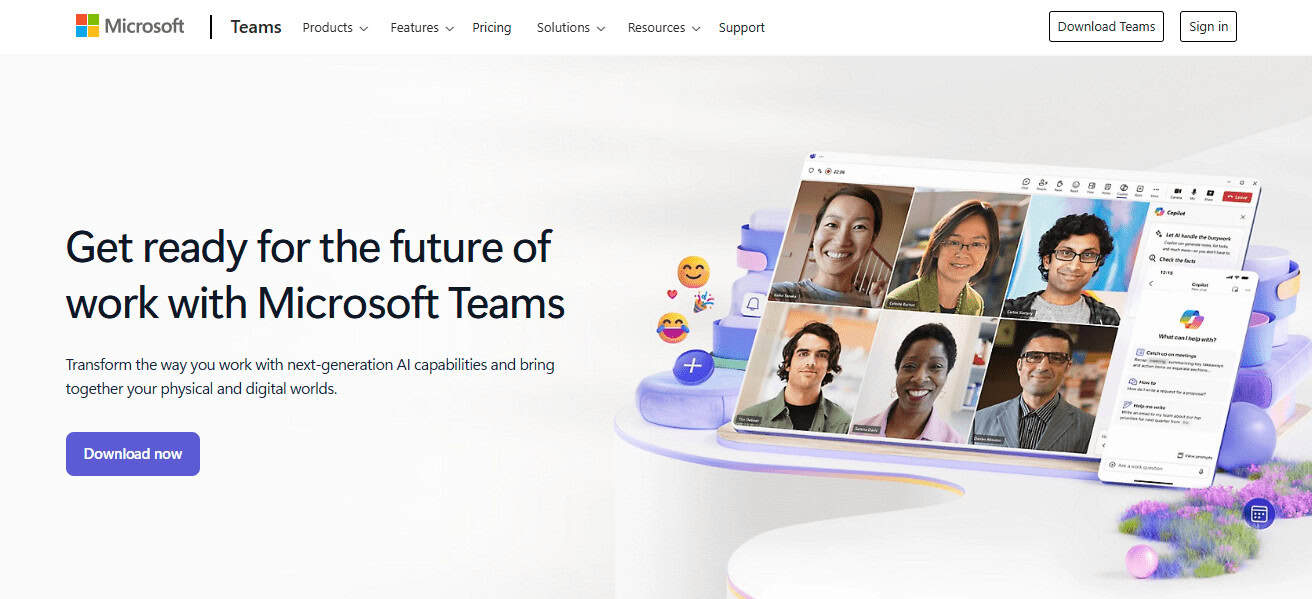
Step-by-Step:

Start Meeting:Open your Teams application and launch the meeting that you had scheduled.

Open Breakout Rooms:On the upper menu, there is the Breakout Rooms icon. Click it.

Choose Number of Rooms:To create 5-member groups from 20 participants you’ll need to select 4 rooms

- Advertisement -

Assign Participants:Pick Automatically so that Teams balances the distribution.

Open Rooms:Click on “Open” to let participants join their respective sessions.

Monitor & Assist:Join any equipped virtual room to provide assistance or observe. You have the ability to send announcements to all virtual rooms if needed.

- Advertisement -

Close Rooms:After 15 minutes, click on “Close Rooms” to return all participants to the main room.

Debrief in Main Room:Resume the training by discussing the key areas captured from the analysis.

Joining and Returning from Breakout Rooms

Joining a Breakout Room (as a Participant):

  • You’ll receive a notification when the organizer activates the breakout rooms.
  • Use the “Join Room” button to enter your designated breakout room.
  • While in the breakout room, you have access to all meeting features such as chatting, video, audio, and screen sharing.

While in the Breakout Room:

  • You are able to interact with group members just like in the overall meeting.
  • If you need assistance, the organizer can be notified through the “Ask for help” function.
  • The organizer also has the option to intervene at any time to assess and assist.

Returning to Main Meeting:

  • You will go back to the main meeting when the organizer closes breakout rooms.
  • If the organizer allows it, you can manually click “Return.”

Tips and Best Practices
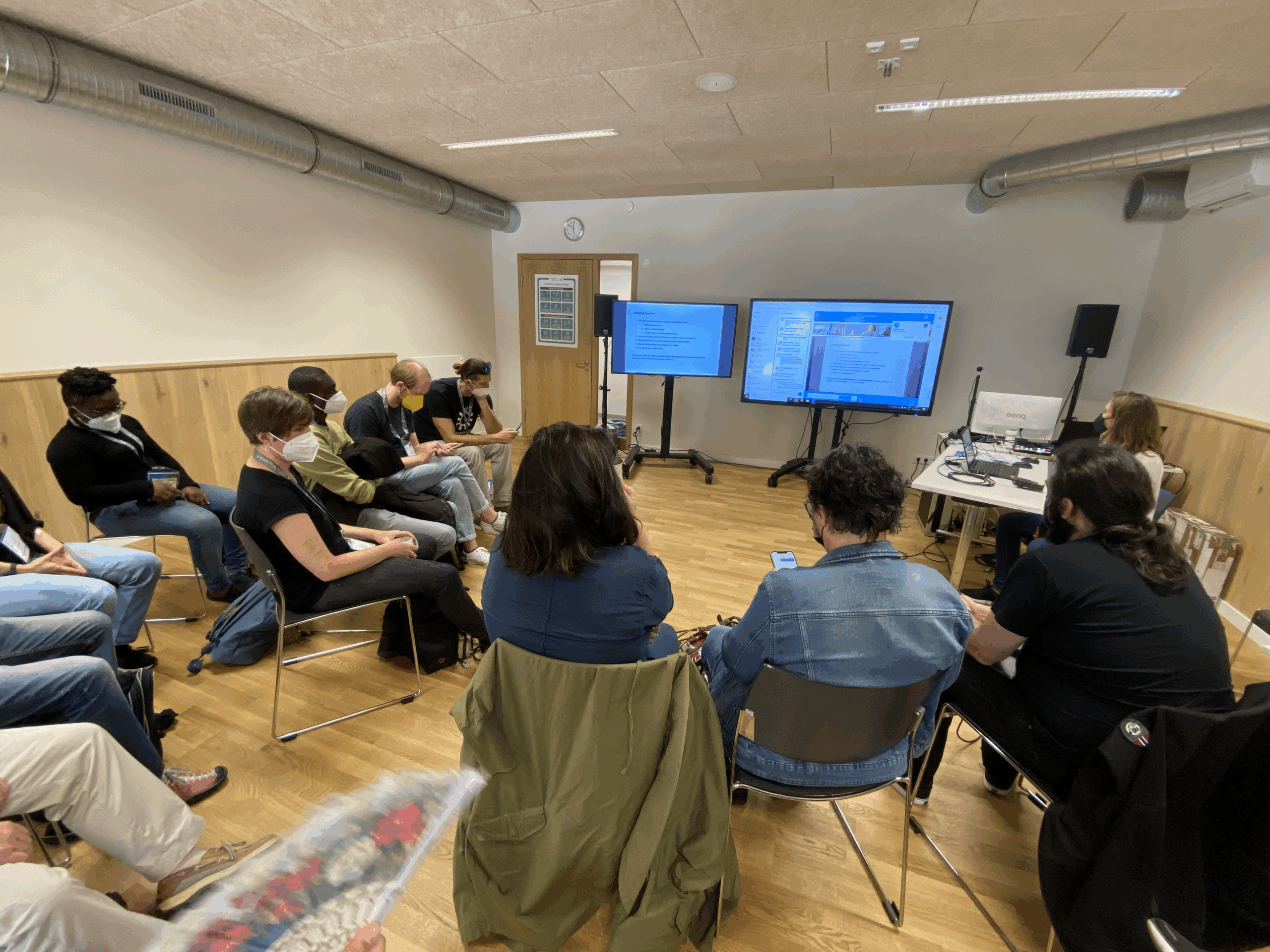
Tips and Best Practices

Use Clear Instructions

  • Give a summarized brief on specific objectives during the main meeting.
  • Follow up with relevant written messages during the session.

Choose the Right Assignment Method

  • For quick setups, go with automatic assignment.
  • If grouping by skill or department is necessary, opt for manual assignment.

Set Timer

  • Keeping sessions on track is critical so ensure each session has a timed limit.
  • Give a warning when there is 2-3 minutes left.

Support and Monitor

  • To ensure that participants are not having a hard time, check in on the rooms on occasion.
  • Enable options to call for assistance without needing to interrupt.

Conclusion

As we have seen, Microsoft Teams Breakout Rooms can significantly improve collaboration in meetings, workshops, and training sessions. Organizers can effortlessly set up and manage group discussions and bring participants back to the main room whenever needed.

Although this feature requires a proactive approach to optimize virtual meetings, reality shows that proper planning together with Microsoft Teams breakout rooms instills unparalleled engagement and productivity.

FAQ

Can I set up rooms before the meeting?

Yes, if it’s a scheduled meeting.

Can I assign people manually?

Yes, or let Teams assign automatically.

Can breakout rooms be recorded?

No, only the main meeting can be recorded.

Identity-as-a-Service: Passwordless Social Media Logins
10 Best Systems for Portfolio Regime Switching Models
10 No-Code AI Workflows to Scale Small Businesses to 7-Figures
10 AI Tools Turning Crypto Gains Into Everyday Spending
SocialFi: Monetize Micro-Influencer Communities With Keys
Share This Article
Facebook Email Print
Previous Article 10 Top Platforms For Leveraged Memecoin Trading 10 Top Platforms For Leveraged Memecoin Trading
Next Article Rocket Pool Vs. Lido – Which Ethereum Staking Platform Is Better? Rocket Pool Vs. Lido – Which Ethereum Staking Platform Is Better?
TOP CRYPTO EXCHANGES

Best Crypto Exchanges

Kraken
Secure Trading
Visit
Bybit
Low Fees
Visit
HTX
Global Exchange
Visit
CoinSwitch
Easy INR Access
Visit
Poloniex
Altcoin Markets
Visit
TOP CRYPTO CASINOS
Best Crypto Casinos
Roobet
Roobet
Popular Casino
Visit
Stake
Stake
Top Sportsbook
Visit
BC.Game
BC.Game
Crypto Friendly
Visit
Rollbit
Rollbit
Casino + Trading
Visit
Duelbits
Duelbits
Instant Withdrawals
Visit

Find Us on Socials

TOP CRYPTO TOOLS
Best Crypto Tools
TradingView
Charts & Analysis
Visit
CoinGlass
Liquidation Data
Visit
CoinMarketCap
Market Tracking
Visit
DexScreener
DEX Analytics
Visit
Arkham
Wallet Tracking
Visit

Coinworldstory Ads

15 Top SaaS Tools Every E-Learning Creator Needs In 2026
Trending
11 Best VPNs Optimized for Smart TVs and IoT Devices 2026
15 Ways VPNs Shield You from AI Tracking In 2026 Guide
VPN
10 Top VPNs Ready For Quantum Computing Threats 2026
VPN
10 Best Netflix VPNs That Still Work Globally In 2026
VPN

Latest Published

2026 Global Crypto Accord: Key Regulatory Impacts Explained

2026 Global Crypto Accord: Key Regulatory Impacts Explained

1 month ago
Passive Income Ideas: Earn Money While You Sleep

Passive Income Ideas: Earn Money While You Sleep

1 month ago
10 Generative Engine Optimization (GEO) Secrets for ChatGPT Ranking

10 Generative Engine Optimization (GEO) Secrets for ChatGPT Ranking

2 months ago
Decentralized Insurance Pools: Protect Against Smart Contract Risks

Decentralized Insurance Pools: Protect Against Smart Contract Risks

2 months ago
nexo banner
  • ADVERTISEMENT
  • SUBMIT PR
  • CONTACT
  • GUEST POST
  • ABOUT US
  • DMCA
  • SITEMAP
  • DISCLAIMER
  • PRIVACY POLICY
10 Best Games To Play With Girlfriend Online – Top Picks
Trending
10 Best Mobile Games Supporting 120 FPS for Smooth Gameplay
Trending
10 Best High Graphics Android Games for Phones with 4GB RAM
Trending
CoinworldstoryCoinworldstory
Follow US
© Coinworldstory News Network. Cws Design Company. All Rights Reserved.
  • ADVERTISEMENT
  • SUBMIT PR
  • CONTACT
  • GUEST POST
  • ABOUT US
  • DMCA
  • SITEMAP
  • DISCLAIMER
  • PRIVACY POLICY
coinworldstory logo coinworldstory logo
Welcome Back!

Sign in to your account

Username or Email Address
Password

Lost your password?