
In this article, I will highlight the brands switching to Case Management Software and how law firms today are leveraging enterprise-grade Legal Tech software solutions for enhanced efficiency, billing, and client management.
You will explore prominent platforms such as, Clio, MyCase, PracticePanther and more that are reshaping legal workflows!
In a world where the struggle to stay ahead is fierce, these tools help lawyers save time, reduce errors and manage cases better.
Key Points & Case Management Brands Lawyers Are Switching To
- Clio simplifies legal case management with cloud-based automation tools and efficient workflows
- MyCase offers an intuitive client communication and secure, centralized document storage platform solution
- PracticePanther streamlines billing automation, task tracking, and law firm productivity growth and efficiency
- Smokeball provides automatic time tracking, document automation, and a matter management tools suite
- Filevine enhances litigation workflow, collaboration, analytics, and case visibility system platform solution
- LEAP delivers an integrated practice management, legal, accounting, and document automation software suite
- Rocket Matter improves firm efficiency, billing, reporting, and a client management system platform
- NetDocuments offers secure cloud document management, compliance, and collaboration features for an enterprise solution
- CARET Legal combines billing case management, analytics, and workflow automation on a modern platform
- Relativity specializes in eDiscovery case review, data processing, and an investigation tools suite
10 Case Management Brands Lawyers Are Switching To
1. Clio
Clio is widely regarded as the lightweight and best cloud-based legal case management solution for modern law firms.
Providing AI-driven workflow automation, matter tracking, and billing, combined with client communication within one platform.
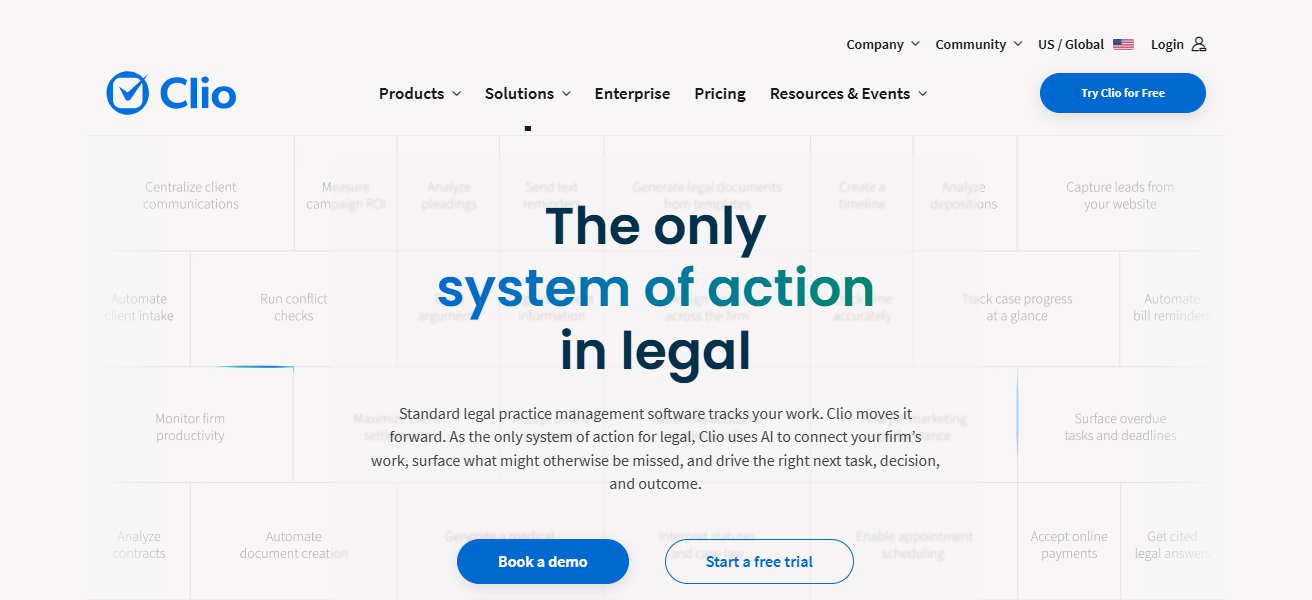
Recently, Clio has gone further with AI tools like Clio Draft and Manage AI to automate documents and updates with clients.
It also has strong integrations with court systems, which makes it ideal for scalability and remote access, that’s why these kinds of services like to use this top choice worldwide.
| Pros | Cons |
|---|---|
| Highly scalable cloud platform for growing firms | Can become expensive with add-ons |
| Strong AI automation and workflow tools | Learning curve for advanced features |
| Excellent integrations with legal tools | Customization is still somewhat limited |
| Remote access with strong reliability | Customization still somewhat limited |
2. MyCase
MyCase A straightforward legal practice management application that emphasizes client communication, billing, and status organization.
The platform includes a secure client portal, e-signatures, and built-in payment processing. Recent updates have focused on smoother mobile access and improved intake workflows for small firms.

MyCase also features a simple, expedient interface and is reasonably priced, making it an option for lawyers to switch to.
Its third-party integrations are also limited, making it more appropriate for solo attorneys and small practices than large enterprise law firms.
| Pros | Cons |
|---|---|
| Easy-to-use interface for beginners | Limited third-party integrations |
| Built-in billing and client portal | Not ideal for large law firms |
| Affordable pricing for small firms | Fewer advanced automation features |
| Strong mobile accessibility | Reporting tools are basic |
3. PracticePanther
With automation-driven legal workflows like time tracking, billing, and client intake forms, it can be used by law firms to coordinate their basic operations.
It enables firms to build matter templates and automate administrative tasks. New upgrades concentrate on secure client communication and document automation.

A lawyer’s favorite for the very simple dashboard and fast setup. Nevertheless, power functionalities are only available on the higher pricing plans
So it’s really going to be beneficial for small to mid-sized law firms looking to improve their workflows and have quicker turnaround times with billing.
| Pros | Cons |
|---|---|
| Strong automation for billing and tasks | Advanced features require higher plans |
| Quick setup and user-friendly dashboard | Limited deep customization |
| Secure client communication tools | Not ideal for enterprise-level firms |
| Efficient workflow management | Fewer AI-based capabilities |
4. Smokeball
Smokeball is a hybrid cloud and desktop legal software designed for automatic time tracking and document automation. It records every billable minute across documents, emails, and tasks without manual entry.
UI updates enable AI-based activity tracking and workflow recommendations. Smokeball is particularly popular with lawyers making the switch, who find its billing accuracy and productivity insights appealing.

On the downside, its limited accessibility via cloud on full capacity limits flexibility for remote legal teams so it lends itself better to firms that conduct a majority of their business in an office environment.
| Pros | Cons |
|---|---|
| Automatic time tracking for billing accuracy | Limited full cloud flexibility |
| Strong document automation tools | Better suited for in-office setups |
| AI-driven productivity insights | Not ideal for remote-first teams |
| High billing precision | The interface can feel complex initially |
5. Filevine
Filevine is a complex litigation-driven case management system with high customizability. Also provides phases for cases, automation of tasks, and analytics to track cases deeply.
Some of the recent updates include reporting dashboards powered by AI, collaboration tools. Filevine: Lawyers love it for its clear focus on personal-injury and litigation-heavy firms and the ability to customize.

However, due to having set up time as well as training, it is geared towards firms with a higher volume or complex legal tasks.
| Pros | Cons |
|---|---|
| Highly customizable litigation workflows | Requires setup and training time |
| Strong analytics and reporting tools | Can feel complex for small firms |
| Excellent collaboration features | Higher learning curve |
| Ideal for high-volume cases | Implementation may take longer |
6. LEAP
LEAP integrates billing, case tracking, and document automation into one seamless legal practice management platform.
Offers integrated accounting and workflow tools for smaller to mid-sized firms. The recent features concentrate on cloud synchronisation and work accessibility for lawyers on the go.

LEAP is valued by ethical lawyers looking to switch with a built-in suite of safe and proven legal forms and productivity features.
That said, its focus on desktop and limited integrations loses out to totally cloud-native competitors here in 2026.
| Pros | Cons |
|---|---|
| All-in-one legal management system | Limited third-party integrations |
| Built-in legal forms and templates | Less flexible than cloud-native tools |
| Strong accounting integration | Desktop-heavy experience in some cases |
| Good for small to mid firms | UI feels less modern than competitors |
7. Rocket
Rocket Matter is a legal practice management software, a cloud-based solution that focuses on project management, billing automation, and time tracking.
This includes an entity communication tool and workflow dashboards for Legal Teams. The recent updates also include enhancements for task automation and financial reporting accuracy.

Rocket Matter will be chosen as a lawyer’s schedule because it has an easy-to-understand interface and it makes everything visible, which promises the progress of the case.
But it is lacking the robust AI of more advanced platforms, making the platform best for firms seeking a simple solution rather than extensive automation capabilities.
| Pros | Cons |
|---|---|
| Simple and clean user interface | Lacks advanced AI features |
| Strong billing and time tracking | Limited innovation compared to newer tools |
| Good workflow automation | Fewer customization options |
| Reliable performance for firms | Not ideal for large enterprises |
8. NetDocuments
NetDocuments is a cloud document management system used by law firms because of its document control and compliance capabilities.
It has advanced security, version tracking, and collaboration features. Updates are out that enhance AI document search and work with legal software, including Clio.
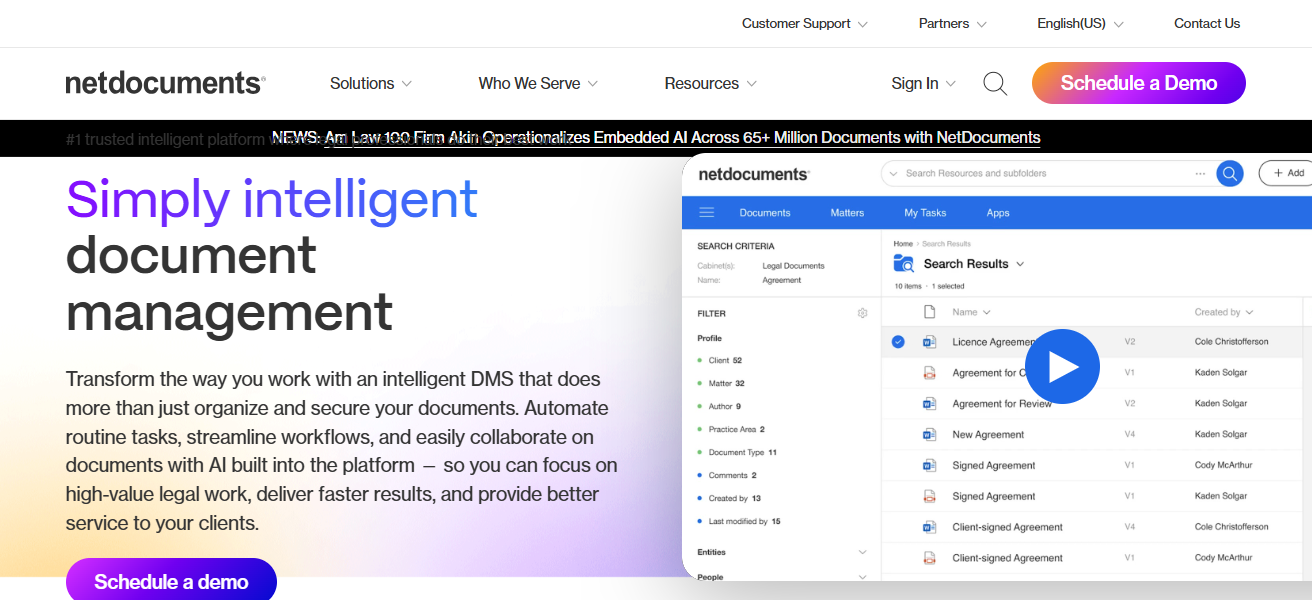
Enterprise-grade Security: Lawyers opt for it with enterprise-grade security and scalable storage capabilities.
However, it has no native billing or case management features, so firms tend to use it alongside dedicated practice management systems in order to provide full capabilities.
| Pros | Cons |
|---|---|
| Enterprise-grade document security | No built-in billing system |
| Strong version control features | Requires integration with other tools |
| AI-powered document search | Setup can be complex |
| Excellent compliance support | Not a full case management system |
9. CARET Legal
CARET Legal (formerly Zola Suite) is a combined Billable time, case tracking, and accounting tool suite.
Email sync, task management and matter-based organization are supported. Improved communication tools like texting within matters and better reporting are the focus of recent updates.
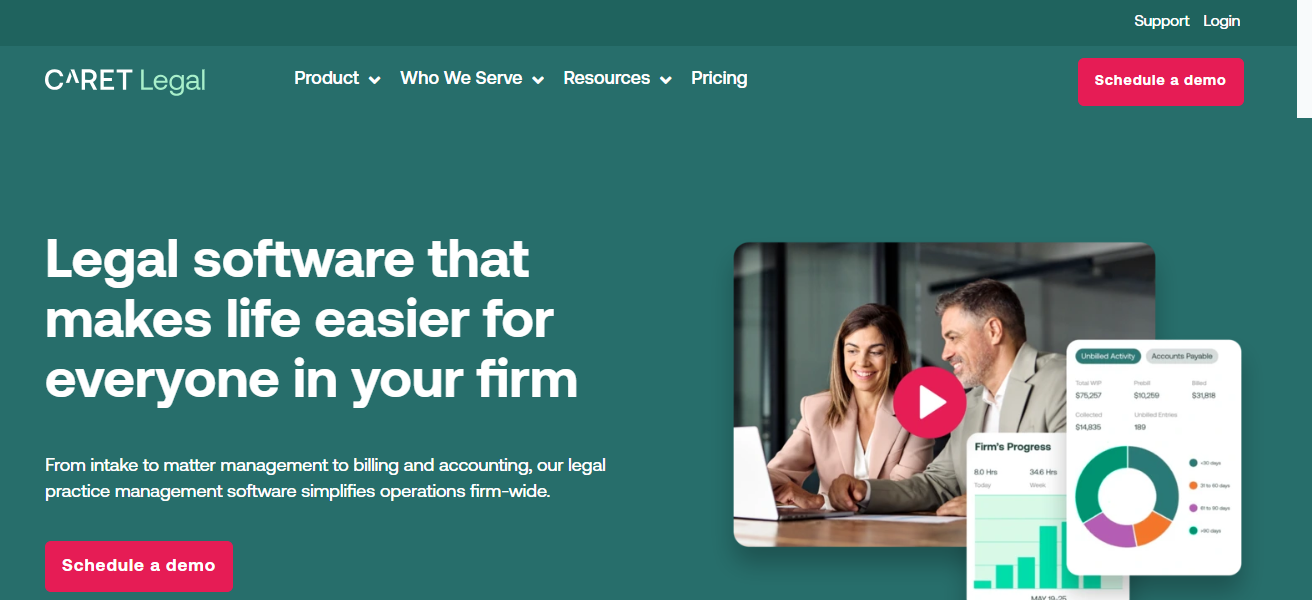
The all-in-one nature of CARET appeals to lawyers transitioning from other platforms. Others find workflows complex and steep learning curves, so it’s better for firms with full-featured operational command in one system.
| Pros | Cons |
|---|---|
| All-in-one billing and case system | Workflow complexity for beginners |
| Strong accounting integration | Interface can feel overwhelming |
| Built-in communication tools | Learning curve required |
| Good reporting features | Occasional performance lag |
10. Relativity
Relativity A top eDiscovery & legal data review platform used in litigation and investigations. It focuses its work on legal data processing, document review, and case analysis.
Recent advances include AI-assisted document classification and predictive coding for rapid review.

Relativity, on the other hand, is preferred by law firms and corporate legal teams dealing with high-stakes litigation and compliance cases.
This is not an entire case management system and mostly concentrates on eDiscovery workflows and evidence analysis.
| Pros | Cons |
|---|---|
| Powerful eDiscovery platform | Not a full case management system |
| Advanced AI document review | High cost for small firms |
| Excellent for litigation data analysis | Requires technical expertise |
| Strong compliance and investigation tools | Complex setup and training needed |
Conclusion
Conclusion: Case Management Brands Lawyers Are Switching To Shape Modern Lawful Practice. Clio, MyCase, PracticePanther, and other platforms are enabling efficiency while bringing automation and client management to law firms.
These tools minimize manual effort, improve precision, and enable remote working. Overall, the main advantage of implementing advanced case management
Software is that it helps lawyers save time and become more productive while delivering better legal services to meet modern demands in a rapidly changing legal industry.
FAQ
What is Clio used for in law firms?
Clio is used for case management, billing, document automation, and client communication.
Why are lawyers switching to MyCase?
Lawyers switch for simple interface, affordable pricing, and strong client portal features.
Is PracticePanther good for small firms?
Yes, it is ideal for small firms due to automation, billing tools, and ease of use.
What makes Smokeball different from others?
Smokeball offers automatic time tracking and strong document automation for accurate billing.
Why do firms prefer Filevine?
Filevine is preferred for litigation-heavy firms due to advanced workflows and customization.