Best Note Taking app for iPad Notability stands out as the premier note-taking app for iPad. With its user-friendly interface and seamless Apple Pencil support, Notability stands out as a highly capable note taking experience. Notability provides users with an effortless sketching, writing and annotating experience – perfect for students, professionals and creatives alike!
Notability offers cloud syncing that ensures all of your notes are accessible across Apple devices, while its audio recording feature adds another level of depth when taking notes in lectures or meetings. With customization options like paper styles and ink colors available, Notability stands out as one of the premier note-taking apps for iPad users.
What is Note Taking app?
Note-taking apps are digital tools designed to streamline the process of recording, organizing, and managing notes and information. Available across devices like smartphones, tablets, and computers, note-taking apps allow users to create, edit, and store electronic notes instead of traditional pen-and-paper methods.
Among its many features are text input capabilities for text entry as well as drawing/sketching capabilities, multimedia integration features, organizational tools to capture information efficiently while retrieving it quickly – making note-taking apps invaluable tools for students, professionals, or anyone seeking digital tools that streamline note taking/information management processes in today’s digital era.
Here Is List Of Best Note Taking app for iPad
- Notability
- GoodNotes 4
- Google Keep
- Evernote
- MS OneNote
- Microsoft ToDo
- My Script Memo
- Beesy
- Notes
- INKredible
- Snap Pen
- Skitch
- Simplenote
- Paper
- inClass
15 Best Note Taking app for iPad
1. Notability
Notability is an outstanding notes app designed for use with Apple pencil and iPad Pro, offering processing, organizational and design options designed to maximize efficiency. PDF import/edit capabilities make PDF editing accessible;
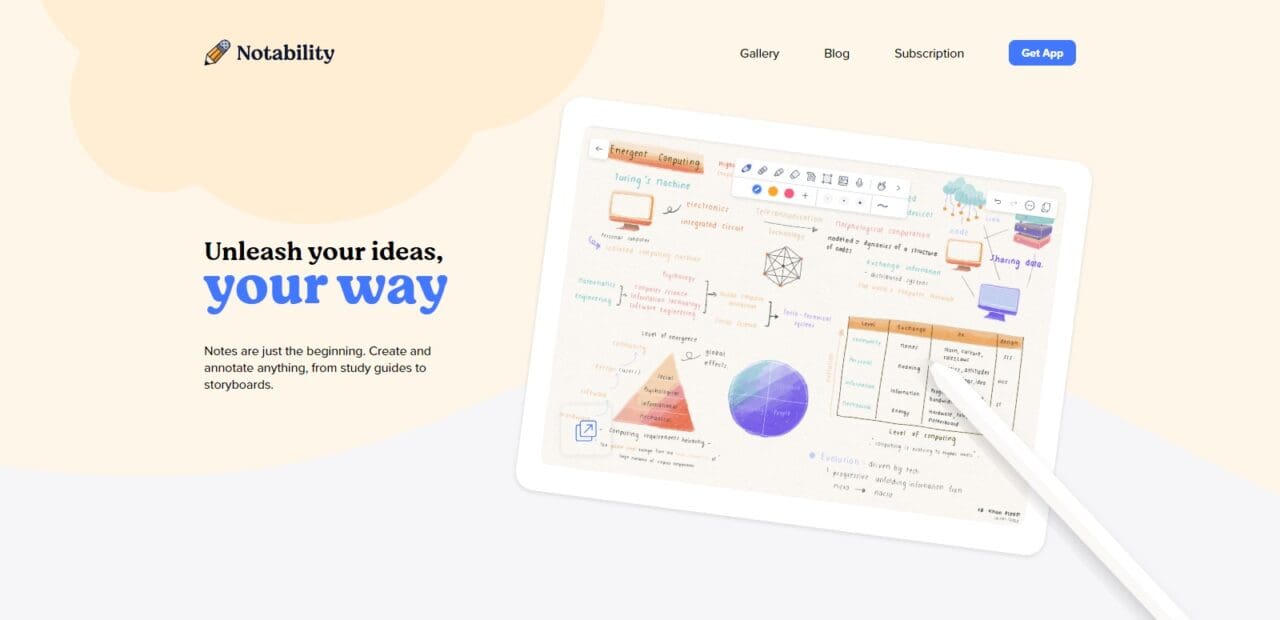
Entire websites can even be imported via their “Share” Extension! If you prefer animated notes over audio files Notability makes that possible too! Plus it syncs automatically across devices so you can pick up where you left off!
2. GoodNotes 4 (Best Note Taking app for iPad)
Goodnotes4, from Time Base Technology, uses Digital-Ink-Technology to present your drawings and sketches in HD. Handwritten notes can even be searched. Or just use Goodnotes4 as a writing app because its keyboard support makes writing much simpler.
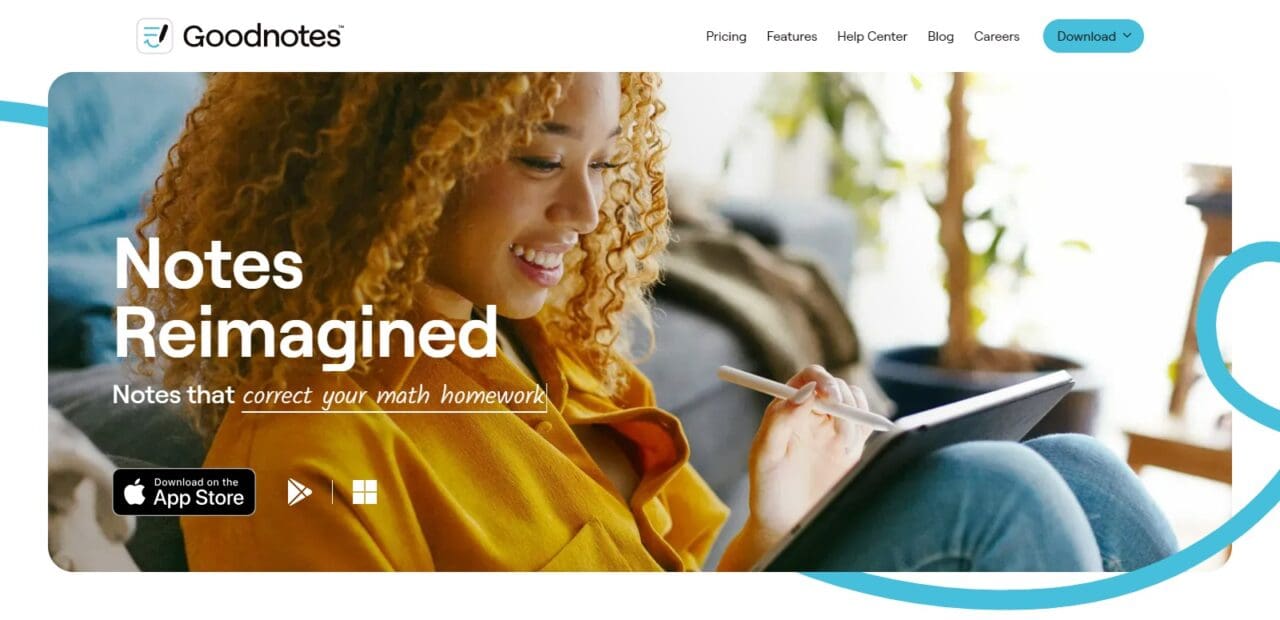
With endless options for design, customizing, editing notebook pages and plenty of “paper” templates available there’s plenty of design freedom here as well as the digital whiteboard feature which lets others access what you write quickly – or export your data via third-party providers such as Dropbox, Google Drive etc with user friendly export features!
3. Google Keep
Google Keep is a versatile note-taking solution designed to integrate seamlessly across Apple products like iPad, iPhone and Mac. One of Google Keep’s standout features is its seamless cross-device synchronization, enabling you to access your notes from any of your Apple devices without incurring additional costs.
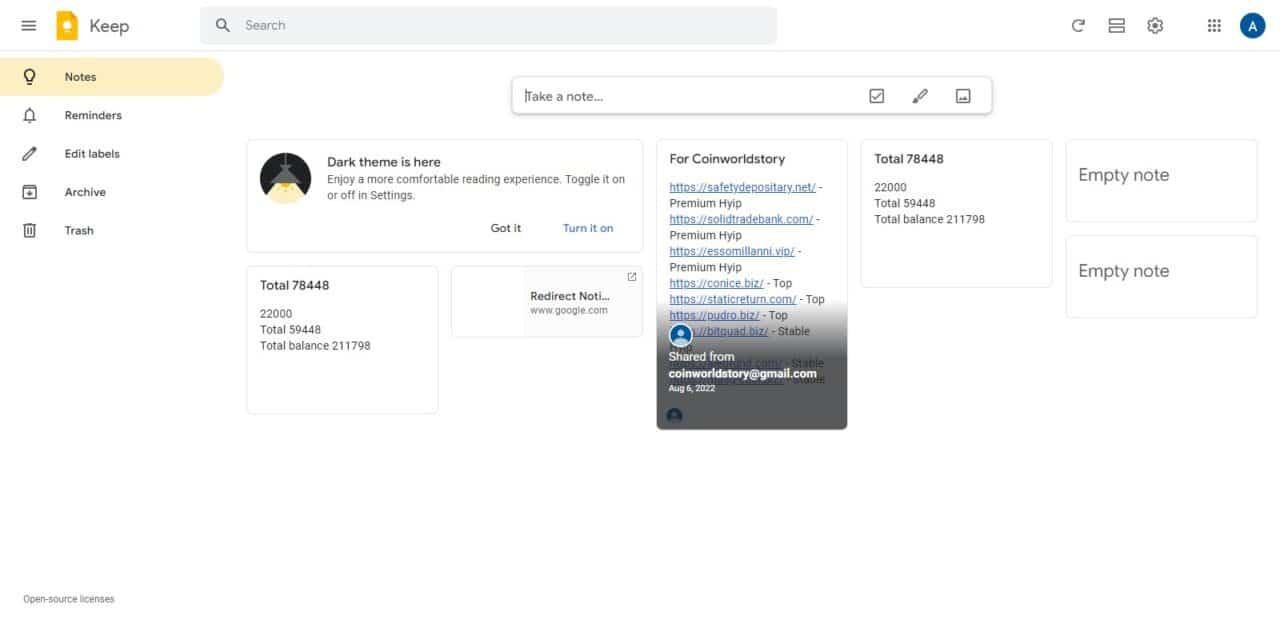
Furthermore, its organizational features offer multiple ways of categorizing and organizing notes. Google Keep’s convenient transcription feature makes capturing ideas on the go much simpler, while its user-friendly app makes adding multimedia elements such as photos and audio a snap. In all, Google Keep is an invaluable and user-friendly solution for efficient note taking and information management on Apple devices.
4. Evernote (Best Note Taking app for iPad)
Evernote offers you the power to organize note books, task and check lists with ease. As with all note apps, Evernote features a wide variety of options that let you add illustrations, texts, audio/video files, PDFs and many more elements to your notes! Evernote even transcribes dictated notes – which translates into significant time savings over the course of a work day!
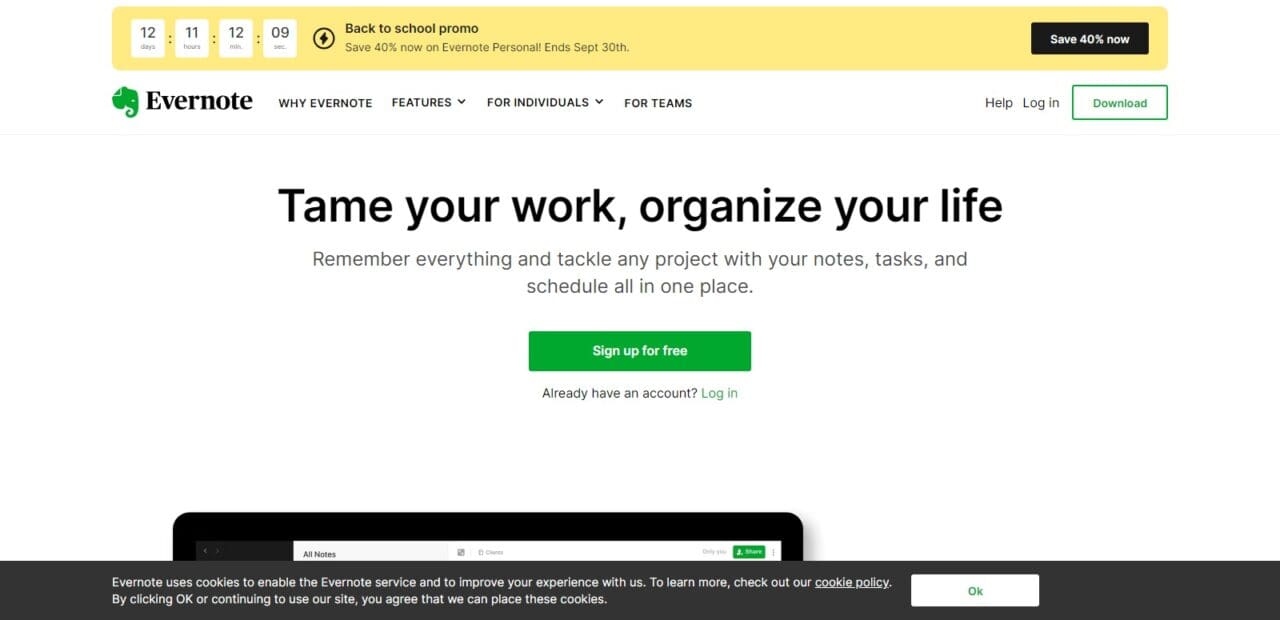
Scan documents and photos using your camera phone while digitizing analog media – saving time across devices using its Sync & Cloud feature; additionally it features a well-organized filing and search system which rounds out its comprehensive set of features!
5. MS OneNote
OneNote is an ideal note-taking solution, making the possibilities limitless for note taking and knowledge management. You can quickly create, edit and share notes – be it PowerPoint slides or website content – in an effortless manner. OneNote serves as a structured canvas for all of your ideas and information to find its place,
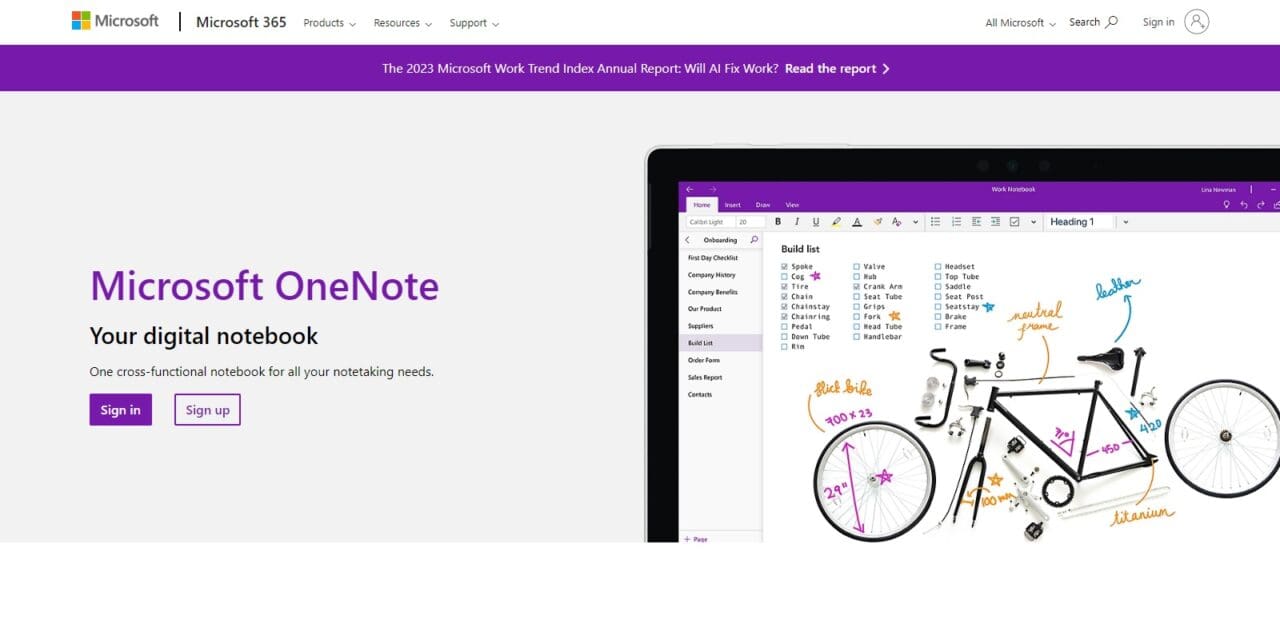
While its cloud synchronization feature makes maintaining an organized digital notebook effortless. Furthermore, OneNote’s capability of transcribing handwritten notes adds yet another level of convenience, making this versatile yet indispensable tool indispensable for productivity and knowledge management purposes.
6. Microsoft ToDo (Best Note Taking app for iPad)
As highlighted by Verge magazine, To Do, formerly Wunderlist, stands out as an effective list planner available on iPad, so I decided to investigate further. Thanks to its auto-sync functionality, lists can easily be synced across devices – making the app extremely convenient when creating shopping lists or to-do lists or travel itineraries
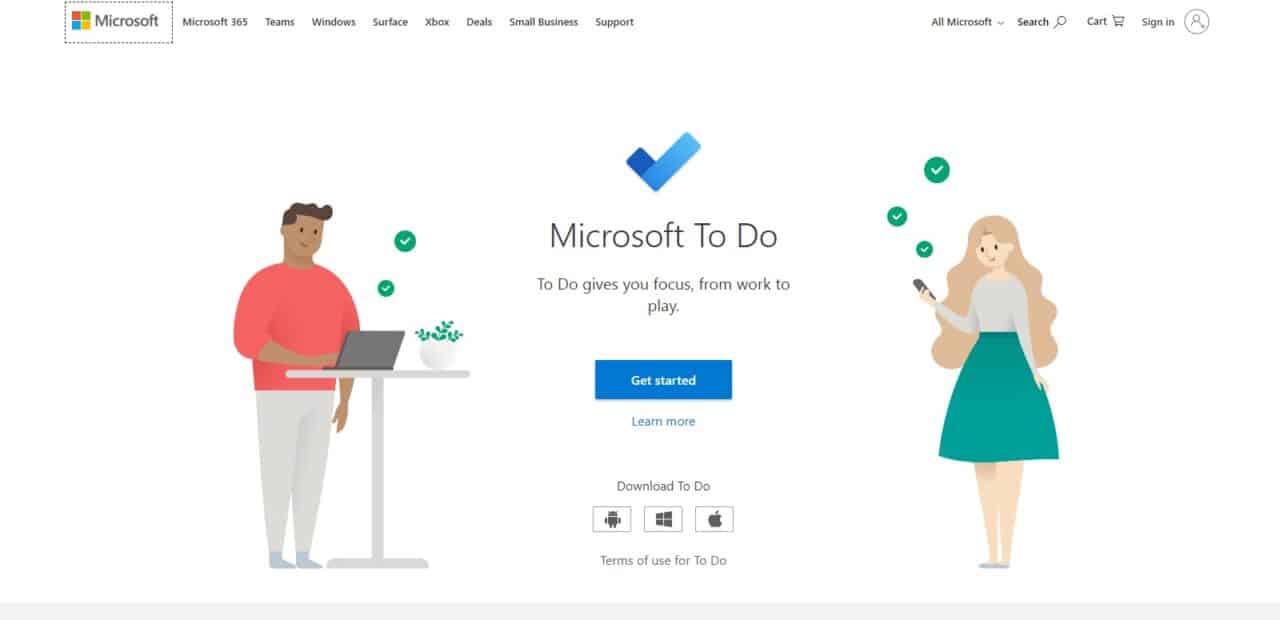
With basic reminders or adding illustrations, notes or relevant files. With its array of helpful features available within To Do this note-taking app is an invaluable way for managing everyday demands as it makes an excellent planner both personal as well as professional tasks!
7. My Script Memo
MyScript Memo is an outstanding note-taking app with an innovative and intuitive writing experience. By turning your iPad into a digital notepad with MyScript Memo, you can effortlessly transform into an on-the-go notepad capable of writing, sketching, or annotating using pen and paper like its creator intended. Handwriting recognition technology is its hallmark feature, accurately translating handwritten notes to editable digital text for easier legibility and sharing.
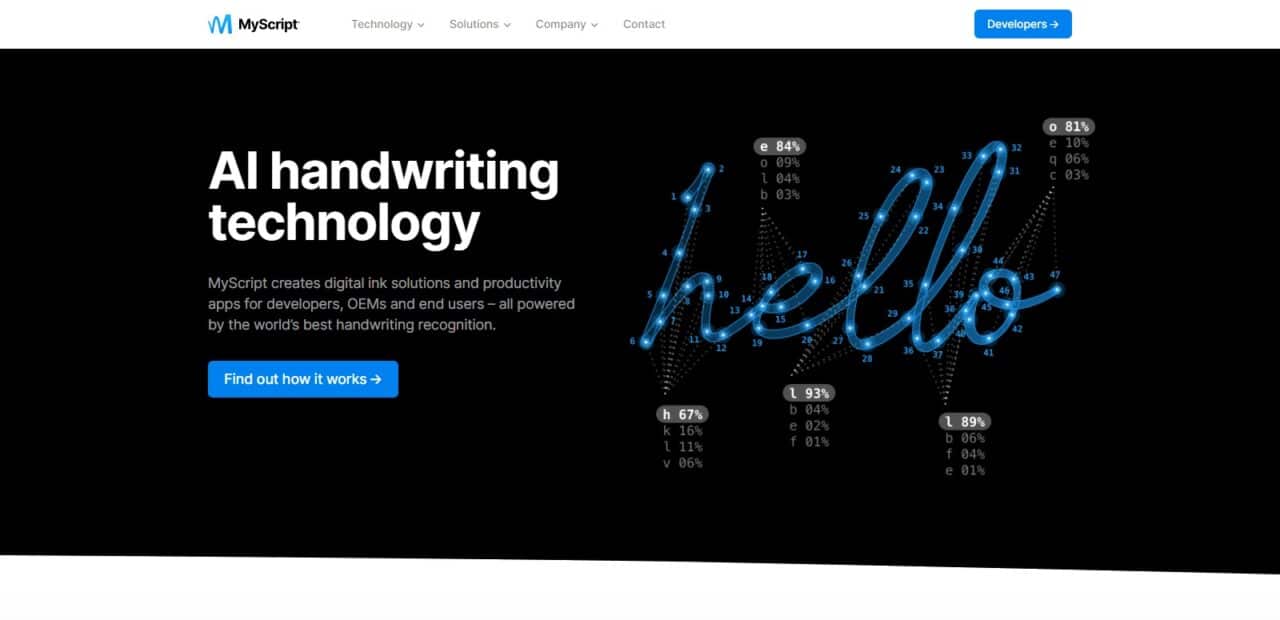
Not only will this improve legibility but also searchability and search-capabilities of the notes created through handwriting recognition technology. MyScript Memo provides a versatile platform for students, professionals and creatives alike who use iPads. MyScript Memo’s versatile features enable users to capture ideas efficiently while brainstorming or simply noting down thoughts quickly – making it an exceptional choice among iPad users.
8. Beesy (Best Note Taking app for iPad)
Beesy is an exceptional productivity app designed for iPad users that simplifies tasks, notes and project management with its powerful set of tools. This app goes beyond basic note-taking by seamlessly integrating with your calendar and email, making it possible to manage all your tasks and meetings from a central place.
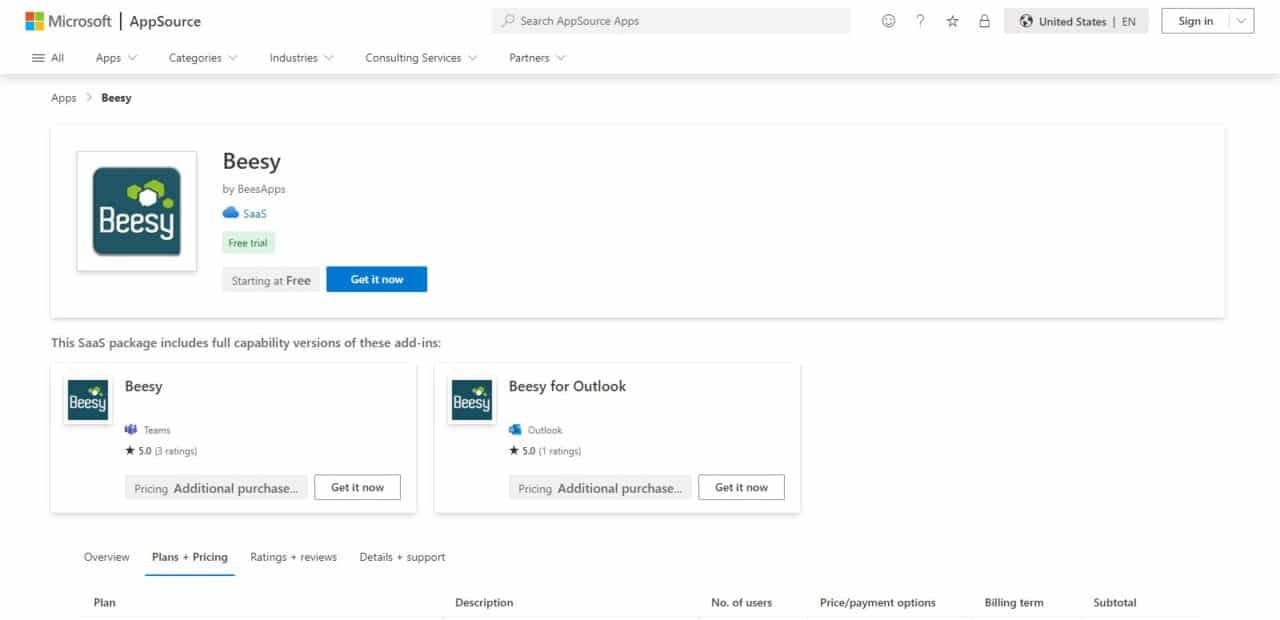
Beesy’s intelligent features can automatically prioritize tasks and generate meeting minutes for you, saving time and ensuring nothing slips through the cracks. Its user-friendly interface makes creating to-do lists, setting deadlines, and tracking progress easy and efficient – it makes an indispensable addition to any iPad user’s toolkit!
9. Notes
Notes is a native application on Apple devices like iPad that provides a simple yet powerful solution for digital note-taking and organization. With its user-friendly interface, Notes appeals to a broad array of users from students to professionals. Simply create, edit and organize notes in no time! With iCloud sync enabled across your Apple devices, this app ensures your notes are always available to you when needed.
Not just limited to text, “Notes” is also capable of handling images, drawings, checklists and scanned documents – making it versatile enough for various needs. Furthermore, its integration with Siri makes creating notes quick and effortless; making “Notes” an accessible, robust note-taking solution which meets both basic note taking needs as well as advanced organizational needs on an iPad.
10. INKredible (Best Note Taking app for iPad)
INKredible is an exceptional note-taking app designed to offer an engaging, natural handwriting experience on your iPad. By recreating the sensation of writing on paper, this application serves as an outstanding digital platform for note taking, sketching and drawing. This app boasts cutting-edge palm rejection technology and provides you with a variety of pens and brushes designed for different writing and drawing styles.
Furthermore, its minimalist interface helps ensure no distractions interfere with creativity or note taking tasks. INKredible’s smooth ink flow combined with its ability to export notes in different formats makes it an excellent choice for artists, students and professionals. From taking notes in lectures and seminars to sketching creative ideas or simply enjoying handwriting on iPad, INKredible provides an enjoyable writing experience.
11. Snap Pen
The SnapPen app is the ideal companion for Apple Pencil enthusiasts, providing an ideal platform for digital note-taking and creative expression. Crafted to harness its capabilities, SnapPen specializes in effortless sharing of image notes, photographs and text – making it suitable for many different users.
SnapPen stands out with its user-friendly interface, making it accessible to both casual users and professionals alike. Its zoom in/zoom out features allow precise commenting/decorating capabilities, enabling annotations/artistic touches with ease. SnapPen makes an intuitive tool for quickly capturing a fleeting thought or annotating an important document with personalized notes or adding artistic flourishes quickly – ideal for quickly taking down notes on-the-fly! SnapPen marries functionality with creativity perfectly, making it ideal for quick note taking/visual communication needs on-the-fly note-taking!
12. Skitch (Top Note Taking app for iPad)
Skitch is an intuitive and user-friendly annotation and sketching app developed by Evernote that offers creative tools for annotating images, maps and documents. Thanks to its seamless integration into existing note-taking systems and intuitive functionality, it makes annotating images or screenshots simple by highlighting, drawing lines over sensitive areas or adding text annotations – including blurring out sensitive details!
Skitch’s focus on visual communication makes it ideal for professionals working together on design projects or providing feedback on visuals; educators looking to engage their students through interactive presentations may also benefit. Plus, its real-time collaboration feature enables users to work simultaneously on a document, fostering teamwork and productivity!
Skitch is an indispensable app for anyone interested in visual communication and looking to add some creative flare to their documents and presentations. No matter if you are an educator, designer, or business professional – Skitch provides an efficient platform to amplify visual content on iPad devices.
13. Simplenote
Simplenote is a lightweight yet efficient note-taking app, distinguished by its intuitive functionality and clean user interface. Perfect for users who enjoy working without distractions or interruptions, Simplenote provides an environment in which thoughts can easily be organized into text documents without clutter or disruptions from other applications or platforms – with seamless synchronization across devices for greater accessibility and efficiency.
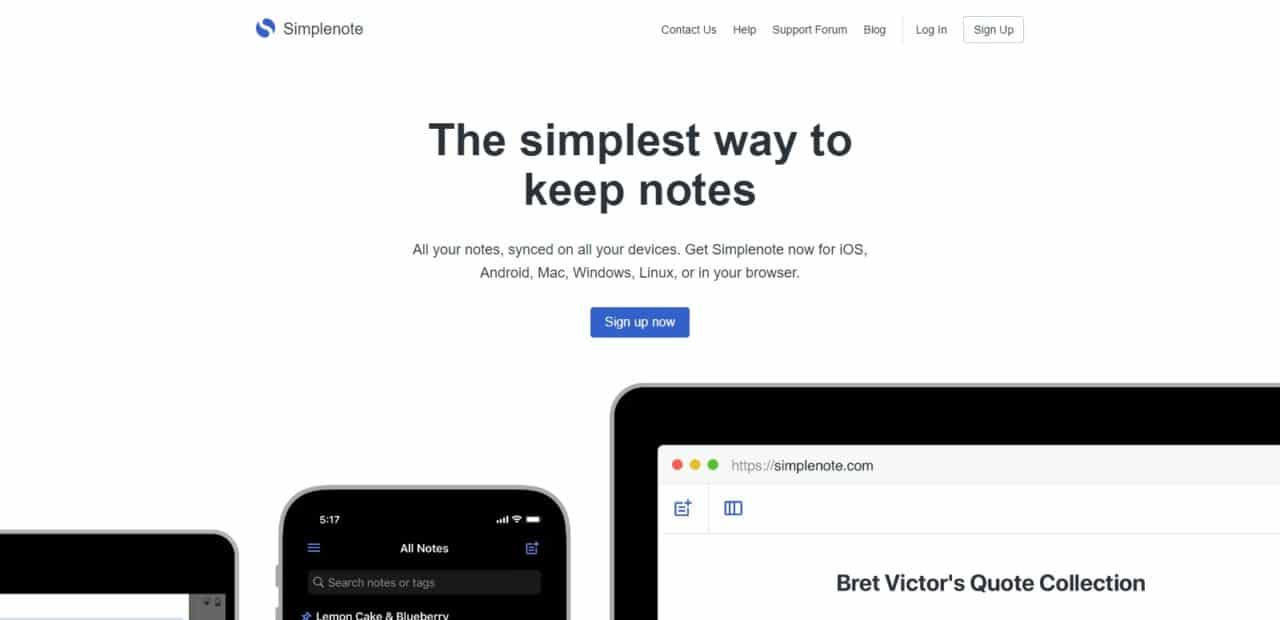
One of the great strengths of Simplenote is its powerful search and tagging system, making it easy to quickly locate specific notes. Unlike more complex note-taking apps, its focus on plain text ensures your ideas and information remain at the center of its user experience, while its lack of unnecessary formatting options ensures efficient note taking with content at its center.
Simplenote offers an effective platform for note taking for writers, students and those seeking ease of use in note-taking experiences alike. Perfect for minimalists looking for easy solutions.
14. Paper (Best Note Taking app for iPad)
Paper by WeTransfer is an engaging note-taking app with an intuitive interface and responsive tools that provides an innovative digital sketching and note creation solution. Perfect for artists, designers and creative thinkers of all stripes – Paper makes note-taking an interactive and enjoyable experience that feels just like using real paper and pencils!
Paper stands out by emphasizing creativity. It offers an assortment of brushes, colors and other tools designed to bring your imagination alive, notebooks for organizing notes and sketches as well as sharing capabilities make sharing creations simple while its versatility extends into brainstorming, journaling or collaborative design projects.
Paper’s emphasis on creativity may not suit everyone’s note-taking needs perfectly, but it excels in providing a digital space for artistic expression and visual thinking. From sketchbook artists to those looking for visually engaging notes taking solutions on an iPad, Paper offers an original and engaging solution.
15. inClass
inClass is a feature-rich note-taking app designed specifically for students, making it an invaluable asset in academic success. With its user-friendly interface and numerous powerful features, inClass makes organizing class notes, assignments, and schedules effortless for academic success. Students can quickly create notes by category or date/time stamping them directly in inClass’s user-friendly interface; easily record lectures directly within inClass itself; attach photos, audio or video recordings directly onto their notes for a comprehensive approach to classroom content capture.

One of inClass’s hallmark features is its integrated calendar and task management, helping students stay on top of assignments, exams and important deadlines. Furthermore, this app supports seamless cloud syncing so your notes remain accessible across devices.
Overall, inClass is a versatile and efficient note-taking app designed to go beyond simple note-taking by providing students with a platform to improve their academic performance. From attending lectures and studying for exams to managing coursework or managing your course load – inClass is an indispensable companion for any student with an iPad.
Best Note Taking app for iPad Conclusion
Conclusion In conclusion, choosing the ideal note-taking app for iPad ultimately depends on your individual needs and preferences. Each of the mentioned apps – Apple Notes, Google Keep, Microsoft OneNote, Evernote Notion and Simplenote – offer unique features and strengths; Apple Notes excels in seamless integration between Apple devices and Google Keep; Notion offers versatility through customization features and Simplenote is focused on simplicity.
Consider your preferences, such as ease of use, organization features and collaboration features when selecting an iPad note-taking app. Furthermore, keep up-to-date on new developments – note-taking apps are constantly transforming and new options may arise that fit better with your specific requirements.
Best Note Taking app for iPad FAQ
What is the best note-taking app for iPad?
The best note-taking app for iPad can vary based on individual preferences and needs. Some popular options include Apple Notes, Google Keep, Microsoft OneNote, Evernote, Notion, and Simplenote.
Is Apple Notes a good choice for note-taking on iPad?
Yes, Apple Notes is a good choice, especially if you value seamless integration with Apple devices. It offers a straightforward interface and syncs effortlessly through iCloud.
Can I use Google Keep on my iPad?
Yes, you can use Google Keep on your iPad. It’s a user-friendly note-taking app that syncs with your Google account.
Does Microsoft OneNote work well on iPad?
Yes, Microsoft OneNote is available for iPad and is known for its structured notebook approach, making it suitable for those who prefer a more organized note-taking style.
Is Evernote a free note-taking app for iPad?
Evernote offers both free and premium plans. While the free version has limitations, it can still be a powerful tool for note-taking.