In this article, I will discuss the Best Offline Software Tools You Can Use Without Internet to ensure you can work, design, and maintain security while offline.
These tools help you edit documents, manage files, create graphics, and handle media with complete offline functionality.
These tools are perfect for remote areas, travelers, or users concerned with privacy. You can access the complete functionality of these offline tools at any time.
Key Points & Best Offline Software Tools You Can Use Without Internet List
| Software Tool | Key Point / Description |
|---|---|
| LibreOffice | Full-featured office suite for word processing, spreadsheets, and presentations. |
| GIMP | Powerful open-source image editor, alternative to Adobe Photoshop. |
| VLC Media Player | Plays almost all video and audio formats offline, lightweight and easy to use. |
| Foxit PDF Reader | Fast and reliable offline PDF reader and editor. |
| Notepad++ | Lightweight code and text editor, ideal for developers and writers. |
| Blender | Advanced 3D modeling, animation, and rendering tool that works completely offline. |
| KeePass | Offline password manager to securely store and manage your passwords. |
| Calibre | Manage and read eBooks offline, supports conversion between many formats. |
| Audacity | Open-source audio editing software, great for offline sound recording and editing. |
| Tux Paint | Fun, educational drawing tool for children, works completely offline. |
10 Best Offline Software Tools You Can Use Without Internet
1.LibreOffice
LibreOffice is one of the best offline software tools available since it acts as a full suite for productivity on a computer with no internet connection.
It has powerful programs for productivity such as writing, word processing, reviewing, spreadsheet calculations, creating presentations, diagram drawing, database management, and formula editing.
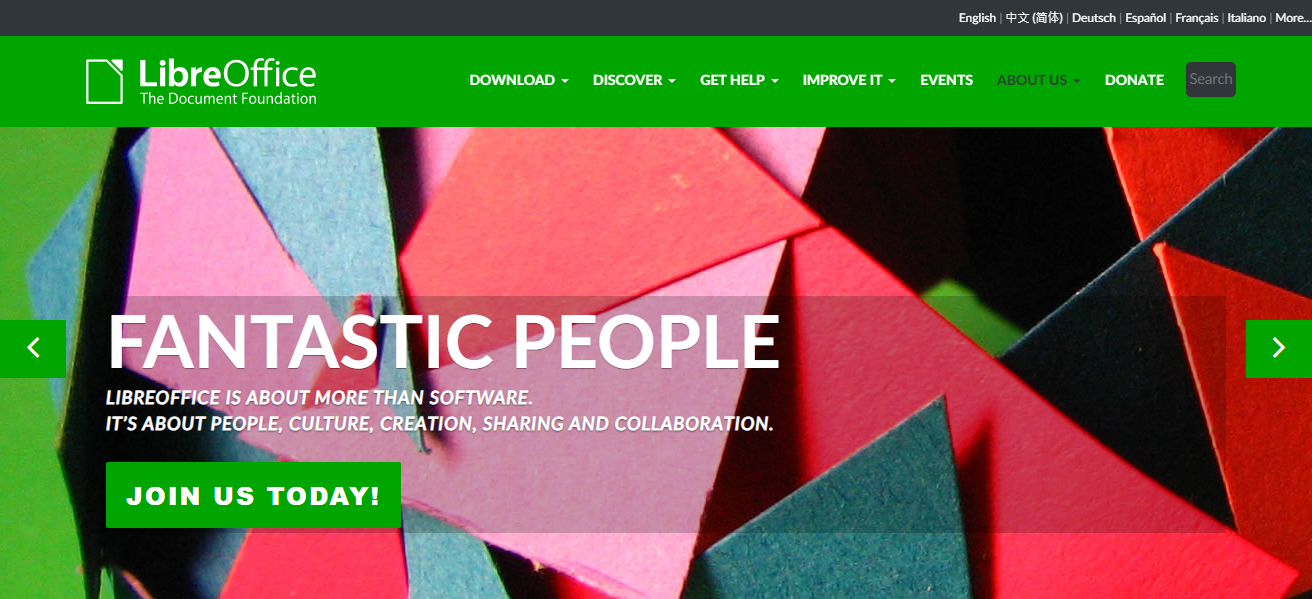
Students, professionals, and home users who need offline access greatly benefit from staying fully functional on windows as it is open source and free software. It comes with no costs and is regularly maintained by community members from all corners of the globe.
drafting documents to analyzing data and creating slideshows, all of these can be done with no internet with full protection and cross platform access.
| Feature | Description |
|---|---|
| Full Office Suite | Includes Writer, Calc, Impress, Draw, Base, and Math. |
| Offline Compatibility | Works fully without internet access. |
| MS Office File Support | Opens and saves in DOCX, XLSX, PPTX formats. |
| Cross-Platform | Available on Windows, macOS, and Linux. |
| Open-Source & Free | Completely free with regular updates. |
| Customizable Interface | Allows toolbar and layout customization. |
2.GIMP
GIMP (GNU Image Manipulation Program) is a robust, completely free offline image editing, graphic design, and digital artistry software tool. It completely offline, unlike Adobe Photoshop, which makes it easier to access anywhere.
GIMP also offers advanced options such as layers, masks, filters, as well as customized brushes to aid the image editing process to make it easier for beginners and professionals.
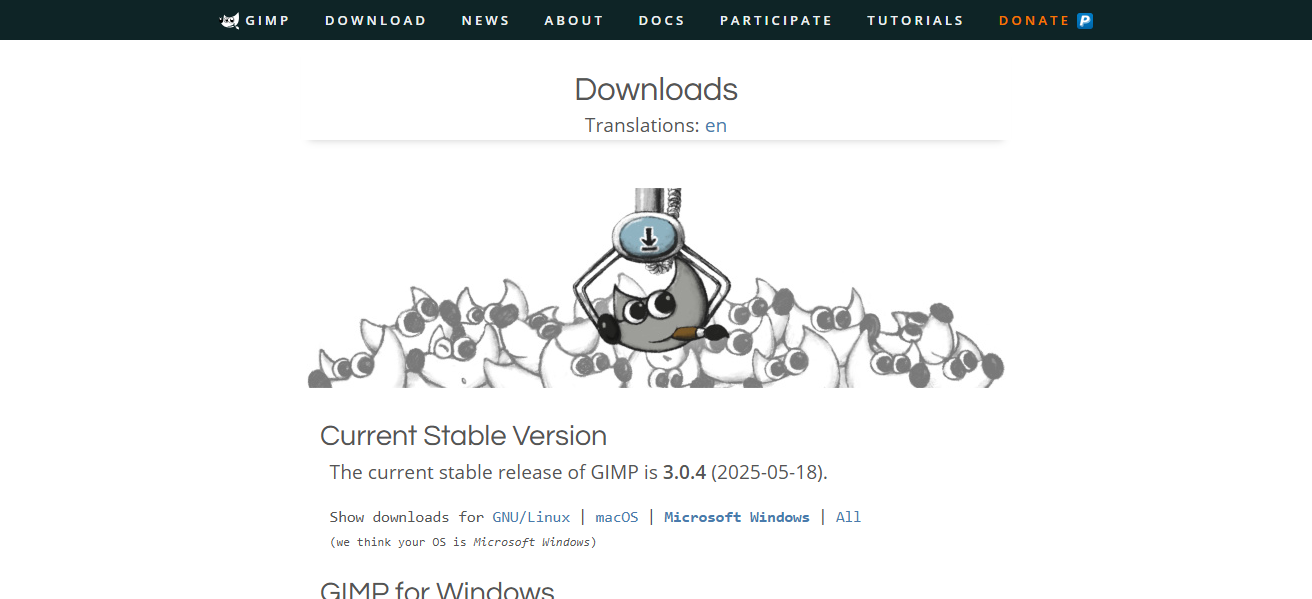
Image retouching, graphic design and image generation, and similar activities, GIMP makes the process effortless through its range of available tools.
Open-source software, GIMP works with various online communities to integrate constant improvements. GIMP works offline on Windows, Mac, and Linux computers.
| Feature | Description |
|---|---|
| Professional Image Editing | Supports layers, masks, filters, and advanced retouching. |
| Offline Operation | Does not require internet connection to function. |
| Multi-Format Support | Works with PSD, PNG, JPEG, TIFF, and more. |
| Extensible via Plugins | Supports a wide variety of plugins and custom scripts. |
| Cross-Platform | Available on Windows, macOS, and Linux. |
| Open-Source | Free software with an active developer community. |
3.VLC Media Player
VLC Media Player is unmatched when it comes to offline software that plays videos or audio files as it does not require an internet connection. It does not require extra codecs to play MP4, AVI, MKV, MP3, or FLAC as it accepts almost all forms of multimedia.
It is also open-source and completely free with no hidden costs, making it extremely lightweight and preferable for offline media consumption. It has subtitle integration, control over the speed of the playback, video conversion, and even screen recording.
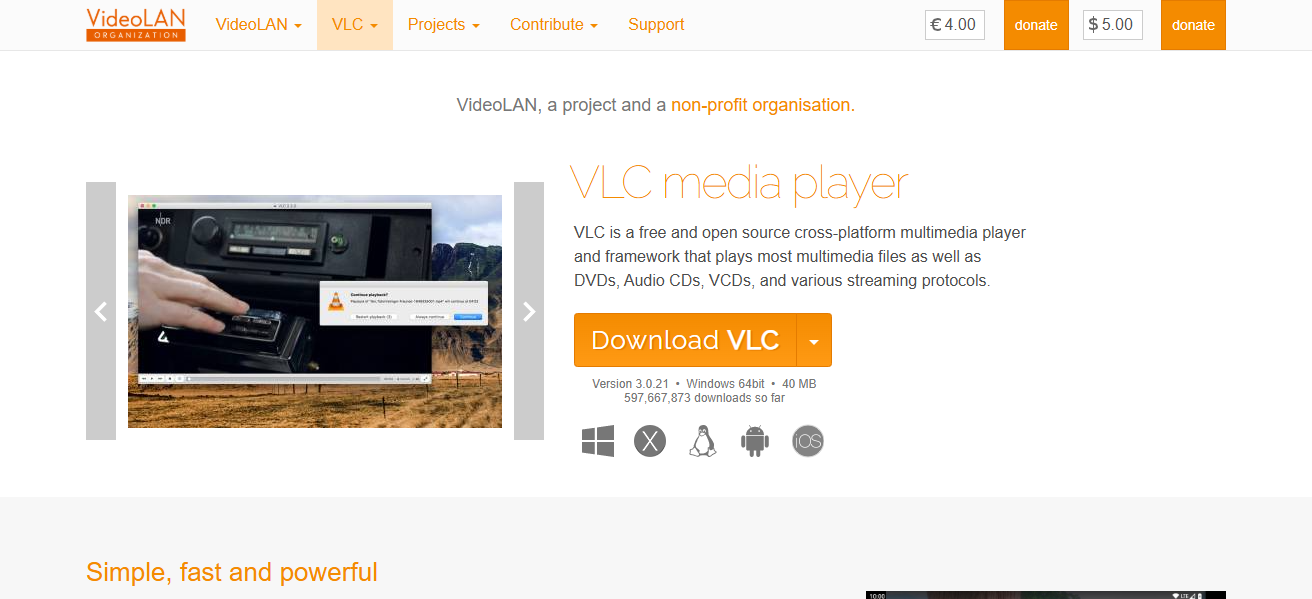
While its easy to use interfaces appeals to the general public, its vast customization and streaming tools provide advanced users with the flexibility that they desire. Using it as an offline media player is still reliable around the world, as it can now be used on windows, mac, linux, and even phones.
| Feature | Description |
|---|---|
| Plays All Formats | Supports MP4, MKV, AVI, MP3, FLAC, and many more. |
| Fully Offline | No internet required for playback. |
| Subtitle Integration | Supports external subtitle files and online fetching (optional). |
| Streaming & Conversion | Can convert formats and stream locally. |
| Lightweight | Uses minimal system resources. |
| Cross-Platform | Works on Windows, macOS, Linux, Android, and iOS. |
4.Foxit PDF Reader
Foxit PDF Reader is a functional application for viewing, editing, transcripts, and printing PDF files. Foxit is better than other cloud-dependent PDF tools because it works efficiently without an internet connection.
This is especially ideal for users who need secure, on-the-go access to documents. It offers other text-related features like text highlighting, form filling, giving out digital signatures, commenting and other related tools.
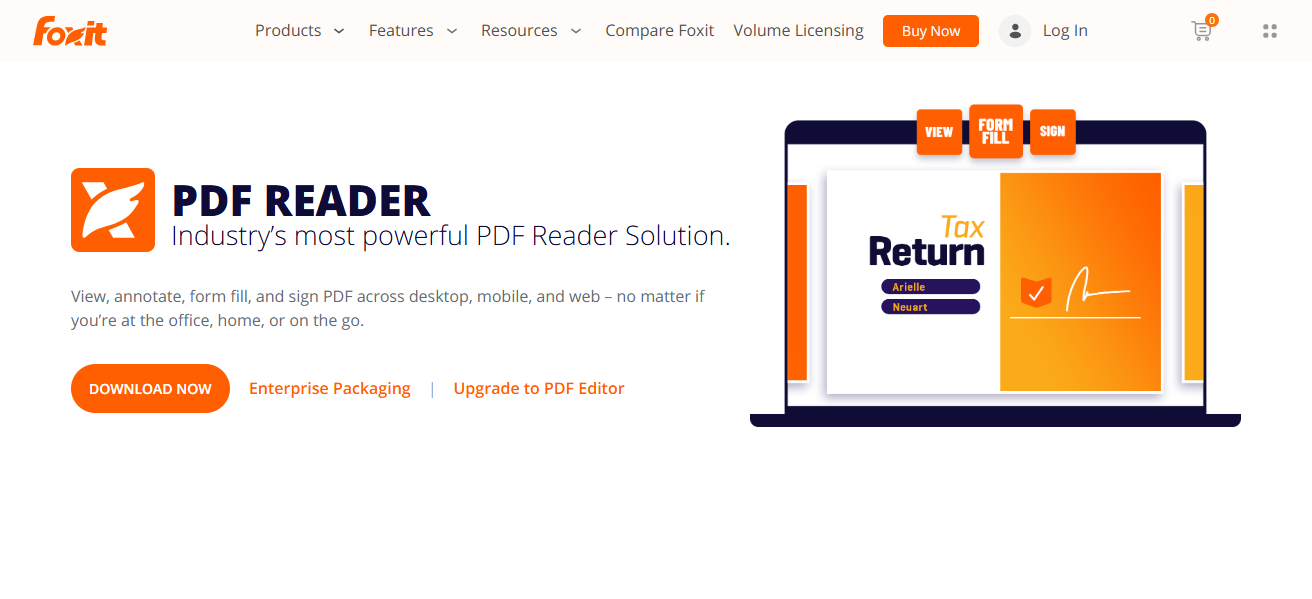
The interface is clean and easy to navigate for both casual and professional users. Pdf Foxit Reader also allows viewing of multiple PDF documents simultaneously. This application is suitable for the users of Windows, macOS and Linux.
| Feature | Description |
|---|---|
| Fast PDF Viewing | Opens large PDF files quickly. |
| Offline Capable | Full functionality without internet access. |
| Annotation Tools | Highlighting, notes, stamps, and drawing tools. |
| Fillable Forms | Supports filling and saving forms. |
| Secure Viewing | Offers safe mode and encryption support. |
| Tabbed Interface | Allows viewing multiple PDFs in one window. |
5.Notepad++
Notepad++ is a free, powerful, and lightweight text and code editor used both online and offline that is useful for software programmers, students, and even casual users. It has a wide range of supported languages with HTML, CSS, and even Python, enabling coding without the need for the internet.
Notepad++ has a veriety of productivity and performance enhancing features including, but not limited to, syntax highlighting, auto-completion, theme customization, and multi-tab editing.
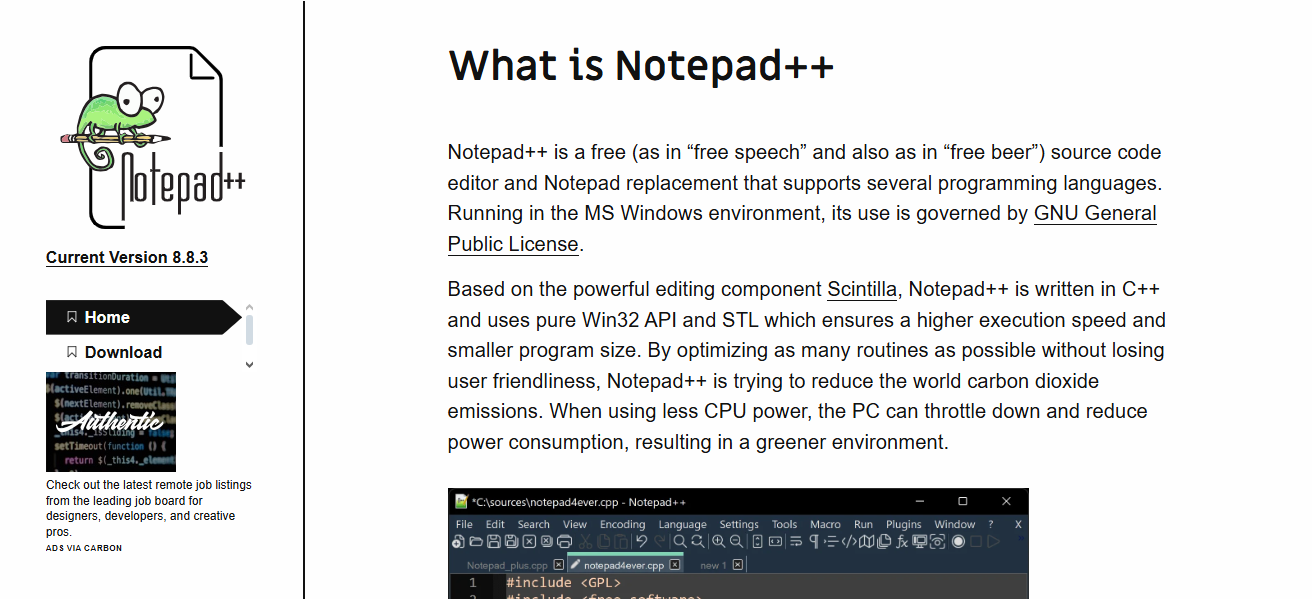
It is fast and low on resource consumption which is helpful for older systems or need to be used offline. It is a free, open-source tool that undergoes regular updates. Notepad++ is an unparalleled offline tool used for software and script development, or note and text editing.
| Feature | Description |
|---|---|
| Code and Text Editor | Supports over 80 programming languages. |
| Offline Usage | Fully functional without internet. |
| Syntax Highlighting | Helps with coding and readability. |
| Multi-Tab Interface | Allows working on multiple files simultaneously. |
| Plugin Support | Extendable via community-developed plugins. |
| Lightweight | Small installation size, fast performance. |
6.Blender
Blender is fully offline and free, making it one of the best tools for artists and designers without any internet access.
It includes all parts of the 3D pipeline such as: rendering, simulation, compositing, and even video editing It is well known for its use in game development, visual effects, and animation films.
It is equipped with a real time rendering engine and tools that are usually found in expensive commercial software.
As a result, all of it is available for free, customizable through add-ons, and available on Windows, macOS, and Linux. It is a great software for both experienced and new users equipped with great 3D offline tools.
| Feature | Description |
|---|---|
| Full 3D Suite | Includes modeling, sculpting, rigging, animation, and more. |
| Offline Workflow | Does not require internet for full functionality. |
| Rendering Engines | Comes with Cycles and Eevee for powerful rendering. |
| Video Editing | Includes a built-in video sequence editor. |
| Open-Source & Free | Regularly updated, free to use. |
| Cross-Platform | Available on Windows, macOS, and Linux. |
7.KeePass
KeePass is a trustworthy offline password management software that allows you to manage your login credentials without needing an internet connection.
Your data is kept secure in an encrypted database which can only be unlocked using a master password or key file.
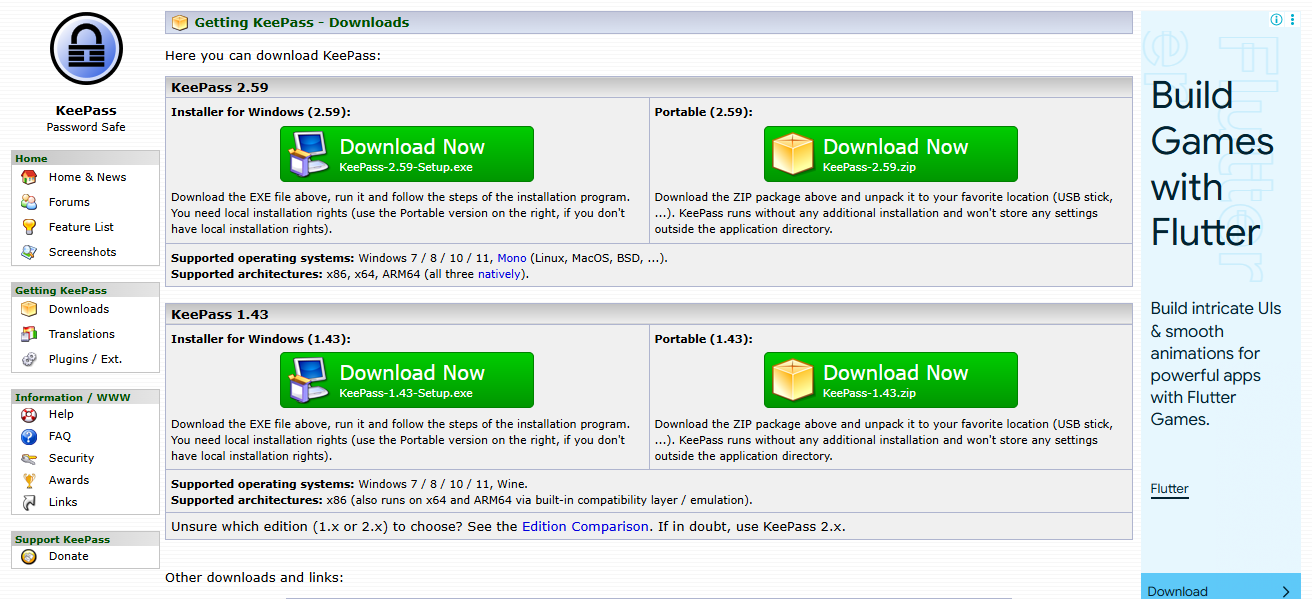
KeePass offers open-source software that is free to use. It has a low memory footprint which makes it the go to software for both professionals and individuals.
It can organize passwords into different groups for easy retrieval, and also employ the inbuilt password generator for creating strong passwords. Using KeePass ensures that no third-party services have access to your passwords.
| Feature | Description |
|---|---|
| Secure Password Management | Stores login credentials in encrypted database. |
| Offline Storage | No internet or cloud dependency. |
| Strong Encryption | Uses AES-256 encryption standard. |
| Portable Version | Can run from USB without installation. |
| Auto-Type Functionality | Auto-fills passwords into login fields. |
| Free & Open-Source | Regular updates, community-supported. |
8.Calibre
Calibre functions as an offline eBook management system as an organizer, reader, and converter of eBooks without the need of an internet connection.
Calibre migrates data and covers, edits meta data, Kindle and Kobo transfer, and supports various formats EPUB, MOBI, AZW, and PDF.

In addition to the abovementioned, Calibre contains an integrated eBook reader, supports library organization, and has the ability to bulk convert files.
This program is beneficial to both scholars and readers. The software is free of charge, open-sourced and is supported in Windows, macOS and Linux. This enhances offline eBook management and reading efficiency.
| Feature | Description |
|---|---|
| eBook Library Management | Organize and sort your entire eBook collection. |
| Offline Access | Fully usable without an internet connection. |
| Format Conversion | Converts between EPUB, MOBI, PDF, and others. |
| Device Syncing | Transfer books to eReaders like Kindle or Kobo. |
| Built-In Reader | Read books directly within the software. |
| Metadata Editing | Add or change book titles, authors, covers, etc. |
9.Audacity
Audacity is amongst the best programs one can access for the purposes of sound recording and sound editing, owing to the fact that it is completely free and open-source. Moreover, Audacity works completely offline which is a major plus in this modern, internet-driven world.
Audacity contains advanced features that make it ideal for podcasters, musicians, and even voiceover artists. Some of the features it offers includes multi-track editing, editing noise, and even adding effects to audio.
In addition, Audacity supports a number of audio formats including WAV, MP3, FLAC, and OGG which works for endless possibilities of exporting file types. The interface of Audacity is simple enough for beginners, while its advanced plugins make it a go to for experienced users
The solution is trusted for the precision and professionalism it offers for the audio work regardless of the fact is it macOS, Windows, or Linux that is being used.
| Feature | Description |
|---|---|
| Audio Recording & Editing | Multi-track editing, trimming, and mixing. |
| Offline Operation | Fully functional without internet. |
| Wide Format Support | Handles MP3, WAV, FLAC, OGG, and more. |
| Effects and Filters | Includes noise reduction, echo, pitch, tempo adjustments. |
| Plugin Support | Compatible with VST, LADSPA, and Nyquist plugins. |
| Free and Open-Source | Constant updates and community support. |
10.Tux Paint
Tux Paint is an award-winning offline drawing software available for free. It is designed for children aged 3 years and above, encouraging them to unleash their creativity in a fun and educational manner.
For children, the software’s interface is intuitive and colorful, coupled with cartoon characters that provide helpful tips, sound effects, and drawing tools such as brushes, stamps, shapes, and a variety of magic effects that are easy to use.
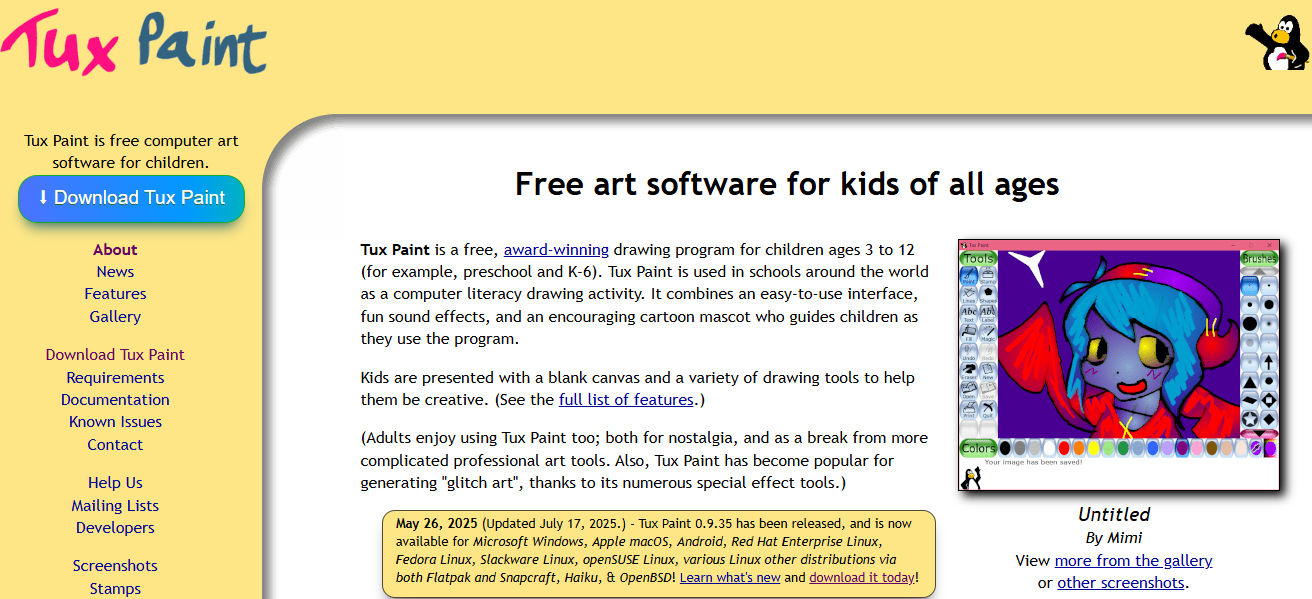
Tux Paint comes with a blank canvas, numerous built-in templates, and a rich assortment of clipart to stoke creativity. It is available for download in Windows, macOS, and Linux. Tux Paint is a wonderful drawing software for the home, school, or library as it is safe, engaging, and completely offline.
| Feature | Description |
|---|---|
| Kid-Friendly Drawing | Simple interface designed for children. |
| Fully Offline | No internet required to use any feature. |
| Fun Sound Effects | Engaging sounds for actions and tools. |
| Magic Tools | Special effects like sparkles, smudging, and rainbow. |
| Stamp Collection | Built-in library of fun stamps and clipart. |
| Free and Educational | Open-source and great for schools and home learning. |
Conclusion
To summarize, Whether you are working on documents, managing passwords, creating graphic art, or reading eBooks, every program ensures privacy as well as high productivity levels.
These tools function splendidly in situations with limited internet, and are open source so are available to anybody in need of robust, versatile tools that do not require a connection. These tools offer fantastic productivity and peace of mind.
FAQ
What are offline software tools?
Offline software tools are applications that work fully without needing an internet connection
Are these tools free to use?
Yes, most listed tools like LibreOffice, GIMP, VLC, and Audacity are free and open-source.
Do these tools get updates?
Yes, updates are available online, but the tools function offline once installed.