In this article, we will look at the Best Lightweight Applications for Low-End PCs which will ensure that you are getting the best out of your older or low-spec systems.
These applications are created to consume low resources and still deliver the minimum needed to make your PC function faster and smoother without any hardware upgrades.
Be it for work, media, or even browsing, these tools ensure optimal performance with minimal resource consumption.
Key Points & Best Lightweight Software For Low-End PCs
| Software Name | Key Features / Benefits |
|---|---|
| Lubuntu | Lightweight Linux distro, low RAM usage, ideal Windows alternative for old PCs |
| Puppy Linux | Extremely small footprint, runs entirely in RAM, fast even on ancient hardware |
| SlimBrowser | Fast web browser with low CPU and RAM usage, built-in ad blocker |
| VLC Media Player | Plays almost all video/audio formats, lightweight and open-source |
| Q-Dir | Lightweight file manager with multi-pane interface, portable and faster than File Explorer |
| Notepad++ | Fast text/code editor with plugin support, uses minimal system resources |
| Paint.NET | Lightweight image editor, more advanced than MS Paint but less heavy than Photoshop |
| Wise Care 365 | Lightweight PC cleaning and optimization tool, improves speed without heavy background use |
| SumatraPDF | Super lightweight PDF, ePub, and comic book reader with no bloat |
| WPS Office | Lightweight alternative to MS Office, compatible with all major file formats |
10 Best Lightweight Software For Low-End PCs
1.Lubuntu
Lubuntu is arguably one of the best lightweight OSs for low-end PCs as it is clean, and fast, provides a good user experience. Built on Ubuntu, using the LXQt desktop environment makes it faster and more efficient.
It works best on older machines that have a low amount of RAM and a processor. Lubuntu’s Ubuntu repositories and other software sources give access to thousands of applications to users while consuming minimal resources.
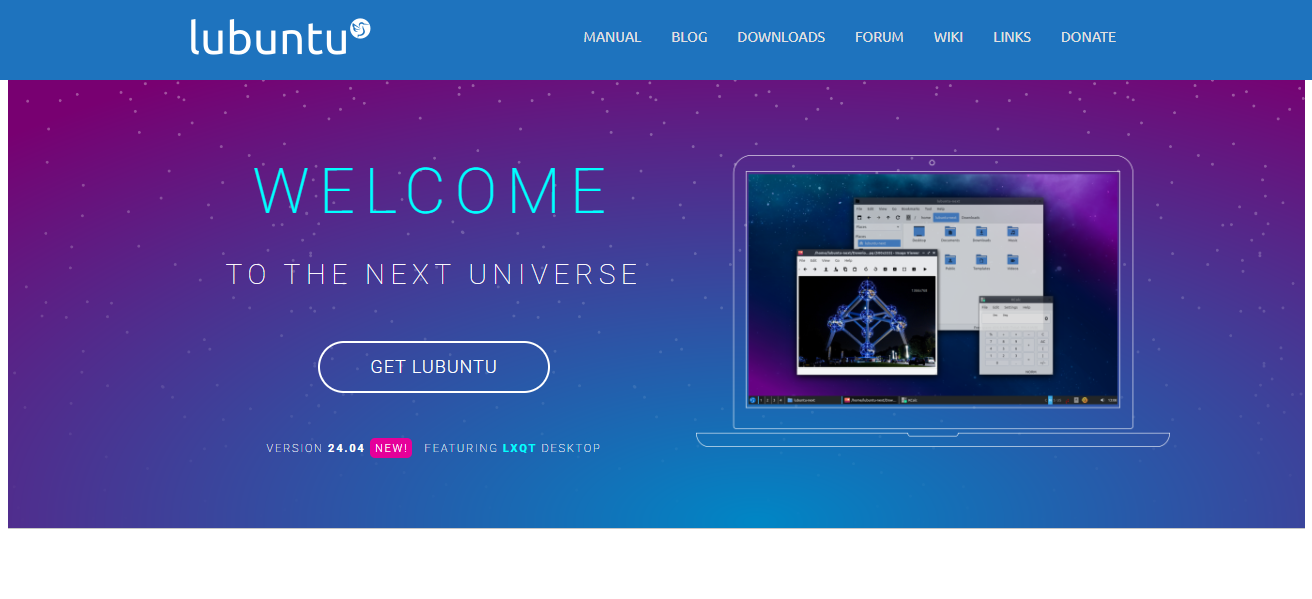
For someone looking for a modern, stable and secure system, Lubuntu has the answer. Whether it is an old laptop that is gathering dust, or a custom low budget PC, Lubuntu has the required user experience and dependable performance for these scenarios.
| Feature | Description |
|---|---|
| Lightweight OS | Uses LXQt desktop environment, minimal system requirements |
| Ubuntu-Based | Access to Ubuntu’s software repositories and support |
| Fast Performance | Optimized for speed on older or low-spec systems |
| User-Friendly | Simple and intuitive interface for new users |
| Low RAM Usage | Runs smoothly with as little as 1GB RAM |
| Active Development | Regular updates and security patches |
2.Puppy Linux
Puppy Linux is an operating systems of ultra low lightweight nature tailored specifically for older and low end pc’s. Its footprint is just a few hundred megabytes which allows it to run using RAM and is extremely fast even for outdated hardware.
It comes with pre-installed applications which includes a word processor, a browser and a media player. It supports a large variety of package formats and can be booted from a USB, CD and even from hard drives. It is perfect for legacy computers.
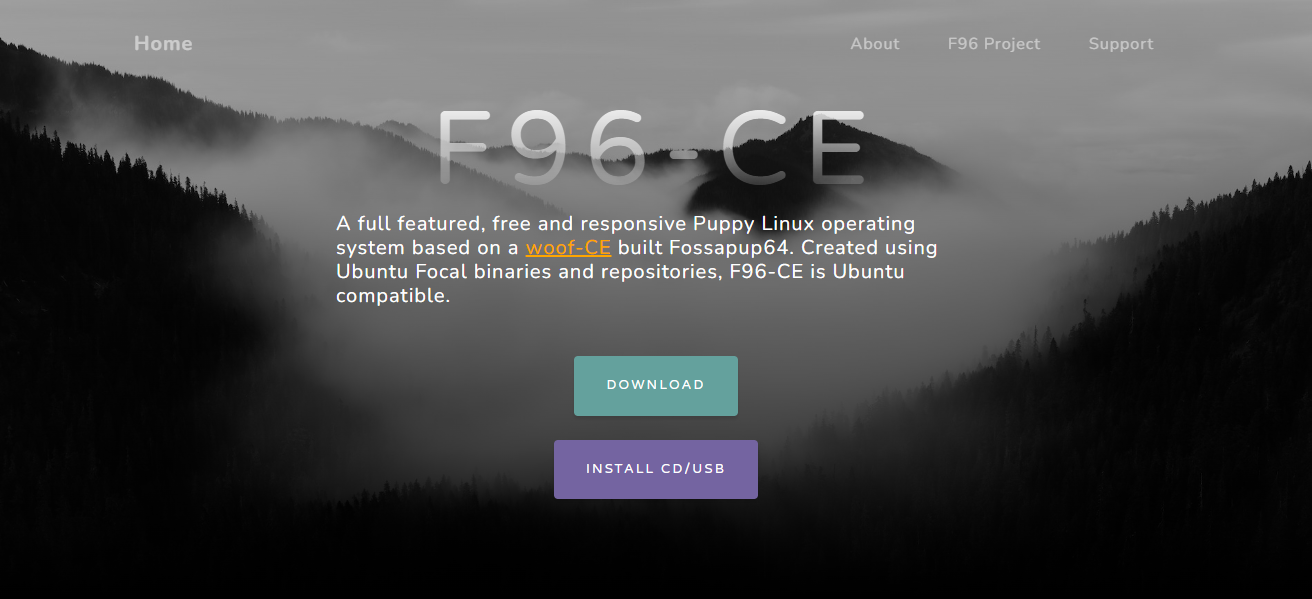
It is a responsive system and allows heavy work to be done using hardware with minimal specifications. The efficiency and simplicity makes it one of the best operating systems for PC’s with low specifications.
| Feature | Description |
|---|---|
| Ultra-Lightweight | Runs entirely in RAM, extremely small ISO size (~300MB) |
| Fast Boot Time | Boots in seconds even from USB or CD |
| Pre-Installed Tools | Includes browser, word processor, and media player |
| Customizable | Highly modular, supports user configurations |
| Hardware Compatibility | Works well on very old PCs |
| Portable | Can be run as a live session or installed to disk |
3.SlimBrowser
SlimBrowser is an excellent web browser option for users looking for an economical resource option. Designed for low-end PCs, SlimBrowser is built on the Gecko Engines like firefox which allows smooth web patient even with limited RAM and older CPU.
In addition to an inbuilt ad blocker and pop up blocker, SlimBrowser contains a download manager, form filler, and an ad blocker making heavy extensions useless.
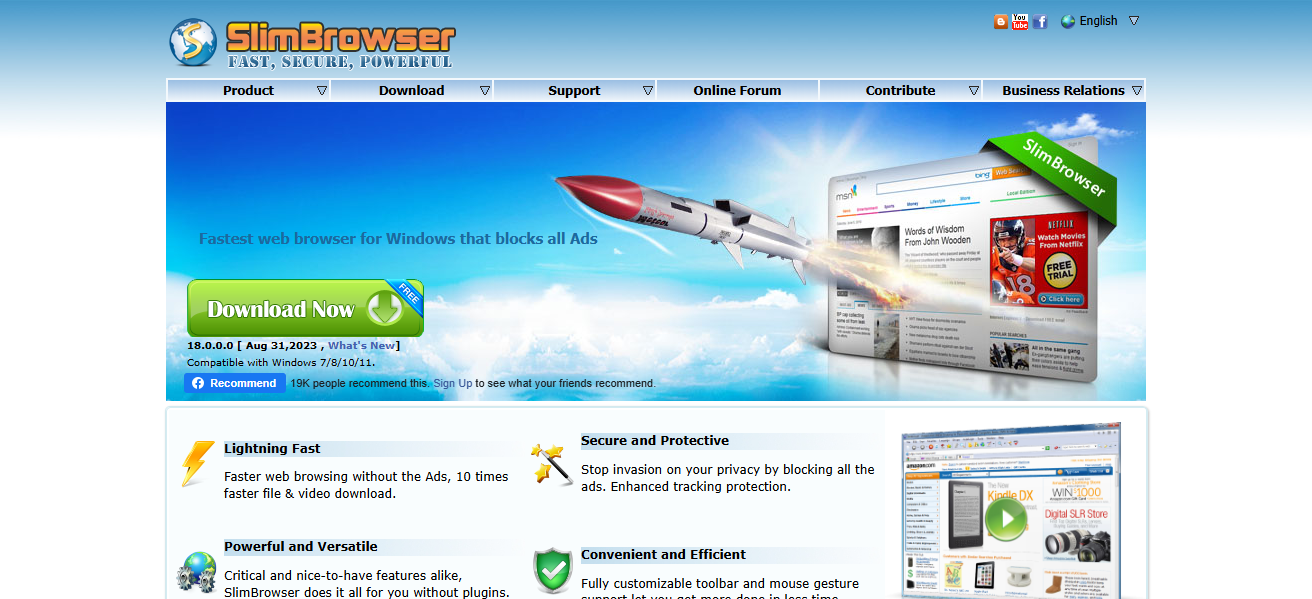
SlimBrowser is the go to choice for users with aging or resource restricted devices due to its small installation size and minimal background processes.
| Feature | Description |
|---|---|
| Lightweight Web Browser | Minimal memory and CPU usage |
| Built-in Ad Blocker | Blocks ads without third-party extensions |
| Download Manager | Integrated downloader for audio/video |
| Fast Startup | Opens quickly even on older machines |
| Form Auto-Fill | Saves time by filling forms automatically |
| Pop-up Blocker | Reduces distractions from unwanted windows |
4.VLC Media Player
VLC Media Player is VLC is one of the best choices for a versatile and lightweight multimedia player.
Its system requirements are so low that it is able to run on low-end PCs, and it is capable of playing almost any audio or video format without the need for extra codecs.
As a player, it is simple and its performance is unrivaled. It offers support for DVDs, CDs, streaming protocols, and even damaged media files.
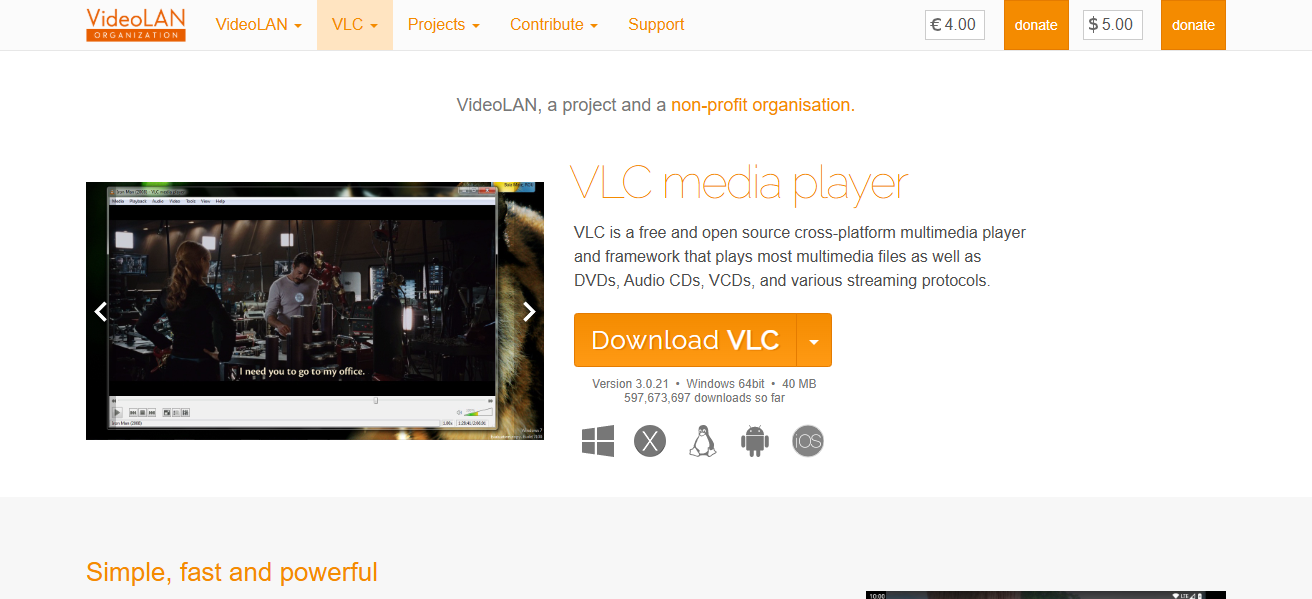
Beyond its size, the subtitle synchronization, audio and video filters, and skin customization show that it is feature rich.
It is one of the best media players for a user searching for a no frills, but dependable option, and, most importantly, it uses a fraction of memory and CPU on older machines.
| Feature | Description |
|---|---|
| Wide Format Support | Plays almost any video/audio file format |
| Lightweight Design | Low memory footprint, runs smoothly on old PCs |
| Cross-Platform | Available on Windows, Linux, Mac, and more |
| No Codec Packs Needed | Comes with built-in codecs |
| Customizable Interface | Supports skins and extensions |
| Advanced Features | Subtitle sync, filters, streaming support |
5.Q-Dir
Q-Dir is an efficient file manager to replace Windows File Explorer. Through “Q-Dir,” users can access files swiftly which is beneficial for low-end PCs. The installation size is very small relative to the features it offers.
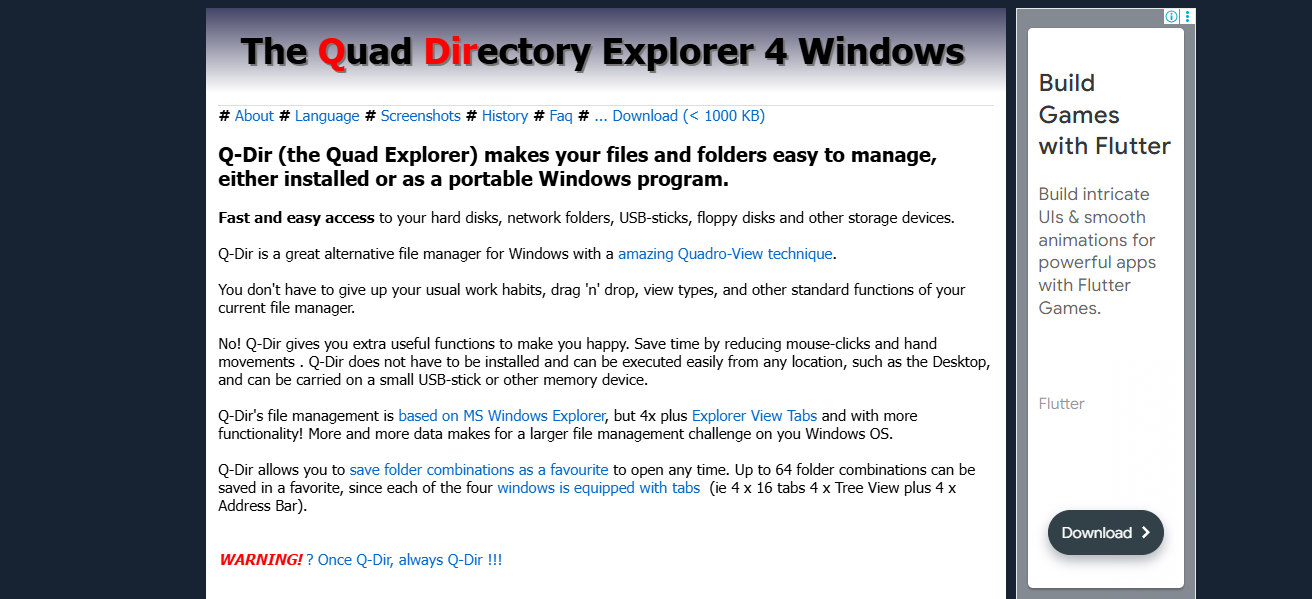
The drag-and-drop function boosts efficiency alongside the quick access to specified folders. The computer’s older specifications do not greatly limit Q-Dir’s performance. In rewriting Windows File Explorer, “Q-Dir” helps to manage files effectively for low-end PCs.
| Feature | Description |
|---|---|
| Multi-Pane Interface | View up to 4 directories at once |
| Very Lightweight | Uses very little memory and disk space |
| Portable Version | Can be used without installation |
| Customizable Layouts | Panels and colors can be adjusted |
| Drag-and-Drop Support | Easily manage files across panes |
| Fast File Management | Performs better than standard File Explorer on old PCs |
6.Notepad++
Notepad++ is an efficient text and code editor for older PCs, being fast and lightweight. It offers features such as auto-completion, syntax highlighting, and editing across multiple tabs, all while conserving system resources.
Notepad++ is tailored for both readers and writers, and supports a wide array of programming languages. It also offers further capabilities through plugin extensions. Its small installation size and Notepad++’s effective performance and expirability are beneficial for older PCs or systems with low RAM.
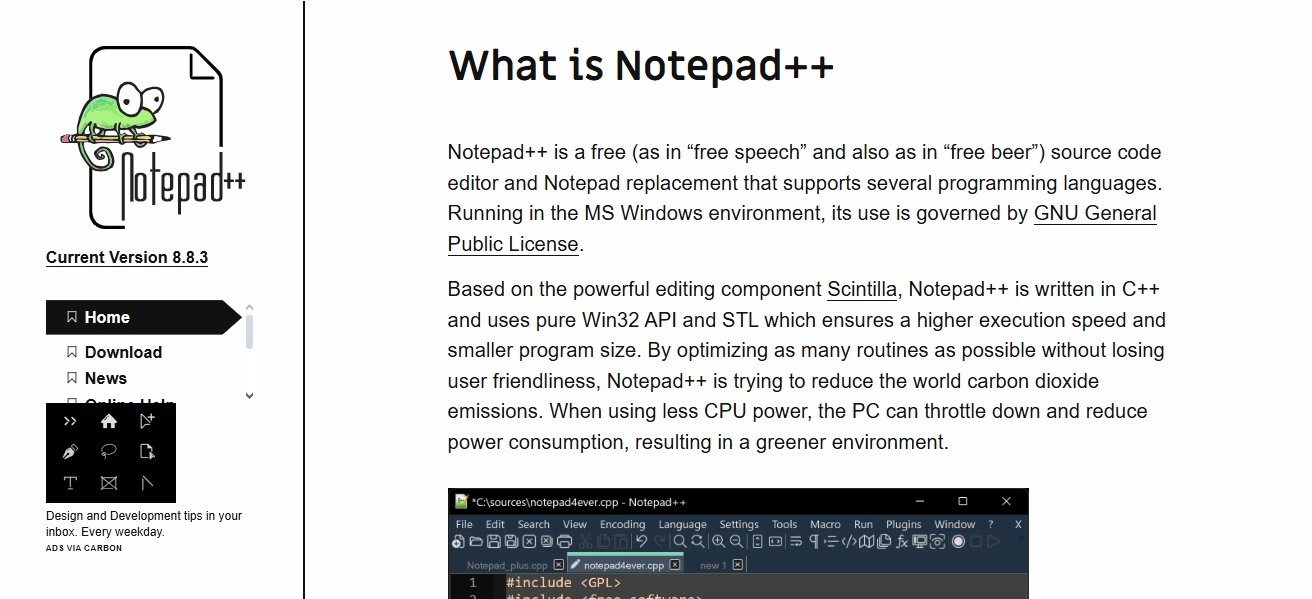
Notepad++’s interface is intuitive and offers high levels of customization. Notepad++ is reliable for speed and offers seamless performance when working with text files and writing code.
| Feature | Description |
|---|---|
| Lightweight Text Editor | Very low system resource usage |
| Syntax Highlighting | Supports many programming languages |
| Plugin Support | Extend functionality via plugin manager |
| Tabbed Interface | Work on multiple files simultaneously |
| Auto-Completion | Speeds up coding and typing |
| Open Source | Free and community-developed |
7.Paint.NET
Paint.NET is its image editing software, inexpensive and it runs perfectly on low-end PCs. It acts as a substitute to Microsoft Paint and comes equipped with special effects, filters, layers, and unlimited undo.
All within a remarkably fast, low resource, and efficient performance. Paint.NET comes equipped with a beginner friendly and organized interface and runs smoothly on even today’s older hardware.
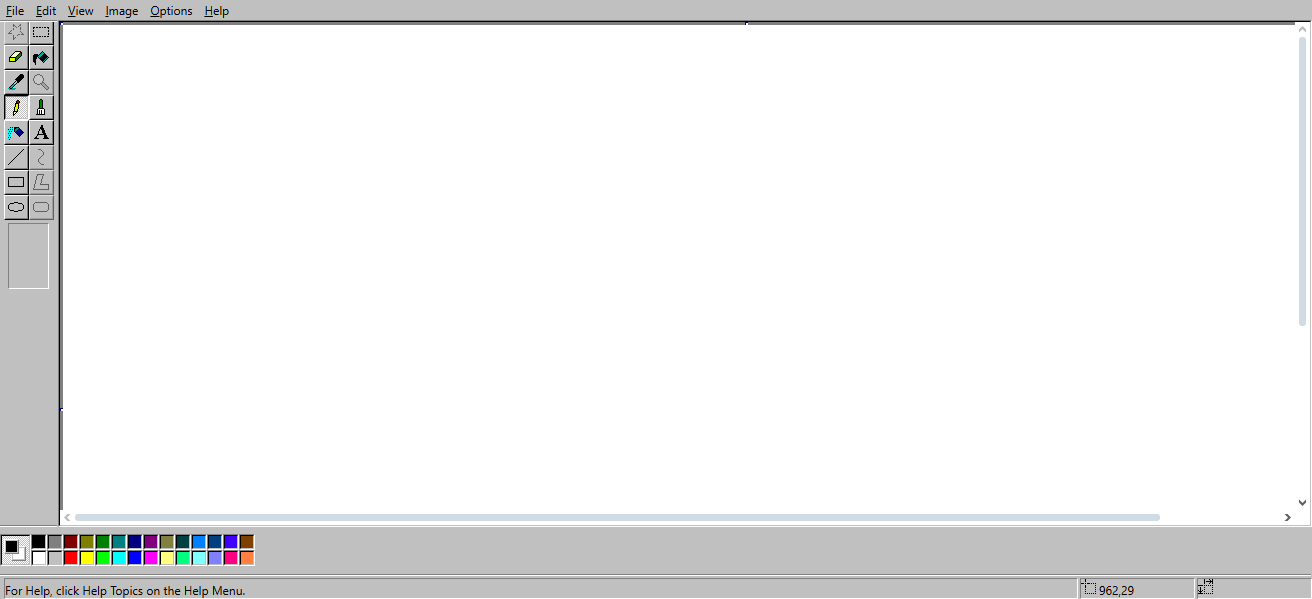
Without Paint.NET, your system would be greatly slowed down. Be it editing photos, creating graphics, or even just touching screenshots, it would always be in your best interest to use Paint.NET considering low-powered computers.
| Feature | Description |
|---|---|
| Lightweight Image Editor | Low resource usage compared to Photoshop |
| Layer Support | Advanced editing capabilities |
| Easy to Use | Clean interface, great for beginners |
| Plugin Compatibility | Extend features like effects and file types |
| Fast Performance | Runs smoothly on older machines |
| Free Software | Completely free for personal and educational use |
8.Wise Care 365
Wise Care 365 is a low-end optimized PC topicalization tool and is PC light-weighted. It has a comprehensive set of utilities that also perform junk files and registry issues, startup programs, and system performance enhancing.
It is semiautomatic and set to low resource usage. Older machines can perform optimally and work faster, dues to it running yet not taking up much resources. Performing a system check and optimizations can be done with a single and easy click because of the interface.
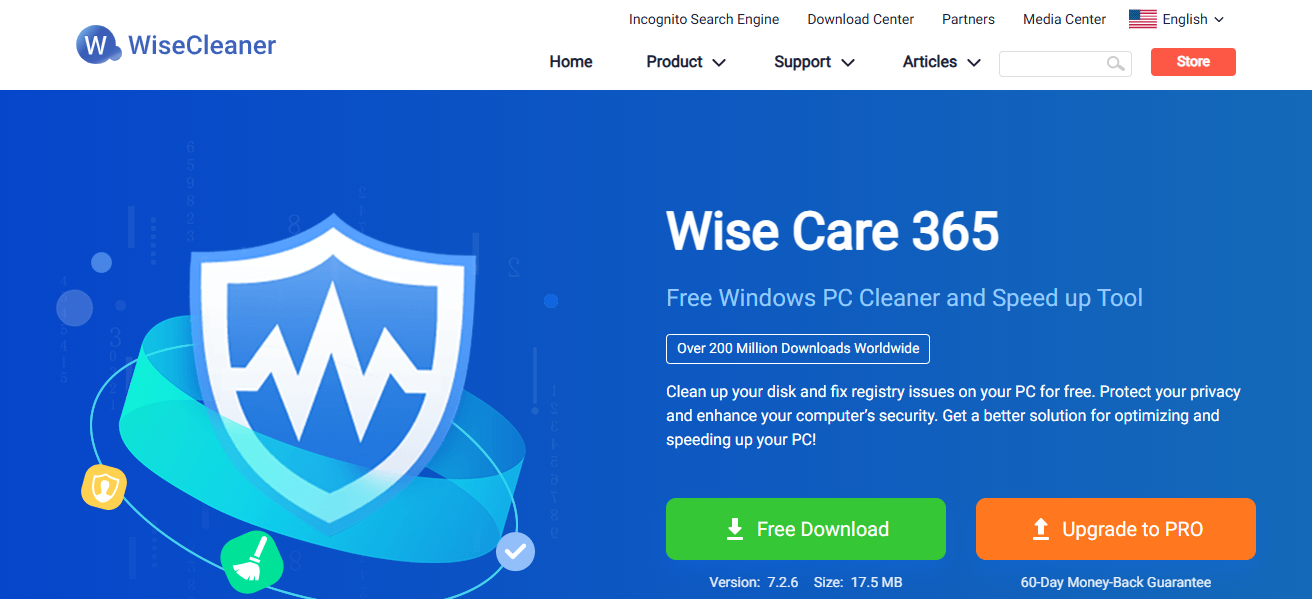
It also has features to aid privacy protection and system monitoring. If a user does wish to have their PC last long, perform better, and have smoother performance within their aging machines, it is indeed a smart and good option.
| Feature | Description |
|---|---|
| PC Cleaner | Cleans junk files, temporary files, and cache |
| Registry Optimizer | Fixes registry errors and defragments registry |
| Startup Manager | Improves boot time by managing startup items |
| Lightweight Tool | Uses very little system resources |
| Privacy Protector | Clears browsing history and sensitive traces |
| Real-Time Monitoring | Monitors system performance and temperature |
9.SumatraPDF
SumatraPDF stands out as an incredibly efficient document reader, especially suited for low-end PCs. Its simplicity is a major advantage as it works with various eBook formats, such as PDF, ePub, MOBI, XPS, CHM, DjVu, and even comic books CBZ/CBR.
The software is virtually a standout with a minimalistic interface, instant launch, and low memory consumption, which makes it suited for low-end PCs.
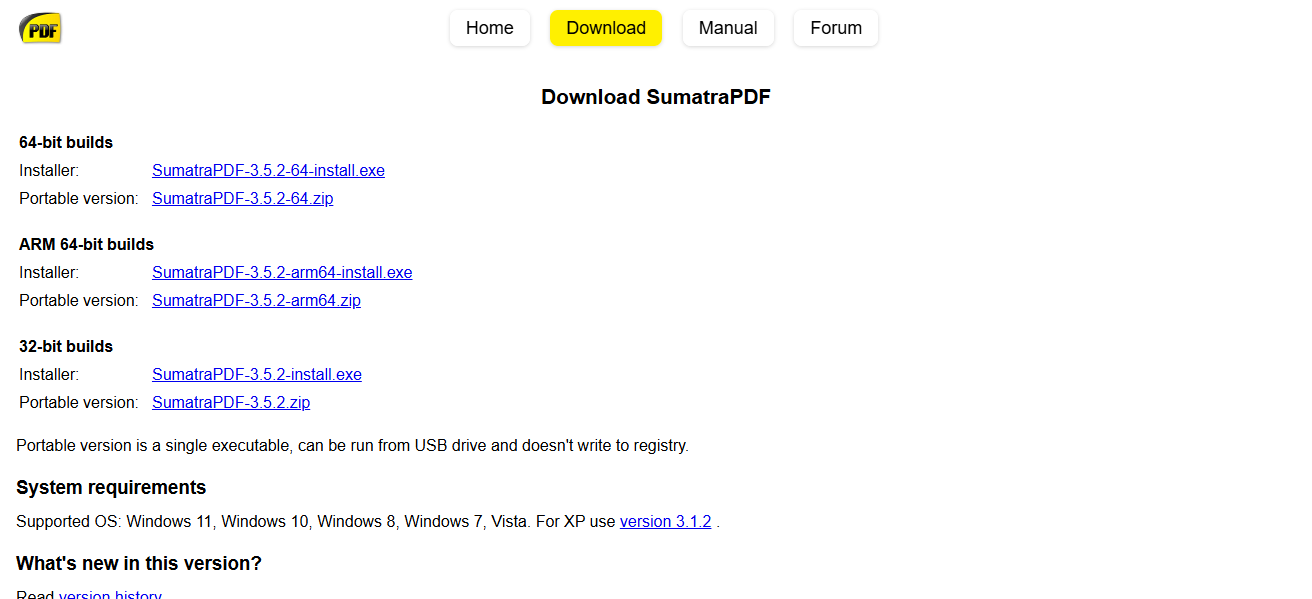
Older and resource constrained systems benefit from an utter lack of installation requirements, background processes, and bloat. Priorities ease of use and efficiency, makes SumatraPDF a dependable choice.
| Feature | Description |
|---|---|
| Ultra-Lightweight Reader | Minimal installation size and RAM usage |
| Fast Launch Time | Opens documents almost instantly |
| Multi-Format Support | Reads PDF, ePub, MOBI, CHM, DjVu, CBZ, CBR |
| Portable Version | Can run without installation |
| No Bloat | No unnecessary features or toolbars |
| Ideal for Older PCs | Designed for speed and simplicity |
10.WPS Office
WPS Office is an efficient office suite designed for use on low-end PCs. It comprises Writer, Spreadsheets, and Presentation, all of which can access office documents in DOCX, XLSX and PPTX formats.
WPS Office has a clean and user-friendly interface and provides important functions like PDF conversion, cloud backup, and document templates.
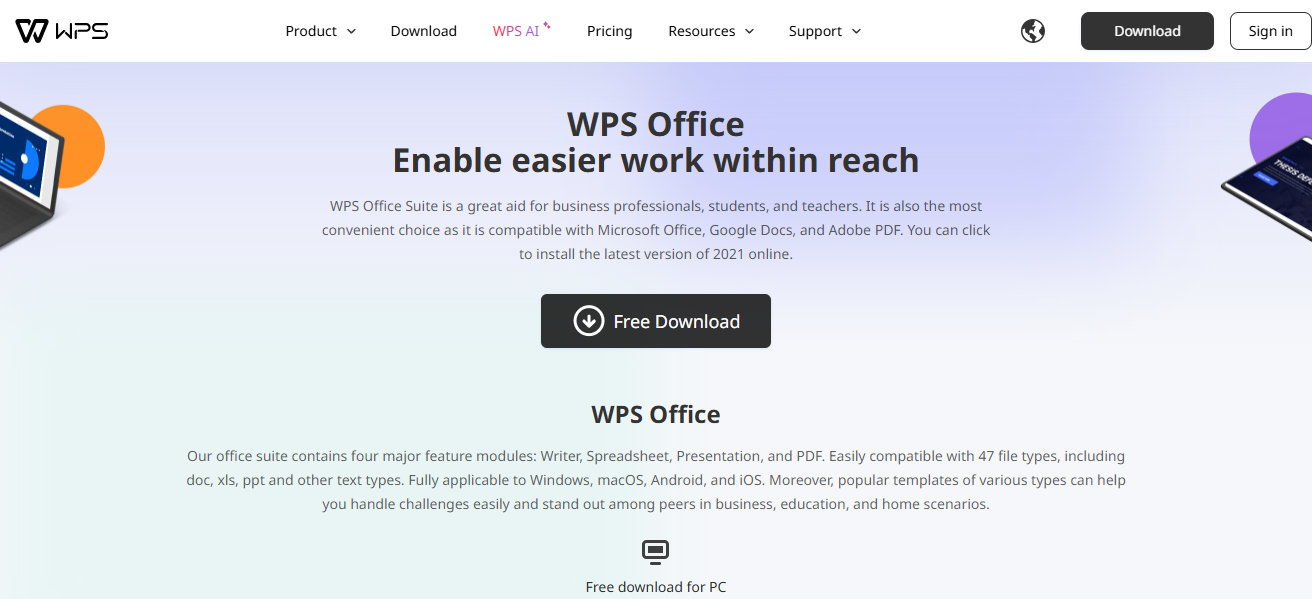
Its low resource usage makes it run effortlessly on older hardware which makes it ideal for students and professionals who need portable office tools that come along with a lighter performance burden.
Even though it has low installation size, WPS Office is a feature rich application that makes it easy for users to accomplish tasks on low-end computers in a smooth and efficient manner.
| Feature | Description |
|---|---|
| Office Suite | Includes Writer, Spreadsheet, and Presentation tools |
| MS Office Compatible | Opens and saves DOCX, XLSX, PPTX files |
| Lightweight Installation | Small download size, low memory usage |
| PDF Tools Included | Convert documents to/from PDF |
| Cloud Integration | Supports syncing documents to WPS Cloud |
| Modern UI | Intuitive design, easy to navigate |
Conclusion
In conclusion Select software for low-end PCs carefully to maximize performance within a software’s system resource limits.
Operating systems such as Lubuntu and Puppy Linux and software such as VLC, Notepad++, and WPS Office provide core functionalities with low resource consumption.
These programs greatly enhance the functionality and speed of older computers, ensuring they are efficient and responsive for routine tasks.
FAQ
What is lightweight software?
Software designed to use minimal system resources like RAM and CPU, ideal for older or low-spec PCs.
Can lightweight software replace full-featured apps?
Yes, many lightweight alternatives offer essential functions without the bloat of heavier programs.
Is Linux better for low-end PCs?
Yes, lightweight Linux distros like Lubuntu and Puppy Linux are optimized for older hardware.