
Today’s architectural designs show the need for precise structural analysis, enhanced teamwork, and complex design.
Choosing the appropriate software shrinks project costs and improves results. I will show you the Best Structural Engineering Software Platforms for Modern Architects.
I will highlight key traits, pros, and suggested uses for the software to facilitate choosing a design and engineering software solution.
Why Architects Should Understand Structural Engineering Software
The interplay of innovative and imaginative design in contemporary buildings demands complex, dynamic tools to help in the creation of the built form. Specifically, Structural Software helps architects to:
- Assess Building Loads and Stresses
- Enhance Safety and Code Compliance
- Work with Engineers in a BIM Environment
- Eliminate Design and Construction Issues
- Optimize Resources and Costs
- Improve Turnaround Times
Usage plays no restrictions; whether you work on tall building design, new development design, bridges, or even residential buildings the correct choice of software can greatly improve your design.
Key Points & Best Structural Engineering Software Platforms for Modern Architects
ETABS – Optimizes high-rise building performance through accurate structural calculations daily.
SAP2000 – Handles diverse engineering projects using flexible modeling capabilities effectively.
STAAD.Pro – Supports international design standards while streamlining structural workflows significantly.
Autodesk Revit – Integrates multidisciplinary teams within collaborative building information modeling environments.
Tekla Structures – Produces constructible models enhancing detailing precision and project coordination.
SAFE – Simplifies foundation and slab engineering with specialized analytical tools.
Robot Structural Analysis – Delivers comprehensive simulations helping architects validate structural integrity.
RAM Structural System – Accelerates building design processes through automated structural solutions.
RISA-3D – Enables efficient load analysis across various structural framework types.
SkyCiv Structural Software – Provides cloud accessibility supporting engineering tasks from anywhere.
10 Best Structural Engineering Software Platforms for Modern Architects
1. ETABS
ETABS is still a favorite for structural engineers designing high-rises and other complicated buildings.
Since ETABS was built for building analysis, it lets architects and engineers analyze the effects of wind and the behavior of the structure during seismic events.
ETABS also features a very sophisticated yet intuitive building systems modeling tool. The latest improvements to ETABS focus on the integration of design and performance-based tools, along with BIM.
Because of this, ETABS has become a staple for modern architecture, ensuring safety and functionality while meeting code requirements.
ETABS: Pros and Cons
| Pros | Cons |
|---|---|
| Purpose-built for high-rise building analysis. | Premium licensing can be expensive. |
| Excellent seismic and wind load analysis tools. | Steeper learning curve for beginners. |
| Strong BIM integration capabilities. | Requires powerful hardware for large models. |
| Widely accepted by engineering professionals globally. | Limited usefulness outside building-focused projects. |
| Advanced performance-based design features. | Some advanced functions need specialized training. |
2. SAP2000
SAP2000 is an analysis and design software used for a variety of structures, such as bridges, buildings, and sports facilities.
SAP2000 has a very powerful finite element analysis tool, which lets users create models of almost any structural system and be confident of the analysis that will be performed.
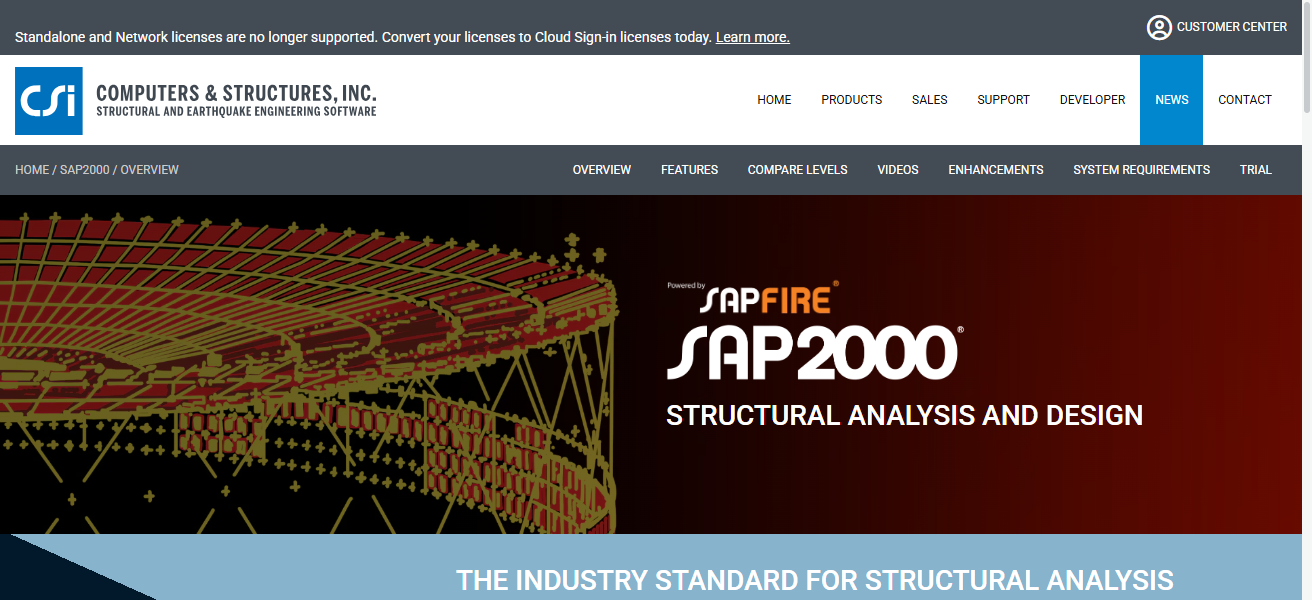
SAP2000 is very useful for architects, especially those with innovative designs that require non-standard and detailed engineering analysis.
In recent years, SAP2000 has focused on improving automation and ease of use, which has helped design and analyze structures faster.
SAP2000: Pros and Cons
| Pros | Cons |
| Supports bridges, towers, dams, and buildings. | Interface feels technical for new users. |
| Powerful finite element analysis engine. | Higher cost than some alternatives. |
| Handles nonlinear and dynamic analysis effectively. | Extensive features may overwhelm beginners. |
| Flexible modeling for unconventional structures. | Complex projects require experienced operators. |
| Strong visualization and reporting tools. | Learning resources can be highly technical. |
3. STAAD.Pro
STAAD.Pro is an analysis and design software that is widely used since it supports many of the world’s building codes and standards.
STAAD.Pro helps both architects and structural engineers analyze building systems made of steel, concrete, timber, and aluminum.
STAAD.Pro aids in calculations, automates many tedious and time-consuming tasks, and checks code requirements. Because of this, STAAD.Pro excels on large-scale and commercial projects.
Additional tools for analysis help design infrastructure systems and commercial buildings. The integration of BIM and teamwork also helps make STAAD.Pro an invaluable tool for integrated and modern building design and construction.
STAAD.Pro: Pros and Cons
| Pros | Cons |
| Supports numerous international design codes. | The user interface appears dated compared to competitors. |
| Suitable for steel, concrete, and timber structures. | Can become resource-intensive on large projects. |
| Extensive automation reduces manual calculations. | Licensing costs may challenge smaller firms. |
| Strong industry recognition worldwide. | Initial setup can be time-consuming. |
| Integrates well with BIM workflows. | Advanced modules require additional investment. |
4. Autodesk Revit
Autodesk Revit provides tools that enhance collaboration for architects and structural engineers working with Building Information Modeling.
Unlike traditional modeling that relies on disconnected projections, Revit offers teams a smart model that showcases real-time updates across all disciplines.
Throughout the design process, Revit boosts collaboration and visualization and minimizes clashes.
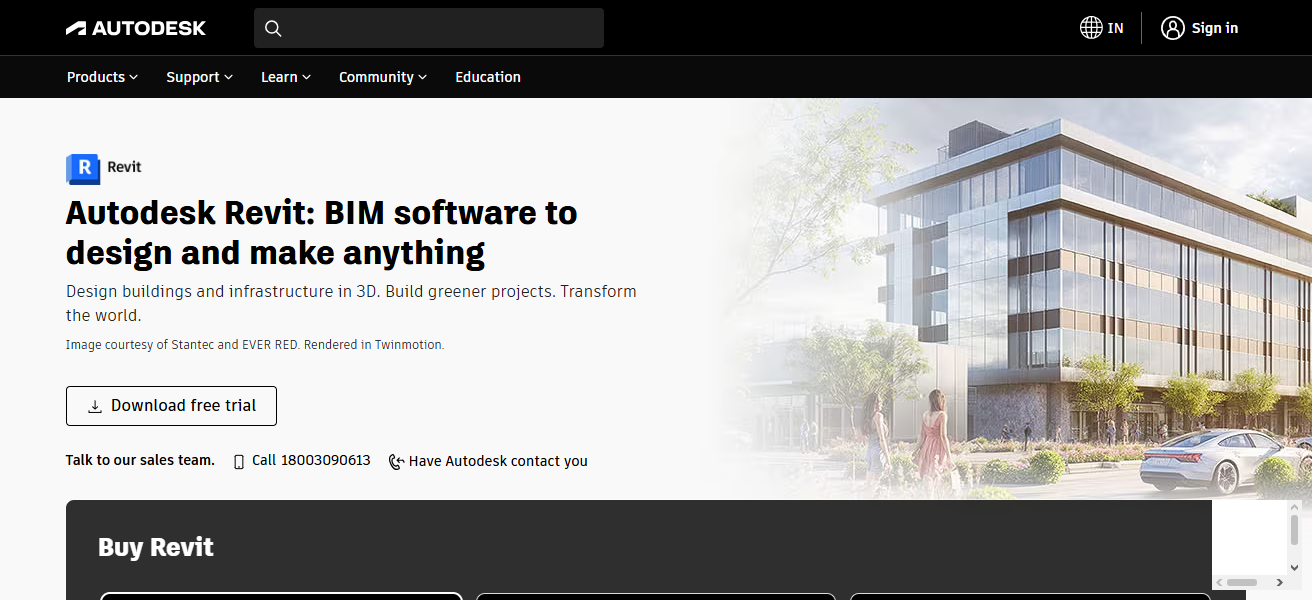
Innovative features enable teams to work together virtually, model using parameters, and receive updates on the progress of the design in real time.
Revit is the top choice of most architects as it provides them with the best tools to integrate their design with structural systems.
Autodesk Revit: Pros and Cons
| Pros | Cons |
| Industry-leading BIM collaboration platform. | Subscription costs can accumulate annually. |
| Real-time model coordination across disciplines. | High-performance hardware recommended. |
| Excellent visualization and documentation capabilities. | Training period may be lengthy. |
| Supports cloud-based teamwork. | Large files can impact performance. |
| Reduces clashes during project development. | Structural analysis requires additional software. |
5. Tekla Structures
Tekla Structures produces detailed 3D models used for the design and construction of buildings and other large infrastructure projects.
Tekla specializes in modeling for structural design and construction, making it a popular choice among engineers.
Tekla creates automated, accurate models that construction teams can rely on to reduce costly changes due to model revisions.
Tekla’s focus on construction and design integration further supports digital construction processes.
Tekla Structures: Pros and Cons
| Pros | Cons |
| Exceptional detailing and fabrication accuracy. | Premium pricing for advanced features. |
| Ideal for complex steel structures. | Requires significant training to master. |
| Strong construction workflow integration. | Demands powerful computing resources. |
| Produces highly constructible 3D models. | Smaller projects may not need full capabilities. |
| Excellent interoperability with fabrication systems. | Detailed modeling increases project preparation time. |
6. SAFE
SAFE is a design and engineering tool for analyzing and modeling the construction of concrete slabs and foundations.
SAFE leads the market in modeling support to engineers for large, multi-story constructions. SAFE is particularly popular with architects for its ease of use and accurate modeling of foundations.

Recent enhancements to SAFE’s workflows reduce design and construction complexities and further support SAFE’s popularity.
SAFE: Pros and Cons
| Pros | Cons |
| Specialized for slabs and foundations. | Limited to foundation-related applications. |
| Accurate load distribution analysis. | Less versatile than general structural platforms. |
| User-friendly design environment. | Advanced features require engineering expertise. |
| Supports post-tensioned concrete design. | Not suitable for complete building analysis. |
| Efficient workflow for foundation projects. | Smaller user community compared to major platforms. |
7. Robot Structural Analysis
With Robot Structural Analysis, architects and engineers can simulate and analyze building structures as part of Autodesk Building Information Modeling.
Robot Structural Analysis helps architects and engineers understand structural behavior, evaluate loading, and assess forces from the environment.
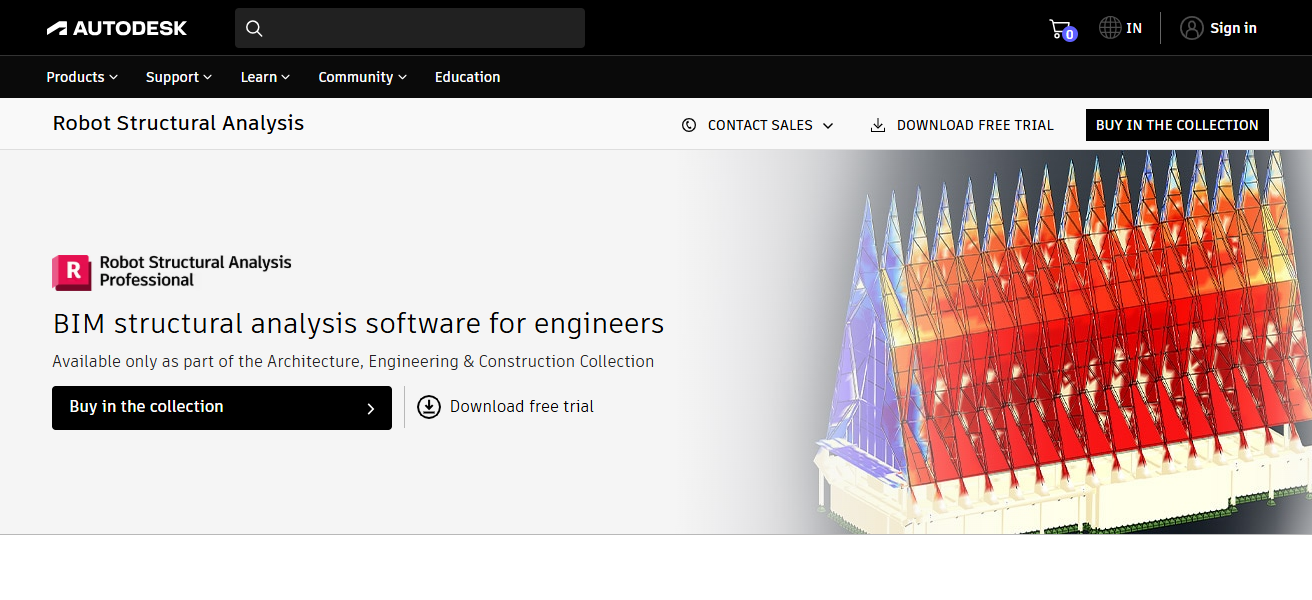
Robot Structural Analysis provides architects and engineers the ability to perform quick structural analysis, design options, and find potential structural problems.
The advanced simulations help architects design safe building structures that are easier to build, within budget, and optimize the use of resources.
Robot Structural Analysis: Pros and Cons
| Pros | Cons |
| Integrates seamlessly with Autodesk products. | The interface may seem complex initially. |
| Advanced simulation and structural analysis tools. | Performance may slow with massive models. |
| Supports multiple design standards. | Requires experienced users for optimal results. |
| Helps identify structural issues early. | Documentation can be difficult for beginners. |
| Strong design validation capabilities. | Some workflows feel less intuitive. |
8. RAM Structural System
RAM Structural System helps streamline the design process for large, multi-story building systems. The software automates repetitive aspects of structural analysis, enabling design optimization.
RAM Structural System provides the analysis, design, and documentation for both steel and concrete structures and automates the verification of design codes.
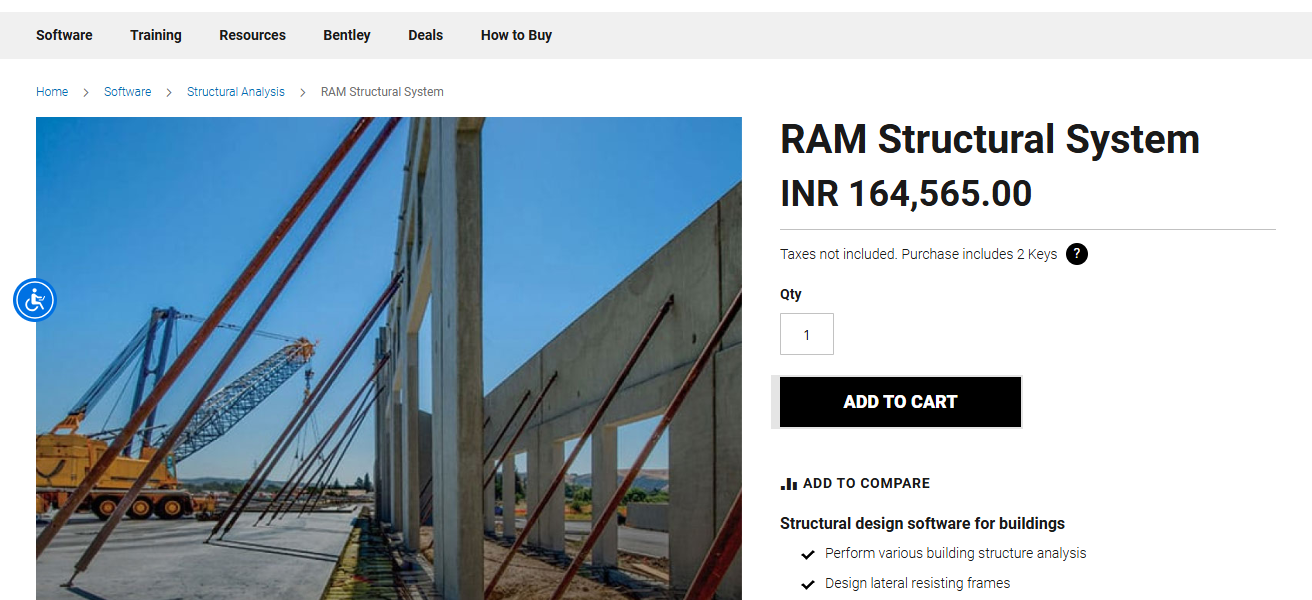
Architects can design with greater confidence, and projects are completed sooner with the help of the tools and features that are integrated within the system.
Commercial construction benefits the most from the specialized features that are built into RAM Structural System.
RAM Structural System: Pros and Cons
| Pros | Cons |
| Excellent for multi-story building design. | Primarily focused on building structures. |
| Automates repetitive engineering tasks. | Licensing expenses can be substantial. |
| Accelerates project delivery timelines. | Less flexible for unusual structural forms. |
| Strong steel and concrete design tools. | Training required for advanced workflows. |
| Comprehensive code compliance support. | Smaller user base than mainstream BIM software. |
9. RISA-3D
RISA-3D is a flexible structural analysis software that handles the analysis of steel, concrete, wood, and cold-formed steel modular systems.
The user-friendly software helps architects and engineers design large, complicated, and incomplete structures with ease.
RISA-3D offers an extensive array of loading options, design verification analysis, and optimization for structures.
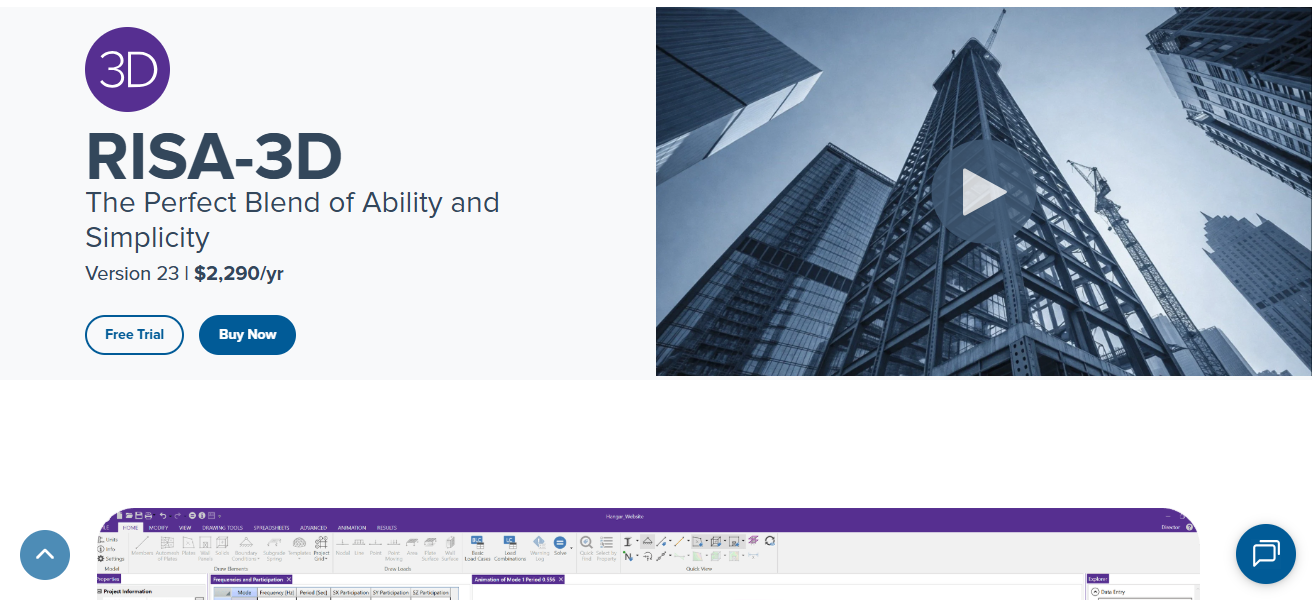
With the growing complexity of engineering projects, RISA-3D helps users assess a variety of design options with ease.
The strength of RISA-3D’s analysis, paired with its simplicity, keeps this software at the forefront of structural engineering.
RISA-3D: Pros and Cons
| Pros | Cons |
| Intuitive interface for faster adoption. | Limited global recognition compared to competitors. |
| Supports multiple structural materials. | Some advanced features require additional modules. |
| Efficient load and member analysis. | Fewer BIM integrations than leading platforms. |
| Suitable for small and medium projects. | Large-scale projects may require specialized tools. |
| Quick model creation and evaluation. | International code support can be limited. |
10. SkyCiv Structural Software
The evolution of cloud technology is apparent with the arrival of SkyCiv Structural Software. As a web-based structural software, SkyCiv eliminates the need for designers and engineers to have access to powerful hardware.
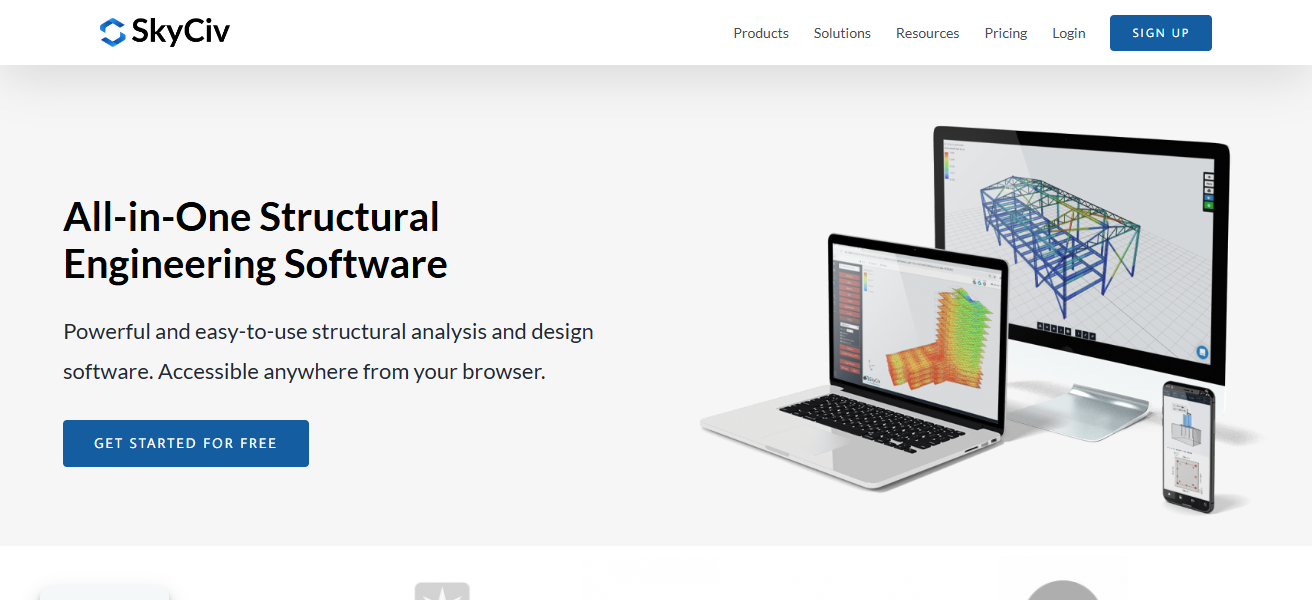
Cloud computing makes analysis faster and more accessible. The SkyCiv platform has functional tools for drawing beams and frames, design and analysis, and design verification and checks.
SkyCiv is an optimal choice for teams that are dispersed, because of the numerous updates that allow for the newest technology workflow, flexible, and efficient features of digital engineering.
SkyCiv Structural Software: Pros and Cons
| Pros | Cons |
| Fully cloud-based accessibility. | Internet connection required for optimal use. |
| No high-end hardware requirements. | Advanced capabilities may be limited. |
| Frequent updates without manual installation. | Subscription model may not suit everyone. |
| Easy collaboration across distributed teams. | Less established than traditional engineering software. |
| User-friendly modern interface. | Complex projects may need supplementary tools. |
Things to Consider Before Choosing Structural Engineering Software
Think About the Type of Project Different tools are made for different projects. For example, ETABS is useful for high-rise structures, while SAP2000 may be needed for infrastructure projects.
Think About the BIM Requirements For projects that require a lot of collaboration, Autodesk Revit and Tekla Structures have some of the best BIM tools on the market.
Think About the Cost Some cloud-based software, such as SkyCiv, can be cheaper to implement than traditional enterprise solutions.
Think About the Skills of Your Team. Some software and platforms have a very steep learning curve, while others are more intuitive.
Comparison Table
| Software | Best For | BIM Support | Complexity |
|---|---|---|---|
| ETABS | High-rise buildings | High | Medium |
| SAP2000 | Infrastructure projects | Medium | High |
| STAAD.Pro | Code compliance | High | High |
| Revit | BIM collaboration | Very High | Medium |
| Tekla Structures | Fabrication detailing | High | High |
| SAFE | Foundations | Medium | Medium |
| Robot Structural Analysis | Simulations | High | High |
| RAM Structural System | Multi-story buildings | Medium | Medium |
| RISA-3D | General analysis | Medium | Low |
| SkyCiv | Cloud engineering | Medium | Low |
Cocnlsuion
In conclusion, selecting the right structural engineering software will depend on the specific needs, requirements, design, and level of collaboration.
Some popular tools include ETABS, SAP2000, and STAAD.Pro, Revit, and Tekla Structures. Each of these has its own features and will aid in the accuracy and efficiency of design and collaboration.
Cloud-based tools like SkyCiv will allow even more flexibility for more modern teams. By choosing the right tools available, architects and engineers can optimize workflows, improve Structural design, and collaborate on innovative, safe, and modern techniques in Building design.
FAQ
Which software is best for high-rise building design?
ETABS is widely considered the leading software platform for high-rise building analysis and design.
Is Revit enough for structural engineering?
Revit is excellent for BIM collaboration and modeling, but most projects require dedicated structural analysis software such as ETABS, Robot Structural Analysis, or STAAD.Pro.
What is the best cloud-based structural engineering software?
SkyCiv is one of the leading cloud-based structural engineering platforms, offering flexibility, accessibility, and modern collaboration features.
Which software is easiest for beginners?
RISA-3D and SkyCiv are generally considered more beginner-friendly than advanced platforms like SAP2000 and STAAD.Pro.