
This article will examine the Securing Enterprise Cloud Vulnerabilities AI Code Auditing Tools. I will examine how these tools assist companies in identifying potential risks, reviewing source code, and securing cloud-based applications. Because these tools are created with AI, they are adept at spotting security holes and automating security checks.
- What Are AI Code Auditing Tools?
- Why Enterprises Need AI Code Auditing for Cloud Security
- Key Points & AI Code Auditing Tools Securing Enterprise Cloud Vulnerabilities
- 10 AI Code Auditing Tools Securing Enterprise Cloud Vulnerabilities
- 1. Snyk Code
- 2. GitHub Advanced Security
- 3. SonarQube AI
- 4. Checkmarx One
- 5. Veracode AI
- 6. Semgrep AI
- 7. DeepSource
- 8. Amazon CodeGuru Reviewer
- 9. Synopsys Polaris Software Integrity Platform
- 10. Microsoft Defender for Cloud Apps
- How To Choose the Best AI Code Auditing Tool
- Future Trends in AI Code Auditing and Cloud Security
- Conclusion
- FAQ
This AI technology seamlessly integrates with the DevSecOps process to provide an organization with the ability to fortify the security of software, diminish the risk of cyber attacks, and create a more secure digital environment.
What Are AI Code Auditing Tools?
AI Code Auditing Tools are security technologies utilizing artificial intelligence and machine learning to automatically find vulnerabilities, security gaps, and propose solutions to software code.
For all enterprises, using cloud applications demands security, and these tools are designed to analyze source code along with its dependencies and pipelines in order to automate threat detection.
AI auditing is a preferred alternative to traditional auditing because of its speed in threat detection, improvement to secure coding, enforcement of DevSecOps, and a lowered likelihood of a successful cyberattack from exploitable vulnerability software.
Why Enterprises Need AI Code Auditing for Cloud Security
Complexity of cloud-native services and distributed systems AI code auditing can find security weaknesses in code and cloud infrastructure rapidly and cost-effectively. It helps simplify some of the challenges within complex cloud distributed systems.
Growing number of risks based on software exploitation AI auditing puts less focus and resource burden on code reliability by improving detection of new security-related software risks, especially when dealing with gaps in software components.
Continuous assessment of security in DevOps is vital This is the ultimate goal of smart, AI-embedded auditing solutions. Keeping DevOps automated is a priority, even when regular security assessments and violations are involved. Keeping the auditing solution itself automated helps achieve this goal.
Key Points & AI Code Auditing Tools Securing Enterprise Cloud Vulnerabilities
| AI Code Auditing Tool | Explanation |
|---|---|
| Snyk Code | AI-powered scanning detects code vulnerabilities and provides developer-focused security fixes quickly. |
| GitHub Advanced Security | Uses AI analysis to identify secrets, bugs, and security risks automatically. |
| SonarQube AI | AI-enhanced code reviews detect vulnerabilities, quality issues, and maintainability problems. |
| Checkmarx One | Enterprise AI platform scans applications for advanced security vulnerabilities continuously. |
| Veracode AI | AI-driven testing finds software flaws and improves secure coding practices. |
| Semgrep AI | Intelligent code analysis detects security issues across multiple programming languages. |
| DeepSource | AI reviews code automatically, identifying vulnerabilities and improving software reliability. |
| Amazon CodeGuru Reviewer | Machine learning analyzes code and recommends cloud security improvements. |
| Synopsys Polaris Software Integrity Platform | AI security testing discovers vulnerabilities throughout enterprise development pipelines. |
| Microsoft Defender for Cloud Apps | AI monitoring detects cloud application threats and security weaknesses. |
10 AI Code Auditing Tools Securing Enterprise Cloud Vulnerabilities
1. Snyk Code
Snyk Code is a developer security platform that scans proprietary source code via ML algorithms that help identify security flaws and their solutions. It highlights risks associated with cloud-native applications, assisted by DevOps, and open-source dependencies.
Companies want to adopt Snyk Code to deploy secure applications faster while making necessary adjustments to speed up the development process. Snyk Code is designed to improve security during early development phases and scan continuously and in real time.
Snyk Code Features
- Scans for security vulnerabilities during the development stage.
- Suggestions for remediation to speed up the fixing of vulnerabilities.
- Scans the security of cloud-native applications and open-source dependencies.
- Integrates into DevOps and CI/CD seamlessly.
- Enables developers to code securely with efficiency.
| Pros | Cons |
|---|---|
| Advanced AI scanning detects vulnerabilities early in development. | Premium features can become expensive for large teams. |
| Provides developer-friendly remediation recommendations quickly. | May generate false positives in complex codebases. |
| Supports cloud-native applications and open-source dependencies. | Requires configuration for accurate security analysis. |
| Integrates smoothly with CI/CD and DevOps pipelines. | Beginners may need training for advanced features. |
| Helps improve secure coding practices continuously. | Large projects may experience slower scanning speeds. |
2. GitHub Advanced Security
GitHub Advanced Security leverages AI to embed security analysis directly into software development environments to safeguard enterprise code repositories. It identifies exposed secrets, vulnerable dependencies, and coding flaws through intelligent scans.
The tool generates automated security alerts and code insights and provides developer-oriented recommendations.
Organizations are able to continuously secure their applications by further cloud-supporting the tool and integrating it into their existing development processes. With GitHub workflows, GitHub Advanced Security allows teams to work on application security.
GitHub Advanced Security Features
- AI-based detection of secrets, bugs, and vulnerabilities.
- Automated code scanning for all enterprise repositories is enforced.
- Security alerts of a smart detection system notify of vulnerable dependencies.
- Security checks are incorporated into the developer’s workflow.
- Cloud application security of continuous monitoring is supported.
| Pros | Cons |
|---|---|
| Native integration with GitHub development environments. | Limited benefits outside GitHub ecosystem. |
| Detects secrets and vulnerabilities automatically. | Advanced security features require additional costs. |
| Provides AI-powered code scanning capabilities. | Complex enterprise setups need technical expertise. |
| Improves collaboration between developers and security teams. | May require customization for specific security rules. |
| Supports continuous repository monitoring and protection. | Not ideal for non-GitHub hosted projects. |
3. SonarQube AI
SonarQube AI integrates advanced code analysis to identify security flaws, bugs, and code quality issues. Companies can use SonarQube AI to improve their software reliability by embedding it within their development process to perform on-demand automated code reviews.
The tool supports analysis for multiple programming languages and empowers developers to make security adjustments before code moves to the production phase.
SonarQube AI improves developer productivity by offering recommendations in a timely manner and lessening the need for manual code reviews.
SonarQube AI Features
- AI-based detection of code vulnerabilities.
- Diagnosis of issues with code quality and maintainability.
- Supports a number of programming languages for enterprise development.
- A smart way of suggesting secure coding is offered.
- Continuous code checks are automated for all phases of the software lifecycle.
| Pros | Cons |
|---|---|
| Provides detailed code quality and security analysis. | Requires server resources for self-hosted deployment. |
| Supports multiple programming languages efficiently. | Advanced AI capabilities may need paid editions. |
| Improves maintainability through automated recommendations. | Initial configuration can be time-consuming. |
| Helps identify bugs before production deployment. | Large codebases may require optimization. |
| Integrates well with DevOps workflows. | Security rules need regular updates. |
4. Checkmarx One
Checkmarx One employs AI to identify security vulnerabilities in enterprise applications. It comprehensively scans source code along with cloud and API applications. Checkmarx One streamlines the security risk, threat prioritization, and vulnerability remediation processes.
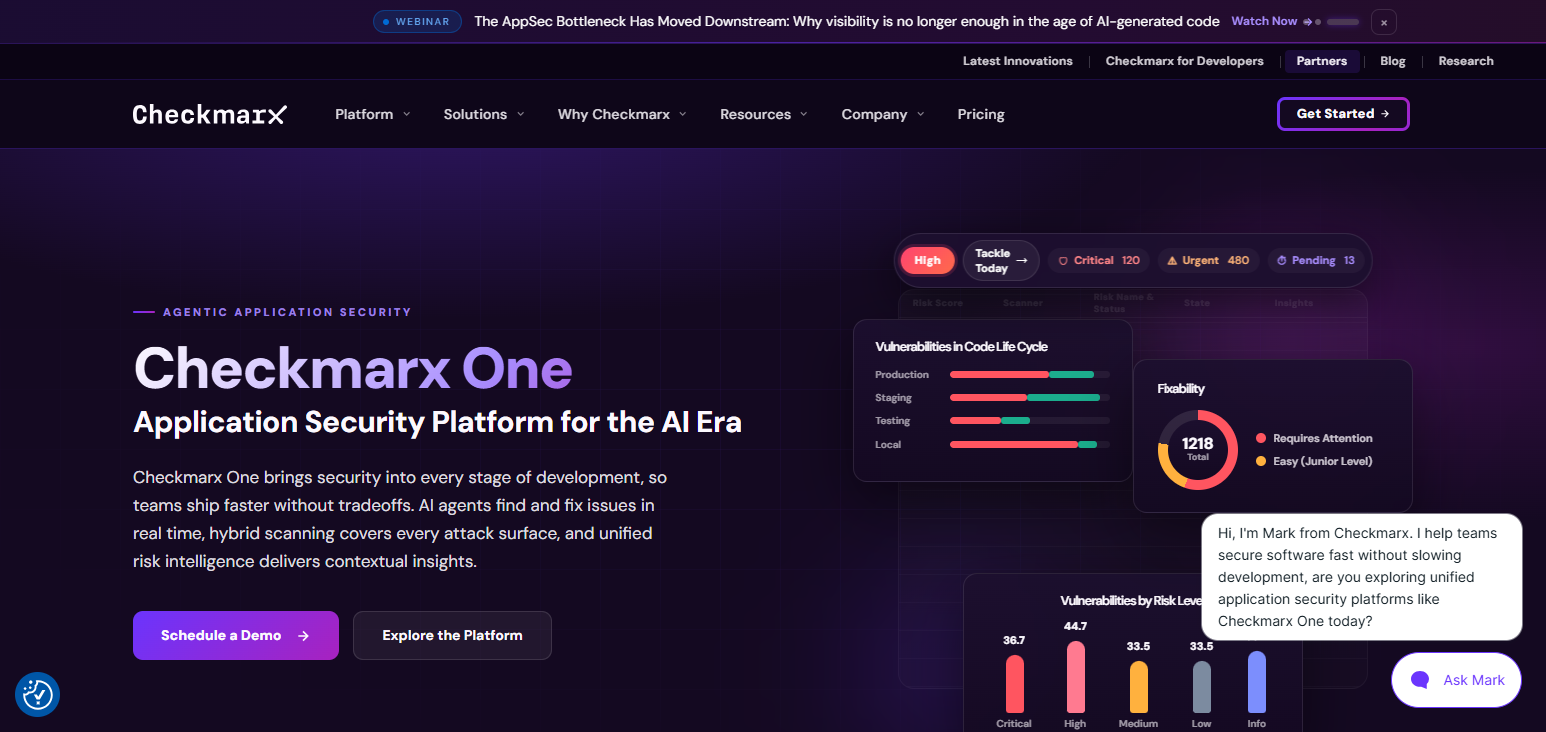
The platform generates automated security insights to reinforce DevSecOps practices. Clients are continuously monitored to enhance protection controls and sustain better compliance with security frameworks countering advanced and persistent cybercrime targeting cloud applications.
Checkmarx One Features
- AI-based application security testing of all development environments.
- Scanning of source code, APIs, and cloud applications is done.
- Intelligent risk analysis focuses on high-impact vulnerabilities.
- Automation of security workflows is a feature of DevSecOps.
- Cybersecurity risks are monitored continuously.
| Pros | Cons |
|---|---|
| Provides enterprise-grade application security testing. | Higher pricing compared with basic tools. |
| Scans source code, APIs, and cloud applications. | Implementation can be complex for small teams. |
| Offers intelligent vulnerability prioritization. | Requires security expertise for full utilization. |
| Supports advanced DevSecOps integration. | Scanning large applications may take longer. |
| Improves compliance and risk management processes. | Can produce occasional unnecessary security alerts. |
5. Veracode AI
Veracode AI combines security bug and code behavior analysis with automated AI security testing to find application weaknesses and security risks during the development lifecycle.
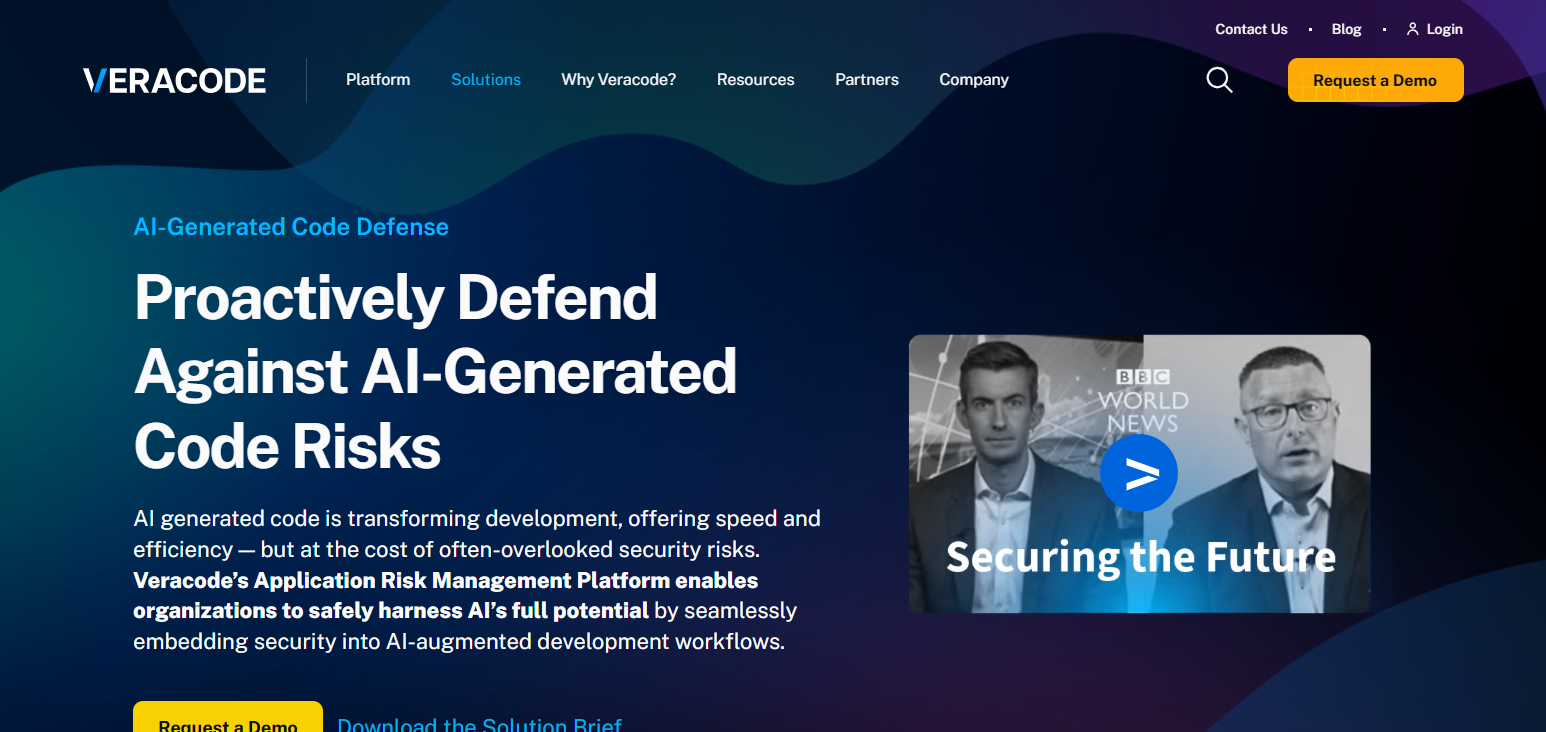
It offers pre-deployment security support for cloud applications and enhances testing automation and security. Organizations use Veracode AI to augment security and compliance in coding and sustain healthy software ecosystems.
Veracode AI Features
- AI-based security testing of applications to identify vulnerabilities.
- Secure development practices and their automation are suggested.
- Supports the protection of cloud applications in all development phases.
- Helps organizations to meet security compliance.
| Pros | Cons |
|---|---|
| AI-powered testing improves vulnerability detection accuracy. | Subscription costs may be high for startups. |
| Provides automated security recommendations. | Limited customization compared with open-source tools. |
| Supports compliance and regulatory requirements. | Requires internet connectivity for cloud services. |
| Reduces manual security testing efforts. | May need additional tools for complete coverage. |
| Integrates with modern development environments. | Learning advanced features requires training. |
6. Semgrep AI
Semgrep AI combines code analysis with security bug detection and offers cross-language support. It employs AI to analyze coding patterns and spot flaws with increased precision.
The platform offers the flexibility to design custom security rules and enables automated scans and ongoing compliance monitoring, especially for cloud applications.
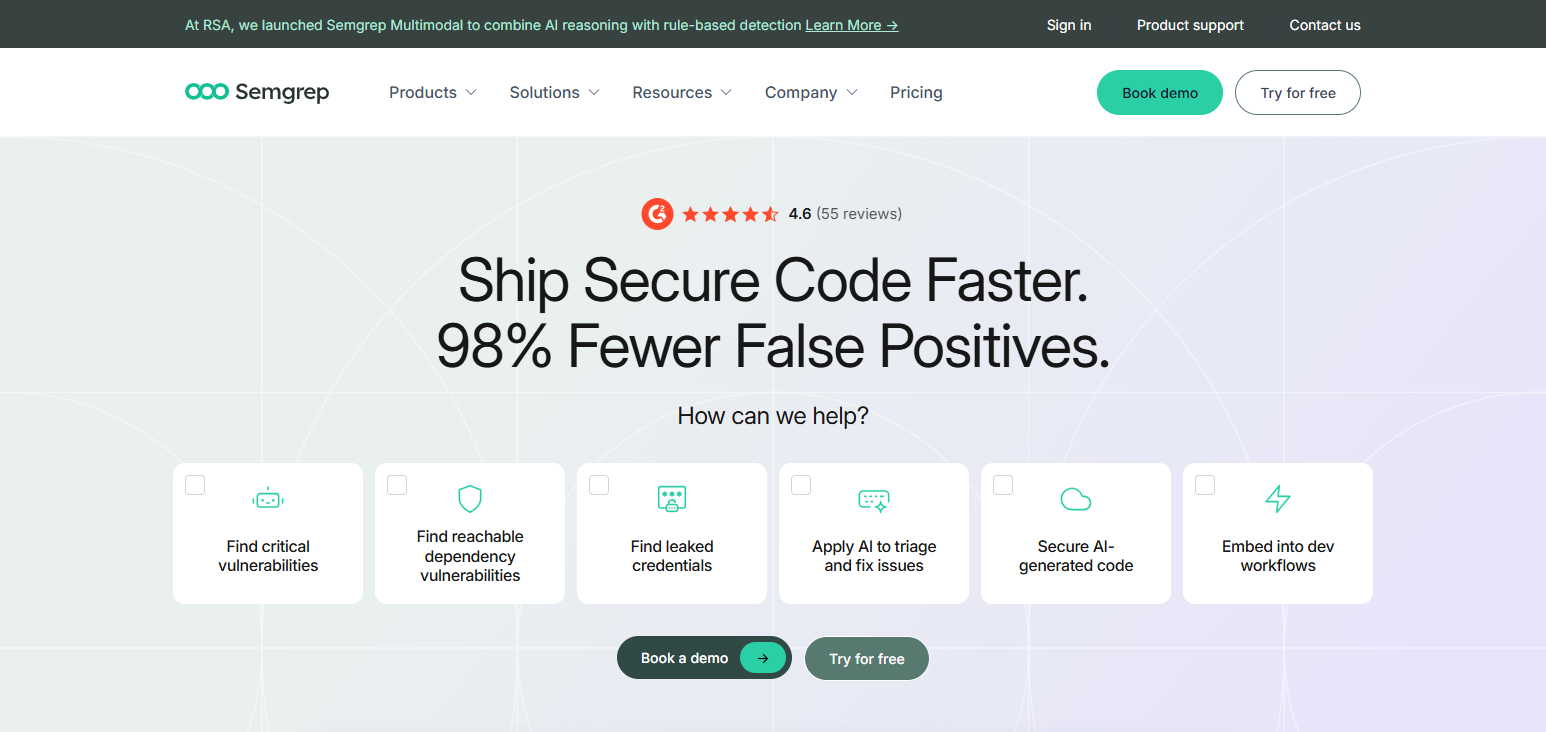
Semgrep AI heightens security in applications. It offers protection in emerging threat landscapes and enhances the DevSecOps workflows in complex software environments. Semgrep AI empowers development teams to remediate security flaws without hindering the pace of product development.
Semgrep AI Features
- Fast identification of security vulnerabilities using intelligent code analysis.
- Various programming languages with their preferred security rules are supported.
- Conducts automated vulnerability tests for cloud apps.
- Provides AI-based suggestions to enhance DevSecOps.
- Enables faster identification and remediation of coding risks.
| Pros | Cons |
|---|---|
| Fast AI-powered code analysis capabilities. | Advanced features require paid plans. |
| Supports multiple programming languages. | Custom rule creation requires expertise. |
| Flexible security rules for developers. | Limited enterprise features in free versions. |
| Integrates easily with CI/CD pipelines. | May miss complex vulnerability patterns. |
| Helps developers fix issues quickly. | Requires continuous rule maintenance. |
7. DeepSource
An AI-driven platform, DeepSource, automatically reviews code and assesses software projects for security vulnerabilities, bugs, and other code quality and maintenance issues. DeepSource offers developers smart recommendations for improving the reliability of their code and the security of their applications.
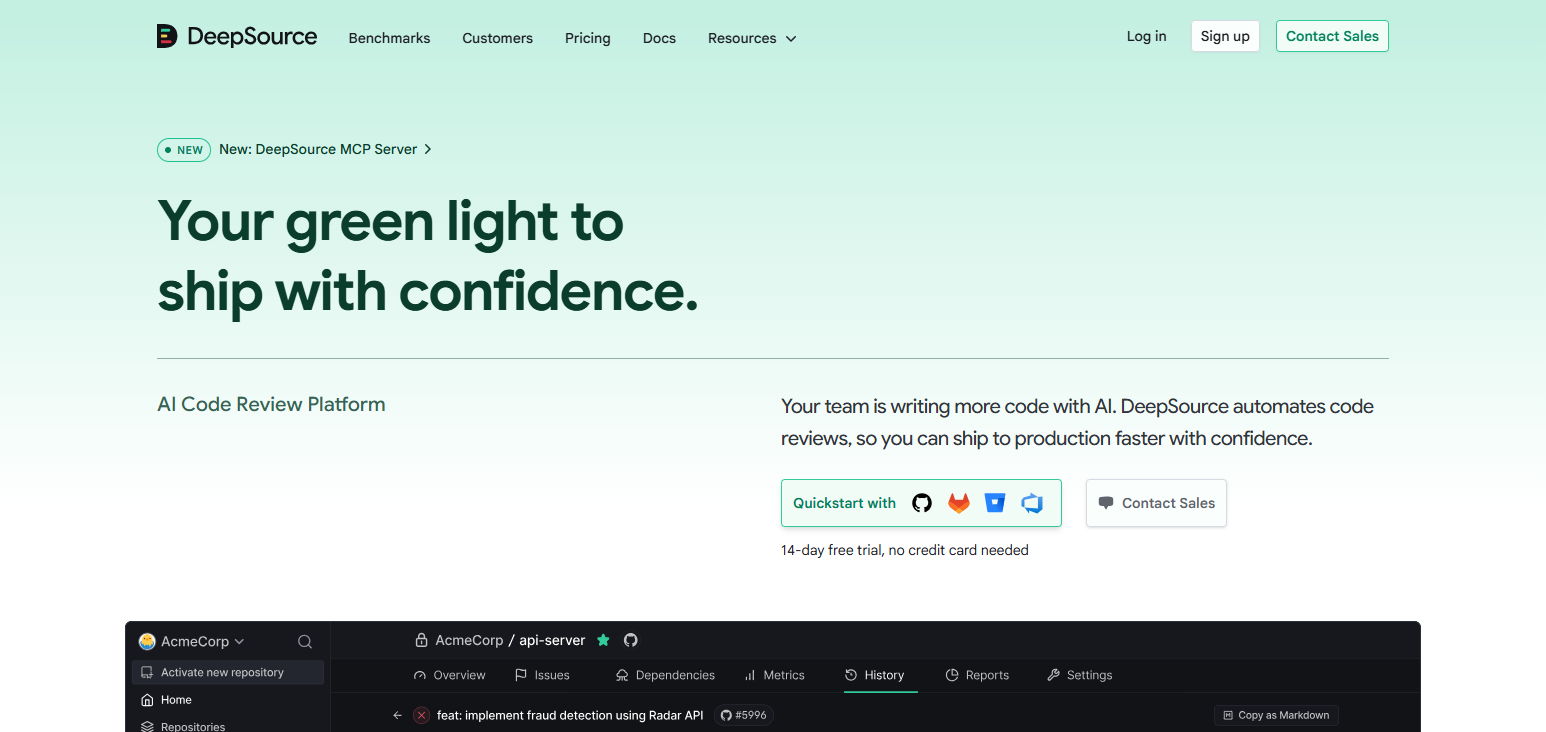
The platform continuously reviews the code and identifies potential risks. The engineering teams of many modern organizations find that DeepSource hugely reduces the effort required to conduct manual reviews and helps them accelerate the development of secure software.
Enterprise customers benefit from maintaining cleaner code and significantly improving the quality and security of their cloud applications.
DeepSource Features
- Conducts AI-based automated code reviews to detect vulnerabilities.
- Identifies bugs and aids the fulfillment of software quality requirements.
- Offers smart suggestions to enhance code.
- Analyzes code continuously for changes.
- Enables and protects application environments.
| Pros | Cons |
|---|---|
| Automates code reviews using AI technology. | Smaller ecosystem compared with major competitors. |
| Provides actionable improvement suggestions. | Advanced security monitoring requires upgrades. |
| Improves code quality and reliability. | Limited support for some programming languages. |
| Reduces manual review workload. | May require customization for enterprise needs. |
| Supports continuous development workflows. | Less suitable for highly complex applications. |
8. Amazon CodeGuru Reviewer
Amazon CodeGuru Reviewer is a machine-learning-based application that analyzes code and identifies security and performance issues.
CodeGuru Reviewer is designed for cloud-based application development and provides automated recommendations aligned to best practices within the AWS ecosystem.
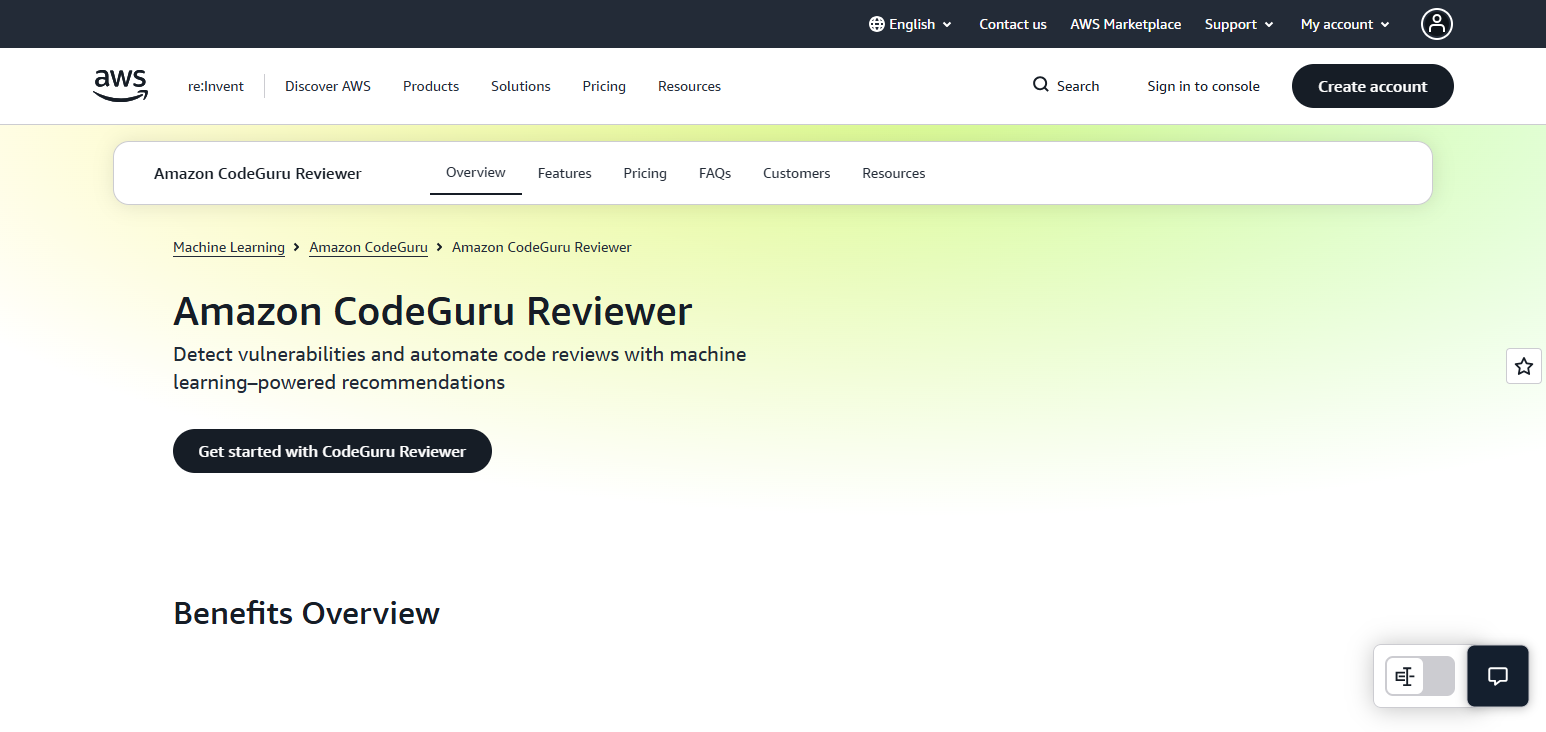
The platform helps developers identify security vulnerabilities and coding inefficiencies and improve the management of application resources.
CodeGuru Reviewer offers an extensive and built-in security review capability when integrated with the development workflow, providing organizations a high degree of security and operational effectiveness for cloud-based applications.
Amazon CodeGuru Reviewer Features
- Security-related code reviews are conducted using ML.
- Offers coding suggestions to optimize AWS usage.
- Identifies sub-optimal and poor performing code.
- Offers integrations with the developer’s tool and task workflow.
- Enables and protects cloud apps.
| Pros | Cons |
|---|---|
| Strong integration with AWS cloud environments. | Mainly optimized for AWS-based applications. |
| Uses machine learning for code recommendations. | Less effective outside Amazon ecosystem. |
| Detects performance and security issues automatically. | Pricing depends on usage levels. |
| Supports automated code review processes. | Requires AWS knowledge for optimization. |
| Improves cloud application efficiency. | Limited language support compared with competitors. |
9. Synopsys Polaris Software Integrity Platform
The Polaris Software Integrity Platform from Synopsys combines the protection of enterprise applications with the AI-enabled security testing of Synopsys.
Polaris helps organizations discover security vulnerabilities throughout their development pipelines, including source code, open-source libraries, and cloud applications.
The platform offers a modern-day assessment of software-related risks and helps organizations quickly respond and mitigate.
Polaris Software Integrity improves the actual integrity of an organization’s software and decreases cyber threats while providing the protection of enterprise applications.
Synopsys Polaris Software Integrity Platform Features
- AI-based security testing in software pipelines.
- Identifies threats in software code and its dependencies.
- Offers security and software risk view control.
- Automated security for DevSecOps is pre-integrated.
- Supports the secure software integrity of its clients.
| Pros | Cons |
|---|---|
| Provides comprehensive software security testing. | Enterprise pricing can be expensive. |
| Supports large-scale application security programs. | Requires skilled security professionals. |
| Offers centralized vulnerability management. | Deployment may require complex integration. |
| Improves DevSecOps security automation. | Smaller teams may find it overwhelming. |
| Protects applications across development pipelines. | Advanced features require additional configuration. |
10. Microsoft Defender for Cloud Apps
Using AI and advanced analytics, Microsoft Defender for Cloud Apps can find security threats and suspicious activities in the cloud.
It helps security teams scan for dangerous behavior in cloud applications while keeping unauthorized users out. Automated threat detection, compliance checks, and risk evaluations are made available to enterprise security teams.
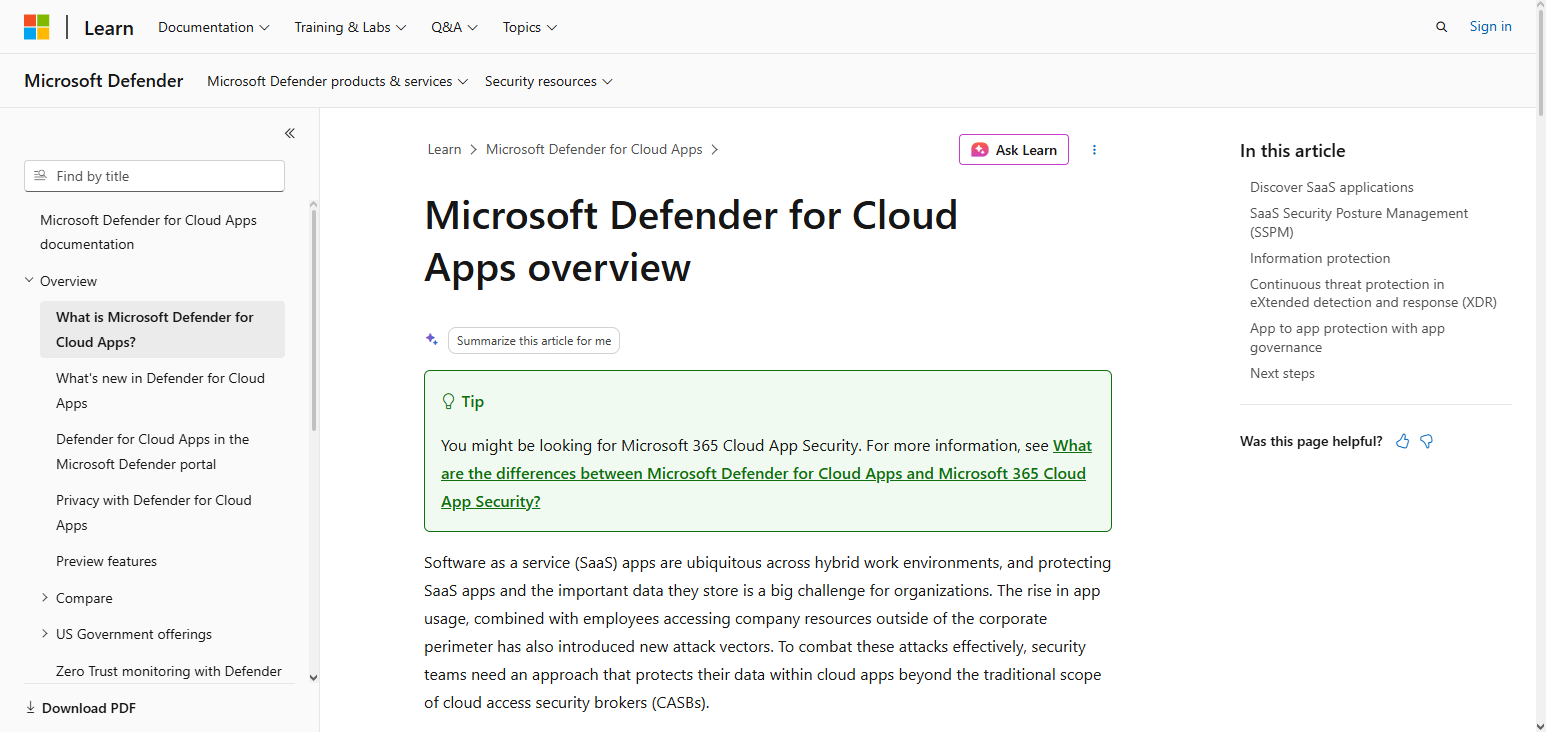
The AI-centric system helps defend the cloud by recognizing weaknesses and safety gaps that attackers may take advantage of. Companies use Microsoft Defender for Cloud Apps to keep their Software as a Service (SaaS) apps safe and to strengthen their cyber defenses across the board.
Microsoft Defender for Cloud Apps Features
- AI-based security threats in cloud apps.
- Monitors unauthorized access along with suspicious activities.
- Offers security risk assessments and compliance monitoring.
- Detects cloud security risks through analytics.
- Offers intelligent security controls in enterprise SaaS environments.
| Pros | Cons |
|---|---|
| Strong AI-powered cloud threat detection. | Best features require Microsoft ecosystem adoption. |
| Provides SaaS visibility and security monitoring. | Licensing structure can be complex. |
| Integrates with Microsoft security solutions. | Configuration may require expert knowledge. |
| Detects suspicious cloud activities automatically. | Limited customization compared with specialized tools. |
| Supports enterprise compliance management. | Smaller businesses may find it costly. |
How To Choose the Best AI Code Auditing Tool
- Identify your security needs: Identify your security goals and choose tools that fill your most concerning software vulnerabilities.
- Look for infrastructure alignment: Ensure the tool matches alignment with your existing technology cloud platforms and applications.
- Review development integration: Ensure the solution supports automation in your CI/CD process and DevOps.
- Assess cost and flexibility: Ensure the platform matches your budget and scales with your needs.
- Assess compliance and reporting: Tools should generate reports with the level of detail required and support compliance with the security standards of the industry.
Future Trends in AI Code Auditing and Cloud Security
- Generative AI for enhanced vulnerability detection: Advancements in generative AI for security analysis will lead to the identification of complex coding flaws and the prediction of system weaknesses.
- Self-healing security systems: The automation of vulnerability detection and self-correction will lead to a significant decrease in manual security interventions.
- AI in DevSecOps automation: The integration of AI in DevSecOps will facilitate end-to-end automation of security processes.
- Behavior-based predictive security: AI will identify potential risk factors and attack patterns to predict future security breaches.
- AI-powered continuous cloud application security: Automated security will be applied to all cloud-based applications.
Conclusion
In Conclusion AI Code Auditing Tools Securing Enterprise Cloud Vulnerabilities Enterprises need AI Code Auditing Tools to mitigate risks to their cloud applications from constantly evolving cyber threats.
Leveraging AI, these tools can pinpoint weaknesses, automate security evaluations, and enhance the security of development practices.
As cloud environments evolve, so too will AI Auditing. Organizations can expect strengthened protection, faster remediation, and ongoing security monitoring within complex modern software ecosystems.
FAQ
How do AI Code Auditing Tools improve cloud security?
They continuously analyze code, detect threats, and prevent vulnerabilities before attackers can exploit them.
Can AI Code Auditing Tools detect software vulnerabilities automatically?
Yes, AI-powered tools automatically identify coding errors, security flaws, exposed secrets, and risky dependencies.
Which are the best AI Code Auditing Tools for enterprises?
Popular tools include Snyk Code, GitHub Advanced Security, SonarQube AI, Checkmarx One, and Veracode AI.
How do AI auditing tools support DevSecOps workflows?
They integrate with CI/CD pipelines to automate security testing throughout the software development lifecycle.