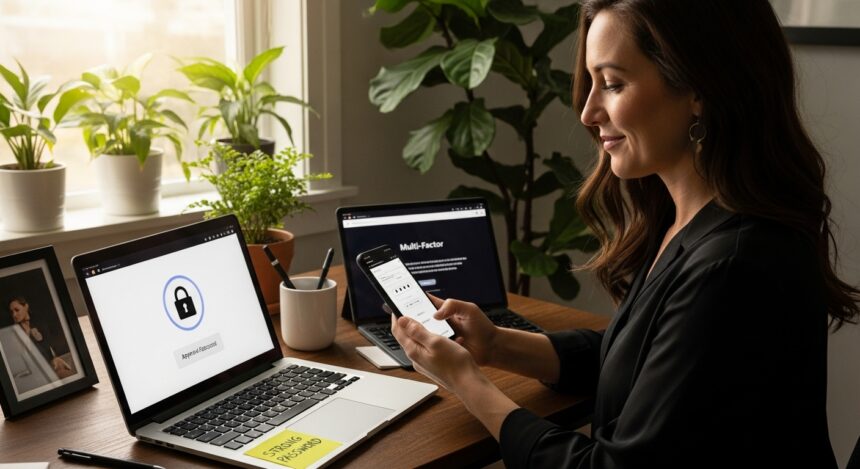
I am going to talk about the best password manager alternatives for online security in this article as a way to protect important information, and handle credentials effectively, partly also involving privacy.
Applications such as Bitwarden, 1Password, and Dashlane bring significant functionality to the table by providing secure browsing, safe storage of passwords in addition to mobile-friendly access for every day users or professionals.
Key Points & Best Password Manager Alternatives for Online Security
Bitwarden Open-source, cross-platform manager offering end-to-end encryption, secure vault sharing, and affordable premium features.
1Password Trusted solution with Travel Mode, Watchtower alerts, and seamless integration across devices for strong password management.
NordPass Developed by NordVPN team, provides zero-knowledge architecture, biometric login, and secure password health monitoring tools.
RoboForm Longstanding manager with one-click logins, secure form filling, and cloud sync across multiple platforms.
Keeper Enterprise-grade security with dark web monitoring, secure file storage, and advanced role-based access controls.
Proton Pass Built by Proton, offers end-to-end encryption, alias generation, and integration with Proton Mail ecosystem.
Dashlane Feature-rich manager with VPN integration, password health reports, autofill, and dark web breach alerts.
Apple Passwords Native iOS/macOS tool with iCloud Keychain sync, Face ID authentication, and seamless Safari autofill.
Secur15y Emerging solution focusing on AI-driven breach detection, encrypted vaults, and customizable enterprise-level password policies.
Total Password Affordable manager offering secure vaults, autofill, password generator, and multi-device synchronization for everyday users.
10 Best Password Manager Alternatives for Online Security
1. Bitwarden
Backed by an impressive security architecture and transparency, it is one of the best open-source password managers. It also uses end-to-end AES-256 bit encryption and a zero-knowledge setup that guarantees only users can access their stored data.
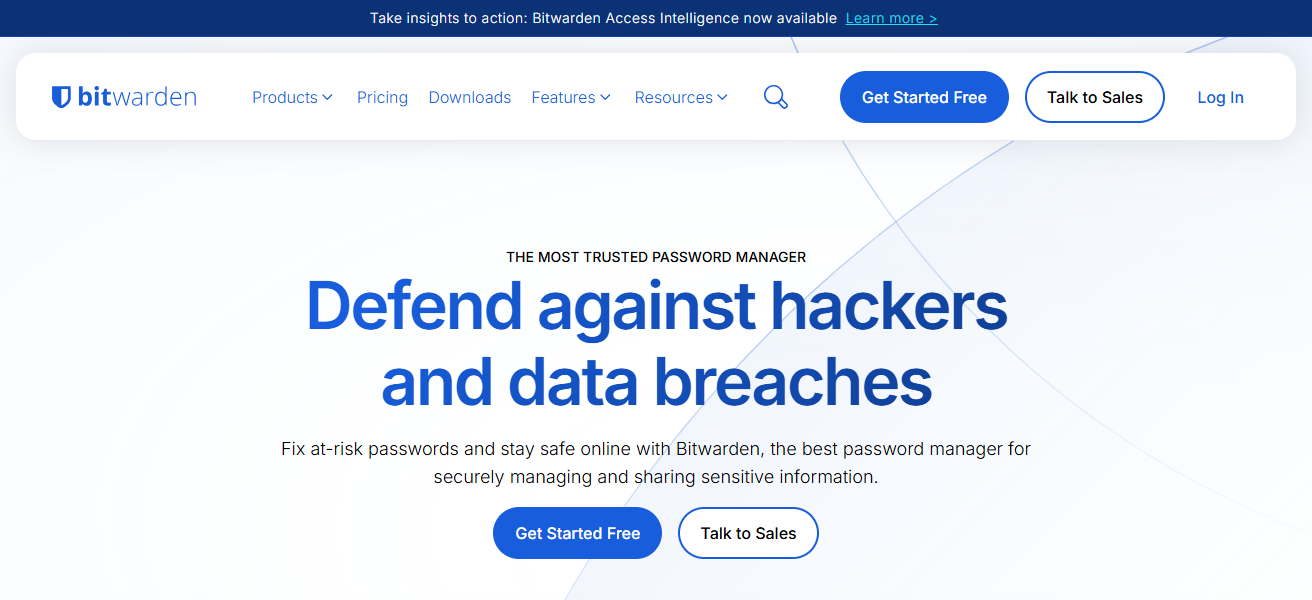
This, combined with unlimited passwords and notes added in the free plan from Bitwarden makes this one of the best cost-effective solutions as well. It’s cross-platform with Windows, macOS, Android, iOS and browser extensions.
Its advanced features include password sharing, vault health reports, and token-based authentication. Bitwarden provides scalable plans for individuals and organizations that include robust privacy-based security protections.
| Pros | Cons |
|---|---|
| Open-source and highly transparent security model | Interface can feel complex for beginners |
| Free plan offers unlimited passwords and devices | Limited account recovery options for standard users |
| Supports self-hosting for advanced users | UI less polished compared to competitors |
| Strong encryption with breach monitoring tools | Limited built-in advanced 2FA features |
2. 1Password
1Password is a paid password manager that’s known for its slick user interface and professional grade security tools. AES-256 encryption along with Secret Key system provides an additional layer of protection over commonplace master passwords.
One especially useful tool is Travel Mode, which enables you to strip all of your sensitive data off Android temporarily when passing through the border. 1Password also enables password sharing, organization of vaults and integration with business tools.
Compatible with both, desktops and mobile browsers. While it doesn’t have a free plan, its strong security features, regular audits, and user-friendly experience earn it a spot among the top picks for professionals and families.
| Pros | Cons |
|---|---|
| Very user-friendly and polished interface | No free plan available |
| Advanced features like Travel Mode and Watchtower | Expensive compared to alternatives |
| Excellent for families and team sharing | Closed-source system |
| Strong encryption with Secret Key security | Requires subscription for all features |
3. NordPass
NordPass, which was created by the team behind NordVPN, has a lovely and easy to use interface combined with excellent encryption tech. It uses the modern xChaCha20 encryption algorithm, which is faster than and very secure compared to conventional standards.
NordPass includes the likes of password storage, autofill, secure notes and support for biometric login. Its data breach scanner and password health tools do their part to keep users mindful of great online security practice.

The service works seamlessly across devices and browsers, providing real-time synchronization. A basic and premium plan allows you to bypass limitations As such, the best passwords will work for both beginners and advanced users.
| Pros | Cons |
|---|---|
| Uses modern xChaCha20 encryption for high security | Fewer advanced features than some competitors |
| Simple and beginner-friendly interface | Limited free plan features |
| Biometric login and passkey support | Lacks bundled extras like VPN |
| Strong cross-platform syncing and autofill | Occasional autofill inconsistencies reported |
4. RoboForm
RoboForm is a veteran password manager recognized for its solid autofill functionality and consistent reliability.
It saves passwords, bookmarks and personal information securely on your platform and helps you filling out forms across websites at ease.
RoboForm employs strong AES-256 encryption and also has the option of multi-factor authentication for additional security.

It works on Windows, macOS, Android, iOS and all popular browsers. It also provides tools for secure password sharing and auditing to spot weak or reused passwords.
Including free and reasonably priced premium plans, RoboForm does an excellent job for users looking for performance in terms of usability comfortable strength from time to time functionality and regular browsing sessions.
| Pros | Cons |
|---|---|
| Excellent autofill and form-filling capabilities | Interface feels outdated compared to modern tools |
| Affordable pricing plans | Occasional syncing and login issues |
| Supports multiple platforms and browsers | Frequent master password prompts reported |
| Strong encryption and 2FA support | Limited modern UI/UX improvements |
5. Keeper
Keeper is a very secure password manager for individuals, business and enterprise. It employs zero-knowledge encryption, meaning only the user can read stored data.
Keeper also includes secure password storage, encrypted messaging, dark web monitoring and breach alerts. It also offers advanced features like KeeperChat and secure file storage.
It includes the common security functions like role-based access controls, and multi-device synchronization, which make it great for teams and organizations.
Keeper is the go-to solution when looking for enterprise-level security with a compliance-certified architecture that includes constant monitoring to ensure everything stays sophisticated.
| Pros | Cons |
|---|---|
| Zero-knowledge security architecture | Premium plans can be expensive |
| Advanced enterprise-level features and controls | Many features locked behind add-ons |
| Secure sharing and role-based access | Interface may feel complex for new users |
| Strong compliance and monitoring tools | Limited free version |
6. Proton Pass
Proton Pass is a privacy-oriented password manager created by Proton AG, the same company that owns Proton Mail.
It boasts a high level of encryption and user anonymization, utilizing end-to-end encryption for all stored data (including metadata) in its service.
It offers storage for passwords, passkeys, secure notes, and generates email aliases to keep users anonymous online.

Being open-source is a means of promoting transparency and trust with privacy-minded users. It’s available on multiple browsers and devices, and seamlessly integrates with Proton’s ecosystem.
As part of the larger Proton suite, Proton Pass has a generous free plan and some premium features that are perfect for users who prioritize both privacy and security.
| Pros | Cons |
|---|---|
| Strong privacy focus with end-to-end encryption | Still evolving with fewer advanced features |
| Open-source and transparent security model | Occasional reliability and login issues reported |
| Email alias feature for identity protection | Limited offline and integration capabilities |
| Generous free plan | Ecosystem dependency on Proton services |
7. Dashlane
Dashlane is a feature-rich password manager that doesn’t just offer security, but tools to make your online life entirely secure.
It employs AES-256 encryption and includes password storage, autofill, secure sharing and monitoring of password health. It features a Built-in VPN as an extra layer for browsing.
Dashlane also offers dark web monitoring and notifications in real time if user data is at risk. It is user-friendly. It comes with an intuitive interface and easy synchronization across devices.
While its premium plans can be expensive, Dashlane’s combined security offering and large feature set ensure excellent value.
| Pros | Cons |
|---|---|
| Includes VPN and dark web monitoring | Expensive premium pricing |
| Strong AES-256 encryption and security tools | Free plan is limited |
| User-friendly interface and automation features | Some features overkill for basic users |
| Real-time breach alerts and password health tools | Heavier app compared to competitors |
8. Apple Passwords
Apple Passwords, a part of iCloud Keychain, is an Apple-exclusive built-in password manager. It securely saves passwords, passkeys, Wi-Fi credentials and payment data, syncing between iPhone, iPad and Mac devices.
It includes strong encryption and biometric authentication such as Face ID and Touch ID for additional security.
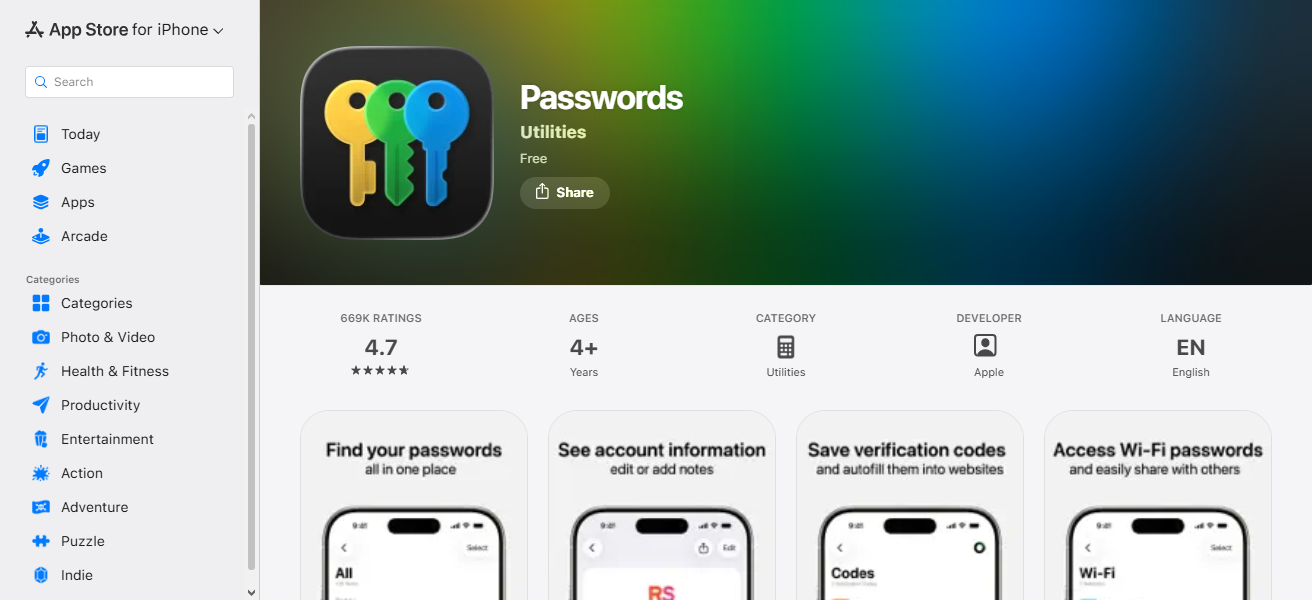
Apple Passwords will also warn of weak or compromised passwords, as well as recommend ways to strengthen them. This doesn’t have advanced cross-platform support, but it works well in the Apple ecosystem.
Provided users can access any of Apple’s products, it acts as a no-cost, dependable and particularly safe means to vault credentials.
| Pros | Cons |
|---|---|
| Free and built into Apple ecosystem | Works only on Apple devices |
| Seamless syncing via iCloud | Limited advanced features |
| Strong encryption with Face ID/Touch ID | Not ideal for cross-platform users |
| Easy autofill and passkey support | No dedicated advanced security dashboard |
9. Secur15y
Secur15y is a new and lightweight passwoed manager for users who want a “basic” password manager, but still do some safeguards.
It includes secure credential storage, a minimalistic design and an easy to use interface. It may not have as many advanced capabilities as some of the more established competitors, but it still offers core protections like encryption and password organization.
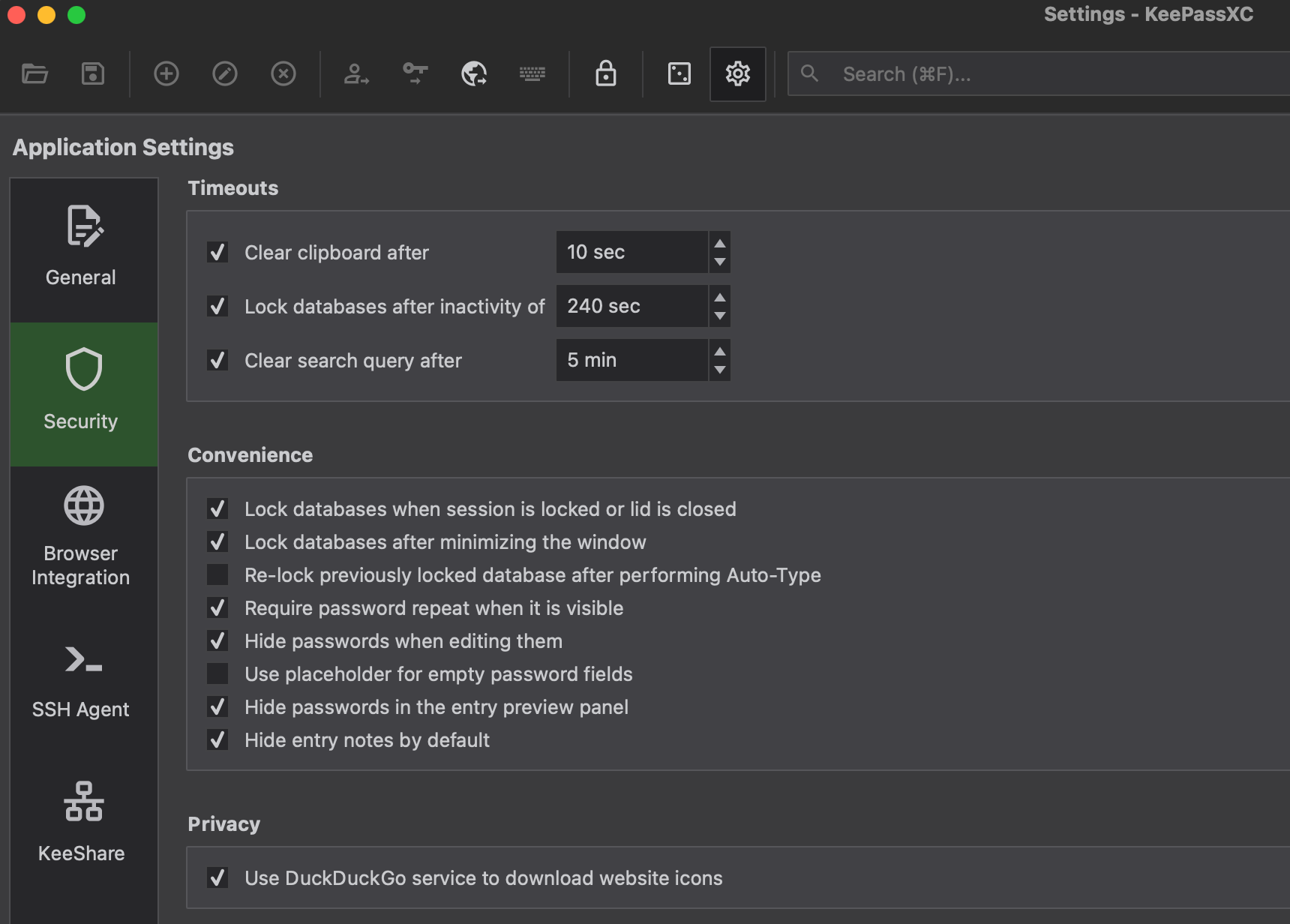
Secur15y is a simple tool without complicated configurations for those who want it. Its increasing popularity signals potential for future updates and expansions of features.
Secur15y can be a suitable password management solution for novice users or those with simple requirements.
| Pros | Cons |
|---|---|
| Lightweight and simple to use | Limited advanced security features |
| Easy setup for beginners | Not widely tested or reviewed |
| Basic password storage functionality | Fewer integrations and tools |
| Minimalistic interface | Lacks enterprise-level capabilities |
10. Total Password
Total Password is a cross-platform password manager to store and manage login credentials in a secure manner.
It boasts features such as autofill, password generation, and encrypted vaults to secure user data. It is built with simplicity and ease in mind, making it easy for novice users to navigate.
Total Password also offers cross-platform sync for access across desktops, smartphones and browsers. It also offers security alerts and tools to spot weak passwords.
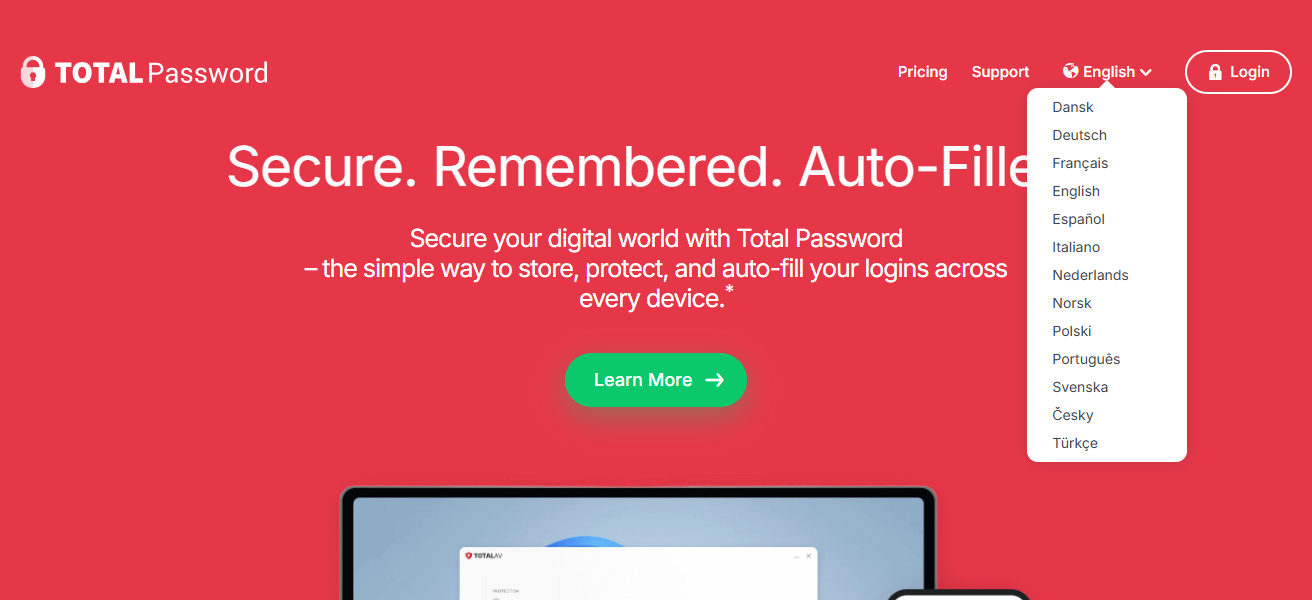
It works seamlessly alongside other digital protection tools as part of a broader security ecosystem. For those looking for the easiest password management, Total Password is a strong choice.
| Pros | Cons |
|---|---|
| Easy-to-use interface for beginners | Fewer advanced features compared to top competitors |
| Secure vault and autofill support | Limited ecosystem and integrations |
| Cross-platform syncing available | Less established reputation |
| Includes password generator and alerts | Basic plans may lack premium tools |
Conclsuion
In conclusion, choosing the right password manager is essential for safeguarding your online accounts and personal data.
Alternatives like Bitwarden, 1Password, and Dashlane provide strong encryption, easy password management, and cross-device syncing.
By using these tools, you can enhance security, prevent breaches, and simplify digital life efficiently.
FAQ
What is a password manager?
A tool that securely stores, generates, and autofills passwords.
Are they safe?
Yes, top managers use strong encryption and zero-knowledge protection.
Which is best?
Bitwarden, 1Password, Dashlane, NordPass, and Proton Pass offer strong security.
Can I use them on multiple devices?
Yes, most support cross-device syncing.