By using this site, you agree to the Privacy Policy and Terms of Use.
Accept
CoinworldstoryCoinworldstoryCoinworldstory
  • HOME
  • CRYPTO
    • AI
    • BOTS
    • ICO
    • AIRDROP
      • Featured Airdrops
    • Price Prediction
    • EXCHANGE
      • Best Centralized Exchange List 2026
      • Best Decentralized Exchange List 2025
    • ALTCOIN
    • Alt Coin Signal
    • Crypto Analysis
    • Bitcoin Loan
    • Bitcoin Mining
    • WALLETPRO
  • PR
    PR
    If You Looking For Submit Cryptocurrency Press Releases Than Coinworldstory Is Best Choice For Crypto Press Release Submission
    Show More
    Top News
    Mevolaxy Launches Mobile App and Announces Record Payouts
    6 months ago
    Numerai Raises $30 Million Series C Led by Top University Endowments, at $500 Million Valuation
    5 months ago
    Taisu Ventures and Keio FinTEK Center Launch Keio ChainHack 2026 Focused on Web3 Innovation
    4 months ago
    Latest News
    BitMart x $EAT Trade-to-Feed Competition to Pay Out $4.4M USDT to Traders in May 2026
    23 hours ago
    AxeCasino to Attend iGB L!VE 2026 Following Front-End Update Focused on Usability and Cross-Device Performance
    1 day ago
    PoW to PoS to PoB: Nexus AiCOS Defines “Proofs of Behavior” as the On-Chain Credit Standard on Base
    2 days ago
    PalWallet to Showcase Stablecoin Settlement Infrastructure at Money20/20 Europe 2026
    2 days ago
  • NEWS
    • Mining
    • Altcoins
    • Ban
    • BANKING/FINANCE NEWS
    • Bitcoin
    • Blockchain
    • CRYPTO CRIME
    • Ethereum
    • Exchange News
    • Government News
    NEWSShow More
    10 Apps That Show What You Should Have Done Instead
    10 Apps That Show What You Should Have Done Instead
    1 month ago
    10 Best Crypto Conferences to Attend in 2026
    10 Best Crypto Conferences to Attend in 2026
    1 month ago
    Emerging Markets Favor Stablecoins Over Bitcoin
    Emerging Markets Favor Stablecoins Over Bitcoin
    2 months ago
    10 Solana DEXs With Lowest Slippage for Memecoin Trading
    10 Solana DEXs With Lowest Slippage for Memecoin Trading
    2 months ago
    10 Best Low-Interest Debt Consolidation Loans for Prime Borrowers
    10 Best Low-Interest Debt Consolidation Loans for Prime Borrowers
    3 months ago
  • MORE
    • Guide
    • Only Best
    • Off Topic
    • Best Affiliate Marketing
    • Best Affiliate Programs
    • BOTS
    • Trusted Currency Exchanger Platform
    • Blockchain Games
    • Metaverse Review : Best Metaverse Program Review
    • Online Survey
    • Payment Platform
  • VPN
  • Contact Us
Reading: How To Join The Windows Insider Program | Step-by-Step Guide
Share
Notification Show More
Font ResizerAa
CoinworldstoryCoinworldstory
Font ResizerAa
  • ADVERTISEMENT
  • SUBMIT PR
  • CONTACT
  • GUEST POST
  • ABOUT US
  • DMCA
  • SITEMAP
  • DISCLAIMER
  • PRIVACY POLICY
Search
  • HOME
  • CRYPTO
    • AI
    • BOTS
    • ICO
    • AIRDROP
    • Price Prediction
    • EXCHANGE
    • ALTCOIN
    • Alt Coin Signal
    • Crypto Analysis
    • Bitcoin Loan
    • Bitcoin Mining
    • WALLETPRO
  • PR
  • NEWS
    • Mining
    • Altcoins
    • Ban
    • BANKING/FINANCE NEWS
    • Bitcoin
    • Blockchain
    • CRYPTO CRIME
    • Ethereum
    • Exchange News
    • Government News
  • MORE
    • Guide
    • Only Best
    • Off Topic
    • Best Affiliate Marketing
    • Best Affiliate Programs
    • BOTS
    • Trusted Currency Exchanger Platform
    • Blockchain Games
    • Metaverse Review : Best Metaverse Program Review
    • Online Survey
    • Payment Platform
  • VPN
  • Contact Us
Have an existing account? Sign In
Follow US
© 2022 Foxiz News Network. Ruby Design Company. All Rights Reserved.
Home » Blog » How To Join The Windows Insider Program | Step-by-Step Guide
Uncategorized Folder & File At Coinworldstory

How To Join The Windows Insider Program | Step-by-Step Guide

Gixona
Last updated: 30/09/2025 4:58 PM
Gixona
11 months ago
Share
Disclosure: We are not a registered broker-dealer or an investment advisor. The services and information we offer are for sophisticated investors, and do not constitute personal investment advice, which of necessity must be tailored to your particular means and needs. !
How To Join The Windows Insider Program | Step-by-Step Guide
SHARE

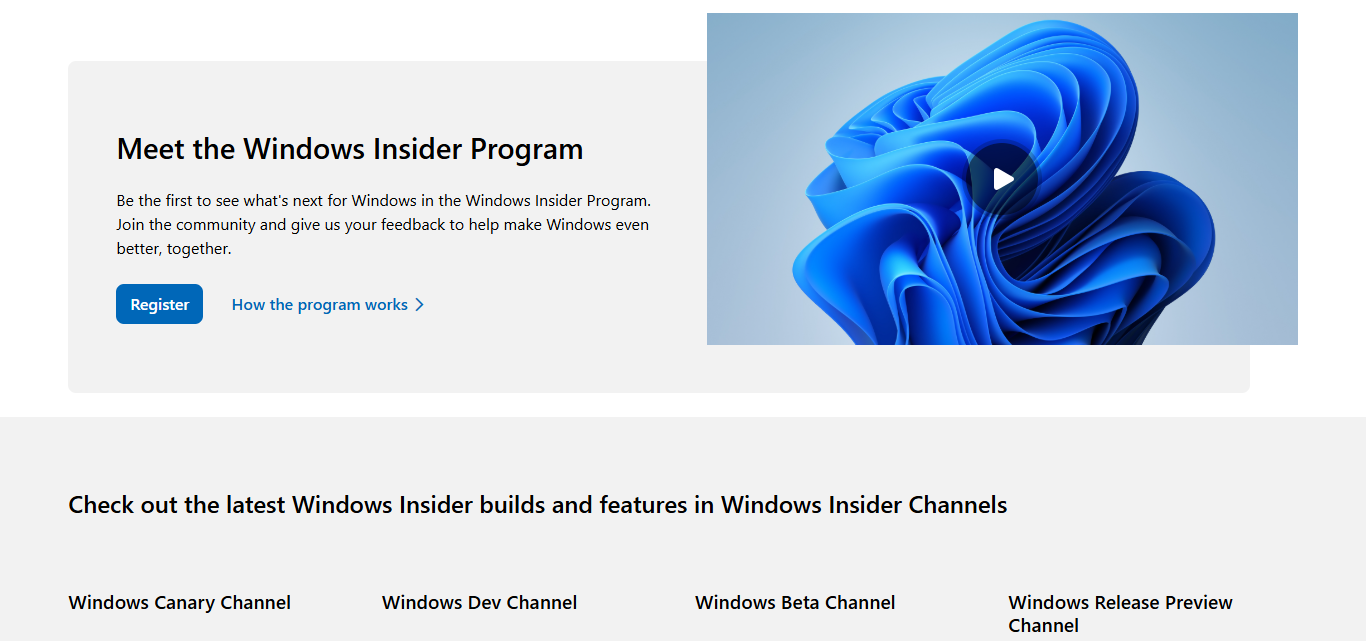
In This post I will go over how to enroll in the Windows Insider Program, which allows you to have early access to new features and updates for Windows, including their newest changes.

Contents
  • Introduction Windows Insider Program
  • How To Join The Windows Insider Program
  • Benefits of joining the Windows Insider program
  • Who can join the Windows Insider Program?
  • Is it safe to join the Windows Insider Program?
  • Pros and Cons
  • Conclusion
  • FAQ
    • Do I need a Microsoft account to join?
    • Can I leave the Windows Insider Program anytime?
    • Will joining slow down my PC?

If you are a developer or just love technology, the program allows you to test the new builds and give Microsoft feedback for improvements. I will show you how to enroll and safely explore Insider builds during the enrollment process.

Introduction Windows Insider Program

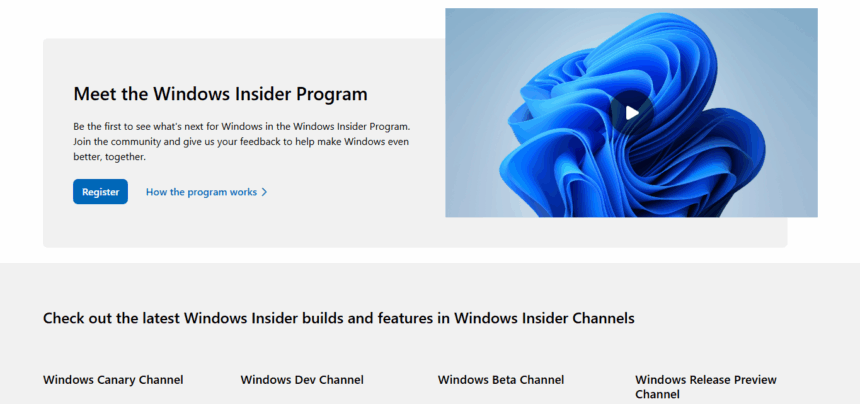
The Windows Insider Program provides users with access to all new and upcoming developments for Microsoft Windows before the public release. It allows participants to preview new features, test new updates, and send feedback directly to Microsoft.

It is best suited for technology lovers, programmers, and IT professionals who want to stay updated with the latest changes while actively helping in the development of Windows.

- Advertisement -

Although it offers a preview of new features, participants may also have to deal with bugs as the released features are still in development. Joining the program gives users the chance to directly contribute to the improvement of Windows while also witnessing innovations in real time.

How To Join The Windows Insider Program

Confirm Your Windows is Updated
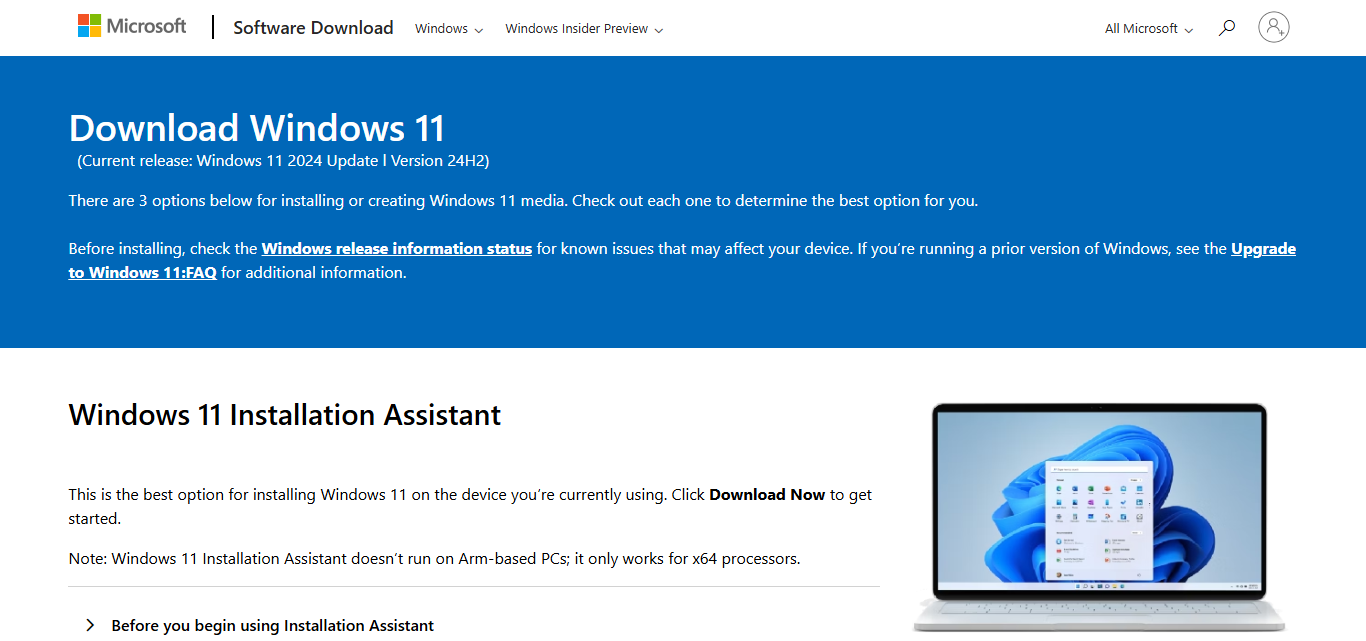
Confirm Your Windows is Updated

You have Windows 11 or Windows 10 (version 1903 and later) installed on your system.

Check your version by going to Settings then to System and select About.

Sign in with a Microsoft Account

- Advertisement -

Open Settings > Accounts > Your info.

Check whether you currently have a Microsoft account signed in. In case you do not, select Sign in with a Microsoft account instead.

Open Windows Insider Program Settings

- Advertisement -

Go to Settings > Windows Update > Windows Insider Program.

Link Your Microsoft Account

Click on Get Started. Then Sign in using the Microsoft account associated with the insider program.

Choose Your Insider Channel Options

Select the following:

Dev Channel (for the latest but somewhat unstable builds),

Beta Channel (for a more stable preview builds),

Release Preview Channel (provides near-final updates).

Agree to Everything and Restart

Follow the steps to verify the choices.

To start receiving Insider builds, first restart your PC.

It’s time to test!

After the reboot is complete, navigate to Settings > Windows Update and select download the most recent insider build.

Benefits of joining the Windows Insider program
Benefits of joining the Windows Insider program

Access to New Features Before Anyone ElsePreview future updates and features of Windows before they are made available to the public.

Impact Windows Development DirectlyFeed back information to Microsoft and report software errors which helps them improve shortcomings and quality of Windows software.

Be the First to Explore Cutting-edge TechnologiesGet the most modern features and changes made available and try for developers or technology enthusiasts wanting to keep in shape.

Examine the Effect of Changes Made on Windows BuildsAnalyze the impact new Windows builds have on your applications and hardware systems before its formal releases.

Participate in Windows Community GloballyBecome a member of an international community of Windows fans and experts to exchange ideas, advice, and answers.

Insider Blogs, Previews, and EventsAcquire more information about windows through blogs, insider events and previews exclusively for insiders.

Who can join the Windows Insider Program?

The Windows Insider Program is open to everyone with a Microsoft account and a compatible Windows PC who wishes to test drive upcoming Windows features. Most users have access to a computer running Windows 10 (version 1903 or newer) or Windows 11.

A Microsoft account is necessary because it connects the user’s device to the Insider Program and enables Microsoft to control their participation and feedback.

This openness provides many users—from developers to casual technology fans to the average consumer—with an opportunity to test upcoming Windows builds, use new features, and help shape the operating system.

Is it safe to join the Windows Insider Program?

Windows insider builds are versions of Windows that are still in development, meaning there may be bugs or errors or the system may not be stable. Because these builds are still undergoing testing, they may lead to system crashes or changed performance metrics.

As a general precaution against data loss or any other issues, it is best to join the Windows Insider Program from a secondary device rather than your main computer. If that is not an option, consistent data and file backups become mandatory to ensure data safety after installing Insider builds.

Pros and Cons

ProsCons
Early access to new Windows featuresInsider builds can be unstable or buggy
Ability to provide feedback and influence developmentPotential for system crashes or data loss
Stay up-to-date with the latest technologySome apps or hardware may not work properly
Opportunity to test compatibility before official releaseFrequent updates may disrupt workflow
Access to exclusive Insider content and communityRequires a Microsoft account to join
Helps improve Windows for all usersLeaving the program may require reinstalling Windows

Conclusion

In conclusion, the Windows Insider Program provides a distinct opportunity to preview upcoming Windows features and assist in its development.

Although there are risks such as encountering application bugs among other things, being able to preview features and giving feedback is something worth all the trouble.

Anyone wanting to improve Windows for millions can join, learn, and contribute by simply following a few steps.

FAQ

Do I need a Microsoft account to join?

Yes, a Microsoft account is required to enroll in the program.

Can I leave the Windows Insider Program anytime?

Yes, you can leave whenever you want, but reverting to a stable Windows version may require a system reset.

Will joining slow down my PC?

Insider builds might occasionally affect performance, but it varies by build and device.

10 Best SaaS Tools For Multi-Client Dashboard Management
10 AI Nutrition Apps for Smart Fitness Meal Planning
10 Ways AI Wearables Track Your Body Better Than Ever 2026
12 Top Travel Tools That Feel Like a Personal Travel Agent
10 Best AI Tools for Startups Without Big Teams Today
Share This Article
Facebook Email Print
Previous Article Crypto Market Suffers Sharp Reversal as Fear Index Drops Amid Musk-Trump Conflict Crypto Market Suffers Sharp Reversal as Fear Index Drops Amid Musk-Trump Conflict
Next Article How To Learn Sign Language Online: Step By Step Guide How To Learn Sign Language Online: Step By Step Guide

Find Us on Socials

Coinworldstory Ads

10 Top SaaS Tools for AI Video Generation & Editing Guide
10 Best SaaS Tools for Freelancer Invoice & Billing Automation
Software
10 Top SaaS Tools for AI Video Generation & Editing Guide
10 Top SaaS Tools for AI Video Creation & Editing Guide
Software
10 Best SaaS Tools for White Label Marketing Services 2026
Banking & Finance
10 AI In Football: Smarter Game Plans for Winning Strategies
Artificial Intelligence

Latest Published

10 How AI is Transforming Major Industries Today

10 How AI is Transforming Major Industries Today

6 days ago
10 Best Tools for Managing Freelancers’ Multi-Currency Income

10 Best Tools for Managing Freelancers’ Multi-Currency Income

1 week ago
alt

AI Crypto Trading Bots Explained: 2026 Smart Guide

1 week ago
10 Best Forex Slippage Analysis Tools Traders Must Know

10 Best Tools for Real-Time Forex Spread Monitoring Guide

1 week ago
nexo banner
  • ADVERTISEMENT
  • SUBMIT PR
  • CONTACT
  • GUEST POST
  • ABOUT US
  • DMCA
  • SITEMAP
  • DISCLAIMER
  • PRIVACY POLICY
10 Best High Graphics Android Games for Phones with 4GB RAM
Trending
10 Best Travel Agency For Religious Tours Worldwide
Trending
10 Best AI Travel Agencies for Smart Trip Planning
Trending
CoinworldstoryCoinworldstory
Follow US
© Coinworldstory News Network. Cws Design Company. All Rights Reserved.
  • ADVERTISEMENT
  • SUBMIT PR
  • CONTACT
  • GUEST POST
  • ABOUT US
  • DMCA
  • SITEMAP
  • DISCLAIMER
  • PRIVACY POLICY
coinworldstory logo coinworldstory logo
Welcome Back!

Sign in to your account

Username or Email Address
Password

Lost your password?