In this post , we will cover best SaaS tools to help you manage multi-client dashboard management – that is if you are an agency or a business that serves multiple clients all in one dashboard.
It contains applications that boast high-powered dashboards, real-time analytics, automation and integrations—making it easier to monitor output for better performance, smoother workflows and higher success across the board with every client you work with.
Key Points & Best SaaS Tools for Multi-Client Dashboard Management
| Tool | Key Point |
|---|---|
| HubSpot | All-in-one CRM with client dashboards, marketing, and automation tools |
| Zoho One | Affordable suite with centralized dashboards for multiple clients |
| Monday.com | Visual project and client dashboard management with strong customization |
| ClickUp | Unified workspace with dashboards, docs, and client tracking features |
| Databox | Powerful KPI tracking dashboards combining data from multiple sources |
| AgencyAnalytics | Built specifically for agencies to manage multiple client reports |
| Tableau | Advanced data visualization tool for complex multi-client dashboards |
| Google Looker Studio | Free dashboard tool for real-time reporting across clients |
| Klipfolio | Custom dashboards with real-time metrics for multiple businesses |
| Notion | Flexible workspace to create client dashboards and manage workflows |
10 Best SaaS Tools for Multi-Client Dashboard Management
1. HubSpot
The HubSpot dashboardprovides business with a powerful all in one platform that can be used to manage the services for multiple clients. It is an ecosystem that combines CRM, marketing automation, sales tracking and customer service tools.
And agencies will be able to see clients performance + campaigns + leads in real-time. It has configurable dashboards that users can adapt into views for various clients.

Third-party app integration gives added functionality, while in-depth analytics enable users to improve strategies.
Best for businesses who need a multi-client management solution that can easily scale with your business HubSpot.
| Feature | Description |
|---|---|
| Centralized CRM Dashboard | Manage multiple client data, contacts, and pipelines in one unified system |
| Marketing Automation | Automate email campaigns, lead nurturing, and customer journeys |
| Custom Reporting | Build tailored dashboards to track client-specific performance metrics |
| Third-Party Integrations | Connect with apps like Slack, Salesforce, and Google tools |
2. Zoho One
Zoho One consists of more than 40+ integrated applications that help in managing multiple clients effectively.
It offers central dashboards to monitor in one place sales, marketing, finance and operations of different clients. It is inexpensive—that makes it a great choice for small to mid-sized agencies.
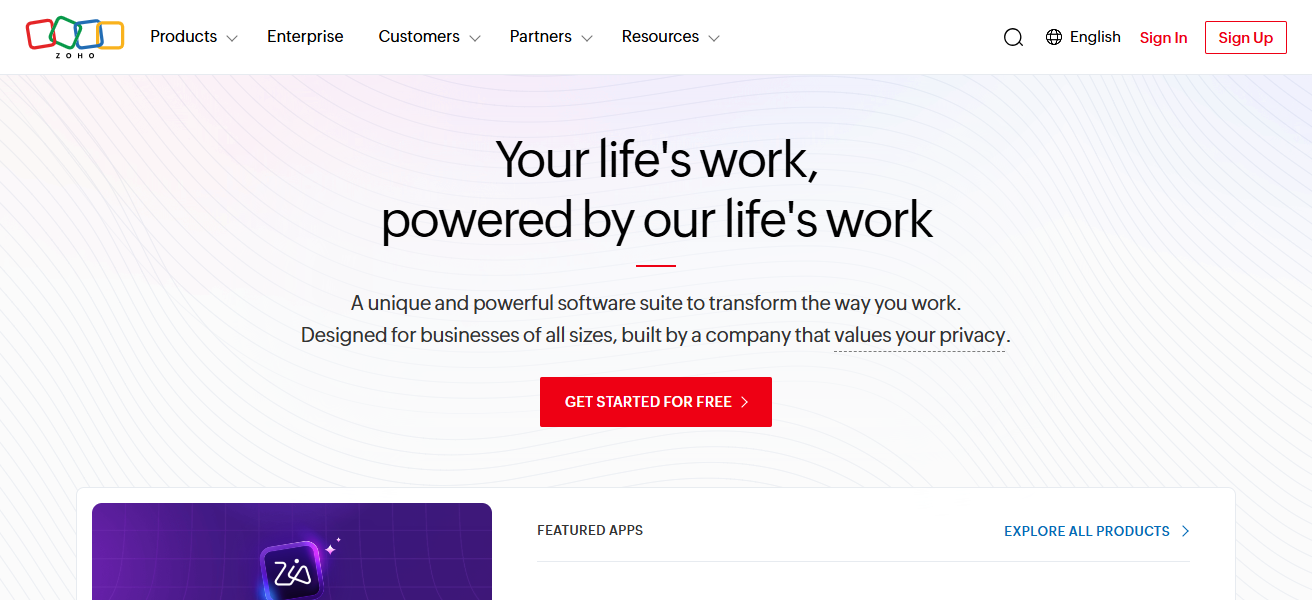
Its customization and automation features simplify workflows, while its smooth integrations guarantee data flow. For agencies seeking truly all-in-one, business management software, Zoho One is a flexible option.
| Feature | Description |
|---|---|
| All-in-One Suite | Access 40+ integrated apps for complete business management |
| Unified Dashboard | Monitor multiple client operations from a single interface |
| Workflow Automation | Automate repetitive tasks to improve efficiency |
| Cost-Effective Pricing | Affordable solution for small and mid-sized agencies |
3. Monday.com
Monday. Similarly, com is a visual work OS that enables easy dashboard management for multiple clients.
It helps teams to create and customize dashboards that track things like project progress, client communication and performance metrics.

It features a drag-and-drop interface so that you can sort workflows easily and automate repetitive tasks. Having Integrations with Popular Tools, It Takes Care of Collaboration.
Monday — Agencies get real-time updates and visibility. m a perfect fit to handle multiple client projects and keep stakeholders informed.
| Feature | Description |
|---|---|
| Visual Dashboards | Track projects and client data with customizable visual boards |
| Drag-and-Drop Interface | Easily manage workflows without technical skills |
| Automation Features | Automate status updates, notifications, and repetitive tasks |
| Team Collaboration | Real-time updates and communication across teams |
4. ClickUp
ClickUp is a general productivity platform that all can serve as places to manage tasks, projects, and client dashboards.
Flexibility It provides customizable dashboards that enable agencies to track multiple clients, set and monitor goals, and visualize progress.
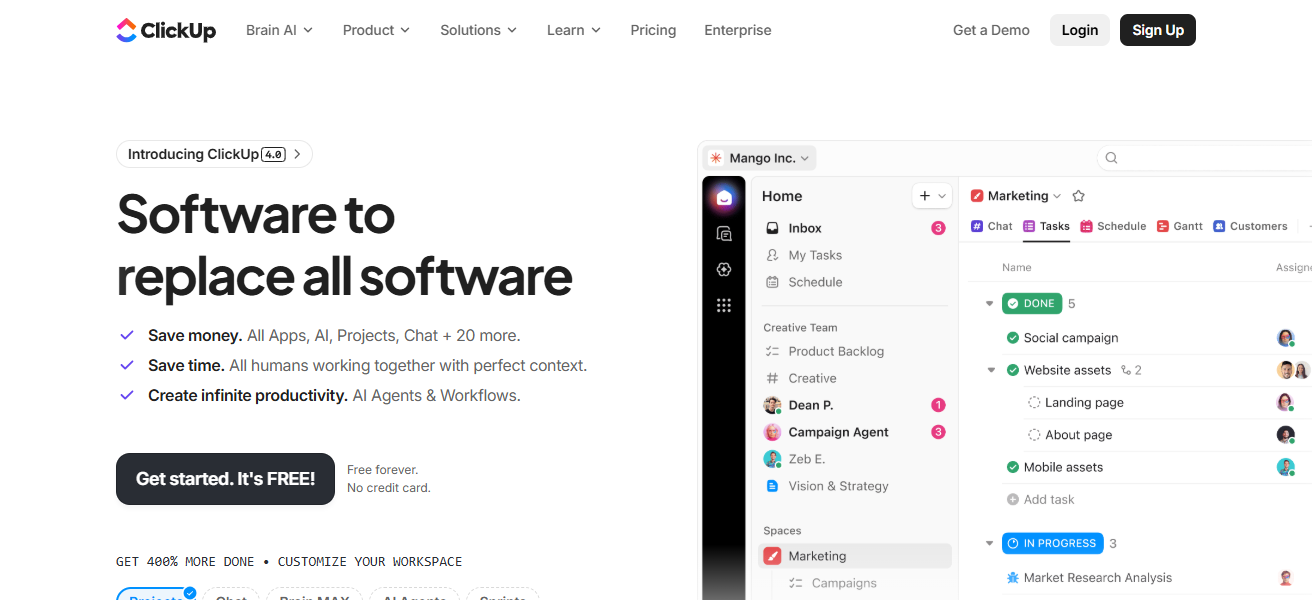
Time tracking, document sharing, and automation drives efficiency. And its flexible nature means it suits teams of any size.
ClickUp is a task management app that helps to organize client deliverables, keep track of reporting and streamline workflows with its extensive integrations.
| Feature | Description |
|---|---|
| Custom Dashboards | Create tailored views for multiple client projects |
| Task & Time Management | Track tasks, deadlines, and time spent efficiently |
| Docs & Collaboration | Share documents and collaborate within the platform |
| Extensive Integrations | Connect with popular tools for seamless workflow |
5. Databox
Databox allows users to create real time dashboards that pull data from multiple sources right into one view.
Best for agencies managing numerous clients who want to keep track of the number of KPI like traffic, conversions and revenue.
Databox provides templates and allows custom report creation. Automated reporting saves time and mobile access ensures data is always on hand.
The platform enables businesses to make data-driven decisions and allows presentation of straightforward, actionable insights to clients.
| Feature | Description |
|---|---|
| Real-Time Data Tracking | Monitor KPIs from multiple sources instantly |
| Pre-Built Templates | Use ready-made dashboard templates for quick setup |
| Automated Reporting | Schedule reports for clients without manual effort |
| Mobile Accessibility | Access dashboards on mobile devices anytime |
6. AgencyAnalytics
AgencyAnalytics is purpose-built for marketing agencies with multi-client support. It offer white-label dashboards as well as automated reporting features enabling agencies to easily deliver professional client reports.

This tool centralizes all your data including SEO, PPC, social media and email marketing integrations. It features an intuitive interface and dashboards that are customizable to track performance metrics.
Best for Commanding need of client reporting in agencies, where clients require simple but effective communication about progress.
| Feature | Description |
|---|---|
| White-Label Dashboards | Customize reports with your agency branding |
| Multi-Channel Integration | Combine SEO, PPC, social, and email data |
| Automated Reports | Generate and send client reports automatically |
| Client Management | Easily manage multiple client accounts in one place |
7. Tableau
Tableau, one of the best data visualization software that used for developing sophisticated and personalized dashboards for various clients.
It allows users to rework complex datasets into simple, actionable insights. If you work in an enterprise that handles a large number of client interactions and information, Tableau is perfect as it allows for advanced analytics capabilities with a lot of customization options.
This allows it to be flexible with the ability to integrate with various data sources. Although it can be intimidating at first, Tableau is ideal for companies that need extensive data research and dashboard-level performance.
| Feature | Description |
|---|---|
| Advanced Data Visualization | Create interactive and detailed dashboards |
| Data Source Integration | Connect with various databases and platforms |
| Real-Time Analytics | Analyze large datasets instantly |
| Customizable Reports | Build highly tailored and professional dashboards |
8. Google Looker Studio
Google Looker Studio (formerly Data Studio) is a free interactive dashboard and report building tool, With the ability to work seamlessly with Google services —G Analytics, Ads, Sheets etc, it makes tracking many data streams from clients simple.
Includes real-time dashboards, which users can customize and share with clients almost instantly. It has collaboration features that help teams in getting things done quickly.
If the budget is an issue, then Google Looker Studio is a great choice for businesses seeking their own reporting solution.
| Feature | Description |
|---|---|
| Free Dashboard Tool | No cost solution for creating client reports |
| Google Integration | Works seamlessly with Analytics, Ads, and Sheets |
| Real-Time Data Updates | Automatically refresh dashboard data |
| Easy Sharing | Share reports with clients via links or access control |
9. Klipfolio
Klipfolio is an online or cloud-based dashboard application that can be open from anywhere to study real-time business metrics through a platform (your own client).
Users can build custom dashboards with different data feeds into a single view of performance. Automated reporting is also one of the many features offered by Klipfolio along with its customization options.
This makes it perfect for everyone from a small team to an entire agency. With seamless integration and accessibility from mobile devices, Klipfolio keeps businesses aware to make insightful decisions at the right time.
| Feature | Description |
|---|---|
| Custom KPI Dashboards | Build dashboards tailored to client metrics |
| Real-Time Monitoring | Track live business performance data |
| Data Integration | Connect with multiple cloud services |
| Scalable Platform | Suitable for small teams to large enterprises |
10. Notion
Notion is a versatile workspace to write, plan and manage projects where you can create notes and databases.
It allows agencies to create custom dashboards for managing multiple clients, their tasks, timelines and documentation.
You organize your workflows with its drag-and-drop interface and templates. Not necessarily an analytics tool but they are great for collaboration and customization.
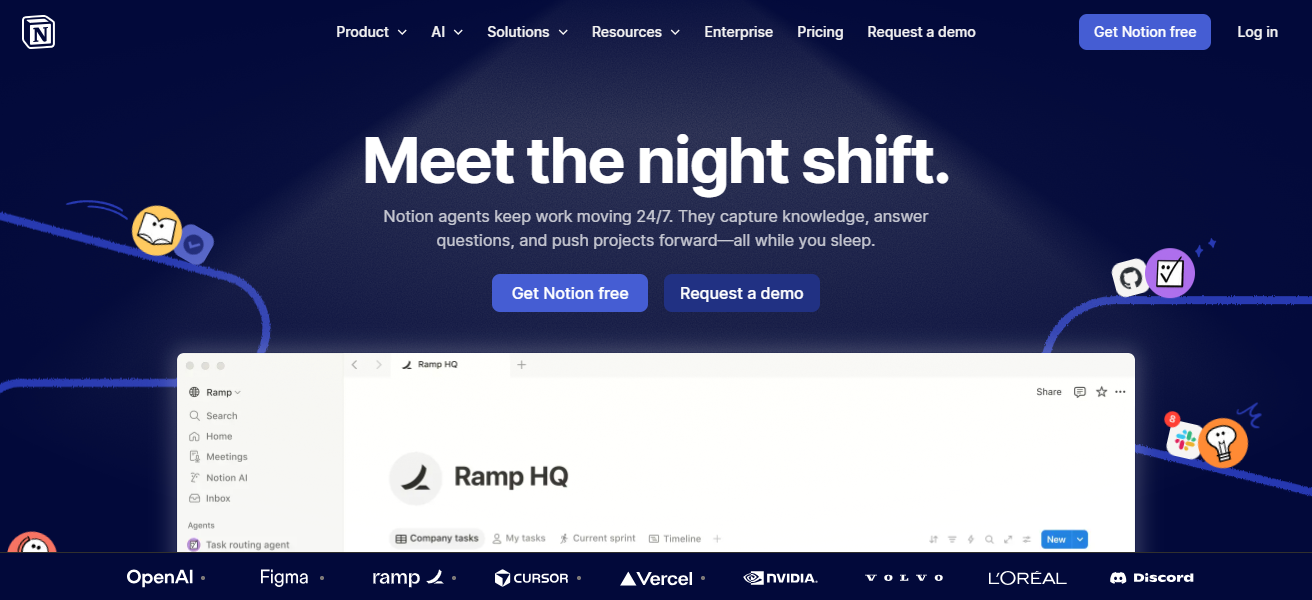
It also allows teams to centralise client information as well for better communication and efficiency, making it a reasonable alternative when designing a lightweight dashboard.
| Feature | Description |
|---|---|
| Custom Workspace | Build dashboards using pages, databases, and templates |
| Task & Project Tracking | Manage multiple client workflows efficiently |
| Collaboration Tools | Share and edit content with team members in real time |
| Flexible Organization | Organize data, notes, and client info in one place |
How We Choose Best SaaS Tools for Multi-Client Dashboard Management
User-Friendly – A tool that can be learnt and set up quickly to manage numerous clients without complexity.
Customization options — Customizable dashboards for various clients and business purposes.
Integration Capabilities – Enables integration with mainstream apps, such as CRM, marketing and analytics tools.
Live Data Tracking – Offers real-time and precise performance outcomes throughout clients.
Automation features — Such as automation for reporting, workflows, and regular tasks.
Scalability – Can grow with your business as you add new clients and additional team members.
Reporting & Analytics – Provides transparency, visual reports and KPI monitoring.
Final Verdict
Conclusion Selecting the right SaaS tools for multi-client dashboard management will depend on your business need, budget and features you would require.
There are specialist tools such as HubSpot, Tableau and Google Looker Studio that can provide robust efficiency for managing more than one client.
Choosing the proper platform simplifies workflows, enhances reporting and delivers better overall client performance.
FAQ
Which tool is best for beginners?
Monday.com and Notion are beginner-friendly due to their simple interfaces and easy setup
Which SaaS tool is best for marketing agencies?
AgencyAnalytics and HubSpot are ideal for marketing agencies because of their reporting and automation features.
Are there any free tools available?
Yes, Google Looker Studio offers a free solution for creating multi-client dashboards.
Which tool is best for advanced data visualization?
Tableau is best for advanced analytics and highly interactive dashboards.