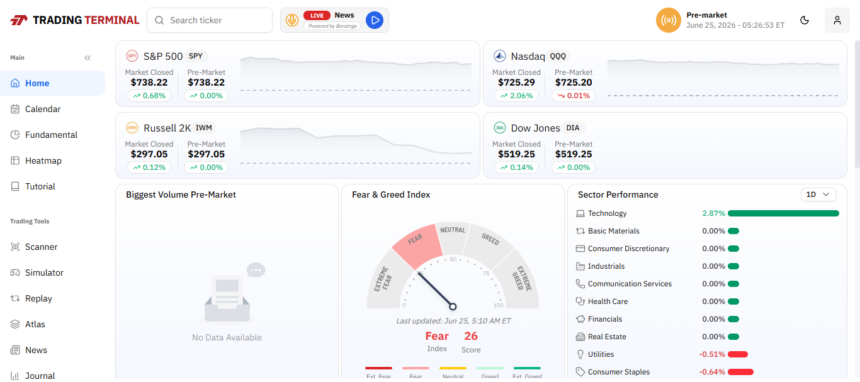
This article covers the Best Advanced Trading Terminal Software for Professional Desktop Traders.
I describe the major features, strengths, and weaknesses of each tool, as well as offer insights to help you choose a tool that aligns with your trading style and your needs.
Key Poinst & Best Advanced Trading Terminal Softwares for Professional Desktop Traders
| Trading Terminal Software | Explanation |
|---|---|
| MetaTrader 5 | Advanced charting, automated trading, multi-asset support, professional analysis tools. |
| NinjaTrader | Powerful futures trading, strategy automation, advanced analytics, fast execution. |
| TradeStation | Professional-grade charts, backtesting, automation, extensive market research features. |
| Interactive Brokers Trader Workstation | Global market access, sophisticated tools, low-cost professional trading. |
| CQG Integrated Client | Institutional-grade analytics, fast execution, advanced order management capabilities. |
| Bloomberg Terminal | Comprehensive market data, news, analytics, institutional trading insights. |
| eSignal | Real-time data, advanced charting, customizable trading workflows available. |
| Sierra Chart | High-performance charting, low latency, extensive customization and automation. |
| MotiveWave | Advanced technical analysis, Elliott Wave tools, strategy testing. |
| TradingView Desktop | Cloud-based charts, social insights, multi-broker trading integration. |
10 Best Advanced Trading Terminal Softwares for Professional Desktop Traders
1. MetaTrader 5 (MT5)
MetaTrader 5 is a favorite among traders for its versatility. This platform has multiple asset classes easily accessible in one place.
Professional traders can find more tools in MT5 besides forex. It also has functionality for stocks, commodities, indices, and cryptocurrencies, and even has advanced order types and Depth of Market functionality.
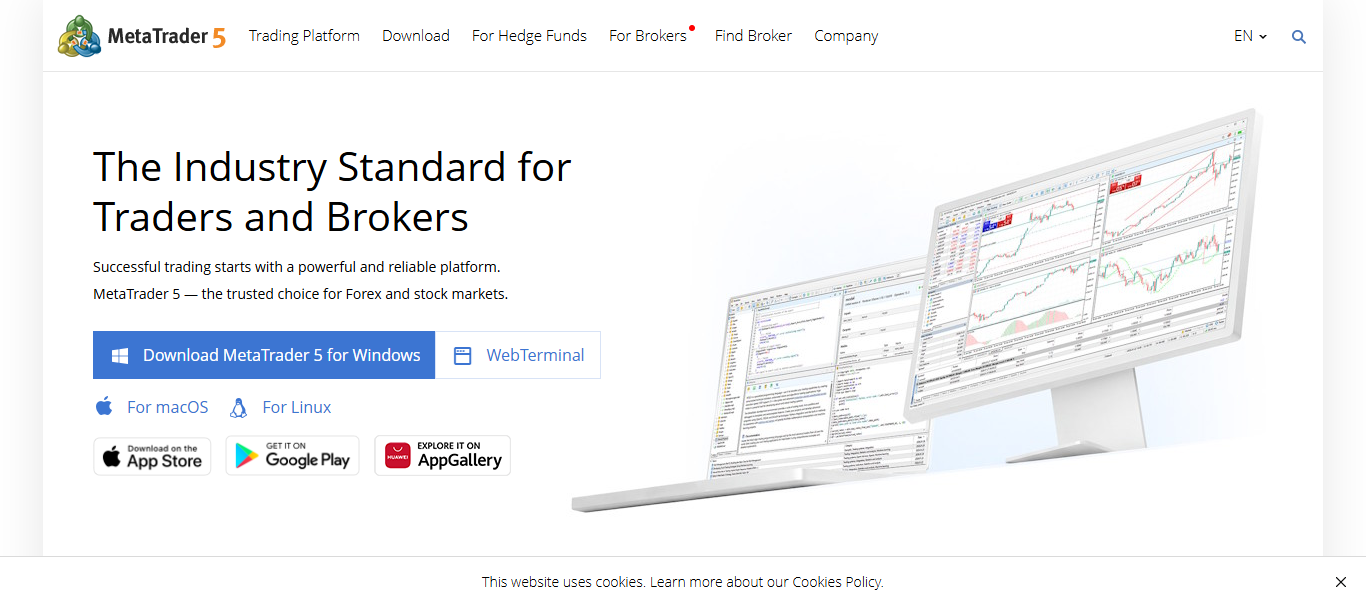
A built-in Strategy Tester is great for traders looking to automate and backtest their trades over multiple currencies at once.
The growing ecosystem of MT5 also includes Expert Advisors, custom indicators, and automated algorithmic trading, so it’s a great platform for traders who want to automate their back, scalable, and precise trades in a constantly changing market.
MetaTrader 5 (MT5) Pros & Cons
| Pros | Cons |
|---|---|
| Supports forex, stocks, commodities, and crypto trading. | Interface feels dated compared to modern platforms. |
| Powerful algorithmic trading with Expert Advisors (EAs). | Advanced features require programming knowledge. |
| Built-in strategy tester for backtesting. | Limited institutional-grade analytics. |
| Large marketplace for indicators and scripts. | Broker-dependent functionality varies significantly. |
| Fast execution and low resource consumption. | Social trading tools are less advanced. |
2. NinjaTrader
NinjaTrader has become increasingly popular for active futures and day traders. NinjaTrader is especially great for traders who need sophisticated institutional-level market analysis and execution. NinjaTrader offers a customizable workspace and advanced order flow.
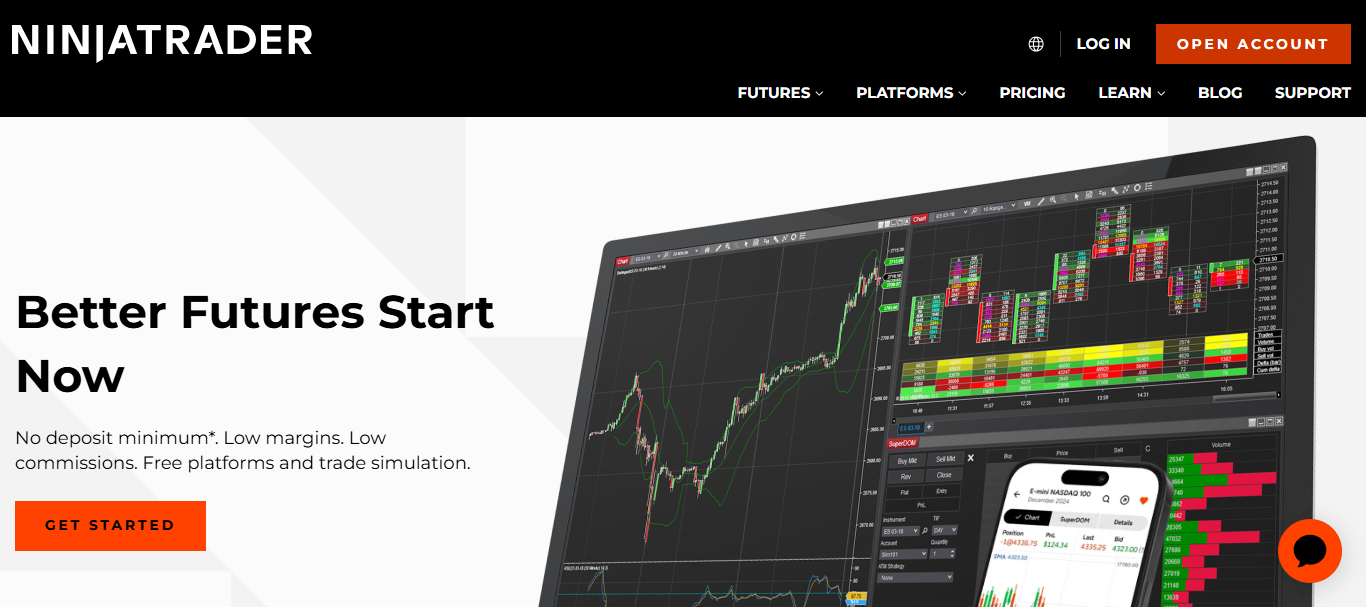
NinjaTrader also provides professional traders a powerful and customizable strategy development framework that’s built to support the design and automation of a trading strategy and includes extensive backtesting capabilities.
With advanced performance optimization and low latency execution, NinjaTrader enables traders to analyze market behavior while retaining full control of their risk management trade execution.
NinjaTrader Pros & Cons
| Pros | Cons |
| Excellent futures trading capabilities. | Primarily focused on futures markets. |
| Advanced order flow and market depth tools. | Steeper learning curve for beginners. |
| Extensive customization options available. | Some advanced features require paid licenses. |
| High-quality backtesting environment. | Limited international market coverage. |
| Supports automated strategy development. | Interface can appear complex initially. |
3. TradeStation
TradeStation has a passion for integrating trading automation into advanced professional-grade analytics. Using their proprietary EasyLanguage programming system lessens the burden of knowing extensive code to create, modify, or deploy custom trading strategies.
TradeStation provides many advanced tools to help professional traders automate their strategies, making their analysis easier and more thorough.
These tools include advanced charting tools, historical market analysis tools, and real time trading opportunity scans. TradeStation provides professional traders with an all-inclusive ecosystem of automated, advanced analytics.
TradeStation Pros & Cons
| Pros | Cons |
| Powerful EasyLanguage coding environment. | Higher costs for active traders in some regions. |
| Professional-grade charting tools. | Fewer third-party plugins than competitors. |
| Robust automated trading functionality. | Learning EasyLanguage takes time. |
| Excellent historical market data. | Platform can consume significant system resources. |
| Strong research and scanning capabilities. | Certain features restricted by account type. |
4. Interactive Brokers Trader Workstation (TWS)
Trade Workstation by Interactive Brokers was created for serious traders with the need for a sophisticated desktop interface to access the global markets. From a single Trade Workstation account, Stocks, Options, Futures, Forex, International,

Bonds, and even Trade Workstations integrated and sophisticated Algorithms and Analytics to assess your portfolios risk, can all be traded. Trade Workstations SmartRouting will search many venues to optimize your trades and provides a more efficient and competitively priced market.
Interactive Brokers Trader Workstation (TWS) Pros & Cons
| Pros | Cons |
| Access to global markets from one account. | User interface can feel overwhelming. |
| Extremely competitive trading commissions. | Initial setup requires configuration effort. |
| Advanced portfolio and risk management tools. | Not beginner-friendly. |
| SmartRouting improves order execution quality. | Complex menu structure. |
| Supports multiple asset classes. | Frequent updates may require adjustment. |
5. CQG Integrated Client
CQG Integrated Client is a professional favorite. CQG excelled due to their commitment to high quality market data, advanced analysis tools, and professional caliber order execution systems.
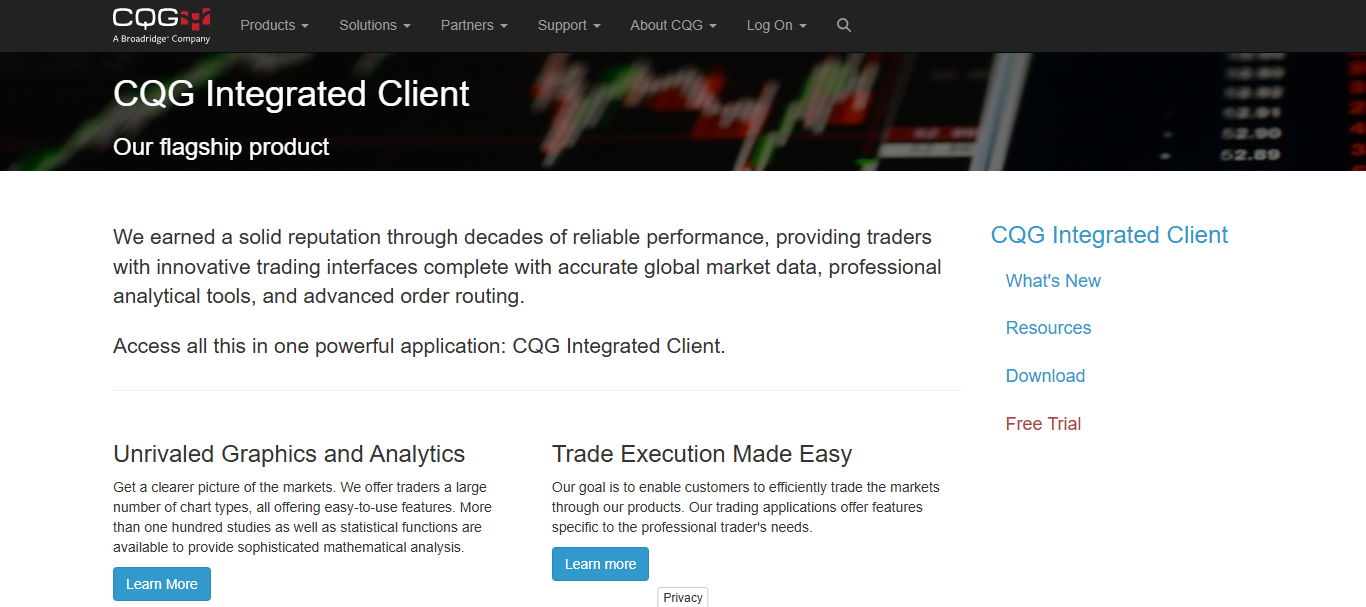
CQG custom trading interfaces, market depth, and a competitive market with CQGs dedicated speed and reliability will provide the tools necessary to win. CQG integrated clients is the top choice for firms and individuals.
CQG Integrated Client Pros & Cons
| Pros | Cons |
| Institutional-quality market data feeds. | Premium pricing structure. |
| Exceptional futures market coverage. | Less suitable for casual traders. |
| Reliable low-latency execution. | Limited broker compatibility. |
| Advanced order management tools. | Requires professional trading knowledge. |
| Excellent market depth visualization. | Smaller user community. |
6. Bloomberg Terminal
Bloomberg Terminal is the best choice for large scale, powerful financial analysis and market insight. This is not just a trading application. This Terminal offers extensive financial data, real-time news, and economic data and analytics used by top investment firms.
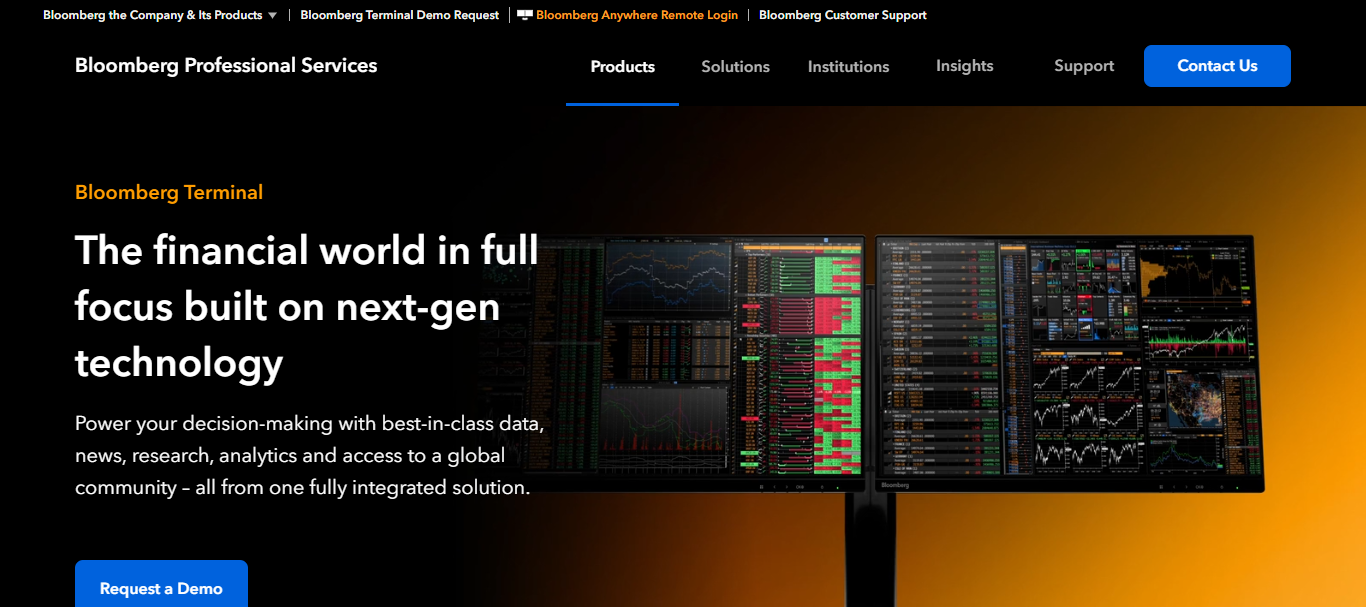
The Terminal covers the entire financial market. It offers a variety of tools, technologies, and proprietary research and fully integrates communication. The breadth of data and research enables users to analyze and interpret trends in the market, driven by economic events.
Bloomberg Terminal Pros & Cons
| Pros | Cons |
| Industry-leading financial data coverage. | Extremely expensive subscription costs. |
| Real-time global news integration. | Designed mainly for institutions. |
| Comprehensive analytics and research tools. | Requires extensive training to master. |
| Powerful communication network among professionals. | Overkill for most retail traders. |
| Access to economic and corporate intelligence. | High annual licensing fees. |
7. eSignal
eSignal is a very popular platform for technical traders. eSignal is widely known for its real-time data and charting capabilities. Traders can build their own workspaces and charting and analysis environments.
eSignal offers several scanning and pattern recognition tools as well as an extensive list of indicators. As with most things in life, the faster and the more accurate, the better.
Customer speed is the main focus of eSignal. When looking for a platform that adequately supports technical analysis and market timing, eSignal is a great choice.
eSignal Pros & Cons
| Pros | Cons |
| Accurate real-time market data. | Monthly subscription costs can add up. |
| Advanced technical analysis tools. | Limited broker integrations. |
| Strong market scanning capabilities. | Interface lacks modern aesthetics. |
| Highly customizable workspaces. | Fewer automation features than competitors. |
| Reliable performance during volatile markets. | Premium data packages cost extra |
8. Sierra Chart
Sierra Chart places an emphasis on performance, responsiveness, and lower resource consumption. Fast processing and clear, detailed charting capabilities draw professional traders to Sierra Chart.
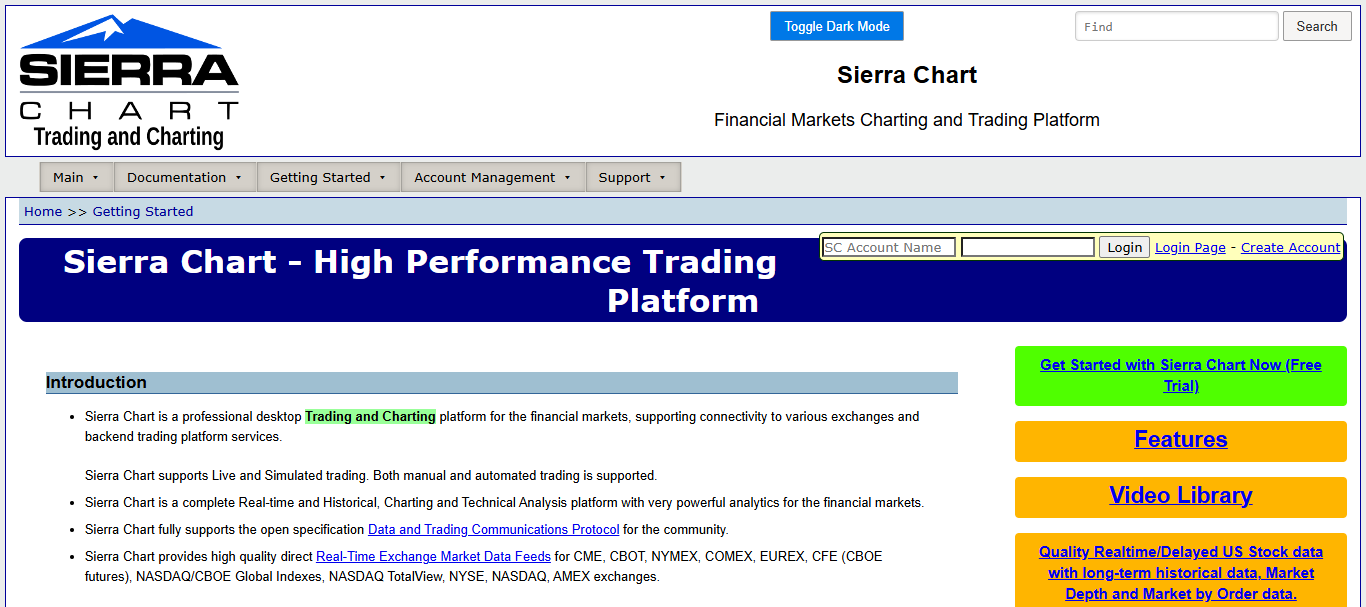
Depth of market and order management tools support highly advanced automated trading systems. Sierra Chart is a desktop-based, performance oriented solution that traders who demand the utmost measuring capability during market volatility and the highest level of trading system responsiveness.
Sierra Chart Pros & Cons
| Pros | Cons |
| Extremely fast and lightweight platform. | Outdated interface design. |
| Highly customizable charting environment. | Setup process can be technical. |
| Excellent order flow analysis tools. | Limited educational resources. |
| Low monthly operating costs. | Requires manual configuration for optimization. |
| Supports advanced automation features. | Less intuitive for new users. |
9. MotiveWave
MotiveWave is for the serious technical analyst. With professional evaluation of Elliott Wave theory combined with features for analyzing harmonic patterns, MotiveWave stands out for the trader that needs high level tools.
With the ability to create customized studies and tools, MotiveWave is for the serious trader that needs to analyze the market to find the best possible opportunities to execute trades.
MotiveWave Pros & Cons
| Pros | Cons |
| Industry-leading Elliott Wave analysis tools. | Higher pricing than standard charting platforms. |
| Excellent harmonic pattern recognition. | Smaller user community. |
| Advanced strategy testing functionality. | Limited broker support. |
| Clean and intuitive interface. | Specialized features may be unnecessary for beginners. |
| Comprehensive technical analysis suite. | Resource-intensive during complex analysis |
10. TradingView Desktop
The combination of cloud and desktop computing creates a powerful mixture of the best of both worlds in Trading View Desktop. This unique application offers the user the ability to chart, analyze and engage the market in a social environment, all with the trade integration of a professional desktop computing application.
With the ability to customize your own personal indicators, use user defined scripts to code your own indicators, and an interface populated with user suggested trade ideas, this application offers a professional blend of highly analytical computing with the social, real-time engagement of the market.
TradingView Desktop Pros & Cons
| Pros | Cons |
| Modern and intuitive user interface. | Some advanced features require premium plans. |
| Cloud synchronization across devices. | Limited desktop-native automation capabilities. |
| Large social trading community. | Can become expensive with add-ons. |
| Supports Pine Script custom indicators. | Professional order management less advanced. |
| Broad broker and exchange integrations. | Heavy internet dependency for full functionality. |
How We Choose Best Advanced Trading Terminal Softwares for Professional Desktop Traders
Market Access – Support across stocks, forex, futures, options, commodities, and crypto.
Charting & Analysis Tools – Advanced charts and drawings and analysis options available.
Execution Speed – Quick execution and low latency performance even in high traffic times.
Algorithmic Trading Support – Support for automated trading, APIs, and custom scripts.
Backtesting Capabilities – Ability to backtest with historical data.
Customization Options – The ability to customize layout, watch lists and dashboards.
Market Data Quality – Timely and accurate market data and news.
Risk Management Features – Advanced order types and the ability to monitor/manage portfolios.
User Experience – How quickly and easily the program can be learned and navigated.
Broker & Exchange Integration – Access to a variety of brokers and exchanges.
Conclusion
In conclusion, we hope this guide helps you find the perfect trading terminal to fulfill your trading needs. The platforms discussed above have the tools terminal users need to create effective trading systems.
These include automation, risk and loss management, advanced charting, and other professional trading tools.
Whether you like algorithmic trading, trading in the futures markets, or prefer a trading terminal with access to all the markets in the world, these trading platforms will help professional desktop traders trade easily and with a high degree of confidence.
FAQ
What is the best trading software for algorithmic trading?
MetaTrader 5, NinjaTrader, and TradeStation offer powerful automation and strategy development tools.
Which platform is best for futures trading?
NinjaTrader and CQG Integrated Client are considered top choices for active futures traders.
Is TradingView Desktop suitable for professional trading?
Yes, TradingView Desktop offers advanced charting, broker integration, and cloud synchronization features.
Which trading terminal provides the best market data?
Bloomberg Terminal and CQG are known for delivering high-quality real-time market data.