
This article discusses Revenue Recognition Platforms that are Automating ASC 606 SaaS Compliance, making it possible for companies to automate financial reports, streamline revenue schedules, and ensure revenue accuracy.
- What Are Revenue Recognition Platforms?
- When looking for revenue recognition software, the following tips may be helpful:
- Key Points & Revenue Recognition Platforms Automating ASC 606 SaaS Compliance
- 10 Revenue Recognition Platforms Automating ASC 606 SaaS Compliance
- 1. Zuora Revenue
- 2. Maxio (SaaSOptics)
- 3. Chargebee RevRec
- 4. Stripe Revenue Recognition
- 5. NetSuite Revenue Recognition
- 6. Sage Intacct Revenue Management
- 7. Oracle Revenue Management Cloud
- 8. SAP Revenue Accounting and Reporting
- 9. Workday Revenue Management
- 10. Microsoft Dynamics 365 Finance Revenue Recognition
- Conclsuion
- FAQ
These platforms reduce manual tasks and help transparency by making ASC 606 Compliance and subscription revenue easy. We will look at some of the advantages, features, and functions of these systems for contemporary SaaS Companies.
What Are Revenue Recognition Platforms?
Revenue Recognition Platforms are automated solutions designed to document and report revenue in accordance with revenue recognition standards such as ASC 606.
Revenue Recognition Platforms simplify and manage subscription contracts, deferred revenue, and revenue schedules for SaaS companies.
These systems alleviate the burden of several tedious accounting tasks, improve the accuracy of revenue reporting, and enhance the visibility of revenue operations. For compliance purposes, these systems integrate with other billing, ERP, and CRM systems.
When looking for revenue recognition software, the following tips may be helpful:
- Pick revenue recognition software that aligns with the size of your company, the type of contracts you have, and the complexity of your revenue.
- Check that the software will help you comply with ASC 606 and will automate revenue allocation and compliance reporting.
- Consider revenue recognition software that integrates with your ERP, CRM, billing, and accounting software.
- Look for software with pricing models that allow you to pay only for what you need now, with the ability to add more later as your company grows.
- Select software that will automate the revenue recognition process and will help you make more timely decisions with the use of analytics, dashboards, and financial insights.
Key Points & Revenue Recognition Platforms Automating ASC 606 SaaS Compliance
| Revenue Recognition Platform | Explanation |
|---|---|
| Zuora Revenue | Automates ASC 606 compliance with flexible subscription revenue recognition workflows and reporting. |
| Maxio (SaaSOptics) | Simplifies SaaS billing, contracts, and revenue recognition through automated accounting processes. |
| Chargebee RevRec | Manages recurring revenue recognition with accurate ASC 606 compliant automation tools. |
| Stripe Revenue Recognition | Provides automated revenue schedules, reporting, and compliance for subscription businesses globally. |
| NetSuite Revenue Recognition | Enables automated revenue management with ASC 606 rules and financial controls. |
| Sage Intacct Revenue Management | Streamlines revenue recognition processes with automated schedules and accounting compliance features. |
| Oracle Revenue Management Cloud | Delivers enterprise revenue automation supporting complex contracts and ASC 606 standards. |
| SAP Revenue Accounting and Reporting | Handles revenue recognition with advanced compliance, analytics, and contract management capabilities. |
| Workday Revenue Management | Automates revenue calculations, reporting, and compliance across enterprise financial operations. |
| Microsoft Dynamics 365 Finance Revenue Recognition | Supports automated revenue allocation, recognition, and ASC 606 compliant financial reporting. |
10 Revenue Recognition Platforms Automating ASC 606 SaaS Compliance
1. Zuora Revenue
Zuora Revenue is a revenue recognition solution tailored for subscription-centric businesses that require specialized assistance regarding complex SaaS contracts.
Contract modifications, revenue allocation, and recognition schedules all fall under the purview of Zuora’s automated ASC 606 compliance. With this system, finance teams spend less time manually computing revenue and more time ensuring the robust accuracy of revenue models.

Zuora Revenue’s most recent additions include the ability to leverage AI for increased automation, gain real-time revenue insights, and integrate with billing systems so that SaaS companies can comply with the law and efficiently scale their global subscription operations.
Zuora Revenue Features
- ASC 606 Compliance Automation: Automatically handles revenue recognition rules treatment, allocations, and associated reporting.
- SaaS Subscription Revenue: Efficiently manages complicated SaaS subscriptions plus renewals, upgrades, and contract changes.
- Performance Obligation Tracking: Recognizes obligations and accurately allocates revenue to contracts.
- Real-Time Revenue Insights: Instant access to the revenue analytics and forecasts.
- Integrates Billing Systems: Works with existing billing and accounting systems.
| Pros | Cons |
|---|---|
| Designed specifically for subscription businesses with advanced ASC 606 automation capabilities. | Implementation can be complex for smaller companies with limited resources. |
| Handles complex contracts, renewals, and revenue allocation accurately. | Pricing may become expensive for startups and small SaaS businesses. |
| Provides real-time revenue visibility and financial reporting insights. | Requires training to fully utilize advanced revenue management features. |
| Integrates effectively with billing and ERP systems. | Customization options may require technical expertise and support. |
| Supports global SaaS revenue recognition workflows efficiently. | Overly advanced features may feel unnecessary for simple business models. |
2. Maxio (SaaSOptics)
Maxio (SaaSOptics) is an automated revenue recognition platform designed specifically for SaaS companies with the need for precise financial statements. It easily manages subscription billing, contracts, deferred revenue, and ASC 606 compliancy.
Finance teams can now automate revenue schedules with much simpler technology than complicated spreadsheets.
Newer features include the improved management of SaaS metrics, automated journal entries, and sophisticated displays for analytics, thus allowing rapidly growing software companies to execute their recurring revenue operations more accurately and to better measure impacts on revenue.
Maxio (SaaSOptics) Features
- Automated SaaS Revenue: Automates the calculation and recognition of recurring revenue.
- Automated Deferred Revenue: Monitors unearned revenue and prepares recognition schedules.
- Contract Lifecycle Monitoring: Tracks contracts, renewals, and changes to customer billing.
- Automated Journal Entries: Decreases manual operations by preparing required journal entries.
- SaaS Metrics & Analytics: Provides SaaS metrics and analytics to help track and interpret ARR, MRR, and revenue.
| Pros | Cons |
|---|---|
| Built specifically for SaaS companies managing recurring revenue models. | Less suitable for large enterprises with highly complex operations. |
| Automates deferred revenue tracking and accounting calculations. | Advanced customization may require additional configuration work. |
| Provides useful SaaS metrics like ARR and MRR reporting. | Limited functionality outside subscription-based business models. |
| Reduces manual spreadsheet-based financial processes. | Integration options may be fewer compared to enterprise platforms. |
| Improves visibility into subscription financial performance. | Some users may require onboarding assistance initially. |
3. Chargebee RevRec
Chargebee RevRec allows subscription companies to automate revenue recognition and ASC 606 compliance. Chargebee RevRec simplifies the management of recurring billing data, contract modifications, revenue forecast, and financial reporting by automated workflows.
It simplifies accounting by automatically determining revenue obligations and correctly allocates income to contract periods.
Chargebee RevRec’s improved subscription analytics and integration support allow modern SaaS companies to achieve rapid month-end closes and accurate reporting while scaling revenue operations and potential.
Chargebee RevRec Features
- ASC 606 Revenue Compliance: Supports companies in meeting revenue recognition requirements.
- Automated Recurring Billing: Simplifies managing subscription billing and renewals along with revenue schedules.
- Revenue Predictions: Assists in accurately projecting revenue.
- Contract Changes: Automatically manages upgrades, downgrades, and changes in contract pricing.
- Integrates Accounting Tools: Connects with ERPs and finance tools for automated and timely reporting.
| Pros | Cons |
|---|---|
| Provides automated ASC 606 compliant revenue recognition workflows. | Best suited mainly for subscription-based companies. |
| Handles recurring billing and contract modifications effectively. | Complex enterprise requirements may need additional tools. |
| Offers strong integration with accounting platforms. | Pricing can increase as transaction volume grows. |
| Helps accelerate monthly financial closing processes. | Advanced reporting features may require configuration. |
| Supports scalable SaaS revenue operations globally. | Limited flexibility for non-subscription revenue models. |
4. Stripe Revenue Recognition
SaaS companies can integrate Stipe Revenue Recognition to manage automated revenue tracking from the payments and subscriptions.
Stripe Revenue Recognition generates revenue schedules, manages deferred revenue, and automates ASC 606 compliance, eliminating most of the tedious accounting work.
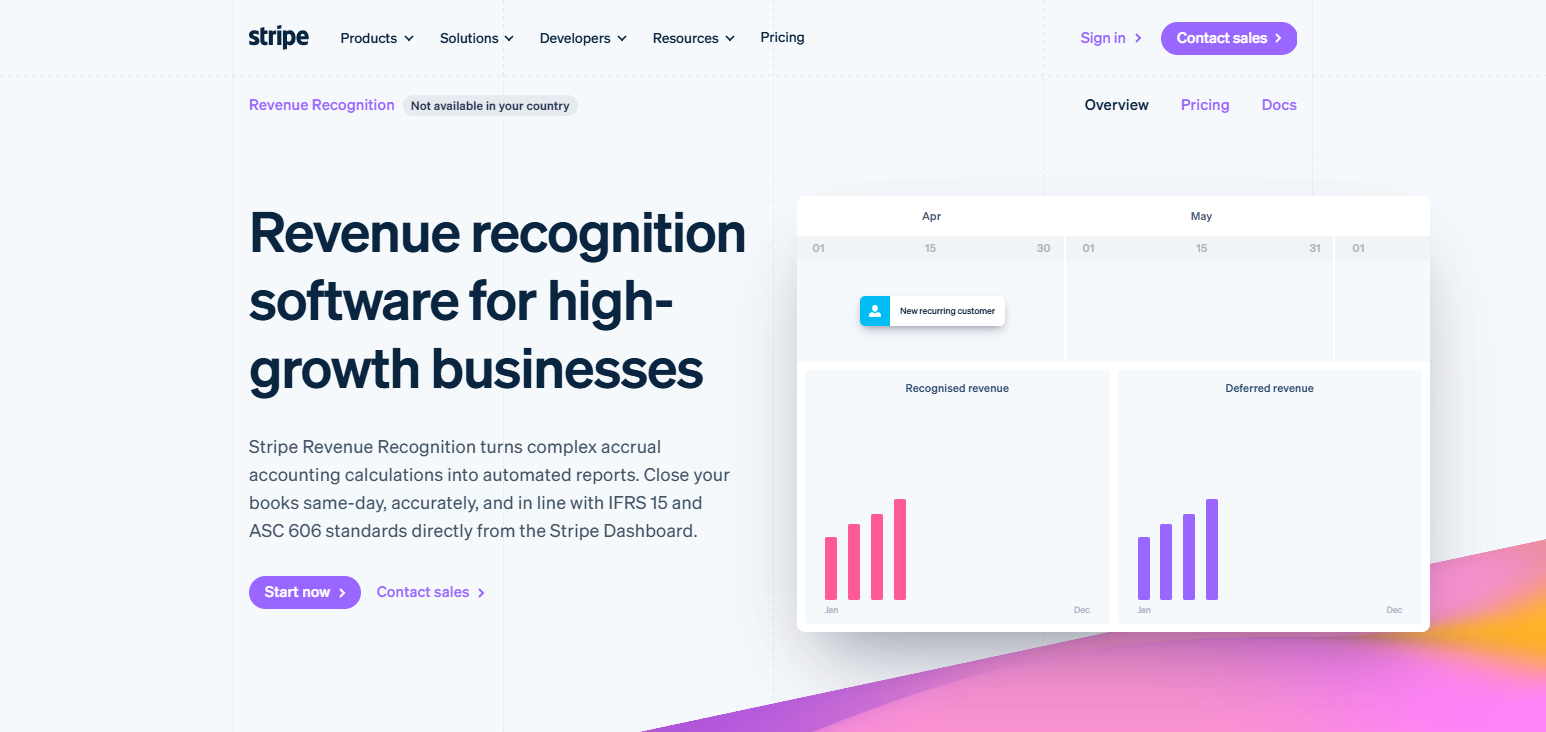
Because the platform is designed for companies that leverage the Stripe billing infrastructure, payment transactions are automatically mapped to financial statements.
Improvements in the platform include enhanced capabilities for making global payments, added flexibility in reporting, and better accounting integrations for rapidly growing digital companies.
Stripe Revenue Recognition Features
- Automated Revenue Recognition: Revenue schedules are automatically created based on billing and payment transactions.
- Deferred Revenue Tracking: Automates future revenue obligations and balance tracking.
- Global Payment Support: Provides international transaction support with multi-currency accounting.
- Financial Reporting Automation: Automates receipt of revenue for reporting compliance.
- Stripe Ecosystem Integration: Integrates with the Stripe Billing and payment solution.
| Pros | Cons |
|---|---|
| Seamlessly connects revenue recognition with Stripe payment systems. | Primarily benefits businesses already using Stripe services. |
| Automates revenue schedules and deferred revenue calculations. | Limited functionality compared with full ERP solutions. |
| Simplifies financial reporting for digital businesses. | Complex enterprise accounting needs may require additional platforms. |
| Supports international payments and multi-currency transactions. | Custom reporting options may be restricted. |
| Reduces manual accounting workload significantly. | Less suitable for businesses with offline revenue channels. |
5. NetSuite Revenue Recognition
NetSuite Revenue Recognition automates most of the revenue recognition processes for large companies seeking compliance with ASC 606.
Companies use NetSuite Revenue Recognition to develop revenue plans, control the automated recognition schedule, and manage revenue for multiple contracts and accurate financial controls.
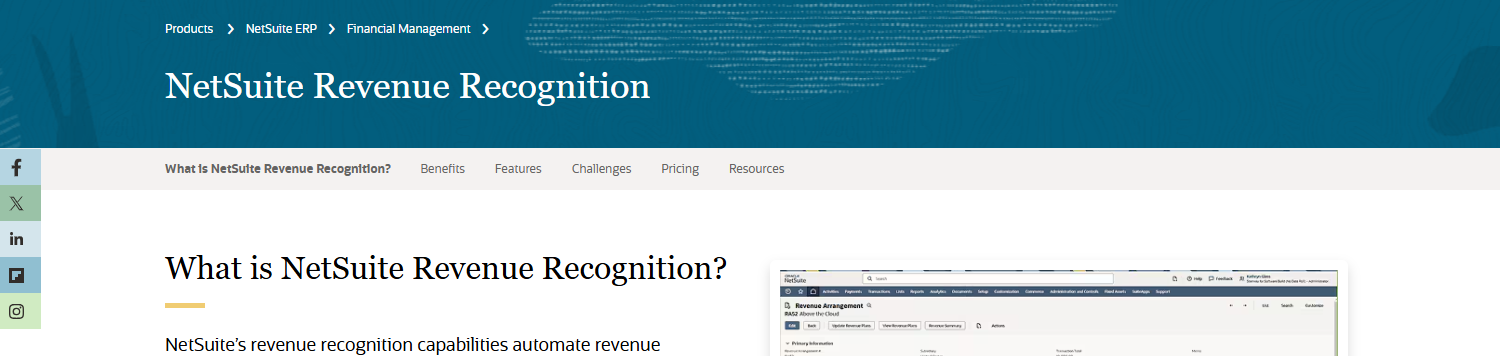
Because of the integration with the ERP operations, revenue, sales, and billing information are processed within the accounting infrastructure of NetSuite.
The newest improvements include enhanced automation, real-time financials, and accommodation of the complex subscription models of the modern SaaS companies.
NetSuite Revenue Recognition Features
- Enterprise Revenue Automation: Revenue recognition process automation for complex needs of large enterprises.
- ASC 606 Rule Management: Automatically implements compliance rules of varied contract structures.
- Multi-Entity Support: Covers all global subsidiaries with consolidated financial reporting.
- ERP Integration: Unifies sales, finance, and accounting functions on a single platform.
- Real-Time Financial Visibility: Centralized dashboards continuously updates revenue status.
| Pros | Cons |
|---|---|
| Provides powerful enterprise-level revenue automation capabilities. | Implementation requires significant time and technical expertise. |
| Supports complex contracts and global accounting operations. | Higher costs make it unsuitable for small businesses. |
| Integrates revenue management with complete ERP functionality. | System customization can become expensive. |
| Offers strong financial reporting and compliance controls. | Users may need professional training for advanced features. |
| Handles multi-entity and international business requirements. | Maintenance requires dedicated administrative resources. |
6. Sage Intacct Revenue Management
Revenue recognition is streamlined with the automated accounting workflow and compliance-focused tools of Sage Intacct Revenue Management.
Sage Intacct Revenue Management easily manages contract revenue, recurring billing, and revenue recognition within the ASC 606 framework and compliance reporting.
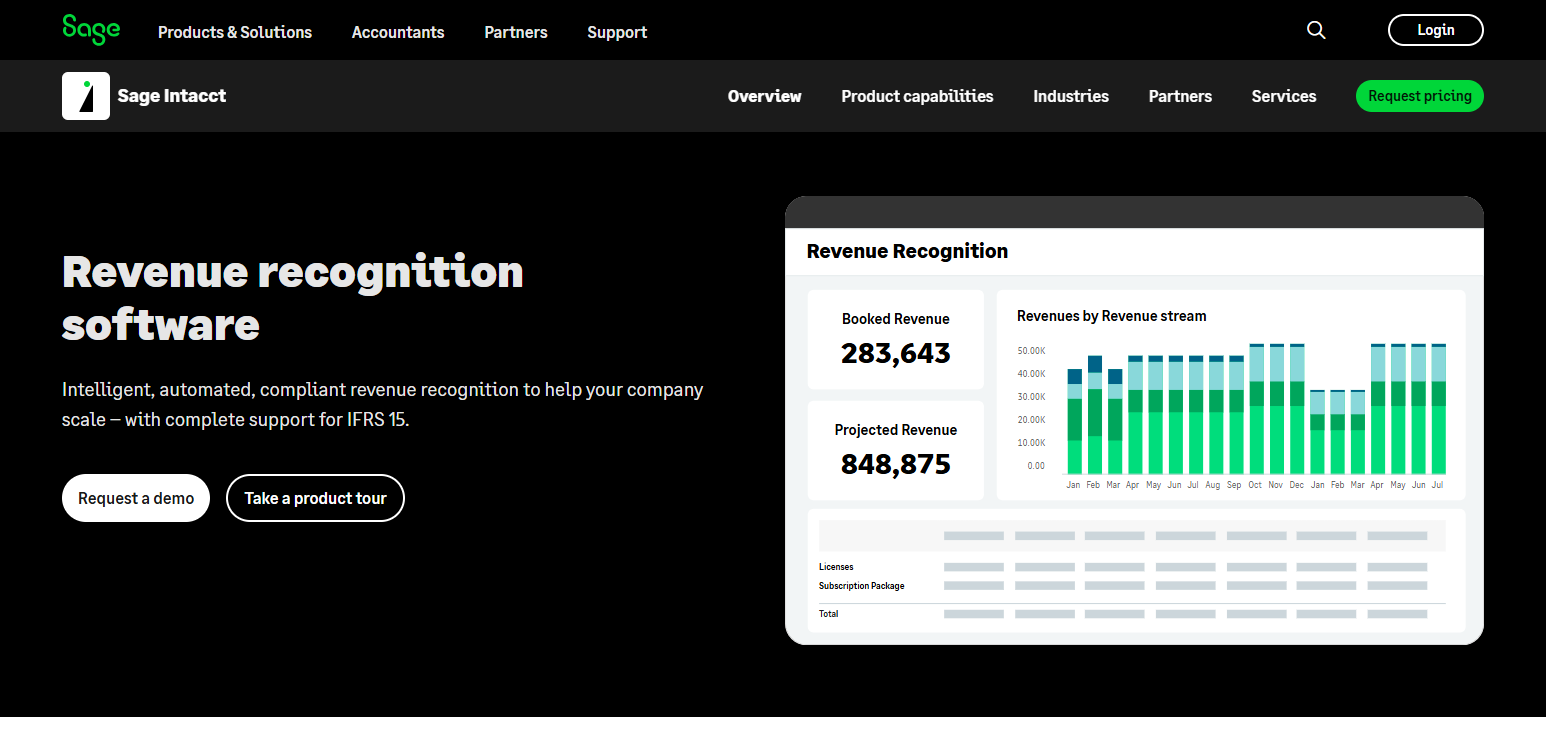
The automated accounting workflows in Sage Intacct Revenue Management lessen administrative tasks and improve audit preparedness.
The most recent enhancements in the Sage Intacct Revenue Management platform include improved SaaS reporting, cloud financial management, and revenue management integrations.
Sage Intacct Revenue Management Features
- Automated Revenue Scheduling: Automatically generates precise schedules for revenue recognition.
- Compliance Reporting: Meets requirements of ASC 606 and related audit financial statement processes.
- Contract-Based Recognition: Efficiently accounts for revenue across several contract structures.
- Cloud Financial Management: Safe and secure accounting operations in the cloud.
- Integration Capabilities: Interfaces with CRM and billing and other business applications.
| Pros | Cons |
|---|---|
| Simplifies revenue recognition with cloud-based accounting automation. | Advanced enterprise features may be limited compared with Oracle or SAP. |
| Supports ASC 606 compliance and audit preparation. | Custom workflows may require additional setup. |
| Provides strong financial reporting capabilities. | Not ideal for extremely complex global organizations. |
| Integrates well with business applications and accounting tools. | Pricing may increase with additional modules. |
| Reduces manual revenue scheduling tasks efficiently. | Some advanced features require learning time. |
7. Oracle Revenue Management Cloud
Oracle Revenue Management Cloud is capable of fully automating revenue recognition and streamlining revenue management with ASC 606 Compliance.
With regard to contracts, it aids in managing performance obligations and designating allocation rules, as well as conducting revenue predictions. The software aids larger organizations in managing multinational transactions with greater precision and control.
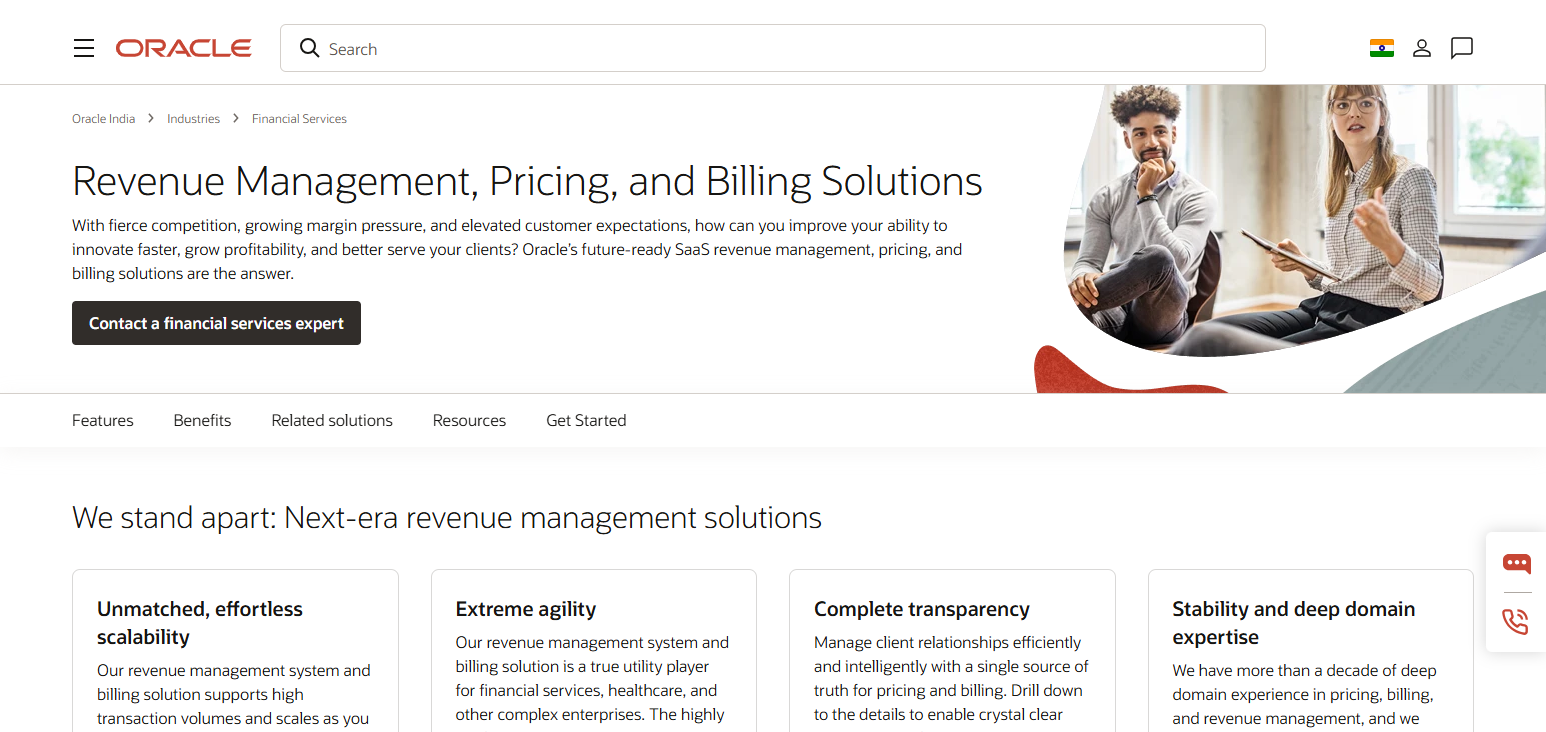
Continuous improvements and updates introduce AI-centered, financial automations, more advanced analytics, and enhanced integrations with Oracle Cloud applications to help organizations fine-tune and optimize their revenue workflows in all verticals and industries.
Oracle Revenue Management Cloud Features
- Complex Contract Management: Large contracts with complexity of advanced revenue rules are easily managed.
- ASC 606 Automation: Compliance of advanced global accounting standards are achieved through automation.
- AI-Powered Financial Insights: Intelligent analytics for optimal revenue decisions.
- Enterprise Scalability: Supports the needs of large enterprises operating in many nations with high transaction volumes.
- Oracle Cloud Integration: Integrates with all other Oracle ERP applications.
| Pros | Cons |
|---|---|
| Handles complex enterprise revenue recognition requirements effectively. | Implementation can be lengthy and resource-intensive. |
| Supports global ASC 606 compliance across industries. | Higher costs compared with smaller revenue tools. |
| Provides advanced automation and analytics capabilities. | Requires skilled professionals for configuration. |
| Integrates with Oracle Cloud enterprise applications. | May be excessive for small SaaS companies. |
| Offers strong scalability for large organizations. | Regular updates may require system management efforts. |
8. SAP Revenue Accounting and Reporting
SAP Revenue Accounting and Reporting automates revenue calculations, contract assessment, and automated financial reporting to fulfill ASC 606 standards.
The software is an excellent choice for companies with complicated revenue recognition as it integrates with SAP Enterprise Applications to standardize data across all the modules in sales, finance, and accounting.
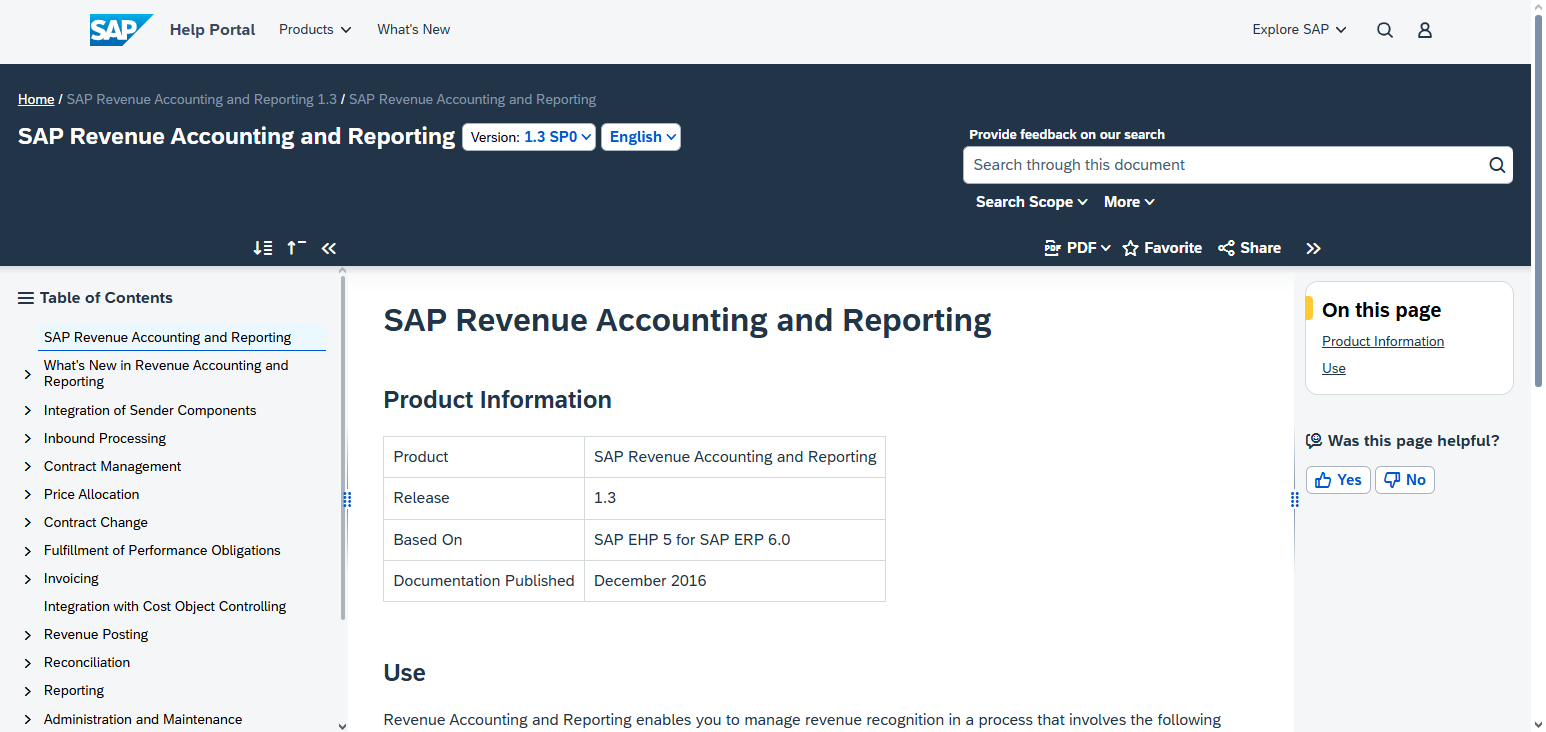
New updates to the software provide improved automation and real-time reporting and analytics to ensure global companies are able to comply with revenue recognition regulations.
SAP Revenue Accounting and Reporting Features
- Automated Revenue Calculations: Automates contract revenue calculations.
- Enterprise Compliance Management: Simplifies adherence to global accounting standards and regulations.
- Contract Evaluation Automation: Automates the review of contracts and identifies the recognition criteria.
- Real-Time Financial Reporting: Monitors performance and analyzes revenue on a continuous basis.
- SAP Ecosystem Integration: Integrates with SAP ERP and business applications.
| Pros | Cons |
|---|---|
| Provides enterprise-grade revenue recognition automation. | Complex setup requires SAP expertise and consulting support. |
| Supports global accounting standards and compliance requirements. | High implementation costs for smaller businesses. |
| Integrates deeply with SAP ERP environments. | Learning curve can be challenging for new users. |
| Handles large transaction volumes efficiently. | Customization may require specialized technical skills. |
| Delivers accurate financial reporting and analytics. | Best suited for larger enterprises rather than startups. |
9. Workday Revenue Management
Workday Revenue Management integrates financial processes with Contract and Revenue Reporting Automations in a unified, cloud- based platform to simplify the revenue recognition process.
This software supports organizations in revenue calculations and allocations, as well as the compliance of ASC 606.
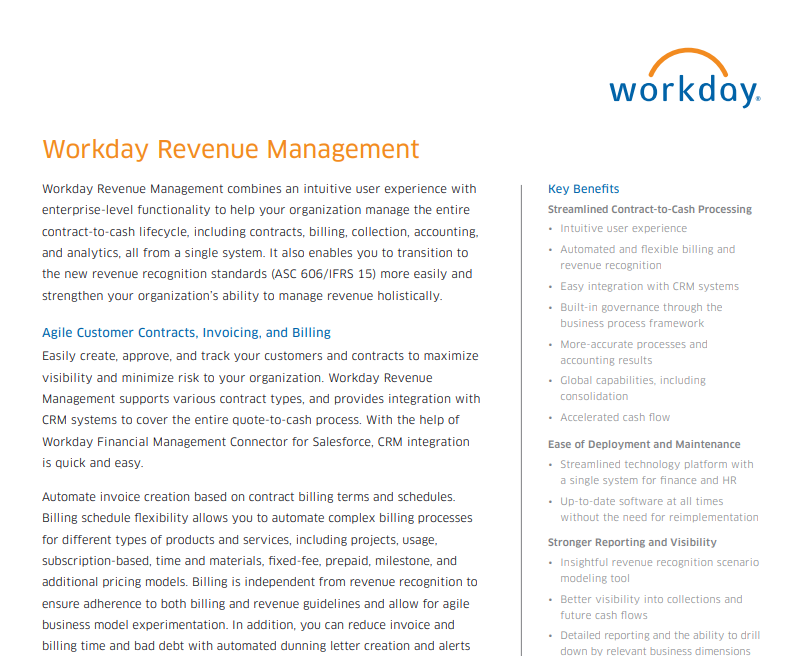
With the decreased need for tedious financial processes, Workday Revenue Management provides organizations with greater understanding of their finances through new reporting integrations and the intelligent automation of financial functions.
Workday Revenue Management Capabilities
- Cloud Revenue Automation: Leverages cutting-edge financial technology to ease revenue recognition.
- Contract Revenue Monitoring: Tracks revenue rights during the entire lifespan of a contract.
- Real-Time Analysis: Provides the financial data required to make informed decisions.
- Workflow Automation: Smart automation minimizes the need for manual accounting.
- Financial Integration: Supports seamless integration with Workday finance apps.
| Pros | Cons |
|---|---|
| Provides modern cloud-based revenue recognition automation. | Mainly designed for enterprise-level organizations. |
| Integrates smoothly with Workday Financial Management. | Implementation requires planning and professional assistance. |
| Offers real-time financial insights and reporting. | Costs can be high for smaller companies. |
| Reduces manual accounting workflows through automation. | Limited flexibility outside Workday ecosystem. |
| Supports compliance with evolving revenue standards. | Requires user training for advanced capabilities. |
10. Microsoft Dynamics 365 Finance Revenue Recognition
Microsoft Dynamics 365 Finance Revenue Recognition is designed to enable the automation of revenue allocation and recognition schedule computation and compliance reporting for ASC 606. It streamlines the management of complex contracts and subscriptions for financial services.
Given its integration with the Microsoft Business Suite, Revenue Recognition features connected data across finance and operations.
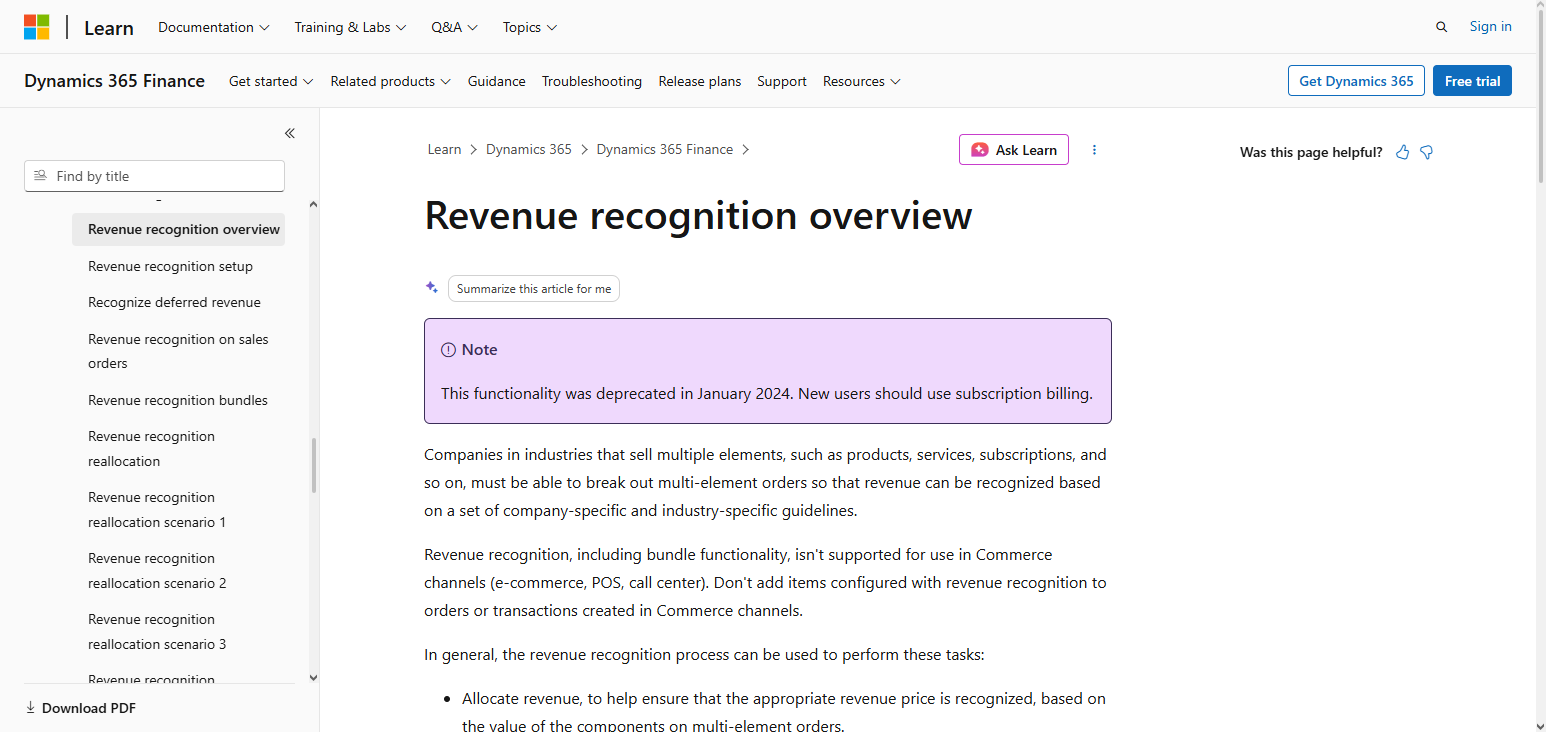
Some of the recent developments have been focused on improving the platform’s capacity to deliver AI-driven financial insights with automated workflows.
Such improvements have made it possible to handle highly dynamic situations, especially for enterprises with evolving revenue models based on SaaS.
Microsoft Dynamics 365 Finance Revenue Recognition Capabilities
- Revenue Recognition Automation: Simplifies contract-based revenue recognition.
- ASC 606 Compliance: Supports recognition in line with the accounting standard.
- AI Financial Analytics: Advanced revenue management analytics.
- Integration with Microsoft’s Business Applications: Collaboration with Microsoft’s business applications is an integral component.
- Flexible Revenue Operations: Estimation automation for scaling SaaS businesses.
| Pros | Cons |
|---|---|
| Integrates revenue recognition with Microsoft business applications. | Advanced features may require Microsoft ecosystem expertise. |
| Supports ASC 606 compliant revenue allocation processes. | Implementation complexity varies depending on business needs. |
| Provides AI-powered financial insights and automation. | Licensing costs can increase with additional features. |
| Scales effectively for growing enterprises. | Customization may require technical development resources. |
| Offers strong ERP and financial management integration. | Smaller businesses may find it feature-heavy. |
Conclsuion
In conclusion, Revenue Recognition Platforms Automating ASC 606 SaaS Compliance provide businesses with the tools to address complicated issues around revenue, improve the overall accuracy of financial records, and address issues with regulatory compliance.
These tools automate the management of contracts, the scheduling of revenue, and reporting with a significant reduction in accounting workload.
The growth of SaaS models means that organizations implementing Revenue Recognition Platforms gain a competitive advantage with improved visibility, rapid reporting, and robust financial operations.
FAQ
How do Revenue Recognition Platforms automate ASC 606 compliance?
They automate contract analysis, revenue allocation, performance obligation tracking, and recognition schedules according to ASC 606 guidelines.
What features should businesses look for in revenue recognition software?
Important features include automated revenue scheduling, contract management, deferred revenue tracking, reporting dashboards, and ERP integrations.
Can Revenue Recognition Platforms handle subscription-based business models?
Yes, these platforms are designed to manage recurring billing, renewals, upgrades, and complex SaaS subscription revenue structures.
What are the benefits of automating revenue recognition?
Automation improves accuracy, reduces manual accounting work, speeds up financial closing, and enhances compliance management.