By using this site, you agree to the Privacy Policy and Terms of Use.
Accept
CoinworldstoryCoinworldstoryCoinworldstory
  • HOME
  • CRYPTO
    • AI
    • BOTS
    • ICO
    • AIRDROP
      • Featured Airdrops
    • Price Prediction
    • EXCHANGE
      • Best Centralized Exchange List 2026
      • Best Decentralized Exchange List 2025
    • ALTCOIN
    • Alt Coin Signal
    • Crypto Analysis
    • Bitcoin Loan
    • Bitcoin Mining
    • WALLETPRO
  • PR
    PR
    If You Looking For Submit Cryptocurrency Press Releases Than Coinworldstory Is Best Choice For Crypto Press Release Submission
    Show More
    Top News
    Vite
    Vite Prepares For Launch In Mauritius
    2 years ago
    Bankcoinreserve.io Review : Digitally Mined Crypto Assets/Commodities
    Bankcoinreserve.io Review : Digitally Mined Crypto Assets/Commodities
    5 years ago
    ENTER Art Fair 2021 And SpaceSeven Unveil The Nordic’s First NFT Marketplace Powered By Concordium
    2 years ago
    Latest News
    BitMart x $EAT Trade-to-Feed Competition to Pay Out $4.4M USDT to Traders in May 2026
    1 day ago
    AxeCasino to Attend iGB L!VE 2026 Following Front-End Update Focused on Usability and Cross-Device Performance
    1 day ago
    PoW to PoS to PoB: Nexus AiCOS Defines “Proofs of Behavior” as the On-Chain Credit Standard on Base
    2 days ago
    PalWallet to Showcase Stablecoin Settlement Infrastructure at Money20/20 Europe 2026
    2 days ago
  • NEWS
    • Mining
    • Altcoins
    • Ban
    • BANKING/FINANCE NEWS
    • Bitcoin
    • Blockchain
    • CRYPTO CRIME
    • Ethereum
    • Exchange News
    • Government News
    NEWSShow More
    10 Apps That Show What You Should Have Done Instead
    10 Apps That Show What You Should Have Done Instead
    1 month ago
    10 Best Crypto Conferences to Attend in 2026
    10 Best Crypto Conferences to Attend in 2026
    1 month ago
    Emerging Markets Favor Stablecoins Over Bitcoin
    Emerging Markets Favor Stablecoins Over Bitcoin
    2 months ago
    10 Solana DEXs With Lowest Slippage for Memecoin Trading
    10 Solana DEXs With Lowest Slippage for Memecoin Trading
    2 months ago
    10 Best Low-Interest Debt Consolidation Loans for Prime Borrowers
    10 Best Low-Interest Debt Consolidation Loans for Prime Borrowers
    3 months ago
  • MORE
    • Guide
    • Only Best
    • Off Topic
    • Best Affiliate Marketing
    • Best Affiliate Programs
    • BOTS
    • Trusted Currency Exchanger Platform
    • Blockchain Games
    • Metaverse Review : Best Metaverse Program Review
    • Online Survey
    • Payment Platform
  • VPN
  • Contact Us
Reading: How to Add Custom BNB Chain Tokens To Trust Wallet
Share
Notification Show More
Font ResizerAa
CoinworldstoryCoinworldstory
Font ResizerAa
  • ADVERTISEMENT
  • SUBMIT PR
  • CONTACT
  • GUEST POST
  • ABOUT US
  • DMCA
  • SITEMAP
  • DISCLAIMER
  • PRIVACY POLICY
Search
  • HOME
  • CRYPTO
    • AI
    • BOTS
    • ICO
    • AIRDROP
    • Price Prediction
    • EXCHANGE
    • ALTCOIN
    • Alt Coin Signal
    • Crypto Analysis
    • Bitcoin Loan
    • Bitcoin Mining
    • WALLETPRO
  • PR
  • NEWS
    • Mining
    • Altcoins
    • Ban
    • BANKING/FINANCE NEWS
    • Bitcoin
    • Blockchain
    • CRYPTO CRIME
    • Ethereum
    • Exchange News
    • Government News
  • MORE
    • Guide
    • Only Best
    • Off Topic
    • Best Affiliate Marketing
    • Best Affiliate Programs
    • BOTS
    • Trusted Currency Exchanger Platform
    • Blockchain Games
    • Metaverse Review : Best Metaverse Program Review
    • Online Survey
    • Payment Platform
  • VPN
  • Contact Us
Have an existing account? Sign In
Follow US
© 2022 Foxiz News Network. Ruby Design Company. All Rights Reserved.
Home » Blog » How to Add Custom BNB Chain Tokens To Trust Wallet
Guide & Crypto Education

How to Add Custom BNB Chain Tokens To Trust Wallet

Gixona
Last updated: 19/10/2025 5:45 PM
Gixona
6 months ago
Share
Disclosure: We are not a registered broker-dealer or an investment advisor. The services and information we offer are for sophisticated investors, and do not constitute personal investment advice, which of necessity must be tailored to your particular means and needs. !
How to Add Custom BNB Chain Tokens To Trust Wallet
SHARE

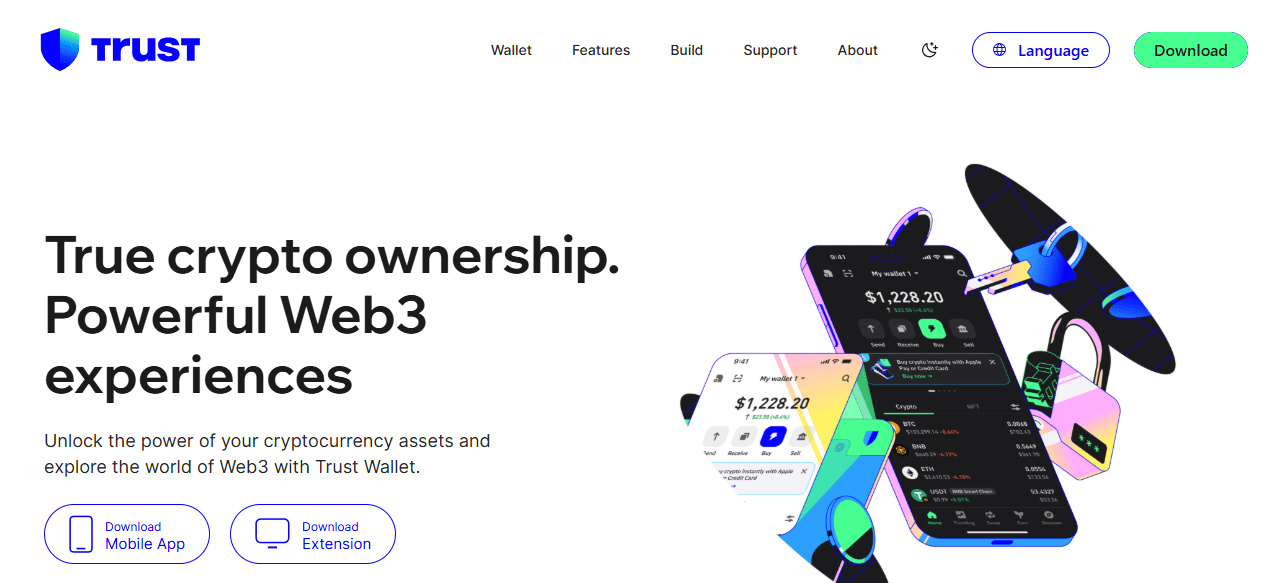
In this article, I will explain the process of adding custom BNB Chain tokens to Trust Wallet. Since many tokens are not automatically available in the wallet, it is important to add them manually.

Contents
  • What is a Custom BNB Chain token?
  • How To Add Custom BNB Chain Tokens to Trust Wallet
    • How To Add Custom BNB Chain Tokens to Trust Wallet
    • Open Trust Wallet
    • Go to the Wallet Tab
    • Search for the Token
    • Add Custom Token
    • Enter Token Details
    • Save the Token
    • Verify Your Token
    • Optional: Troubleshoot Issues
  • Avoiding Scams When Adding Tokens
  • Tips and Best Practices
  • Common Issues and Troubleshooting
  • Conclsuion
  • FAQ

I will provide a step-by-step guide on how to find the token details, input them accurately, and confirm that your assets are safely displayed so that you can manage your BNB Chain tokens without any worries.

What is a Custom BNB Chain token?

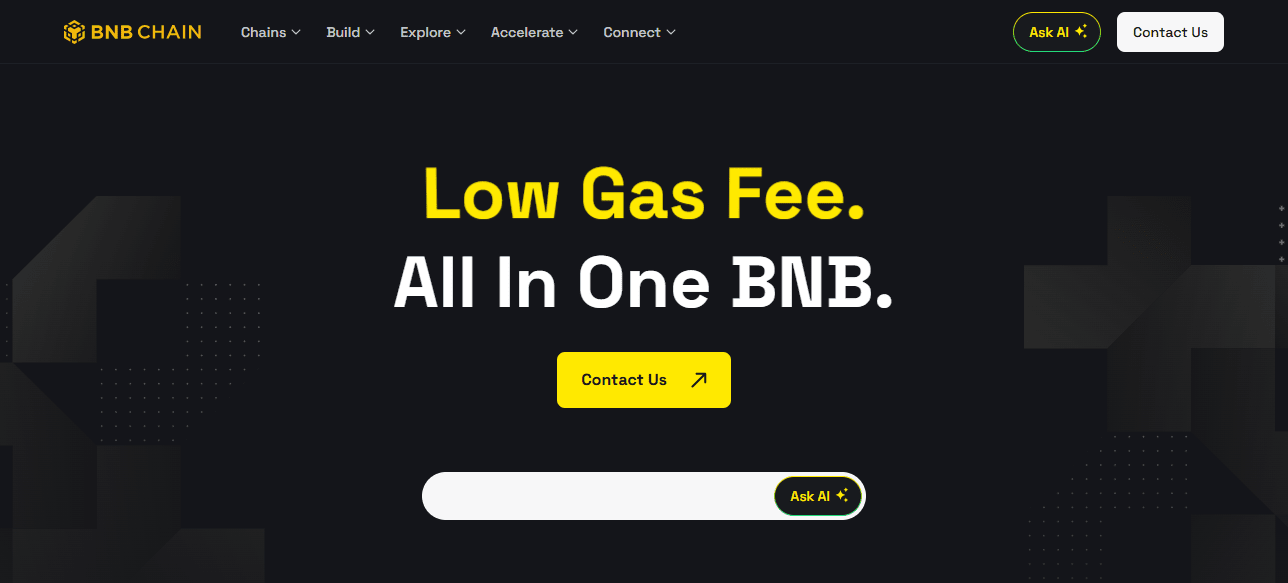
A custom BNB Chain token is a cryptocurrency built on the BNB Smart Chain (BEP-20) that doesn’t get listed on wallets such as Trust Wallet automatically.

These token types are frequently developed by DeFi (decentralized finance) start-ups or smaller community projects.

- Advertisement -

Since these tokens are not preloaded in the wallets, users must add them manually by filling in the token’s contract address, name, symbol, and decimals.
What is a Custom BNB Chain token?

This process ensures that token holders are able to see their balance and have the ability to send and receive the custom token safely.

To avoid scams, rewards, or lost funds, contract addresses and other pertinent details must always be verified and retrieved from reliable vendors.

How To Add Custom BNB Chain Tokens to Trust Wallet

How To Add Custom BNB Chain Tokens to Trust Wallet
How To Add Custom BNB Chain Tokens to Trust Wallet

Open Trust Wallet

  • Open Trust Wallet on your mobile device.
  • Your wallet should be secured with a password or biometrics.

Go to the Wallet Tab

  • Click on the Wallet tab to see your assets in the bottom section of your screen.

Search for the Token

  • Click on the search bar and see if the token is listed in the wallet.
  • If it isn’t listed, you should add it yourself.

Add Custom Token

  • Click the “+” icon or the “Add Custom Token.”
  • The network must be BNB Smart Chain (BEP-20).

Enter Token Details

  • Contract Address: (BscScan, CoinMarketCap, project website) and paste the link with the official contract address.
  • Name: Add the token’s name with the same name you listed.
  • Symbol: Name the token’s sign (ABC for example).
  • Decimals: It is 18 most times, check and confirm from the official source.

Save the Token

  • Tap Done or Save.
  • Your token will now show up in your wallet along with your balance.

Verify Your Token

  • Confirm that the token balance is displayed.
  • If not, recheck the contract address and the network you are using.

Optional: Troubleshoot Issues

  • If the token still does not show up, refresh or restart Trust Wallet.
  • Make sure you are using the right BEP-20 contract address.

Avoiding Scams When Adding Tokens

Validate Addresses: Always verify the token contract addresses on reputable sites like BscScan or Etherscan before adding them to your wallet.

Assess Community Sentiment: Look at Reddit, Telegram, or Discord community discussions. Scam communities tend to be quiet, indicating potential red flags.

- Advertisement -

Identify Scam Clones: Fraudulent token schemes duplicate popular token names. Always verify the contract address and project to avoid fake tokens.

Risk Assess Transactions: Analyze token transaction histories with block explorers. Sudden spikes or concentrated addresses might suggest scams or pump-and-dump schemes.

Unsolicited Tokens: Delete and avoid tokens advertised in emails, texts, or social media. These aggressive approaches are a hallmark of scams.

- Advertisement -

Tips and Best Practices

How To Add Custom BNB Chain Tokens to Trust Wallet

Double-check Contract Addresses: Safeguard yourself from fraudulent tokens by verifying token contract addresses on official pages and sites like BscScan or CoinMarketCap.

Avoid Sending Funds to Unverified Tokens: Tokens that lack verification should never have BNB or other cryptocurrencies sent to them, or else they may be lost permanently.

Regularly Update Trust Wallet: Updates provide you with the most recent features, tokens, security improvements, and better compatibility with BNB Chain assets.

Common Issues and Troubleshooting

Double Checking: Check to see whether all the token’s details (contract address, name, symbol and decimals) are all accounted to prevent balances from going missing.

App Must Be Updated: Trust Wallet makes it easy to forget to update the app. Not having the most updated version will cause tokens not to display properly.

Support: Reach out to Trust Wallet Support in the case of unverified issues.

Conclsuion

In Conclusion, adding custom BNB Chain tokens to Trust Wallet enables secure management and tracking of lesser-known assets.

Always check contract addresses, use reliable sources, and keep your wallet updated to mitigate scam risks.

With these procedures and safety tips, adding, monitoring, and interacting with custom tokens while safeguarding your crypto investments is done with confidence.

FAQ

What is a custom BNB Chain token?

A token on BNB Smart Chain not listed by default in Trust Wallet.

Why add a custom token?

To view and manage tokens not automatically displayed in your wallet.

How do I find the contract address?

Check official project sites, CoinMarketCap, or BscScan.

What details are needed to add it?

Contract address, token name, symbol, decimals, and network (BEP-20).

How do I add it in Trust Wallet?

Go to Wallet → “+” → Add Custom Token → Enter details → Save.

Identity-as-a-Service: Passwordless Social Media Logins
10 Best Systems for Portfolio Regime Switching Models
10 No-Code AI Workflows to Scale Small Businesses to 7-Figures
10 AI Tools Turning Crypto Gains Into Everyday Spending
SocialFi: Monetize Micro-Influencer Communities With Keys
Share This Article
Facebook Email Print
Previous Article 10 Best Copy Trading Platforms In Indonesia for 2026 10 Best Copy Trading Platforms In Indonesia for 2026
Next Article Why Is My Swap Failing? Common Fixes For New Users Why Is My Swap Failing? Common Fixes For New Users

Find Us on Socials

Coinworldstory Ads

10 Best AI Cybersecurity Tools Every Business Needs 2026
Software
10 Best SaaS Tools for LinkedIn B2B Lead Generation Growth
Software
10 Top SaaS Tools for AI Video Generation & Editing Guide
10 Best SaaS Tools for Freelancer Invoice & Billing Automation
Software
10 Top SaaS Tools for AI Video Generation & Editing Guide
10 Top SaaS Tools for AI Video Creation & Editing Guide
Software

Latest Published

2026 Global Crypto Accord: Key Regulatory Impacts Explained

2026 Global Crypto Accord: Key Regulatory Impacts Explained

2 weeks ago
Passive Income Ideas: Earn Money While You Sleep

Passive Income Ideas: Earn Money While You Sleep

2 weeks ago
10 Generative Engine Optimization (GEO) Secrets for ChatGPT Ranking

10 Generative Engine Optimization (GEO) Secrets for ChatGPT Ranking

4 weeks ago
Decentralized Insurance Pools: Protect Against Smart Contract Risks

Decentralized Insurance Pools: Protect Against Smart Contract Risks

4 weeks ago
nexo banner
  • ADVERTISEMENT
  • SUBMIT PR
  • CONTACT
  • GUEST POST
  • ABOUT US
  • DMCA
  • SITEMAP
  • DISCLAIMER
  • PRIVACY POLICY
10 Best High Graphics Android Games for Phones with 4GB RAM
Trending
10 Best Travel Agency For Religious Tours Worldwide
Trending
10 Best AI Travel Agencies for Smart Trip Planning
Trending
CoinworldstoryCoinworldstory
Follow US
© Coinworldstory News Network. Cws Design Company. All Rights Reserved.
  • ADVERTISEMENT
  • SUBMIT PR
  • CONTACT
  • GUEST POST
  • ABOUT US
  • DMCA
  • SITEMAP
  • DISCLAIMER
  • PRIVACY POLICY
coinworldstory logo coinworldstory logo
Welcome Back!

Sign in to your account

Username or Email Address
Password

Lost your password?