This article talks about Signs Your Business Has Been Hacked and How AI Can Use Businesses to Detect Cyber Threats. We will look at important alerts such as; anomalies, system performance
degradation, and data mitigation while how AI can detect attacks before they inflict damage on the systems. In addition, we will shed light on how AI helps organizations to ensure better overall cybersecurity protection.
Key Poinst & Signs Your Business Has Been Hacked and How AI Can Help
- Unusual Account Activity: Unusual account activity indicates unauthorized logins; AI detects anomalies and blocks suspicious access immediately automatically
- Drastic Performance Drop: Drastic performance drop signals malware or overload; AI monitors system health and optimizes resources proactively
- Odd Network Traffic: Odd network traffic suggests data theft; AI analyzes patterns and stops suspicious connections in-real-time instantly
- Locked Files or Ransom Messages: Locked files or ransom messages indicate ransomware attack; AI isolates infected systems and prevents encryption
- Increased Phishing Attempts: Increased phishing attempts target employees; AI detects fraudulent emails and blocks malicious links efficiently automatically
- Disabled Security Software: Disabled security software indicates attacker control; AI restores protection tools and identifies tampering attempts quickly
- Unauthorized New Software/Plugins: Unauthorized new software or plugins signal breach; AI flags unknown installations and enforces application control
- Complaints from Clients: Complaints from clients indicate compromised communication or data leaks; AI detects breaches and alerts teams
- Missing or Altered Files: Missing or altered files suggest intrusion; AI monitors file integrity and restores backups automatically quickly
- Web Defacement or Blacklisting: Web defacement or blacklisting shows compromise; AI scans websites and restores security reputation fast instantly
10 Signs Your Business Has Been Hacked and How AI Can Help
1. Unusual Account Activity
Strange account behaviour is things like not recognised logins, password changes or access through devices / location that you don’t normally use.
It is often one of the first indicators that a company has been compromised. Cybercriminals can use the stolen credentials to stealthily navigate through systems before performing a larger attack.

AI security tools are capable of monitoring login activity, quickly detecting anomalies, and alerting admins in real-time.
This enables the quick prevention of unauthorized access and keeps you from losing sensitive data or having it misused.
| Feature | AI Capability |
|---|---|
| Real-time login tracking | Monitors all user sign-ins instantly |
| Behavior analysis | Detects unusual login locations or devices |
| Anomaly detection | Flags abnormal account usage patterns |
| Automated alerts | Sends instant notifications to admins |
| Access blocking | Stops unauthorized login attempts immediately |
2. Drastic Performance Drop
A sudden decline in the performance of a system or website might be a sign that they are under a cyberattack (e.g., being infected by malware or denial-of-service attack).
In addition, hackers can flood servers or execute hidden processes that consume resources. As a result, these lead to slow applications, crashes or downtimes.
The AI monitoring tools can evaluate performance patterns of the system, and identify any abnormal bloat ups in utilization.

AI identifies the root cause sooner, enabling businesses to respond faster and keep things running as smoothly as possible, with less interruption.
| Feature | AI Capability |
|---|---|
| System performance monitoring | Tracks CPU, RAM, and server load |
| Traffic spike detection | Identifies abnormal usage patterns |
| DDoS detection | Recognizes attack-based traffic overload |
| Root cause analysis | Finds source of performance issues |
| Auto scaling response | Adjusts resources to maintain uptime |
3. Odd Network Traffic
Abnormal or unusual network activity, which might include massive information transfers of data packets or even traffic to and from an obscure IP address can indicate a compromise.
This means hackers regularly funnel data out of the system or transmit and receive requests from external servers. It is well disguised by general traffic.

Such network security systems powered by AI are capable of continuously analyzing traffic patterns, detecting odd behavior and spotting suspicious connections in real-time.
This enables organizations to prevent malicious activity from doing more damage before sensitive data is exfiltrated, further compromising systems.
| Feature | AI Capability |
|---|---|
| Network flow analysis | Monitors all inbound and outbound data |
| IP reputation check | Identifies suspicious external connections |
| Data leak detection | Flags unusual data transfers |
| Pattern recognition | Detects hidden malicious communication |
| Threat blocking | Automatically blocks unsafe traffic |
4. Locked Files or Ransom Messages
If you find that files become unreadable suddenly or if you are receiving ransom messages, it might a ransomware attack.
As in Get Cyber Safe, hackers encrypt corporate data and then resistantly pay the paid. Such disruptions can be extremely detrimental in terms of operations and revenue as they are typically major financial losses.

By recognizing file encryption activity that appears out of the ordinary, AI cybersecurity tools can recognize ransomware habits early. Еy have to automatically isolated all the infected systems from preventing the propagation.
AI prevents access by detecting breaches early on, therefore minimizing damage and increasing the chances of procuring files that have not been archived in exchange for a ransom.
| Feature | AI Capability |
|---|---|
| File behavior monitoring | Detects mass encryption activity |
| Ransomware detection | Identifies malicious file-locking patterns |
| System isolation | Separates infected devices instantly |
| Backup activation | Restores clean versions of files |
| Threat containment | Prevents spread across network |
5. Increased Phishing Attempts
One of the most alarming warnings is an increase in phishing emails or fake messages aimed at employees.
They attempt to steal passwords or click on malicious links. Phishing activity is frequently upped as hackers prepare for bigger attacks.

With AI-powered email security systems, you can adapt and run analysis on the patterns followed in messages, flag suspicious content automatically and also block phishing attempts.
Additionally, it can train workers by detecting alerts for most dangerous emails minimizing human errors and increasing the understanding of cybersecurity about the whole organization.
| Feature | AI Capability |
|---|---|
| Email content scanning | Analyzes suspicious message patterns |
| Link verification | Detects harmful or fake URLs |
| Sender authentication | Validates email source legitimacy |
| Spam filtering | Blocks phishing emails automatically |
| User training alerts | Warns employees about risky emails |
6. Disabled Security Software
It could mean a hack if antivirus programs, firewalls or other security tools simply stop working. To move freely across a network, cybercriminals disable protection systems.
Meaning the business is open to more attacks. Tools built with AI security know when protective mechanisms have been disabled or fiddled with.
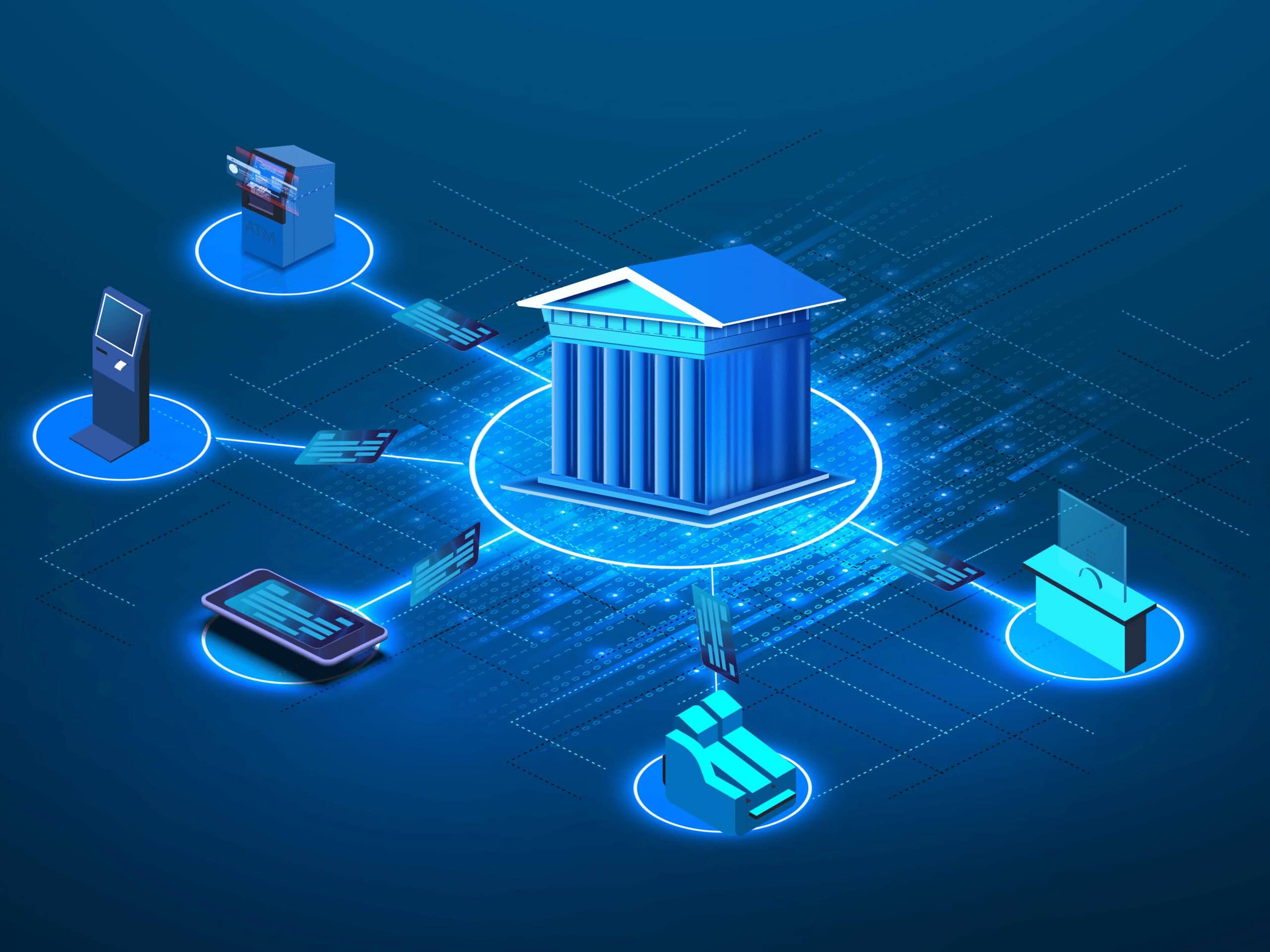
Visit for more related articles they can automated restoration mechanism of defenses or polices ανθρώπινα systems to what.
This prompt action provides ongoing defense and stops attackers from burrowing further into pivotal systems and data.
| Feature | AI Capability |
|---|---|
| Security monitoring | Tracks antivirus and firewall status |
| Tamper detection | Identifies disabled protection tools |
| Self-healing response | Restores security systems automatically |
| Intrusion detection | Flags attempts to shut down defenses |
| Emergency isolation | Secures affected systems instantly |
7. Unauthorized New Software/Plugins
Unknown software or browser plug-ins appearing is a major warning sign. Hackers might put on Spyware, Malware, or create backdoors into the systems to spy and steal data.
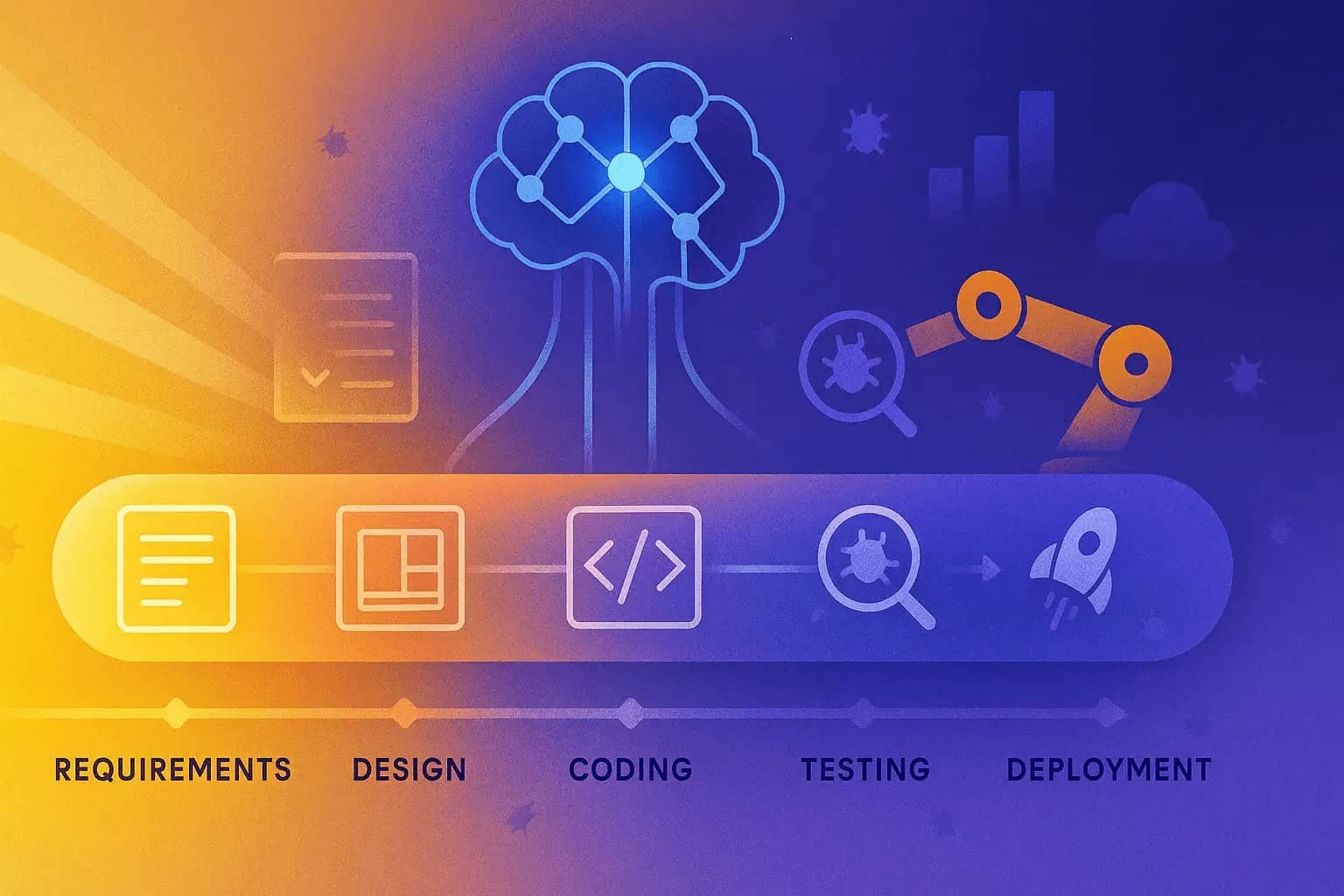
These changes might not be noticed by the employees instantaneously. AI-based endpoint security can help by regularly scanning devices for unauthorized installations and databases while comparing them with a list of approved software.
AI can notify administrators or even remove any suspicious applications automatically, reducing the risk of hidden threats that do not compromise business processes.
| Feature | AI Capability |
|---|---|
| Device scanning | Regularly checks installed applications |
| Whitelist enforcement | Compares software with approved list |
| Malware detection | Identifies hidden malicious programs |
| Behavior monitoring | Tracks suspicious app activity |
| Auto removal | Deletes unsafe software instantly |
8. Complaints from Clients
If clients describe getting weird emails, bogus invoices or unusual messages supposedly from your organization, it is likely a sign of a security incident.
Compromised accounts allow hackers to scam customers or damage trust. Such can be detrimental to the reputation of any given company.

Data up until October 2023 train your AI systems, meaning you are able to monitor outgoing communications for unusual activity and identify account compromise within minutes of happening.
Through identifying and blocking suspicious activity, AI not only prevents fraud but also maintains client relationships, as well as the business’s integrity and credibility.
| Feature | AI Capability |
|---|---|
| Communication monitoring | Tracks outgoing emails/messages |
| Account compromise detection | Identifies hacked accounts early |
| Fraud pattern recognition | Detects fake invoices or messages |
| Reputation protection alerts | Warns about abnormal client interactions |
| Security audit logs | Helps trace breach sources |
9. Missing or Altered Files
Sign of Cyber breach if Important Files Are missing, renamed or altered without permission. Data may be deleted or modified to obstruct operations, or conceal intruder activity.
As a result, we may lose data, and there’d be confusion in the organization. File monitoring systems based on AI can monitor changes in real time and have version history.
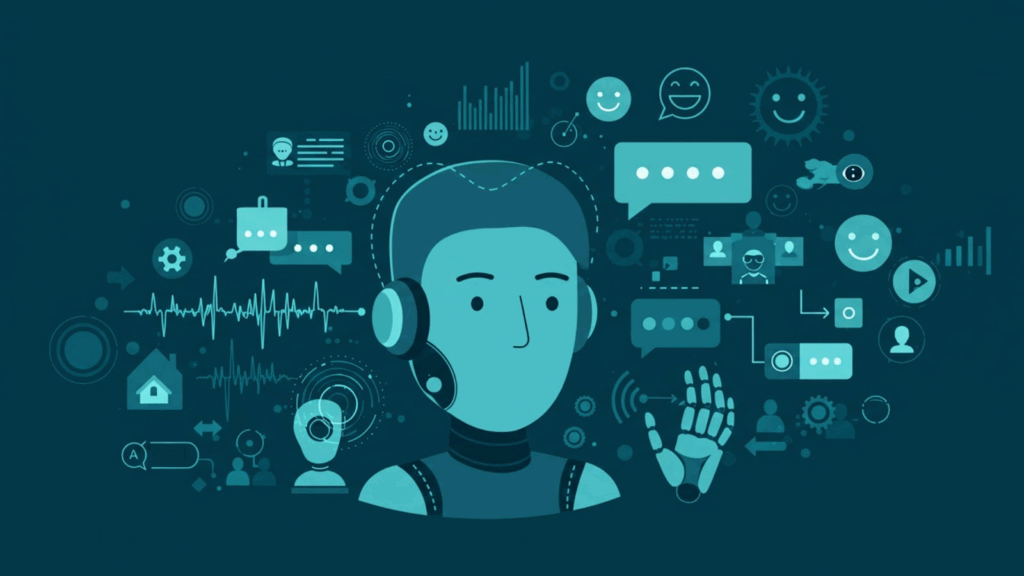
By noting unauthorized changes faster and enabling back up recoveries, they help businesses reinstate data integrity and keep day-to-day operations running comfortably.
| Feature | AI Capability |
|---|---|
| File integrity monitoring | Tracks changes in real time |
| Version control | Maintains backup file history |
| Unauthorized change detection | Flags edits or deletions |
| Recovery automation | Restores original file versions |
| Audit trail reporting | Logs all file activities |
10. Web Defacement or Blacklisting
Hacking is defined as changing the way your website looks or acts when users visit it, and blacklisting means that search engines deems a site to be unsafe.
Both are serious indicators that a security breach occurred. This attacks erodes trust, and decrease traffic.
They can also continuously scan the websites for unauthorized changes, malware injections etc.

They are also capable of sending out an alert to administrators that they may be about to blacklist the domain before it happens. Identify AI early for faster recovery of sites, brand reputation management and safer surfing for users.
| Feature | AI Capability |
|---|---|
| Website integrity scanning | Detects unauthorized content changes |
| Malware injection detection | Finds malicious code in websites |
| Blacklist monitoring | Tracks search engine safety status |
| Real-time alerts | Notifies admins of website attacks |
| Auto recovery tools | Restores original website version |
Why does system performance drop during a cyberattack?
Overload of servers: Hackers bombard the server with dozens of proxy requests (DDoS attacks), causing a malfunction.
Unprivileged Processes: Attackers run scripts or tools to exhaust system resources.
Data Encryption (ransomware): The file-locking processes use heavy computing power and lag the system.
Network congestion: outgoing data transfer of stolen records results in more traffic and makes it slower.
Strain on security tools: A simultaneous attack causes antivirus and monitoring systems to work overtime, degrading performance.
Database Issues: Applications and websites are slowed down by corrupt or excessive queries.
Conclusion
In cocnsluion Make no mistake, the key to protecting any business from severe damage is spotting and dealing with early signs of a cyberattack.
Never dismiss abnormal symptoms such as strange activity, slow systems and data loss. AI based Security tools are designed to detect attacks in real time, mitigate breaches proactively and respond faster than traditional techniques.
The Bottom Line: Pairing Awareness with AI Protection Leads to Better Cyber Security, Lesser Risks and More Safety in Business Operations.
FAQ
How can unauthorized software indicate a breach?
Unknown apps or plugins may contain malware or backdoors installed by attackers to spy on systems or steal data.
What does missing or altered files mean?
It may indicate hackers are deleting or modifying data to disrupt operations, cover their tracks, or demand ransom.
How does AI improve phishing protection?
AI analyzes email content, sender behavior, and links to block phishing attempts before they reach employees.
Why is increased phishing activity dangerous?
Phishing emails trick employees into revealing passwords or clicking harmful links, which can lead to full system compromise.