In this article, I am going to tell you about the Best SaaS Tools for Remote Management of your teams where ever they are present and deliver better collaboration, communication, and productivity for distributed teams.
Making it easy to track tasks, plan projects and collaborate in real-time from anywhere in the world. Find out the best tools that help modern teams
Why Are SaaS Tools Important for Remote teams?
- Allow for real-time communication via different locations and time zones
- Enhance collaboration with shared documents, chat and video meetings
- Centralize project management to record tasks with deadlines
- Get more done with less effort and quicker workflows
- Cloud platforms give access to your work so that the teams can work from anywhere but without compromising security.
- Improve transparency with visible progress tracking and updates
- Enable integration with other tools for smooth functioning
- Cut down on expenses by eliminating the need for conventional office infrastructure
- Use cloud systems that are encrypted and managed to improve data security
Key Poinst & Best SaaS Tools for Remote Team Management
Slack Enables real-time team communication using channels, integrations, and organized messaging for remote collaboration.
Microsoft Teams Combines chat, video meetings, file sharing, and Office apps for unified workplace collaboration.
Asana Helps teams manage tasks, track projects, assign responsibilities, and improve workflow visibility efficiently.
ClickUp All-in-one platform offering task management, docs, goals, and automation for remote productivity.
Notion Provides workspace for notes, databases, wikis, and project tracking in one flexible tool.
Trello Uses visual Kanban boards for simple task organization, progress tracking, and easy team coordination.
Zoom Delivers high-quality video meetings, webinars, and screen sharing for seamless remote communication globally.
Monday.com Offers customizable workflows, dashboards, and automation to streamline project management across distributed teams.
Google Workspace Integrates Gmail, Drive, Docs, and Meet for collaborative cloud-based productivity and communication.
Basecamp Simplifies team management with messaging, to-do lists, schedules, and centralized project organization tools.
10 Best SaaS Tools for Remote Team Management
1. Slack
Slack is a popular communication SaaS tool that remote teams use for real-time collaboration. It separates discussions into channels organized by project, department, or topic of conversation; this structured workflow allows users to follow and track the resulting discussions.

Increased productivity for teams teams can share files and integrate third-party apps, automating workflows.
Slack supports direct messages, voice calls, and video calls to keep things running smoothly. Its robust search capabilities allow users to search quickly through past messages as well as resources that were shared across teams.
| Pros | Cons |
|---|---|
| Excellent real-time communication with channels | Can become noisy with too many messages |
| Strong integrations with third-party apps | Free plan has limited message history |
| Easy file sharing and collaboration | Notifications can be distracting |
| Powerful search for past conversations | May require paid plan for advanced features |
2. Microsoft Teams
Microsoft Teams is an integrated collaboration platform with chat, video meetings and calls, file sharing & app integration.
It is embedded in Microsoft 365 apps such as Word, Excel and PowerPoint so document collaboration becomes frictionless.
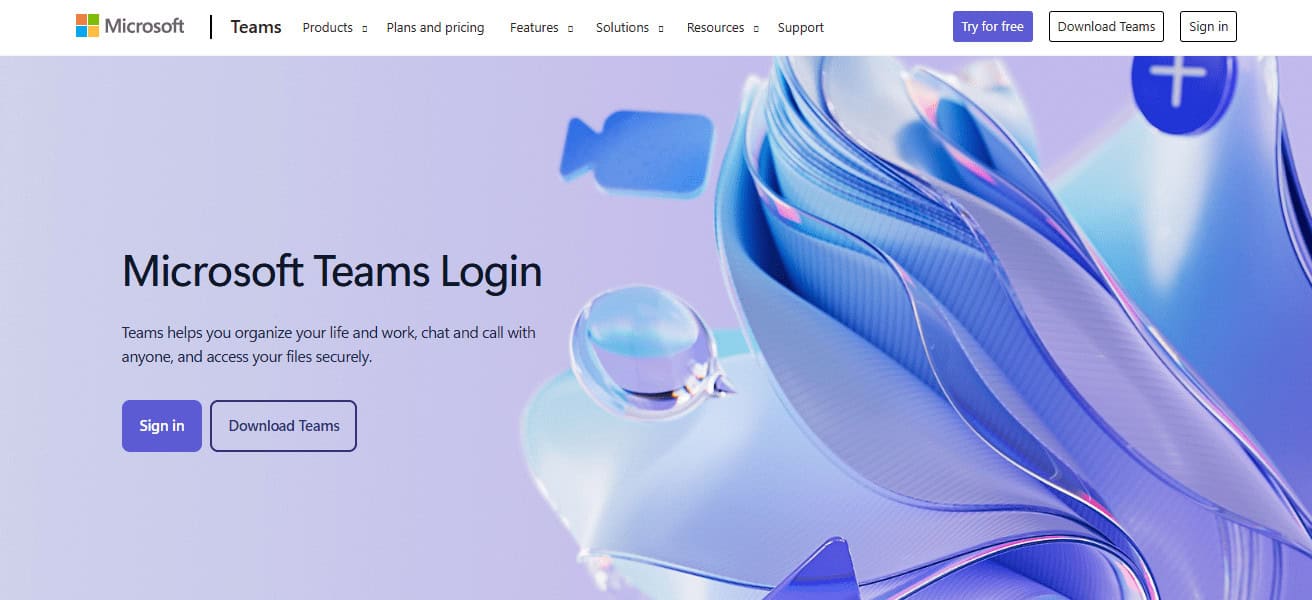
Meeting organizes and dedicated channels assistance where remote teams can work real time. It also works well for big conference sessions and provides enterprise-grade security.
Teams enables organizations to secure streamlined communications while making distributed work environments more efficient.
| Pros | Cons |
|---|---|
| Deep integration with Microsoft 365 tools | Can feel complex for new users |
| Supports video meetings and large webinars | Requires strong system resources |
| Enterprise-grade security and compliance | Interface may feel cluttered |
| Good for structured corporate communication | Setup can be time-consuming |
3. Asana
Asana is a SaaS project management tool for organizing, tracking, and managing remote work. It enables people to add a task, sub-task, collaborate, set due dates and visualise progress through dashboards.

Split large projects into smaller manageable steps for clarity. Asana also includes timeline views, automation tools, and integrations with other software.
This facilitates accountability, reduces confusion, and ensures that projects remain on track in an efficient manner.
| Pros | Cons |
|---|---|
| Excellent task and project tracking system | Can be overwhelming for beginners |
| Visual dashboards improve clarity | Advanced features require paid plans |
| Strong deadline and workflow management | Limited offline functionality |
| Supports automation and integrations | Interface may feel complex for simple tasks |
4. ClickUp
ClickUp is an everything-in-one productivity platform, created specifically for remote team management and collaboration.
Bringing task management, document sharing, goal tracking and automation all under one workspace. Teams can set up workflows for their needs and work on several projects with ease.

ClickUp provides list, board and calendar views to help you stay organized. It leverages robust integrations and automation capabilities to minimize manual effort, increase efficiency and boost overall productivity–especially in distributed environments.
| Pros | Cons |
|---|---|
| All-in-one platform for tasks and docs | Steep learning curve for new users |
| Highly customizable workflows | Can feel overloaded with features |
| Strong automation and productivity tools | Performance may slow with large projects |
| Multiple task views available | Setup requires time and configuration |
5. Notion
Notion is an all-in-one workspace SaaS tool that nails notes, databases, wikis and project management. This is helpful for remote teams because it allows them to tailor workflows and make organization around information.
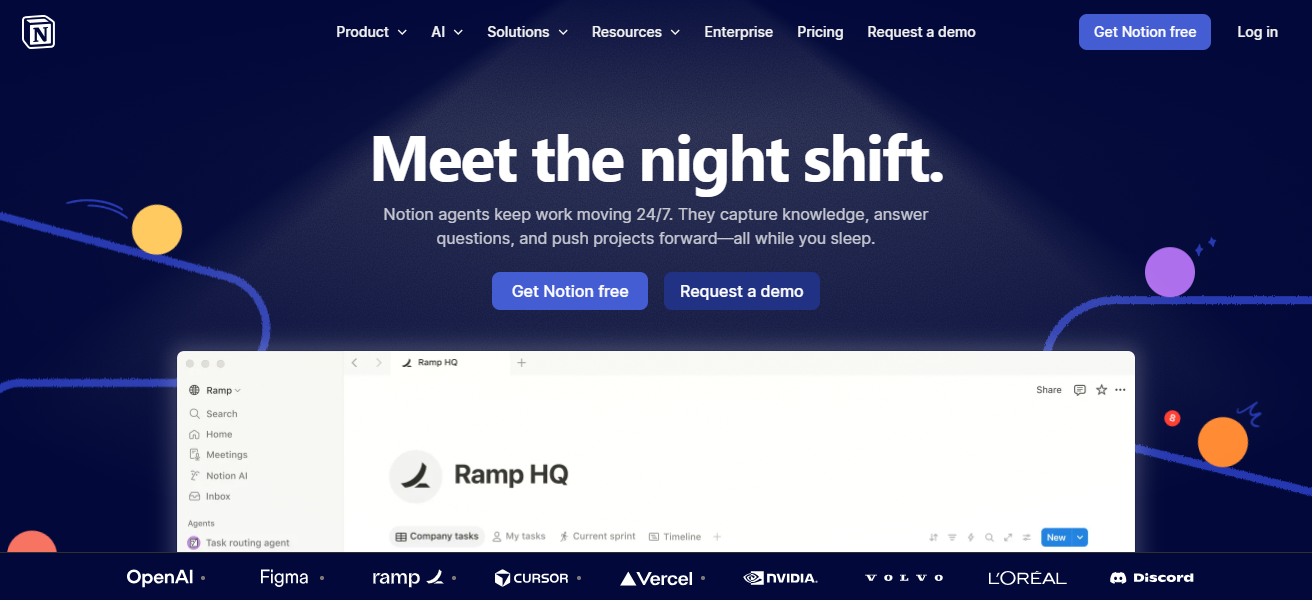
Collaborate in real time, share documents, and establish internal knowledge bases. There are templates supported in Notion and you can start setting up your projects really fast.
Because of this, it is a one-stop shop if you appreciate simplicity where teams also would like to document and plan together.
| Pros | Cons |
|---|---|
| Flexible workspace for notes and databases | Can be confusing for beginners |
| Great for documentation and wikis | Limited advanced project tracking features |
| Real-time collaboration support | Offline mode is limited |
| Highly customizable templates | Requires setup time for structure |
6. Trello
Trello is a visual project management tool that organizes tasks and other workflows using Kanban boards.
The platform allows for remote teams to generate cards that represent actionable tasks, move those cards across lists (e.g. further through the pipeline) and monitor progress all in one single place. It is easy, straight-forward and perfect for small to medium projects.

Best known for its integration, automation, and collaboration features that boost productivity as well. With drag-and-drop interface, it is easy to manage tasks and assists evolving teams do real work without the complexity or learning curves.
| Pros | Cons |
|---|---|
| Very easy to use and beginner-friendly | Limited advanced project management tools |
| Visual Kanban board system | Not ideal for complex workflows |
| Good for small teams and simple projects | Free plan has restrictions |
| Supports integrations and automation | Lacks deep reporting features |
7. Zoom
Zoom – SaaS platform used worldwide for remote meetings, webinars and virtual collaborations. QMC offers great video and audio call quality on low bandwidth connections.

Teams allows screen sharing and meeting recordings, with breakout rooms for discussion. Zoom includes the ability to host big events, making it ideal for corporations and schools.
Being a stable resource for remote communications among global teams, it has become an industry standard.
| Pros | Cons |
|---|---|
| High-quality video and audio calls | Free plan has 40-minute limit |
| Reliable even on low bandwidth | Security concerns in early versions |
| Easy screen sharing and recording | Requires stable internet connection |
| Supports large meetings and webinars | Can consume high system resources |
8. Monday.com
Monday. So here goes, work OS (operating system made for work) that you can customize to manage projects and your team is com.
This helps remote teams to visualise the process, track progress and manage tasks. Users can build dashboards, create automations for repetitive processes, integrate with other productivity tools. Monday.

The site enables collaboration, provides real-time updates and offers file sharing. Its versatility allows it to be adopted by different industries and assists teams in the organization, transparency of tasks & projects, and providing better control over deadlines.
| Pros | Cons |
|---|---|
| Highly customizable workflows | Can be expensive for small teams |
| Strong visual project tracking | Learning curve for beginners |
| Automation reduces manual work | Advanced features require premium plans |
| Excellent collaboration tools | Setup can take time |
9. Google Workspace
Google Workspace is a cloud-based suite of productivity tools: Gmail, Drive, Docs, Sheets and Meet, among others.
It allows teams from far away to write documents and communicate in real time. The files you save on the cloud is safer and can be accessed from any place easily.
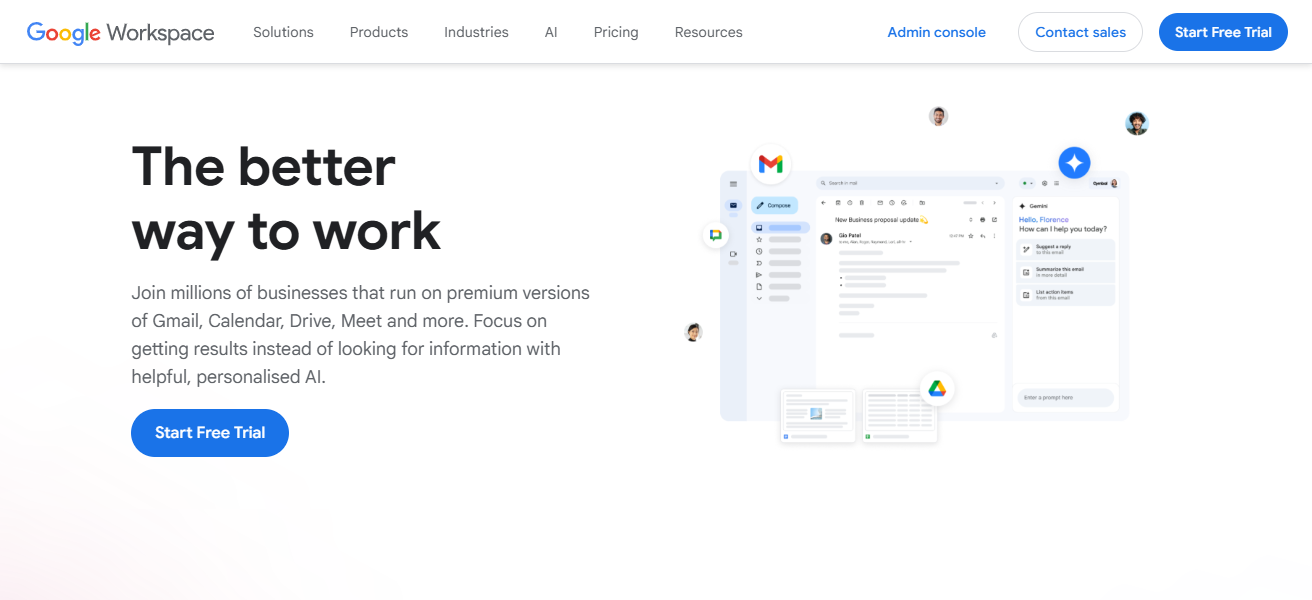
With Teams, teams can schedule a meeting, share files and edit them together in real-time. This highly integrated and very simple application makes it one of the most popular collaborative solutions for remote work internationally.
| Pros | Cons |
|---|---|
| Real-time document collaboration | Limited offline functionality |
| Easy integration across tools | Storage limits in lower plans |
| Cloud-based access from anywhere | Dependent on internet connection |
| Strong communication and productivity tools | Advanced admin control required for enterprises |
10. Basecamp
Basecamp — Simple projects tools & team communication. The app allows remote teams to manage projects, access files, and communicate in one place.
They feature to-do lists, message boards, schedules and document storage for each project. By bundling foundational building blocks in one platform, Basecamp minimizes the number of tools you need.
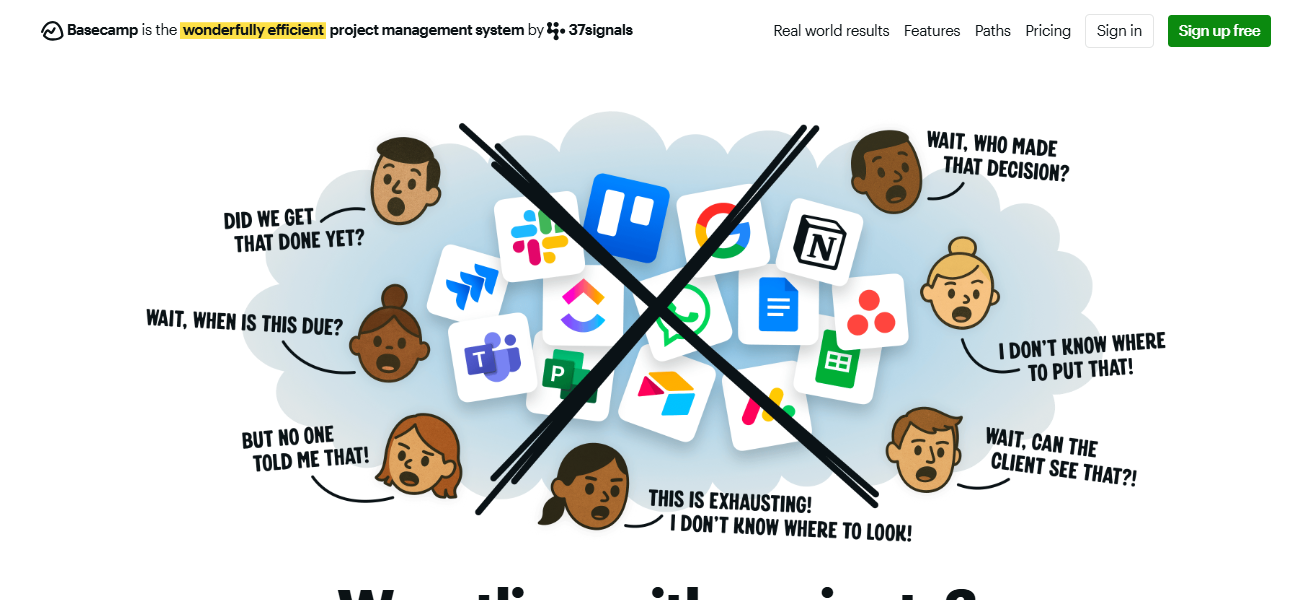
This is perfect for teams who do not want a complex and distracting application and focus on the organization, accountability, and communication.
| Pros | Cons |
|---|---|
| Simple and easy-to-use interface | Limited advanced project management features |
| Centralized communication and tasks | Lacks deep customization options |
| Reduces need for multiple tools | Not ideal for complex workflows |
| Good for team clarity and organization | Fewer integrations compared to competitors |
How We Choose Best SaaS Tools for Remote Team Management
Ease of Use We choose tools that have a simple interface so teams can adopt quickly without long training periods.
Collaboration Features We look for tools that makes chat, file sharing, video calls and collaboration as simple as possible.
Integration Support We only use SaaS tools that integrate seamlessly with widely-used apps such as Google Workspace, Slack and CRMs.
Pricing Value Robust features have to be offered even on the free or least expensive plans, so we analyze cost-effectiveness.
Security & Privacy Mainly we target platforms that have robust encryption, compliance standards and data protection features for remote teams.
Conclusion
The best tools for managing remote teams (SaaS) help businesses scale, allowing them to share ideas, enhance collaboration and productivity across distributed teams.
Tools such as Slack, Asana, ClickUp and Microsoft Teams generally provide useful automation in your workflows and task tracking.
These tools alleviate operational hassles, increase transparency and facilitate simultaneous collaborations.
Having optimal SaaS solution in place for teams, make your workflow operate better, and will consolidate those angles that help you long run with in remote teams, 2026 onwards.
FAQ
Which is the best communication tool for remote teams?
Slack and Microsoft Teams are widely used for real-time messaging and video collaboration.
Which tool is best for project management?
Asana, ClickUp, and Monday.com are popular for tracking tasks and managing workflows.
Is Notion good for remote teams?
Yes, Notion is great for documentation, notes, databases, and team knowledge sharing.
What is the easiest SaaS tool for beginners?
Trello is very simple with drag-and-drop boards, ideal for small teams and beginners.