In this post we will be looking to explore the Best SaaS Tools For Micro SaaS Products, which help entrepreneurs build, launch and grow small software businesses within days.
These tools could be for no-code builders, backend, payment systems, automation solutions… They shorten development timelines, reduce cost, increase accessibility and allow quick enablement of ideas into successful micro SaaS products today for both beginners and startups.
Key Points & Best SaaS Tools For Building Micro SaaS Products
Bubble – Bubble enables no-code web apps, allowing rapid micro SaaS development without traditional programming skills required.
Webflow – Webflow builds responsive websites visually, ideal for launching micro SaaS landing pages and marketing sites.
Stripe – Stripe provides payment infrastructure, enabling micro SaaS products to accept subscriptions and global payments easily.
Supabase – Supabase offers backend services like database, authentication, storage, helping micro SaaS scale quickly efficiently reliably.
Firebase – Firebase provides real-time database, authentication, hosting, simplifying backend development for micro SaaS applications efficiently reliably.
Airtable – Airtable organizes data in flexible spreadsheets, enabling easy no-code backend for micro SaaS tools creation.
Zapier – Zapier automates workflows by connecting apps, reducing manual tasks in micro SaaS operations significantly efficiently.
Make – Make enables advanced automation, visually building workflows that integrate tools for micro SaaS systems easily.
Carrd – Carrd creates simple one-page websites, perfect for validating micro SaaS ideas quickly and affordably online.
Softr – Softr turns Airtable into web apps, allowing fast no-code micro SaaS product development easily creation.
10 Best SaaS Tools For Building Micro SaaS Products
1. Bubble
Bubble is a no-code development platform that enables users to create fully operational web-based applications without writing code in the conventional sense.
This is especially useful for those founders with a micro SaaS idea who want to launch fast without much technical knowledge. Bubble provides drag-and-drop UI building, a built-in database and workflow automation tools.

This allows users to make anything from logic, user authentication to APIs integration all in one place. There are also support for plugins to extend the functionality.
Bubble helps change the game for entrepreneurs, as it saves tons of development time and cost, which is exactly what they need to test an idea, build an MVP or efficiently scale a micro SaaS product. by means of digital in a hot competition market nowadays.
| Pros | Cons |
|---|---|
| No-code platform for full web app development | Learning curve can be steep for beginners |
| Fast MVP and prototype creation | Performance issues in very large apps |
| Built-in database and workflows | Limited flexibility compared to custom coding |
| Strong plugin ecosystem for extensions | Can become expensive at scale |
2. Webflow
Webflow is a visual web design and development platform that allows you to build professional,responsive websites without writing any code.
Popular tool among micro SaaS founders to build landing pages, marketing sites, and product showcases. It integrates design flexibility with content management capabilities, enabling dynamic data representation and enhancement.

It also offers hosting, SEO optimization, and lightning fast performance features. The designers are visually managing every element, but generating clean HTML, CSS and JavaScript.
For SaaS builders Webflow is a no-brainer to quickly validate ideas, attract users and establish brand presence. It complements the gap between design creativity and production-ready web development seamlessly.
| Pros | Cons |
|---|---|
| Highly professional website design control | Not ideal for complex backend logic |
| No coding required for responsive sites | CMS limitations for large dynamic apps |
| Clean HTML, CSS output | Steep learning curve for advanced features |
| Built-in hosting and SEO tools | Pricing can be high for multiple projects |
3. Stripe
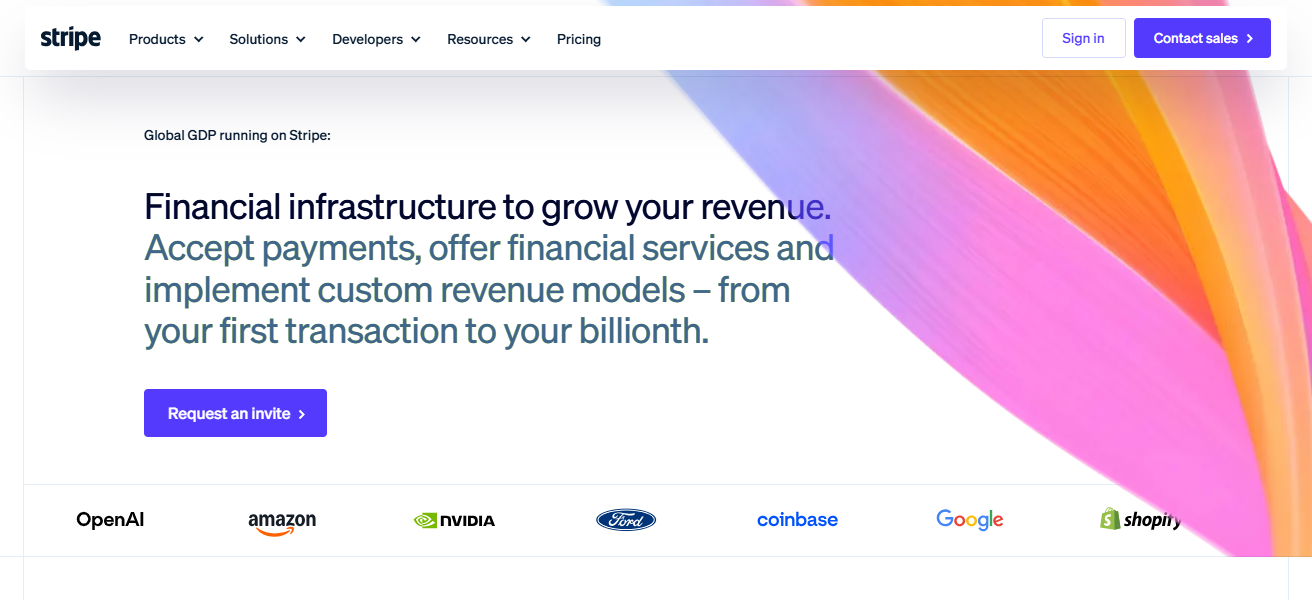
Stripe is a leading payment processing platform allowing micro SaaS businesses to accept online transactions, subscriptions & global payments effectively.
It comes up with high end APIs for connecting billing systems into web and mobile apps. Recurring payments, invoicing, fraud detection, and multi-currency are some of the features you will need for SaaS monetization that Stripe allows you to incorporate easily.
Developers can provide secured checkout systems along with subscription models out of the box. For startups, this is an advantage because its scalability allows startups to scale without having to change infrastructure.
Stripe is one of the micro SaaS critical components, as it can remove the heavy burdens from revenue collection and validation risk while accelerating payment growth together with a global infrastructure and developer-friendly tools.
| Pros | Cons |
|---|---|
| Easy integration for payments and subscriptions | Requires technical setup for APIs |
| Supports global currencies and payments | Transaction fees may be high for small startups |
| Strong security and fraud protection | Limited customization for checkout UI |
| Reliable and widely trusted platform | Account verification can take time |
4. Supabase
The open-source backend-as-a-service (BaaS) platform, Supabase allows for the essentials with database + storage + auth and realtime.
Technically a Firebase alternative with SQL and PostgreSQL support Supabase is ideal for micro SaaS developers, providing prebuilt APIs and scalable infrastructure that can be provisioned as needed.

This enables syncing of data in real-time, user management, and secure file storage. It is very developer friendly and fit easily with modern frontend frameworks.
By using Supabase, we will avoid having to build a backend from scratch at the expense of faster product development.
It is best for startups with the option to get products running fast in scalable SaaS space while staying in a data architecture that they control.
| Pros | Cons |
|---|---|
| Open-source backend with SQL support | Still evolving compared to Firebase |
| Real-time database capabilities | Requires some technical knowledge |
| Easy authentication and storage tools | Fewer third-party integrations |
| Scalable for modern SaaS apps | Performance tuning may be needed |
5. Firebase
Firebase — Firebase is a complete backend platform provided by Google, consisting of a real-time database, in addition to authentication, hosting (web apps and mobile apps), cloud storage and analytics.
It has grown to be so prevalent in micro SaaS development ensemble of easy use and scalable architecture.
The development complexity is low in backend development as Firebase helps developers to build applications without managing servers.

Real time DataBase like firebase update data to all user immediately. Perfect for collaborative apps. Advanced featuresFirebase integrates with Google Cloud services.
It helps determine the quality of product features and motive quickly increase business; provides fast deployment, secure authentication systems, and simply powerful analytics tools to track user behavior—for ultimate SaaS founders for maximum productivity growth in a brief period.
| Pros | Cons |
|---|---|
| Fully managed backend by Google | No SQL support (NoSQL limitation) |
| Real-time database updates | Can become expensive at scale |
| Easy authentication and hosting | Vendor lock-in with Google ecosystem |
| Strong analytics and monitoring tools | Complex pricing structure |
6. Airtable
Airtable is a cloud-based flexible platform that combines the presentation of spreadsheets with the capabilities of databases. Micro SaaS uses it a lot as a backend for development.
Provides no-code options to organize data, build workflows and relational databases. It has powerful integrations and automation, with an API accessible way into data held in Airtable.
Hundreds of thousands of SaaS founders use this to efficiently manage users, content, and product data. It simplifies data access for anyone without a technical background with its intuitive visual interface.

You see, where think Airtable is a real winner — or at least where it really excels for early stage SaaS products in particular — is that allows you to rapidly prototype,
iterate fast and collaborate seamlessly between teams (engineers can finally spend less time worrying about the data platform choices) all while keeping your structured: scalable system of record.
| Pros | Cons |
|---|---|
| Easy spreadsheet-like database system | Limited scalability for complex SaaS |
| No coding required for setup | Performance slows with large datasets |
| Great for collaboration and workflows | Advanced features require paid plans |
| Supports automation and integrations | Not a full backend replacement |
7. Zapier
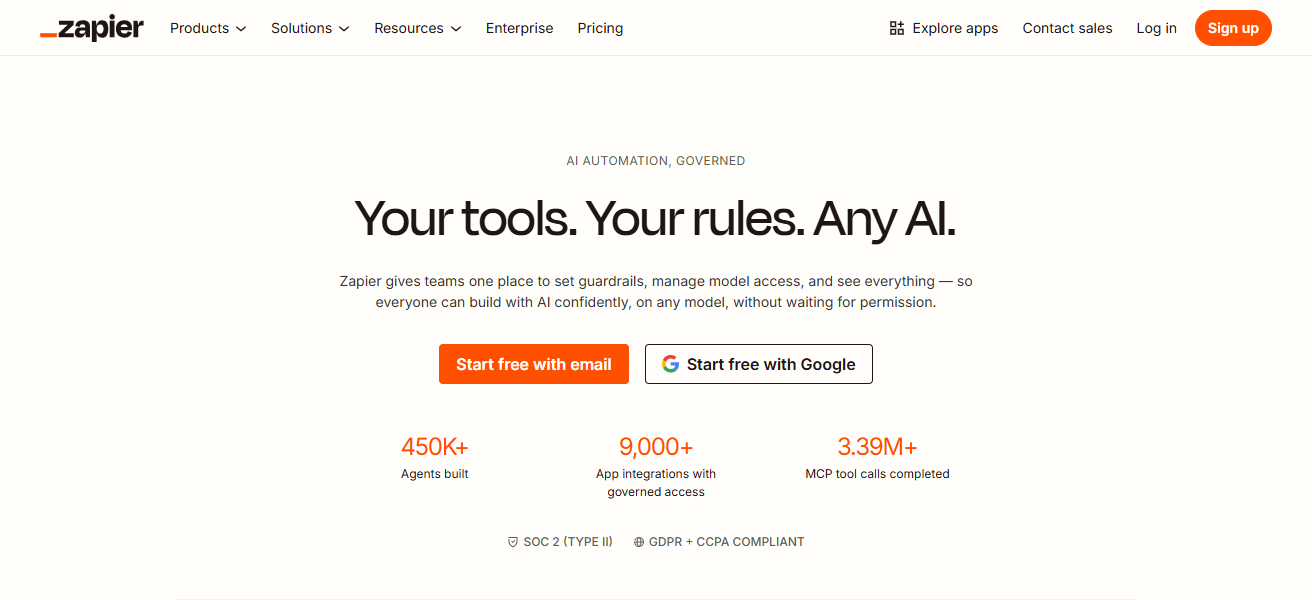
Zapier is an automation tool that automates workflows between web applications without any coding. It has a key position in the micro SaaS ecosystems because it eliminates many of the manual, repetitive and low-value steps.
Users can set up “Zaps,” which trigger actions between applications such as Gmail, Slack, Airtable, and CRMs.
For instance, when someone signs up as a new user, they might automatically be added to a database or an email list.
Makes it so flexible for builders of SaaS that integrate thousands of Zapier integrations. This boosts productivity, lower your operational overhead and provides better user experience.
Zapier plays a key role in that they help to automate backend processes for micro SaaS products so their founders can focus more on product and growth.
| Pros | Cons |
|---|---|
| Connects thousands of apps easily | Expensive for heavy automation usage |
| No-code workflow automation | Limited complex logic handling |
| Saves time by removing manual tasks | Task limits in lower plans |
| Easy setup for beginners | Delays in real-time processing |
8. Make
Make (formerly Integromat) — a visual automation platform that enables users to connect apps and automate workflows in minutes.
More than a simple automation tool, it allows fine-grained control over the logic, data flow, and conditions.
Besides, Micro SaaS founders have a wide range of use cases in which they use Make to automate their operations such as data syncs, notifications and API integrations.
Thousands of integrations and real-time execution tracking are supported by it. The workflow design is very powerful but intuitive at the same time due to its drag-and-drop interface.
Make is perfect for scaling SaaS operations with minimal development of bespoke backend systems. This reduces manual work and also helps in easy integration of different tools working together within a SaaS ecosystem.
| Pros | Cons |
|---|---|
| Advanced workflow automation tool | Slight learning curve for beginners |
| Visual drag-and-drop scenario builder | Interface can feel complex initially |
| Handles complex logic better than Zapier | Debugging workflows can be tricky |
| Cost-effective for high automation usage | Requires understanding of logic flows |
9. Carrd
Carrd — Simple, lightweight one-page website builder The Expat Market is used heavily by micro SaaS founders for landing pages, waitlists and MVP validation.
Carrd features drag-and-drop editing, a fully responsive layout and aggressive pricing. Users can set up sites that look highly professional within a matter of minutes with no technical information necessary.

It can integrate with tools like email marketing platforms and payment processors. When budding entrepreneurs are looking to validate whether there is a demand for their product idea or concept
Carrd provides the perfect tool to help test it before full development and momentum. By far, its simplicity, speed, and cost-effective nature renders it as one of the best tools for early-stage SaaS marketing and building an online presence fast!
| Pros | Cons |
|---|---|
| Extremely fast one-page website creation | Not suitable for multi-page apps |
| Very low cost for beginners | Limited customization options |
| Great for MVP and landing pages | No advanced backend features |
| Simple and beginner-friendly | Dependency on third-party integrations |
10. Softr
Softr is a no-code tool that turns your Airtable data into powerful web apps or SaaS products. This allows users to create portals, marketplaces and internal tools without coding abilities.
Softr comes with templates, user authentication, and dynamic content management features. It is extremely well-liked by micro SaaS founders that need to get products made and deployed quickly.
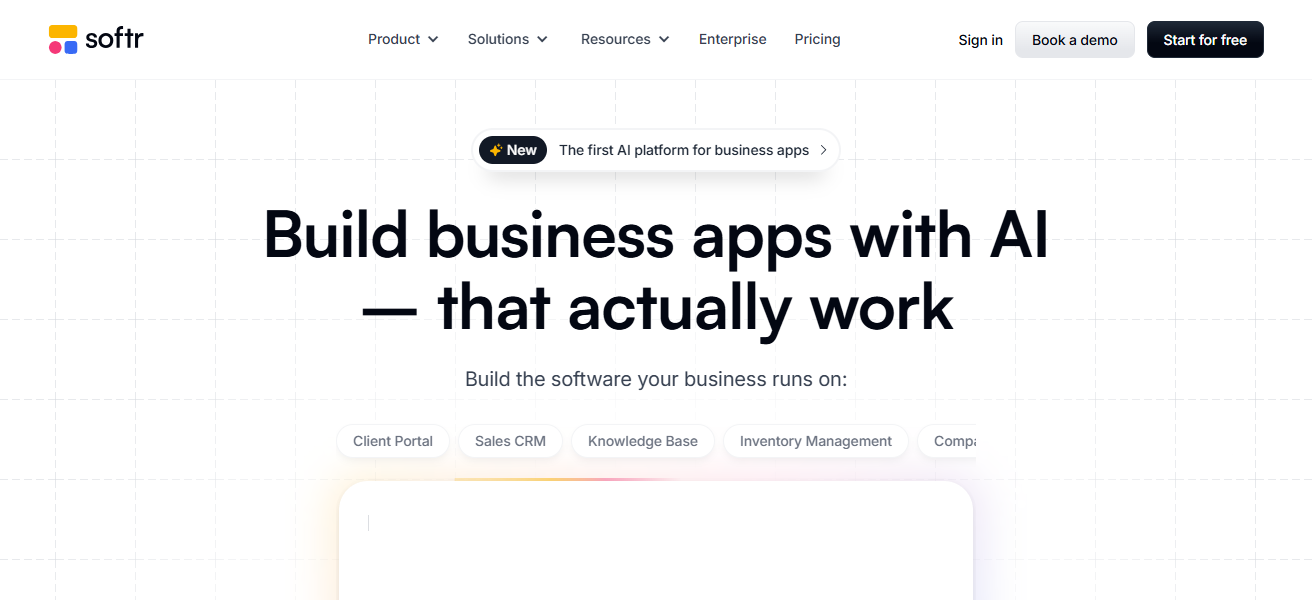
On this platform, with Airtable integration, data can be used in applications without delay. With Softr, you can avoid writing backend code and significantly speed up development time.
Great for entrepreneurs who want to start working SaaS products while focusing on user experience delivery and growth.
| Pros | Cons |
|---|---|
| Converts Airtable into full web apps | Limited design flexibility |
| No-code SaaS and portal creation | Performance depends on Airtable |
| Built-in authentication and templates | Not ideal for complex SaaS logic |
| Fast deployment for MVPs | Scaling limitations for large apps |
Conclusion
To summarize, Top SaaS Tools For Creating Micro SaaS Products give entrepreneurs the ability to develop scalable and profitable solutions in no time.
No-code platforms like Bubble or Webflow — backend tools like Firebase or Supabase and more. Each tool serves its part well. Combined, they make development easier, cheaper and faster to accelerate the growth of new SaaS businesses.
FAQ
Which is the best no-code tool for building Micro SaaS?
Bubble is widely considered the best no-code tool for building full-featured Micro SaaS applications quickly.
Can I build Micro SaaS without coding?
Yes, tools like Webflow, Bubble, Softr, and Airtable allow you to build Micro SaaS without coding skills.
Which tool is best for building landing pages?
Carrd and Webflow are excellent for creating fast, responsive, and high-converting SaaS landing pages.
What is Softr used for in Micro SaaS?
Softr converts Airtable data into fully functional web apps without coding, ideal for fast MVPs.