In this article, I will discuss the No-Code SaaS Tools That Replace Your Entire Dev Team, helping businesses build applications, automate workflows, and launch products faster without coding.
These tools are transforming how startups and enterprises operate in 2026, reducing development costs, speeding up deployment, and empowering non-technical users to create scalable, high-performance digital solutions without hiring traditional developers.
15 No-Code SaaS Tools That Replace Your Entire Dev Team
- Bubble enables building full-stack web apps visually without coding or developers.
- Adalo lets users create mobile apps with drag-and-drop components quickly and easily.
- FlutterFlow builds production-ready Flutter apps visually with Firebase integration and a scalable backend.
- Atoms offers no-code components to assemble apps faster with reusable building blocks.
- WeWeb creates responsive frontends visually, connecting APIs for dynamic web applications easily.
- Retool builds internal tools rapidly using prebuilt components, databases, and API integrations.
- Softr turns Airtable data into web apps with authentication and user roles.
- Glide converts spreadsheets into mobile apps with intuitive design and real-time updates.
- Stacker builds customer portals and internal apps on top of databases seamlessly.
- AppSheet Google creates apps from data sources with automation and machine learning.
- Zapier automates workflows by connecting apps, eliminating manual tasks and repetitive processes.
- Make provides automation scenarios with visual workflows, integrating apps and services efficiently.
- Xano delivers backend infrastructure without code, handling databases, APIs, and business logic.
- Webflow designs and launches websites visually with CMS, hosting, and responsive design.
- Framer builds high-performance websites with animations, interactions, and modern design without coding.
15 No-Code SaaS Tools That Replace Your Entire Dev Team
1. Bubble
Bubble — probably the most robust no-code platform for building an entire SaaS product. That allows users to build advanced web creations with inbuilt databases, workflows & API integrations.
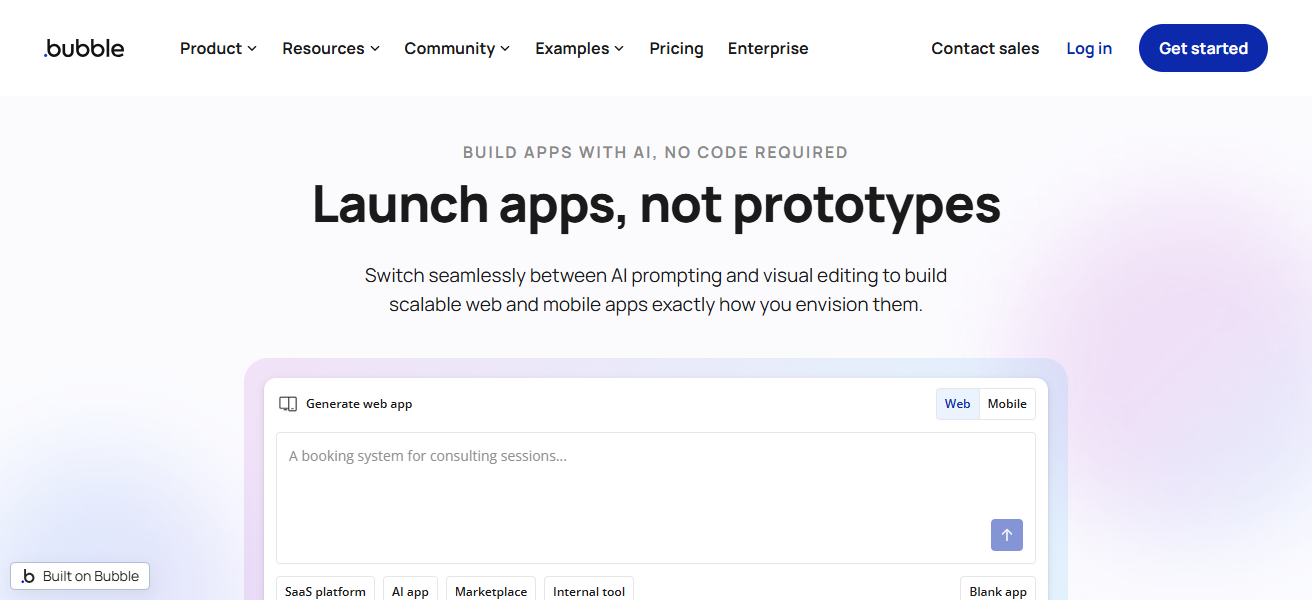
Bubble is an industry leader in the no-code ecosystem, building millions of applications for users over the past decade. But it has a learning curve — most can take 4–6 months to use it perfectly.
Even so, for marketplaces, CRMs, and dashboards, startups can’t get enough of Bubble because it has eliminated backend coding and frontend coding (and ultimately a lot of development costs).
| Pros | Cons |
|---|---|
| Full-stack development without coding, including database and workflows | Steep learning curve for beginners |
| Highly customizable for complex SaaS applications | Performance can slow with large-scale apps |
| Strong community and plugin ecosystem | Limited native mobile app support |
| No need for separate backend services | Debugging workflows can be difficult |
| Ideal for MVPs and scalable startups | Hosting is locked within the platform |
2. Adalo
Among the simplest no-code mobile app builders, Adalo is worth mentioning. You can publish directly to the app stores without knowing how to code. With more than 3 million apps created already, it is genius!
AI Innovation: It is driven by “Magic Start”, which helps you to create apps and speed up your layout and database generation process.
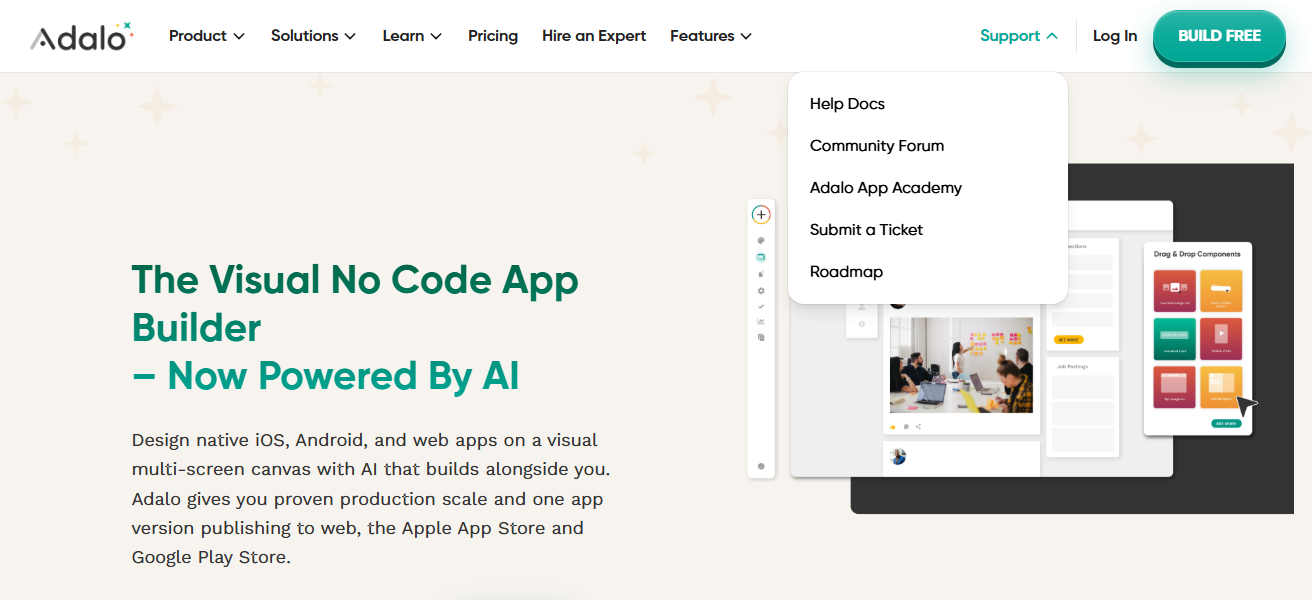
In late 2025, Adalo turned a significantly more performant infrastructure by as much as a factor of 3–4x, with apps scaling well north of 1M users.
This is what makes it great for startups that want to get up and running quickly without hiring developers.
| Pros | Cons |
|---|---|
| Easy drag-and-drop mobile app builder | Limited customization compared to advanced tools |
| Direct publishing to app stores | Performance issues in complex apps |
| Beginner-friendly interface | Fewer integrations than competitors |
| Built-in database simplifies development | Scaling beyond mid-level usage is challenging |
| Quick MVP development | Design flexibility is somewhat restricted |
3. FlutterFlow
FlutterFlow – Scale Your Mobile Apps and Export Code. By providing visual app building with unlimited code exports, FlutterFlow connects no-code and low-code.
This flexibility is why you may have seen a lot of technical founders using it, as this means scalability. It works with Firebase and external APIs, which allows more advanced backend logic.
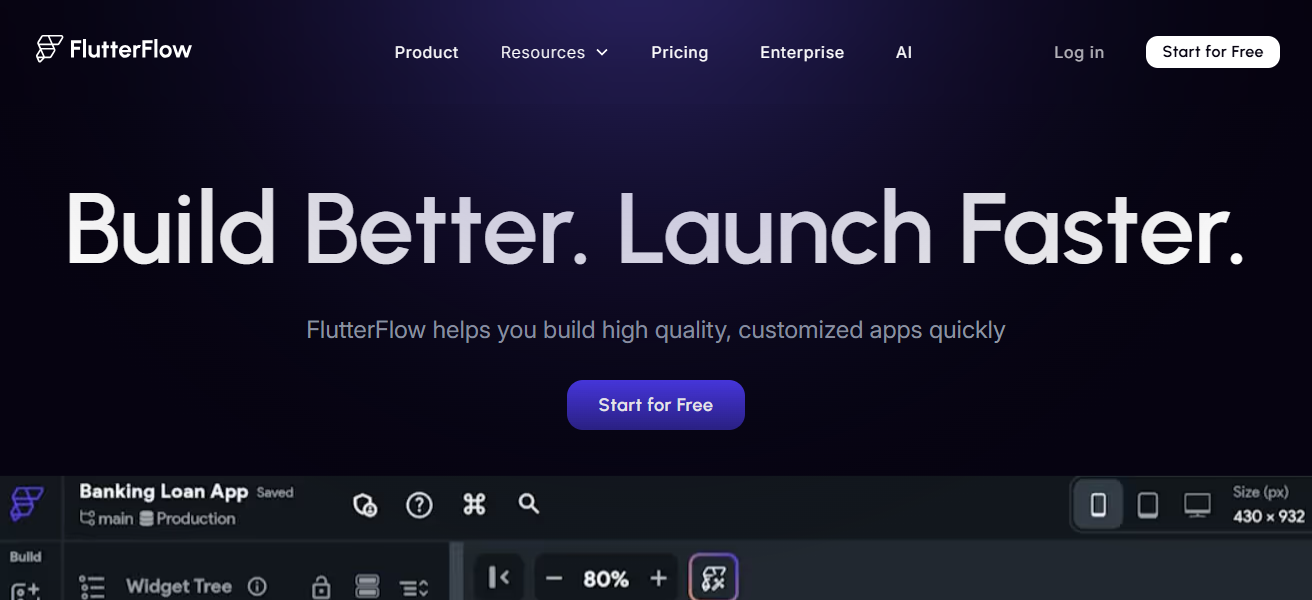
Unlike no-code tools that are available today, FlutterFlow puts developers in control of their codebase. But this means you have to manage the external databases, and that adds complexity.
However, it is still among the best options when speed and cost are on your mind for building scalable, usable mobile apps compared to a traditional development process.
| Pros | Cons |
|---|---|
| Generates production-ready Flutter code | Requires Firebase or external backend setup |
| Supports code export for flexibility | Slight learning curve for non-technical users |
| High-performance mobile apps | Advanced features need technical understanding |
| Strong API and backend integrations | UI customization can be complex initially |
| Suitable for scalable applications | Dependency on the Flutter ecosystem |
4. Atoms
Atoms leverages reusable components for modular development, allowing for the faster creation of applications. It allows users to use prebuilt blocks instead of starting from scratch to build a scalable application.
This approach cuts down development time quite a bit and does wonders for teams building several SaaS products.
In 2026, several companies are prioritizing quick wins due to efficiency, and Atomisis is rising. Its modular architecture helps ensure consistency between applications, thereby lowering maintenance expenses.
| Pros | Cons |
|---|---|
| Modular reusable components speed up development | Limited popularity and smaller community |
| Reduces repetitive development tasks | Fewer integrations compared to major tools |
| Consistent UI/UX across apps | Still evolving feature set |
| Efficient for multiple SaaS builds | Limited documentation availability |
| Faster deployment cycles | Not ideal for highly complex apps yet |
5. WeWeb
About WeWebWeWeb is a tool to build responsive frontends that integrate with any APIs and backend services.
It is one of the most broadly used no-code design tools to rapidly build a full-stack application alongside web back-end tools such as Xano without writing any code.
Developer communities show that WeWeb is already used in production SaaS stacks, supporting the notion that now, no-code tools are actually ready for enterprise use cases.
This flexibility enables developers to create elaborate user interfaces using Velox without sacrificing performance, making it a formidable option against older-type frontend frameworks such as React.
| Pros | Cons |
|---|---|
| Advanced frontend builder with API integrations | Requires an external backend like Xano |
| Highly responsive and customizable UI | Not beginner-friendly |
| Works well for production SaaS apps | Learning curve for workflows |
| Flexible design capabilities | Smaller ecosystem than competitors |
| Integrates with multiple backend services | Debugging can be complex |
6. Retool
Retool is a low-code platform for rapidly building internal business tools. It is used by companies to create dashboards, admin panels, and workflow systems by connecting databases & APIs.
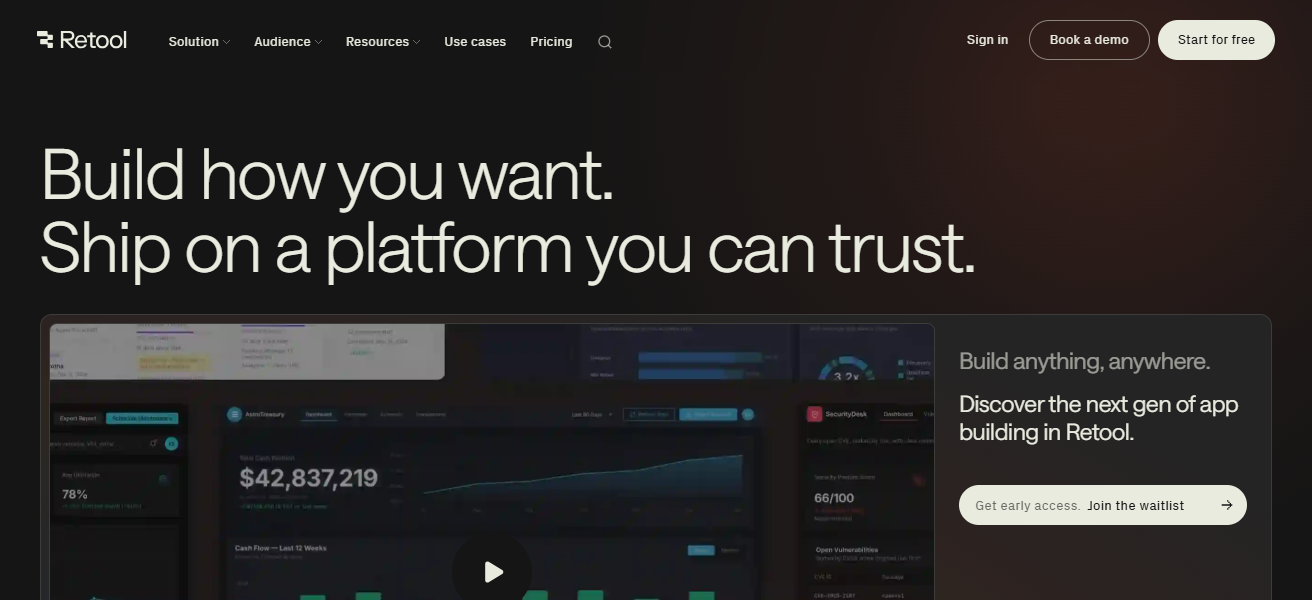
Instead of hiring developers for internal software, businesses begin deploying tools in hours. Retool, being a no-code or low-code platform, reduces the engineering burden and other pains by providing a drag-and-drop interface and reusable components, making it a favorite for both startups and enterprises.
| Pros | Cons |
|---|---|
| Rapid internal tool development | Not suitable for customer-facing apps |
| Pre-built components save time | UI design customization is limited |
| Strong database and API integration | Licensing can be expensive |
| Ideal for admin dashboards | Requires some technical knowledge |
| Reduces engineering workload significantly | Limited frontend flexibility |
7. Softr
Softr provides website-building capabilities from Airtable data. Often used for client portals, directories, and membership sites.
Softr makes it easier to develop without the need for code, but has some key limitations when compared to full-stack platforms, including scalability and customization.
The pricing is comparatively higher compared to other competitors, and it comes without support for the mobile app.
Still, it is a go-to option for non-technical founders who require something quick and are not looking for complexity.
| Pros | Cons |
|---|---|
| Easily converts Airtable data into web apps | Limited scalability for large applications |
| Built-in authentication and user roles | Design flexibility is restricted |
| Fast deployment for simple apps | Depends heavily on Airtable |
| No coding required at all | Lacks advanced backend logic |
| Ideal for directories and portals | Not suitable for complex SaaS |
8. Glide
Glide is one of the fastest ways to build mobile apps from Google Sheets, which gives you an advantage in MVP creation. It is perfect for basic tools such as dashboards, trackers, and internal applications.

On the other hand, Glide apps tend to be restrictive and less scalable. They are more suitable for projects or prototypes that do not require a complex SaaS platform. However, its simplicity and speed provide an excellent option for quick prototyping.
| Pros | Cons |
|---|---|
| Turns spreadsheets into apps quickly | Limited customization options |
| Extremely beginner-friendly | Not suitable for complex apps |
| Real-time data updates | Performance issues at scale |
| Fast MVP development | Limited integrations |
| Great for internal tools | Basic UI compared to competitors |
9. Stacker
Stacker builds customer portals and internal tools on top of existing databases. Categories of Similarities with Django: — Very popular for CRM dashboards, partner portals, and workflow systems

Stacker allows teams to launch apps more quickly by taking the backend dev part away. It also connects nicely with Airtable and other data sources, providing an operational SaaS-type solution.
| Pros | Cons |
|---|---|
| Builds portals on top of existing databases | Limited design flexibility |
| Strong Airtable integration | Not ideal for mobile-first apps |
| Easy to create internal tools | Customization options are basic |
| Quick deployment | Pricing can be high for startups |
| Good for CRM and dashboards | Requires external data sources |
10. AppSheet
AppSheet is a Google property that enables users to create apps directly from spreadsheets and databases. Big data. This consists of automation and machine learning capabilities, which means it opens the doors to smarter workflows.
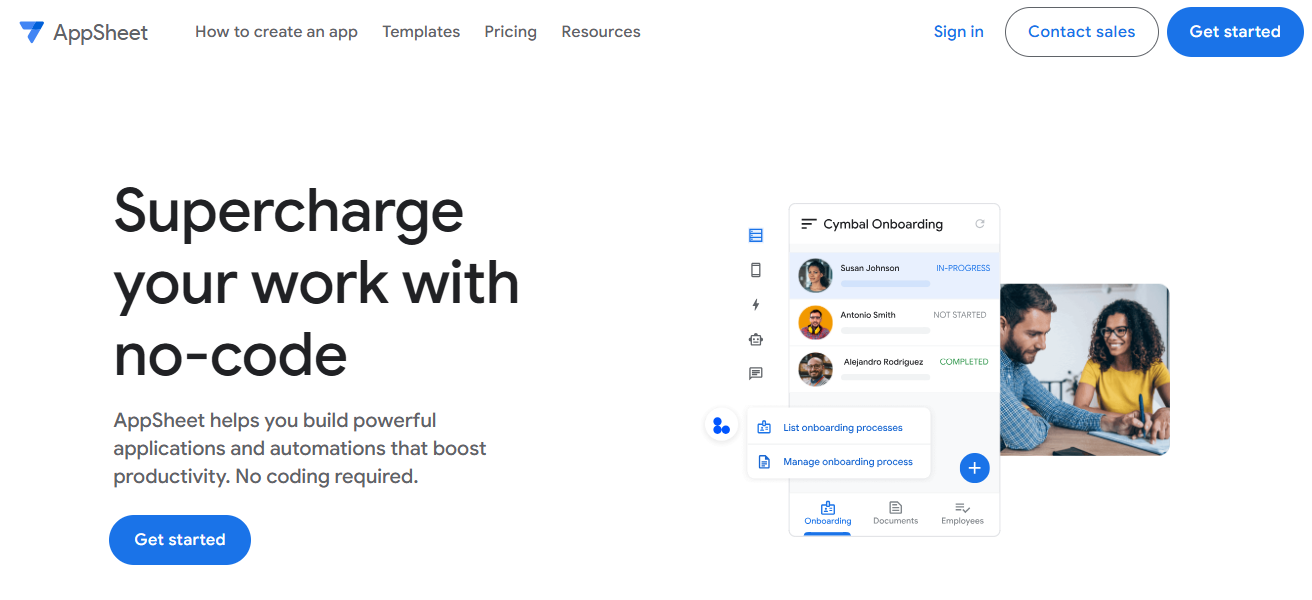
AppSheet is used by businesses for field operations, data collection, and process automation. If your organization is already using the Google Workspace ecosystem, then Freeform has some robust integrations that make it even more powerful as a tool.
| Pros | Cons |
|---|---|
| Deep integration with Google Workspace | UI design is less modern |
| Supports automation and AI features | Limited frontend customization |
| Easy app creation from spreadsheets | Performance depends on data source |
| Strong for enterprise workflows | Not ideal for complex SaaS apps |
| No coding required | Learning curve for advanced automation |
11. Zapier
Zapier — connects thousands of apps to automate workflows without code It automates the repetitive tasks through automated triggers and actions between your tools.
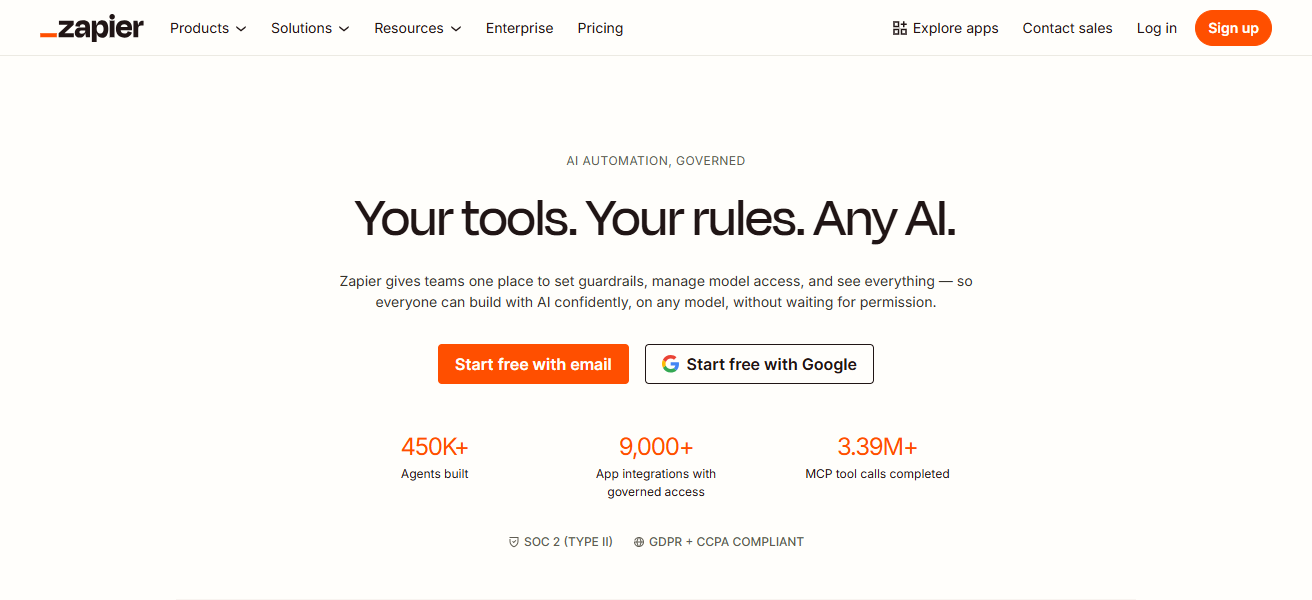
Zapier is a tool used to automate marketing, sales, and operations of companies that would save them hundreds of hours every month. Ranked as the number one most used no-code tool around the world, Zapier is a must-have SaaS stack.
| Pros | Cons |
|---|---|
| Connects thousands of apps بسهولة | Expensive for high-volume usage |
| Automates repetitive workflows | Limited advanced logic |
| Easy to set up and use | Multi-step workflows need higher plans |
| Saves time and increases efficiency | Task limits can restrict scaling |
| Widely supported integrations | Not ideal for complex automation |
12. Make
Make (previously Integromat)- for more complex automation via visual workflows. It enables multi-step processes with logic and condition creation within workflows.
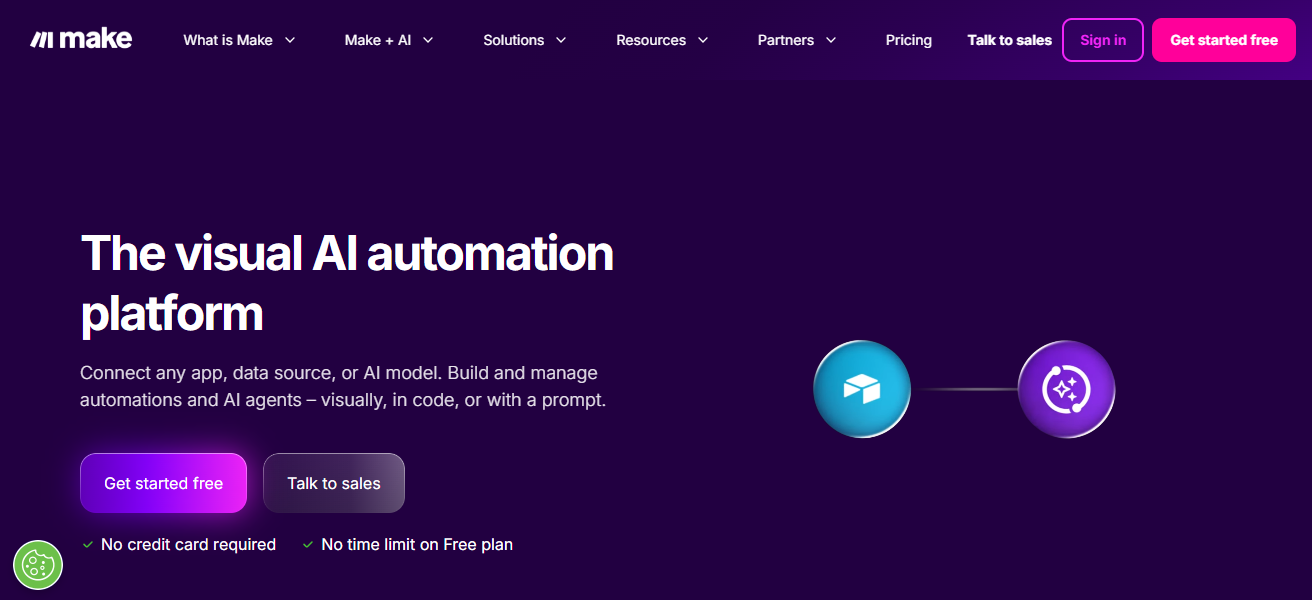
Make allows for more extensive and customized demand control than Zapier. It is well-suited to businesses with advanced automation requirements, such as data processing and API orchestration.
| Pros | Cons |
|---|---|
| Advanced visual workflow automation | Learning curve for beginners |
| Supports complex logic and conditions | Interface can feel overwhelming |
| More flexible than Zapier | Pricing increases with usage |
| Handles multi-step processes efficiently | Requires planning for workflows |
| Strong API integration capabilities | The interface can feel overwhelming |
13. Xano
Xano is a no-code backend from database to API to business logic. No-code is often combined with frontend tools like WeWeb, allowing users to build full-stack SaaS applications.

It has production-level apps due to its performance and scalability. Xano replaces backend developers while delivering enterprise-level infrastructure.
| Pros | Cons |
|---|---|
| Powerful no-code backend infrastructure | Requires frontend tool integration |
| Scalable for large applications | Not beginner-friendly |
| Handles APIs and business logic | Setup can be complex |
| High performance and reliability | Limited visual interface |
| Ideal for full-stack no-code setups | Documentation can be technical |
14. Webflow
Webflow allows you to visually design, build, and launch websites. CMS, hosting, and responsive design (false) tickets are traditional frontend development.
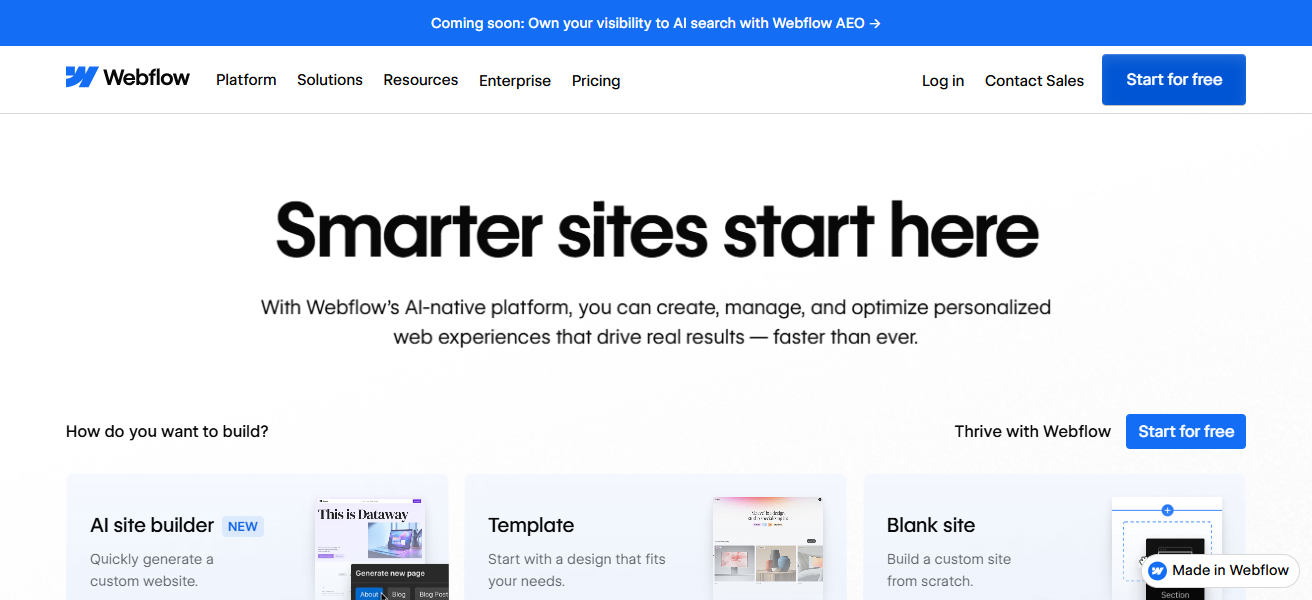
Countless startups build their landing pages and marketing sites on Webflow. Because it can produce clean code and SEO-friendly structures, it is one of the most popular modern web development frameworks.
| Pros | Cons |
|---|---|
| Visual website builder with CMS and hosting | Limited backend functionality |
| Clean code and SEO-friendly structure | Learning curve for advanced design |
| Highly customizable design system | Expensive for large projects |
| Responsive design built-in | Not ideal for complex apps |
| Great for marketing websites | Limited third-party integrations |
15. Framer
Framer is more weighted towards building interactive, fast websites with animations and a great look and feel.
It is becoming more popular among designers looking for a no-code solution to build websites ready for production.

Framer has built-in SEO tools and ultra-fast performance; now in 2026, it has processed Webflow’s big competitor.
| CPros | Cons |
|---|---|
| Modern design with animations and interactions | Limited backend capabilities |
| Fast website performance | Still evolving feature set |
| Easy-to-use interface for designers | Smaller ecosystem |
| Built-in SEO tools | Not suitable for complex SaaS apps |
| Great for landing pages and portfolios | Less flexibility than Webflow |
Why No-Code Tools Are Replacing Dev Teams
- 75% of new apps are built using no-code platforms
- Apps can launch in days instead of months
- Costs reduced by up to 90% compared to traditional development
- Enables non-technical founders to build SaaS products
Conclusion
TL; DR: No-code SaaS tools are not just for prototyping anymore; they are running real businesses.
These full-stack solutions, from Bubble to the automation power of Zapier, allow anyone (even those not familiar with web development) the opportunity to build, deploy, and scale their products without hiring developers.
With the development of silicon technology, no-code tools keep being a major part in the SaaS world and thus provide a quicker, more economical, and easier approach to software development.
FAQ
Can no-code tools really replace developers?
Yes, for MVPs, internal tools, and many SaaS products. Complex systems may still need developers.
Which no-code tool is best for SaaS startups?
Bubble and FlutterFlow are top choices for scalable SaaS applications.
Are no-code apps scalable?
Modern tools like Xano and FlutterFlow support large-scale applications with proper setup.
Is no-code cheaper than hiring developers?
Yes, it can reduce costs by up to 80–90% for most projects.